From 2D to 3D Faster: How Tencent Hunyuan (HY) 3D Pro Turns Existing Art into Usable Models
Transform your 2D assets into 3D assets in minutes with Tencent HY 3D Pro on Scenario.
From 2D to 3D Faster: How Tencent HY 3D Pro Turns Existing Art into Usable Models
Most teams already sit on a lot of strong visuals: character turnarounds in shared folders, product renders reused across decks, and sketches that helped define a style. They work well in 2D, but turning them into 3D usually means a long stretch of blocking, sculpting, retopology, and cleanup before anyone can try them in‑engine.
Tencent HY 3D Pro on Scenario is designed to shorten that step. Instead of starting from scratch in a DCC tool, you can begin with the images or sketches you already trust and turn them into 3D models you can iterate on and move toward production more quickly.
Why Tencent HY 3D Pro Changes the First 3D Step
The usual pattern with auto‑generated 3D is that the first impression looks great, and the problems show up when you import the mesh. You get something that resembles your subject, but it is extremely dense, hard to edit, and fragile once you try to pose or animate it.
Tencent HY (Hunyuan) 3D Pro focuses on that gap between “looks right” and “acts like a usable asset.” When you select Tencent HY (Hunyuan) 3D Pro in Scenario, you are essentially telling the system: “This is the subject I care about; please build a 3D version around it that I can work with.” You still decide whether you want a high‑poly model for sculpting and lookdev, or a lighter mesh for quick testing, but you no longer need to spend your first few hours just getting a basic shape into a workable state.
The result is not a final, production‑ready model, but a head start: a 3D version that preserves the identity of your subject and gives you something reasonable to refine instead of something you need to rebuild.
Three Starting Points for Tencent HY (Hunyuan) 3D Pro
Tencent HY (Hunyuan) 3D Pro uses the same core engine, but it meets you where your references live. In practice, that means three main ways to begin: from a single image, from multiple views, or from a sketch.
Tencent HY 3D Pro - Standard: Starting from a Single Image
Pro - Standard is the most direct option. You begin with one strong reference image, usually a front view or hero shot that already captures the main shape and personality of the subject. You upload that image in Scenario, optionally add a short description of what matters most, and let Tencent HY 3D Pro reconstruct the 3D version.
This path is especially useful for key art, marketing renders, or product shots where one angle already does most of the storytelling. You can ask for a denser mesh when you want detail for close‑ups or exploratory sculpting, or choose a lighter configuration when you only need a quick, navigable model to validate proportions and presence.
Tencent HY 3D Pro - MultiView: Using Turnarounds and Multiple Angles
For many characters and props, your team already works with more than one angle. You might have a front, side, and back view, or a set of orthographic images that define the design from all sides. Pro - MultiView is designed for this exact situation.
Here, you provide several images of the same subject. Tencent HY (Hunyuan) 3D Pro uses them together to infer the 3D structure, which helps it respect proportions and symmetry more reliably than a single‑view setup. The character sheet or product turnaround that used to be “just reference” becomes a direct input for generation.
This mode shines when the back of a character matters as much as the front, when silhouettes from the side are important, or when you need the model to feel faithful to a pre‑approved design rather than a loose interpretation.
Tencent HY 3D Pro - Sketch: Turning Line Drawings into Volume
Pro - Sketch starts even earlier in the process: with line art.
In this mode, your starting point is a sketch or clean drawing, plus a short prompt describing what you are drawing. Tencent HY 3D Pro interprets the lines and overall shape as a 3D object, then produces a model you can explore from different angles.
This is particularly helpful in early concept phases. Instead of waiting on a full modeling pass to see whether a design works in 3D, you can test ideas quickly, keep the promising ones, and move on from the rest. It does not remove the need for dedicated 3D artists, but it changes when they need to get involved, and lets them start from a better‑informed base.
Optimized Mesh: Cleaner Geometry Without Extra Drama
One of the biggest pain points in generative 3D is topology. Even when the shape looks right at a glance, the underlying mesh can be extremely heavy and disorganized, which slows down every later step.
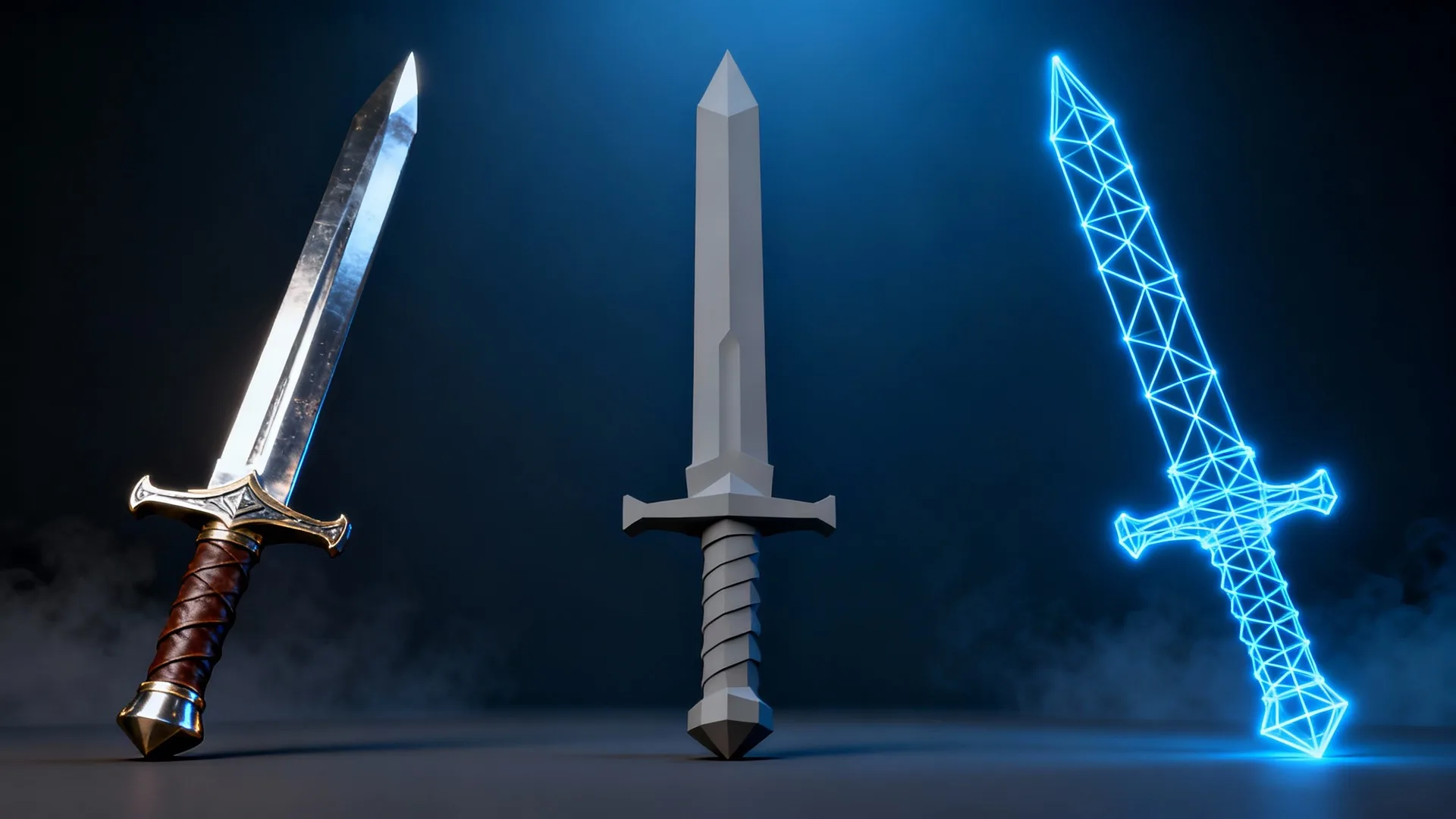
Tencent HY 3D Pro addresses this with an option called Optimized Mesh. When you enable it in Scenario, the model aims to produce a much cleaner, lower‑poly result, often bringing meshes down into a range that is far more practical for real‑time use while still preserving the overall look.
In day‑to‑day work, this means imports that are easier to rig, lighter to render, and more comfortable to iterate on. If you need very dense geometry for sculpting or baking high‑resolution details, you can simply choose a higher face count and turn optimization off. The point is that you have control over how heavy the mesh is and do not have to accept a default that is several steps away from something usable.
How Tencent HY 3D Pro Fits Into a Typical Week
In a normal week, concept art, product renders, and sketches already move around your tools and channels. Someone shares a new character sheet, a 3D team sends over a key shot, or a designer posts a sketch that gets everyone aligned on a direction.
With Tencent HY 3D Pro inside Scenario, these same assets can become the starting point for quick 3D tests instead of purely static references. You can take a character sheet from a shared folder, upload it to Pro - MultiView, generate a 3D model, and share a turntable without opening a separate modeling package. You can do the same with a single hero shot in Pro - Standard, or a promising sketch in Pro - Sketch.
Because everything lives inside Scenario, you stay close to the rest of your visual workflow. Concepts, generated 3D assets, and other media stay in the same ecosystem, which makes it easier to loop ideas between teams and continue refining without losing context.
Conclusion: From Trusted Visuals to 3D Starting Points
Tencent HY 3D Pro does not replace careful modeling or polishing. What it does is move the first 3D step closer to where your ideas already live: in images, turnarounds, and sketches.
By starting from references you already trust and giving you control over how dense or lightweight the resulting mesh should be, Tencent HY 3D Pro reduces the time between “we like this design” and “we can explore it in 3D.” Over time, the visuals you have collected for presentations, reviews, and style guides become a library of potential 3D starting points rather than a dead end.
If you want to understand its impact, the most direct way is to try it on a few of your own “greatest hits” images and see how they behave when they step into 3D.
Frequently Asked Questions
What is Tencent HY 3D Pro in Scenario?
Tencent HY 3D Pro (Tencent Hunyuan 3D 3.0) is a family of generative 3D models available in Scenario. It takes images or sketches as input and outputs 3D meshes, with options tailored to single images, multi‑view turnarounds, and line drawings.
Do I need perfect, studio‑quality inputs for this to work?
You do not need flawless references, but clearer inputs lead to better results. Well‑lit images, consistent views for MultiView, and clean sketches for Pro – Sketch all help the model understand your subject and produce a more faithful 3D version.
How is this different from other 3D generators?
Many 3D generators can produce impressive results for a single angle but deliver extremely heavy or messy meshes. Tencent HY 3D Pro in Scenario adds more control over mesh density and provides an Optimized Mesh mode, which focuses on cleaner topology and more practical geometry for further work.
Can I use Tencent HY 3D Pro for final, production‑ready assets?
You can get closer to production than with many raw auto‑generated meshes, especially when using optimized settings, but there will usually still be a refinement phase. Think of Tencent HY 3D Pro as a way to create strong starting points that artists and technical teams can then polish and integrate.
Where do I access Tencent HY 3D Pro?
You access Tencent HY 3D Pro directly in the Scenario web app. From there, you choose whether you want to start from a single image, multiple views, or a sketch, configure your mesh settings, and generate models alongside the rest of your Scenario assets.
What is the difference between Tencent HY 3D Pro and Tencent Hunyuan 3D Pro?
On the 9th of December 2025, Tencent announced that moving forward, there model family will be name HY instead of Hunyuan. Tencent HY 3D Pro is the new name for Tencent Hunyuan 3D Pro. It is the same model.
Tencent HY 3D Pro