ScenarioExplorations AAA In The Browser

A Scenario exploration

All built by an agent via Scenario MCP.All playable in the browser.

Agent Skill Making-of PDF

Play

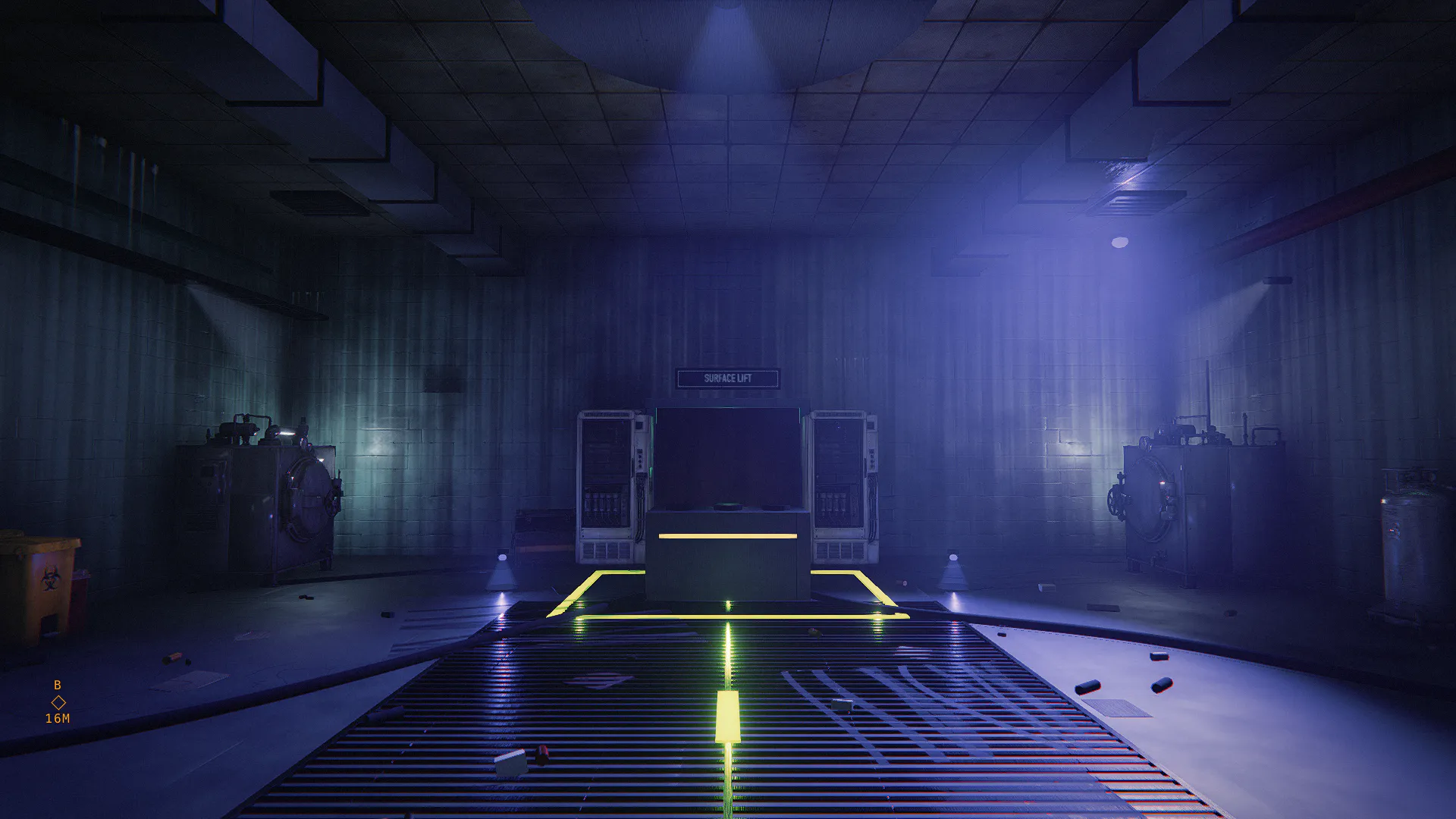
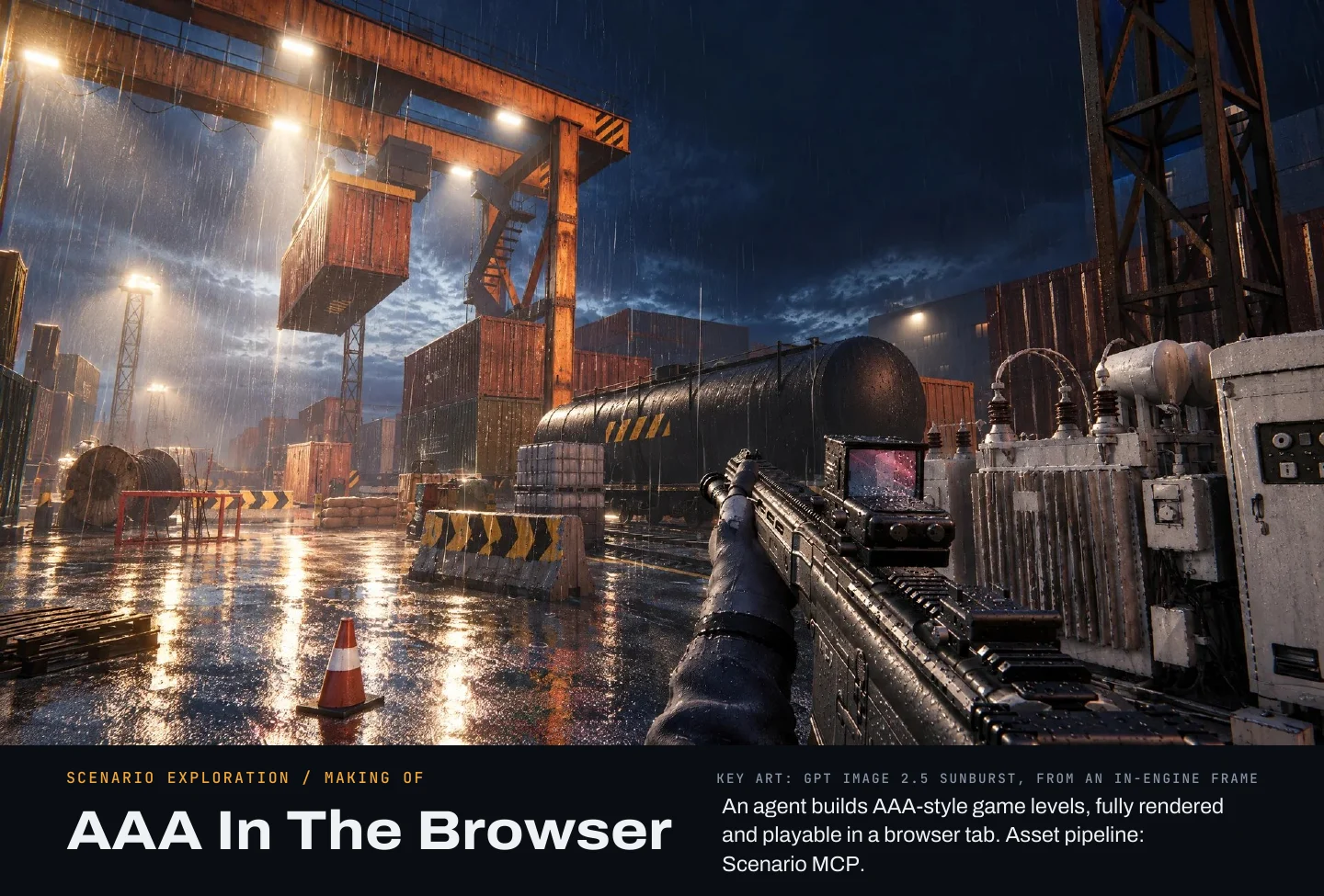
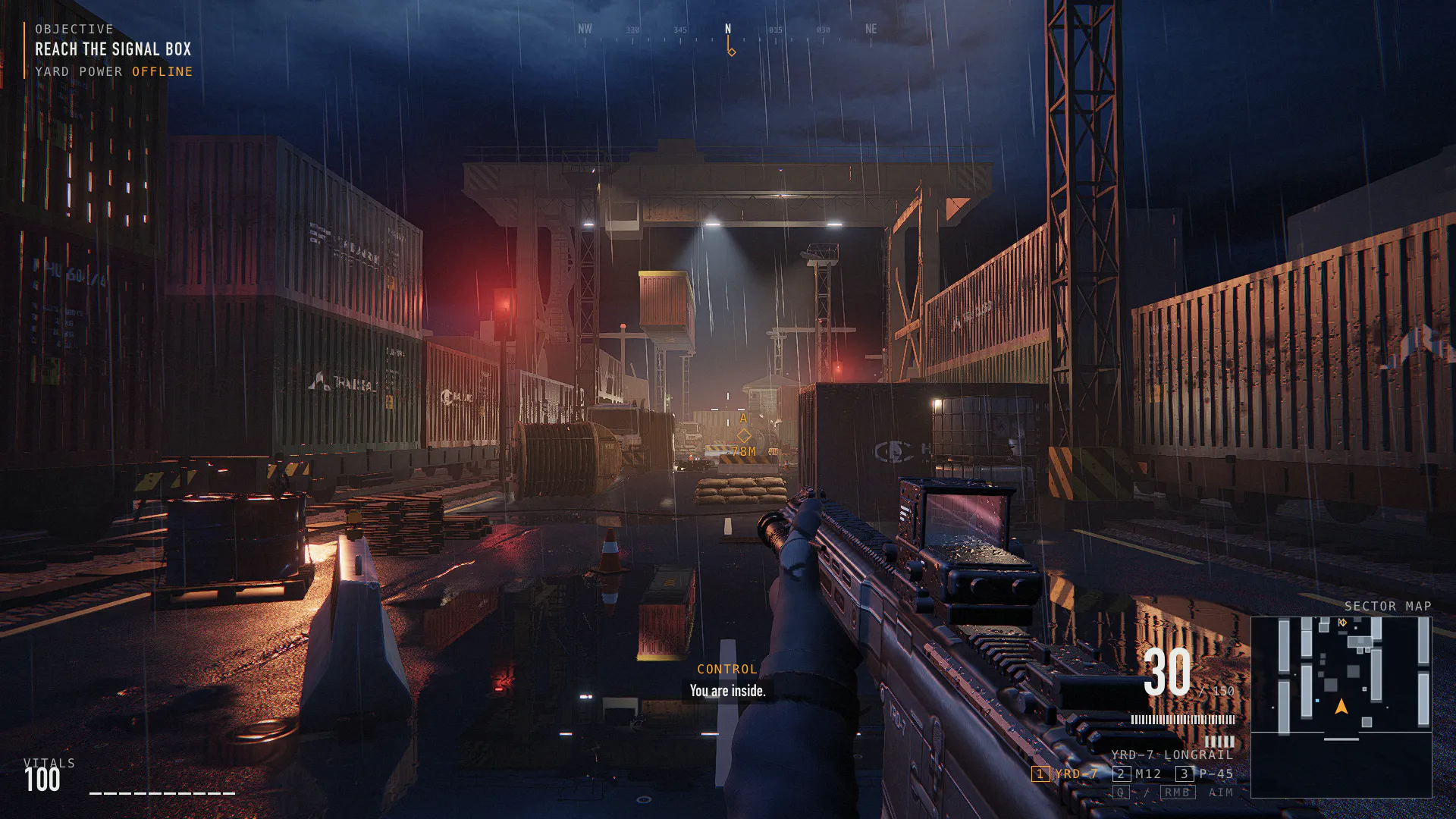
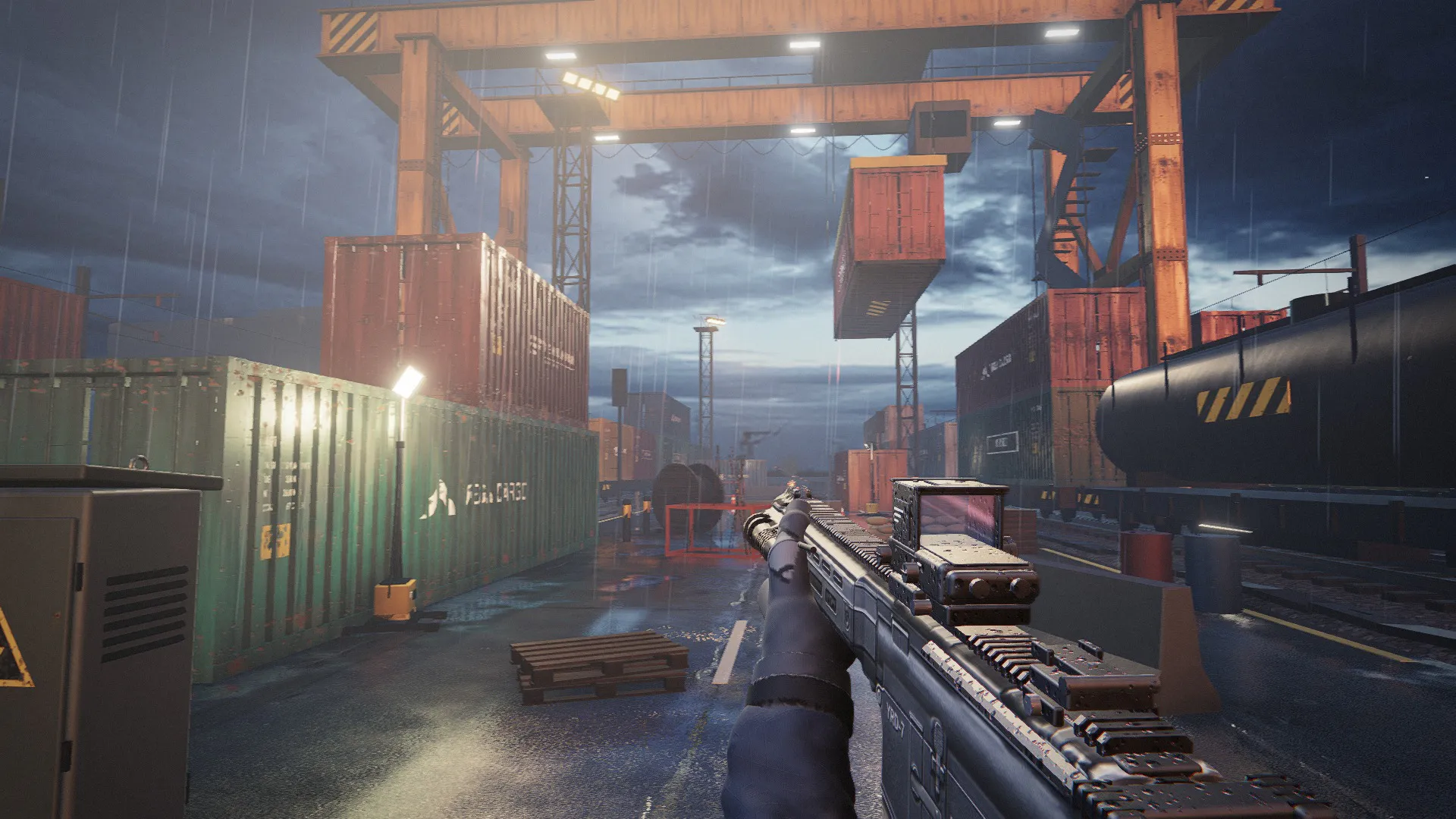
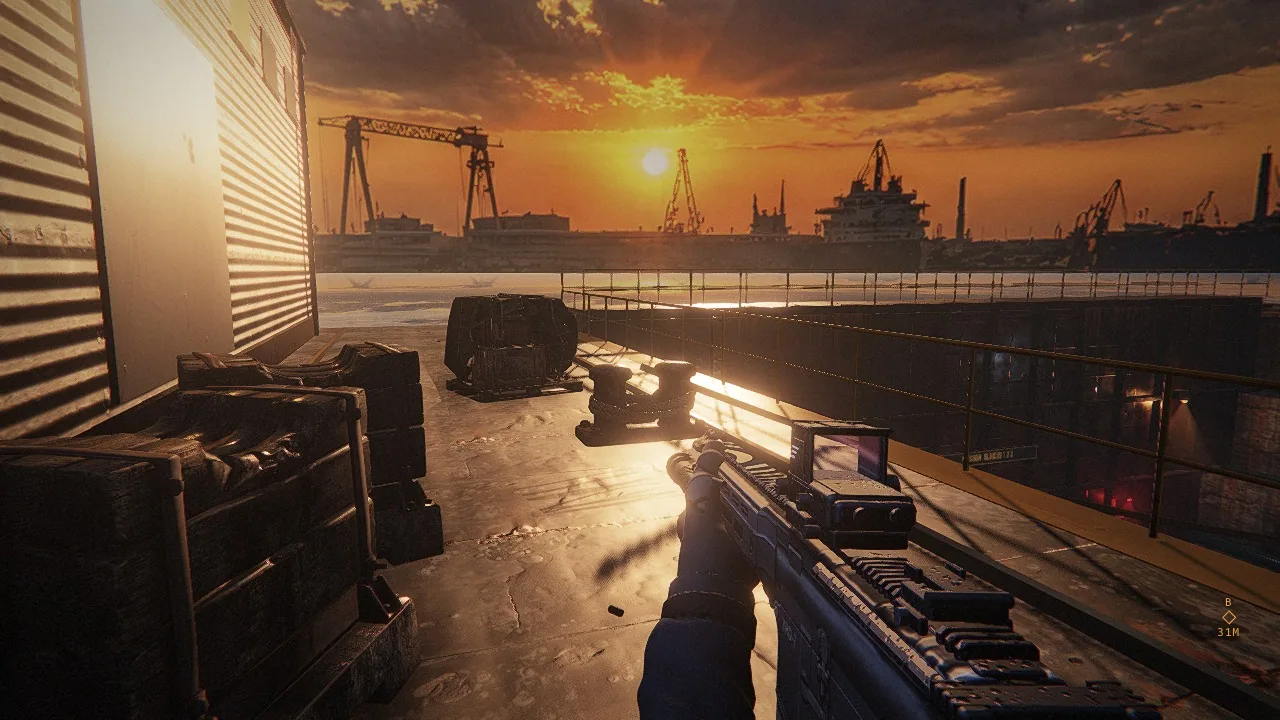
Site 1, the yard

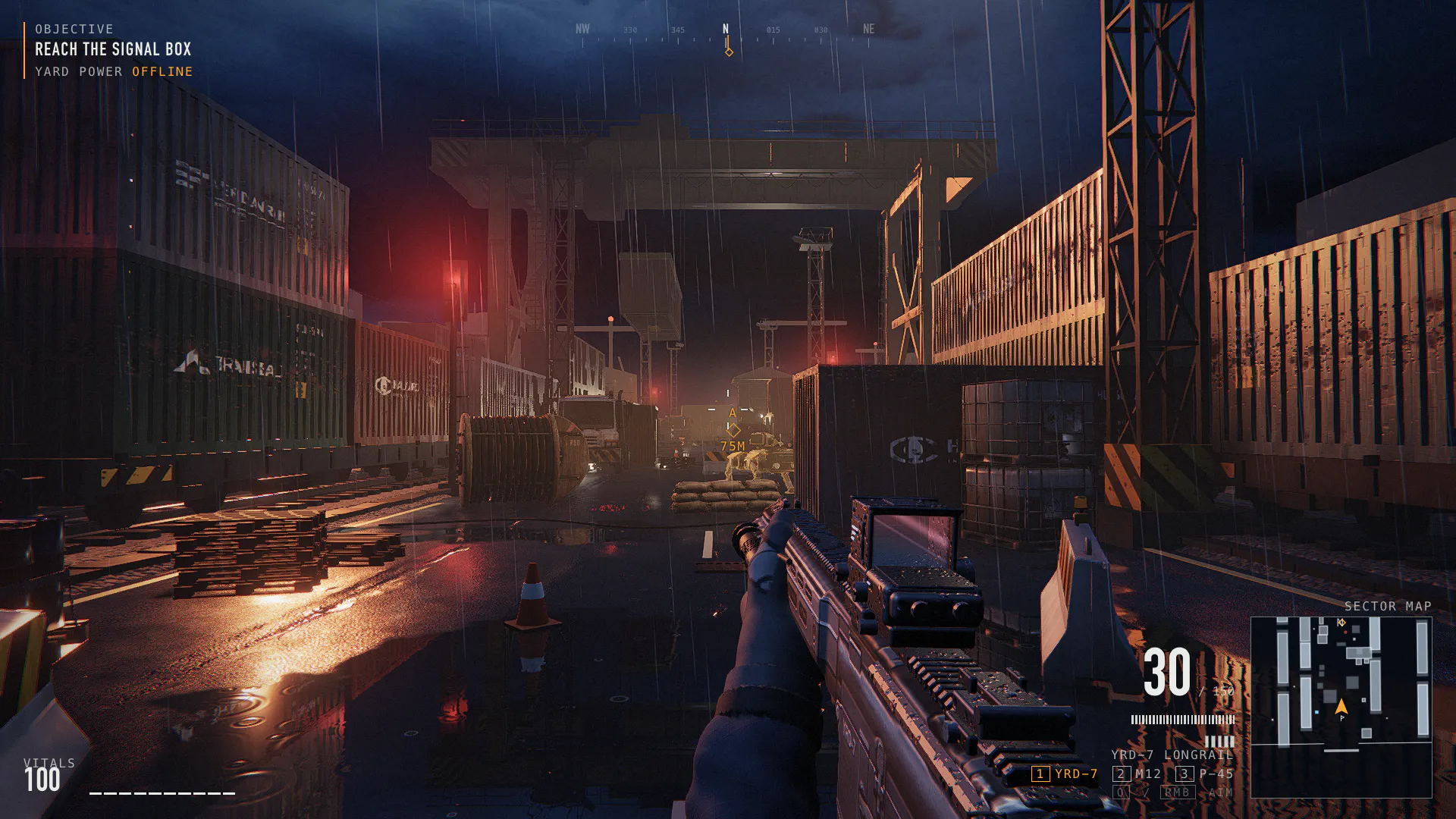
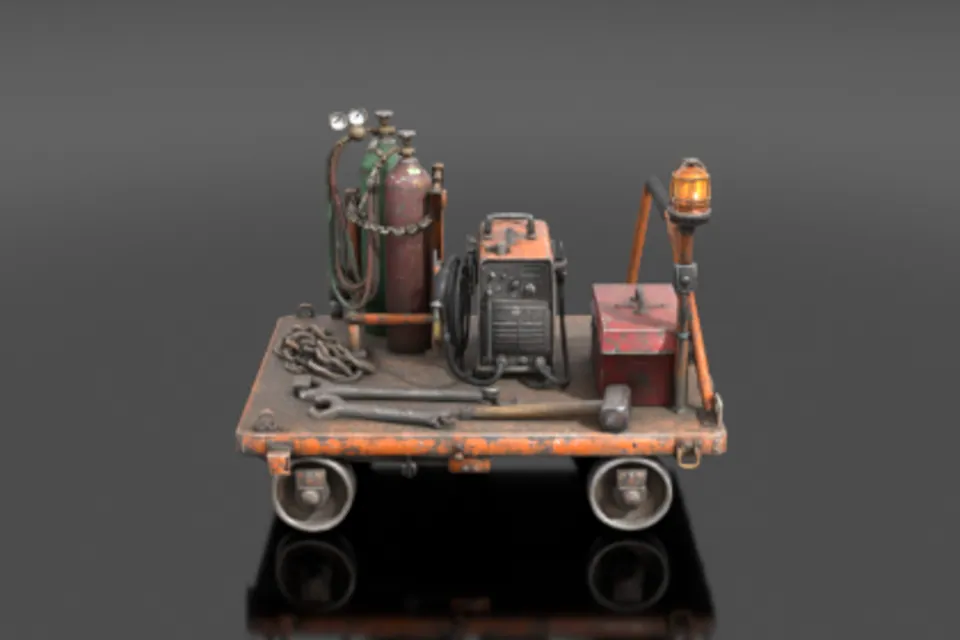
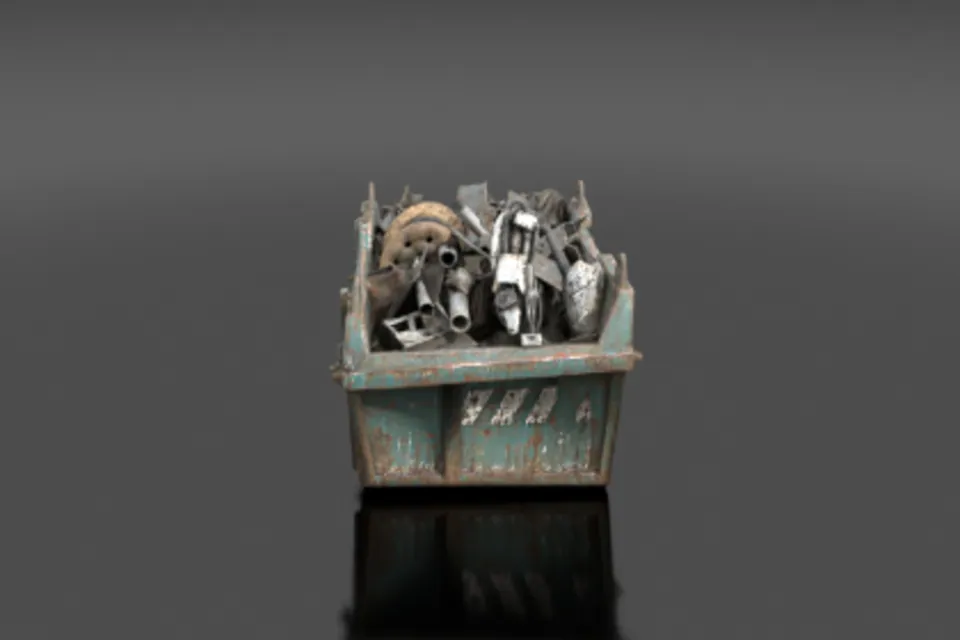
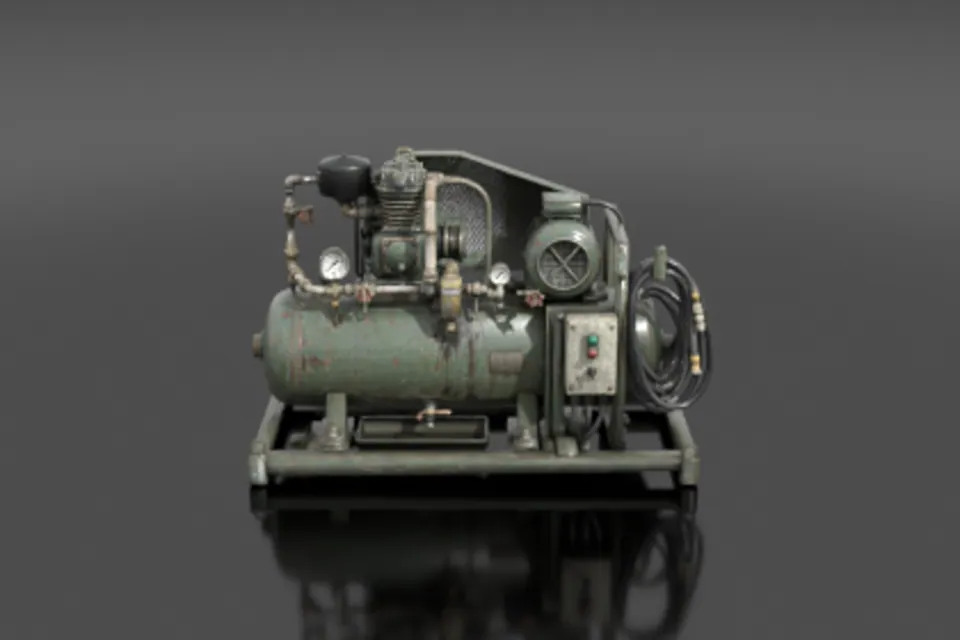
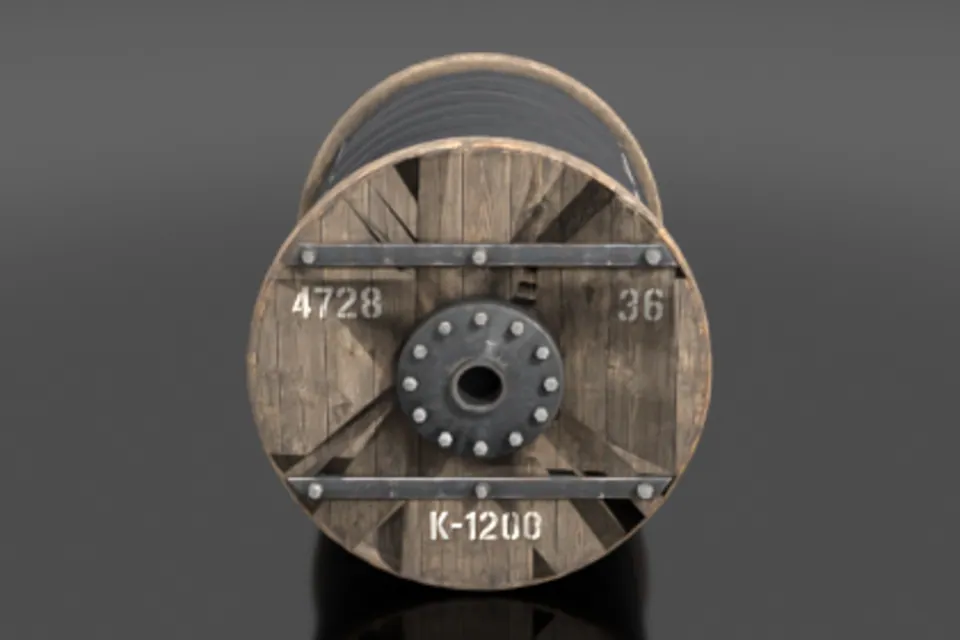
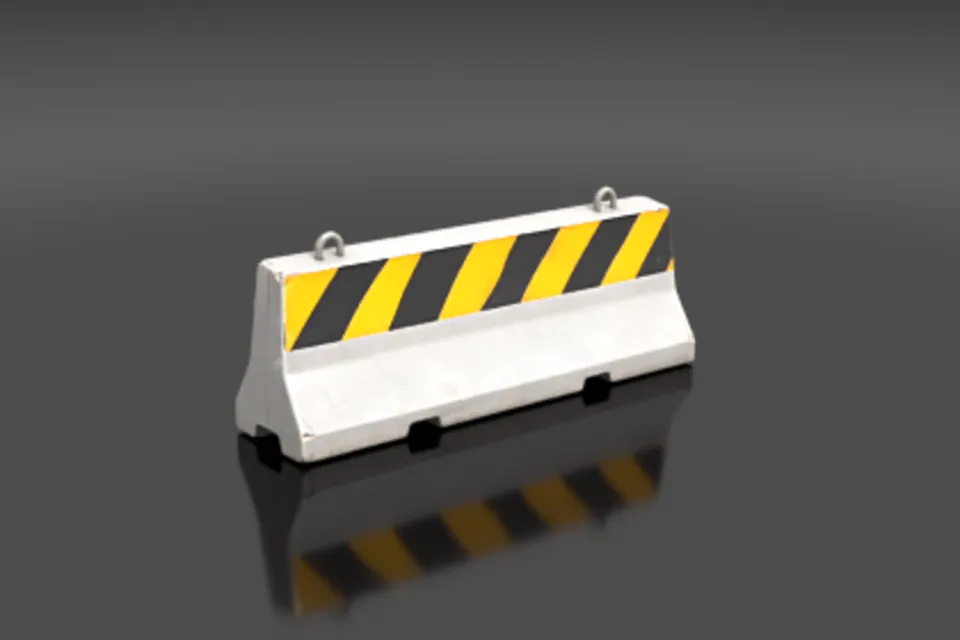
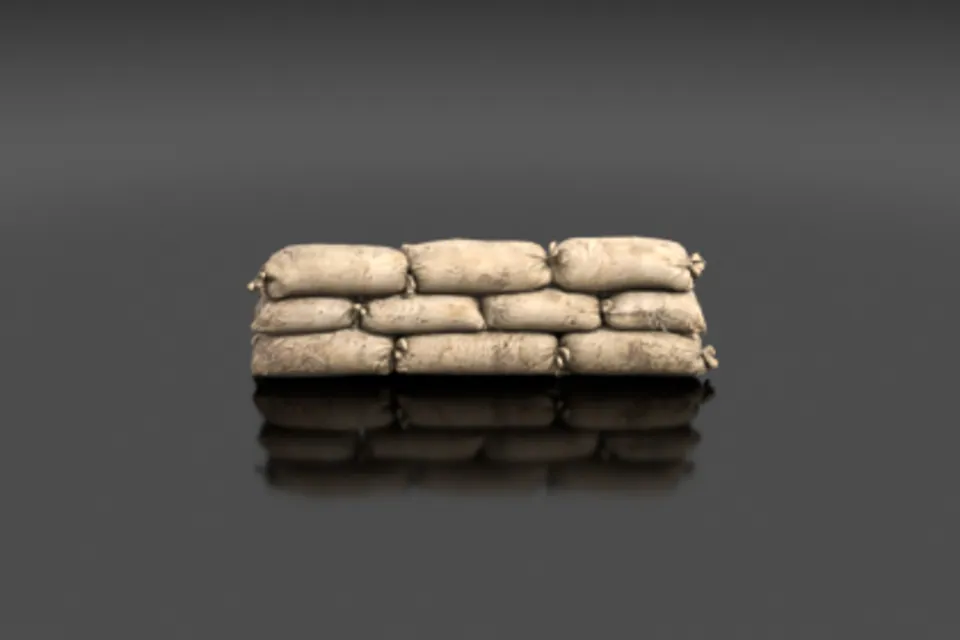
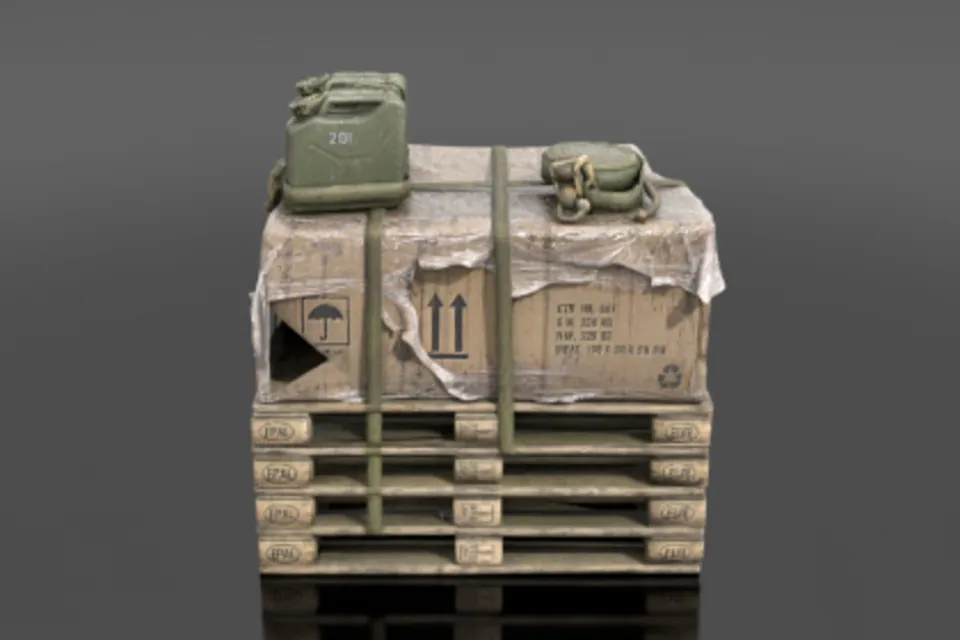
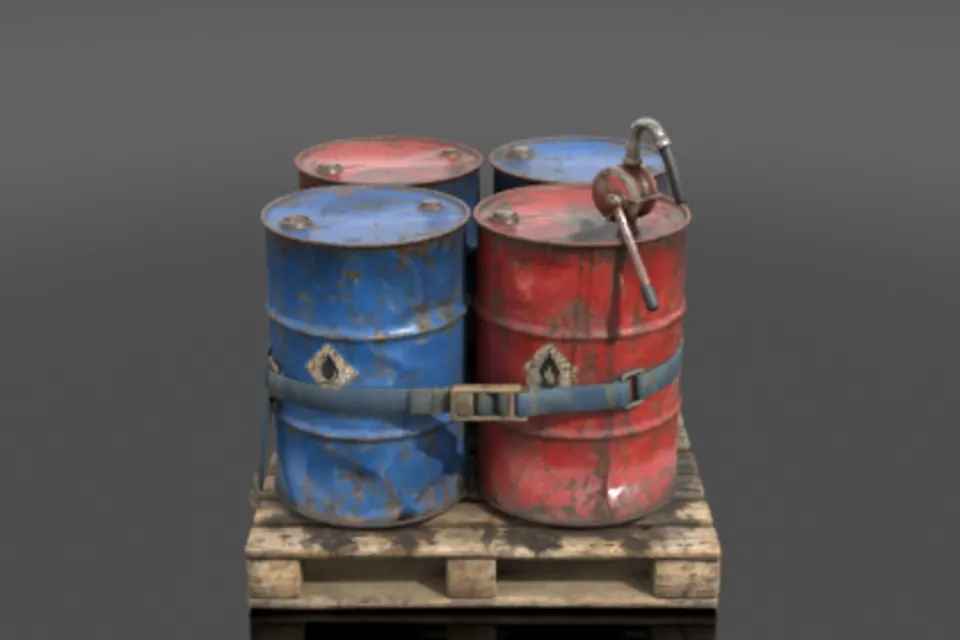
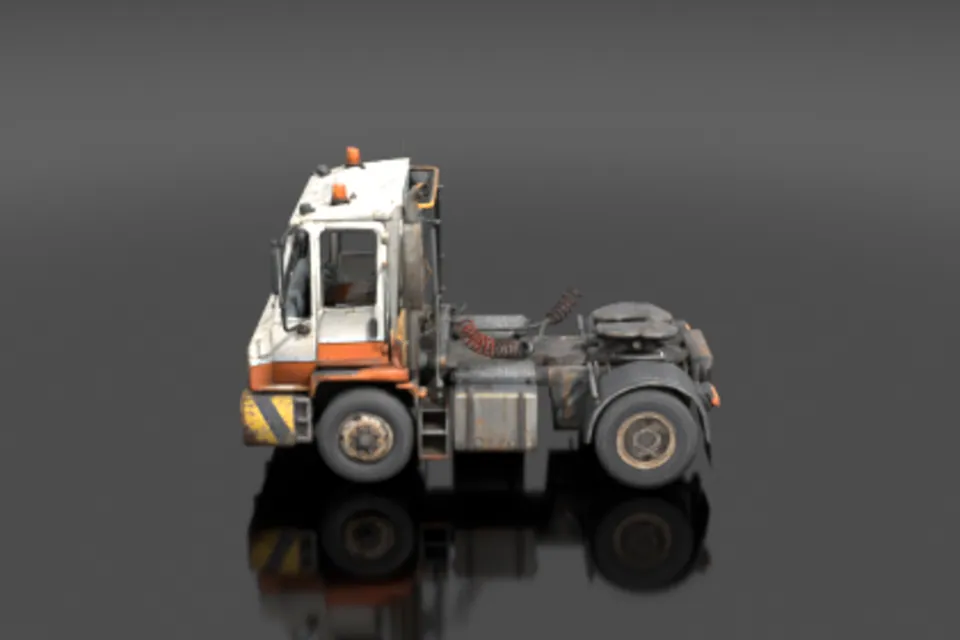
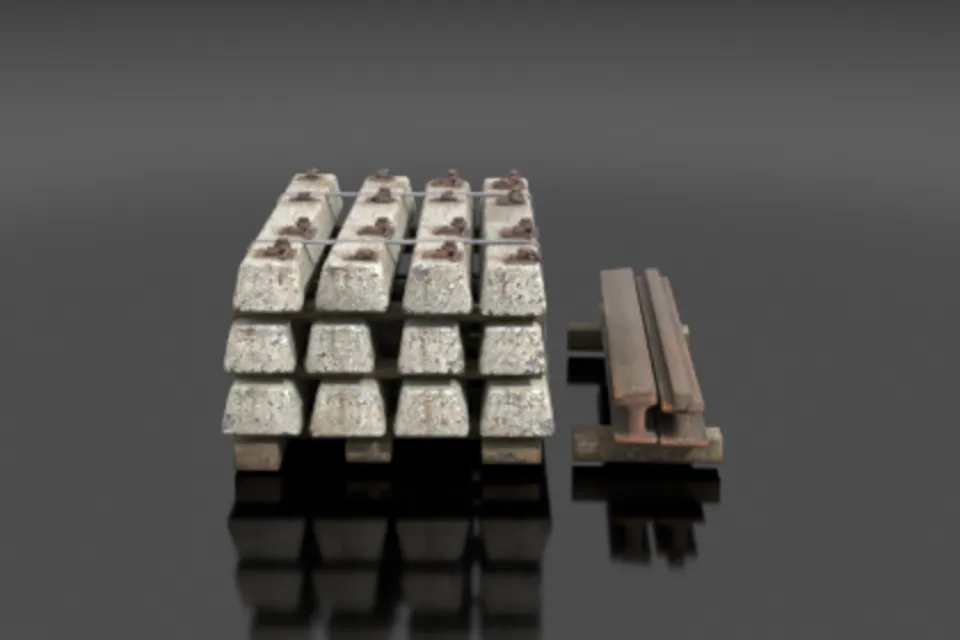
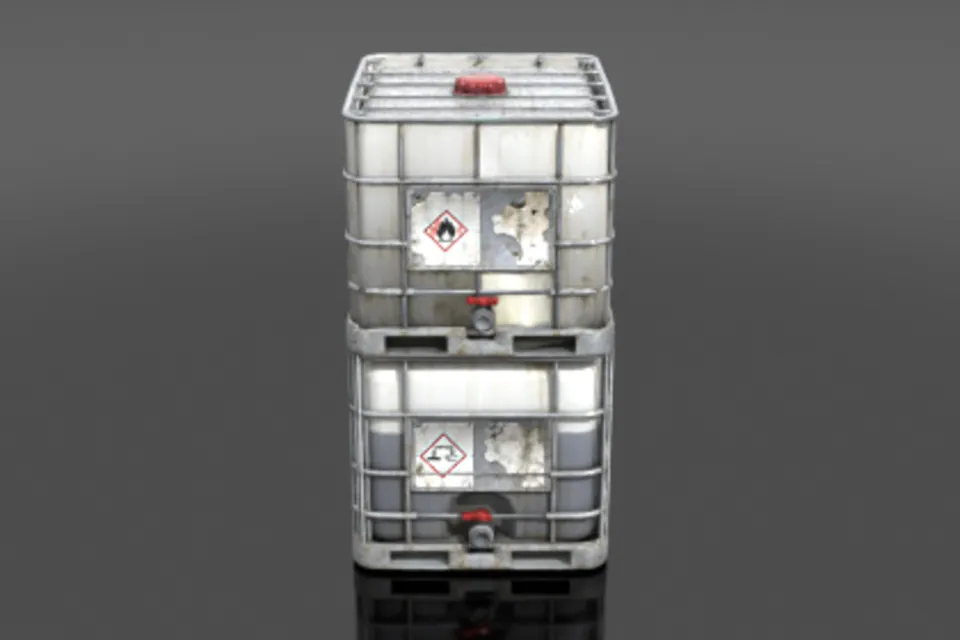
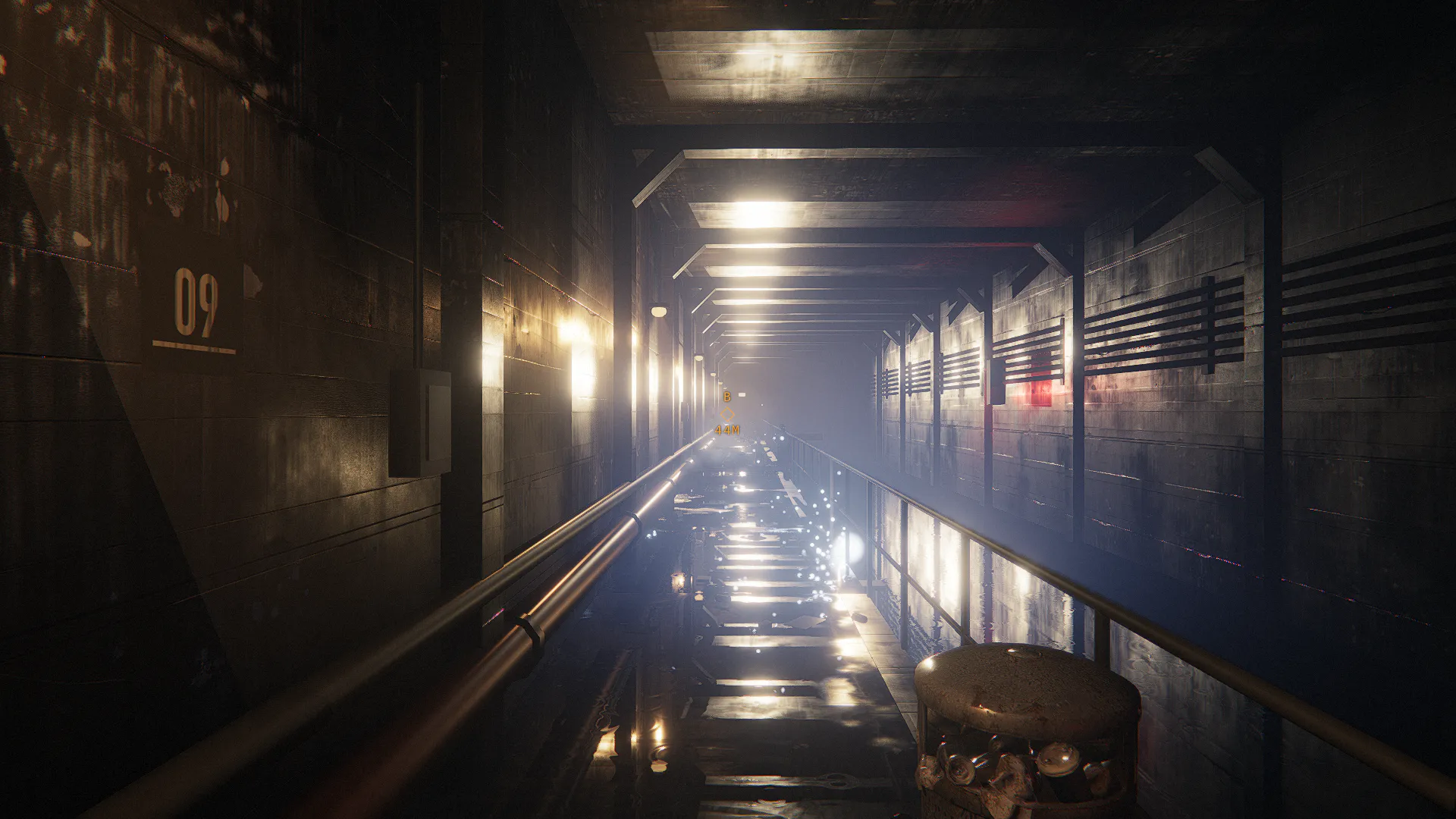
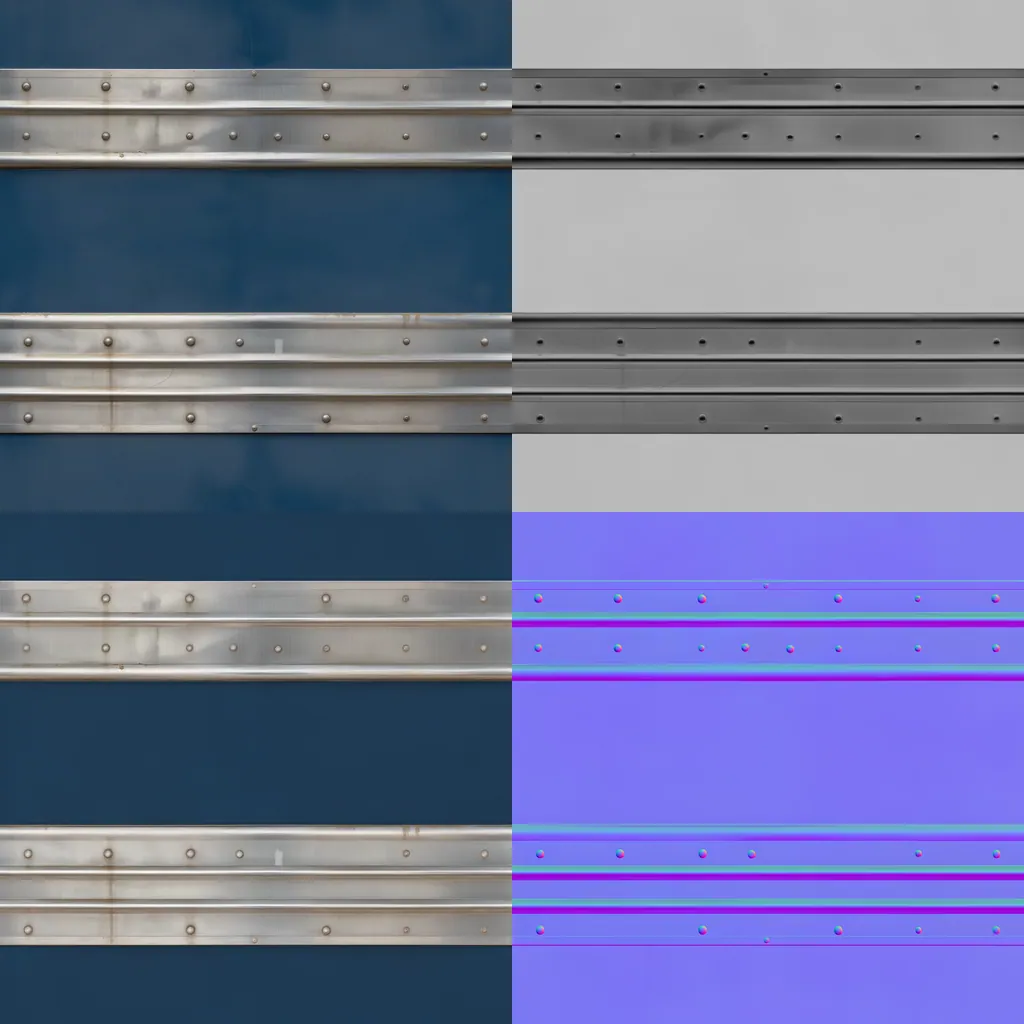
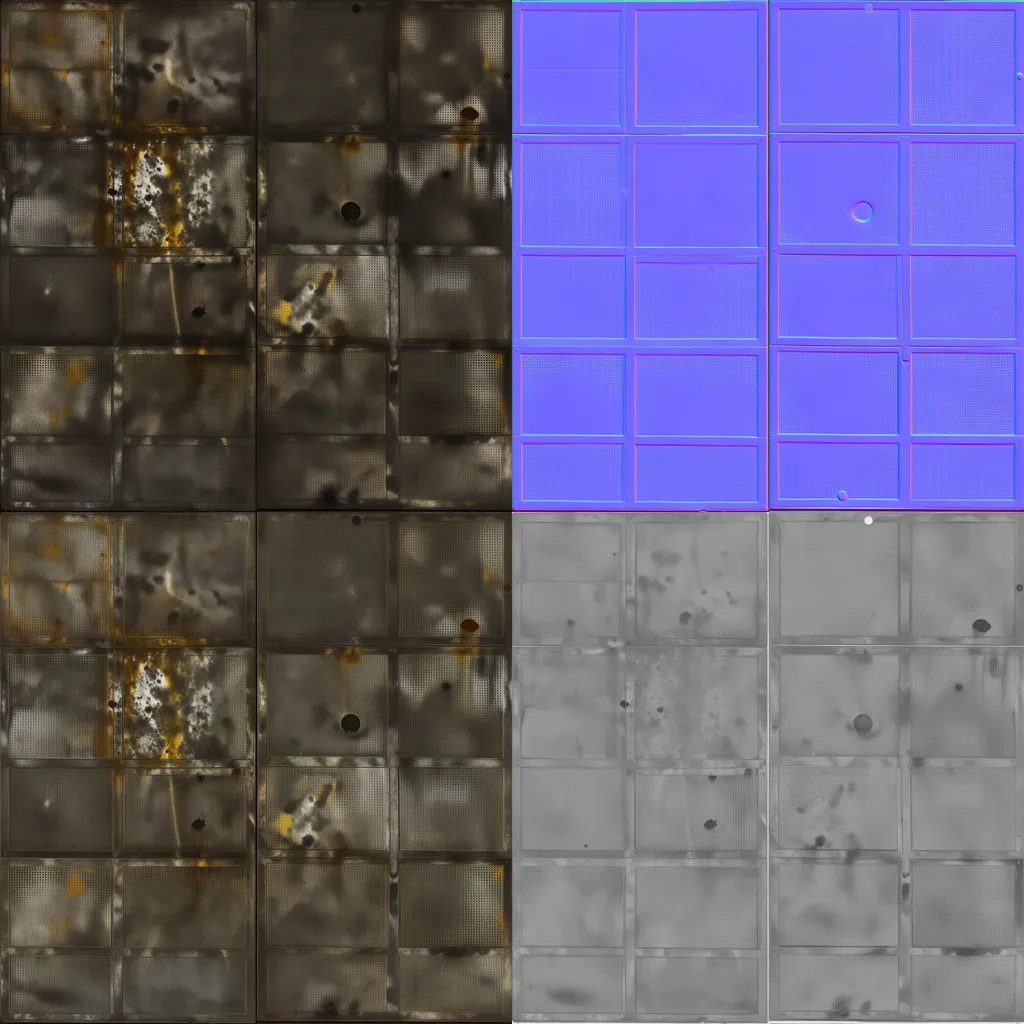
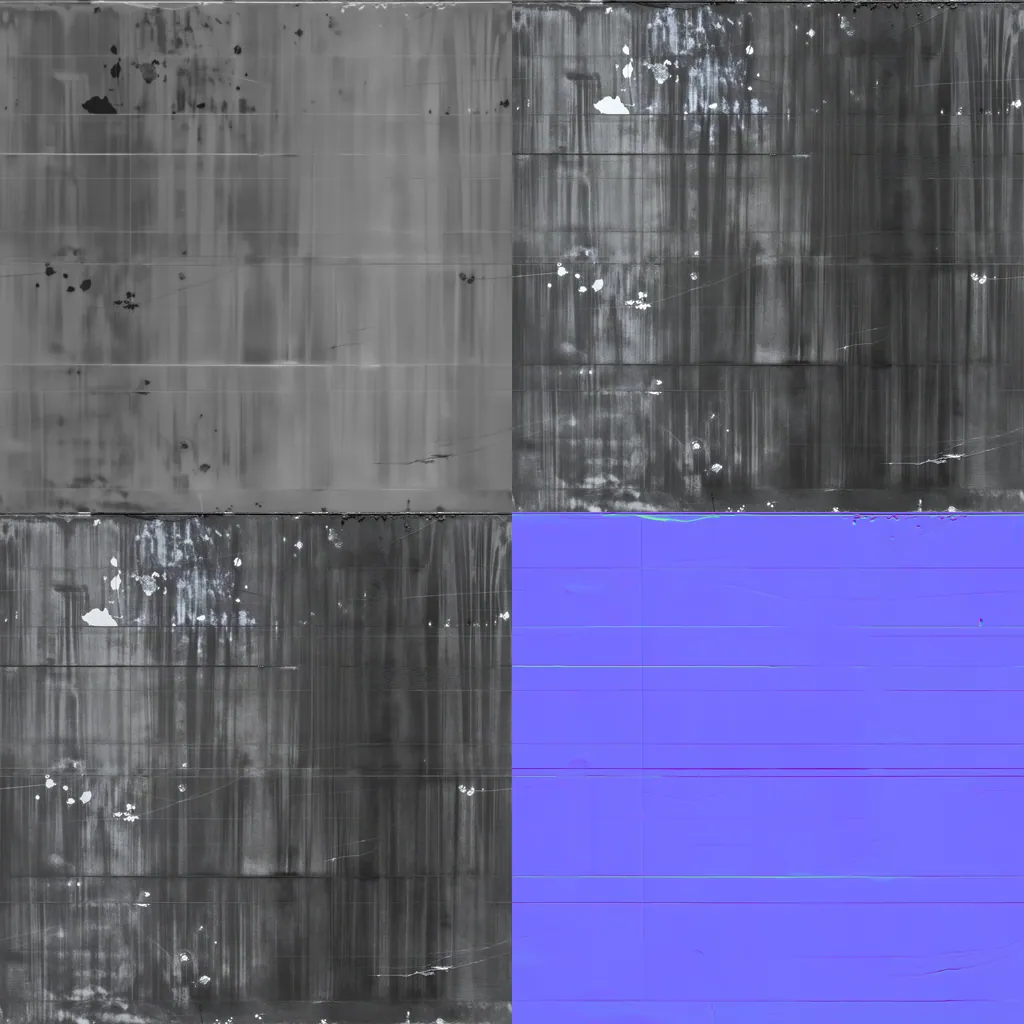
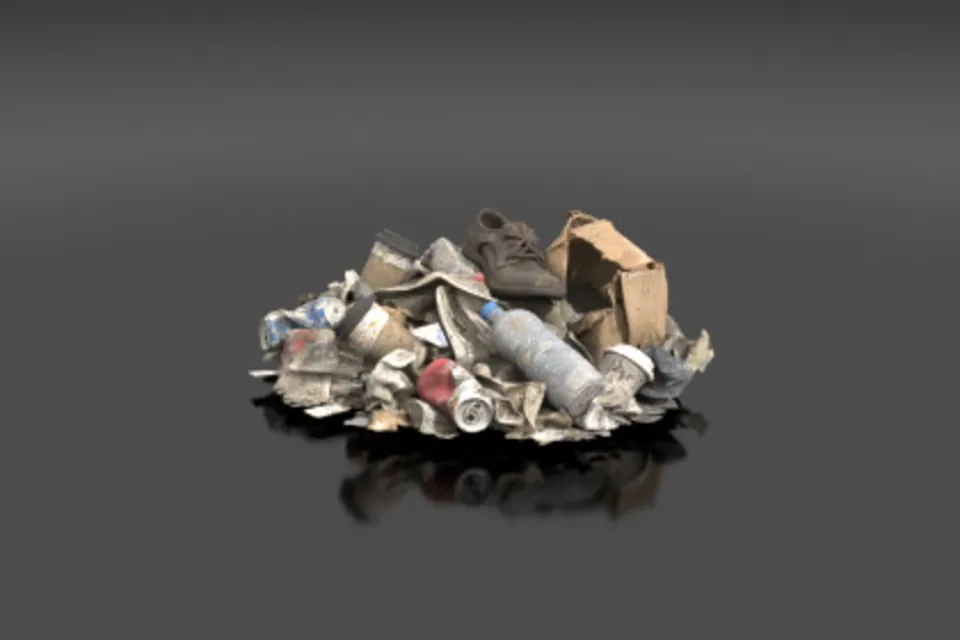
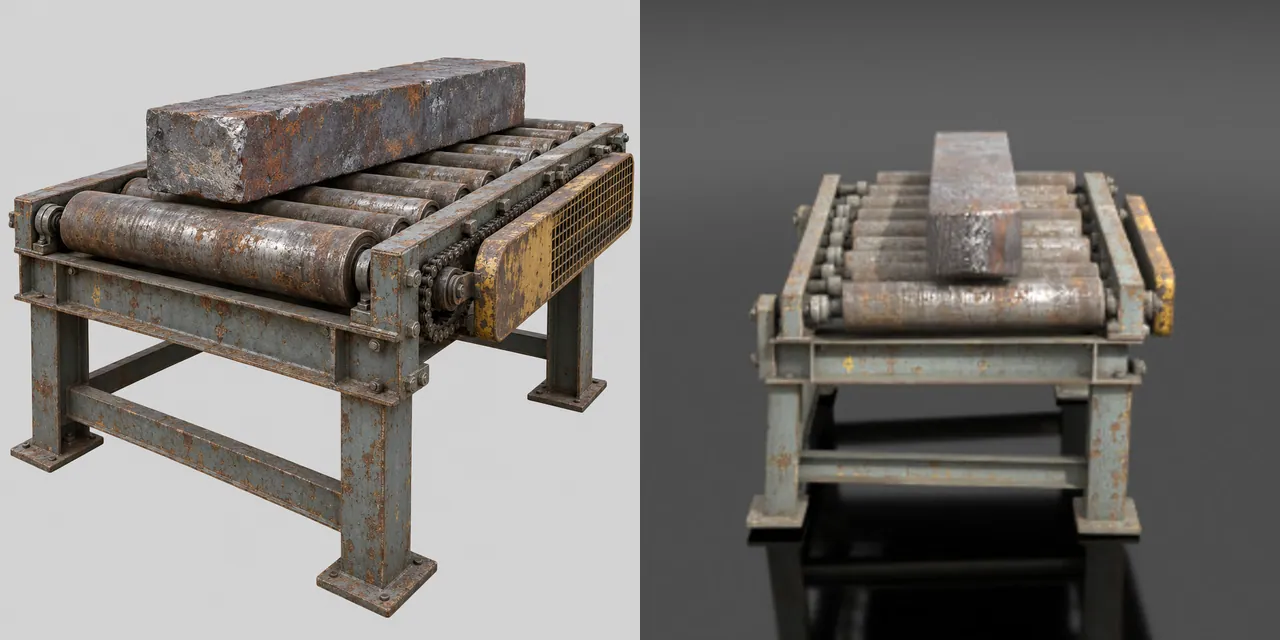
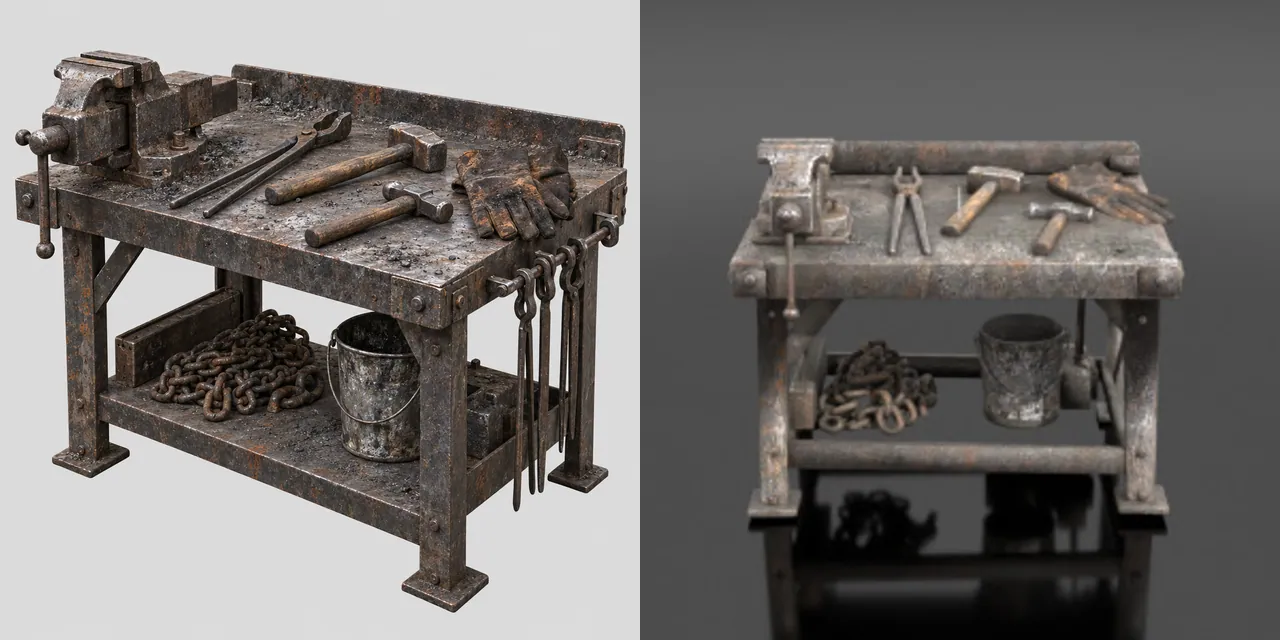
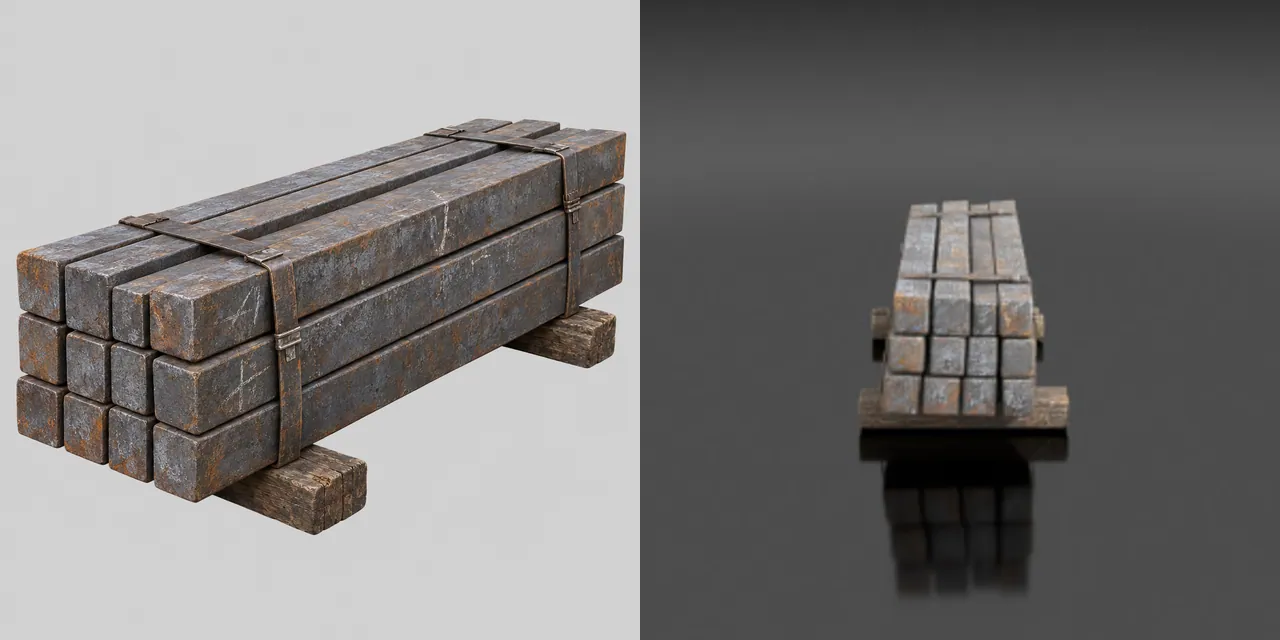
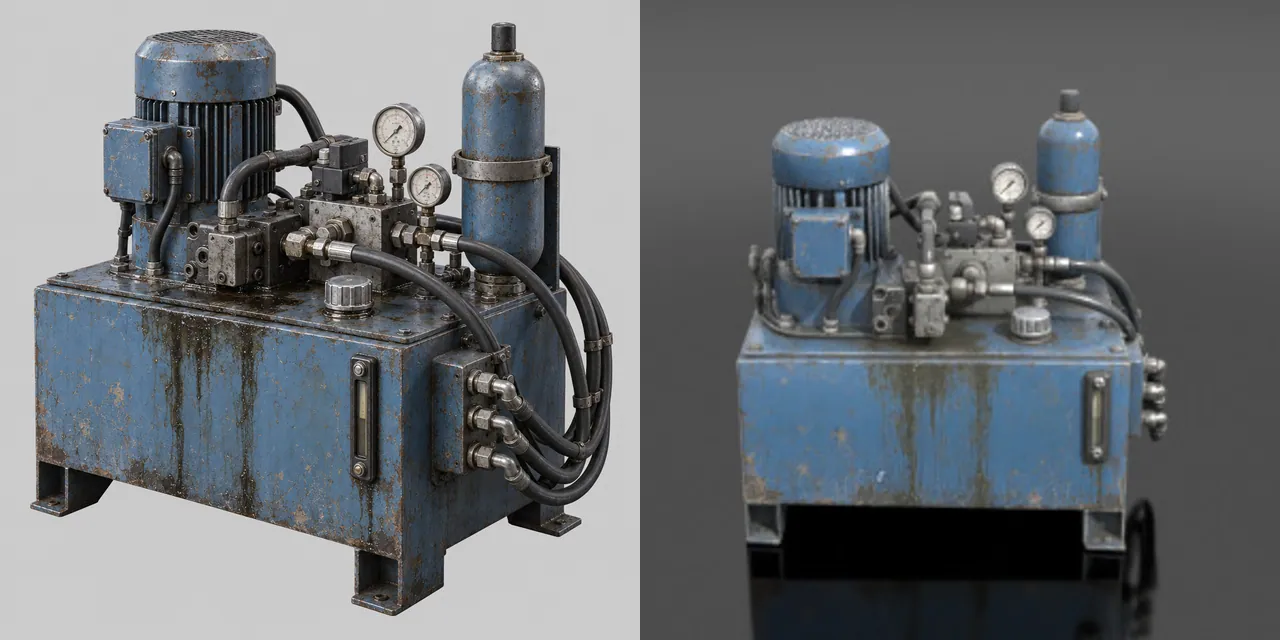
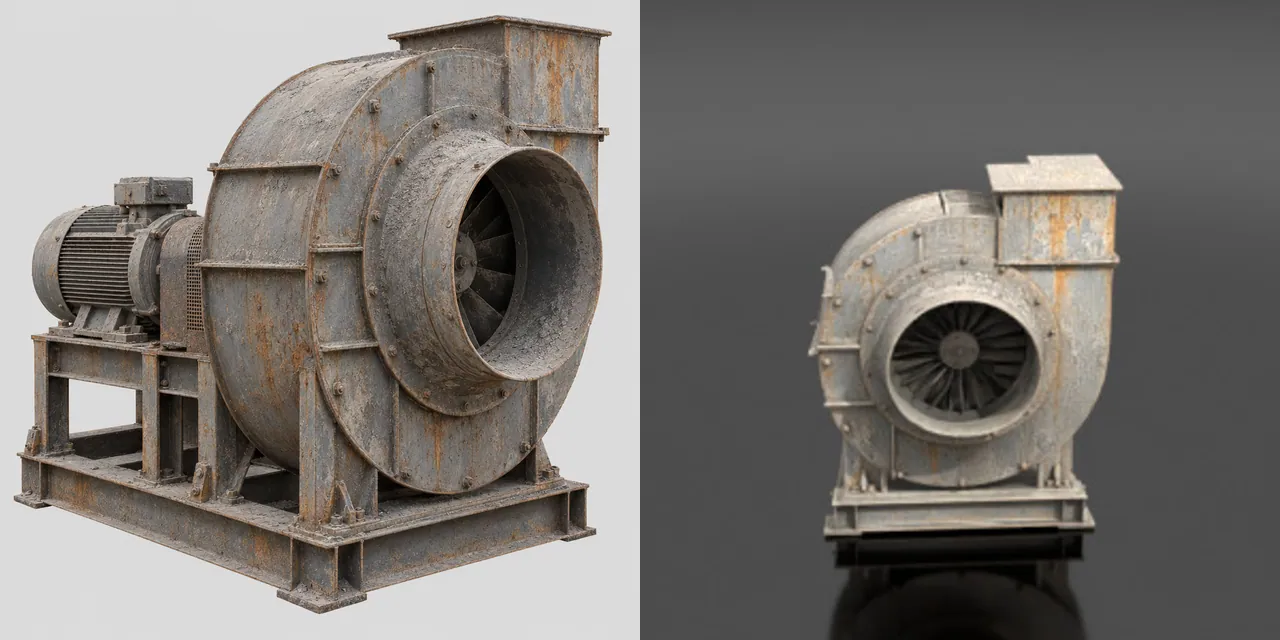
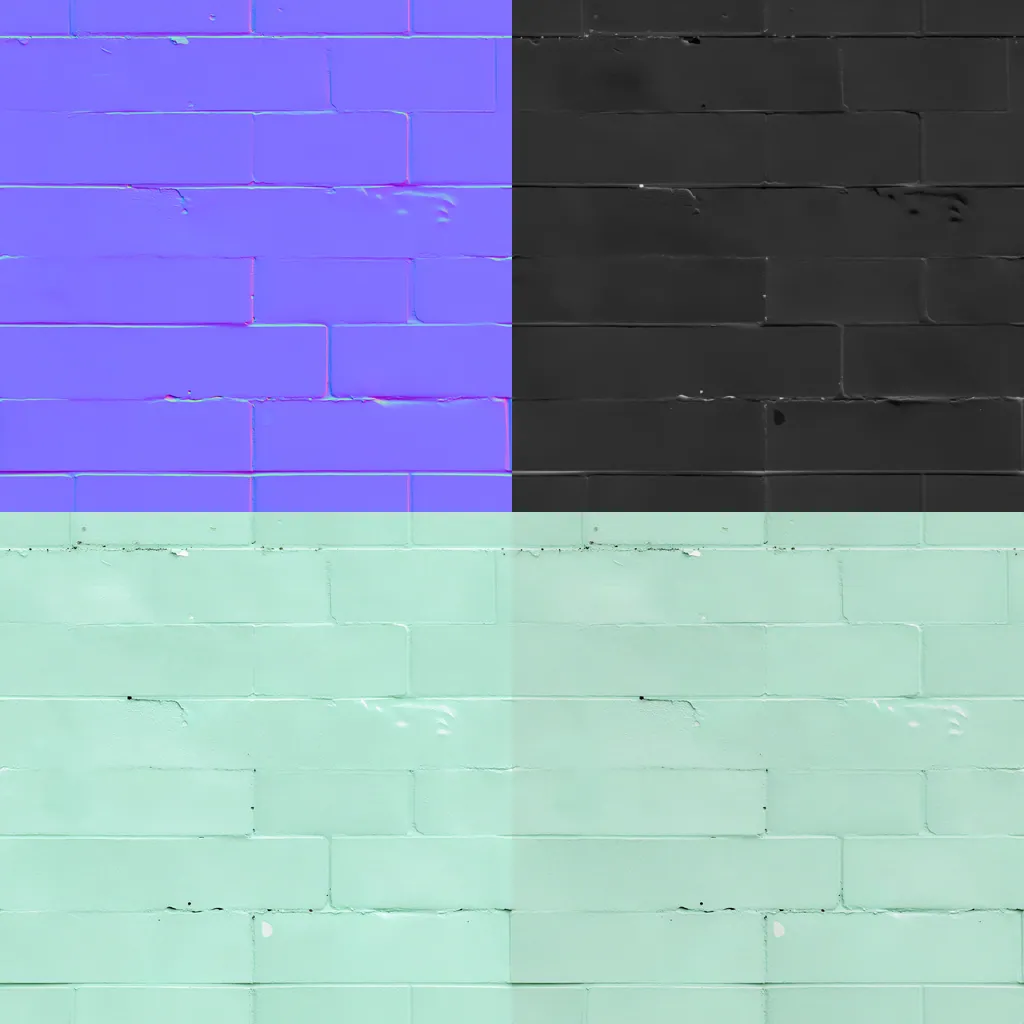
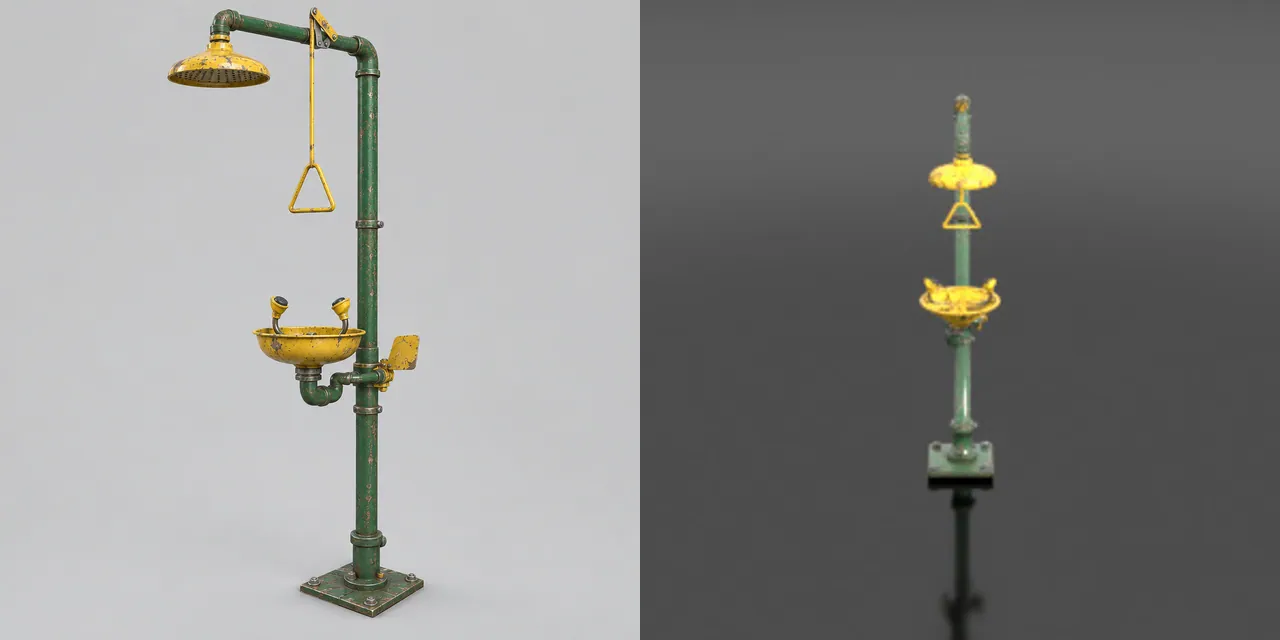
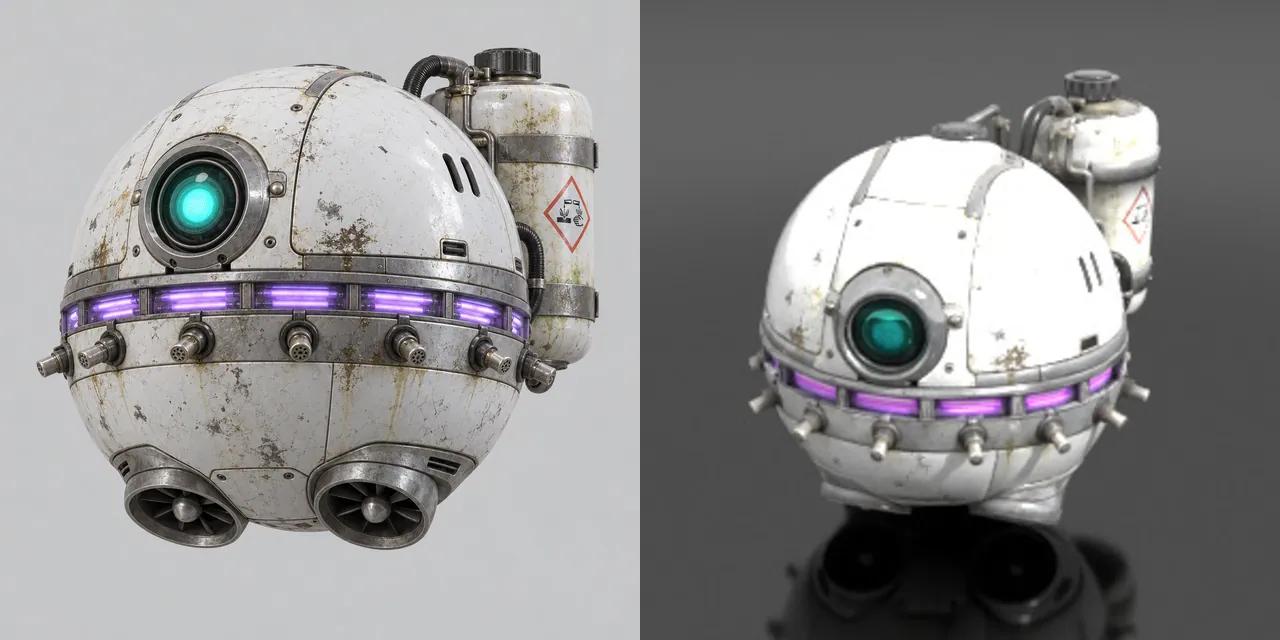
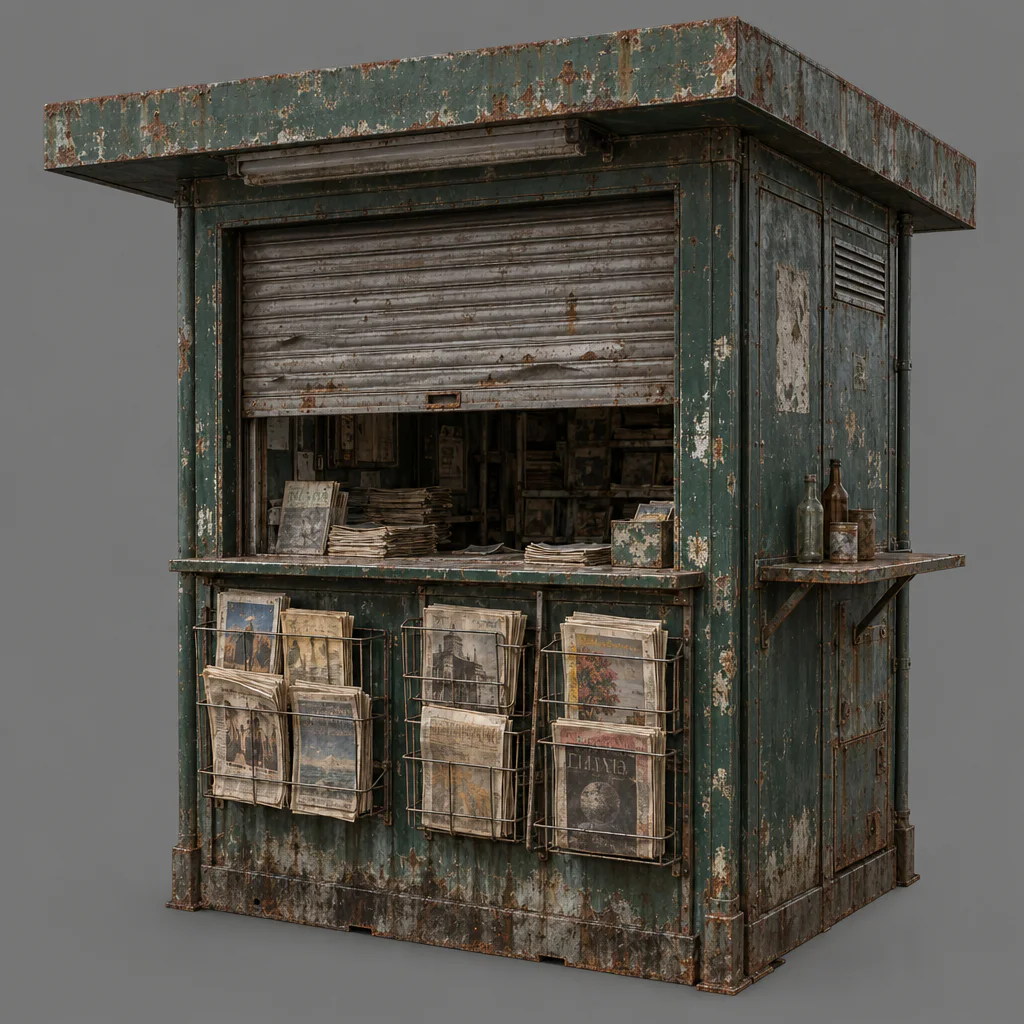
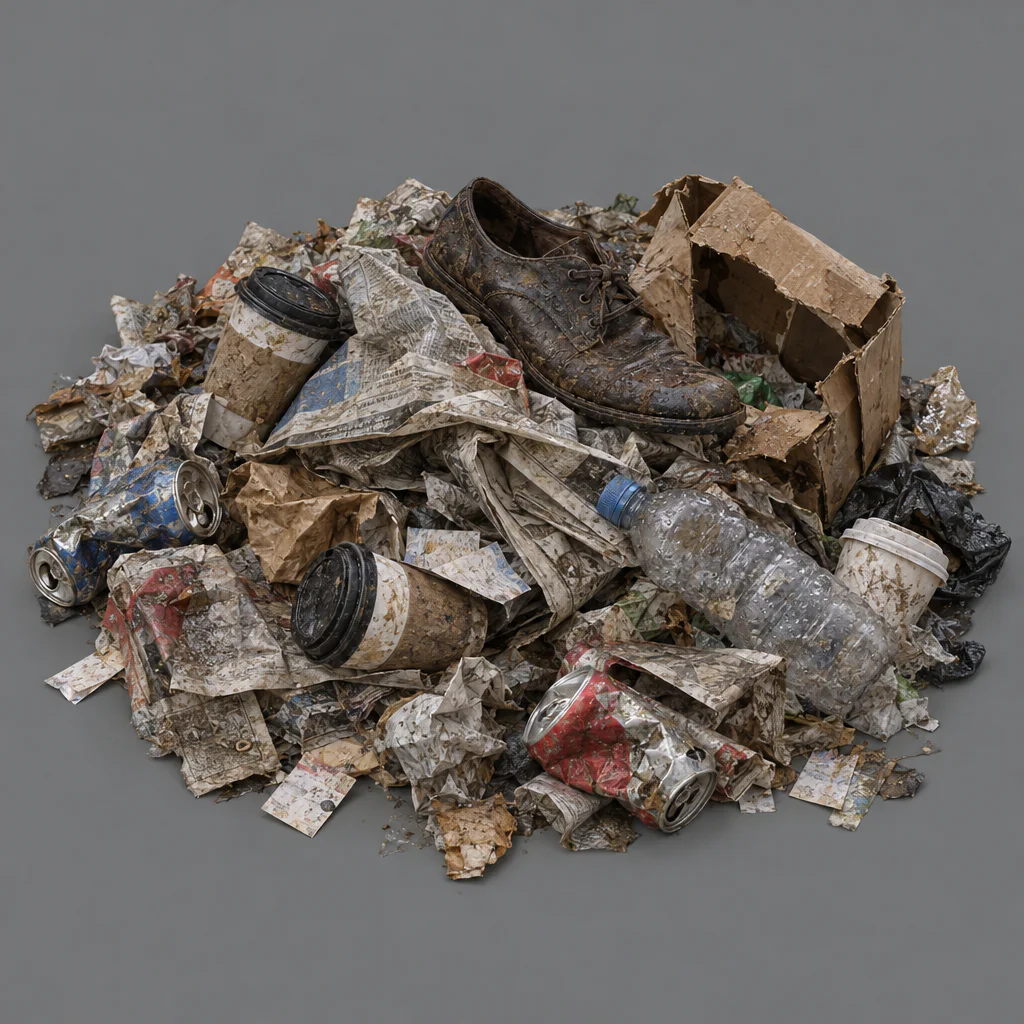
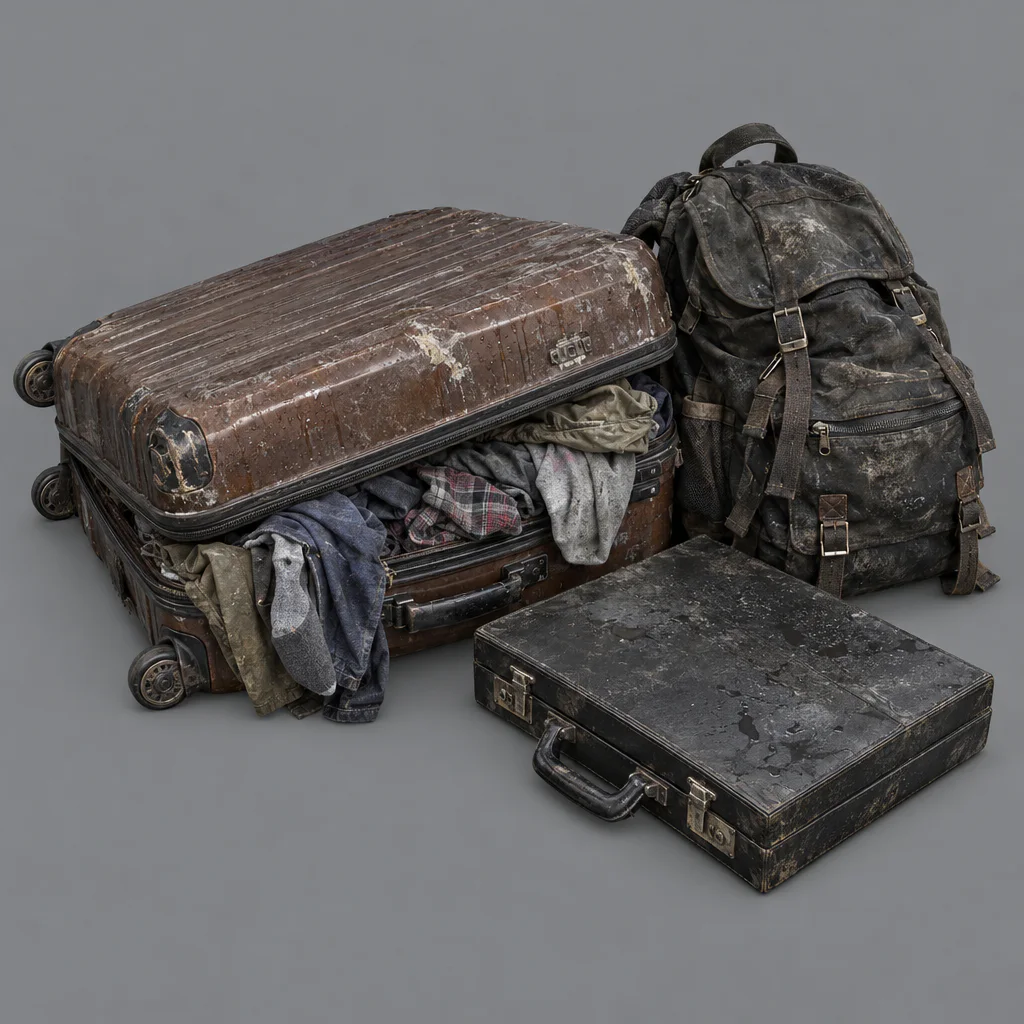
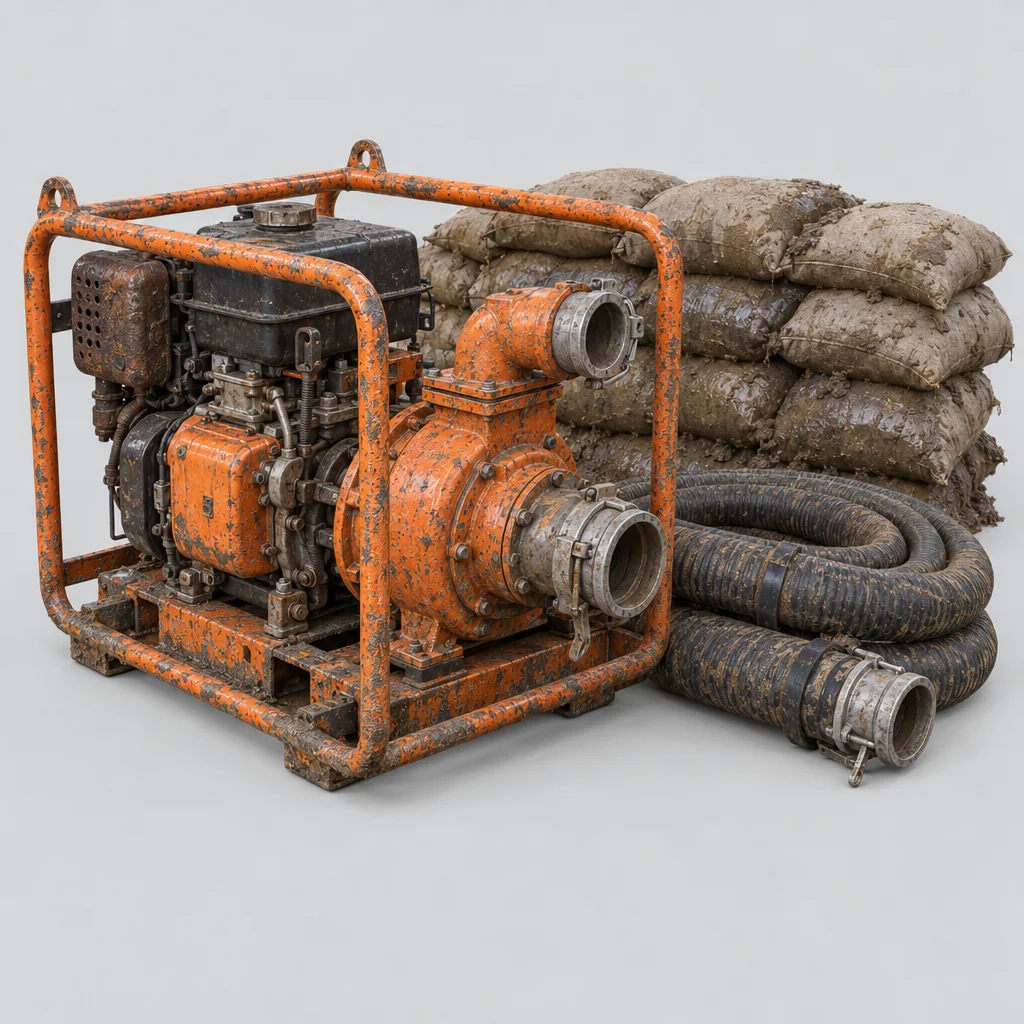
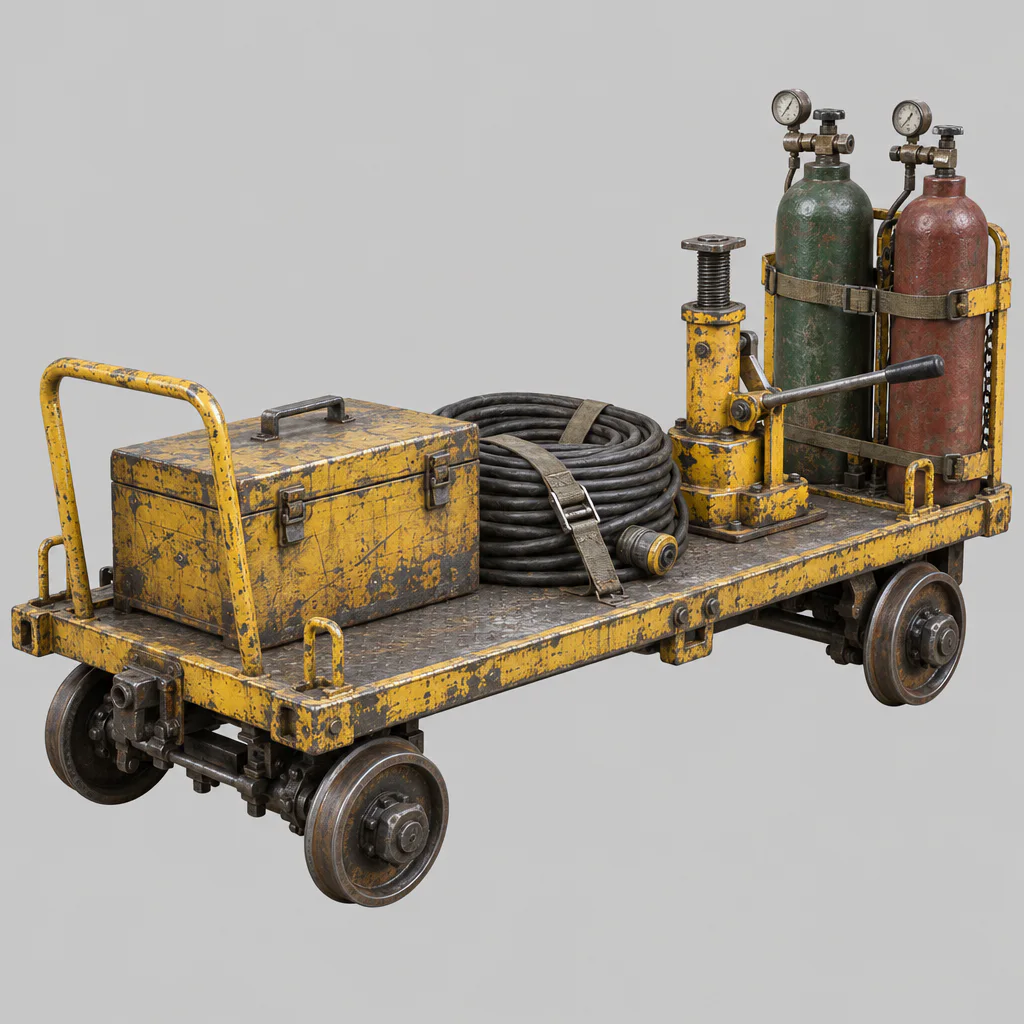
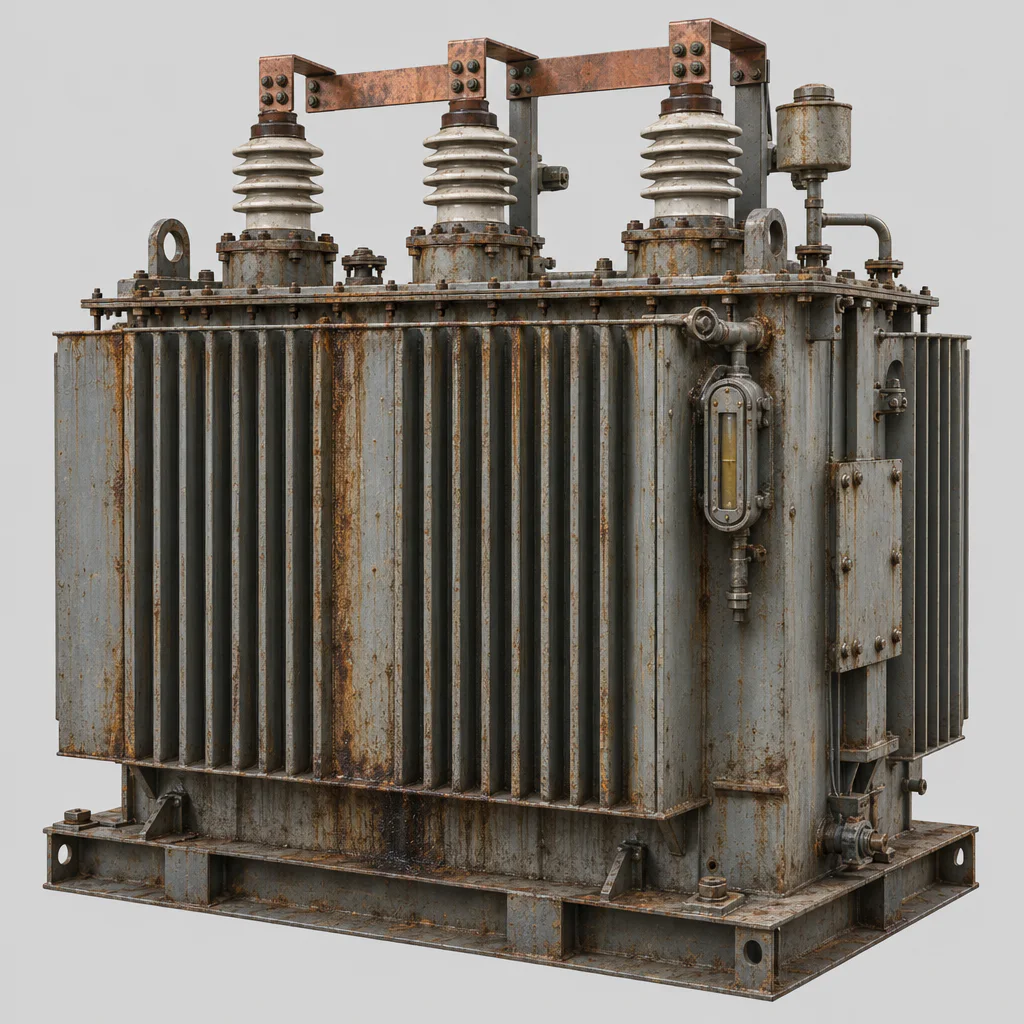
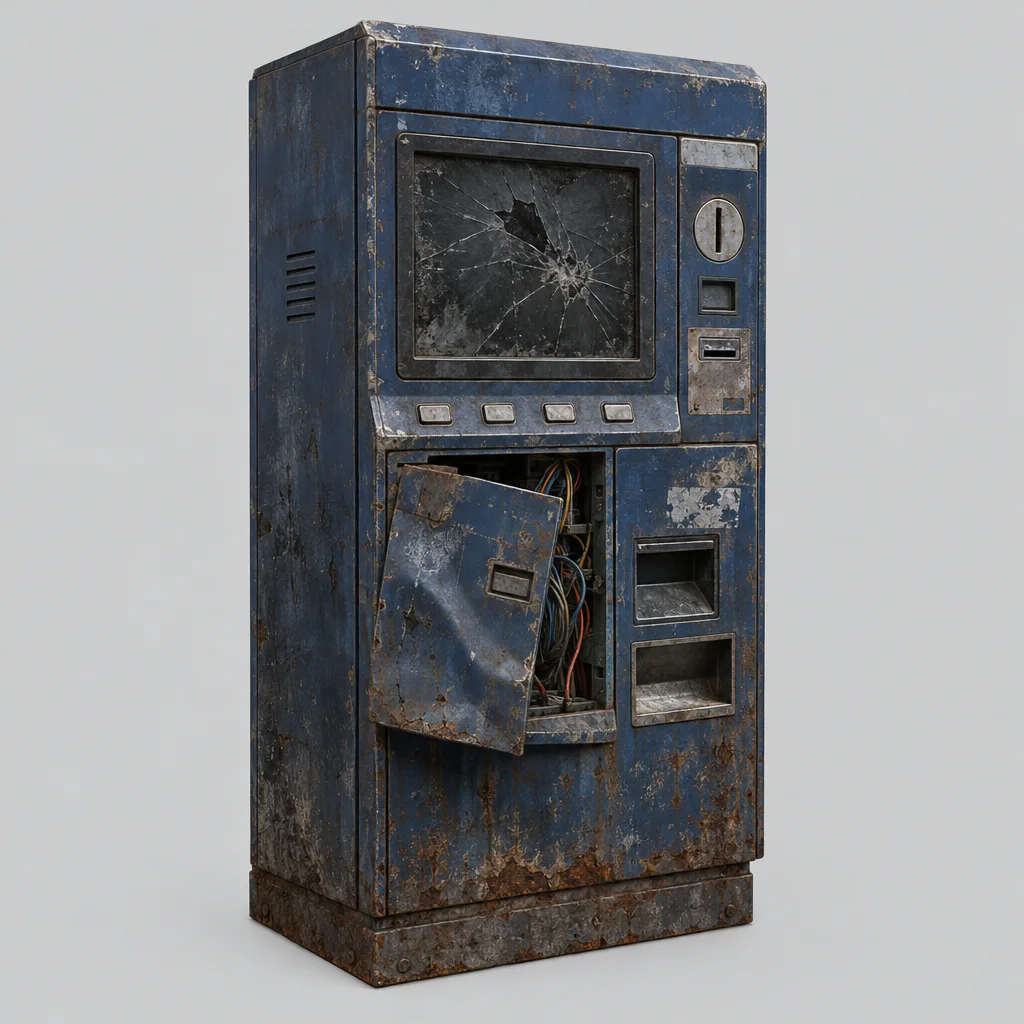
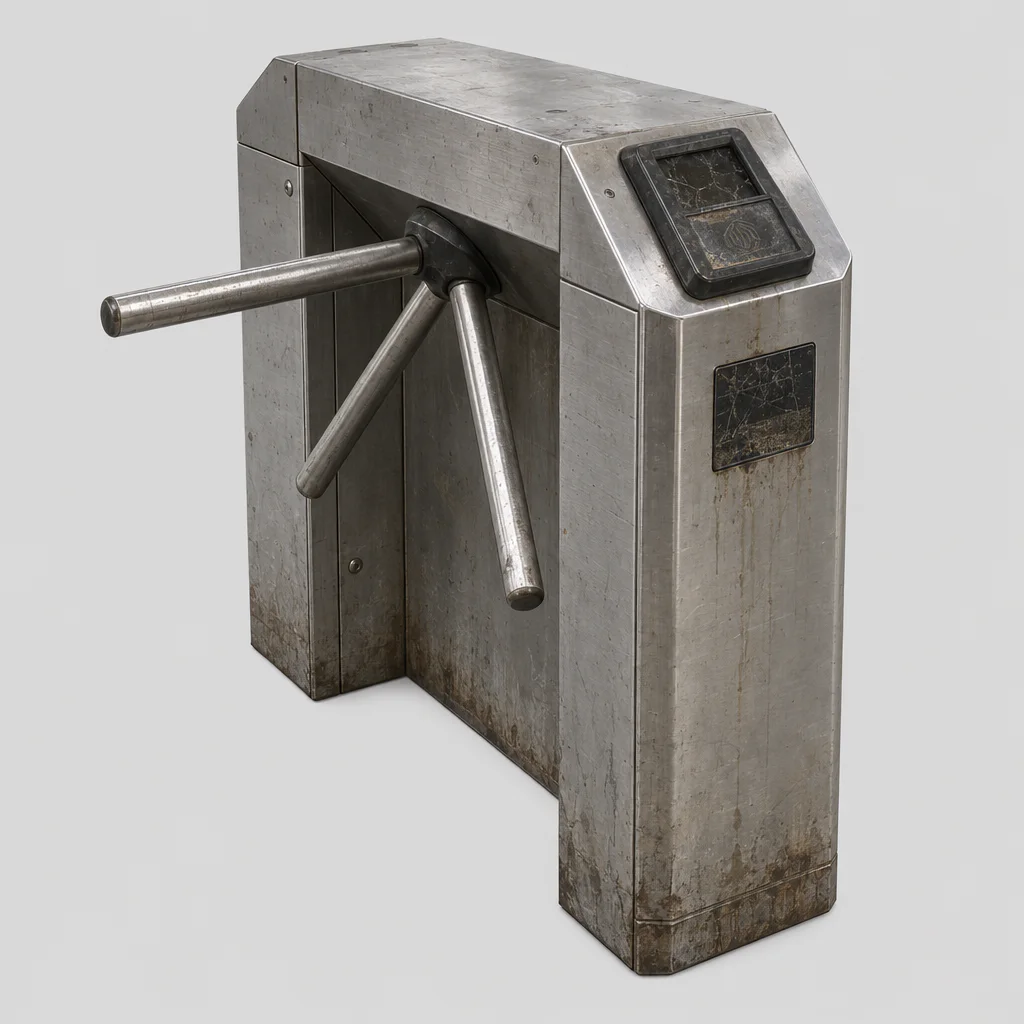
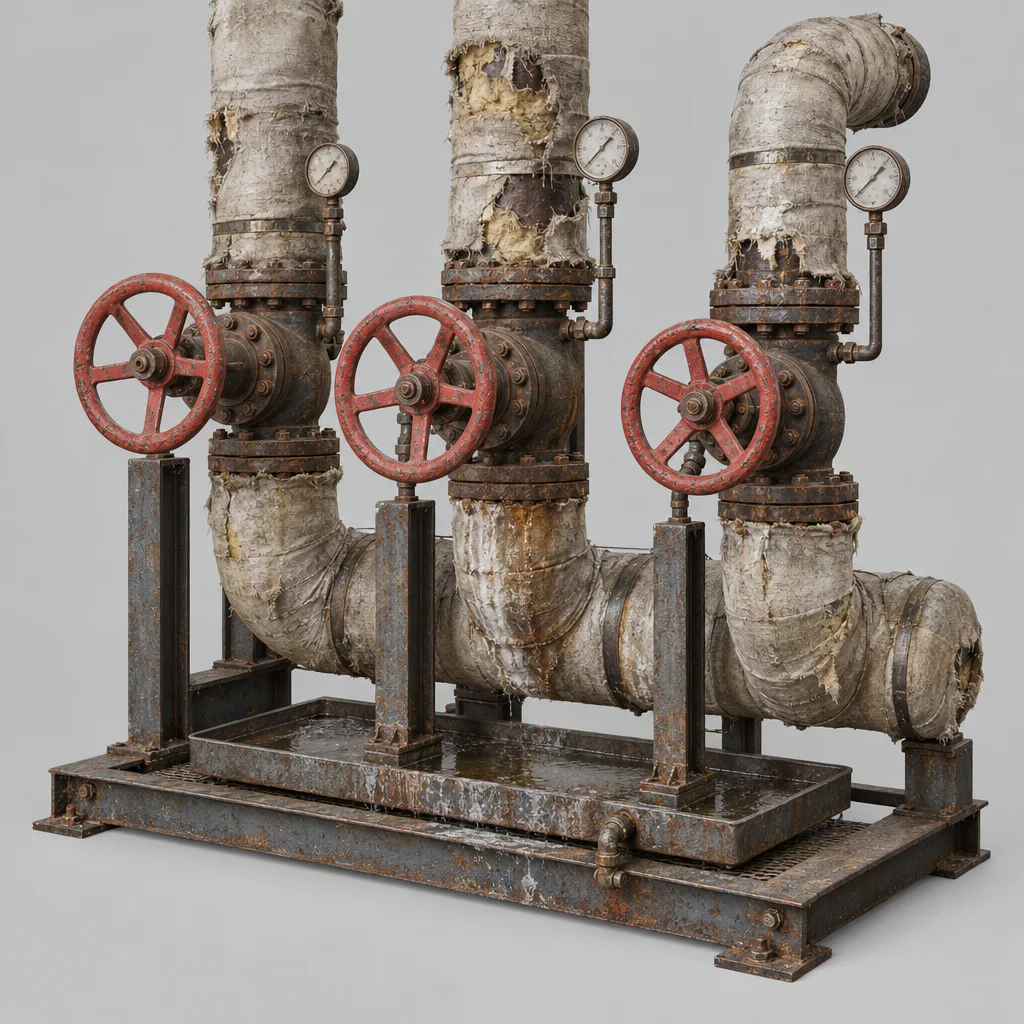
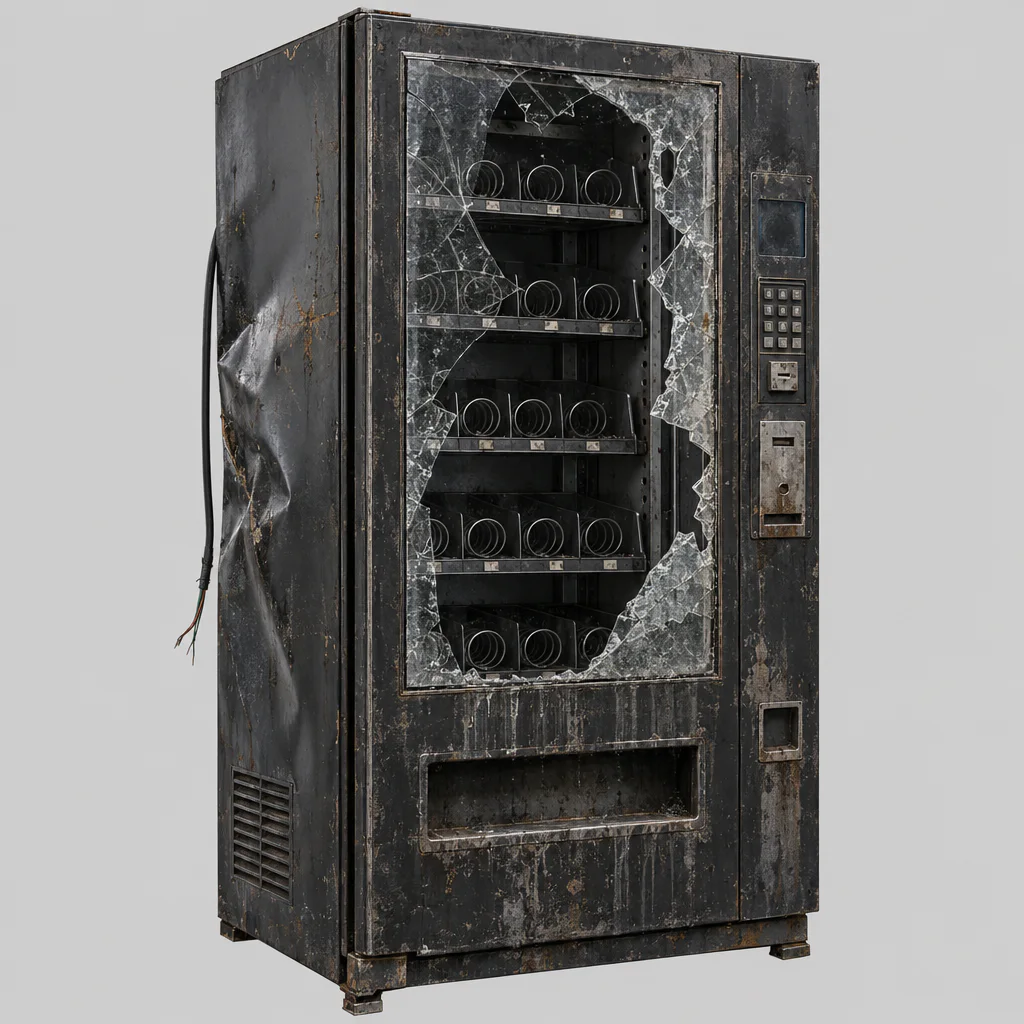
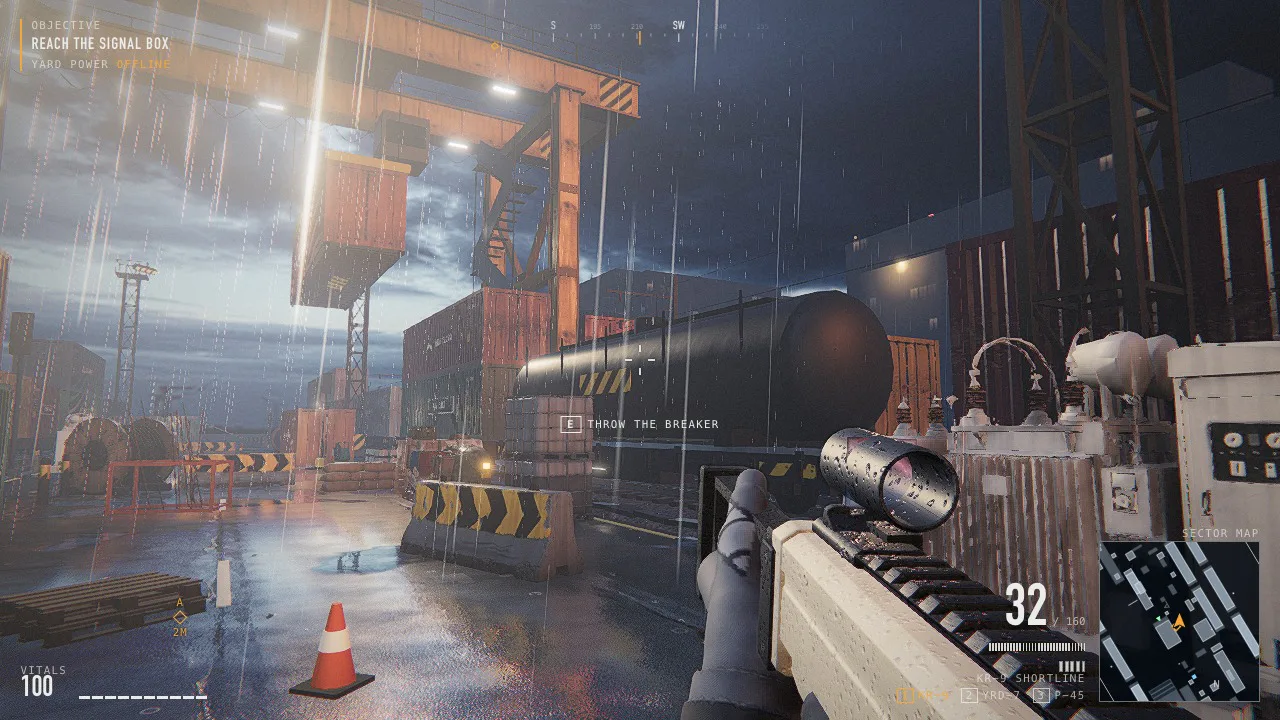
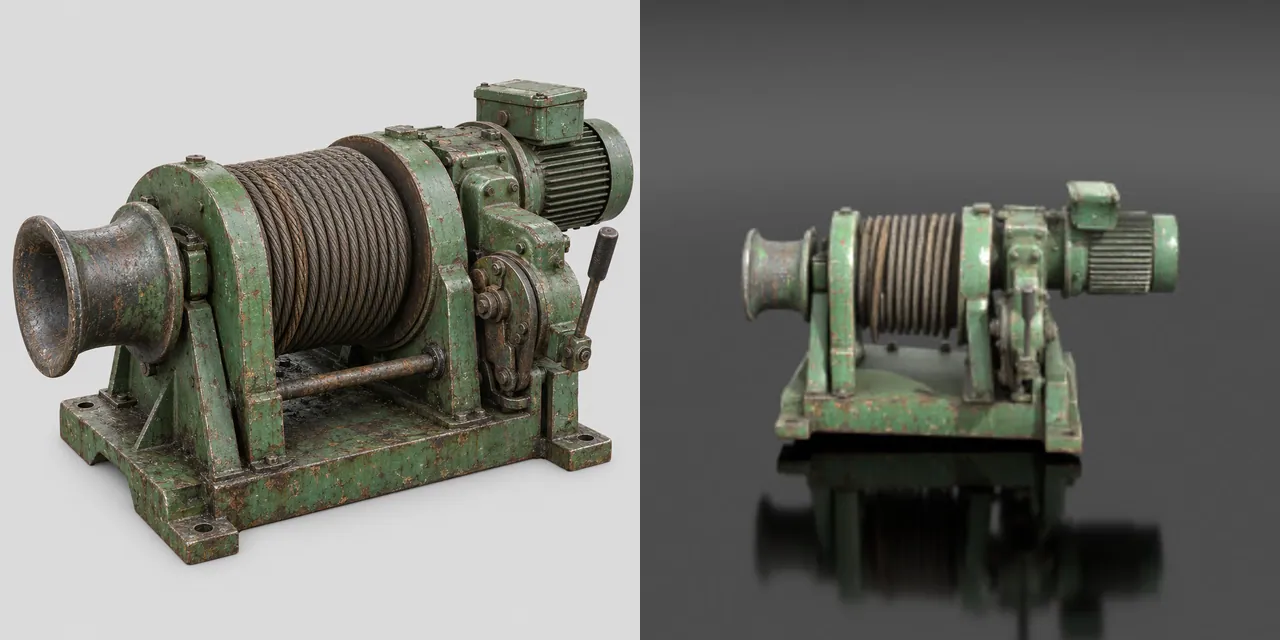
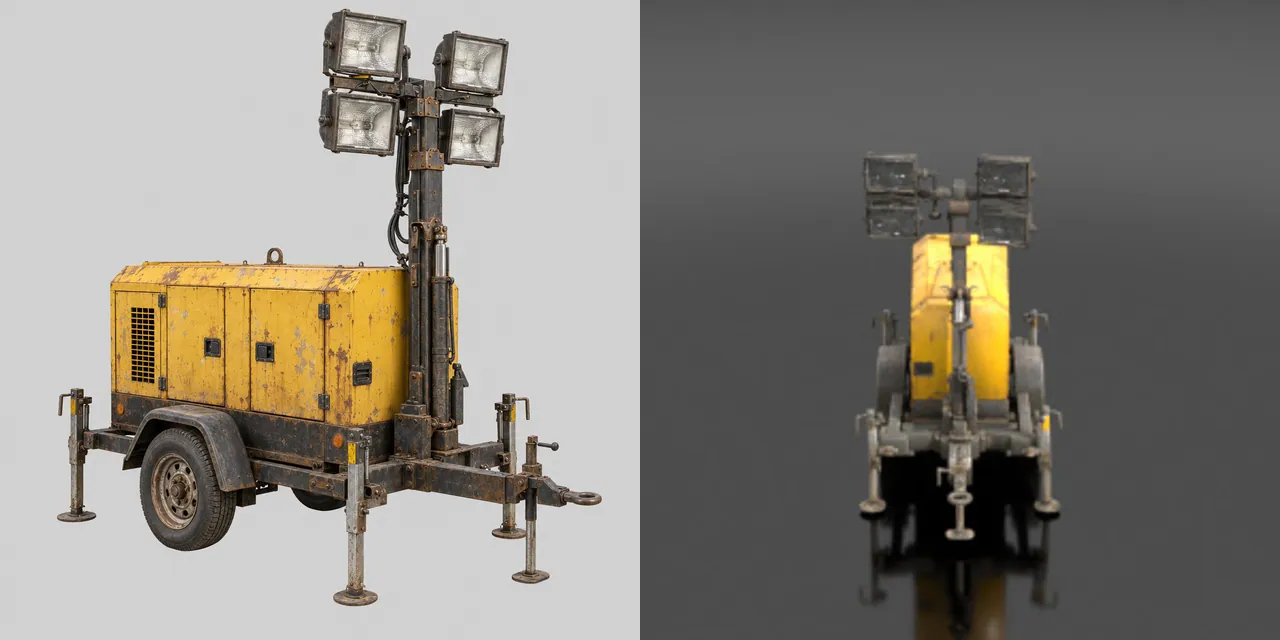
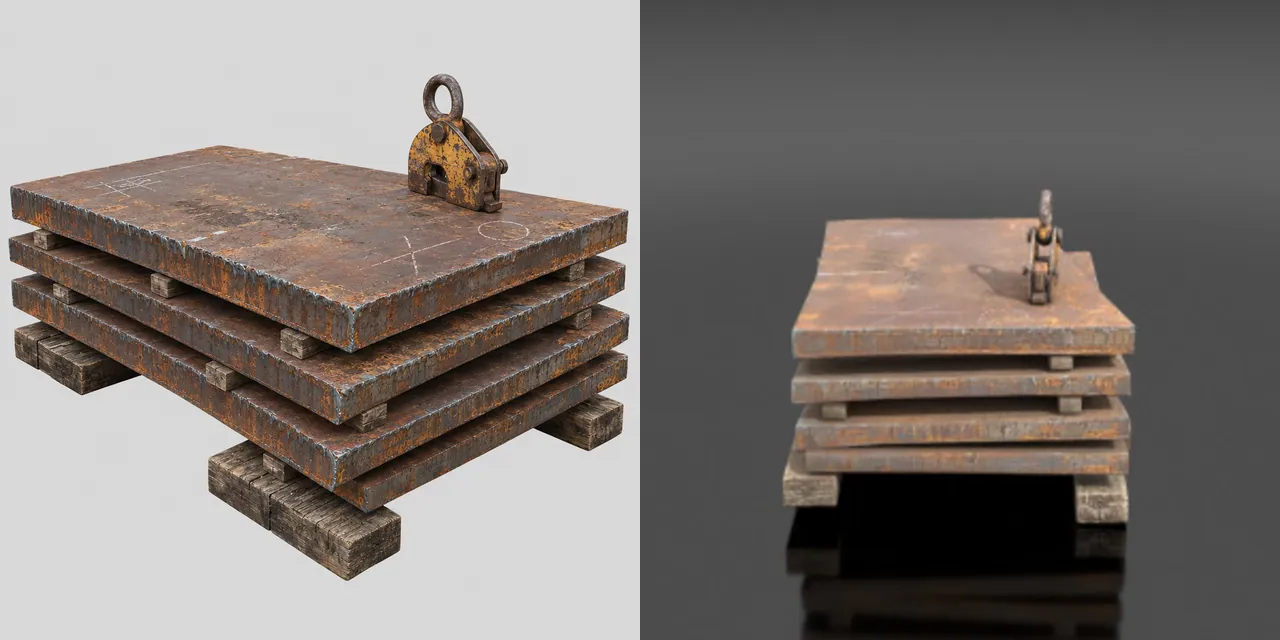
Rail freight yard at blue hour, after rain. 4 material sets, 12 props and 6 built models made on Scenario.

The AAA pipeline, counted

Every job the agent ran through Scenario MCP, counted from the ledger.

466jobs on Scenario
983D assets
11kinds of job
13models

What the 466 jobs made

Images

3D

Materials and skies

Sound and voice

Jobs are every job the agent ran through Scenario MCP for this exploration, counted from its job records. A row marked "in the game" counts results the shipped game holds; a row marked "jobs run" counts jobs.

Play it right here.

The whole game runs in this frame. Keyboard and mouse needed.

Five sites. Power is down. The machines are not.

First load 46.9 MB, then 48 to 56 MB more per site
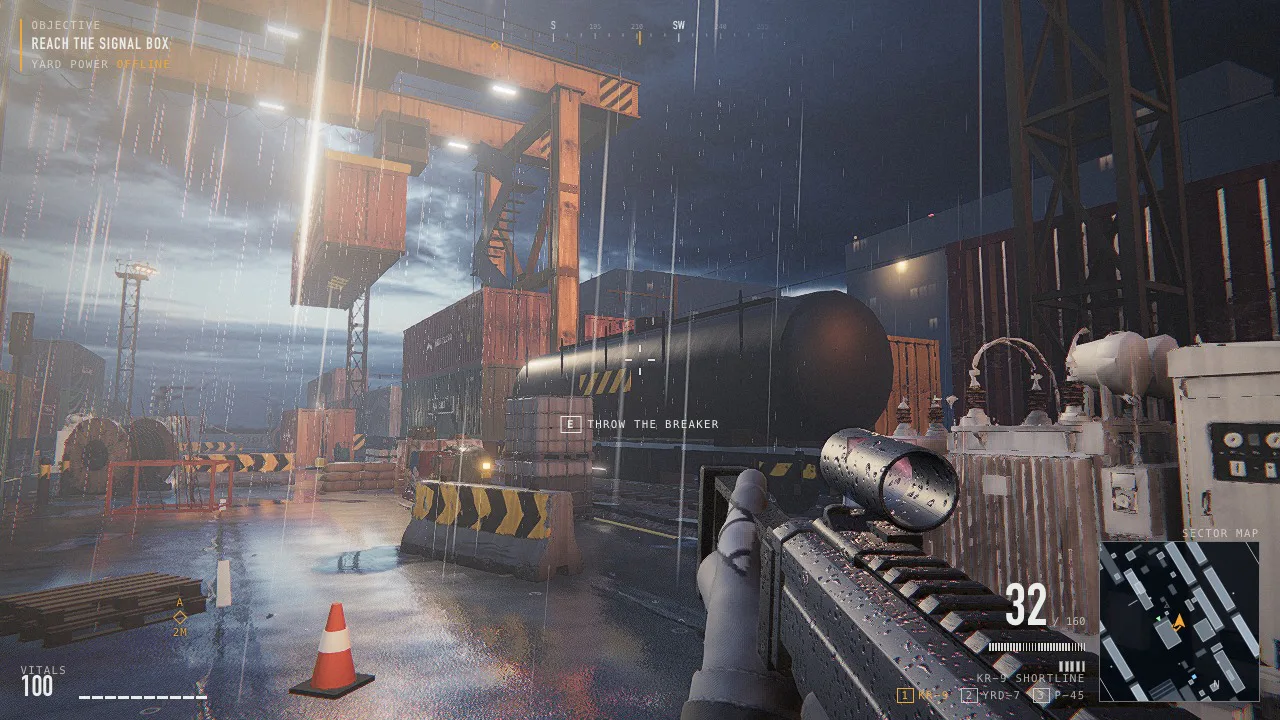
Site 1, as the game opens it. Captured from the game.

WASDMoveMouseLookLeft clickFireQAimRReloadEUse

All controls

The game loads when you press the button. Click inside it to capture the mouse; Esc frees the mouse and pauses. Title screen, mission select, armory, five sites, six weapons, on a recent desktop browser.

W A S D
Move
Mouse
Look
Left button
Fire
Q
Aim (press to aim, press again to stop)
Right button
Aim (hold)
R
Reload
Shift
Sprint
Space
Jump, mantle
Ctrl or C
Crouch
E
Use
1 2 3
Weapon
Tab
Sector map
Esc
Pause, free the mouse

The game needs a keyboard and a mouse. Here is the trailer; open this page on a computer to play.

The AAA look, layer by layer

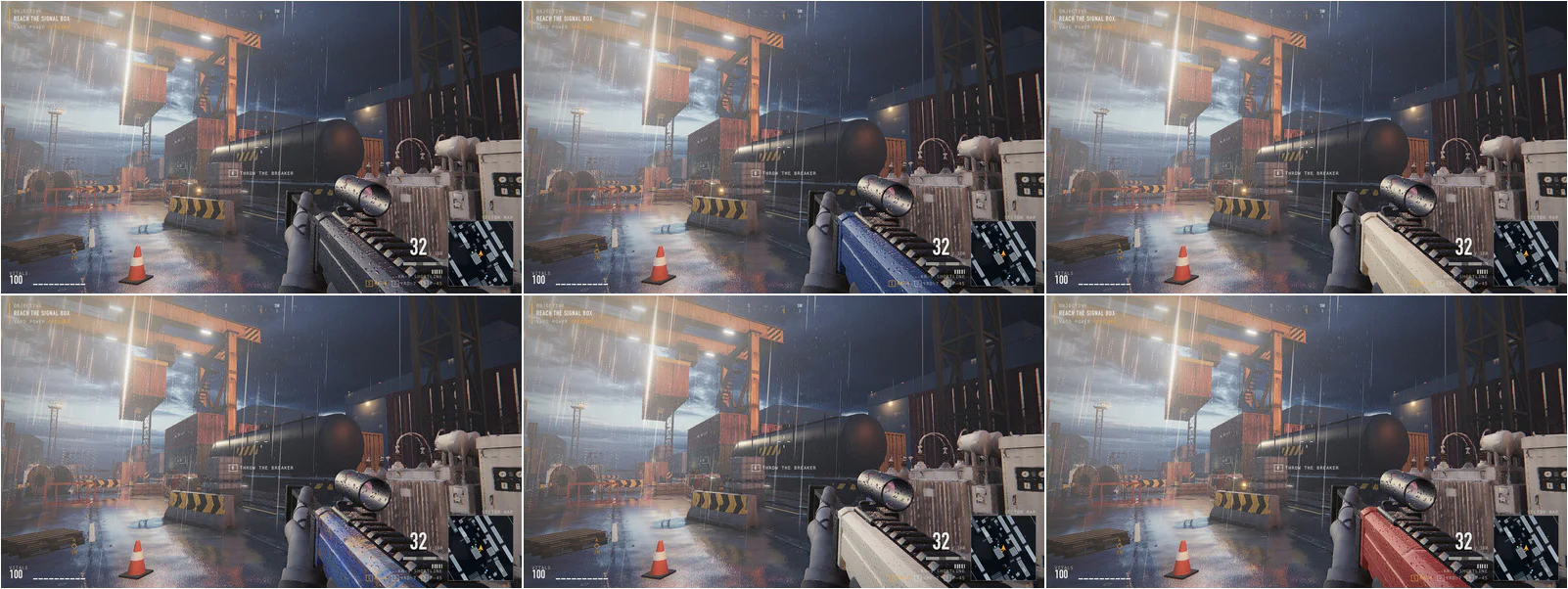
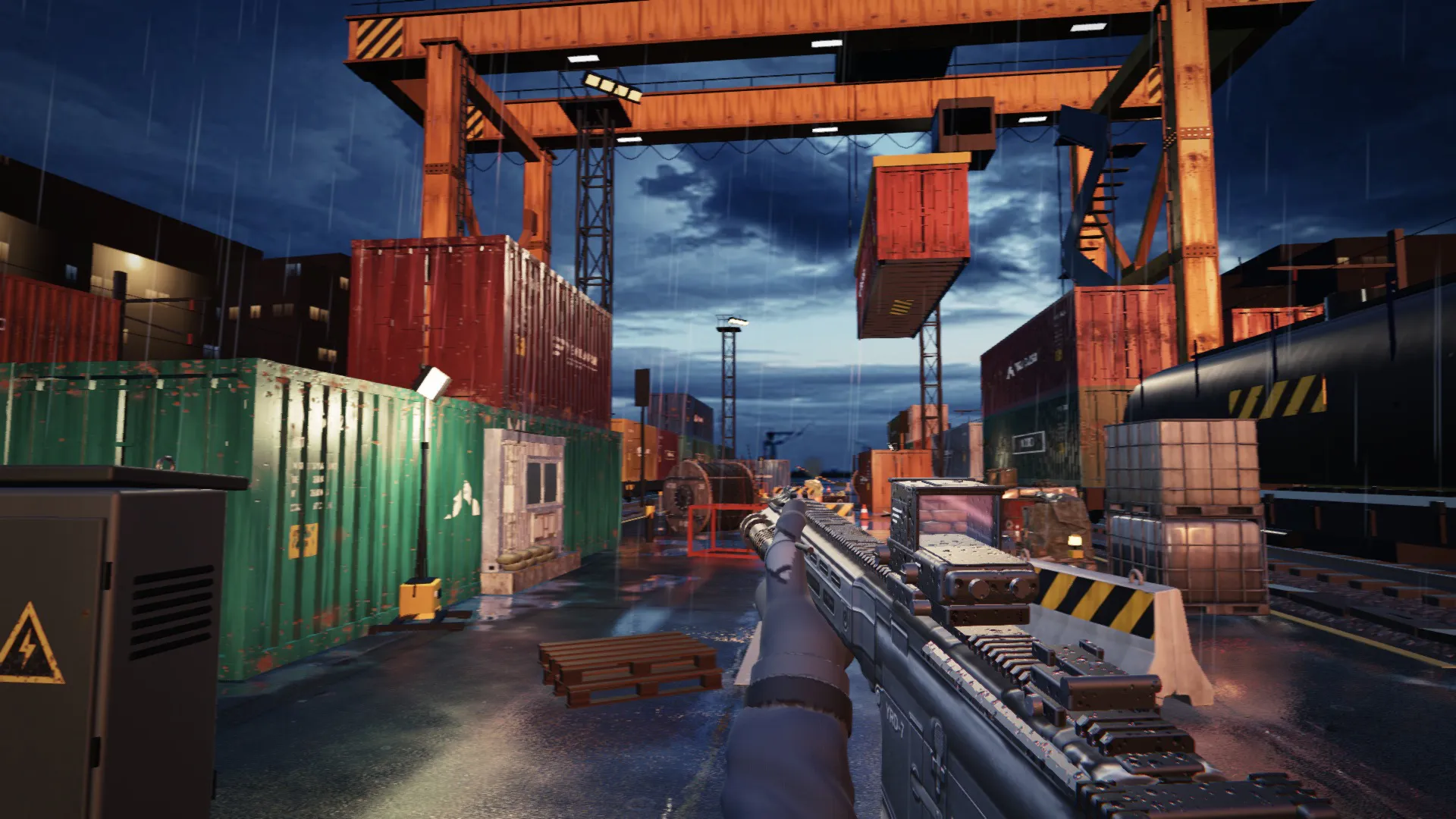
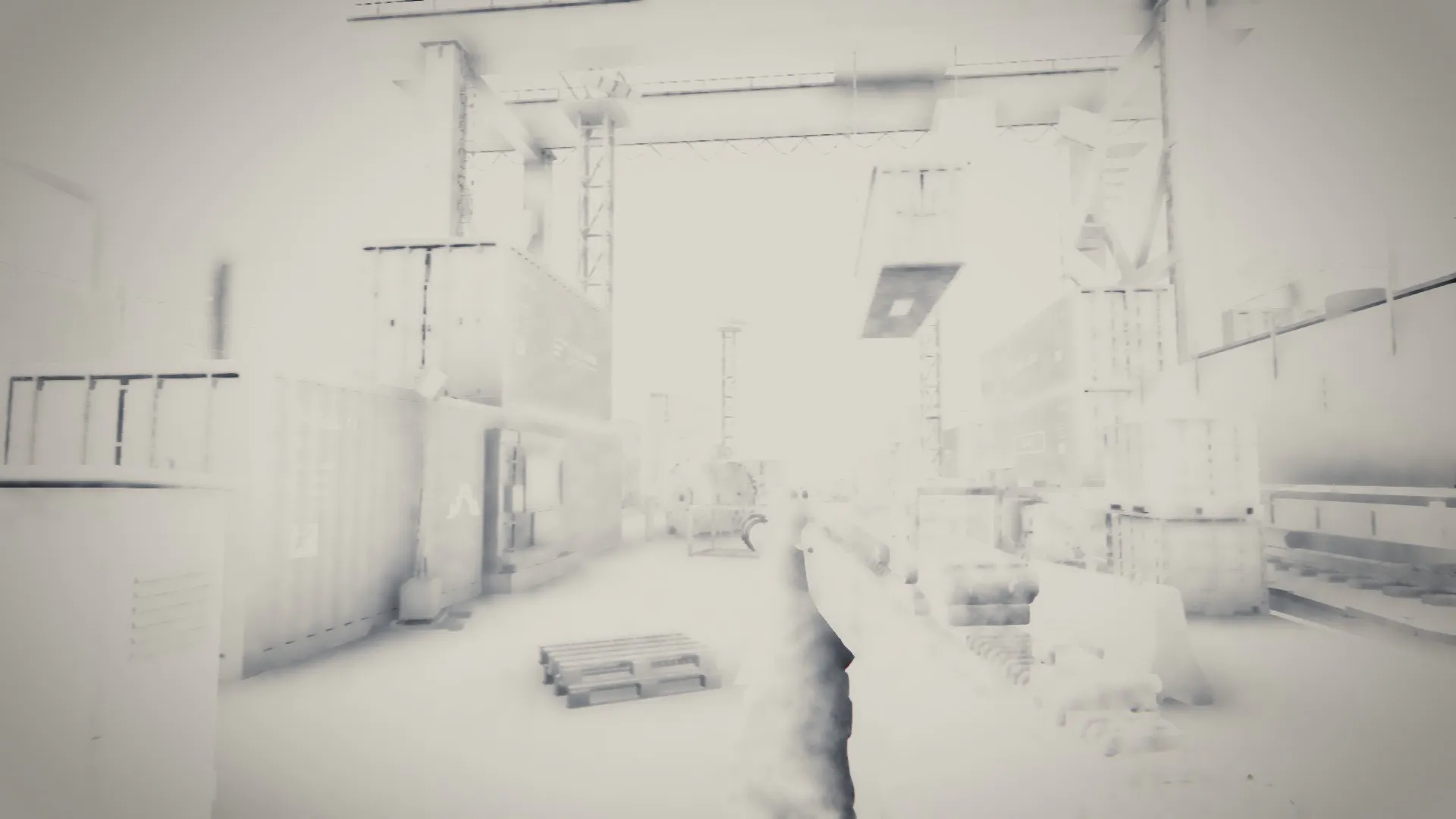
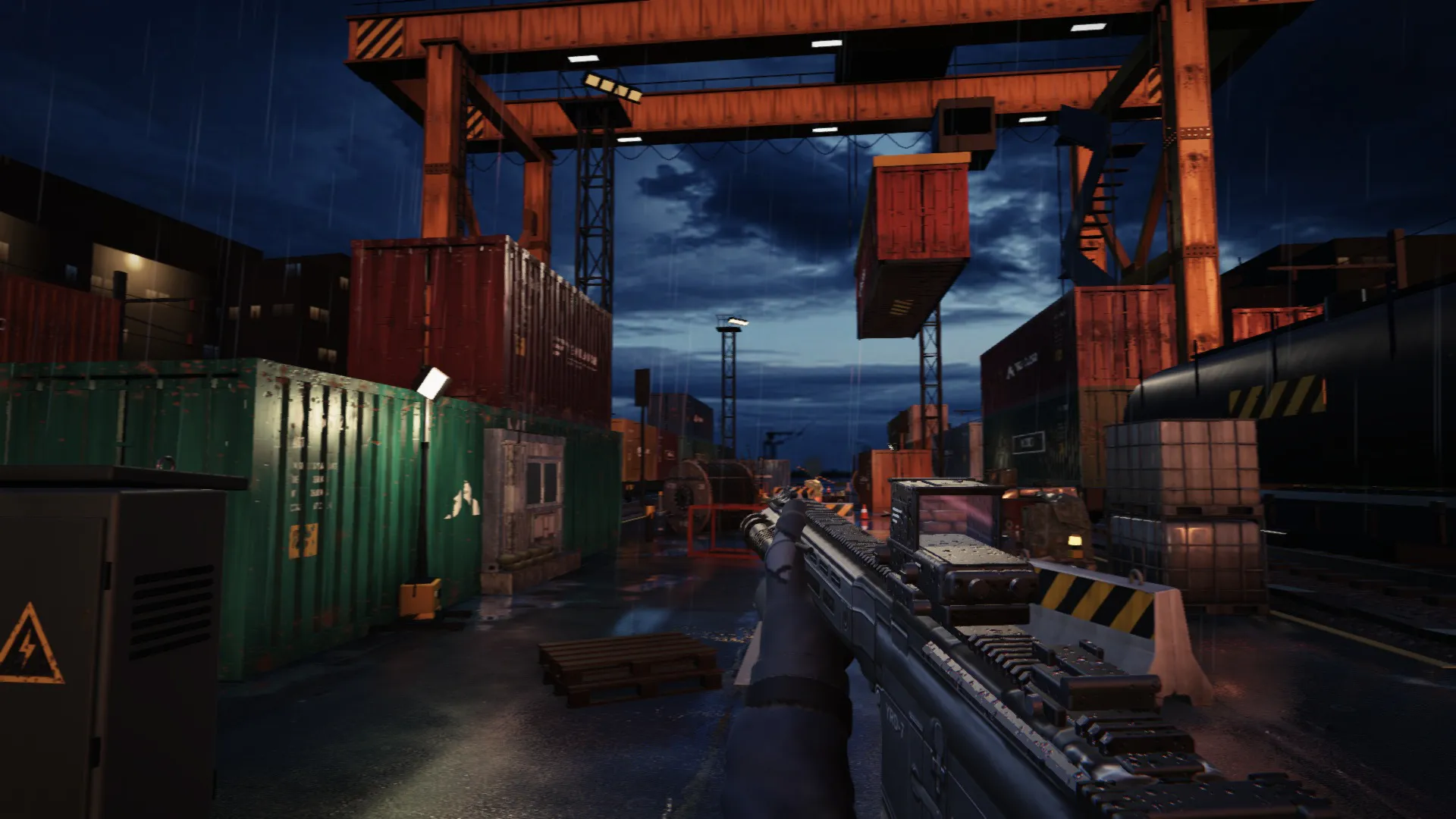
One frame of the game, one render stage added at a time.

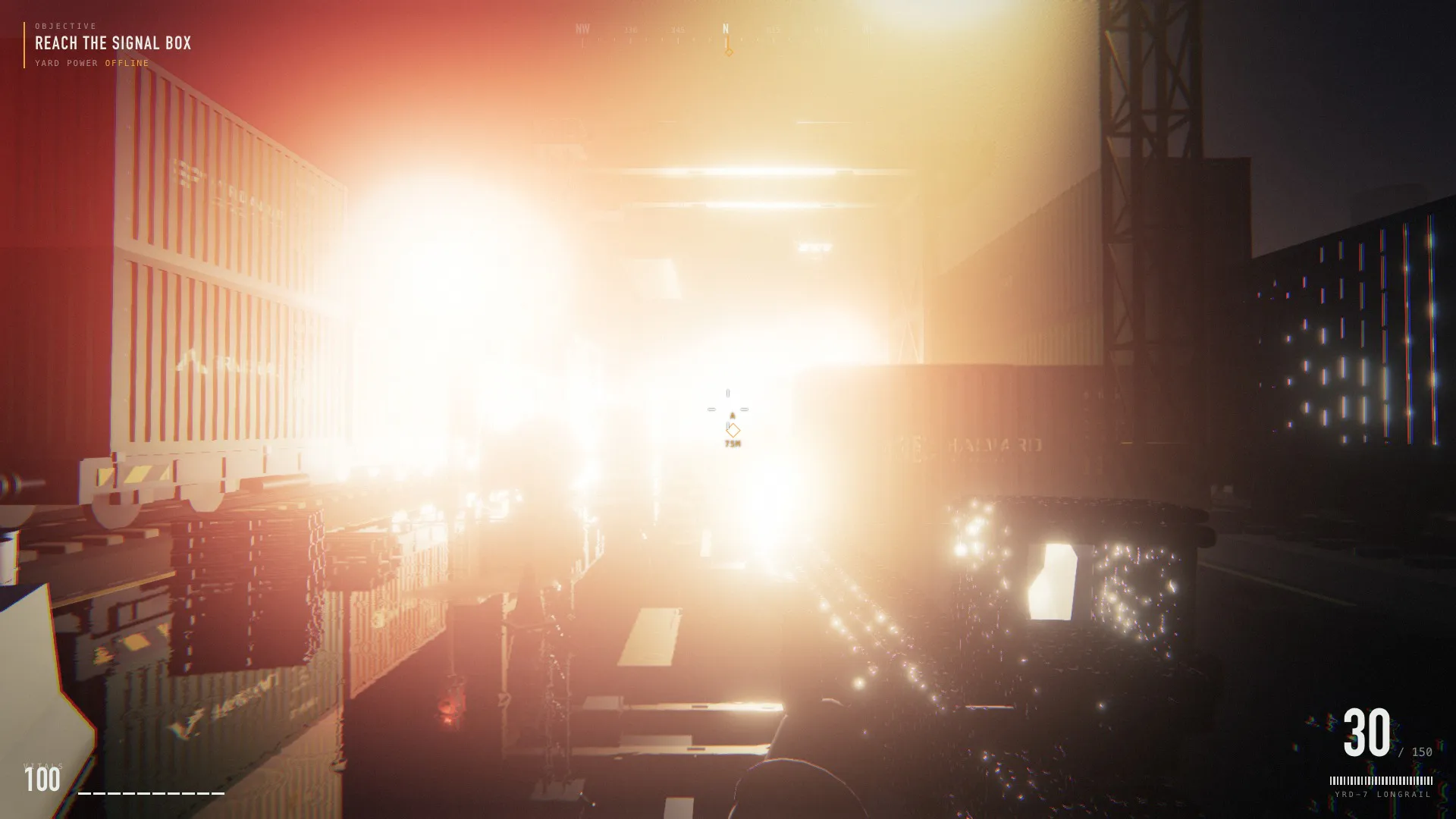
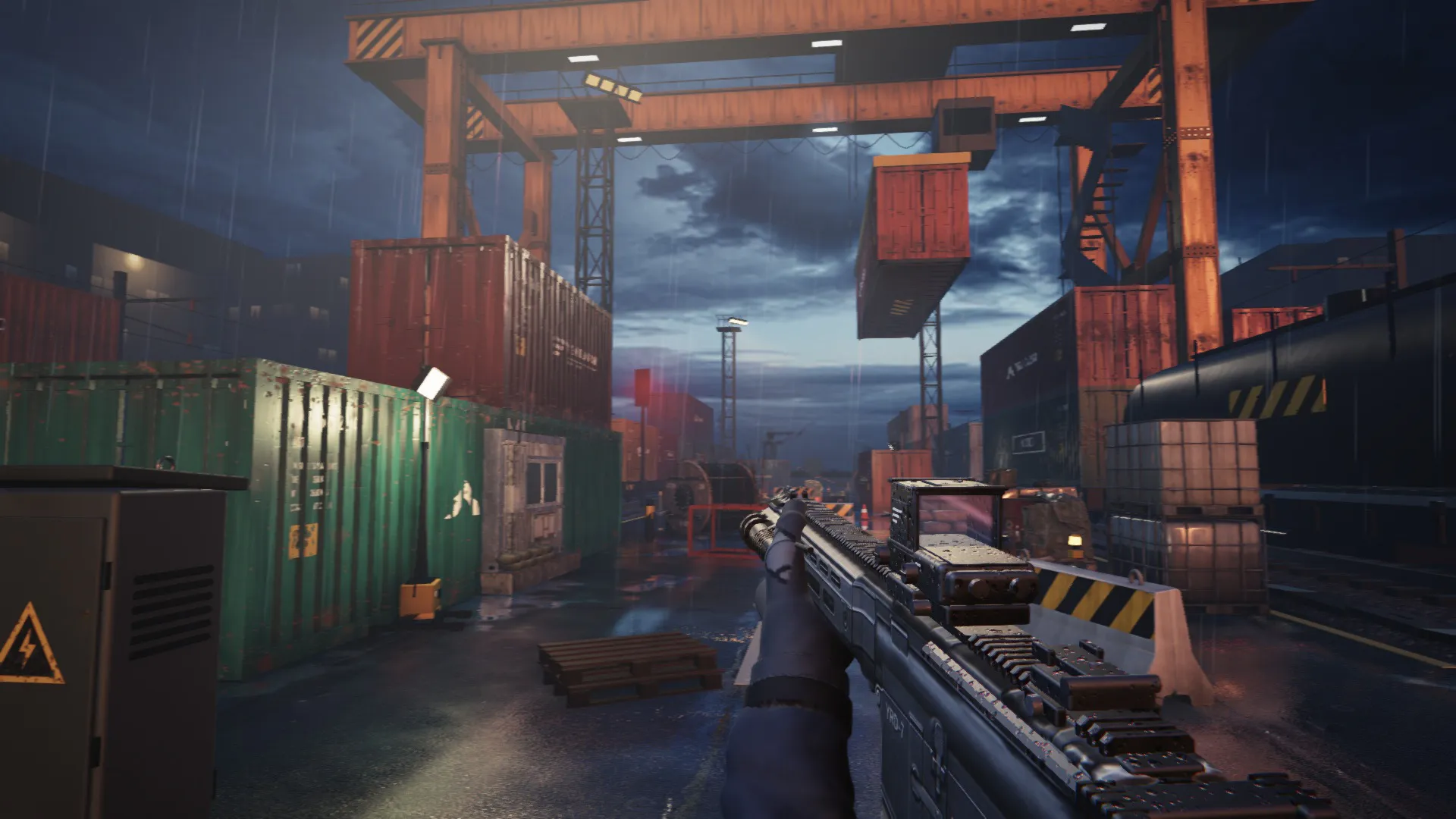
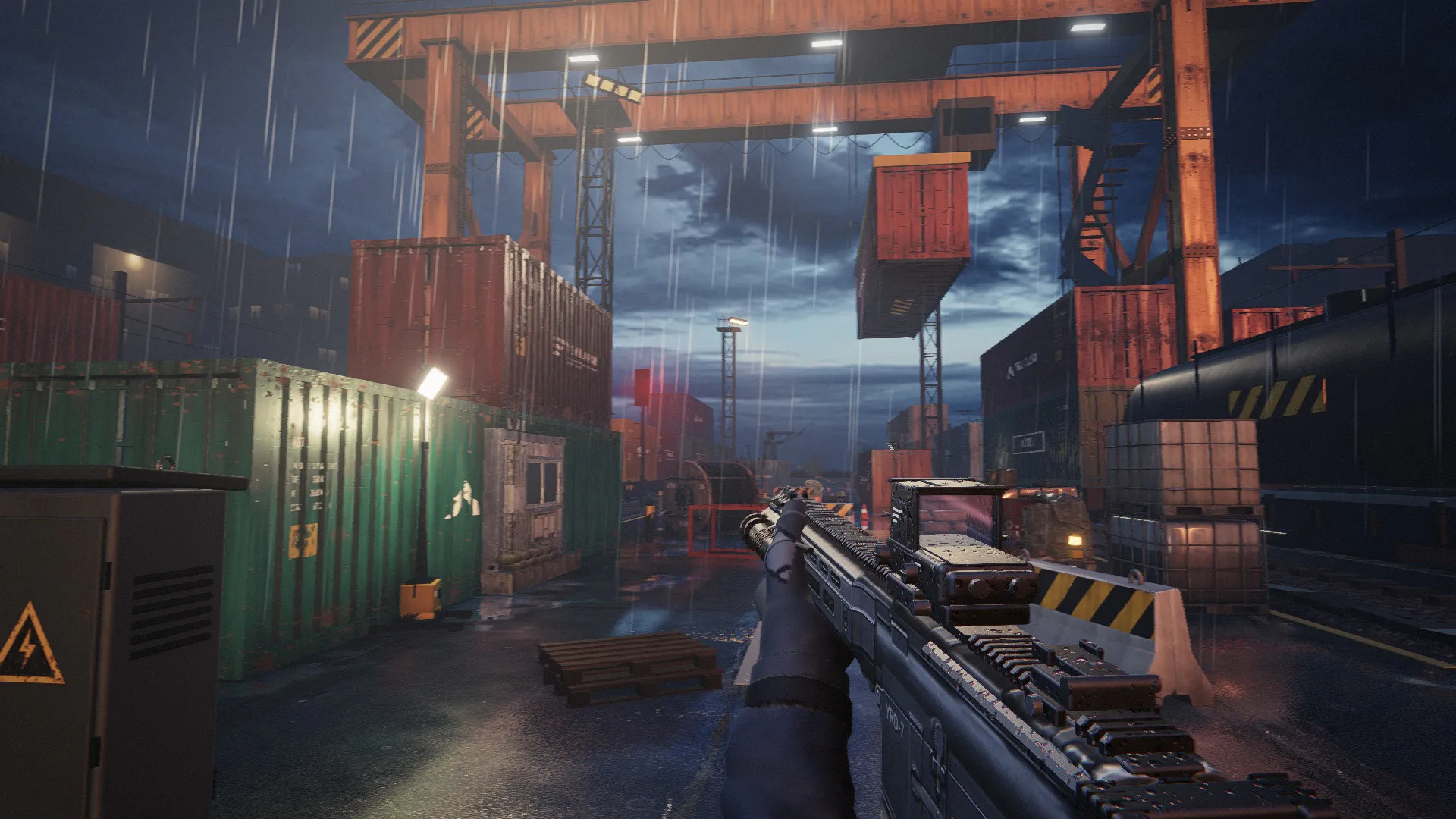
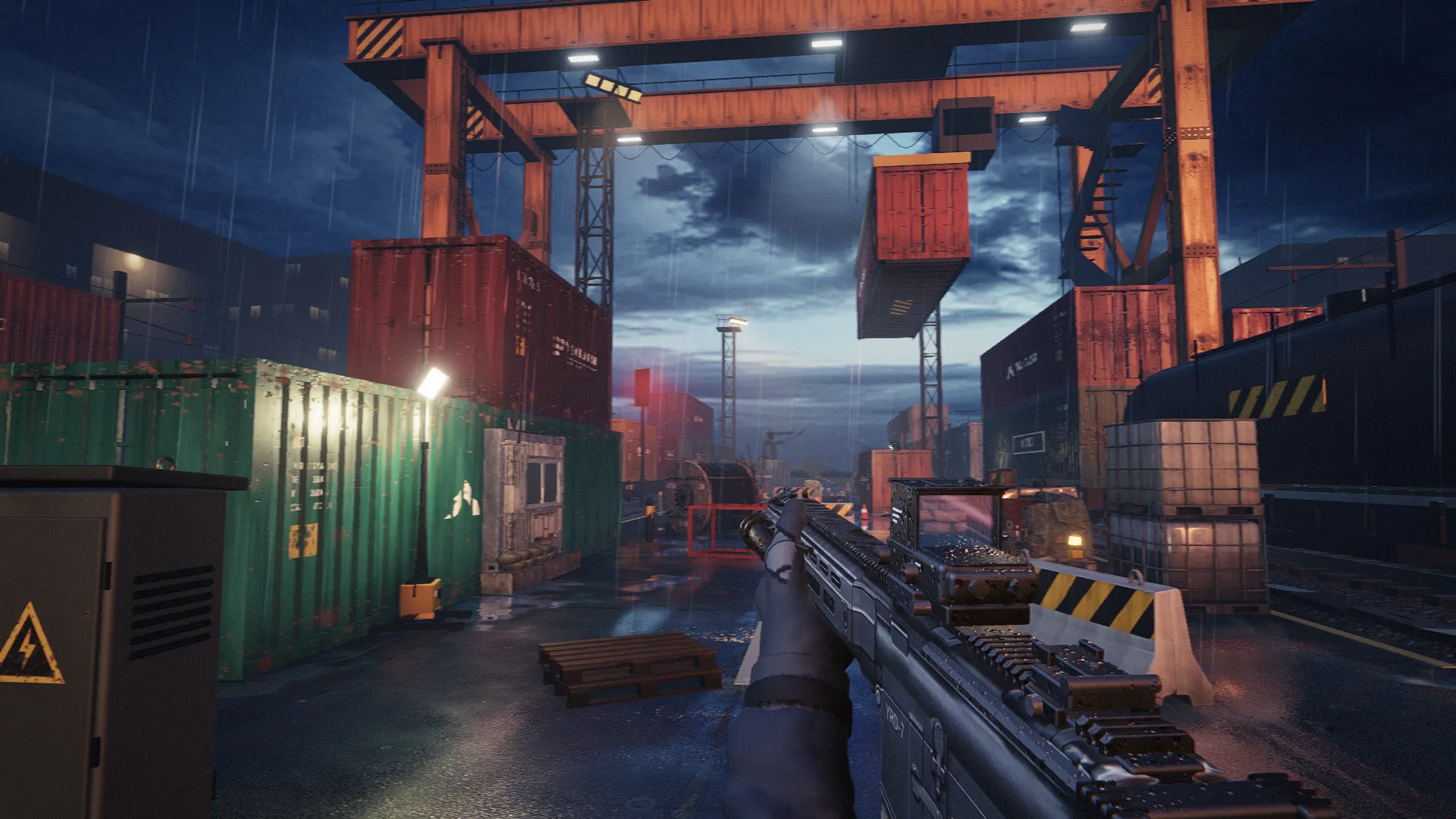
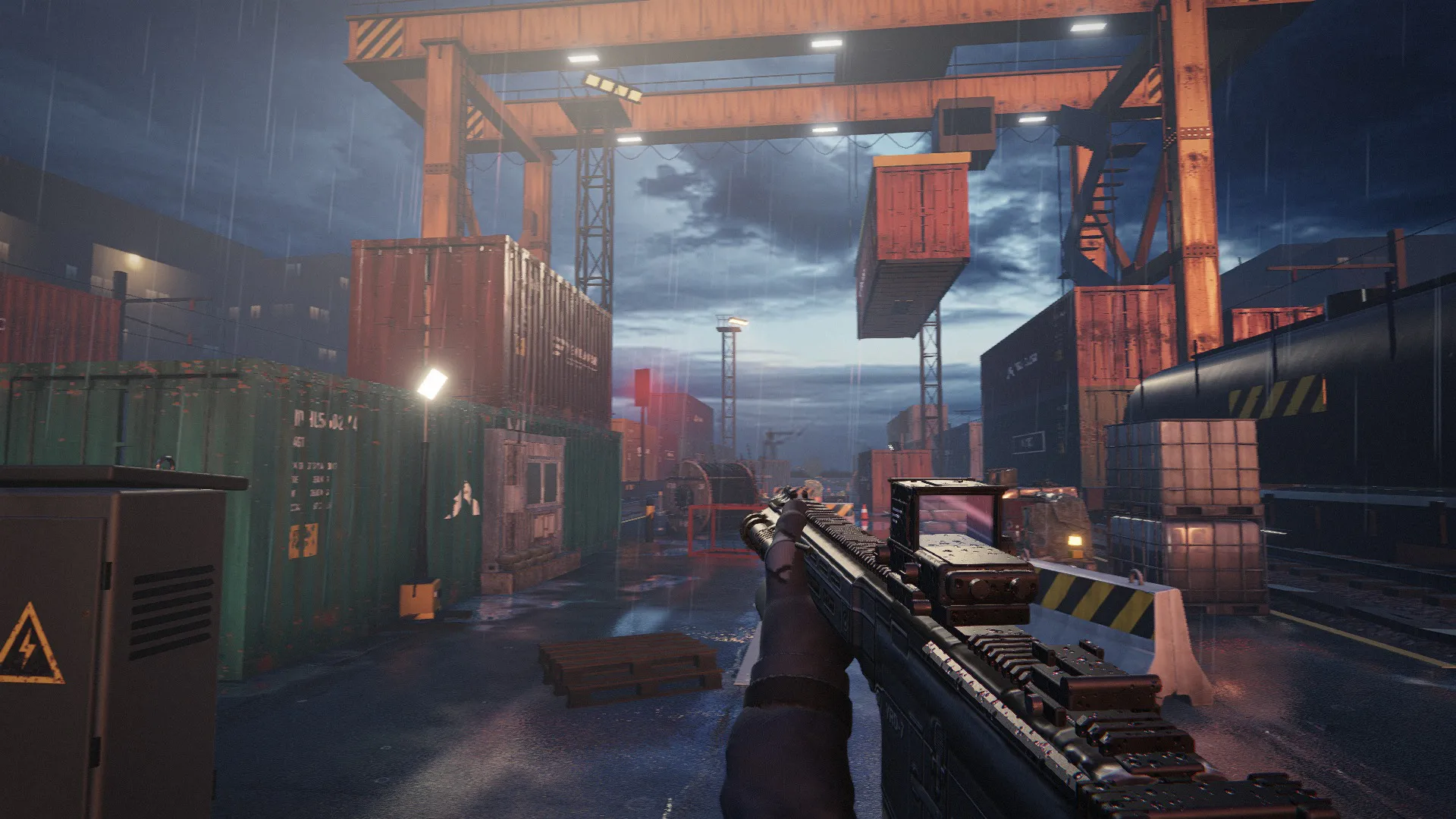
Scene onlyOcclusion bufferWith occlusionFog and light conesFinal frame No key lightNo small lampsNo generated models

Bloom, exposure, tone curve, grade, vignette, sharpen and grain.

Take one thing away

How the frame is drawn

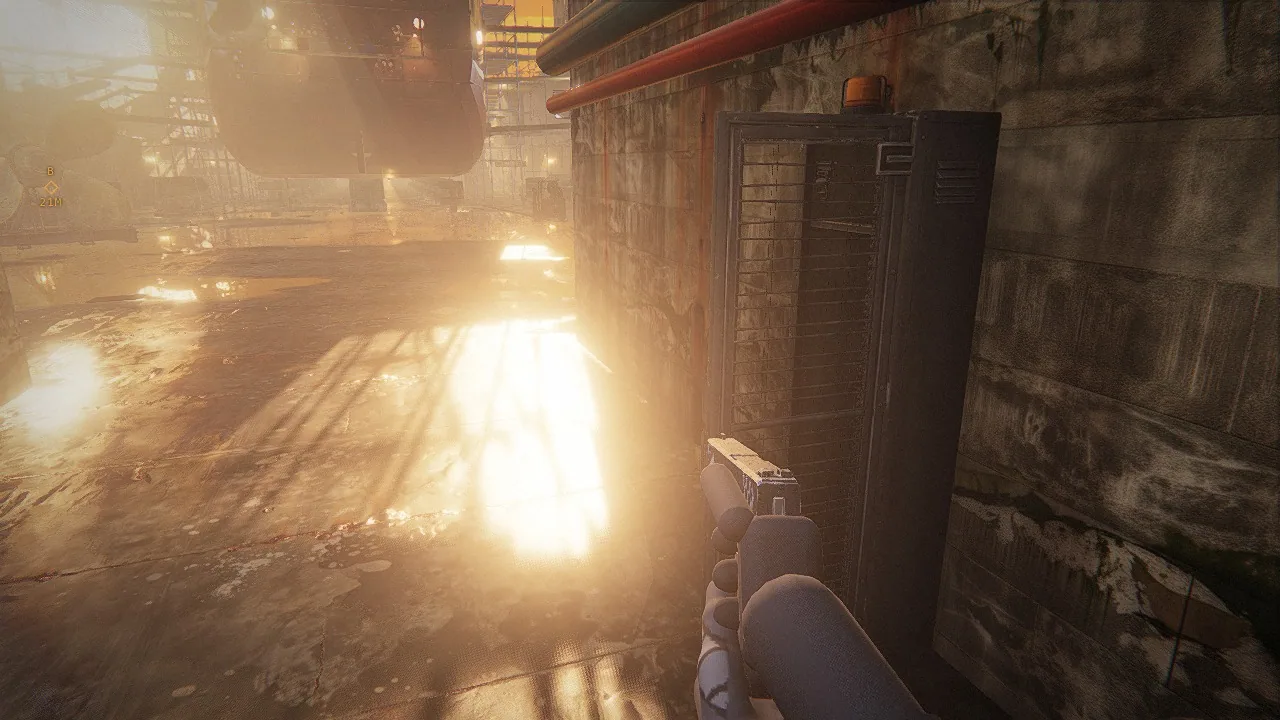
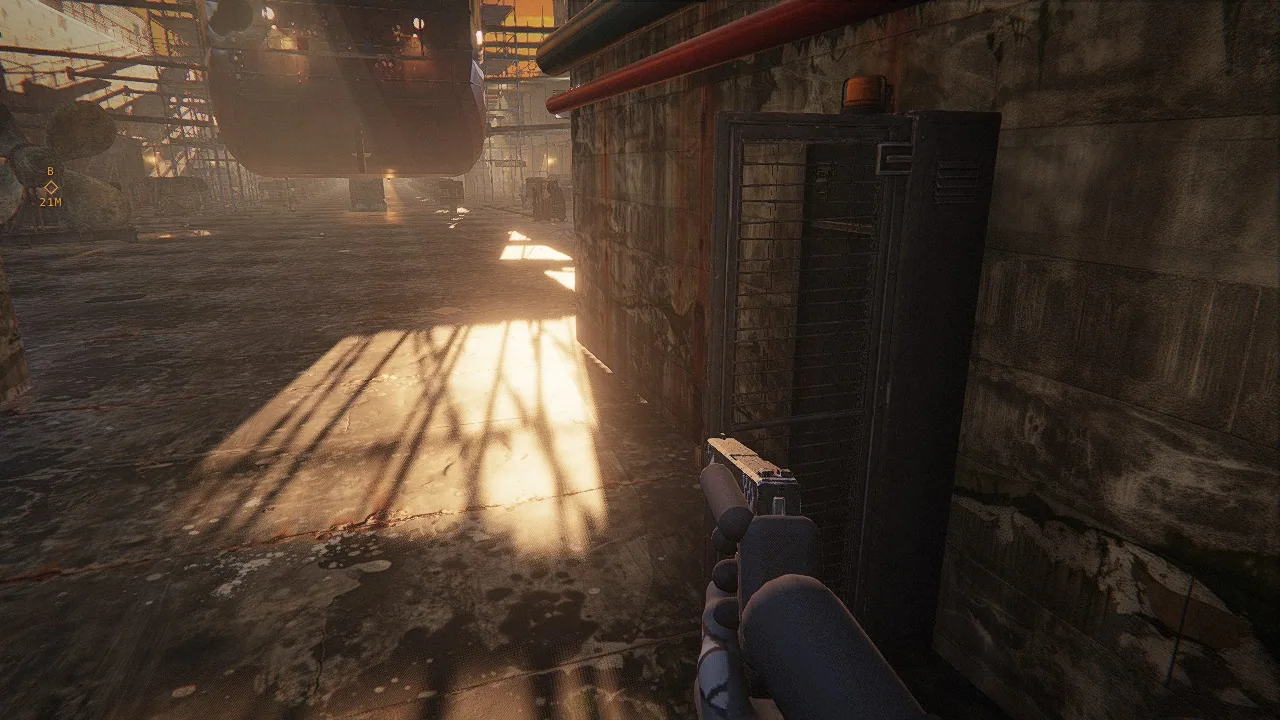
The look is a stack: shadows, occlusion, fog with light cones, mirrored floors, bloom and a graded final pass. Here is the same view of the yard, captured from the game with one stage of the renderer added at a time. The browser draws all of it every frame, over surfaces and props that came from Scenario: the last variant hides every generated model to show what they carry. Captured in the game at 1920 by 1080, same view, same moment.

render stages in the frame
5
lights with raymarched cones
14
test poses with a median of 60 frames per second or more (builds v2.1 and v2.2, 1920x1080, high preset, Apple M5 Max)
18of 20
fixed poses measured for it
20
  • Rendererthree.js forward renderer on WebGL2. Static geometry is merged by material; the final pass owns the tone curve.
  • ShadowsOne or two shadowed key lights per site. Each keeps a static shadow map and redraws it only when something moves inside its cone.
  • Occlusionn8ao at half resolution.
  • Fog and light conesAnalytic height fog. Fourteen lights of the yard get raymarched cones in a half-resolution buffer, and rain lights up inside them.
  • Floor mirrorWet and polished floors mirror the scene; machines and small models are drawn in the mirror only within 22 m of the camera.
  • BloomOn a clamped input, so lamps glow without washing out the frame.
  • Final passExposure, ACES curve, grade and vignette, then FXAA, a contrast-adaptive sharpen and grain.
  • Frame rateMost test poses hold 60 frames per second: median at 18 of 20 test poses, builds v2.1 and v2.2, 1920x1080, high preset, Apple M5 Max.

The lighting pass, measured

The same pose before and after the lights were retuned. Drag to compare.

Before the pass After Before the passAfter
Median brightness of the frame: 116 of 255 before, 63 after.
How it was measured

The look has to hold wherever a player can stand. A script walked every reachable point of the five sites on a 4 m grid, four headings each, in every lighting state, and measured each frame. Then the lights were retuned and the walk was run again. Same pose, captured in the game at 1280 by 720.

frames of the play route over the exposure bound, before
397of 6,065
the same route after the pass
17of 6,033
fixed poses compared before and after
22

One level, every asset

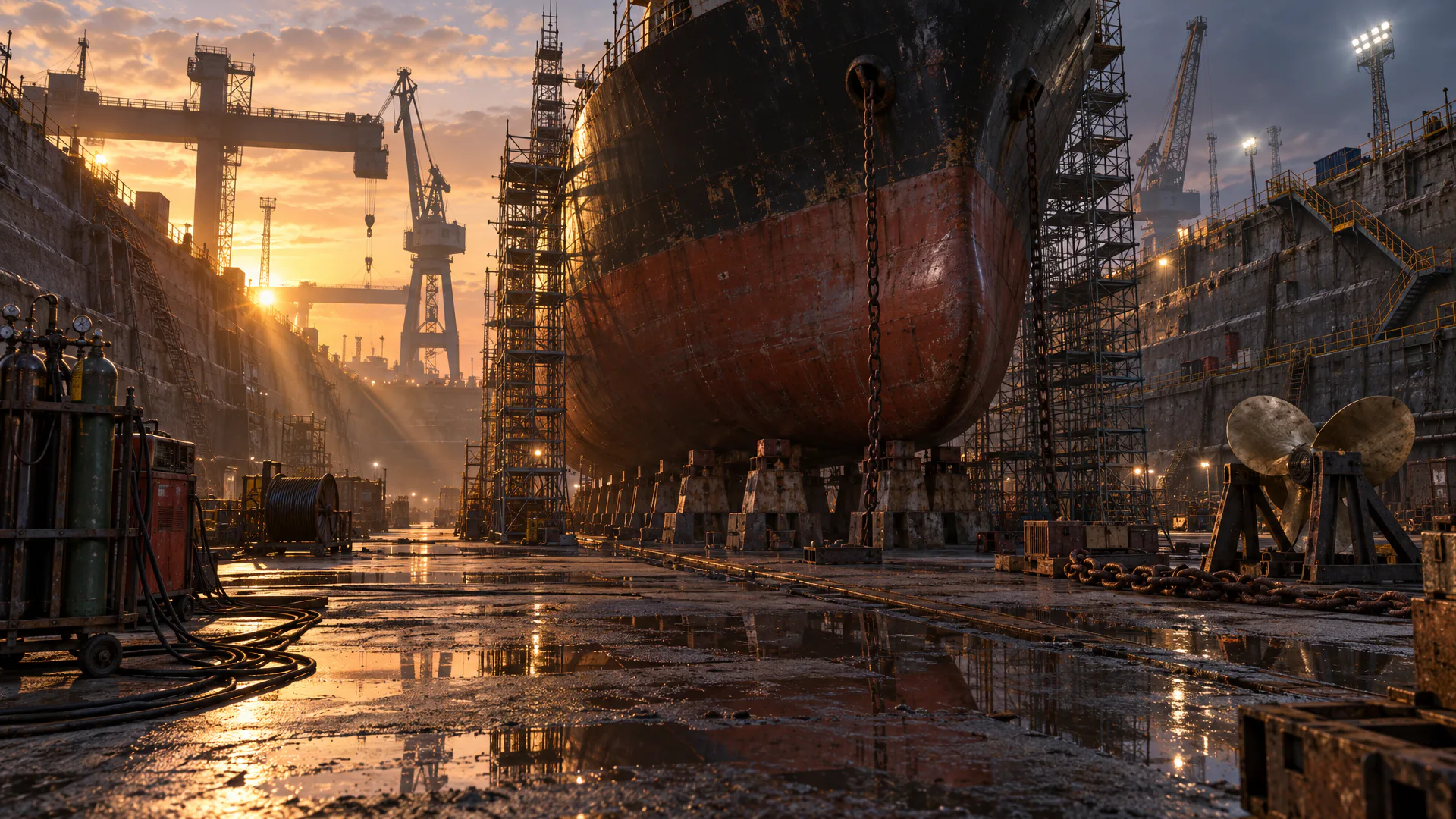
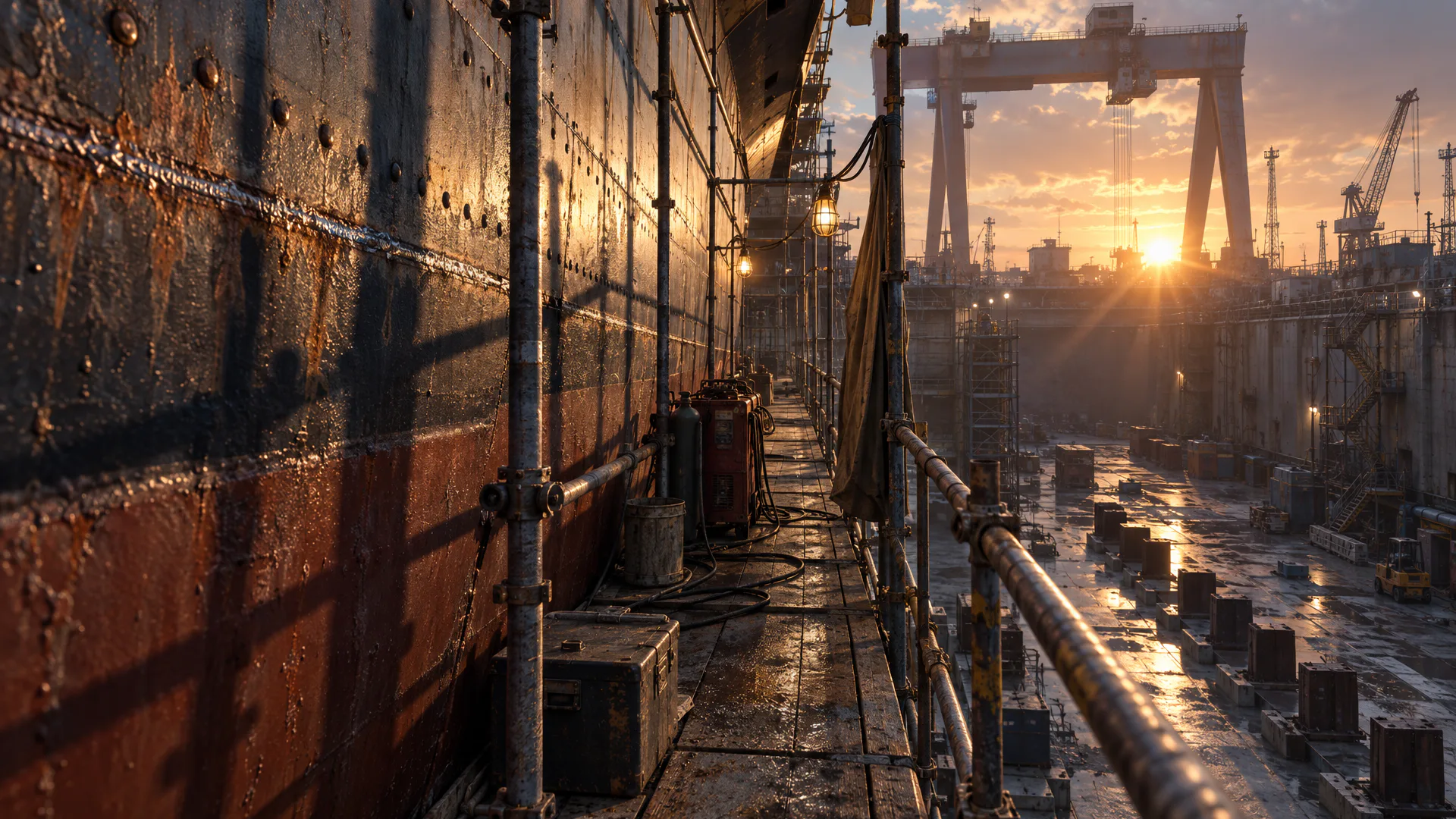
Dock 2, the fifth site: 63 Scenario jobs for one place. Open any picture.

Details

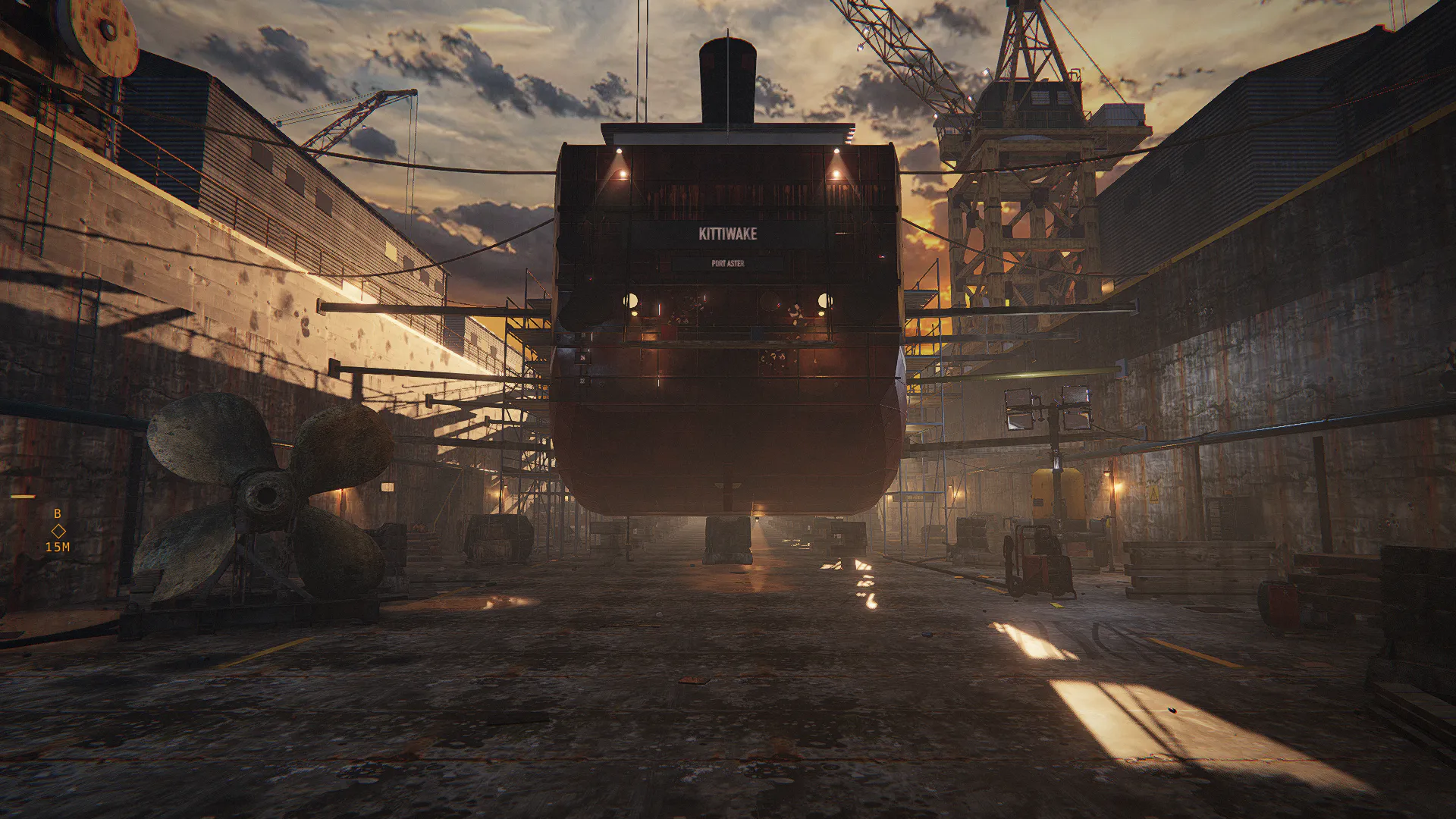
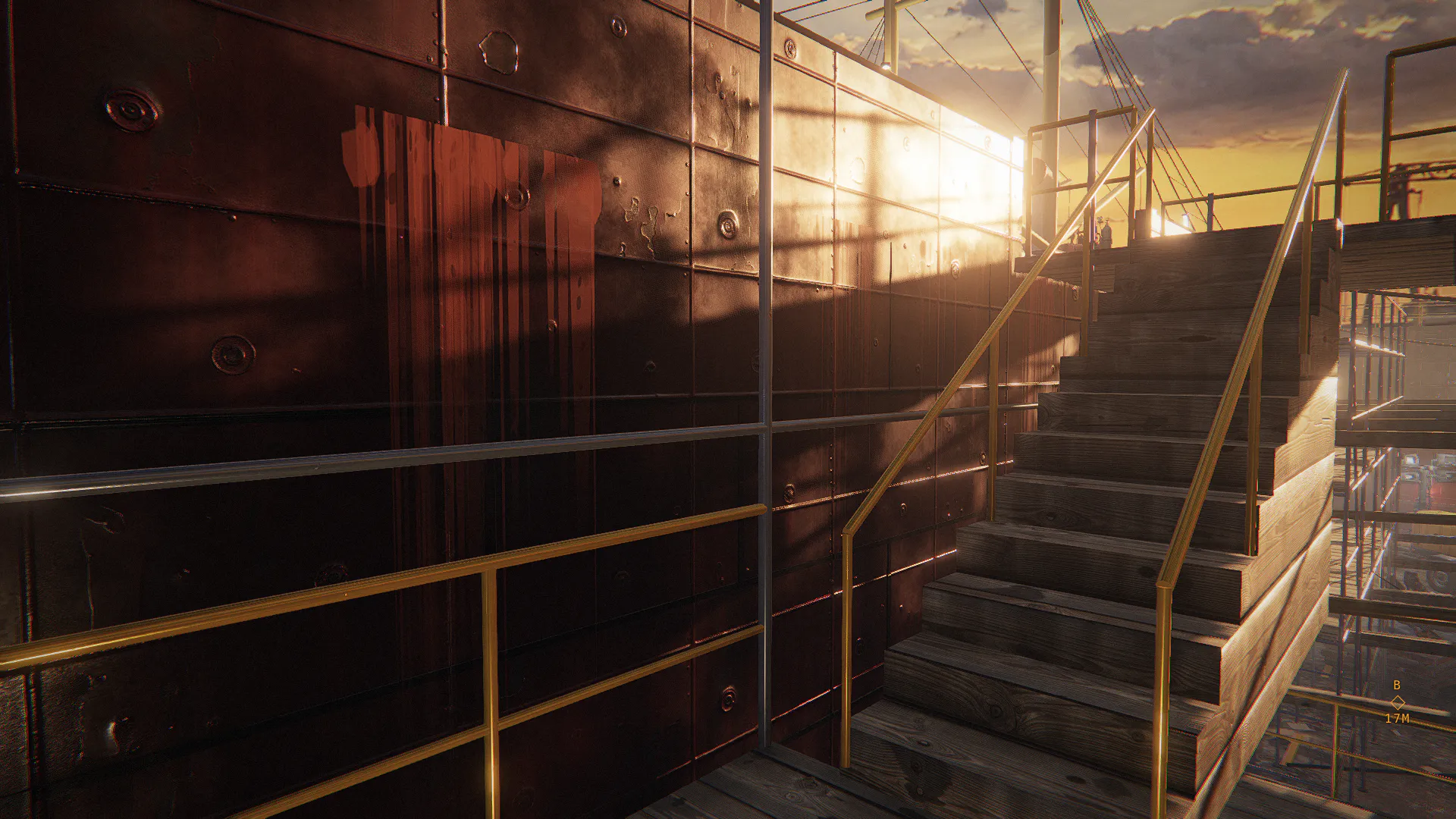
Dock 2, the fifth site: a dry dock in low daylight, with a ship on keel blocks. 63 Scenario jobs went into this one place. Each picture below is a file a model returned. Open any of them; the 3D ones open in the viewer.

2

Target stills

How

Made first. They fix the place, the light and the materials before any geometry exists.

Made withGPT Image 2.5 Sunburst

Dock 2 target still: the dock floorDock 2 target still: the staging along the hull

3

Skies

How

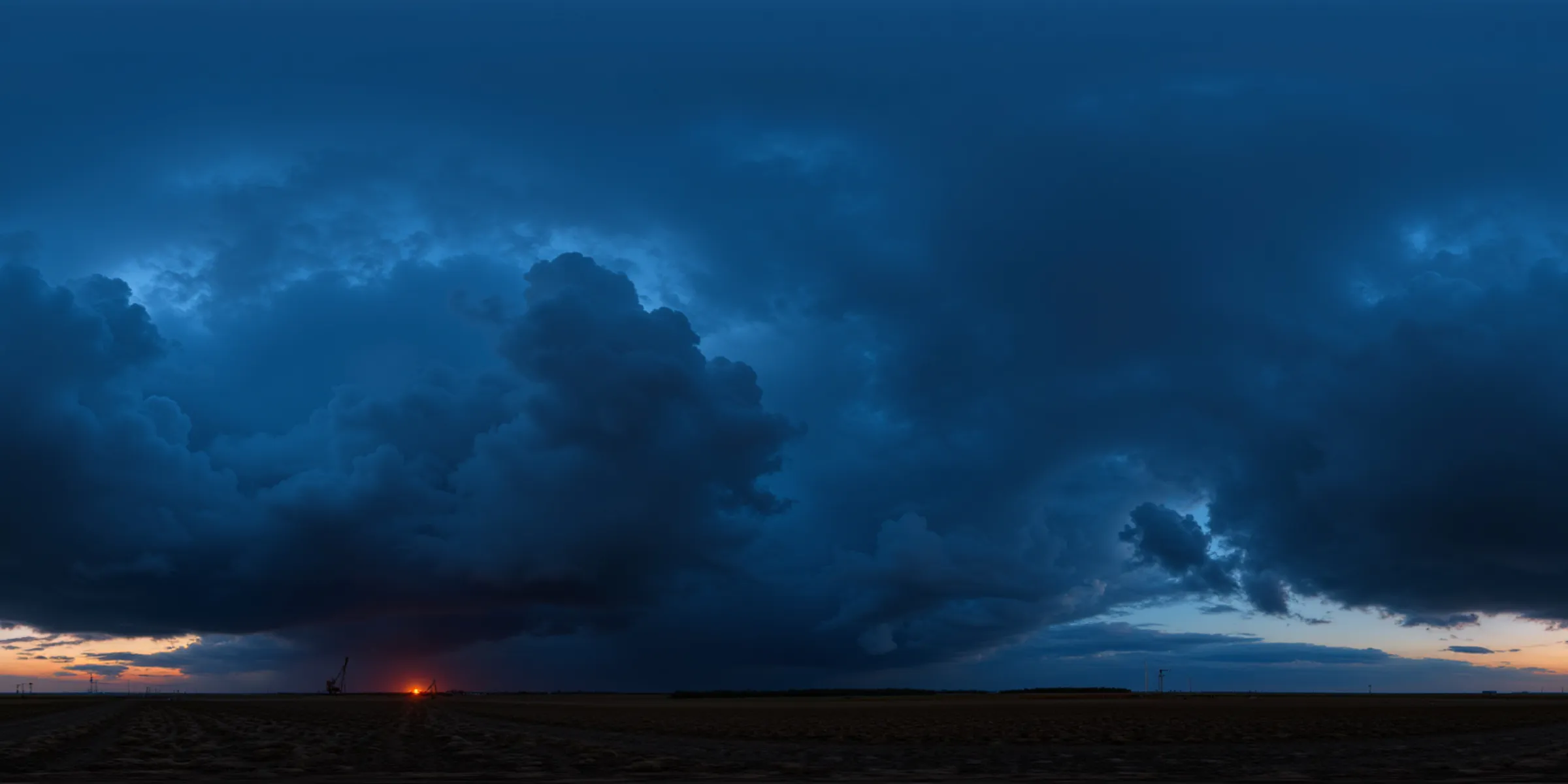
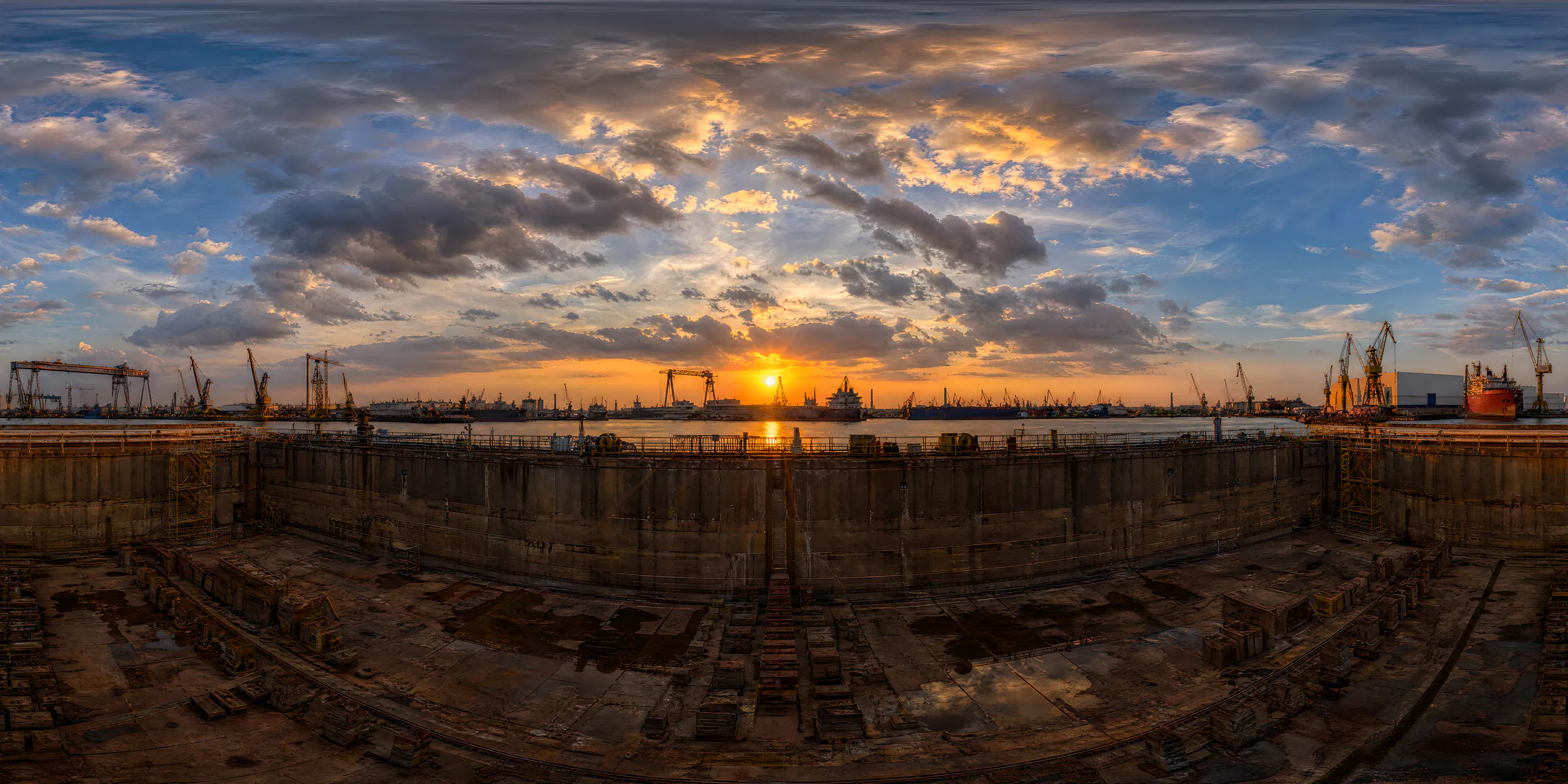
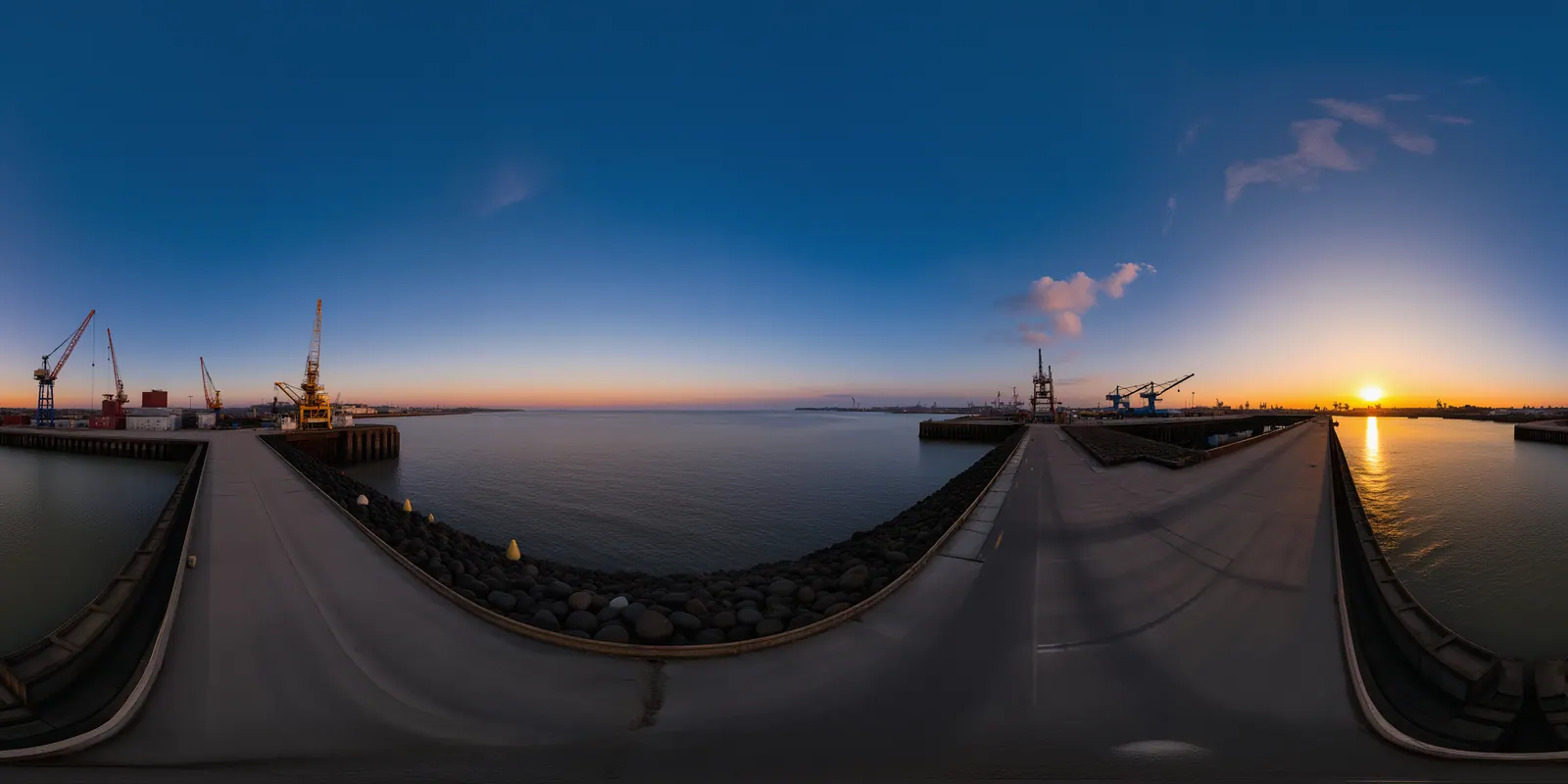
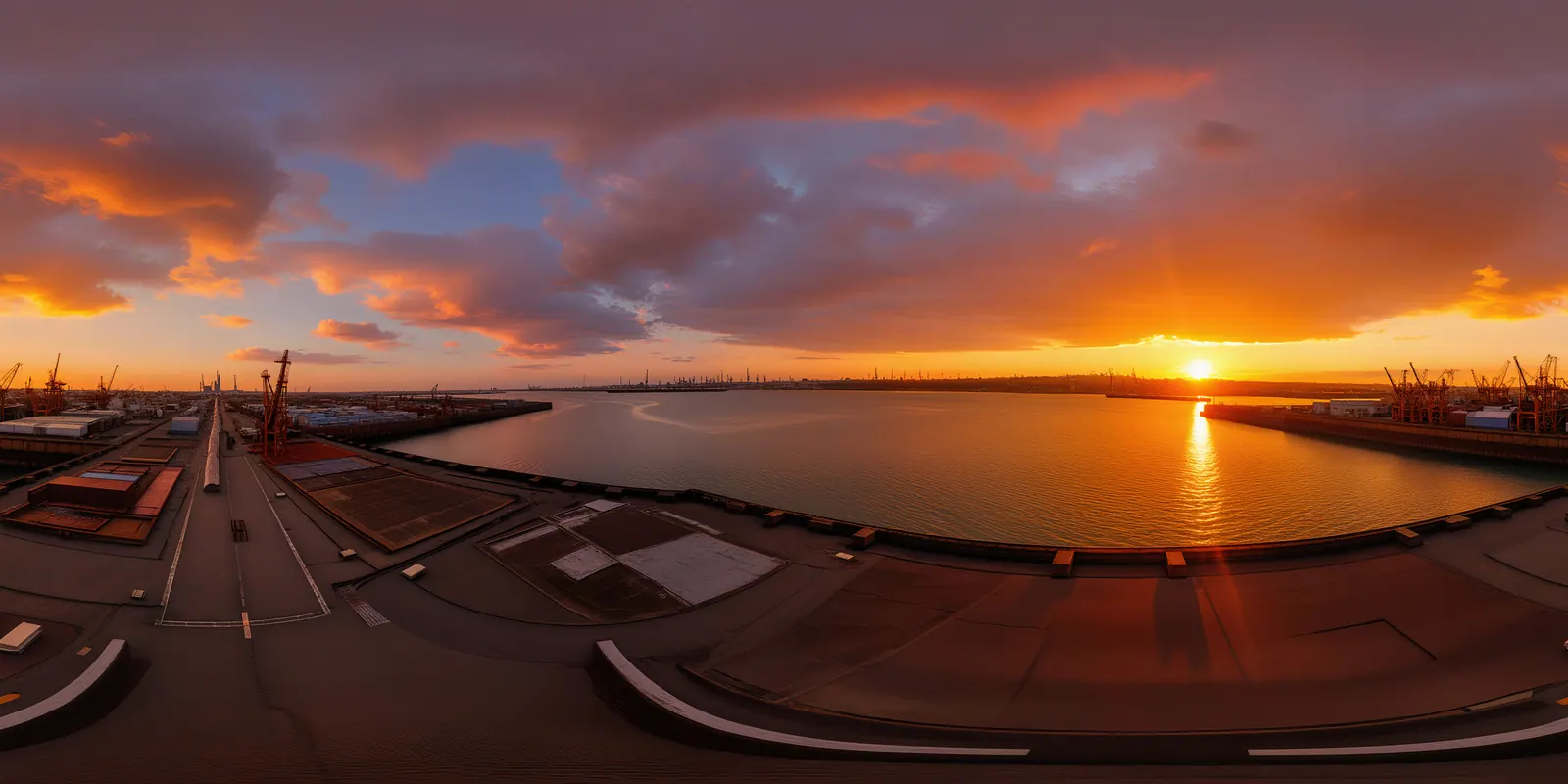
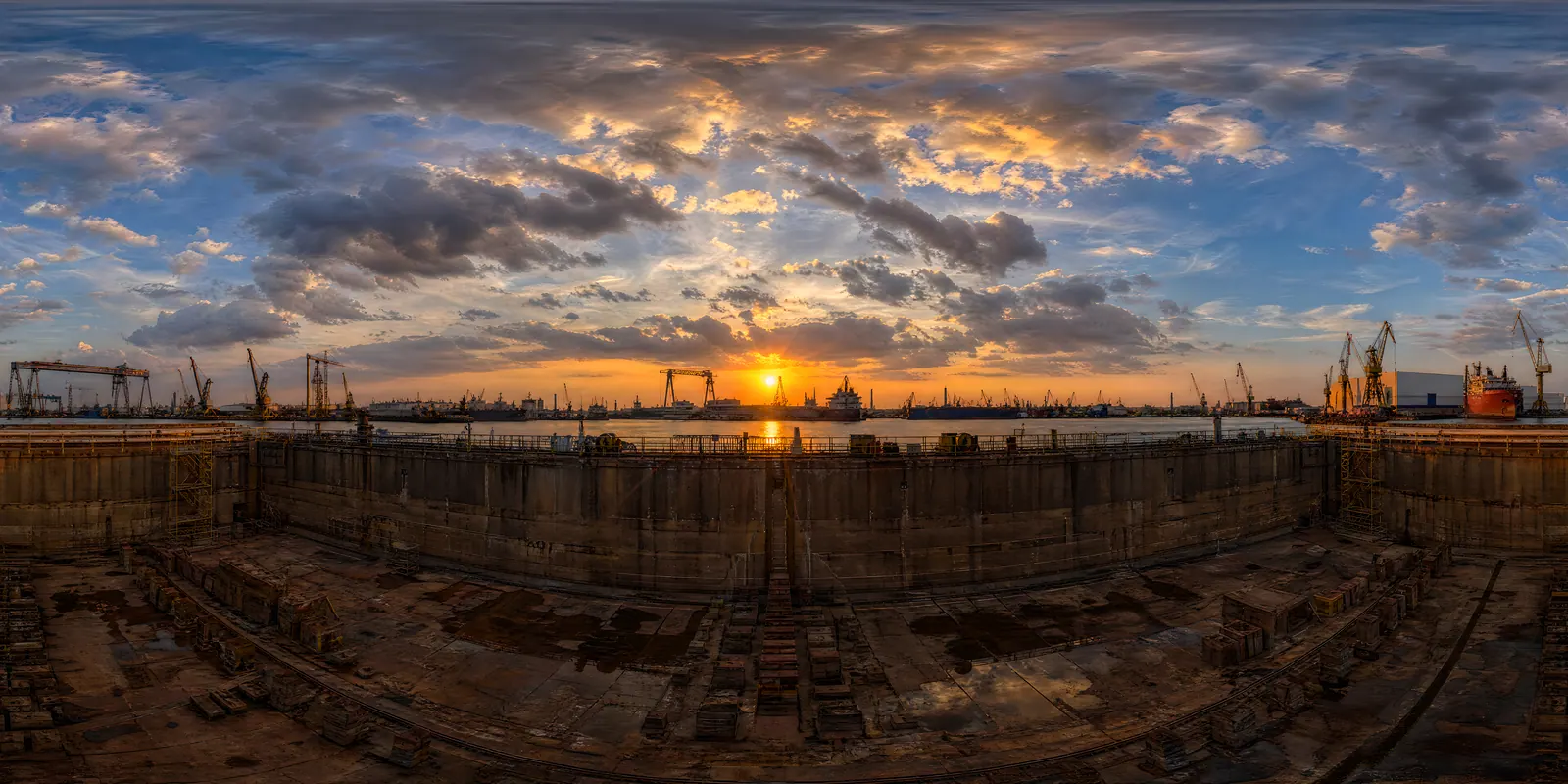
Three panoramas for one site, each upscaled and judged in the engine; one kept. 7 jobs.

Made withScenario Skybox Flux.1Scenario Skybox GPTScenario Skybox Upscale

5

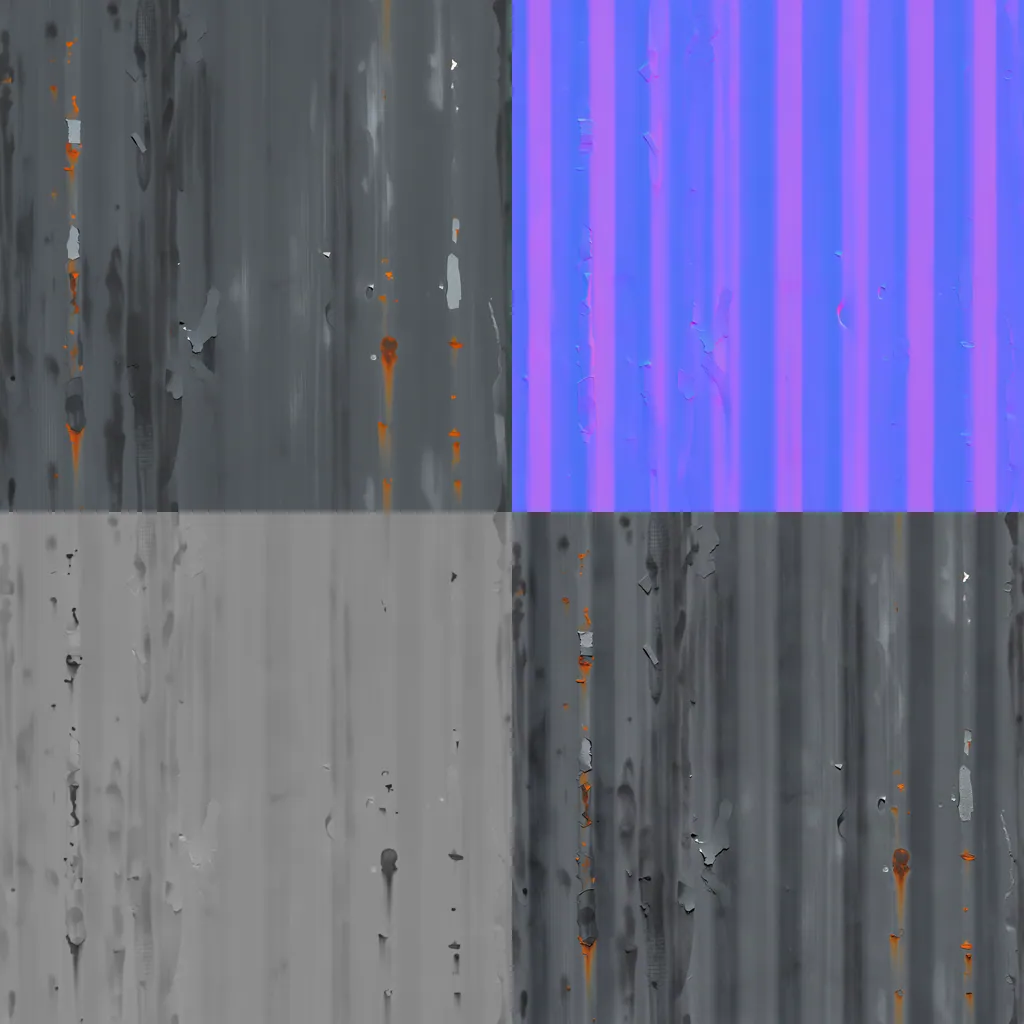
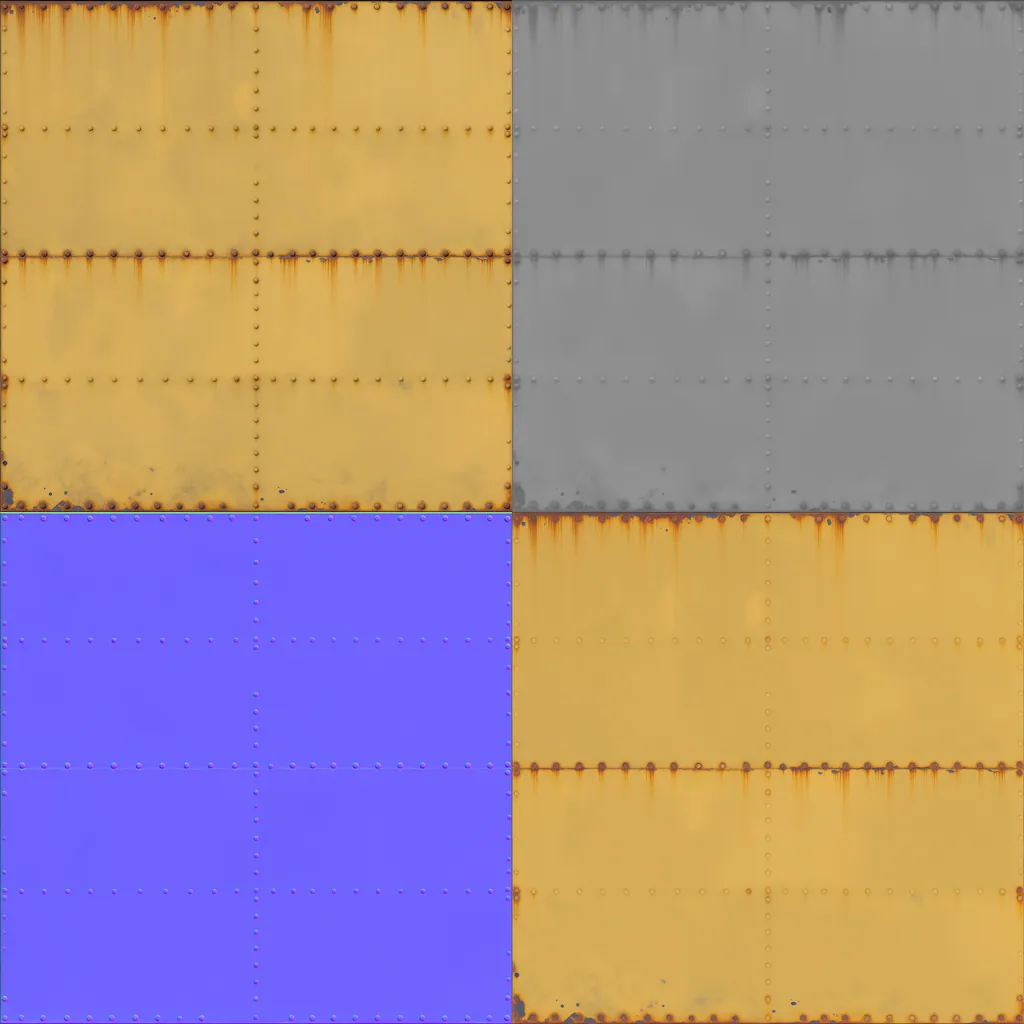
Material sets

How

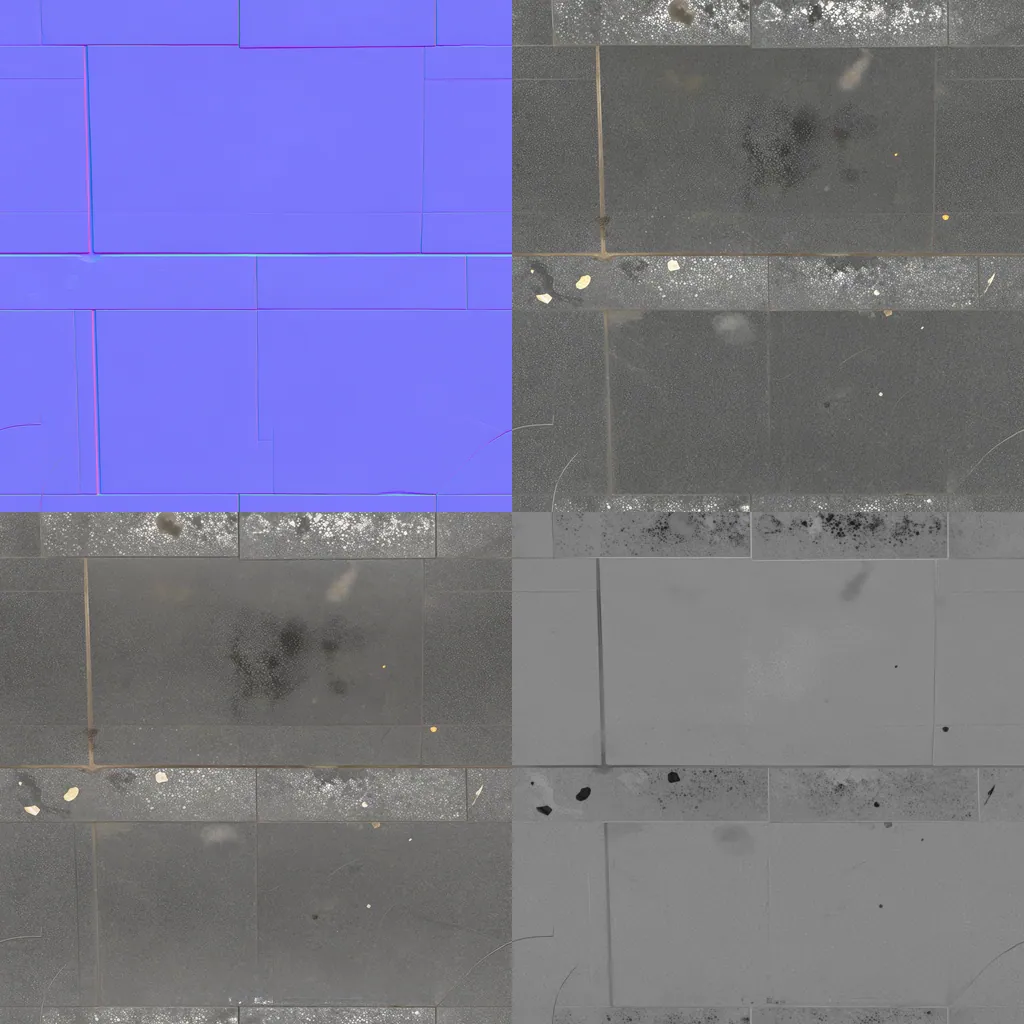
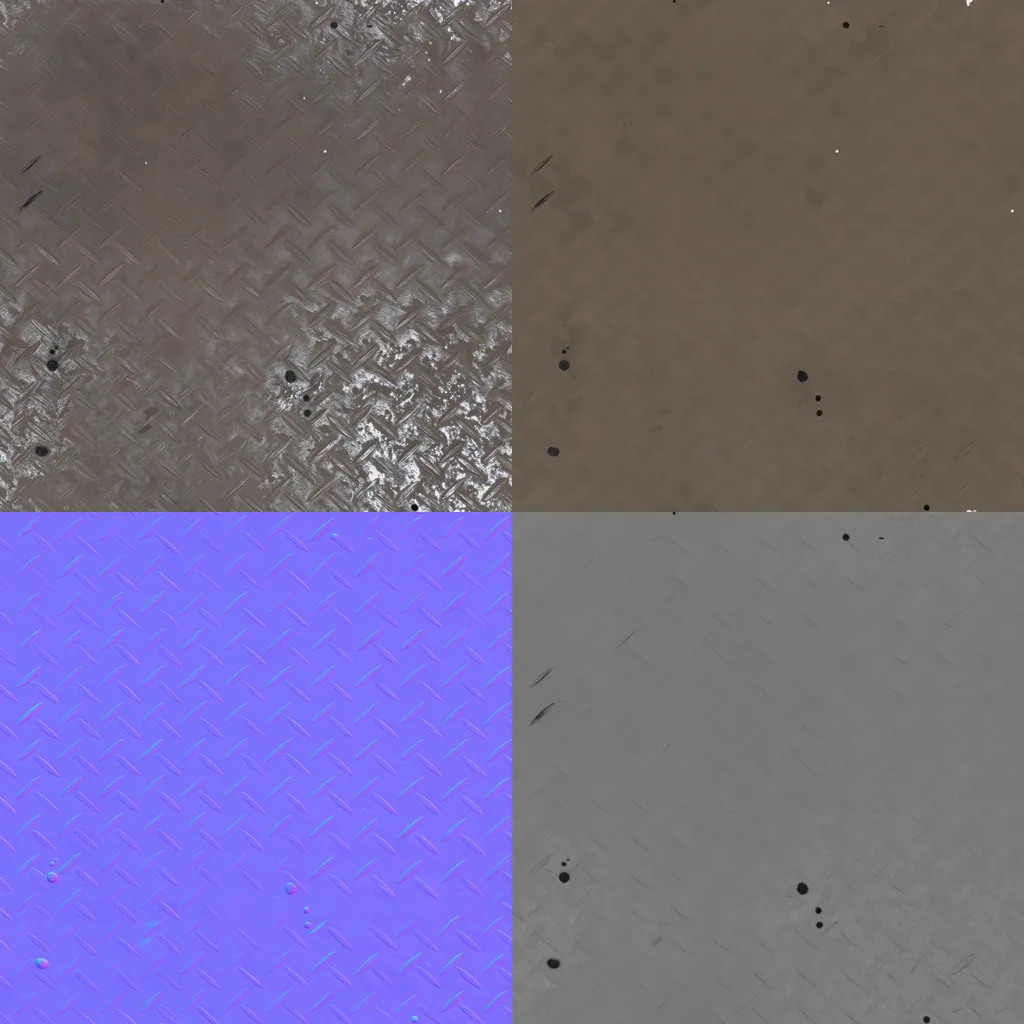
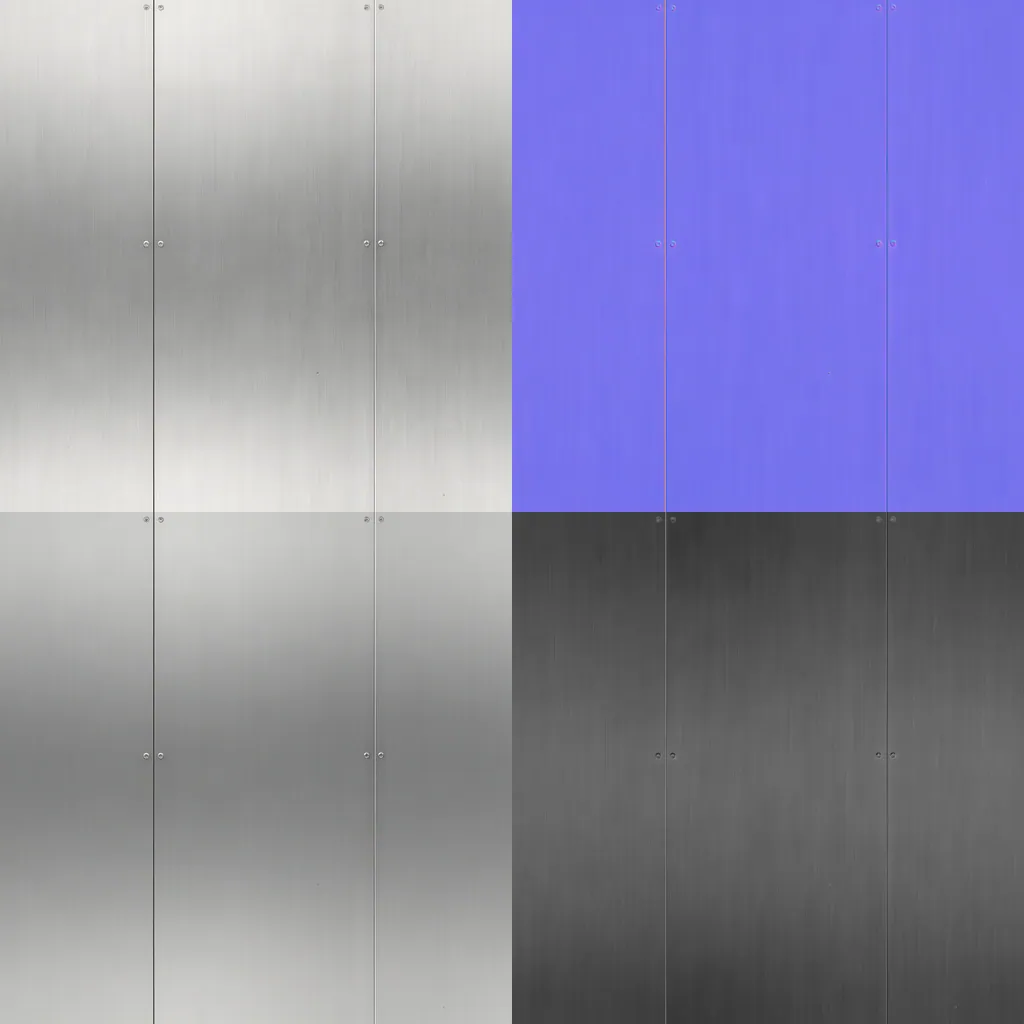
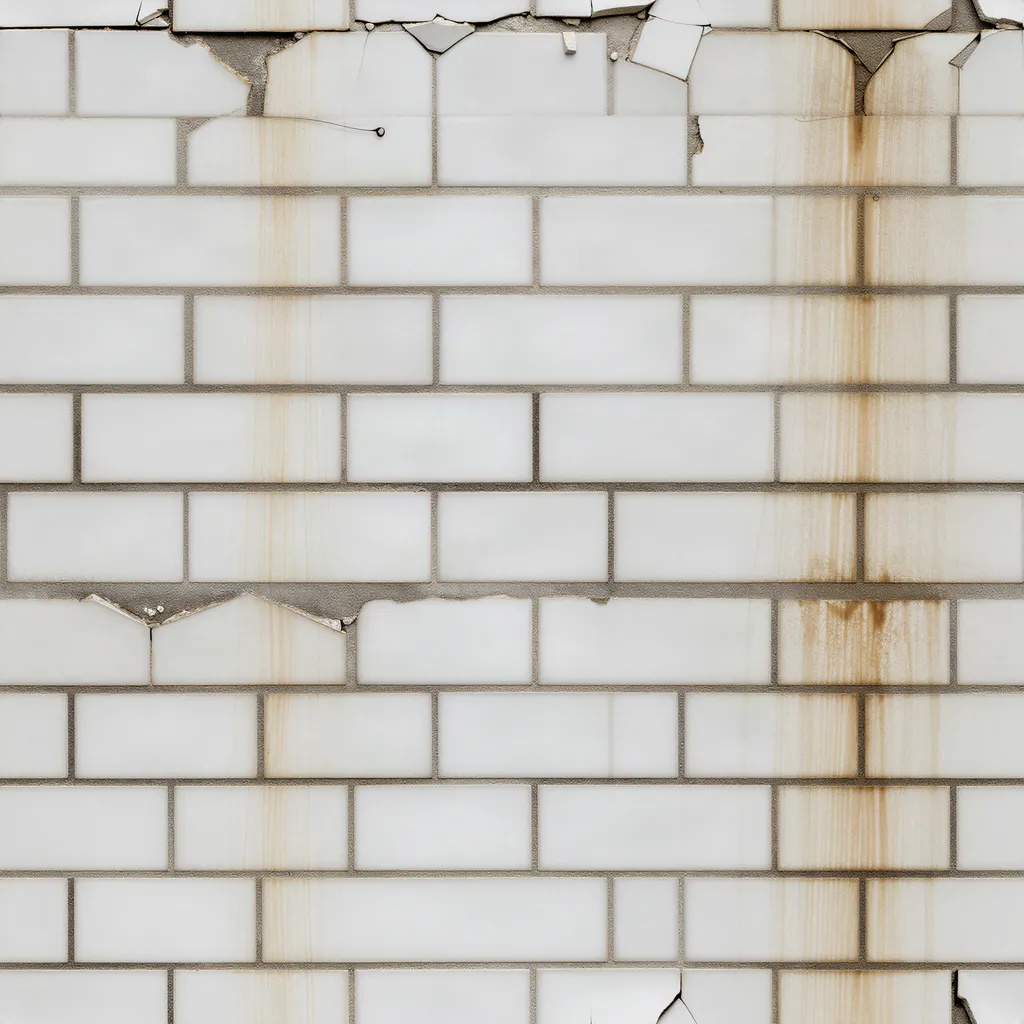
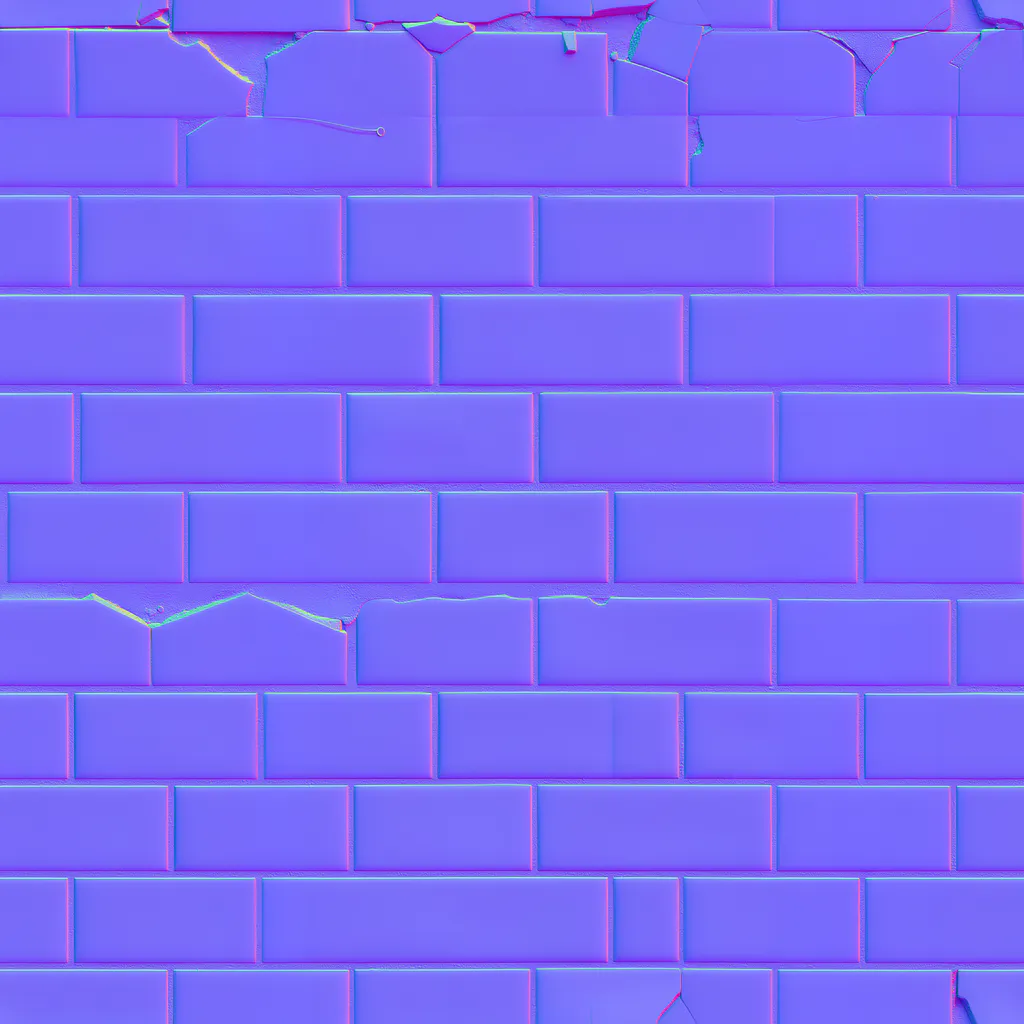
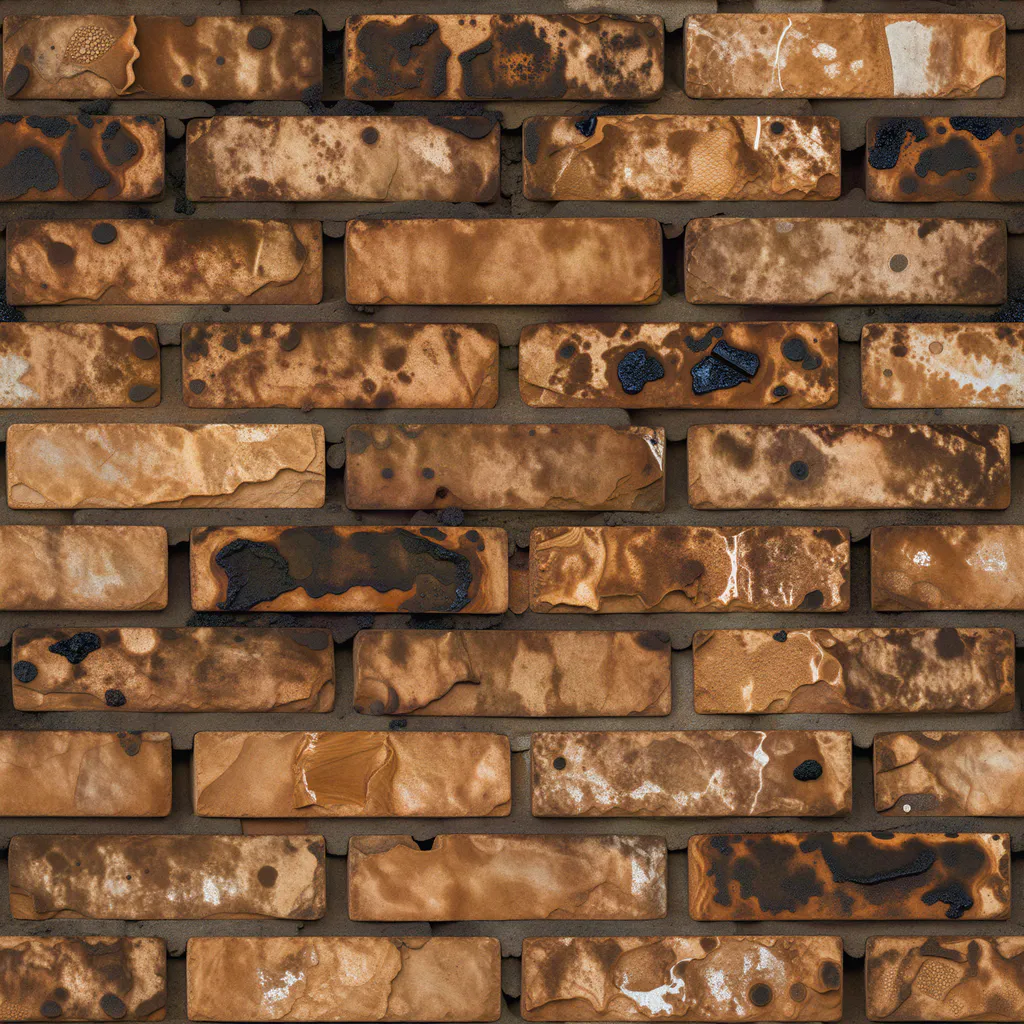
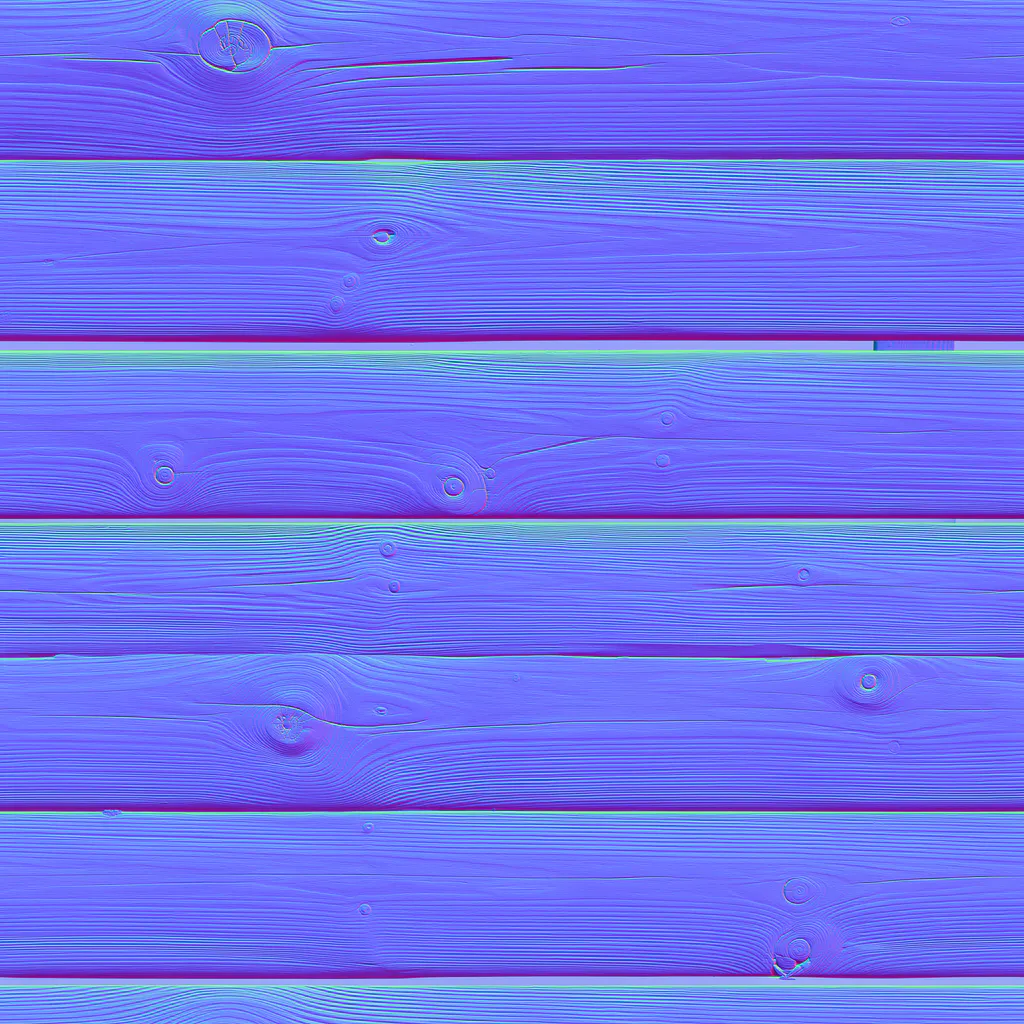
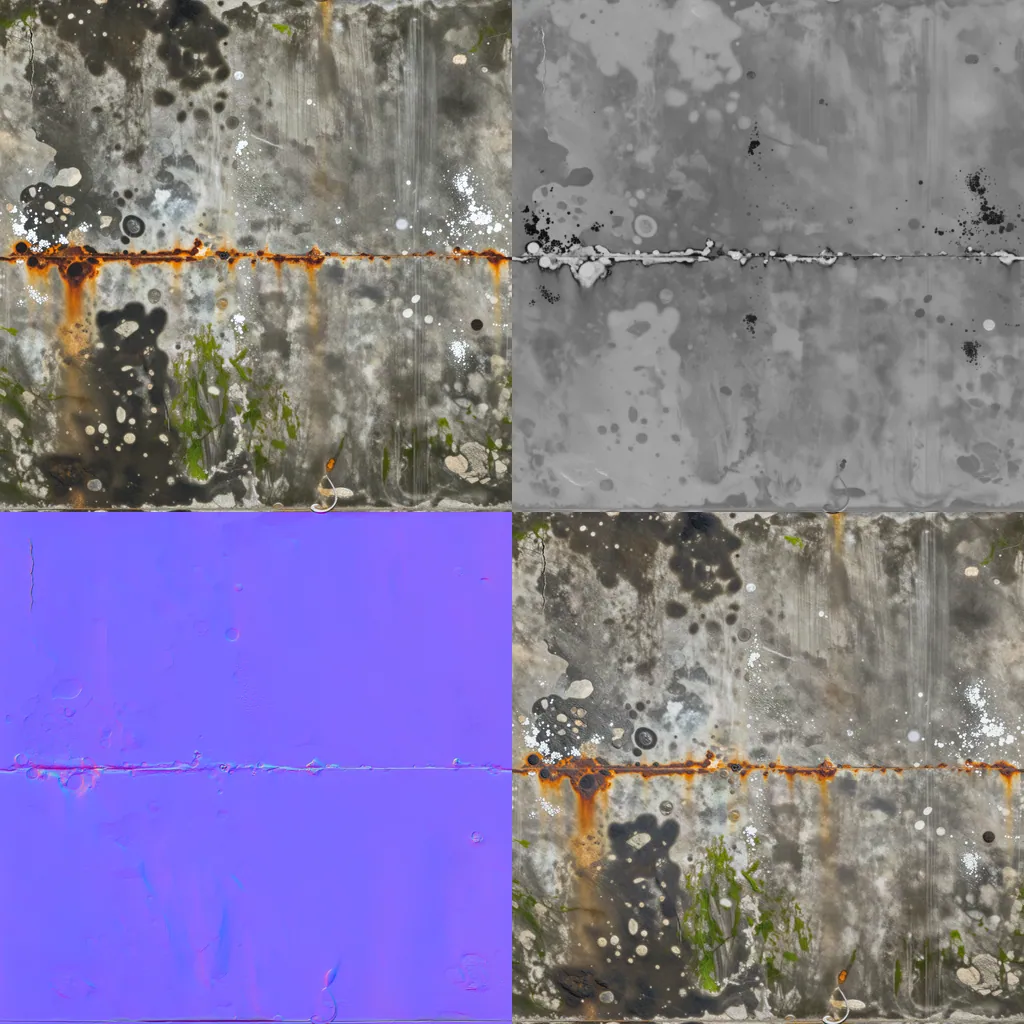
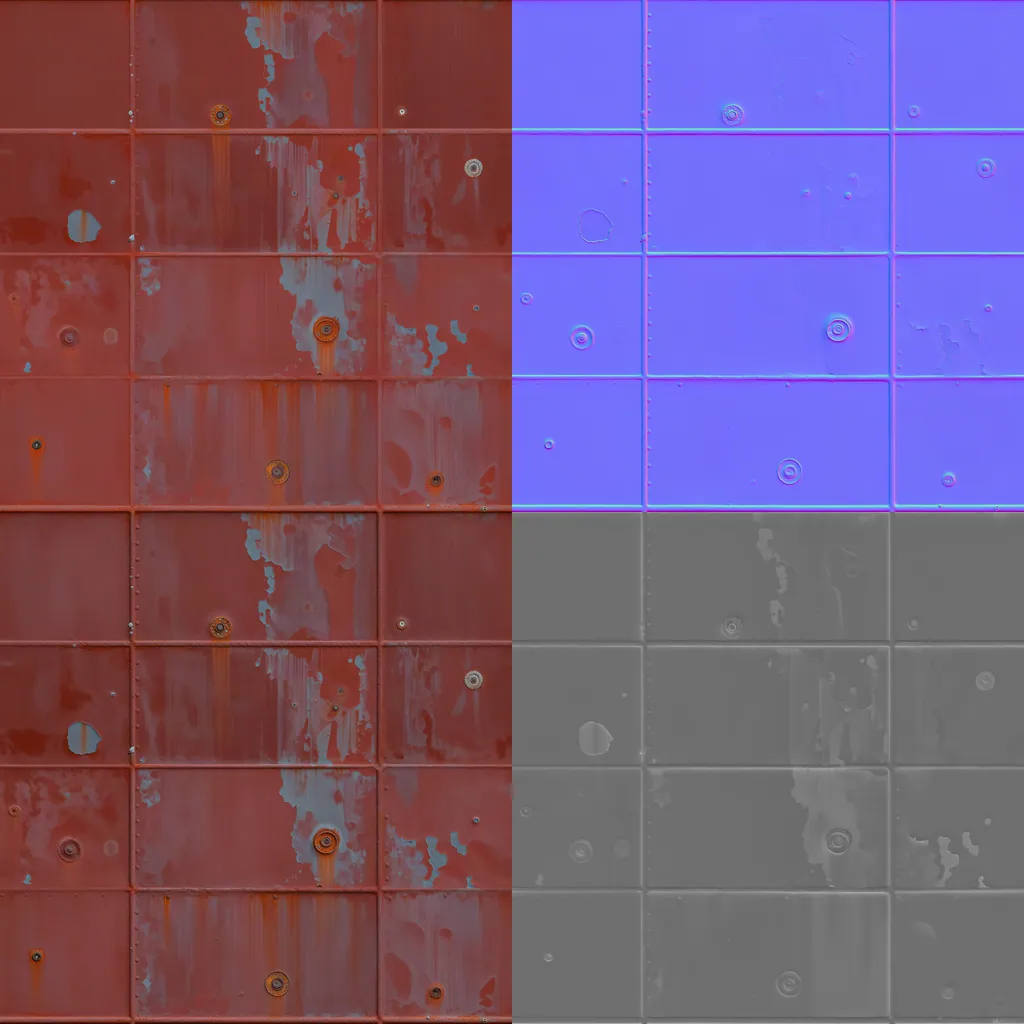
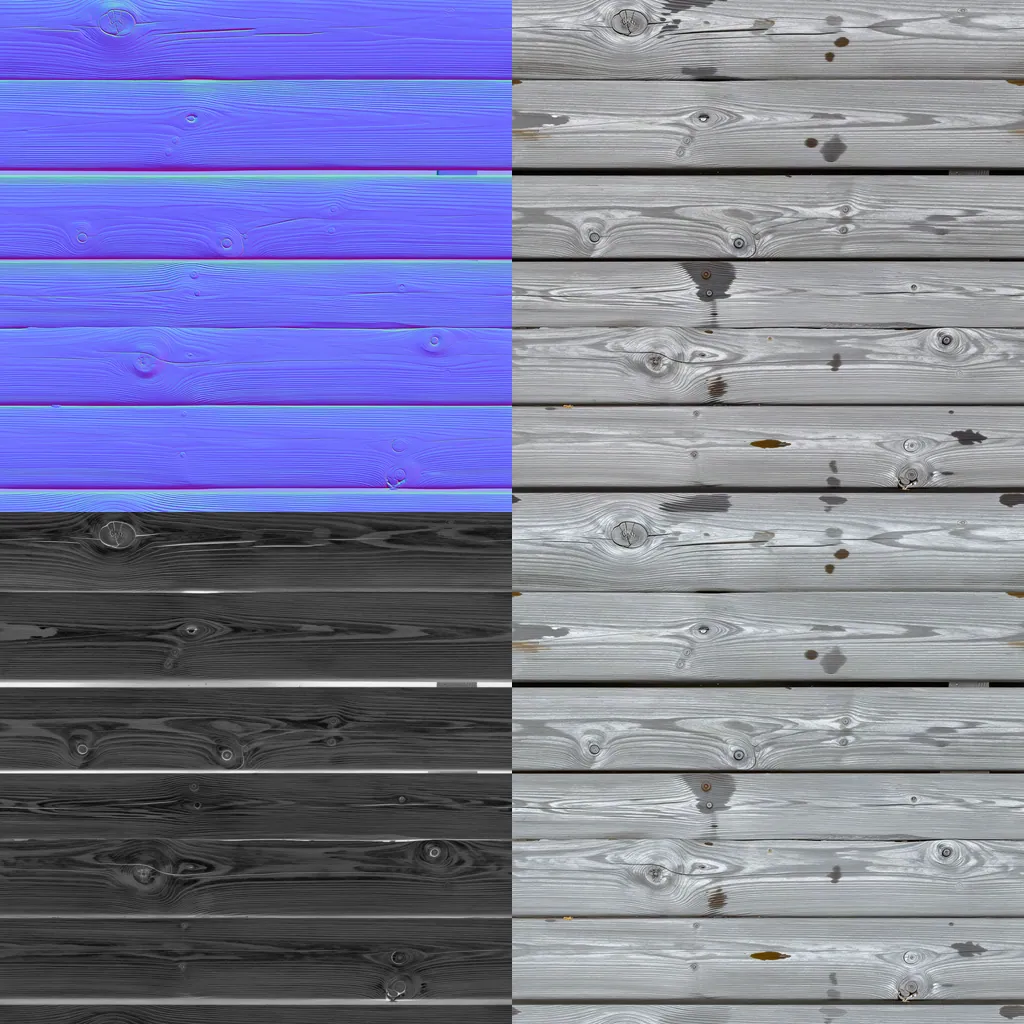
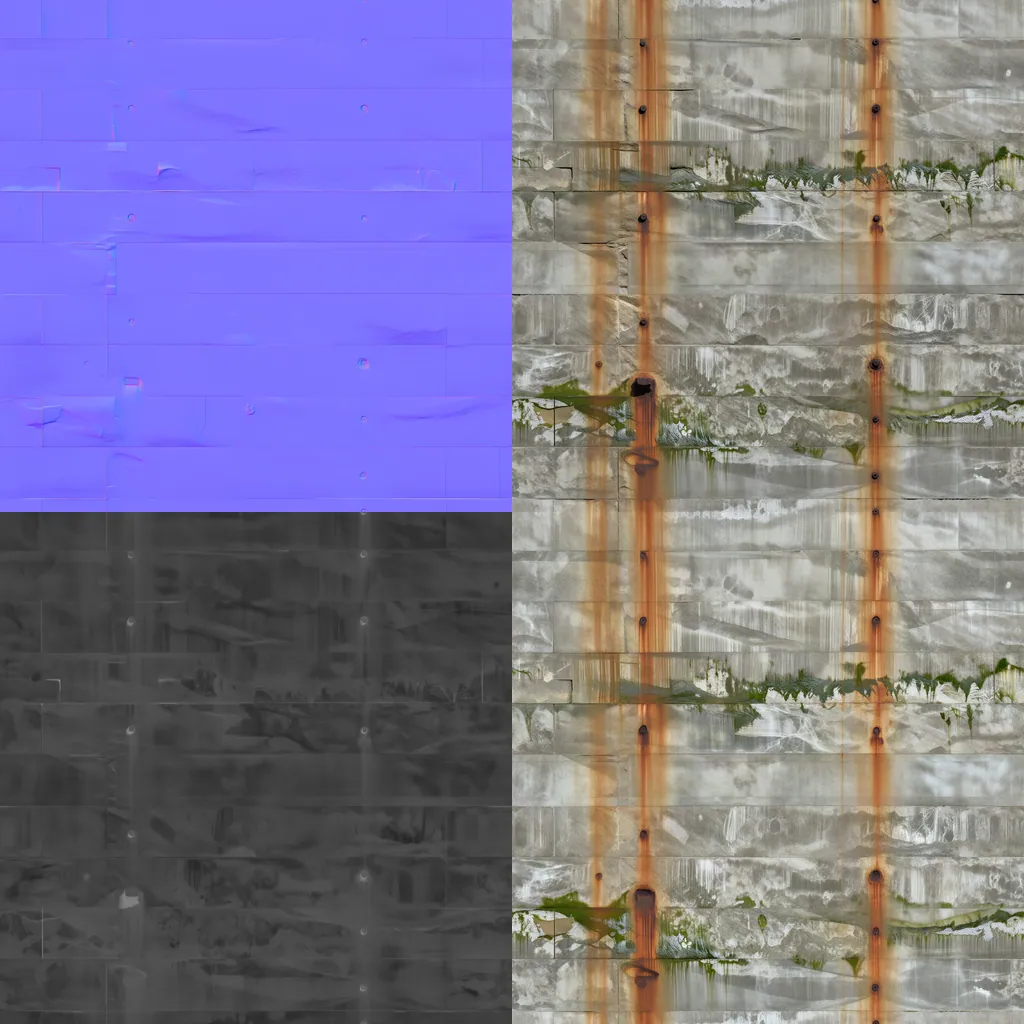
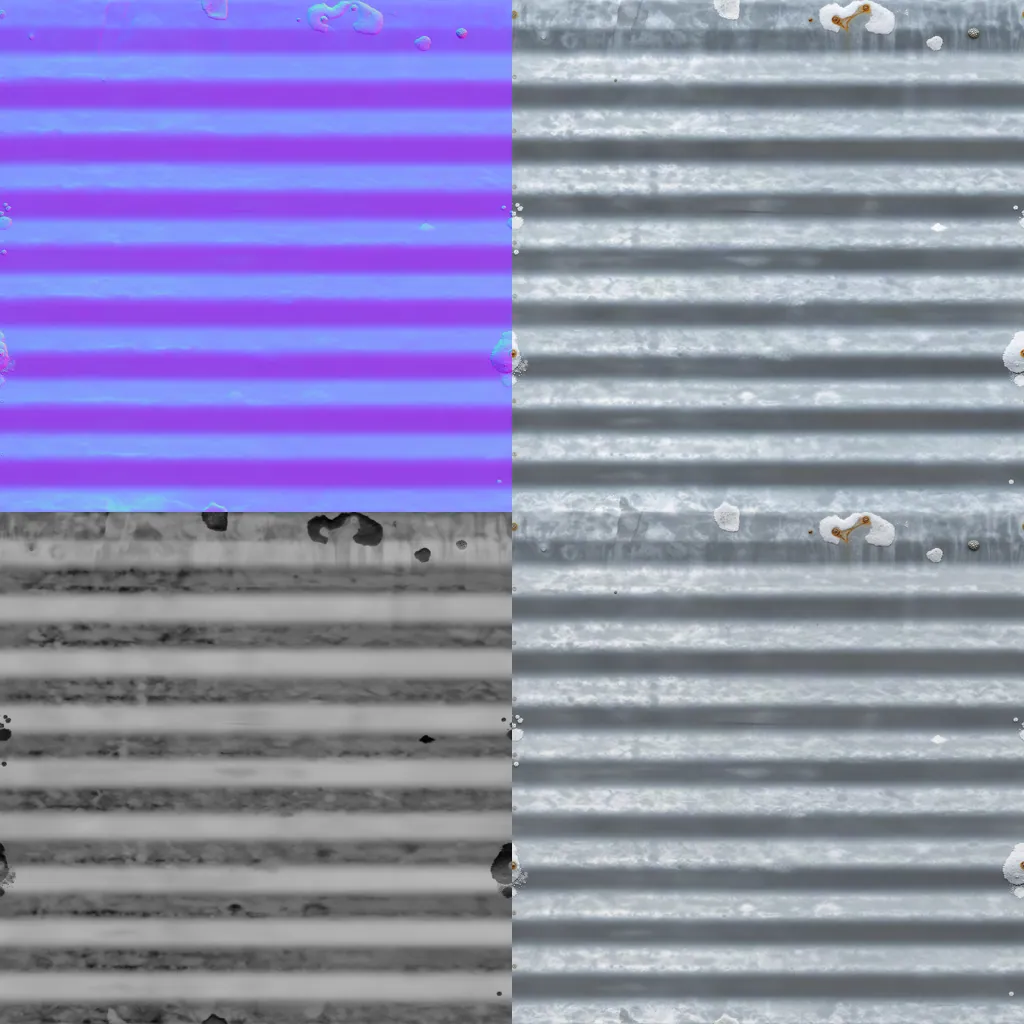
Seamless sets for the dock floor, the hull paint, the planks, the wall and the zinc. Each square shows the base colour and its maps.

Made withPATINA Material

15

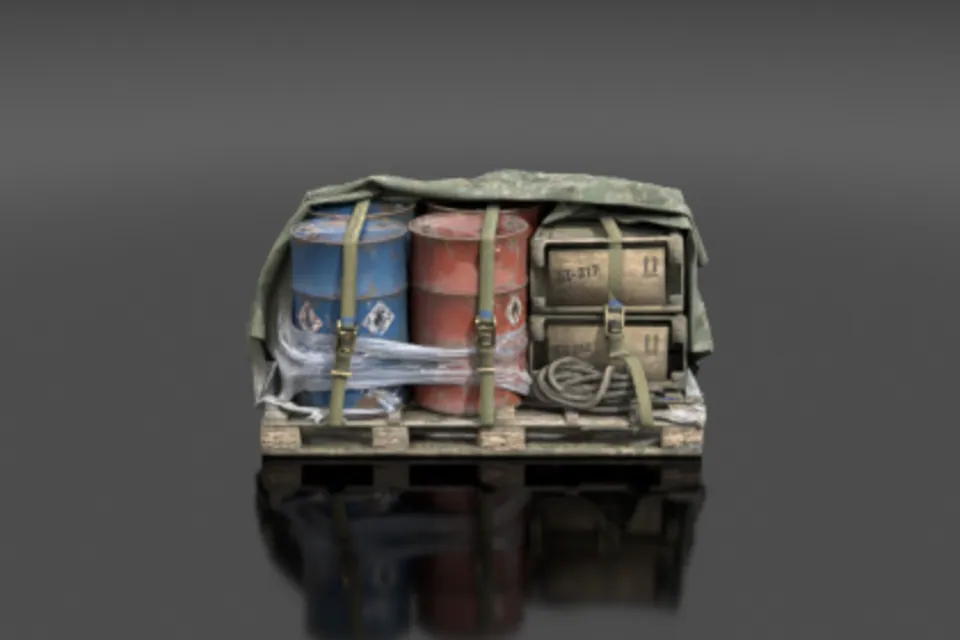
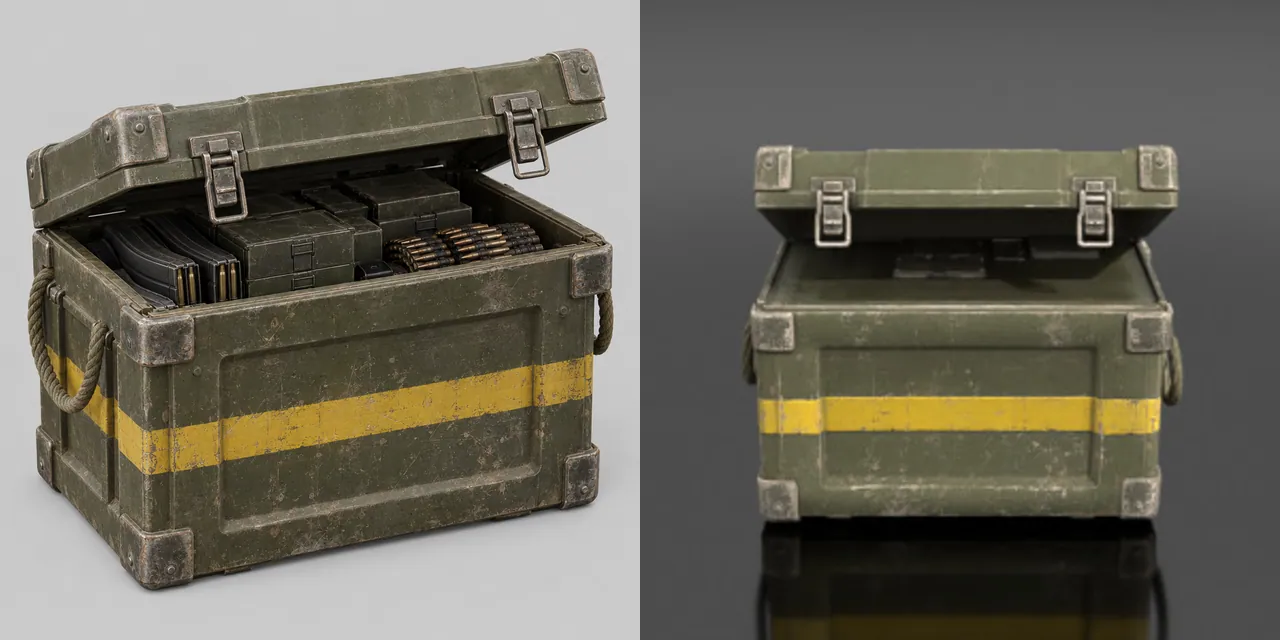
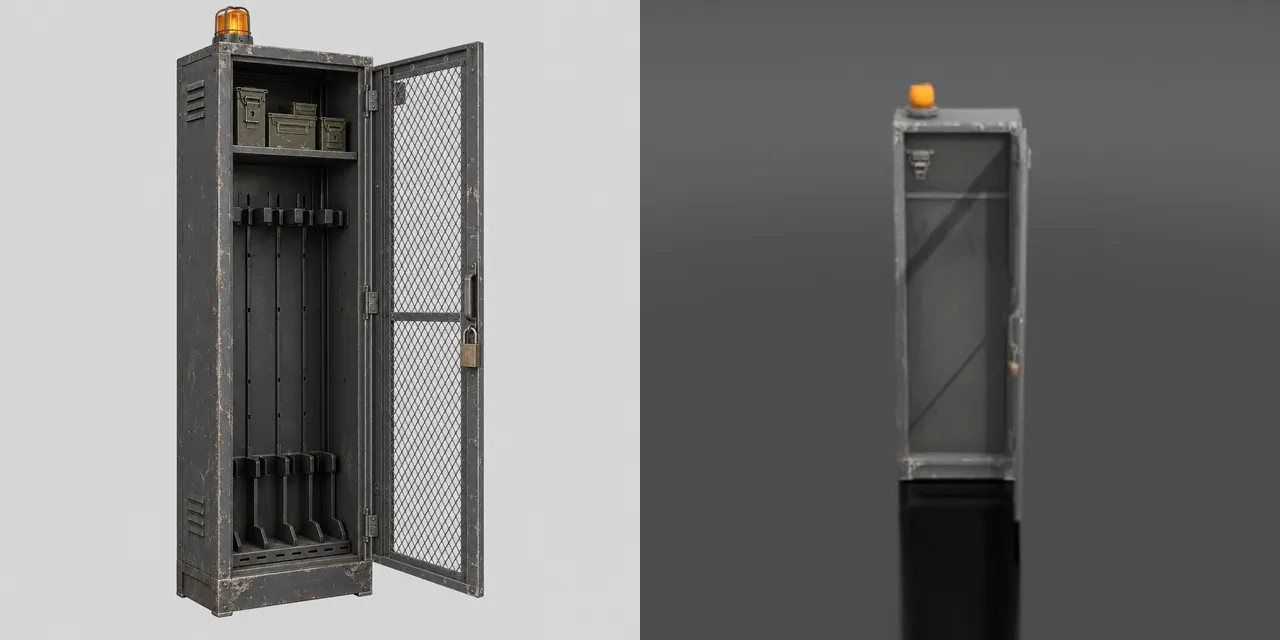
Props

How

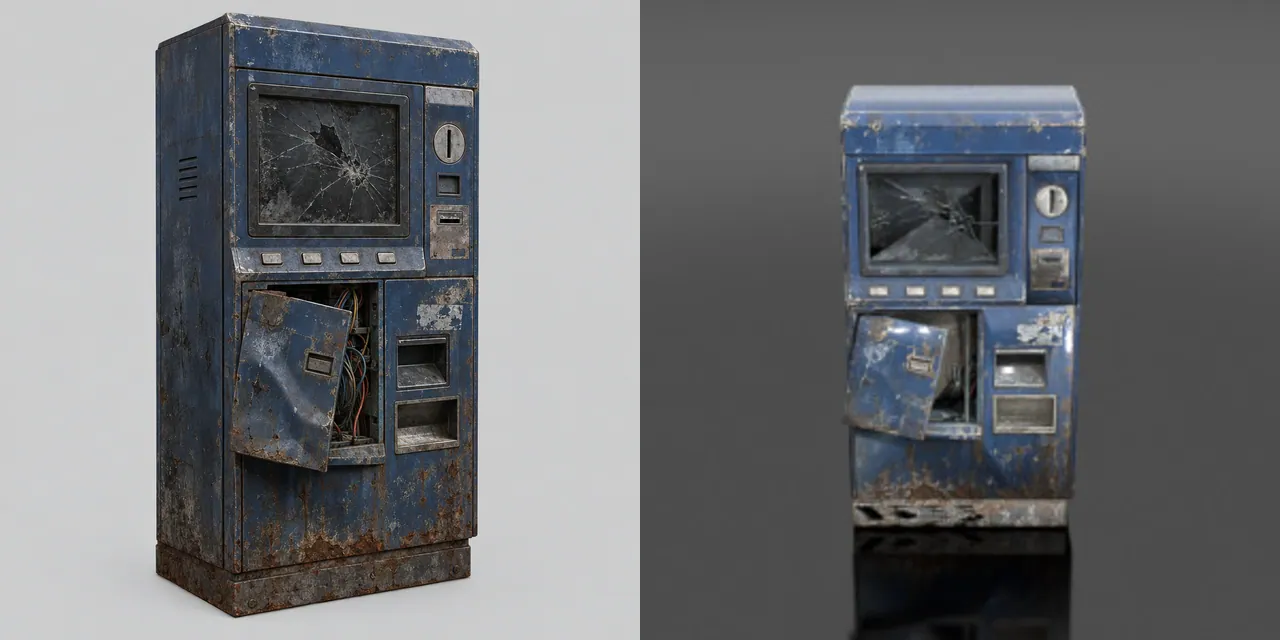
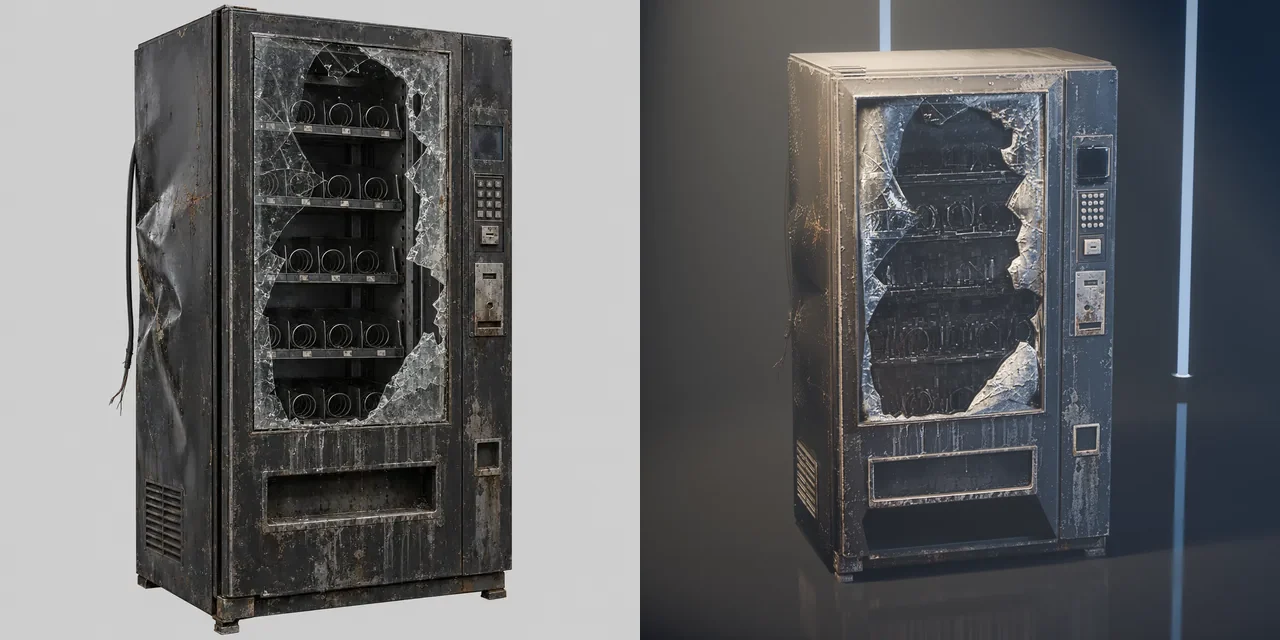
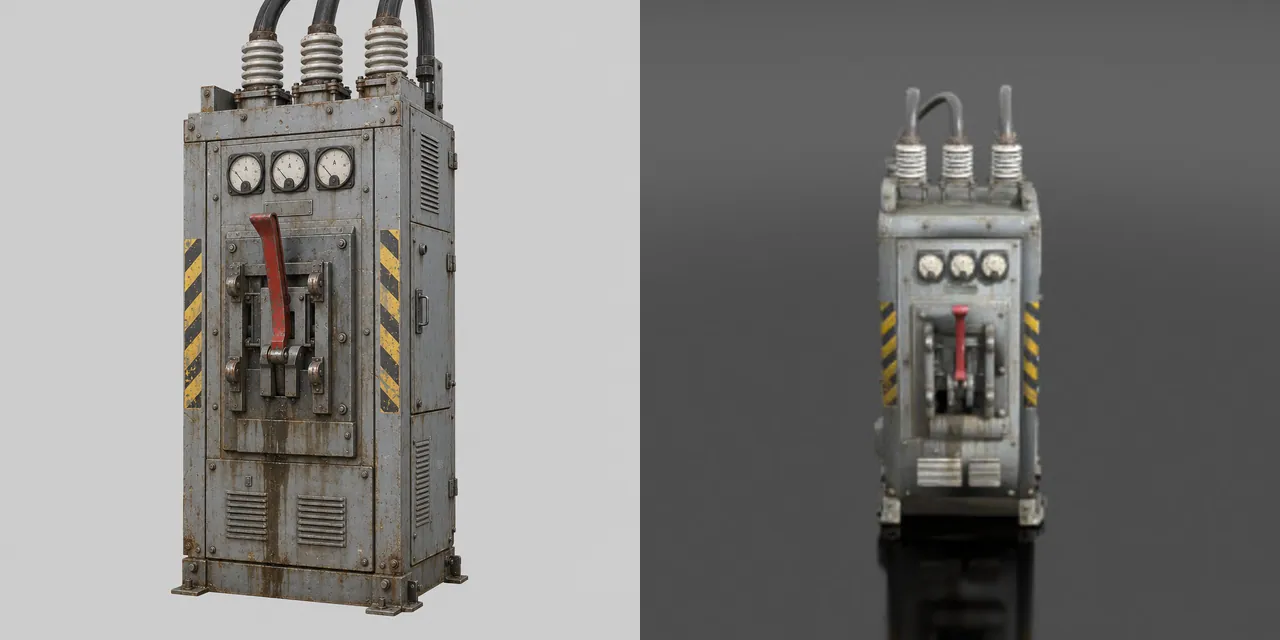
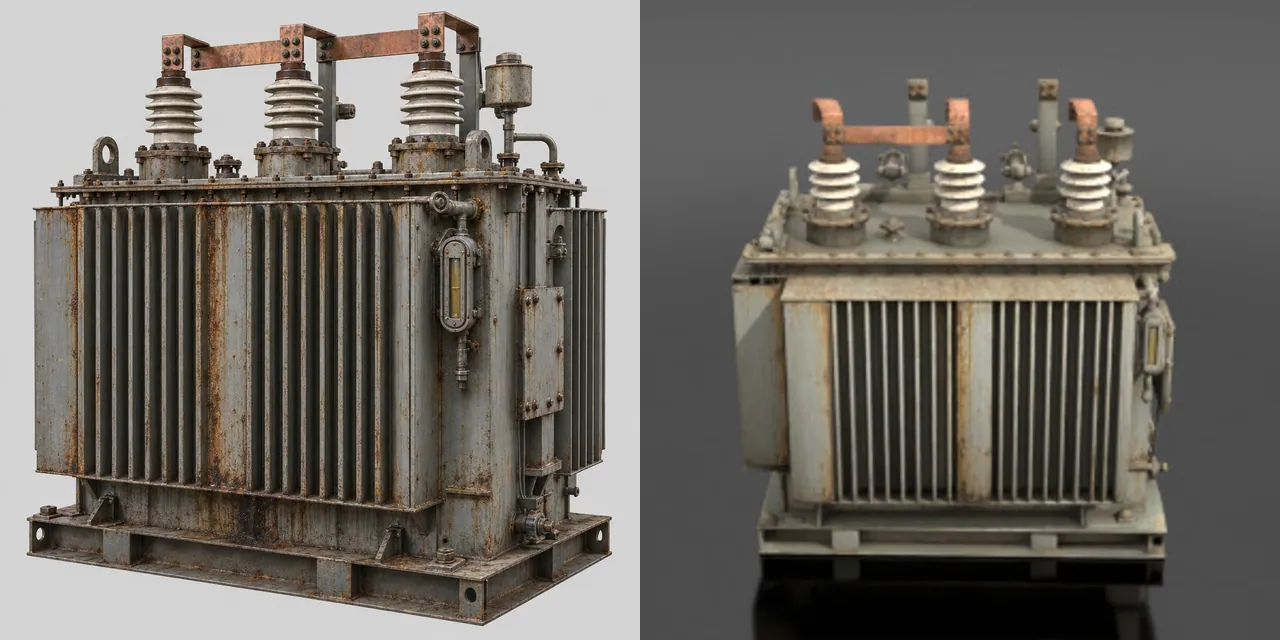
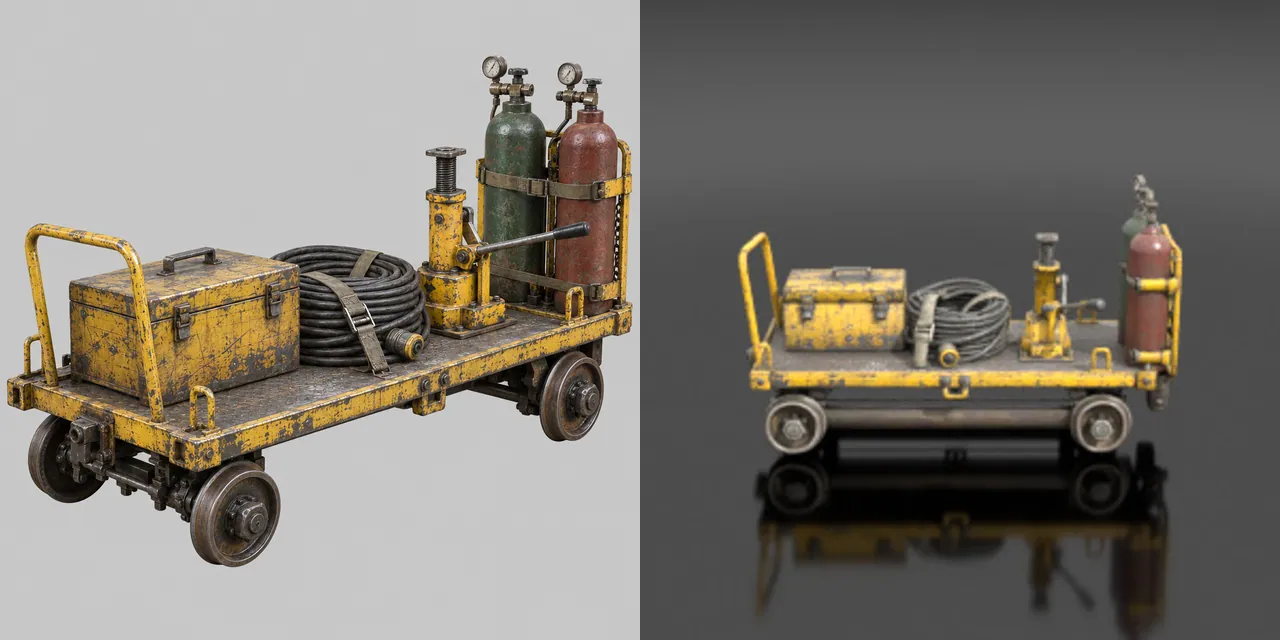
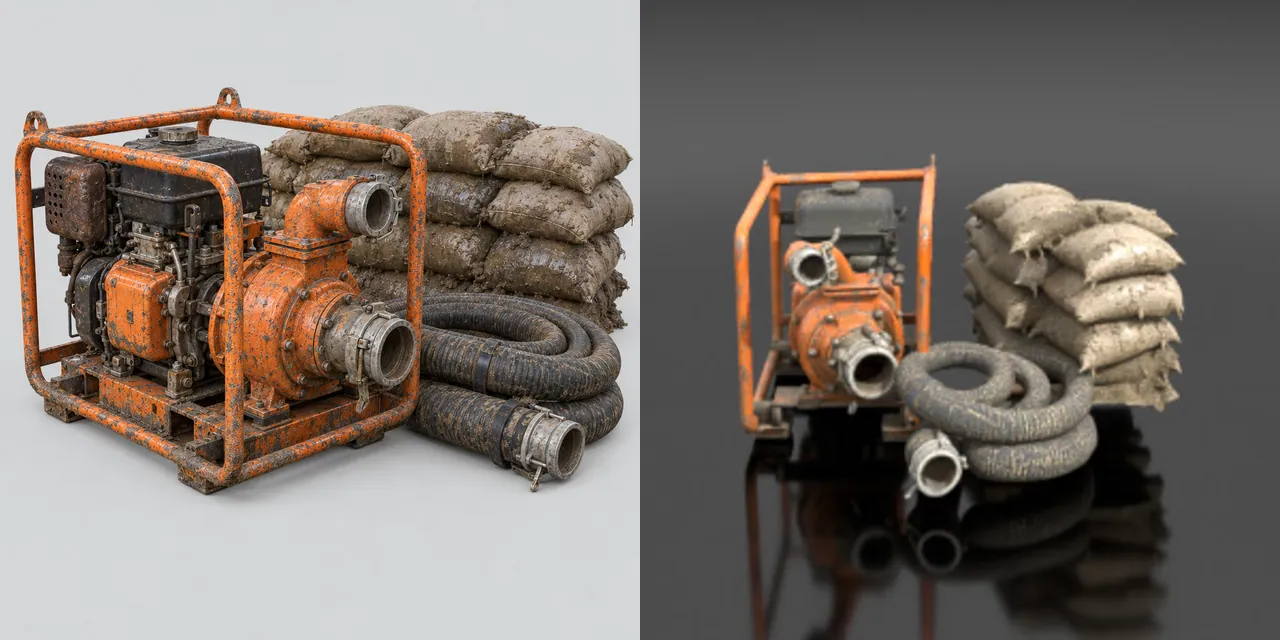
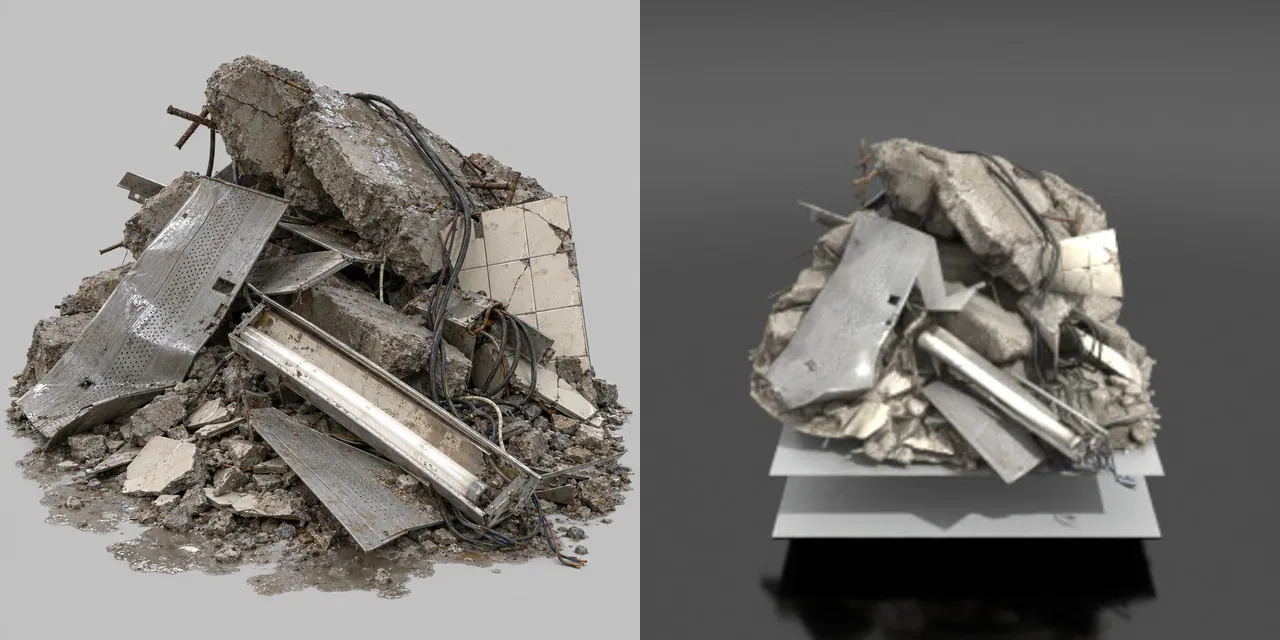
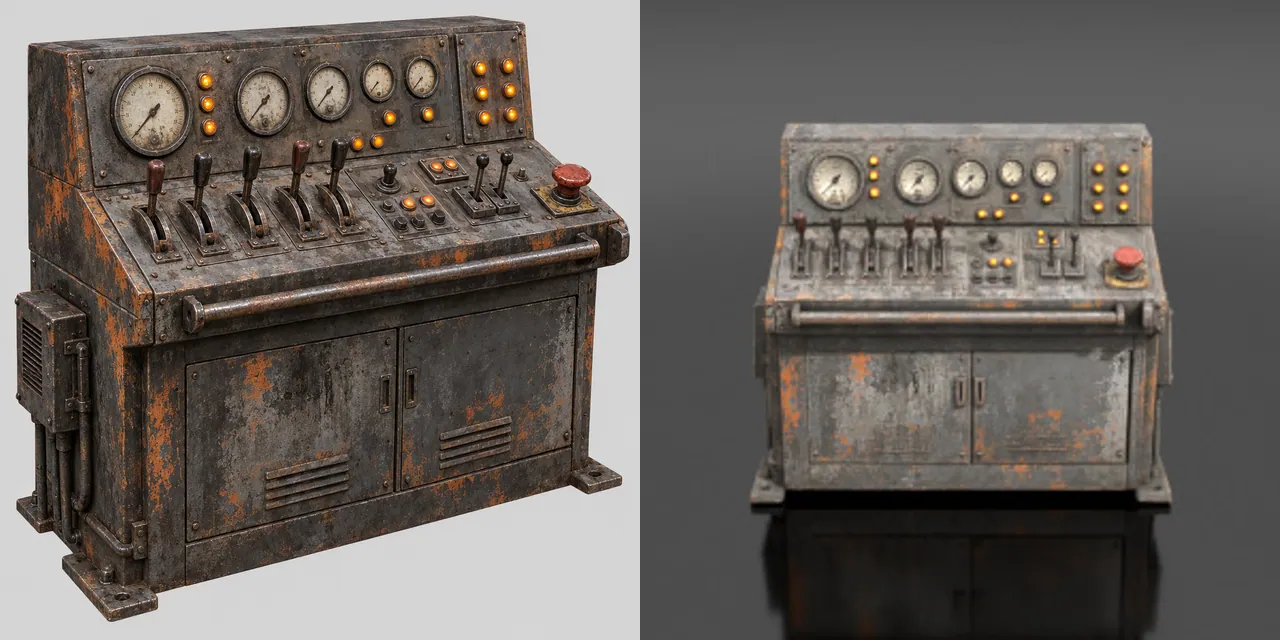
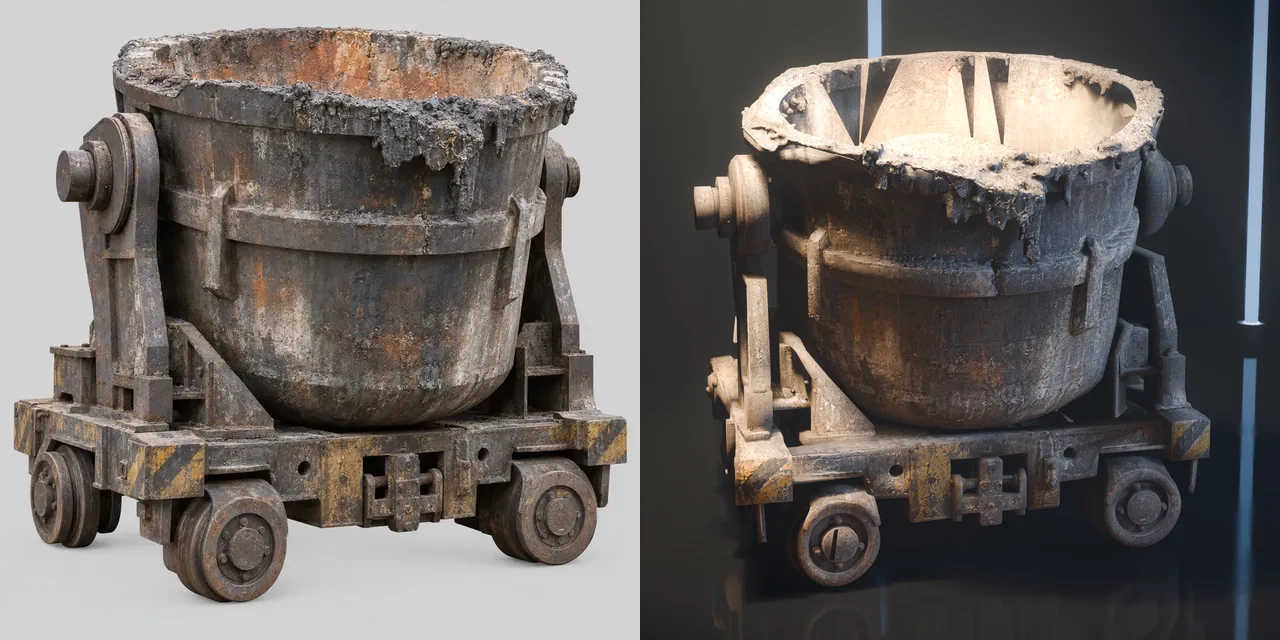
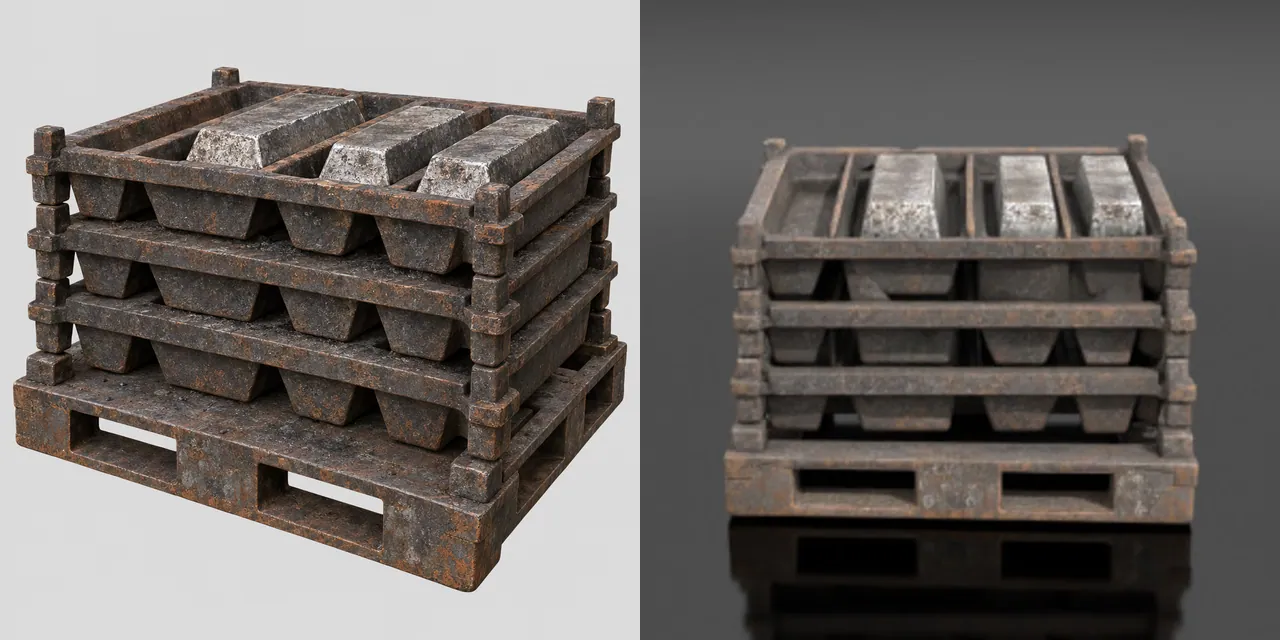
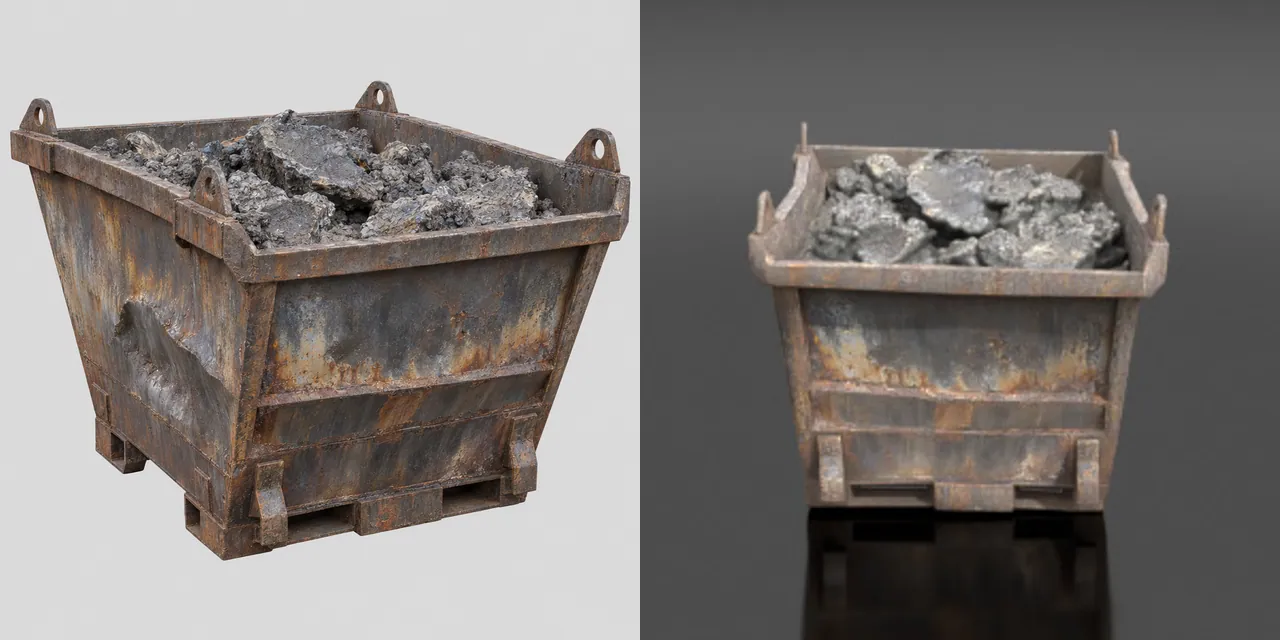
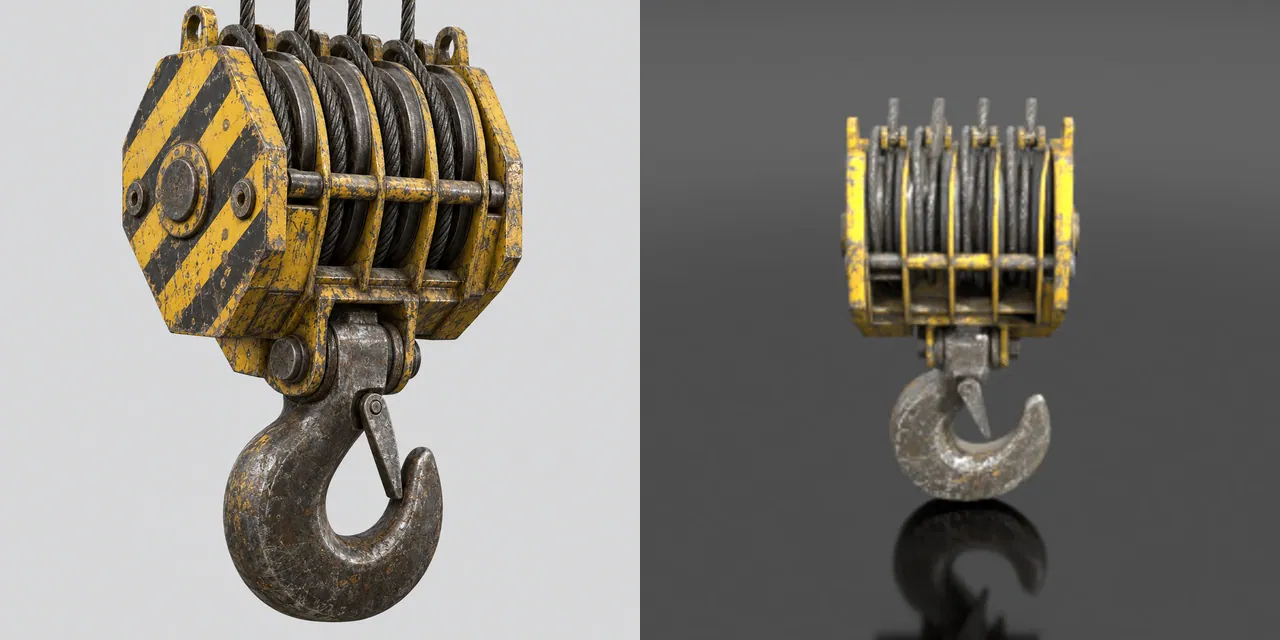
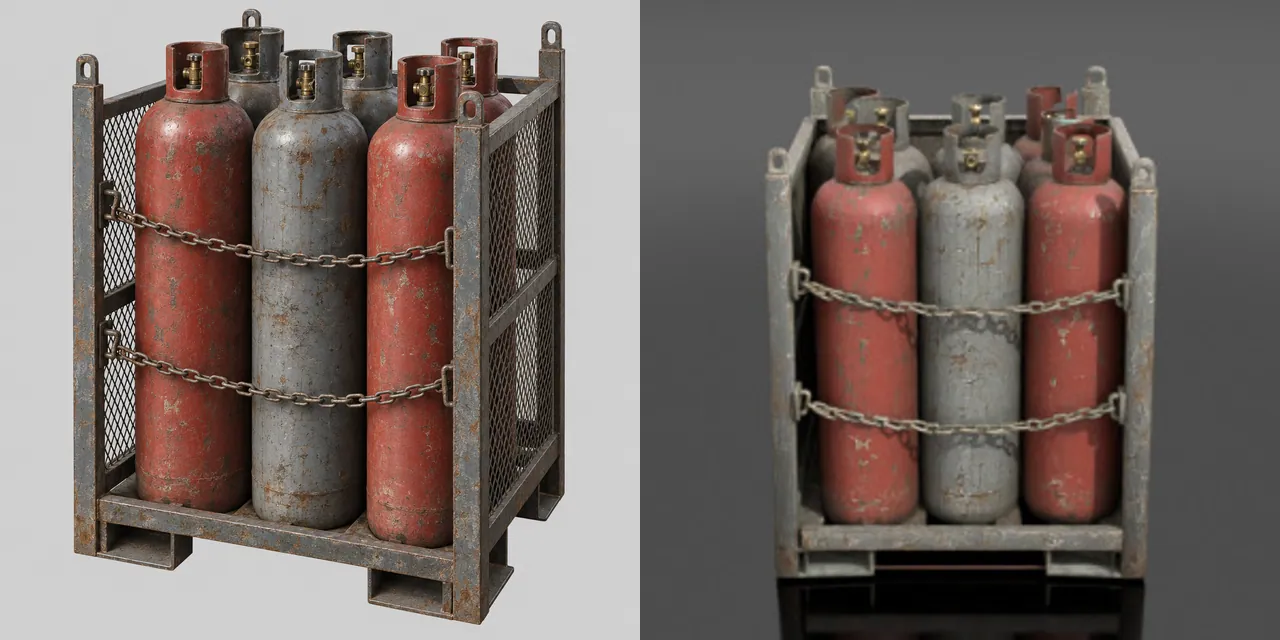
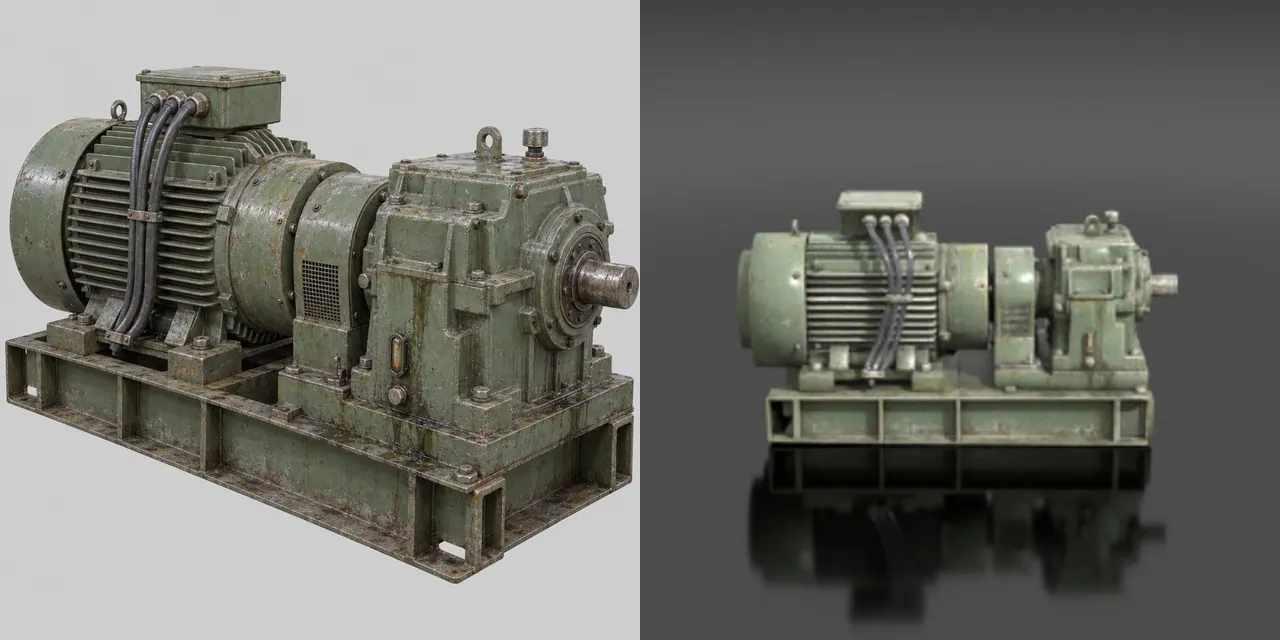
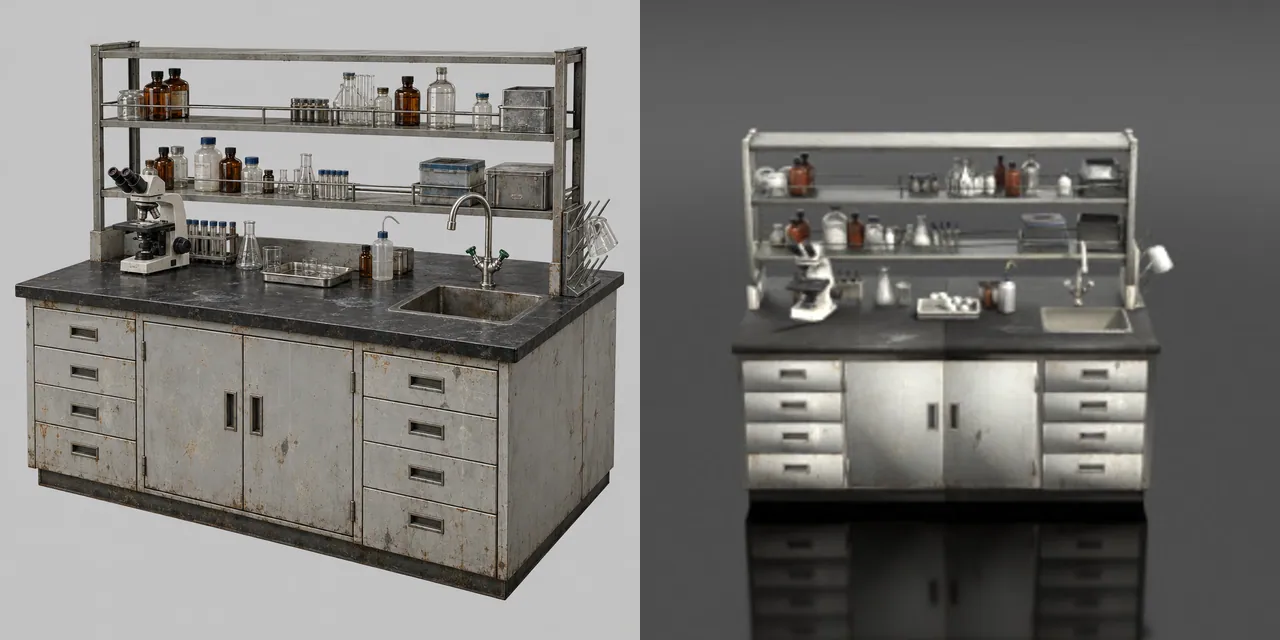
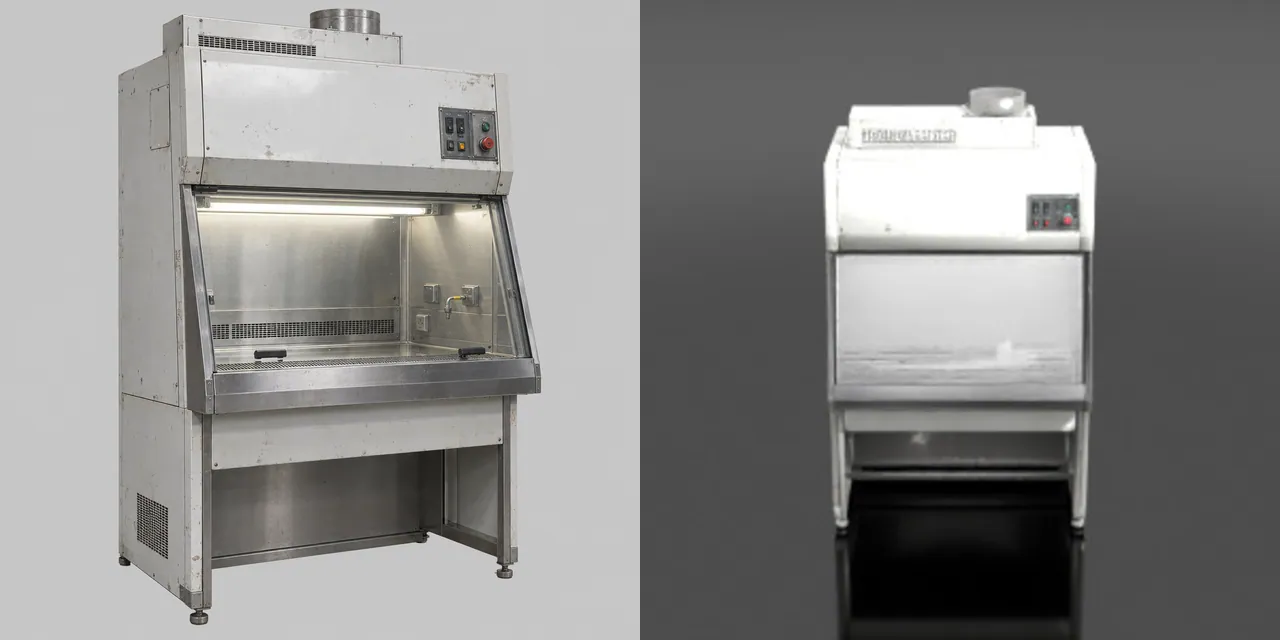
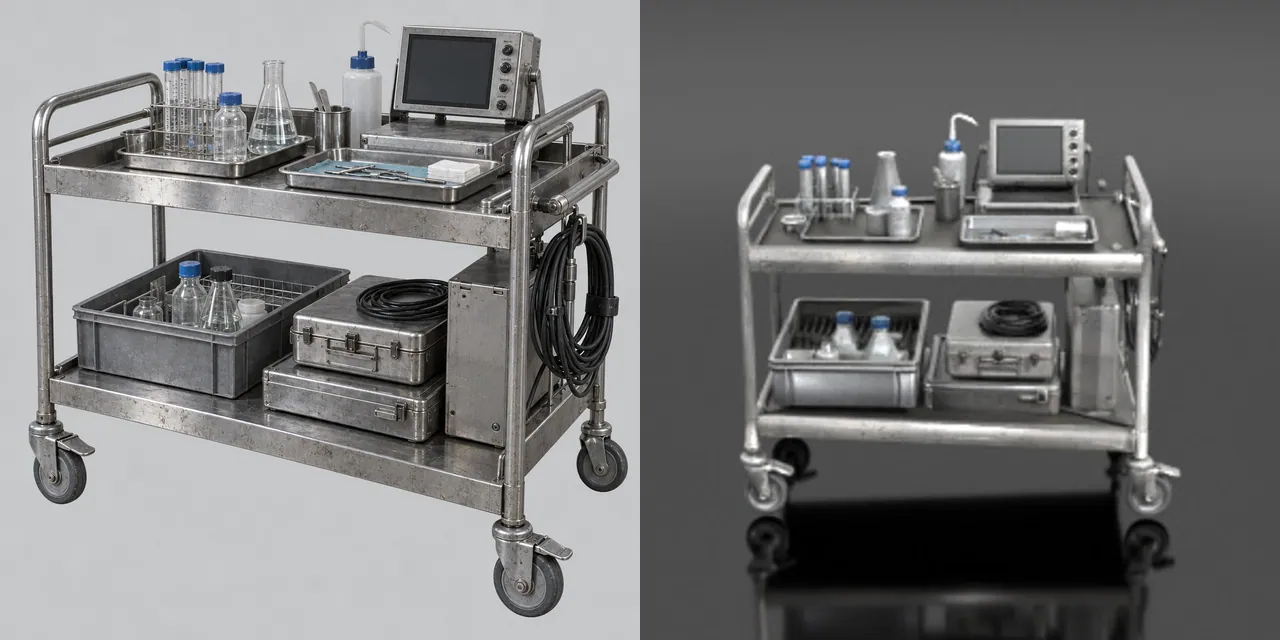
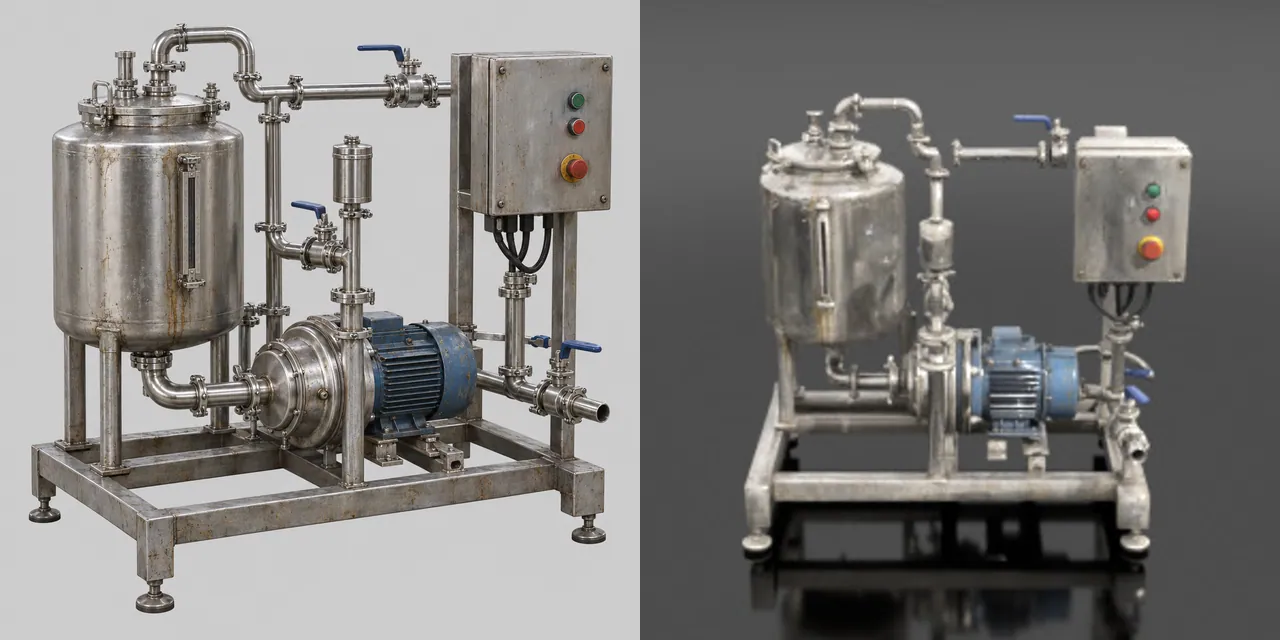
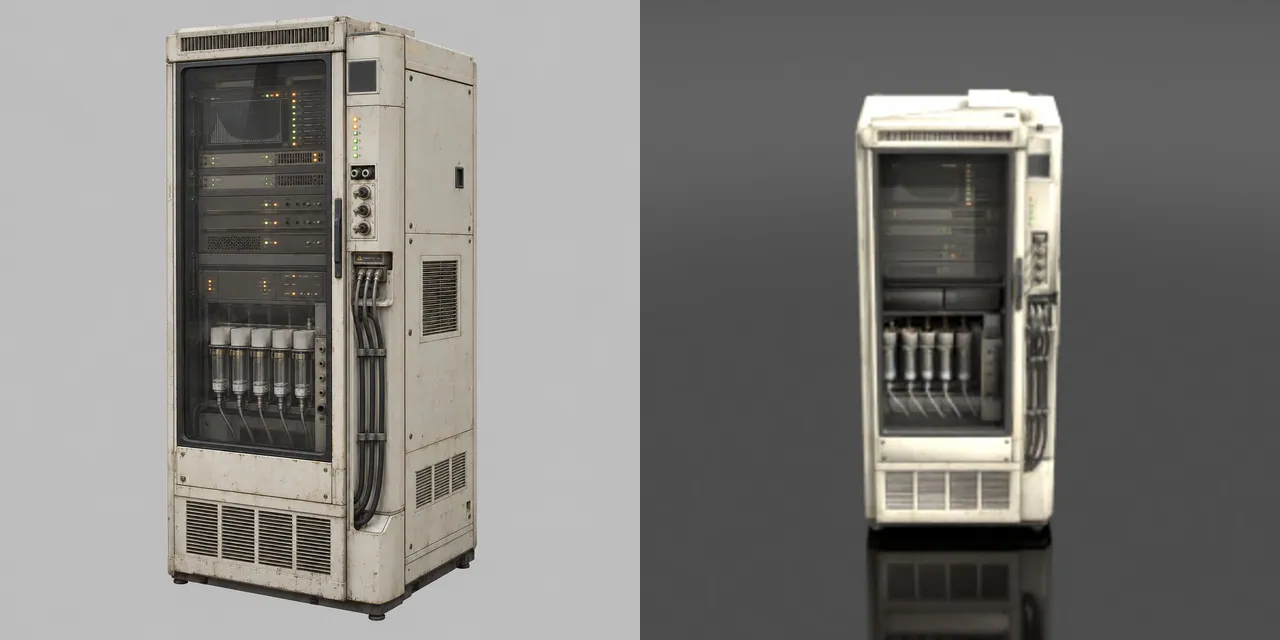
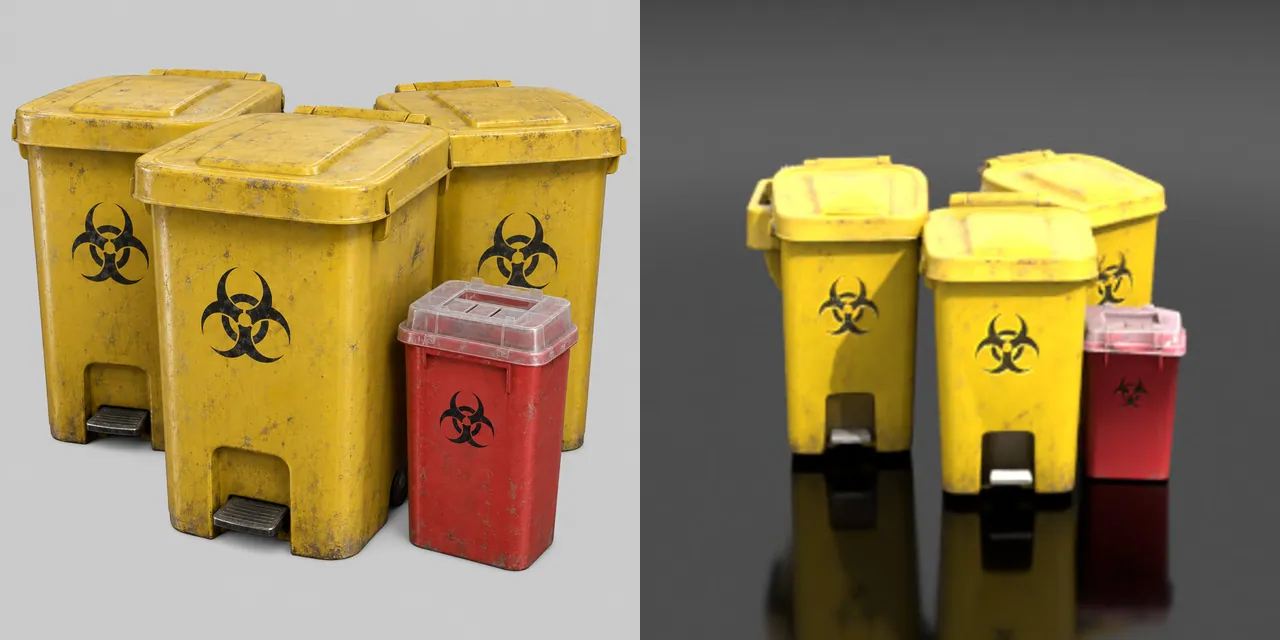
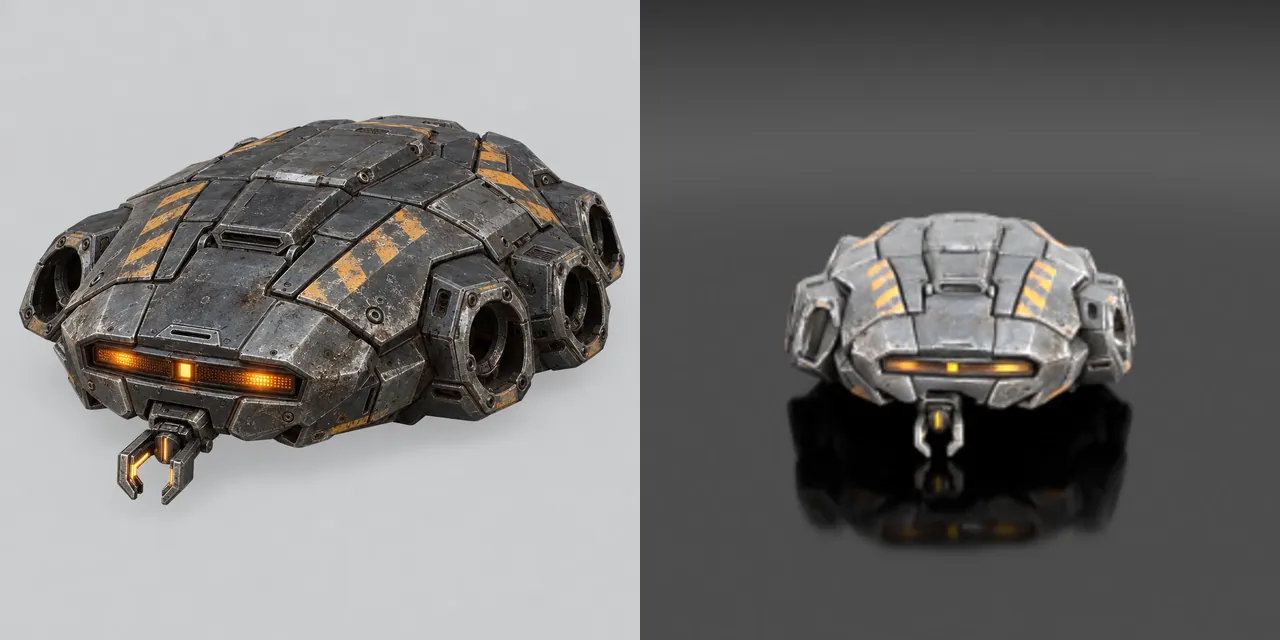
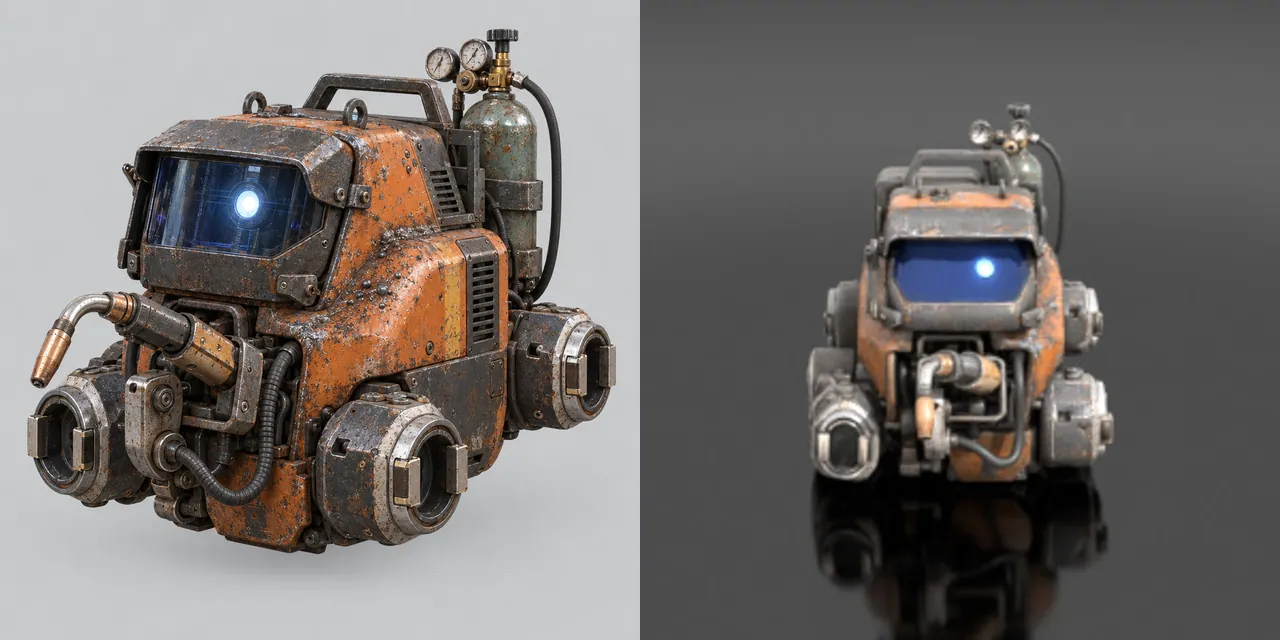
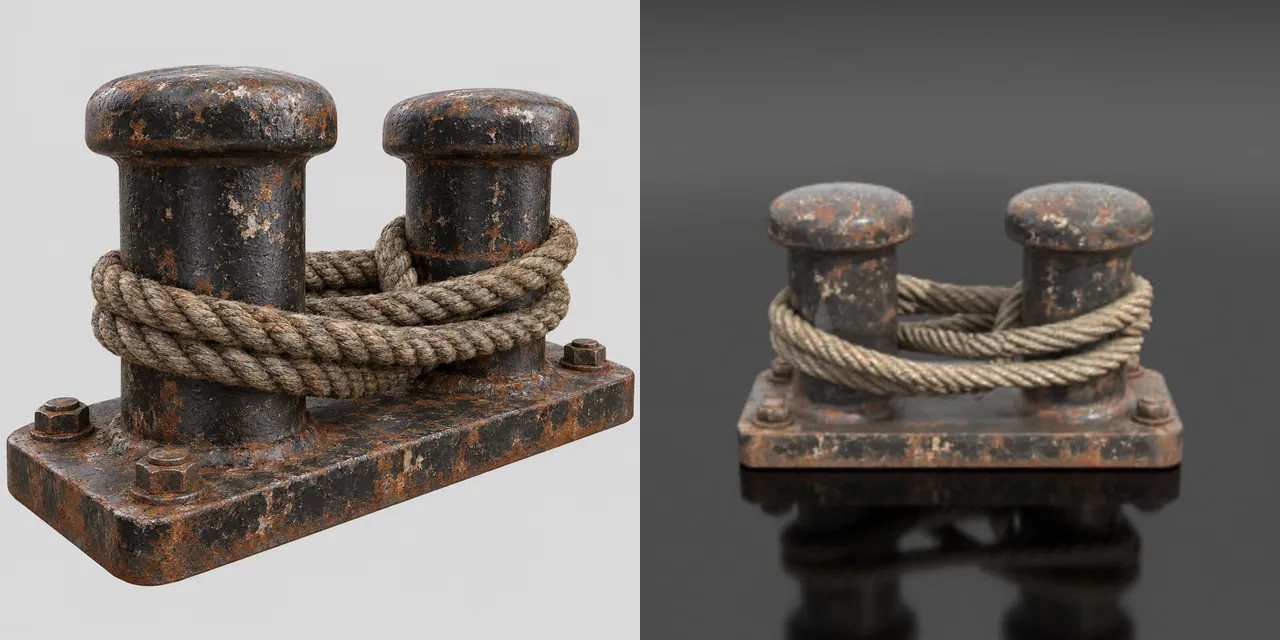
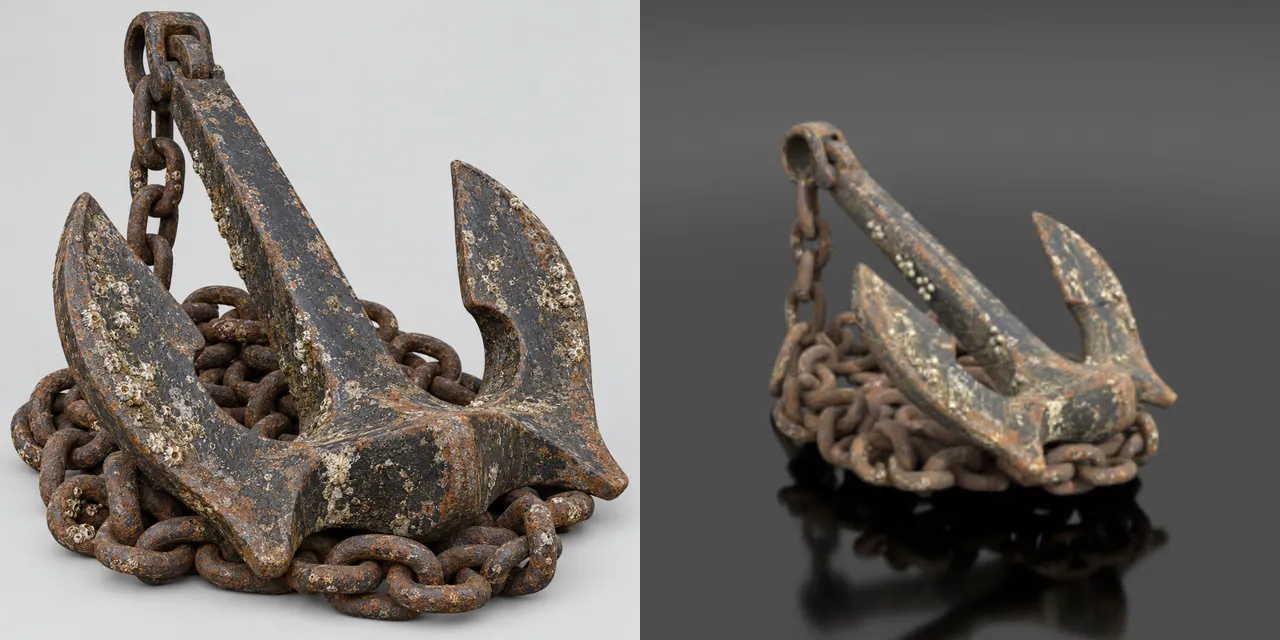
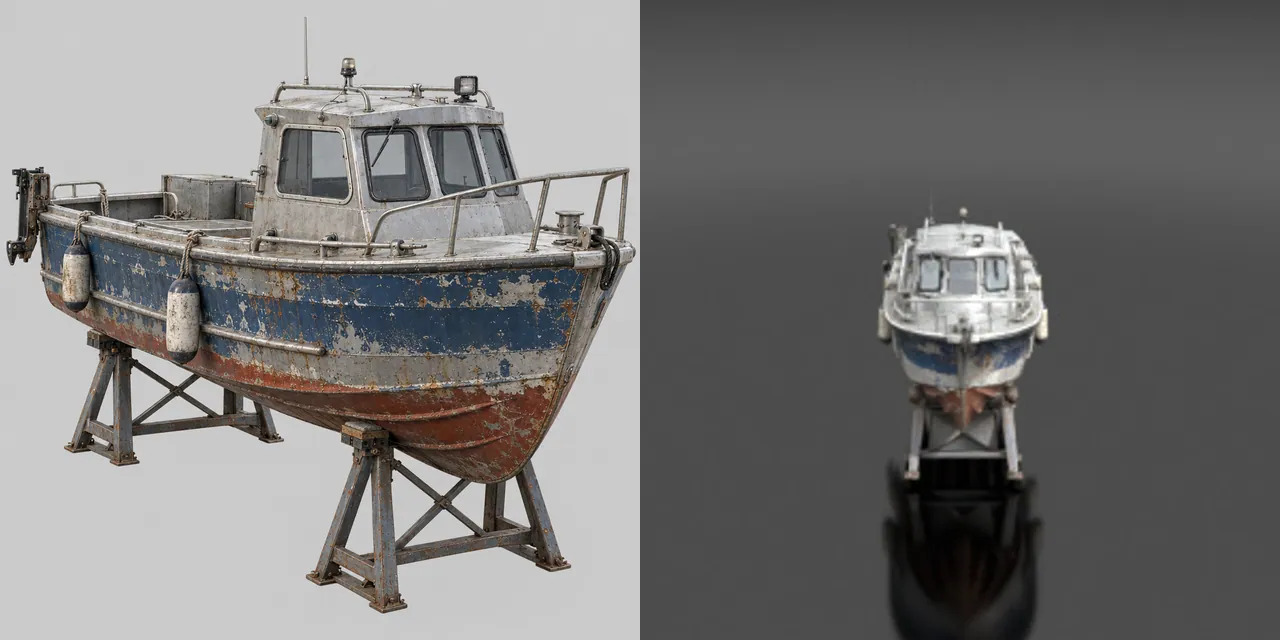
One concept image per prop, then image-to-3D. Left half of each tile: the concept. Right half: the mesh as Scenario previews it.

Made withGPT Image 2.5 SunburstTripo P2

6

Built structures and machines

How

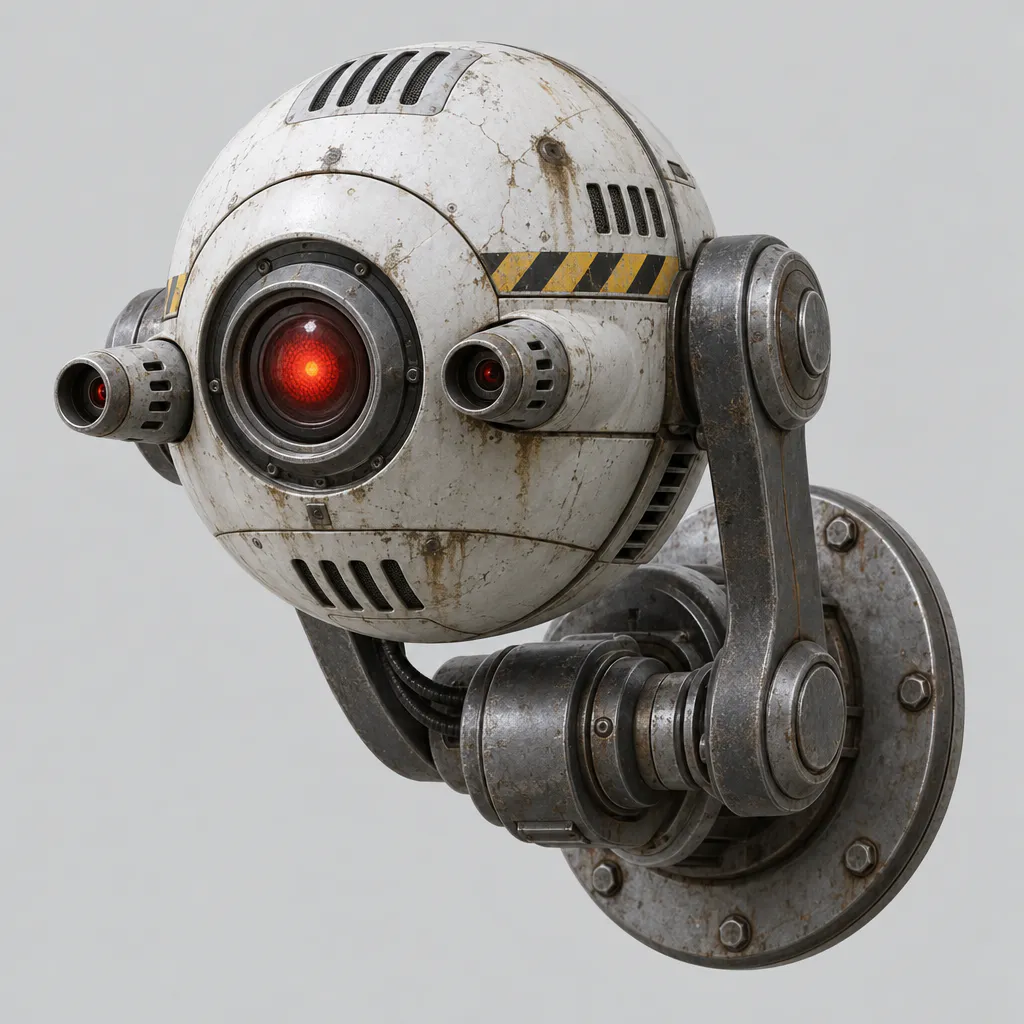
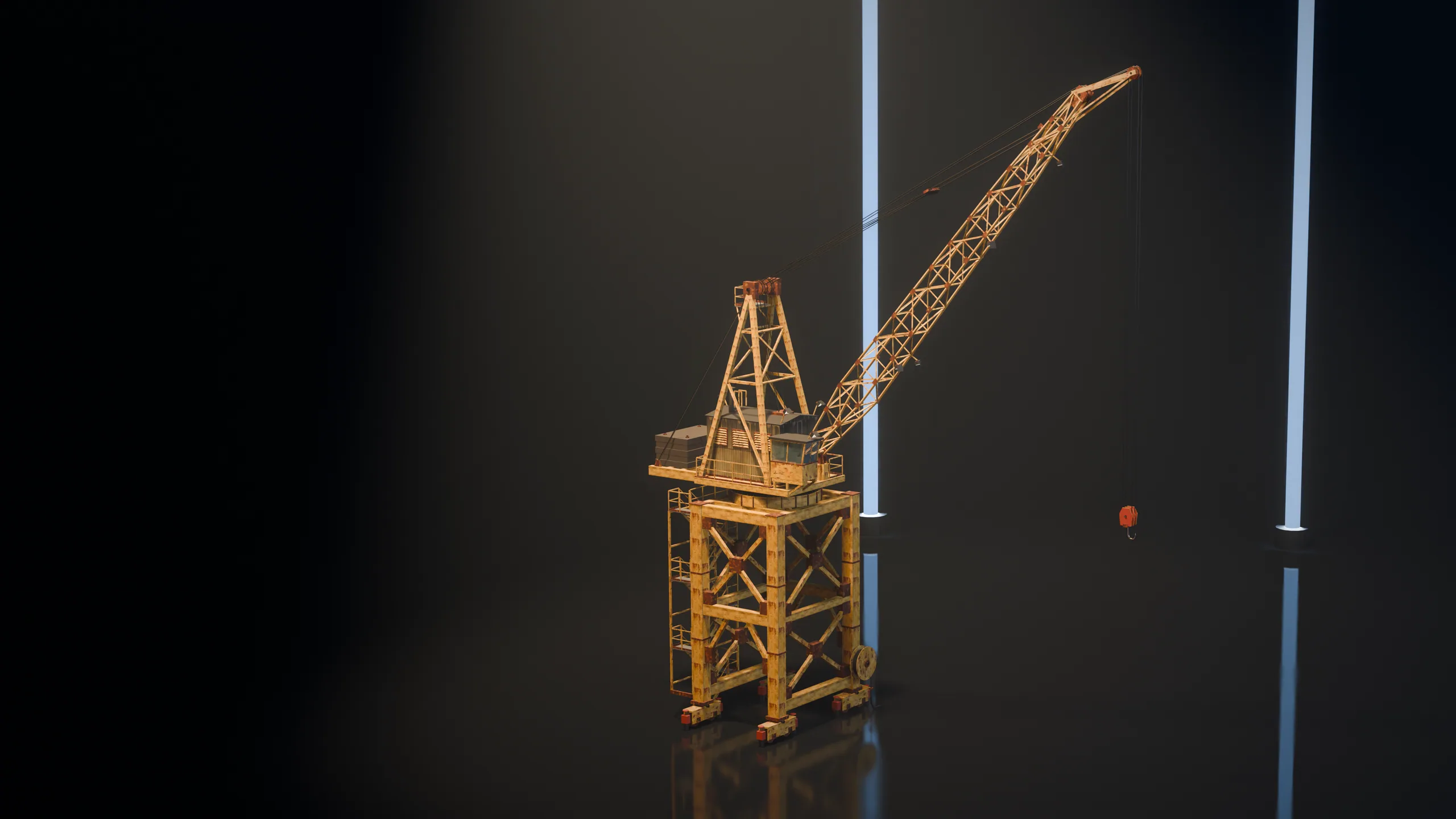
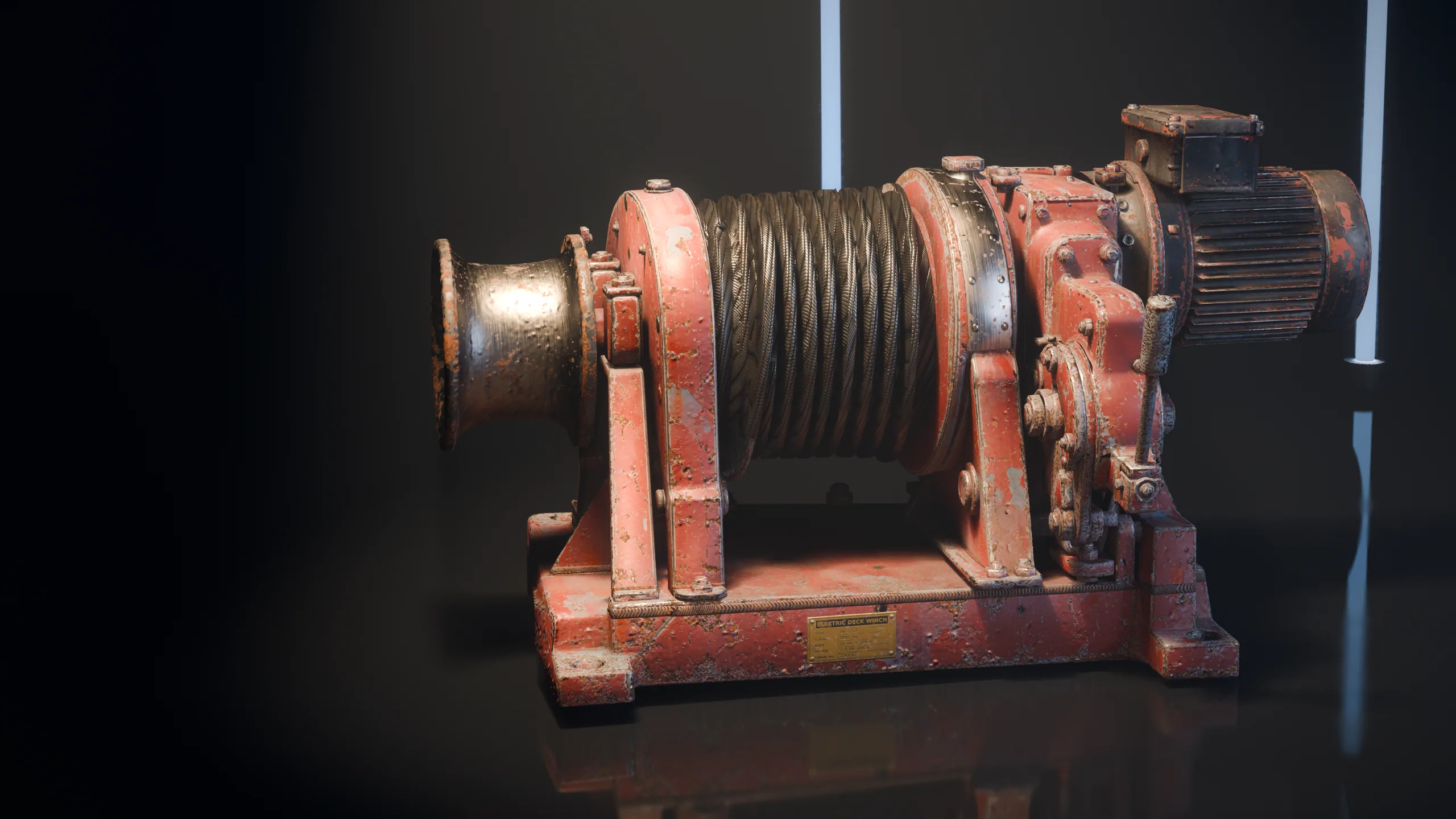
The portal crane and the winch were built for this site; spiders, walkers, drones, sentries are the machines that defend it. Each is a model with named parts, a pivot at every joint and its own clips.

Made withScenario Claude Fable 5.2 3D

9

Sound, music and voice

How

Six effects and one music track for the site, and two of its 13 operator lines.

Made withElevenLabs Sound Effects v3ElevenLabs Music v2.5ElevenLabs v4

Asset on Scenario
Asset on Scenario
Asset on Scenario
Asset on Scenario
Asset on Scenario
Asset on Scenario
Asset on Scenario
Asset on Scenario
Asset on Scenario

Then the same level, assembled

Those files, placed and lit by the engine.

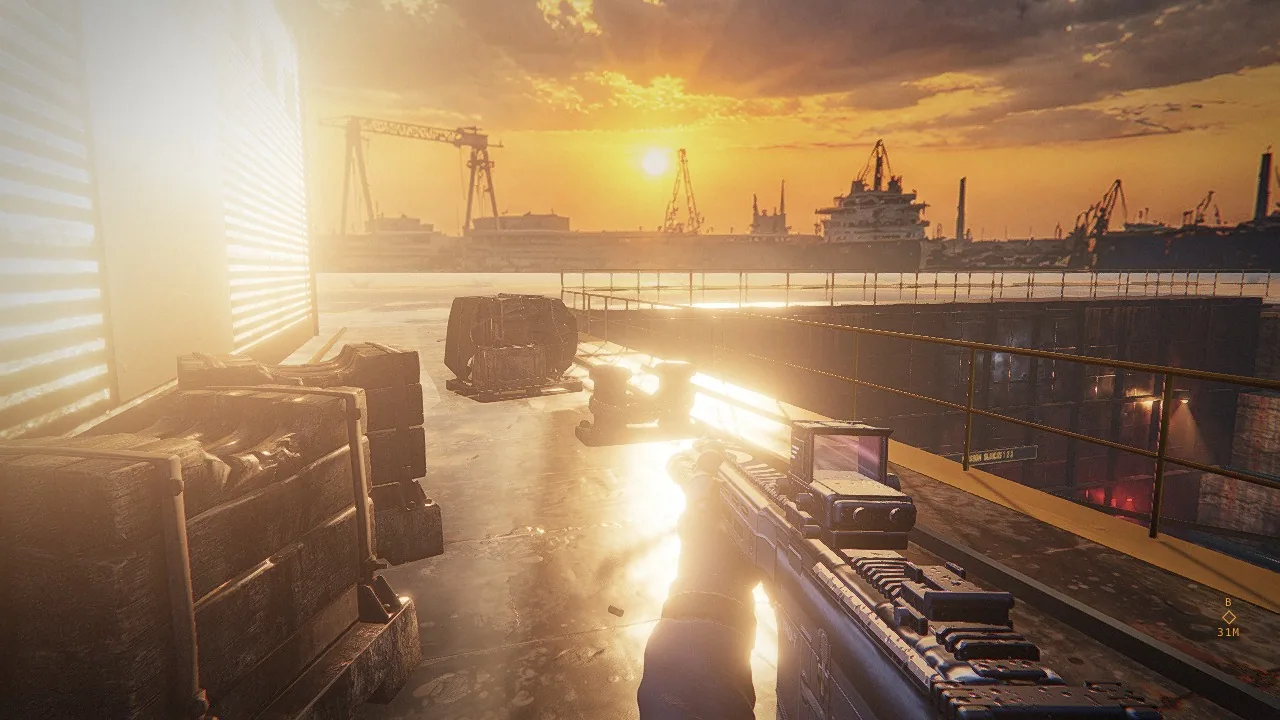
Site 05

Dock 2

The only daylight site: one low sun, a generated sky and long shadows.

What made this site

A dry dock in low daylight, with a ship on keel blocks.

Captured from the game at 1080p. Open three sluices, climb as the dock floods, hold the deck.

Machines
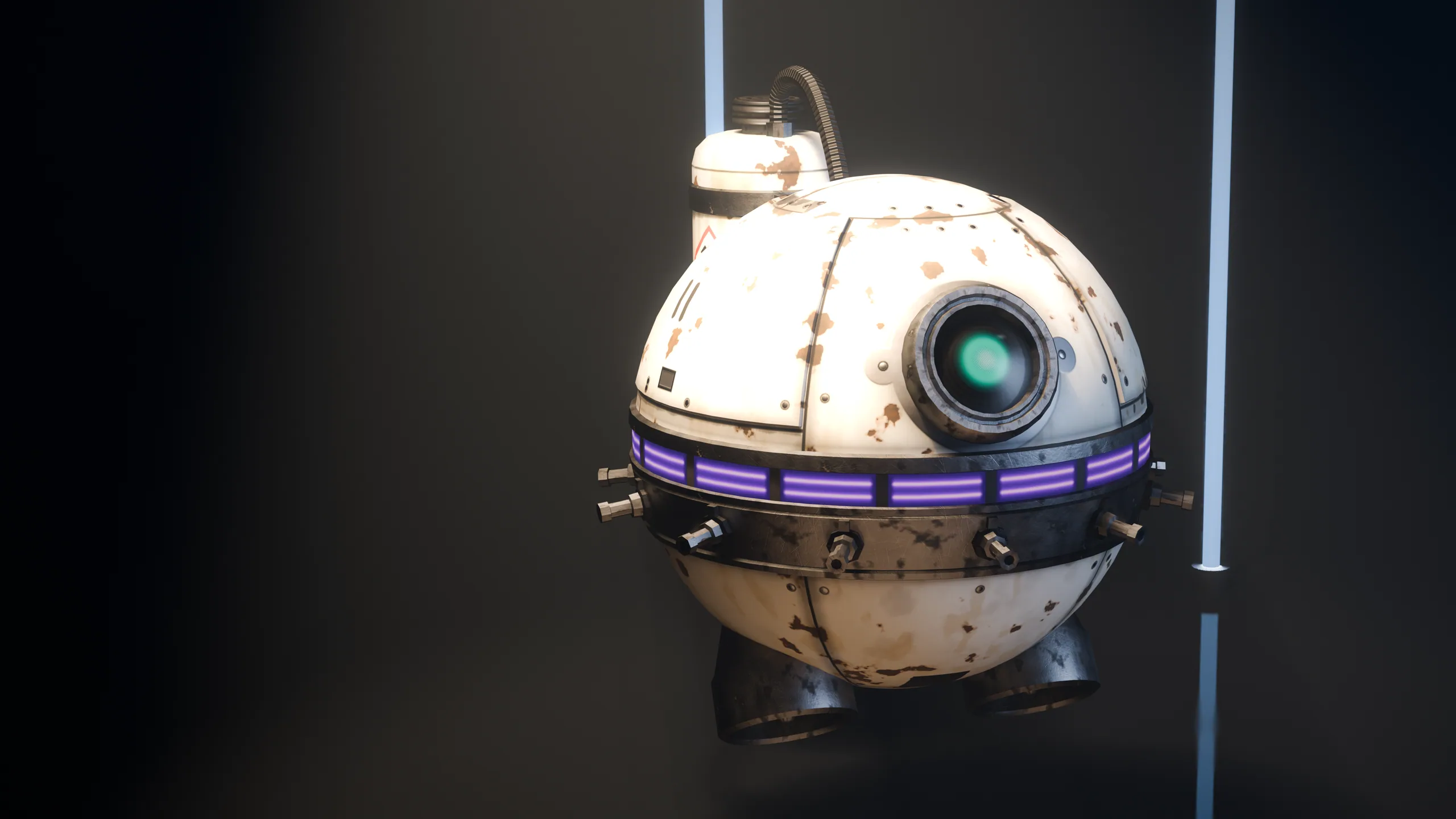
Spiders, walkers, drones, sentries
Scenario target In engine Scenario targetIn engine
Drag to compare.The target still on Scenario

AAA assets, taken apart

Turn a model, then strip it to its mesh, its normals and its rig.

Details

A production asset has to hold up without its textures. These are the files the game loads, each one returned by a Scenario model named in its panel: turn one, then switch from the textured model to its solid shape, its mesh, its normals and its rig.

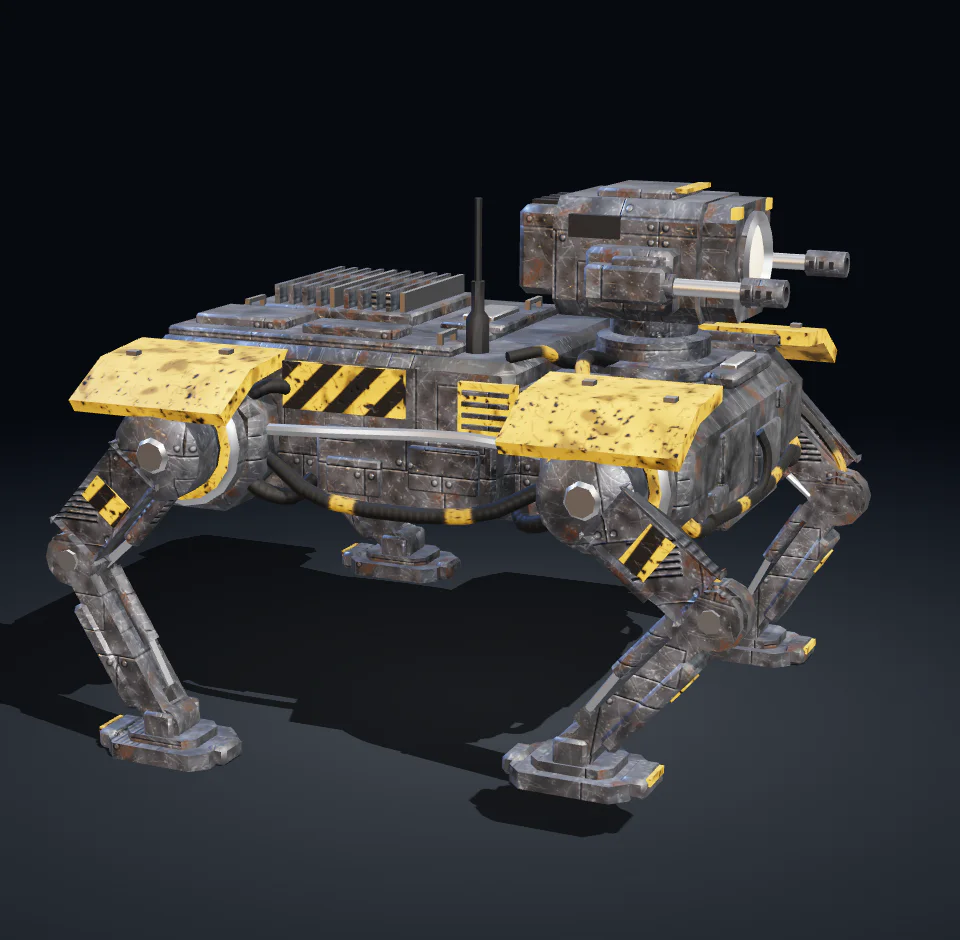
Walker

19 models to open

Edit with one sentence

A delivered model goes back to Scenario Claude Fable 5.2 3D with one sentence.

Details

A production pipeline revises its assets after delivery. Here a delivered model goes back to Scenario Claude Fable 5.2 3D with a prompt: new paint, one more clip, a part split off. Some of these edits ship in the game, the others were run on its assets and measured against the parent file. The prompt is shown whole, with the file before and the file after in one view.

01 / 12
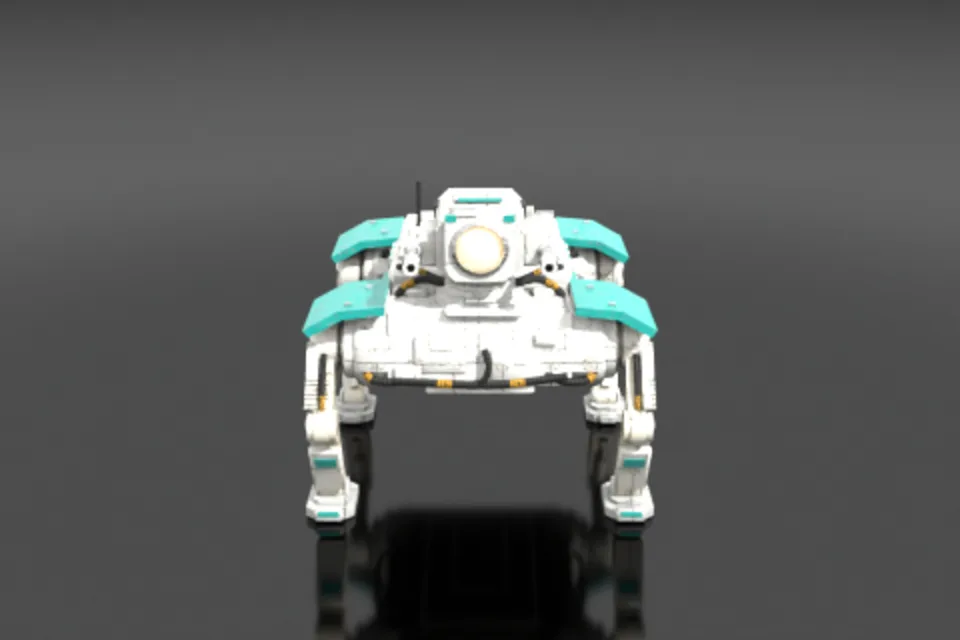
Walker in a clean-room livery

Texture editMeasured against its parent

Walker in a clean-room livery

Changed
Base colour, roughness and normal textures of the armour, paint, hazard and steel materials.
More

White powder-coated panels, teal shoulder plates and markings. 13 images in the GLB against 10 in the parent.

Details
Kept
Measured against the parent.
More

21 of 21 objects with the same name, parent, origin, bounds and triangle count (13,500 triangles in all), the 7 material names and their slots, the 6 clips (idle 2.0 s, walk 1.0 s, aim 0.5 s, fire 0.3 s, hit 0.33 s, run 0.6 s) with unchanged ranges and curve counts.

How to ask. Name the paint and the wear, material by material, and say what must not change. One guide image, such as the base colour of a level's material set, brings the model into that level's materials.

Rendered, before then after in one shot

Walker in a clean-room livery
  • Texture edit
  • Scenario Claude Fable 5.2 3D
13,500
triangles, unchanged
20
parts, unchanged
6
clips, unchanged

The viewer plays the clip walk.

Made with

The assets

The prompt
The prompt, whole
Edit this scene. Keep every object, name, parent, origin, mesh, UV layout and all existing actions (aim, fire, hit, idle, run, walk) with their NLA tracks exactly as they are. Keep every material name and every slot assignment. Change only the look of the materials: repaint this walking machine in a clean-room livery for a sterile laboratory. M_Armor_Gunmetal becomes white powder-coated panels (off-white, satin). M_Paint_Yellow becomes teal markings (hex 1FA39A). M_Paint_Hazard becomes teal and white chevrons. M_Steel_Polished becomes brushed stainless steel. Keep M_Hose_Rubber, M_Recess_Dark and M_Lamp_Lens as they are. Keep the same wear logic as the original paint, but lighter and cleaner: chipping on edges and on the feet shows grey primer, faint yellowed stains around the joints, fine scuffs on the leg panels, grime only in the recesses, no rust and no soot. PBR materials with varied roughness. Do not add, remove or rename any object. Deliver the Blender file ready for GLB export with every action as its own clip.

Sent with the model file alone.

Five sites, five lights

Each site began as two Scenario target stills. The engine was tuned to match them.

Details

Art direction came first. Each site started as two Scenario target stills that fixed the place, the light and the materials. The engine was then tuned until its frame sat next to the still. Dock 2 is shown whole above; here are the other four.

Site 01

Blue Hour Yard

Night, sodium floodlights and a wet ground that mirrors every lamp.

What made this site

A rail freight yard at blue hour, after rain.

Captured from the game at 1080p. Cross the yard, throw the breaker in the signal box, hold the platform while the train couples, destroy the hauler, board.

Machines
Walkers, drones, the hauler
Grey box, first hour Same view, final Grey box, first hourSame view, final
Drag to compare.

Every asset of Blue Hour Yard

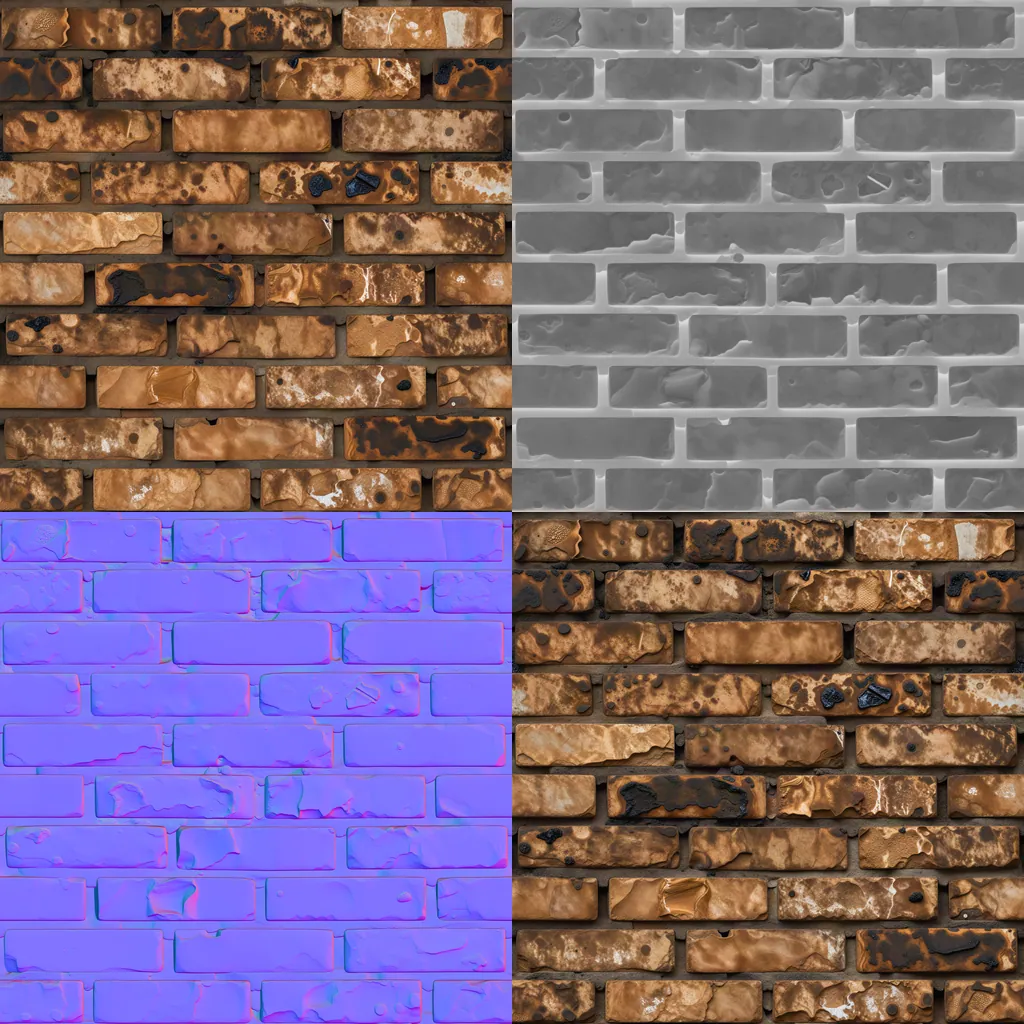
4

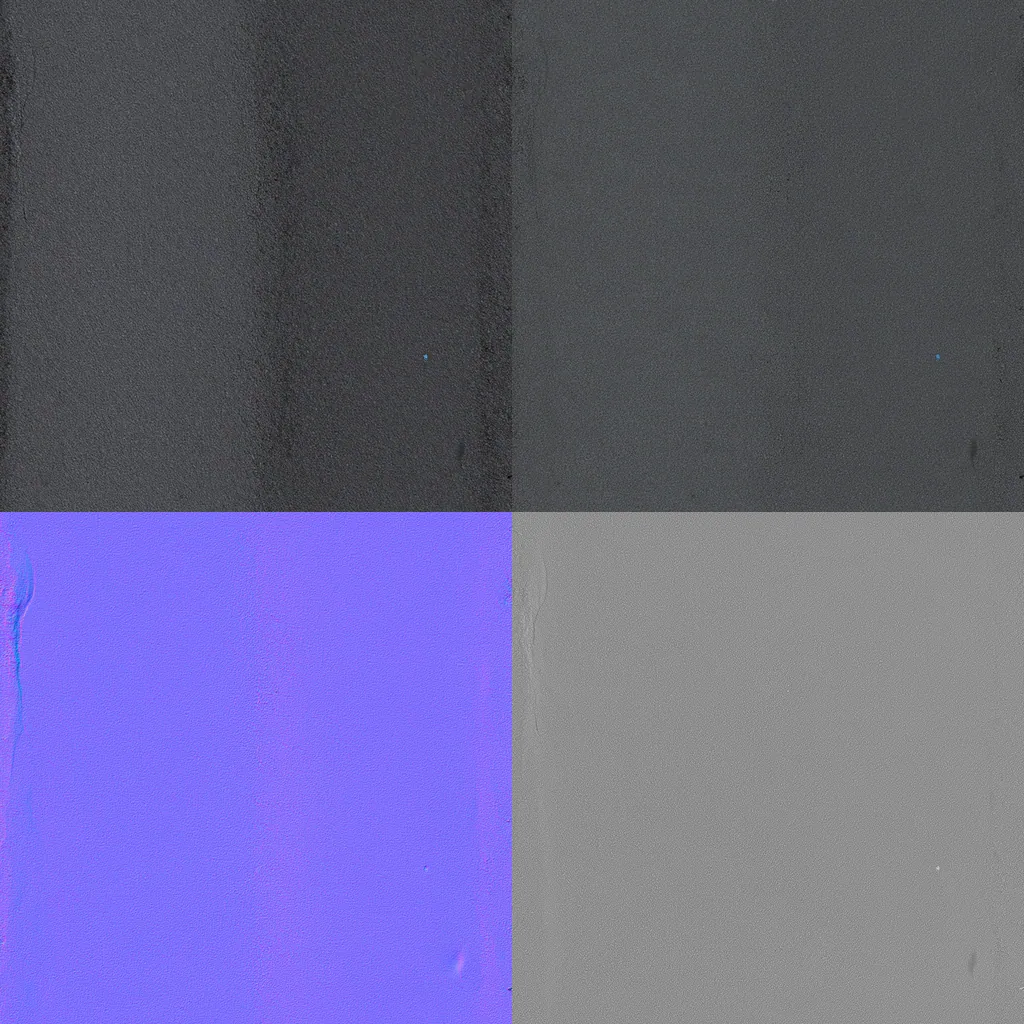
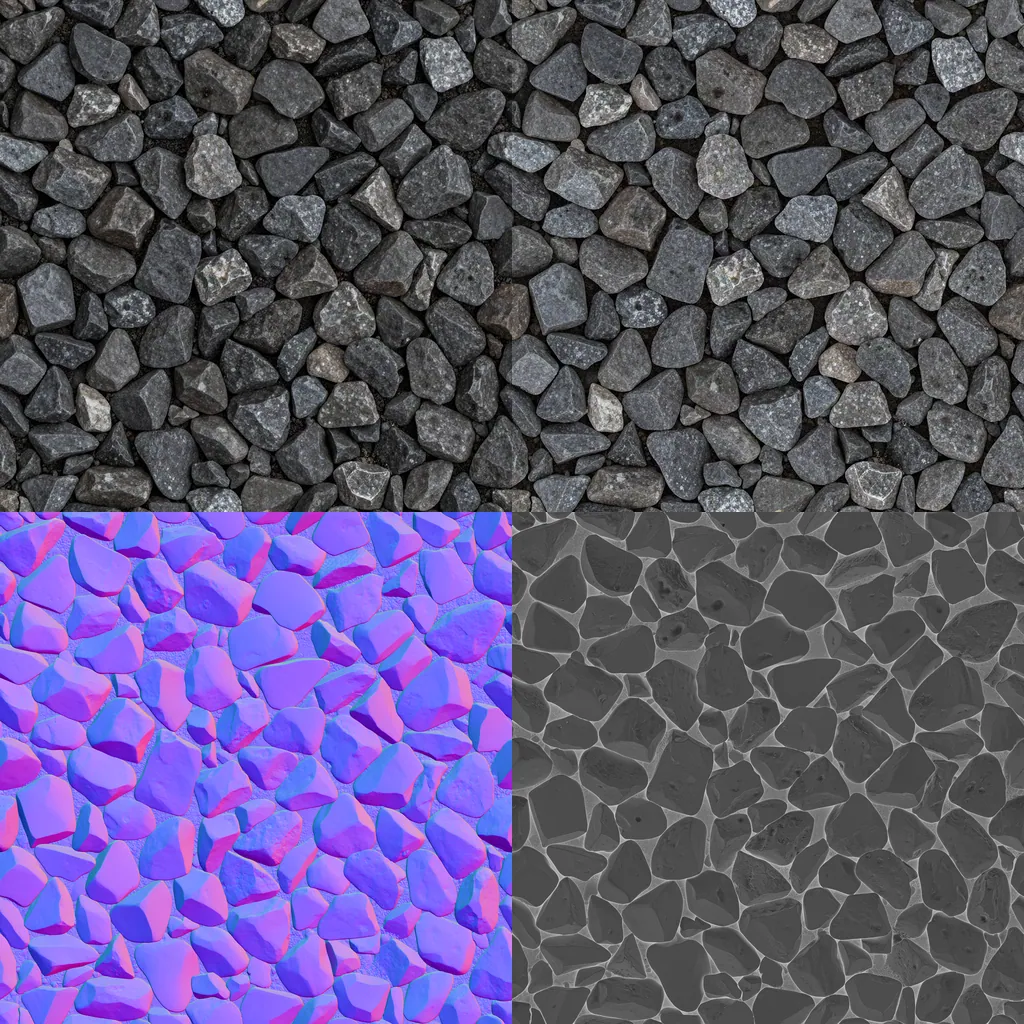
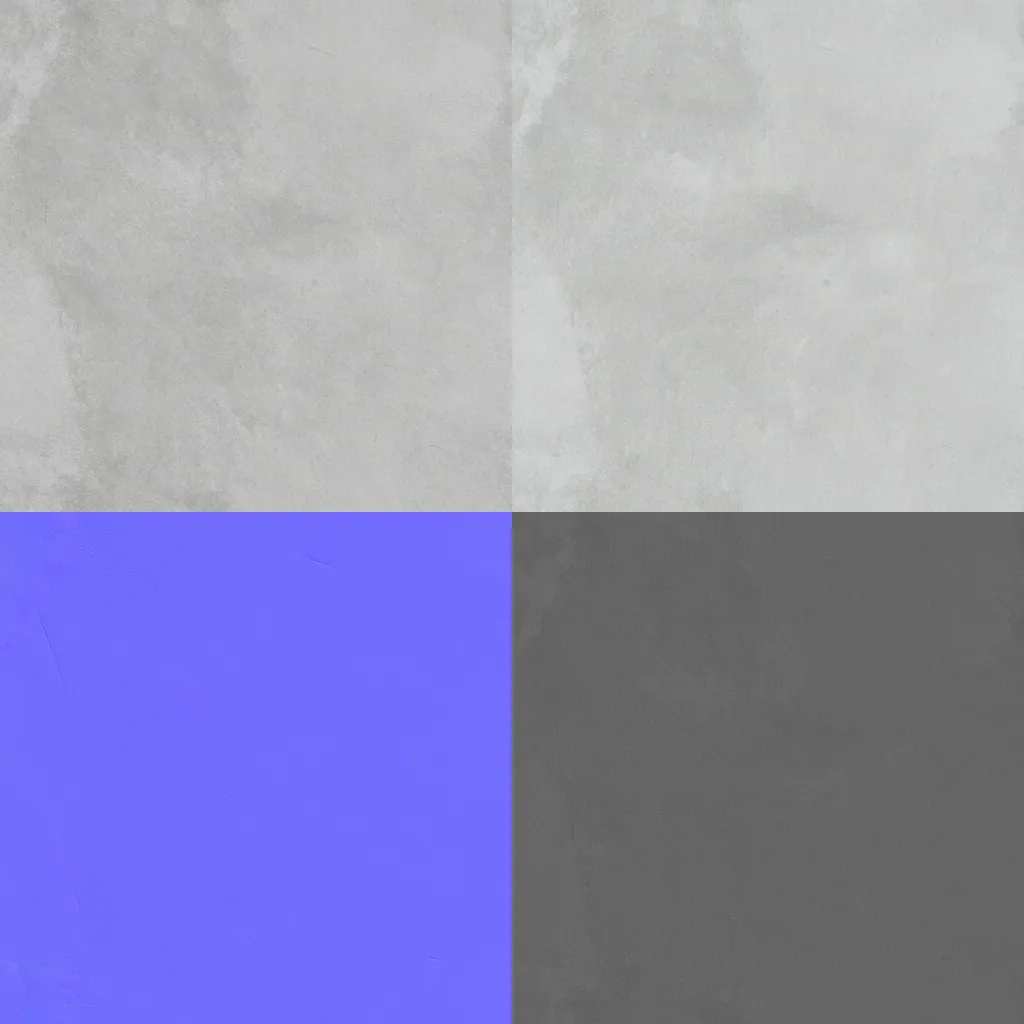
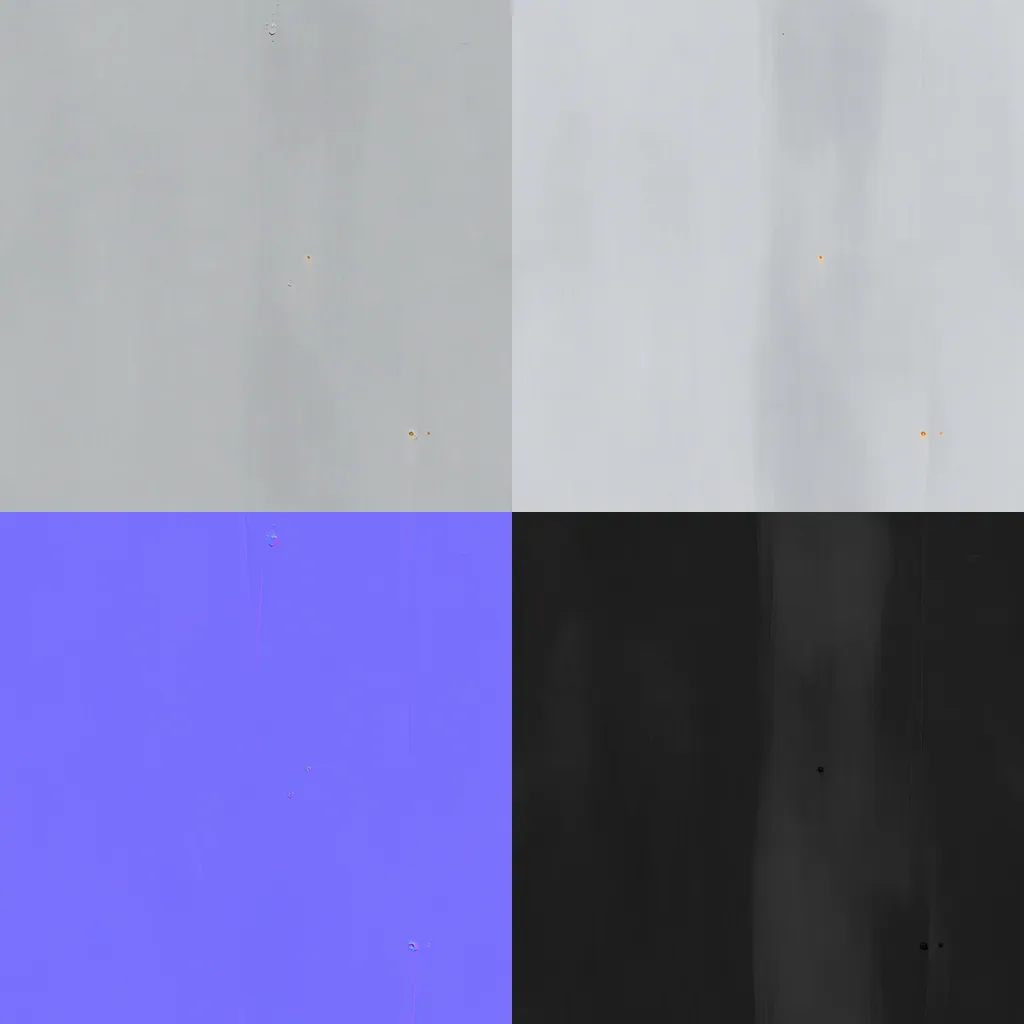
Material sets

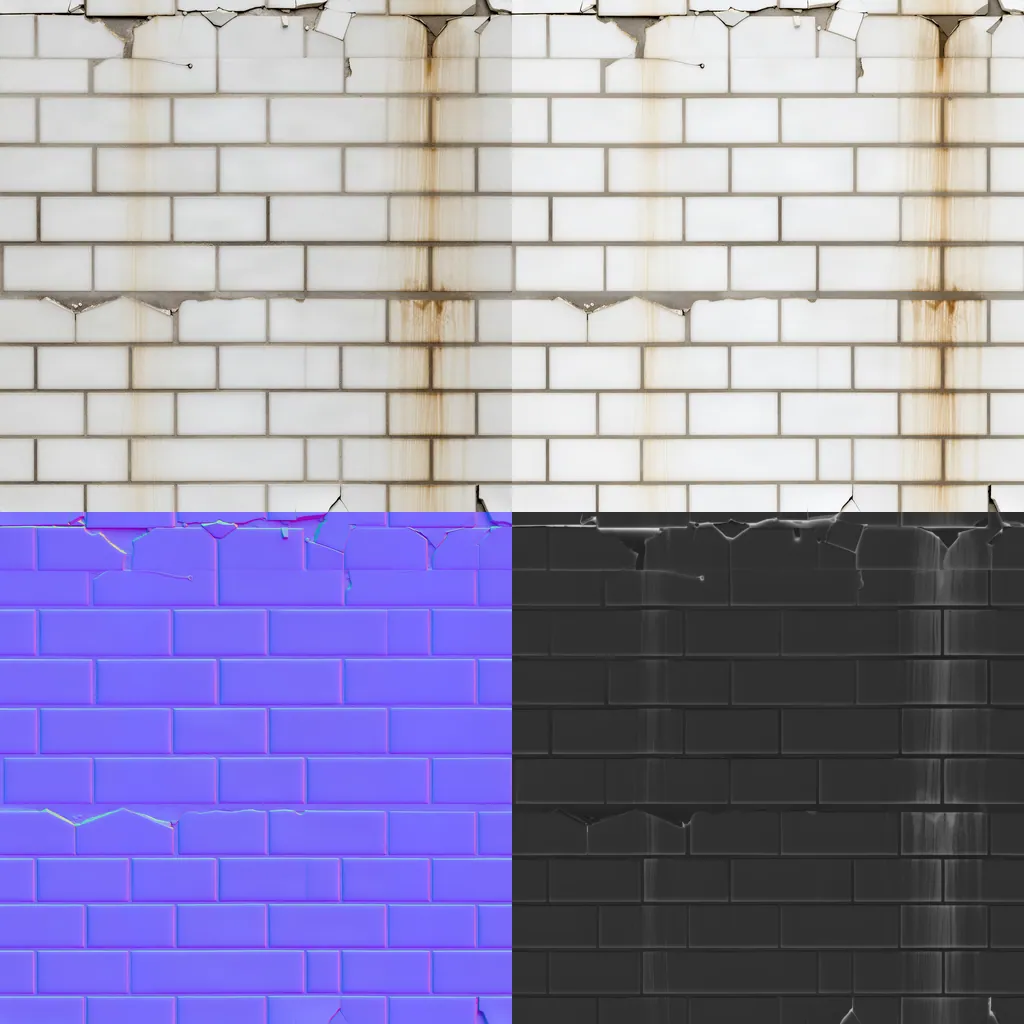
How

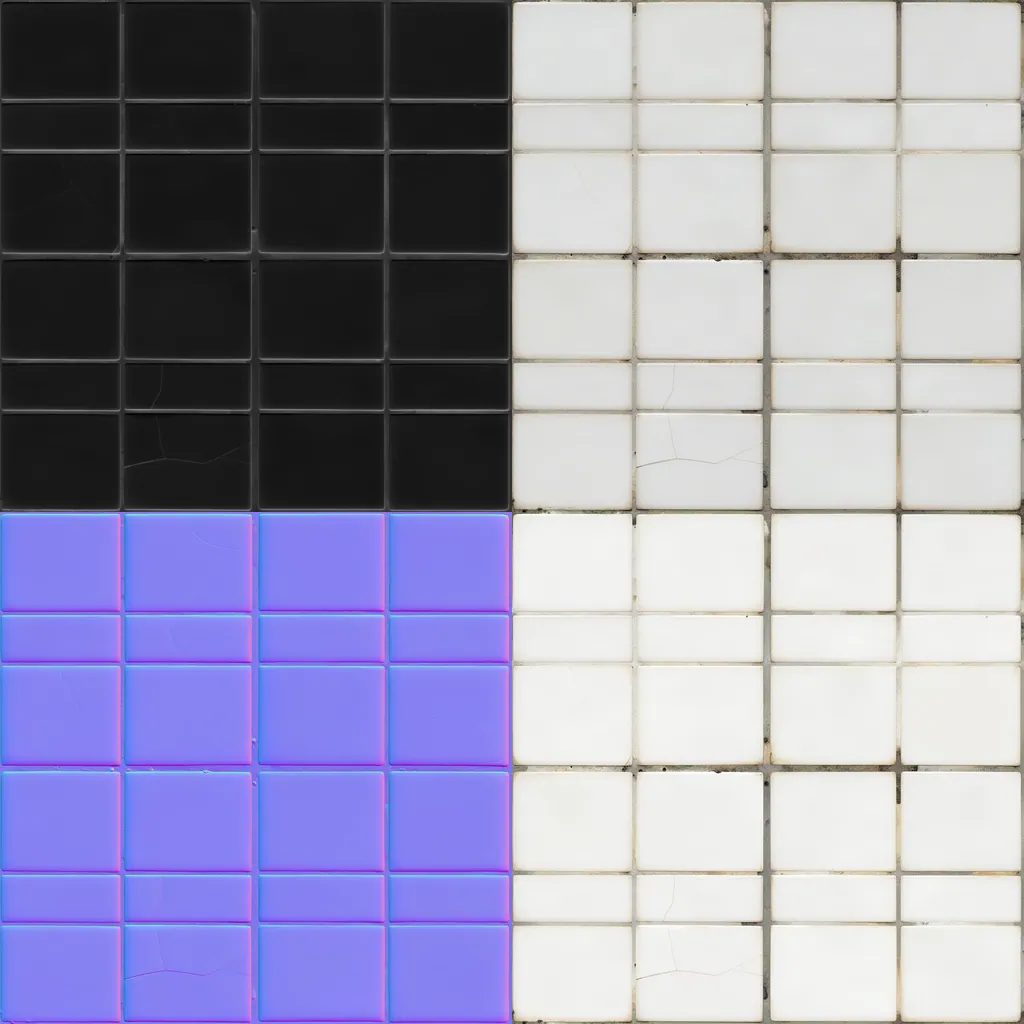
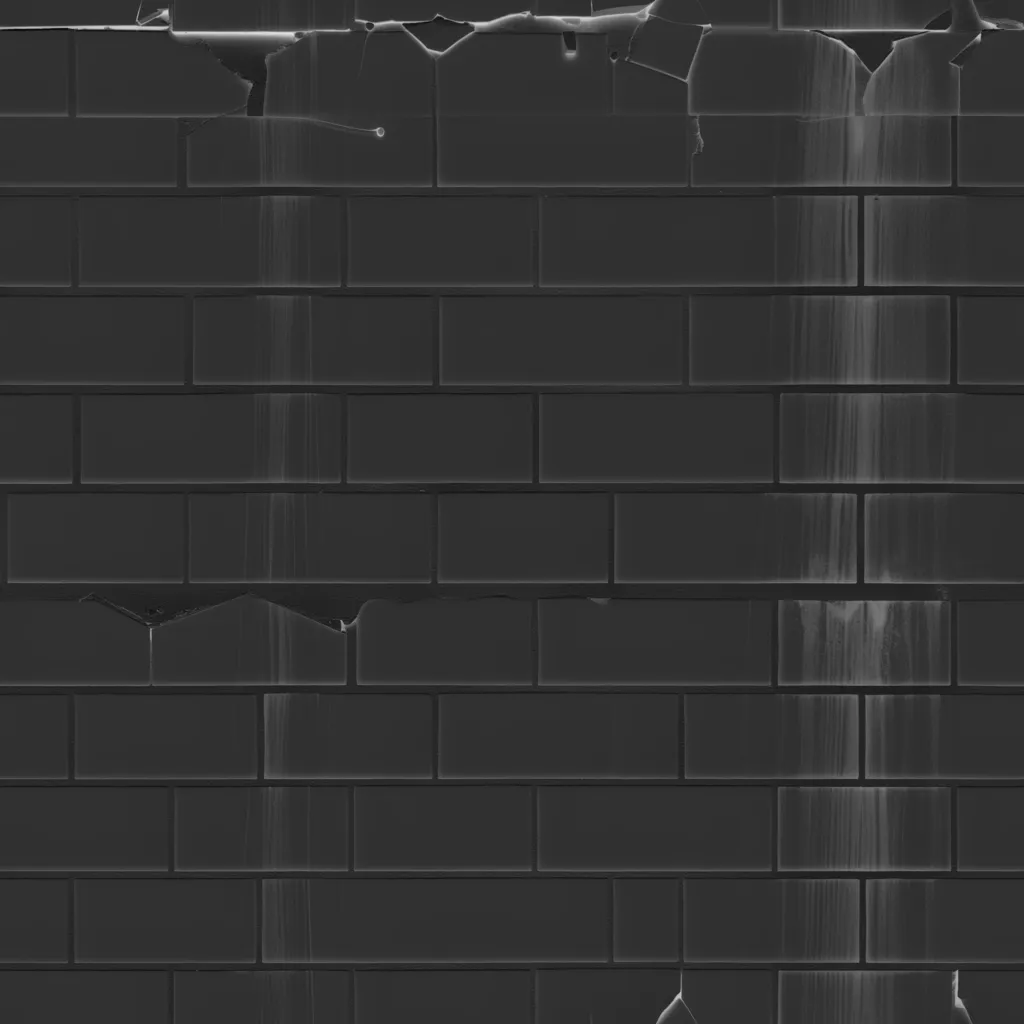
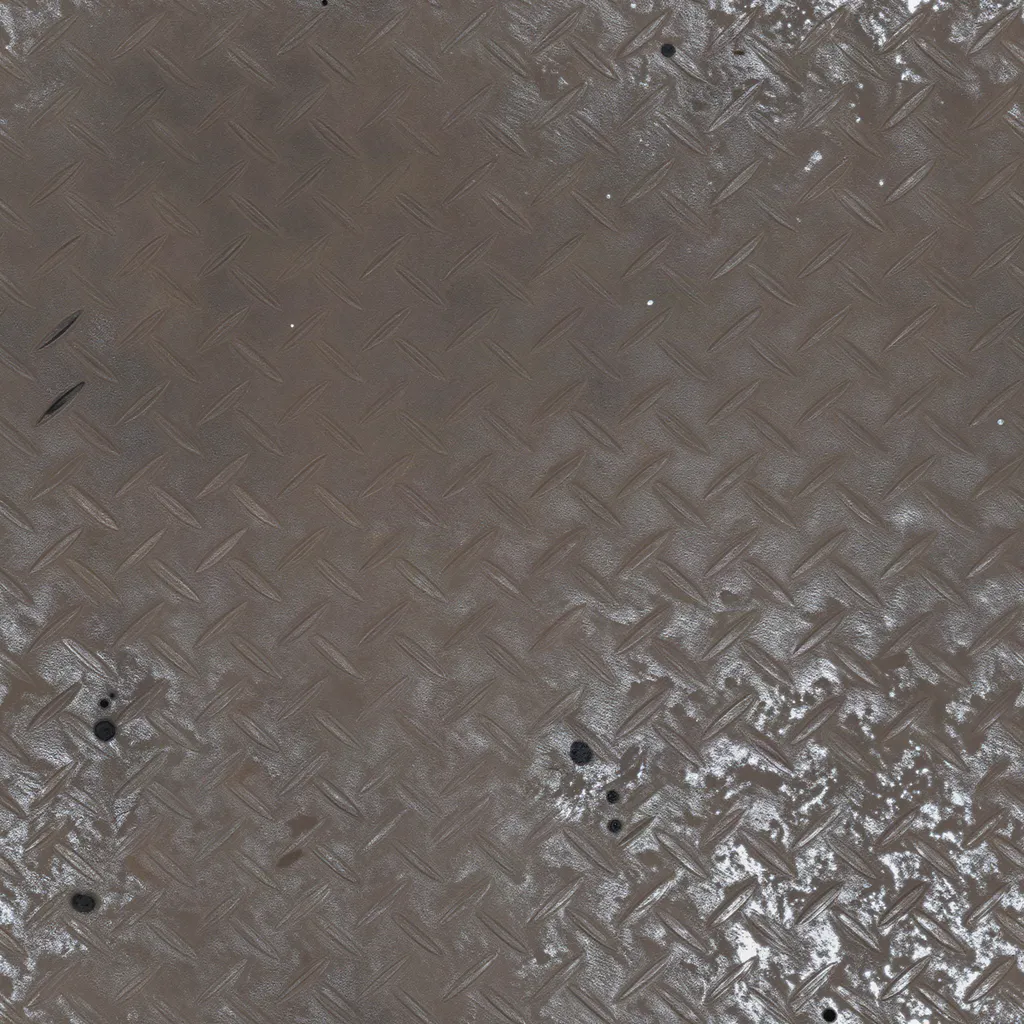
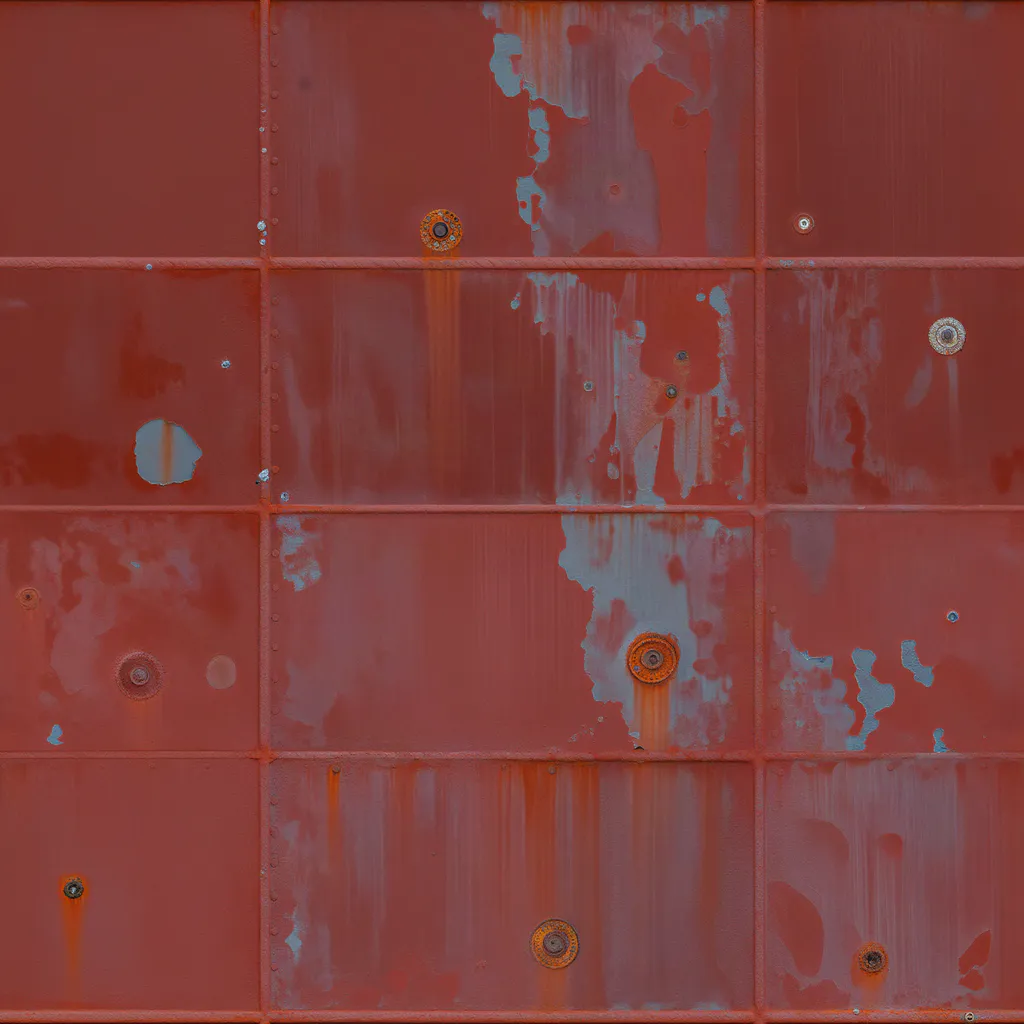
Each square shows the base colour of a seamless set and its maps.

Made withPATINA Material

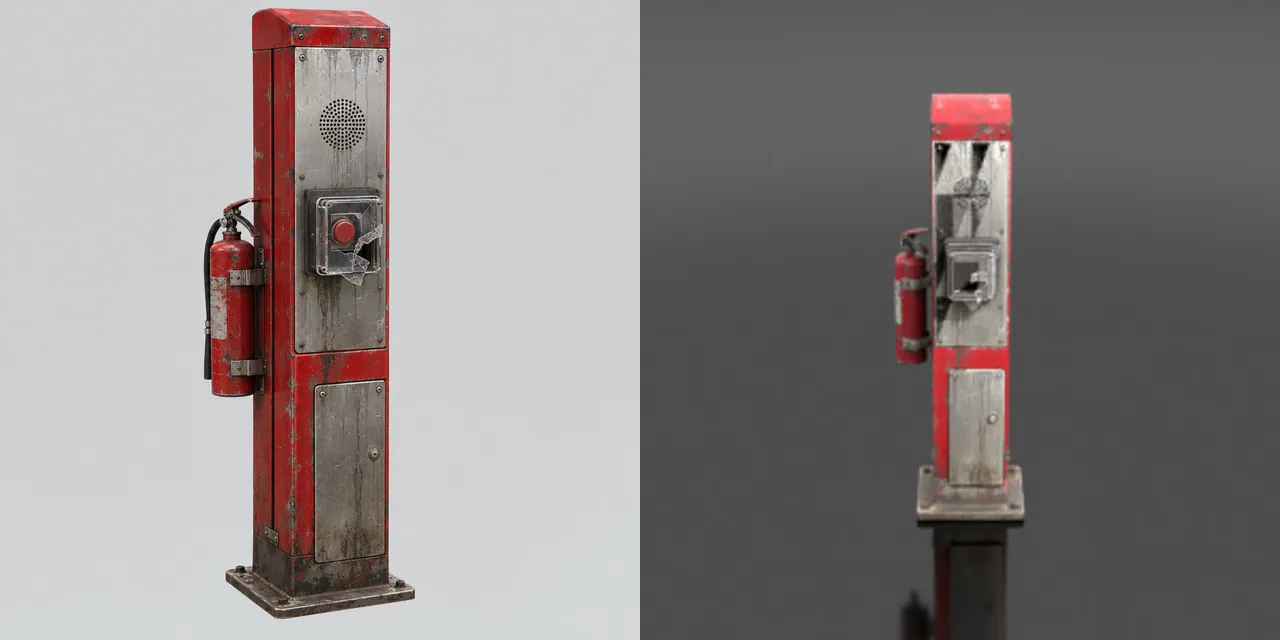
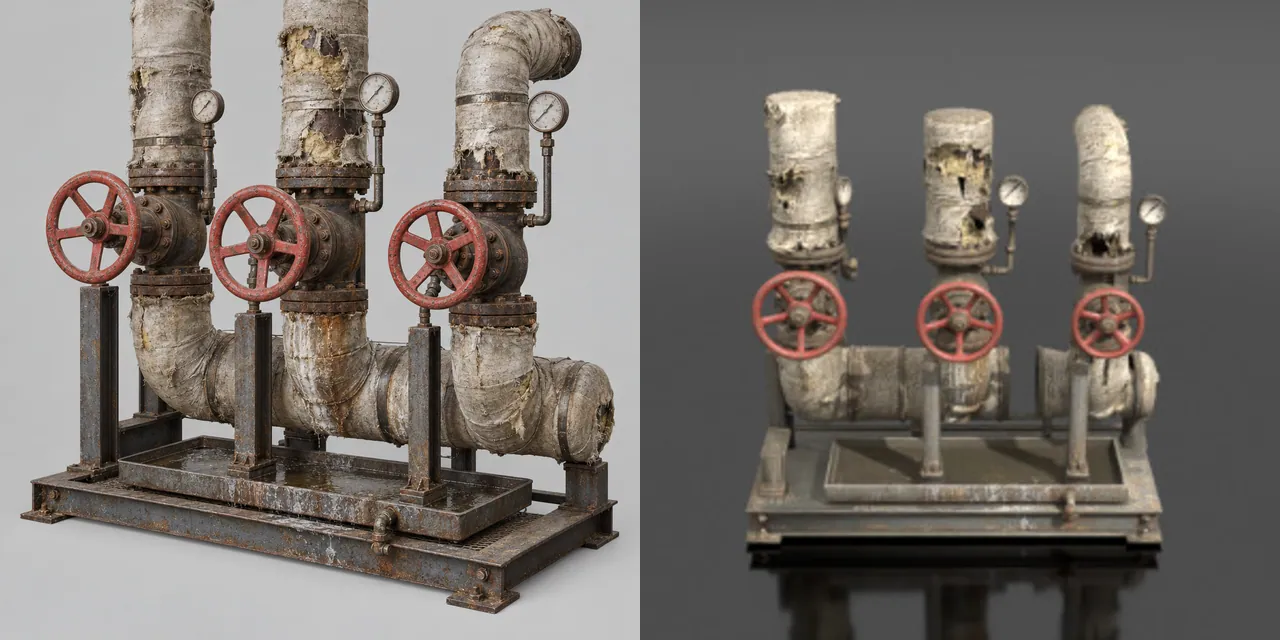
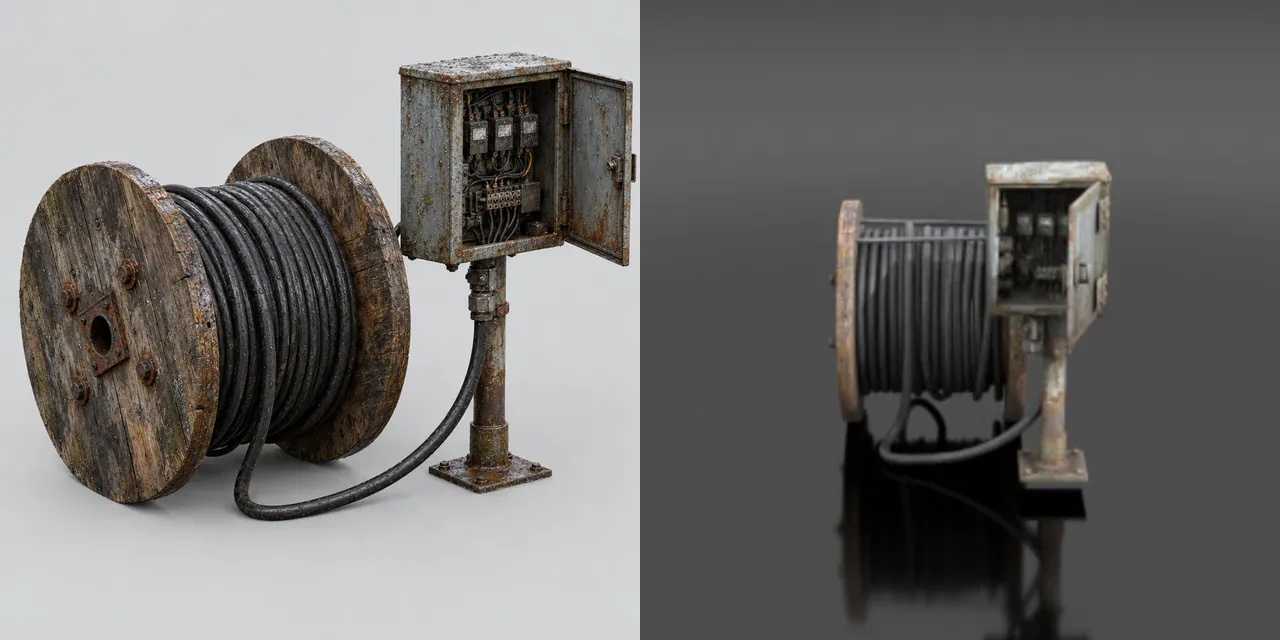
12

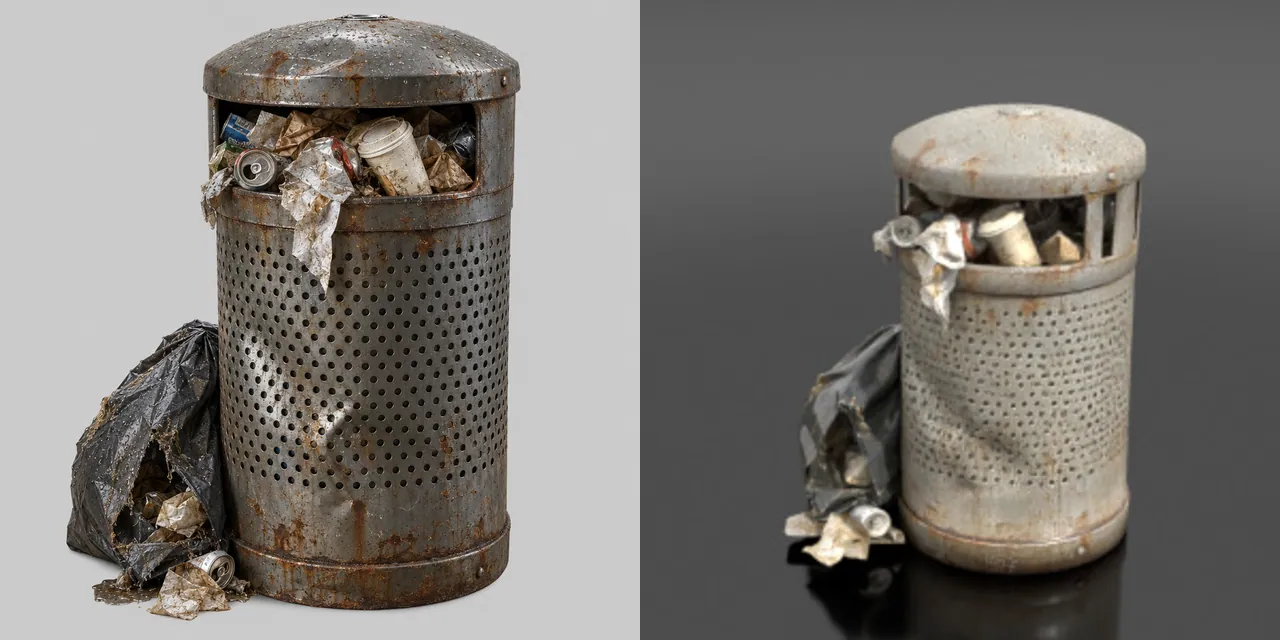
Props

How

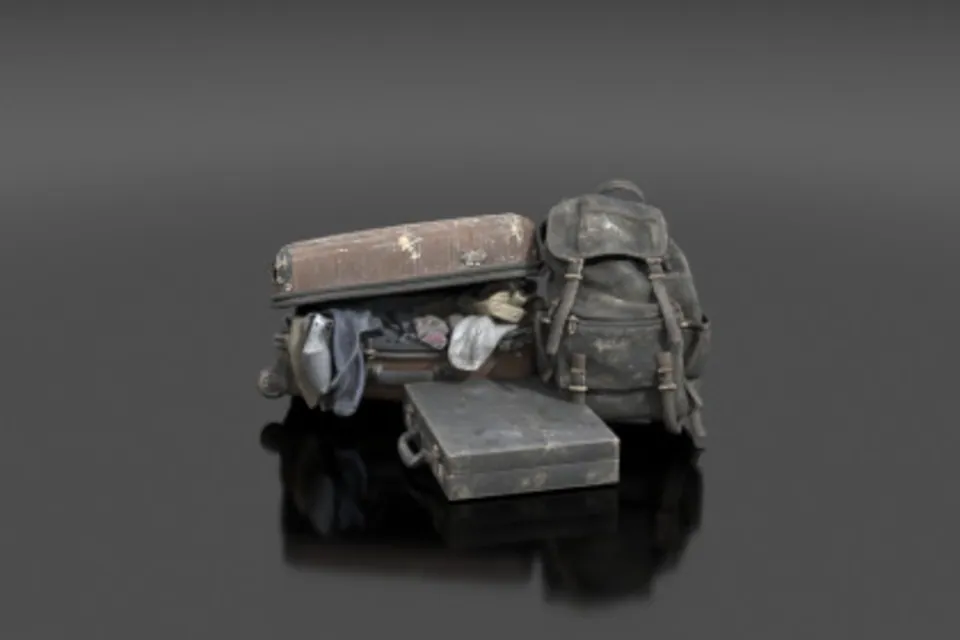
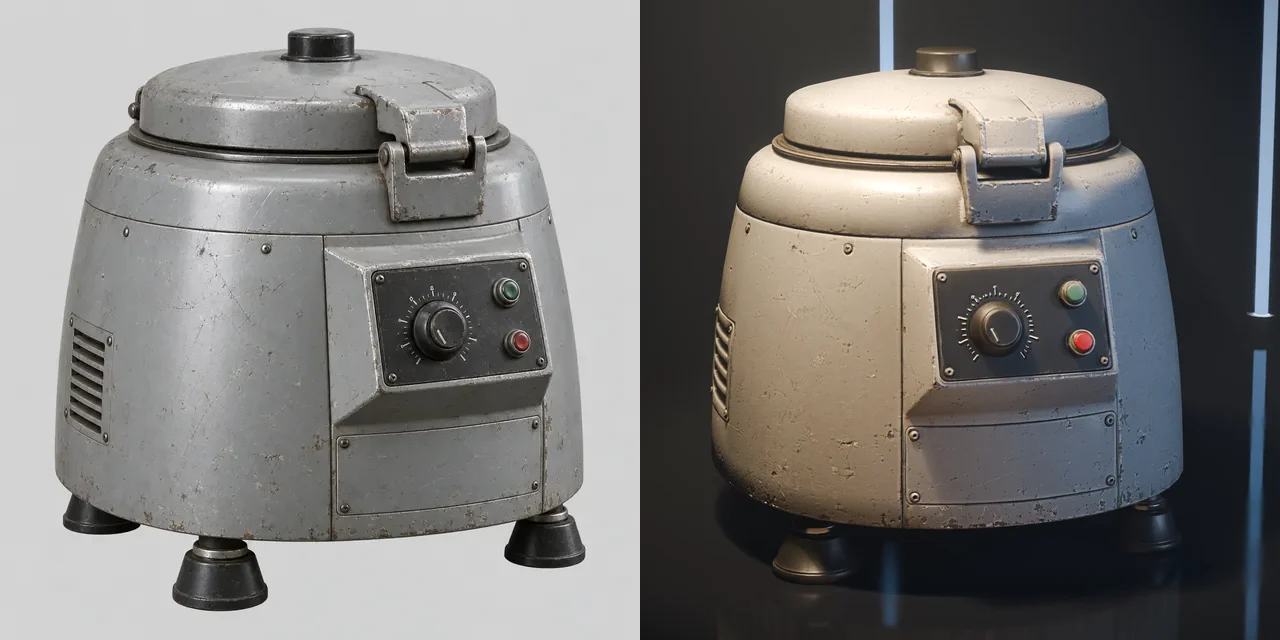
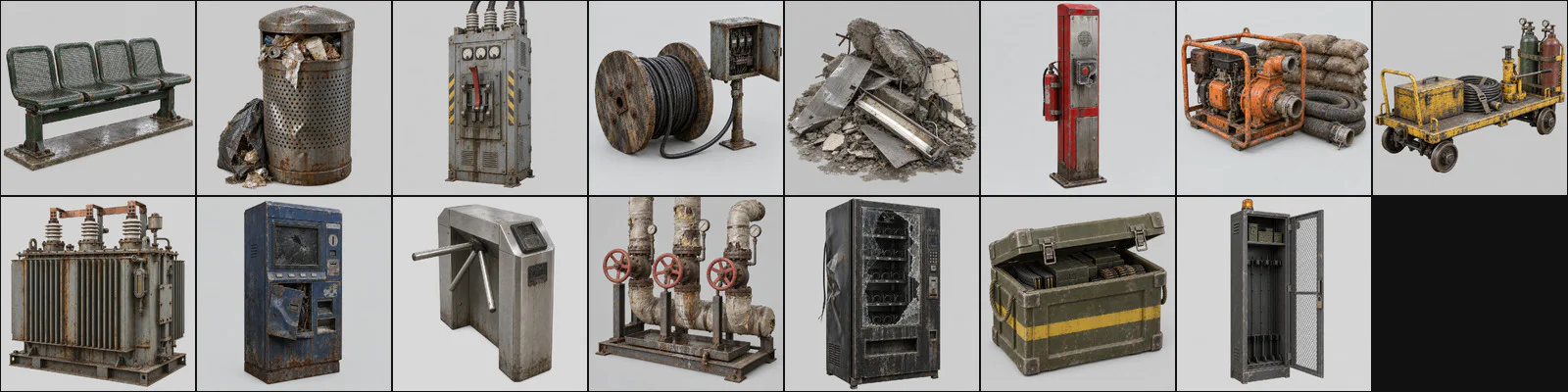
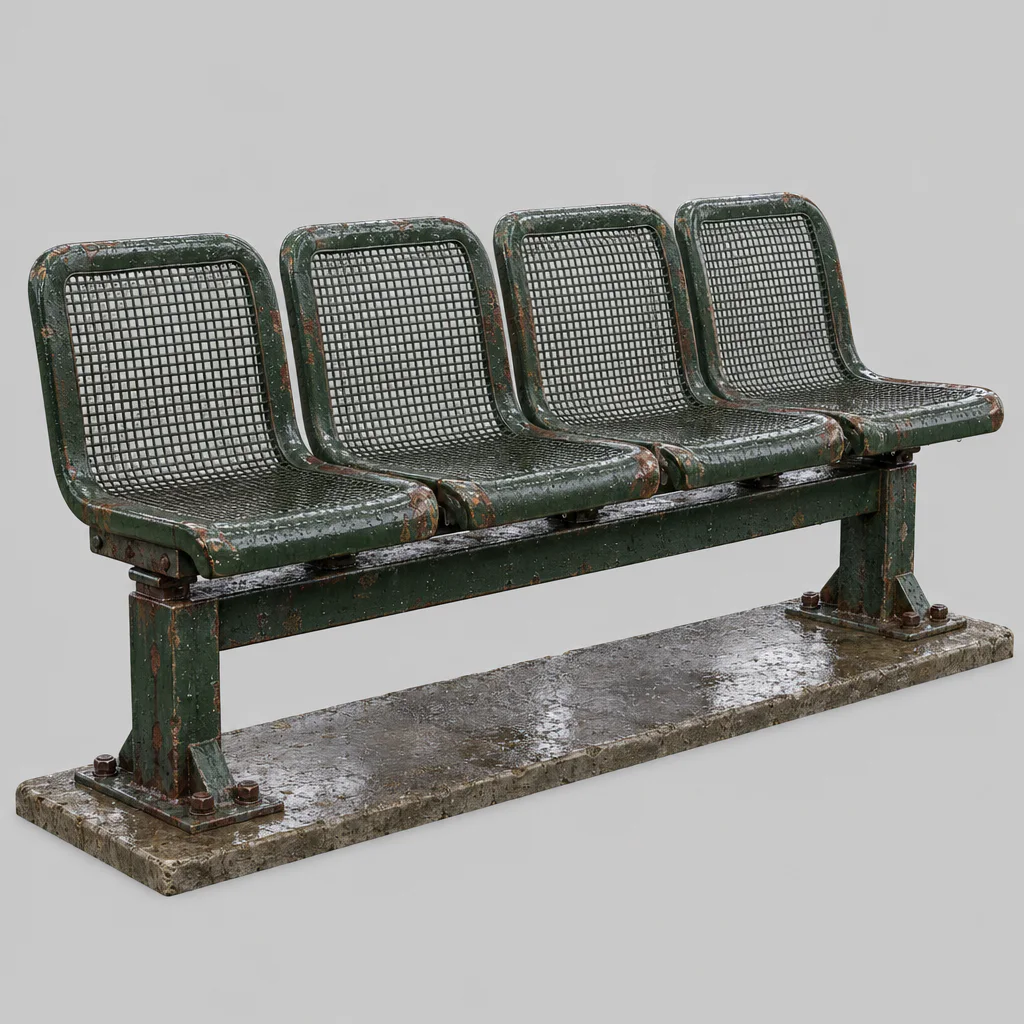
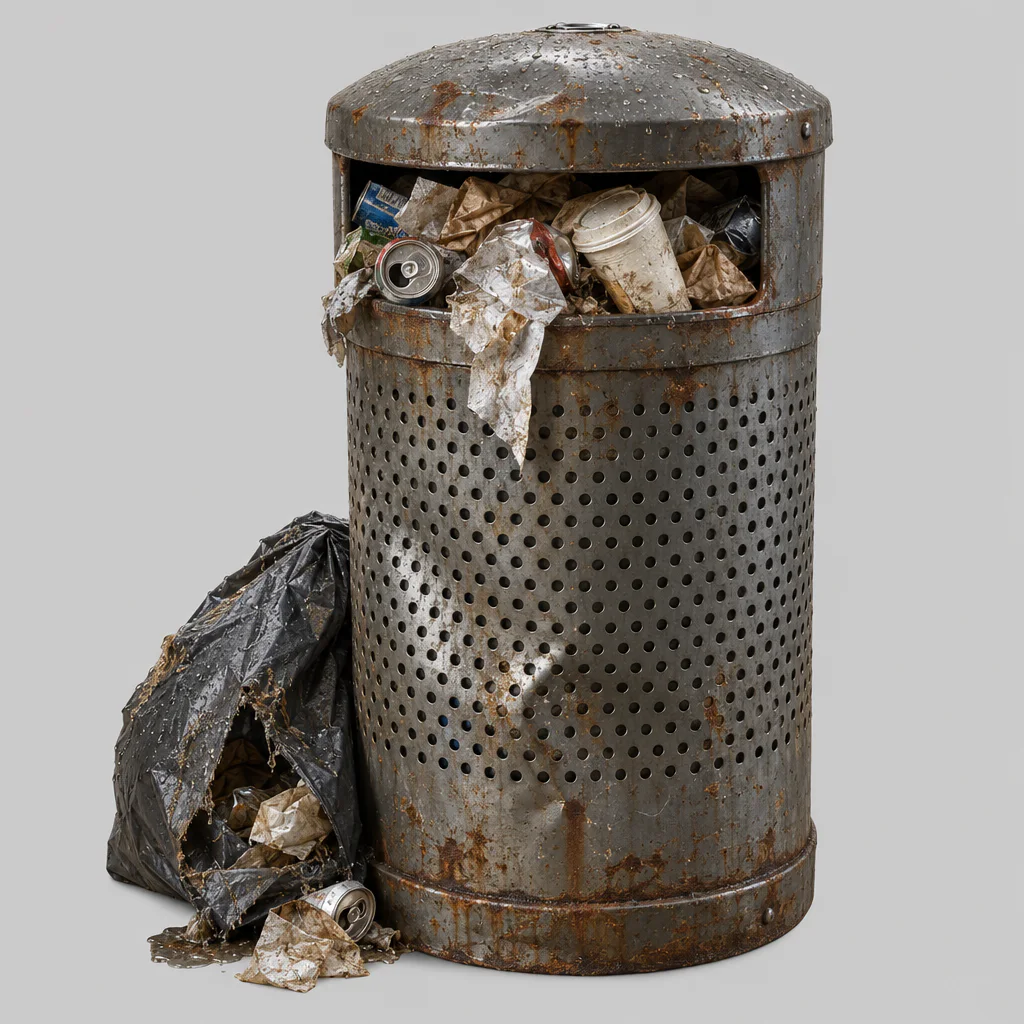
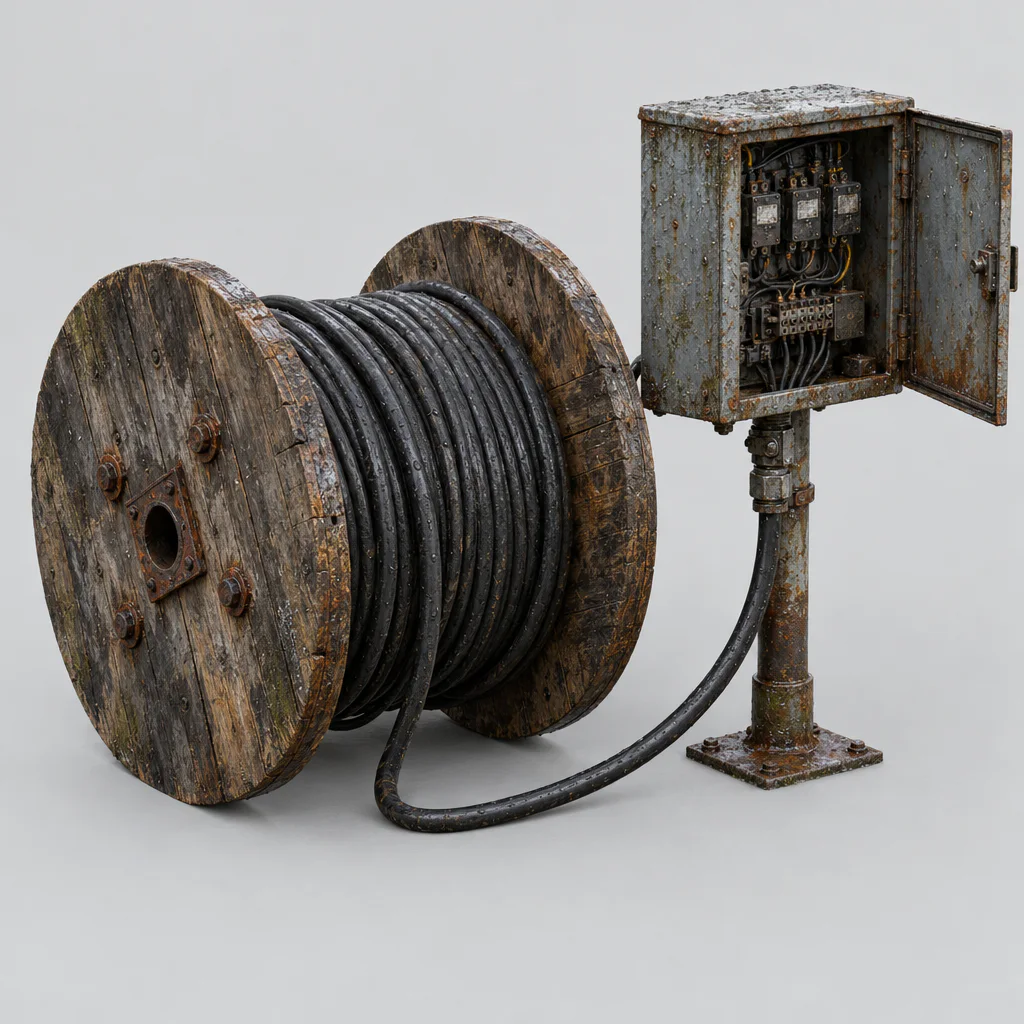
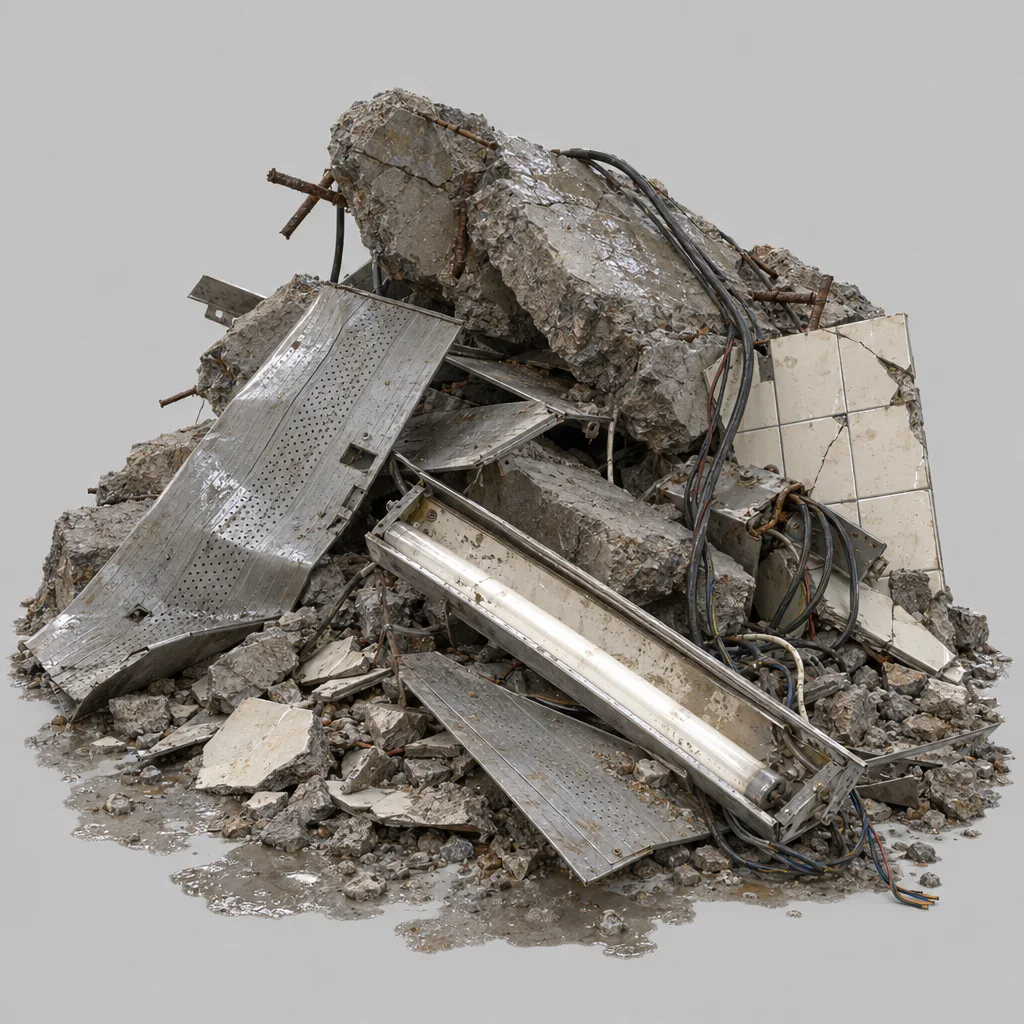
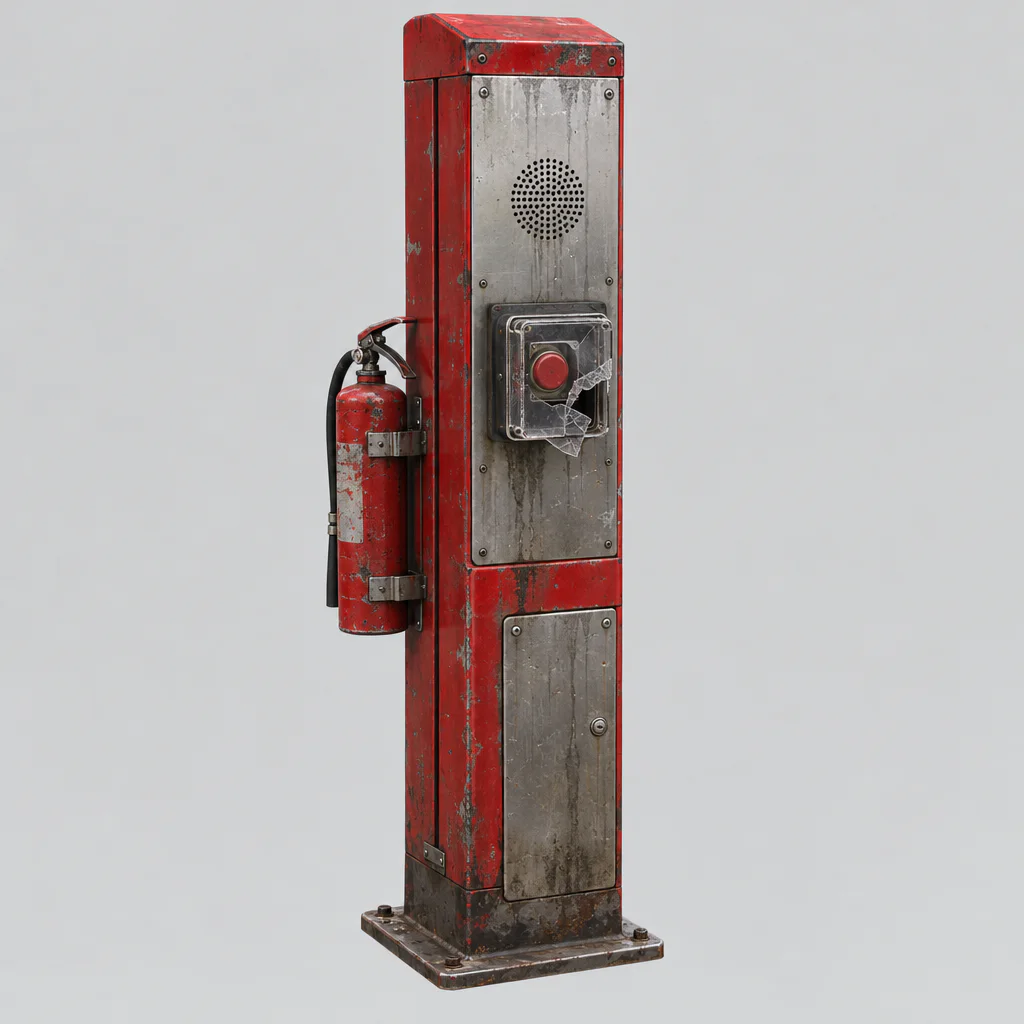
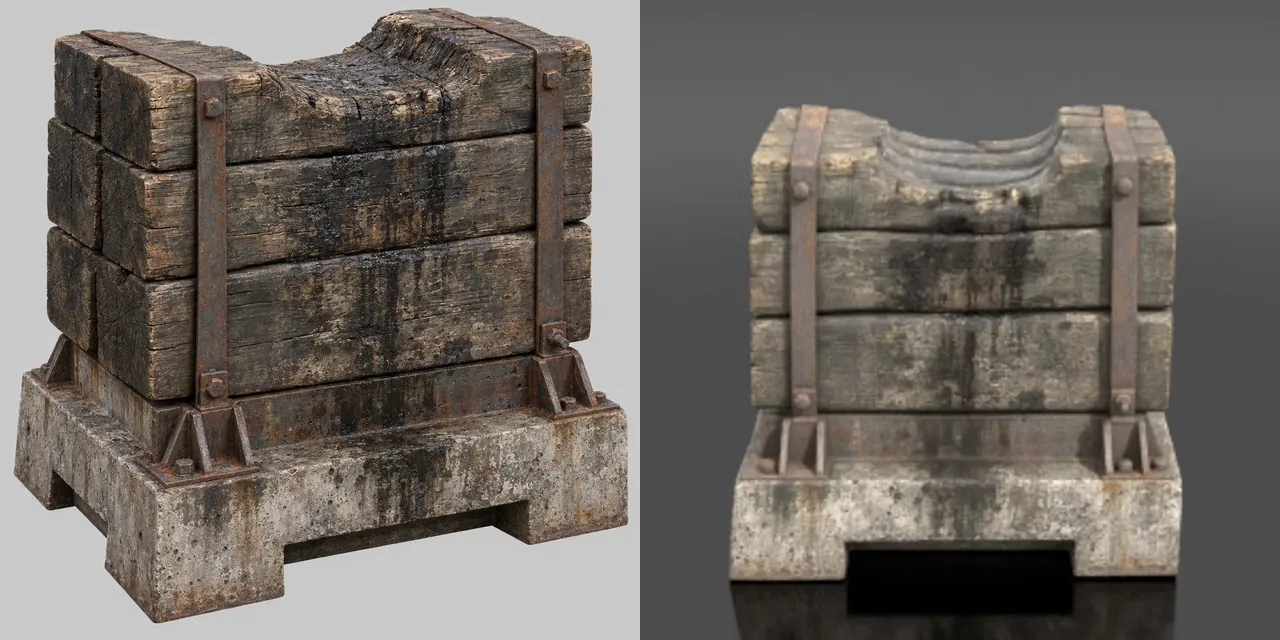
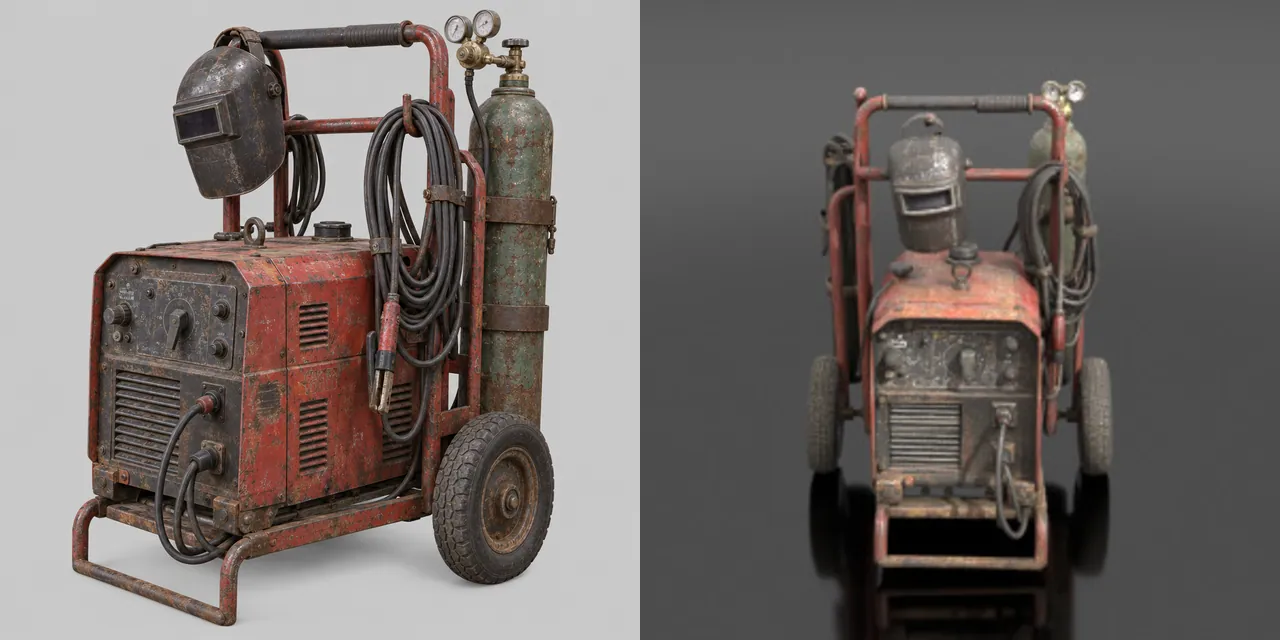
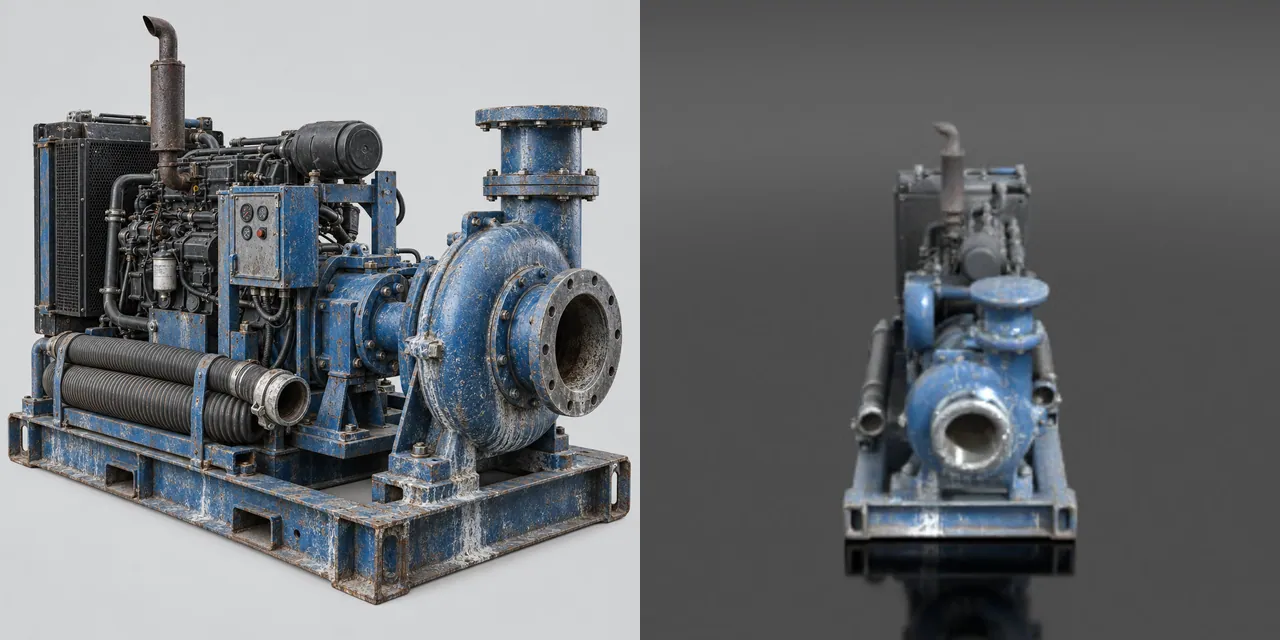
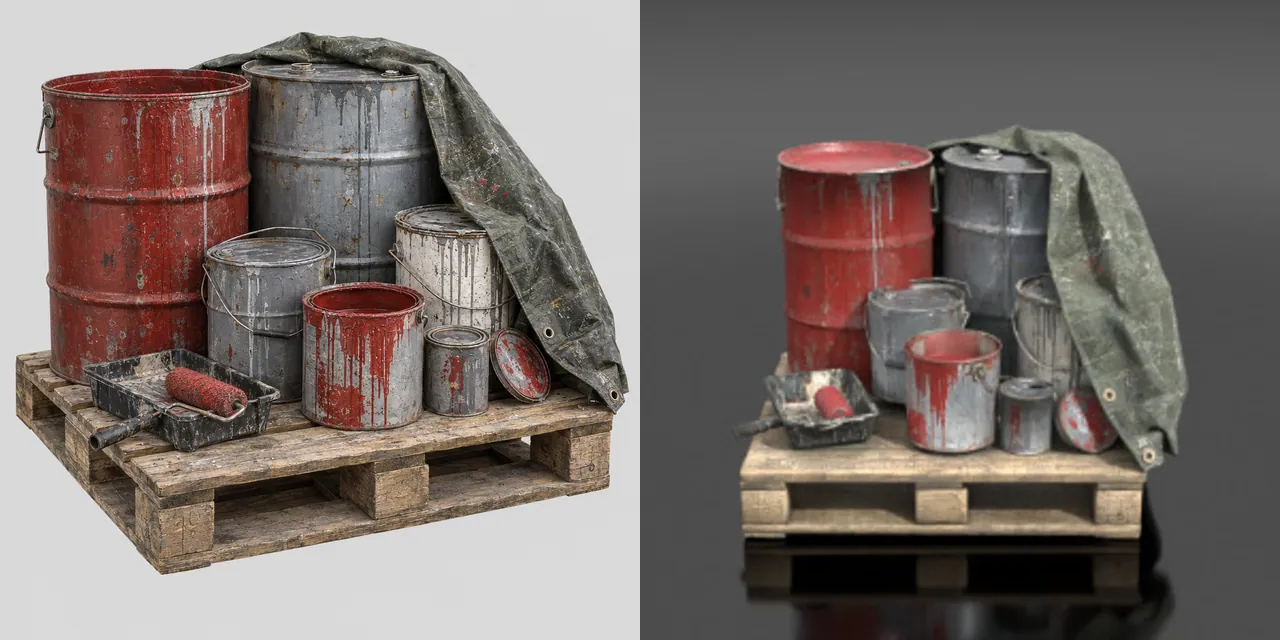
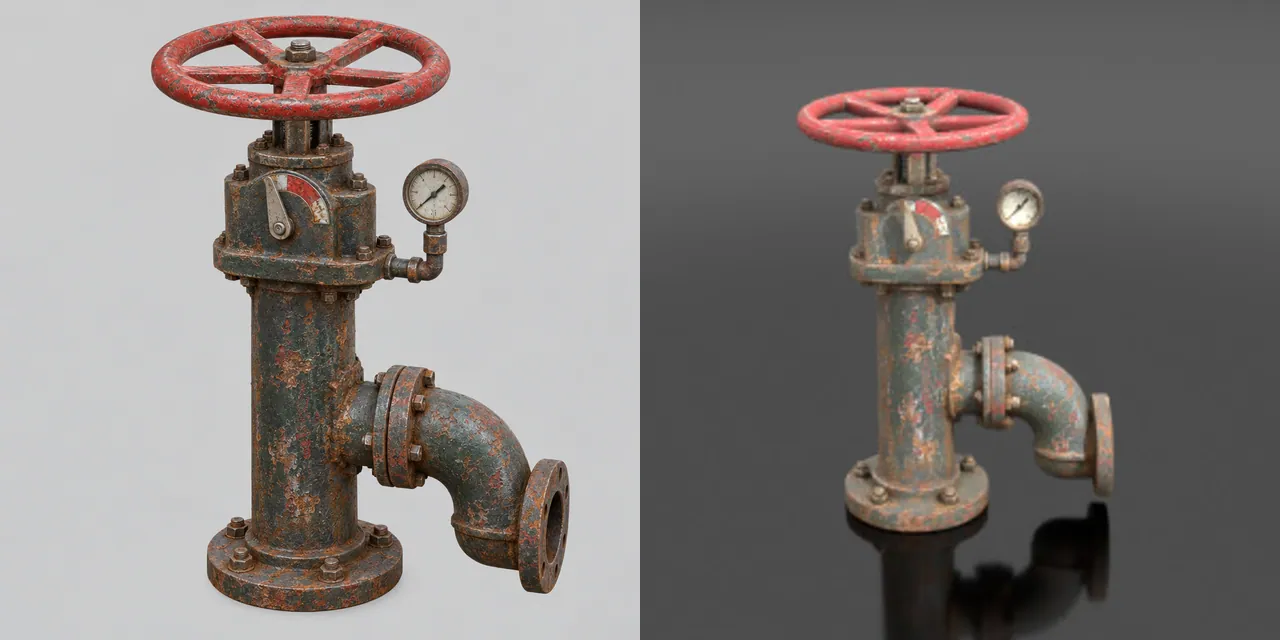
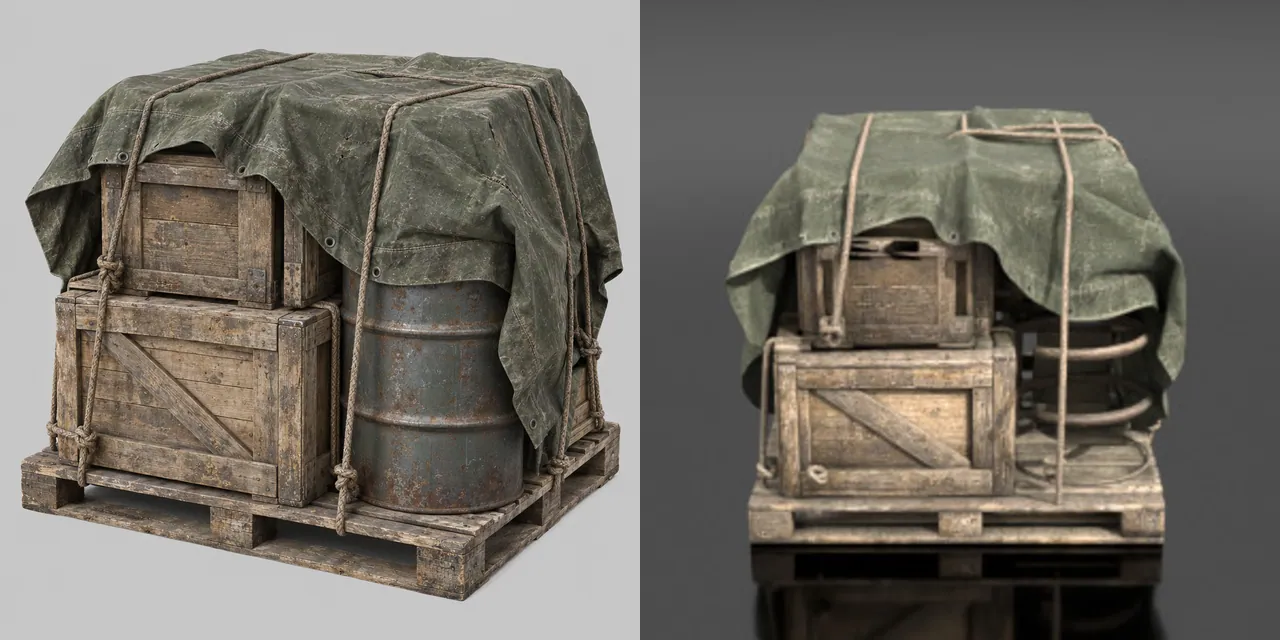
One concept image per prop, then image-to-3D. Two tiles show the concept at the left and the mesh as Scenario previews it at the right; the others show the mesh.

Made withGPT Image 2.5 SunburstGPT Image 2.6 SunburstTripo P2

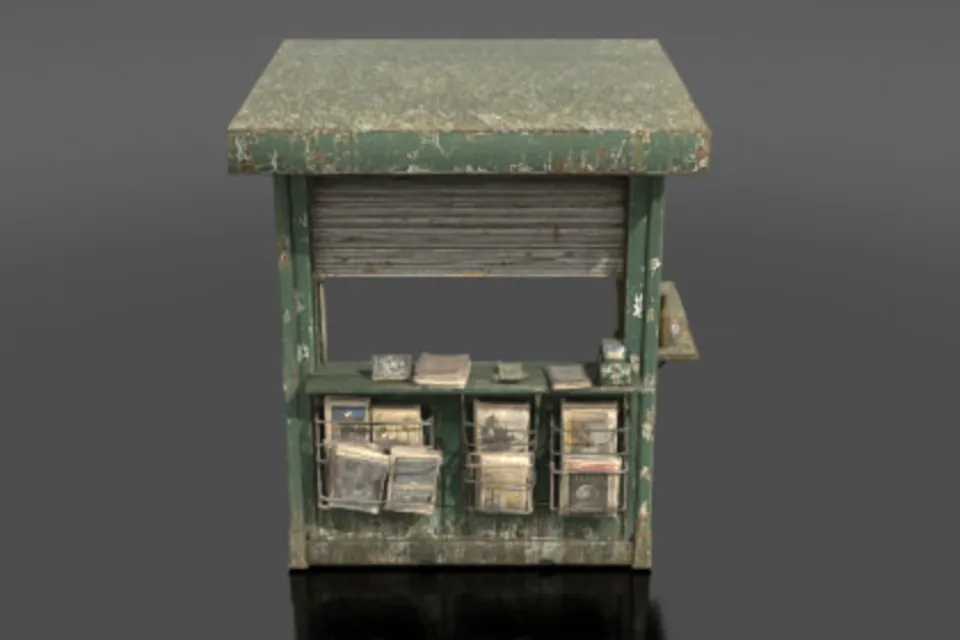
8

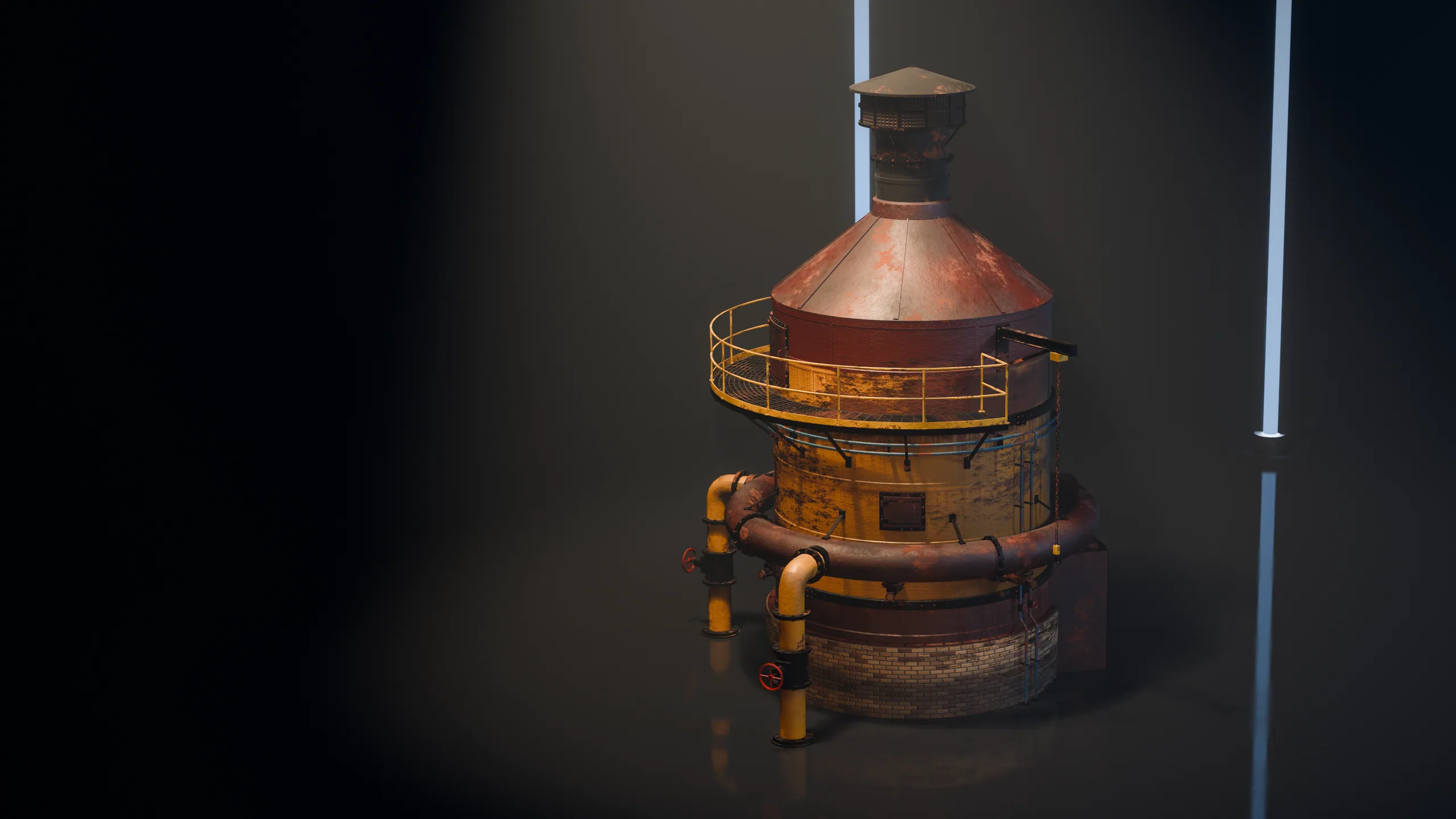
Built structures and machines

How

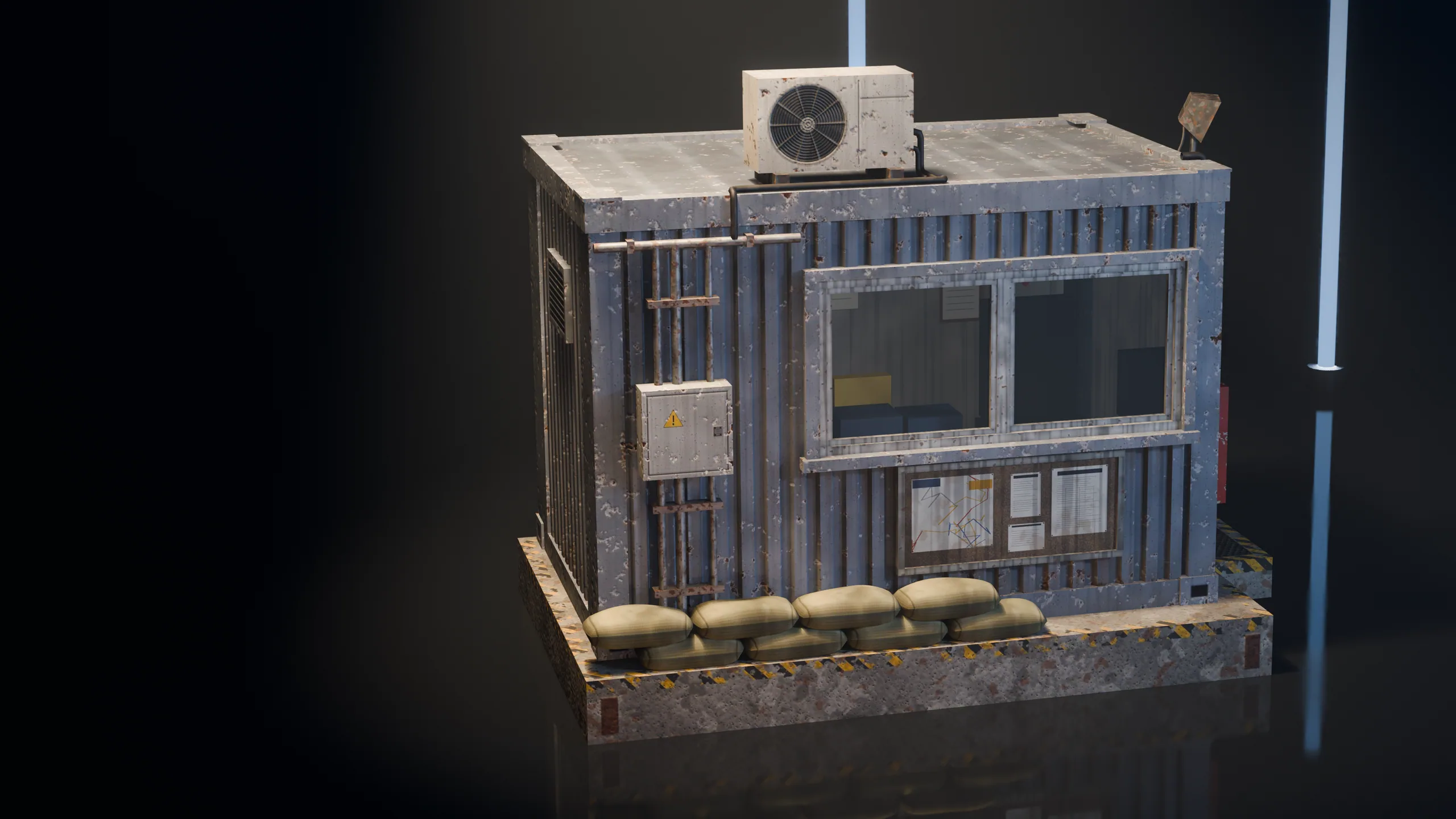
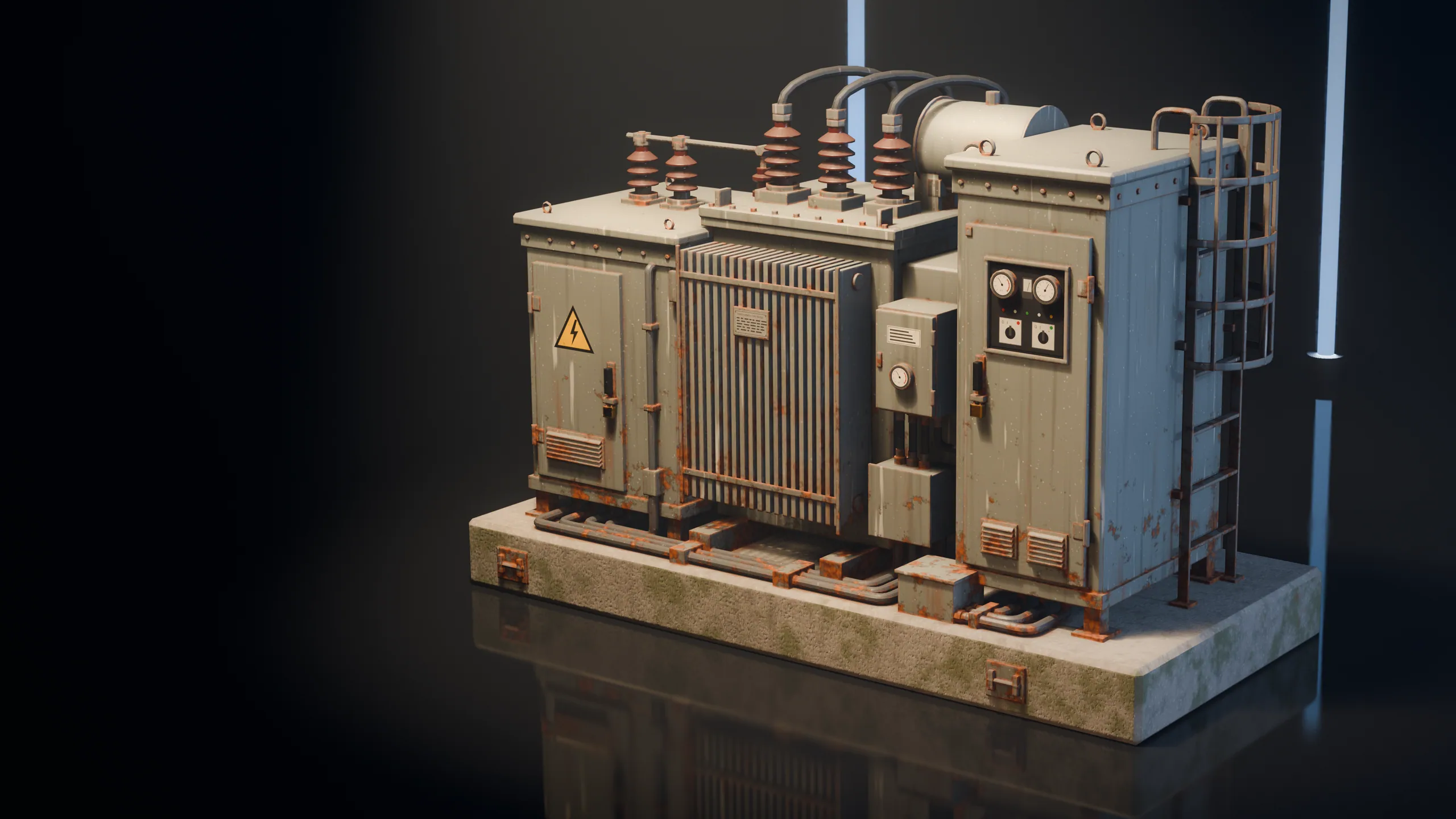
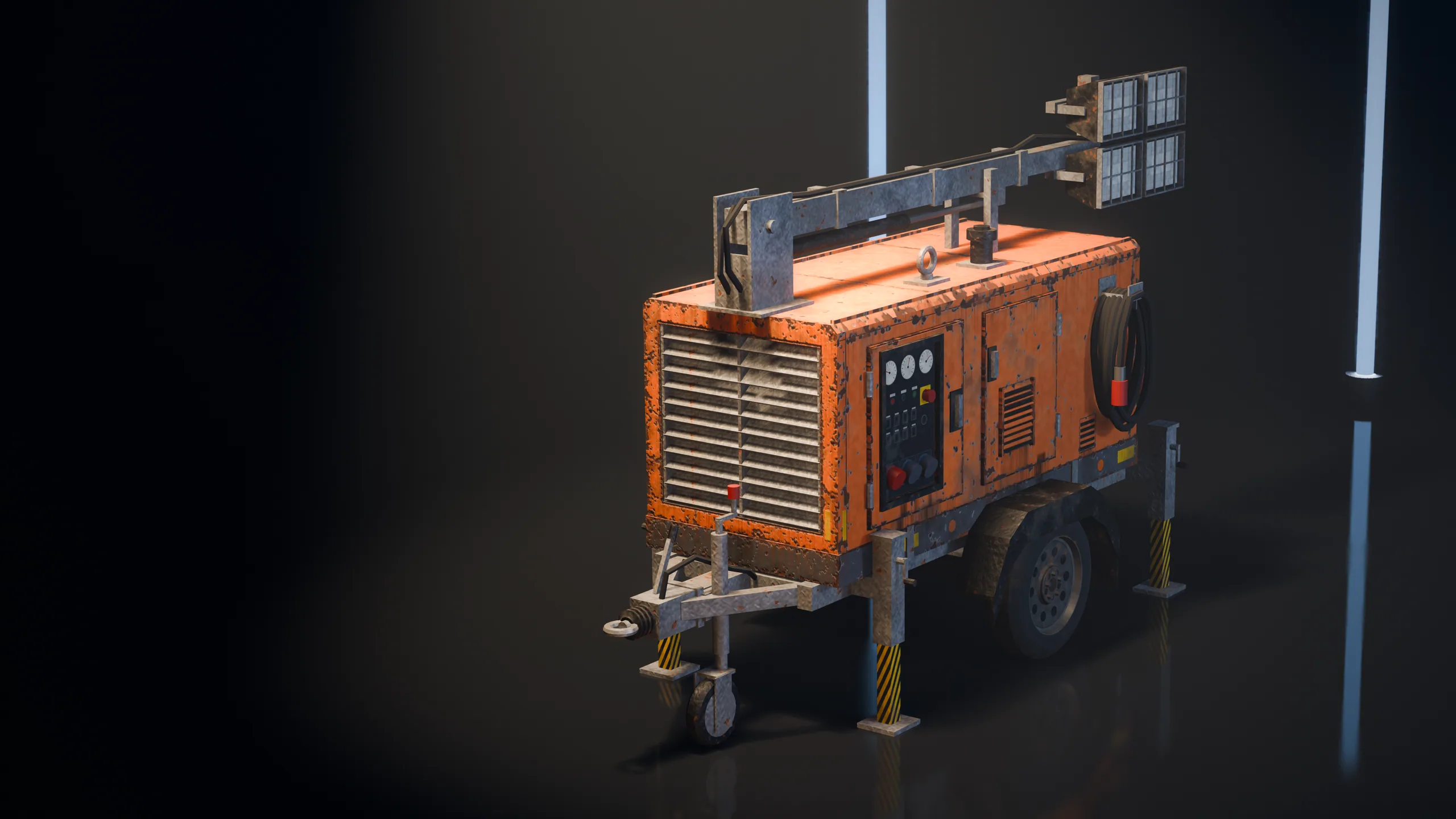
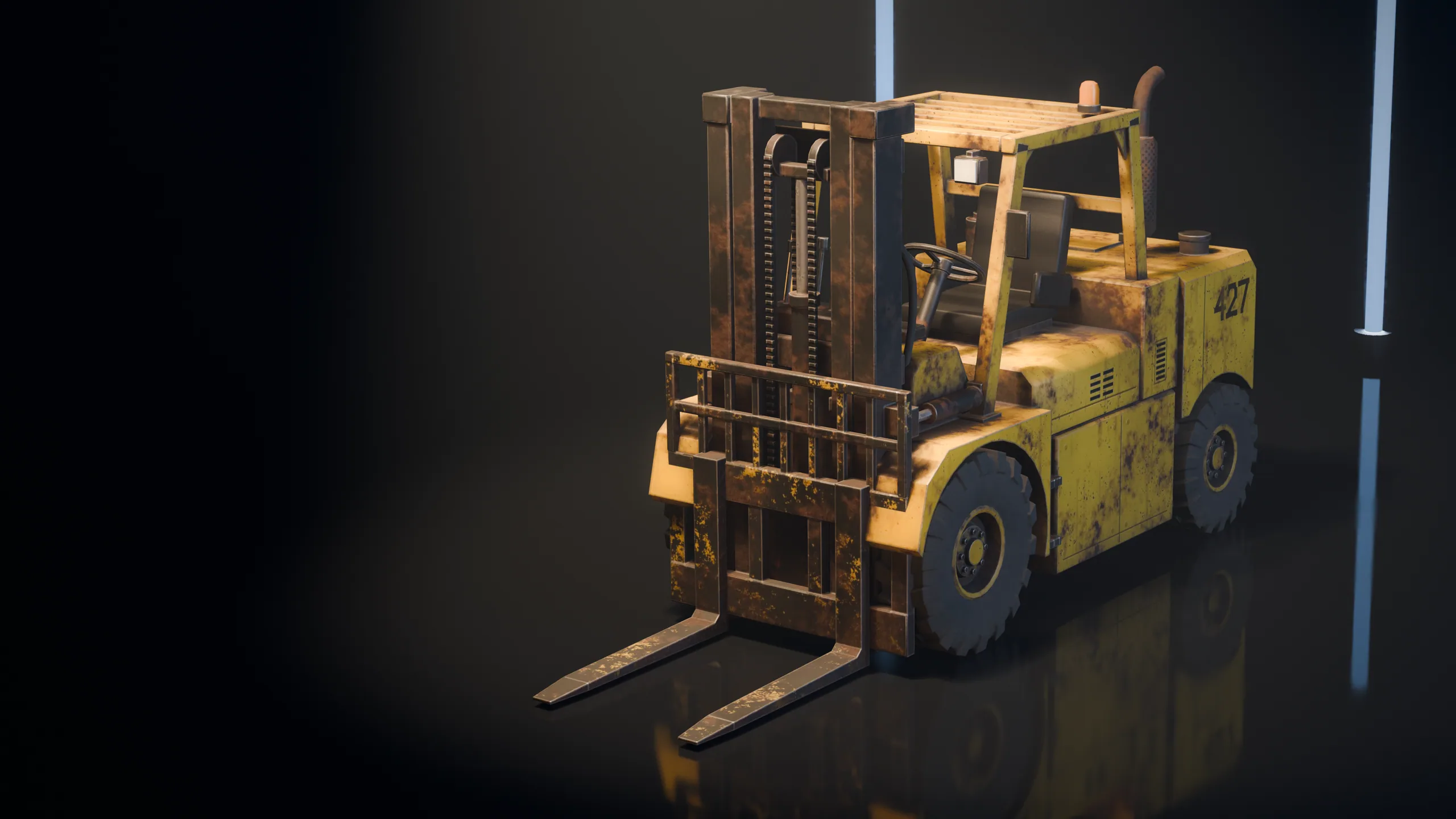
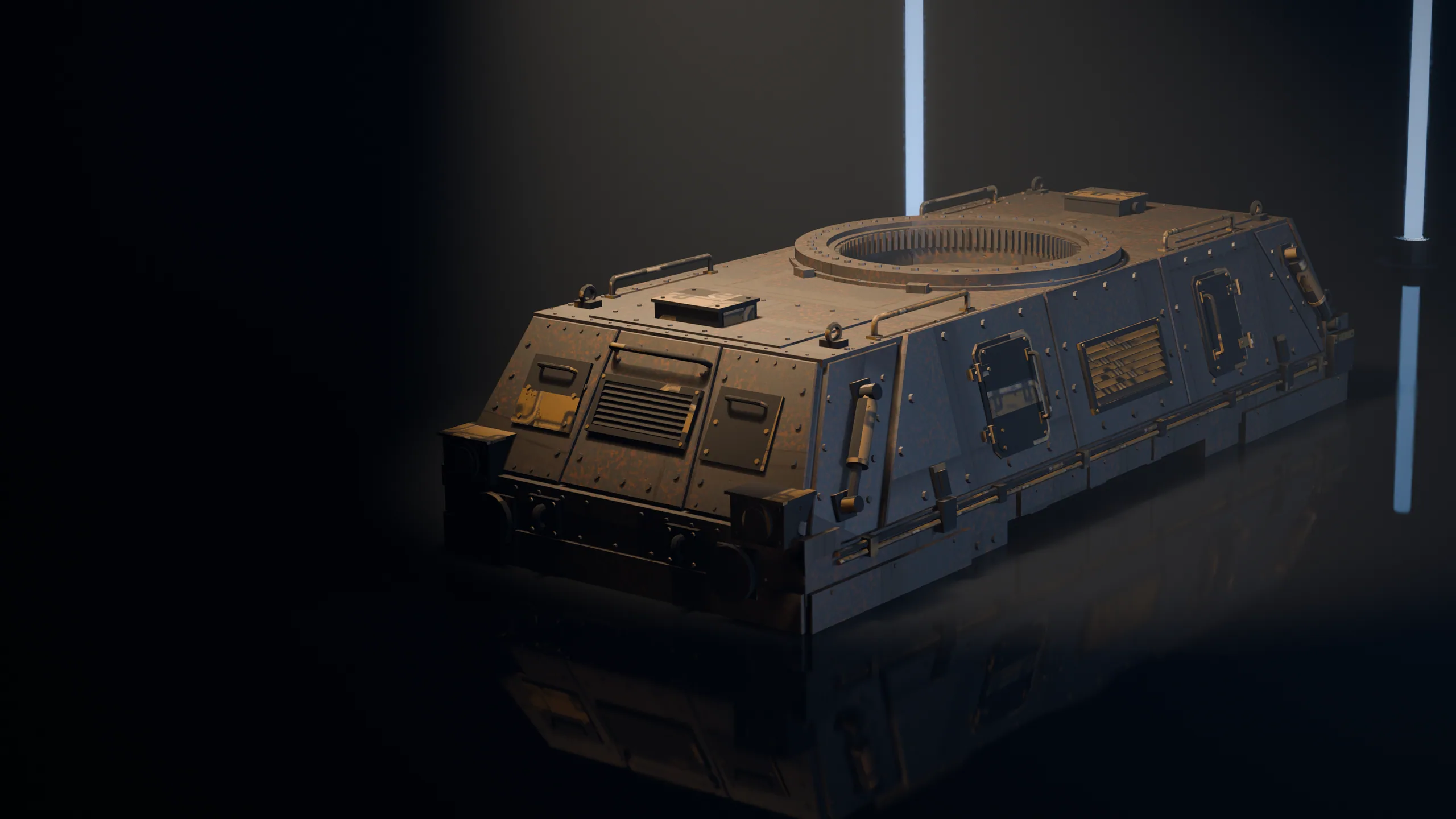
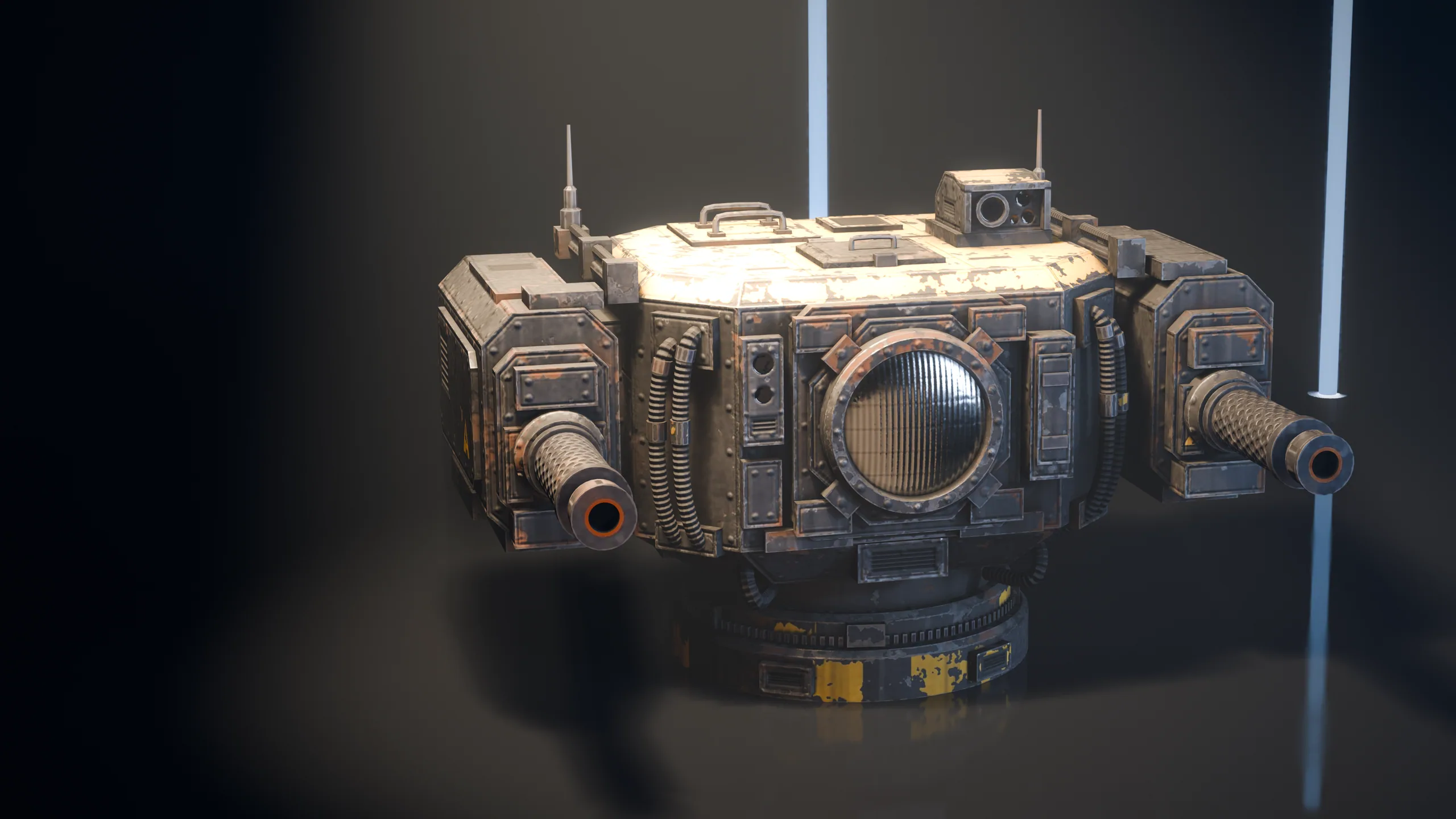
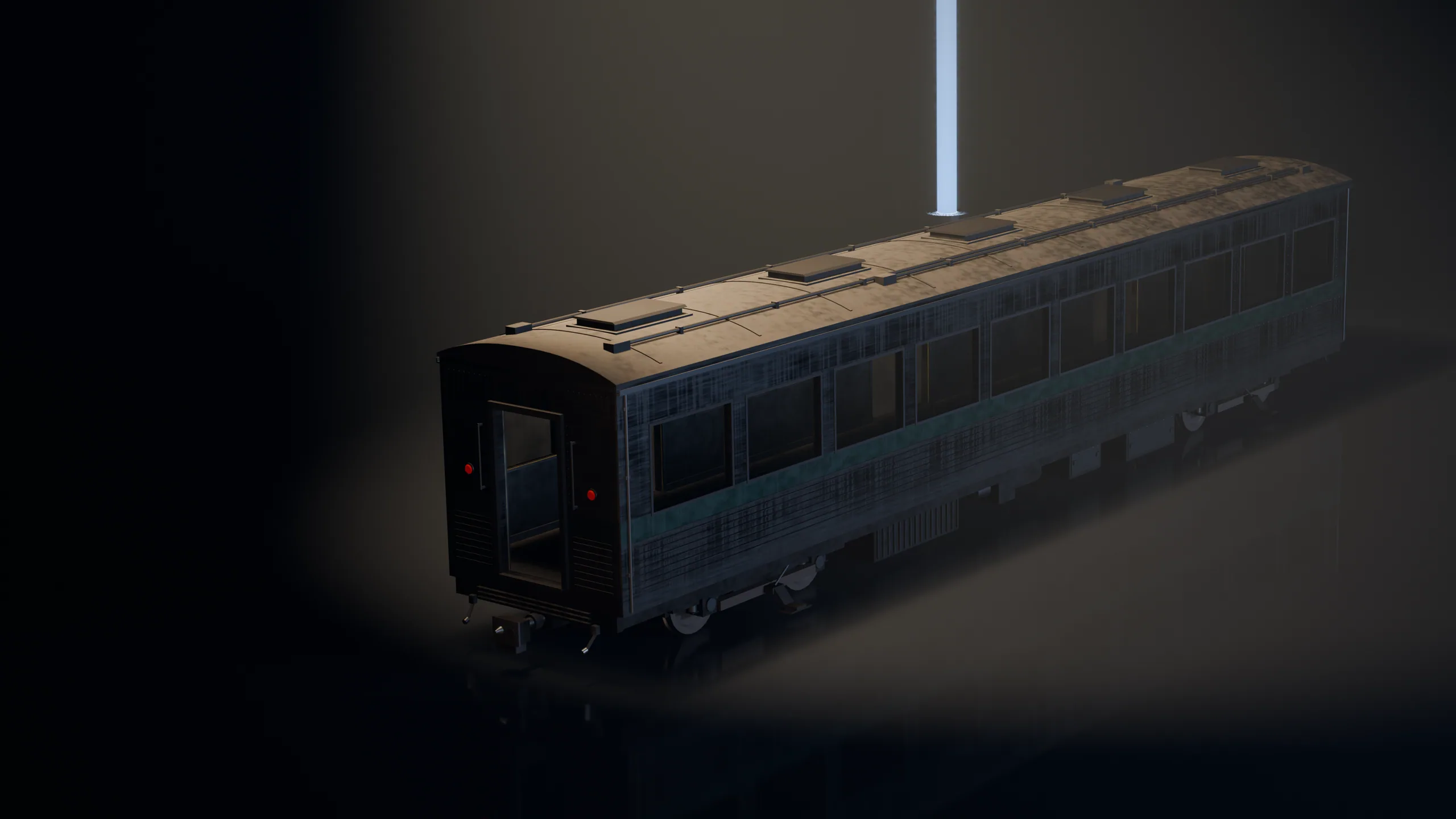
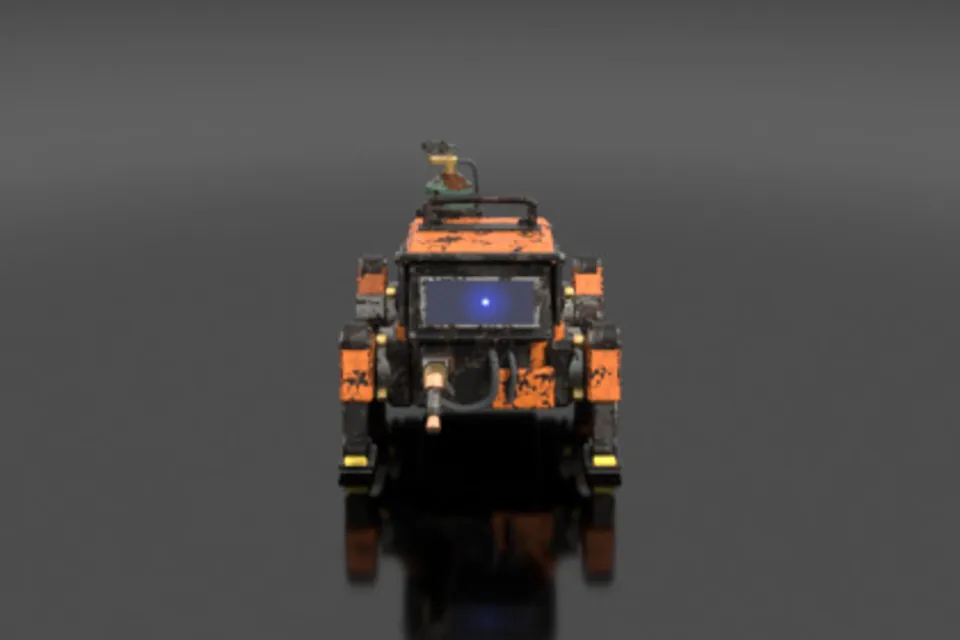
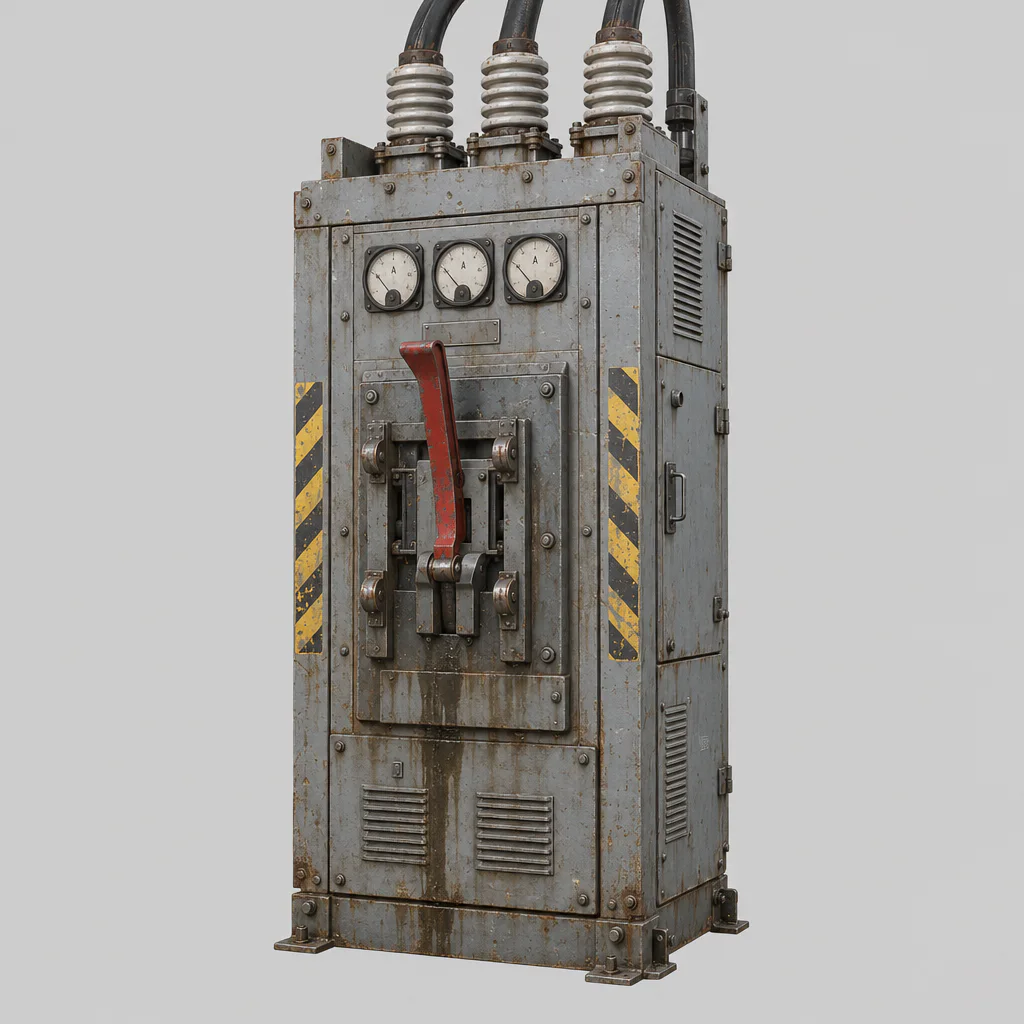
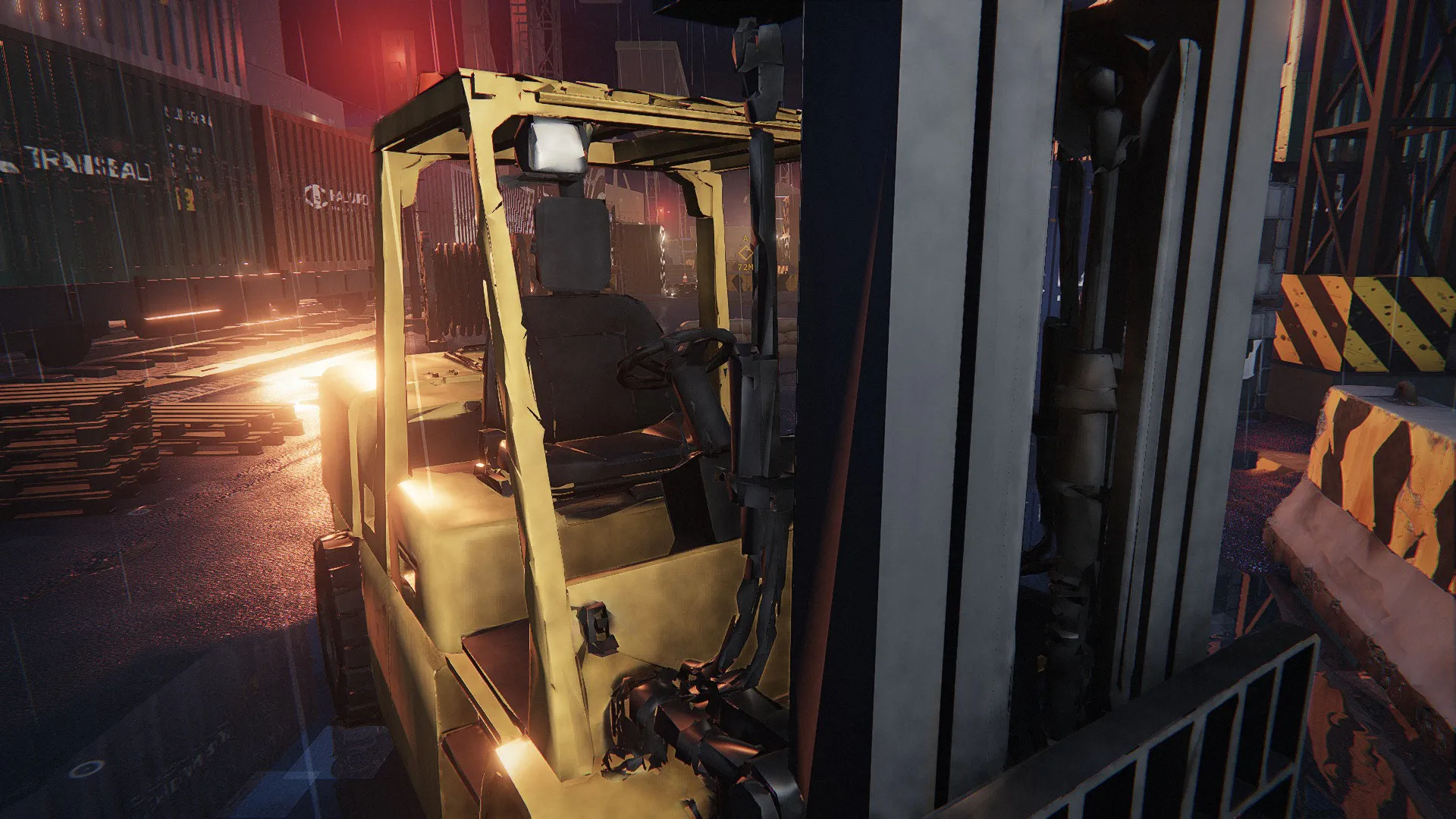
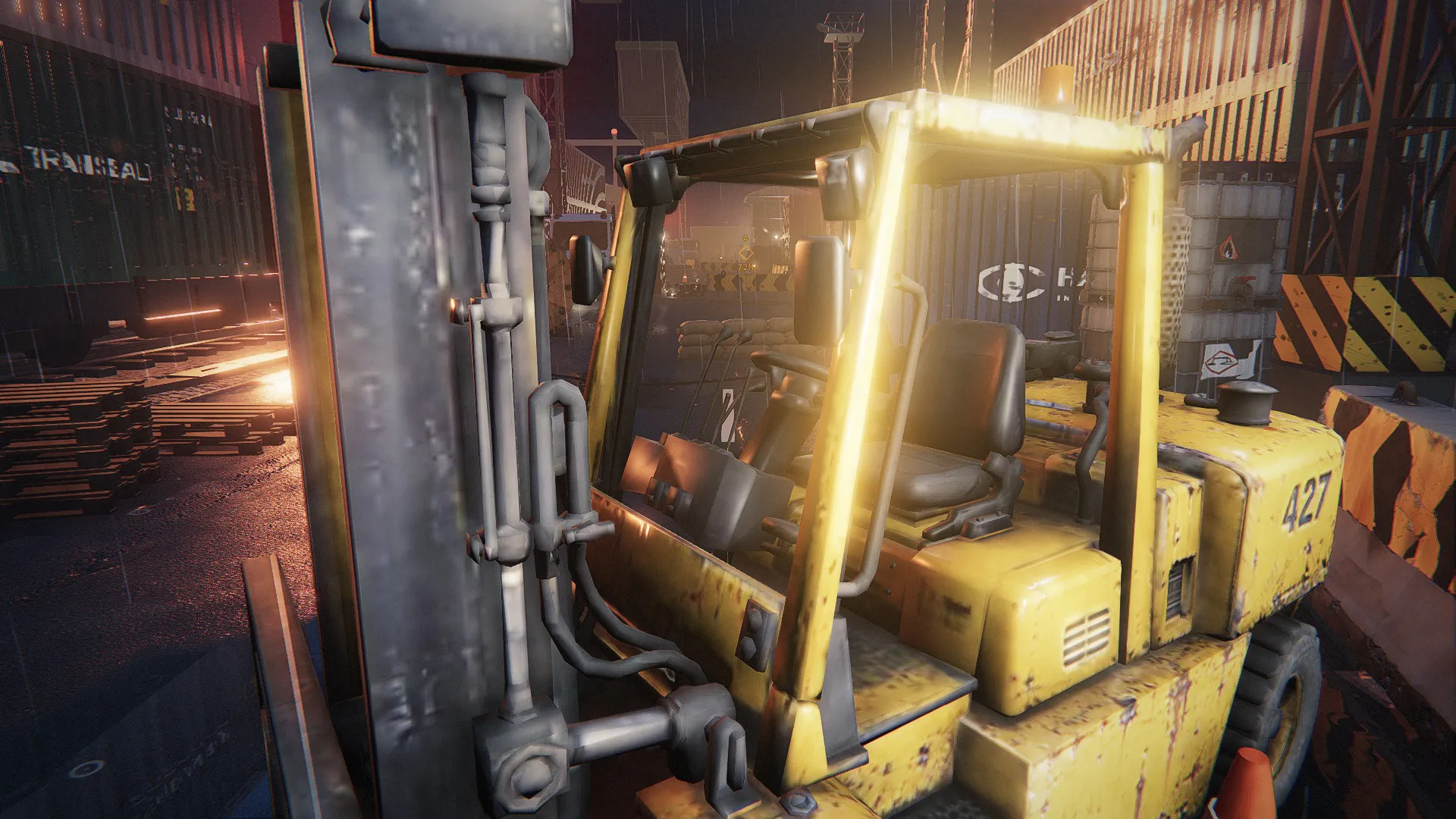
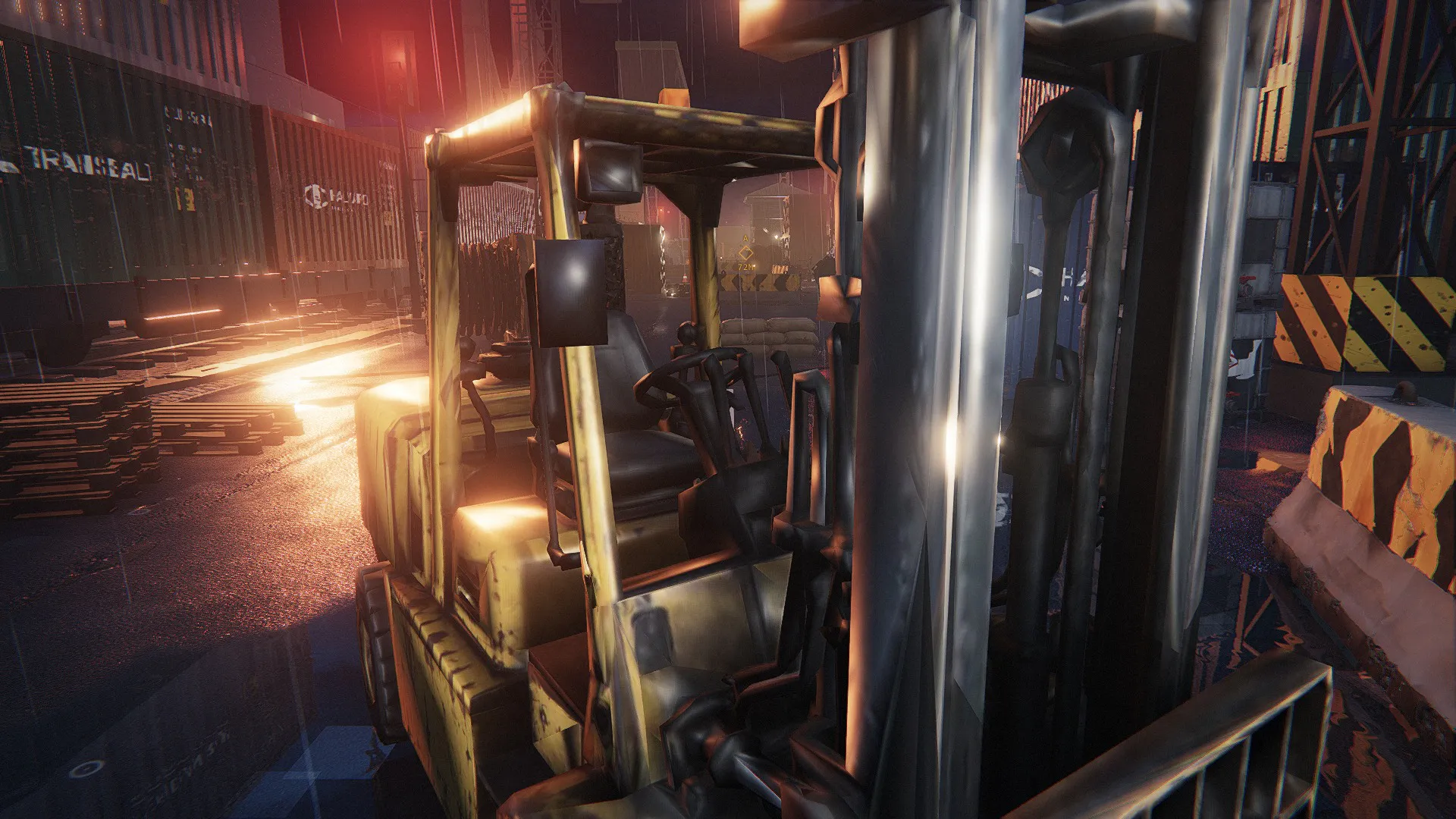
Booth, Switchgear, Generator, Forklift, Hauler hull and Hauler turret: built for this site as named parts. The machines of this site: walkers, drones, the hauler. Each has a pivot at every joint and its own clips.

Made withScenario Claude Fable 5.2 3D

4

Sound, music and voice

How

The effects and the music of the site, and its first two operator lines.

Made withMirelo SFX 2.0 Text to AudioElevenLabs Music v2.5ElevenLabs v4

Asset on Scenario
Asset on Scenario
Site 02

Line 9

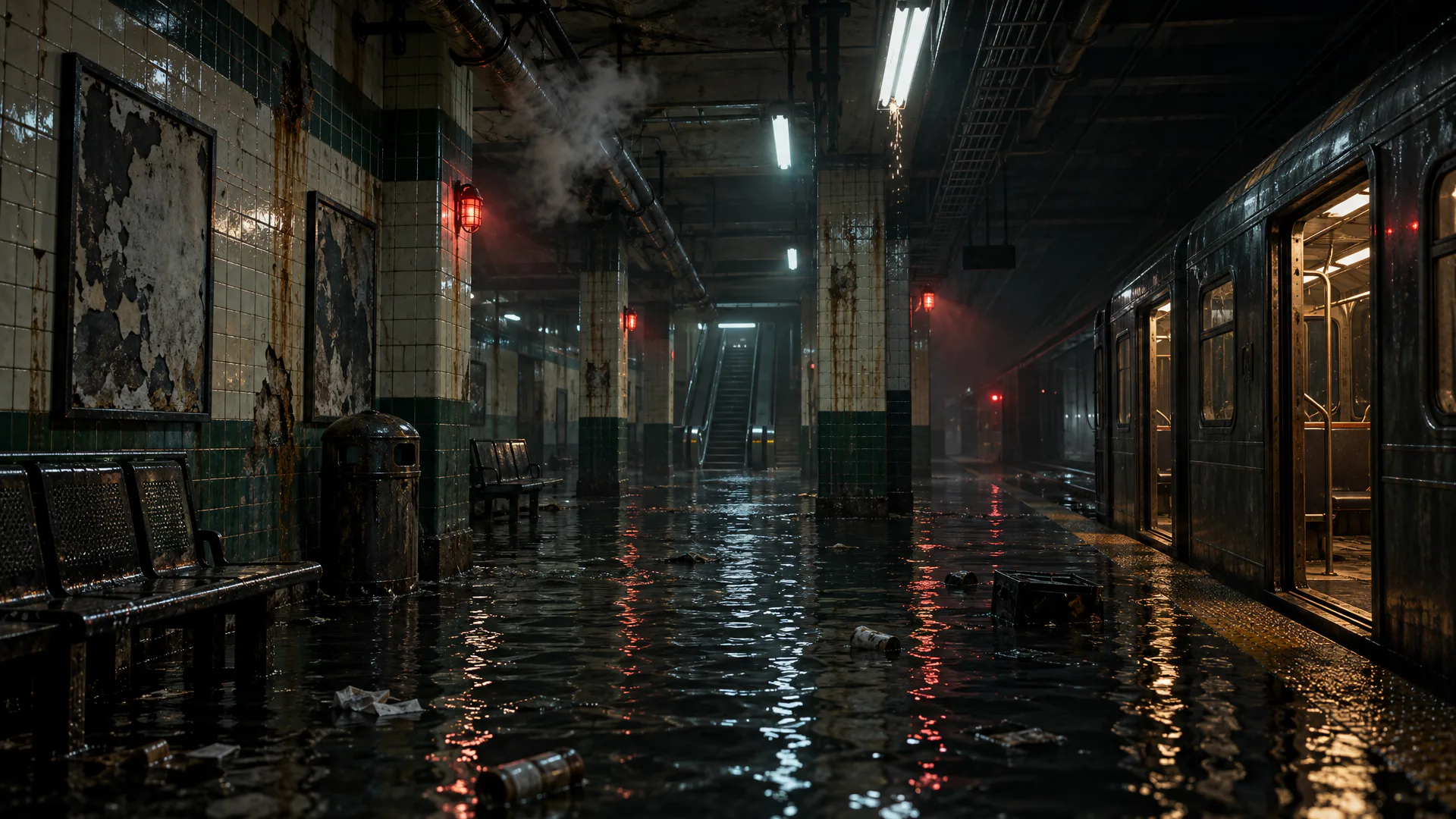
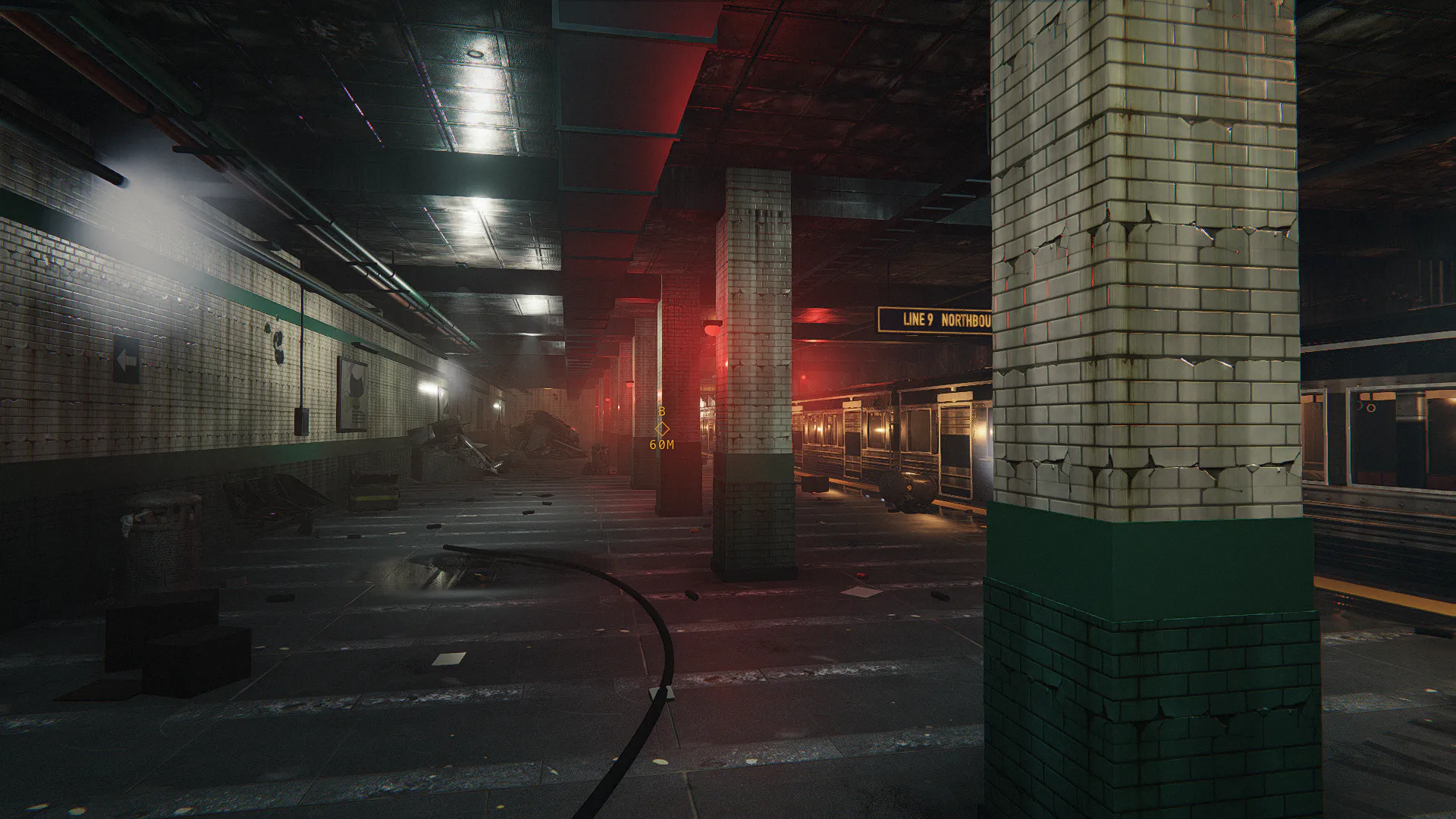
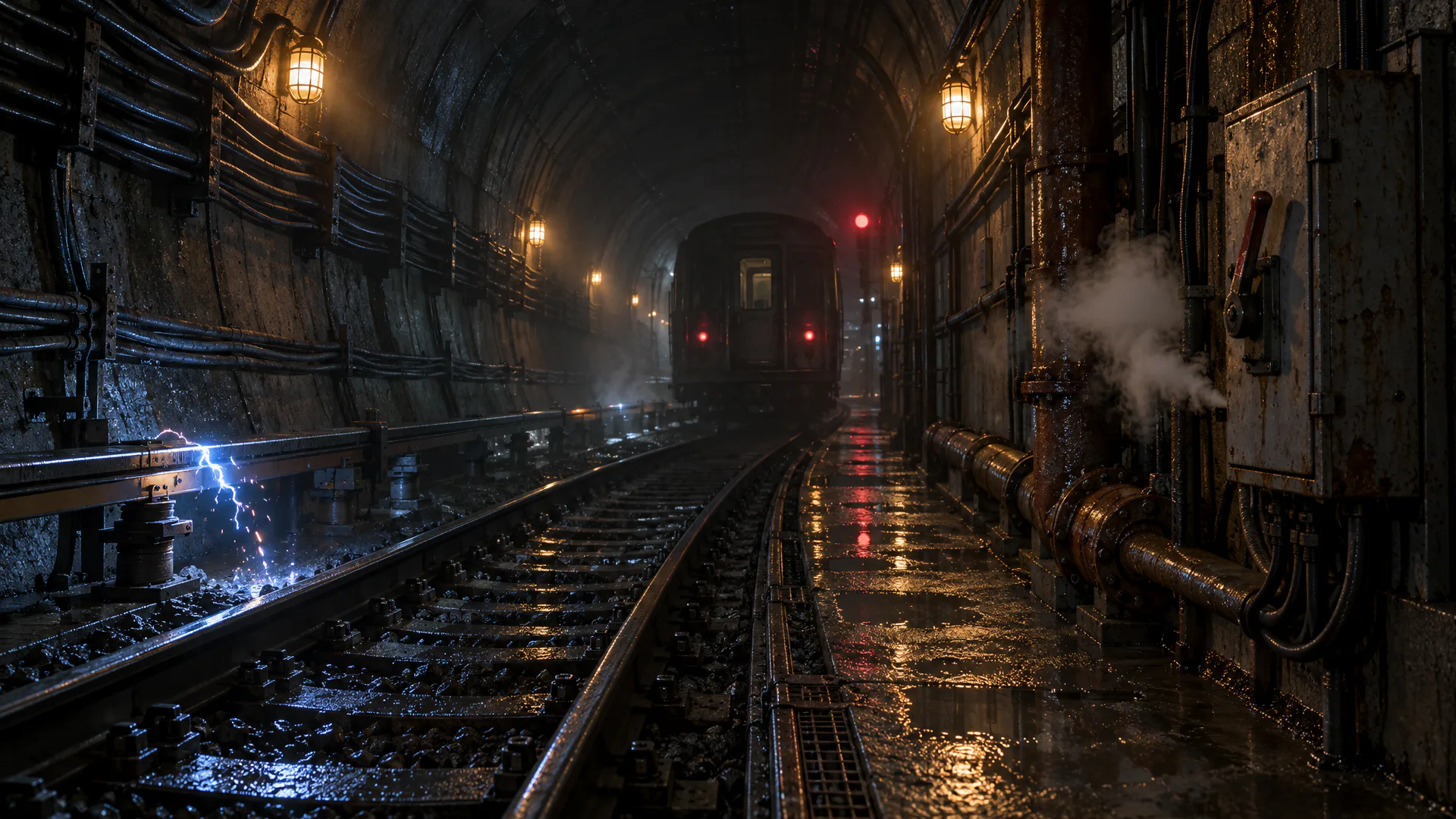
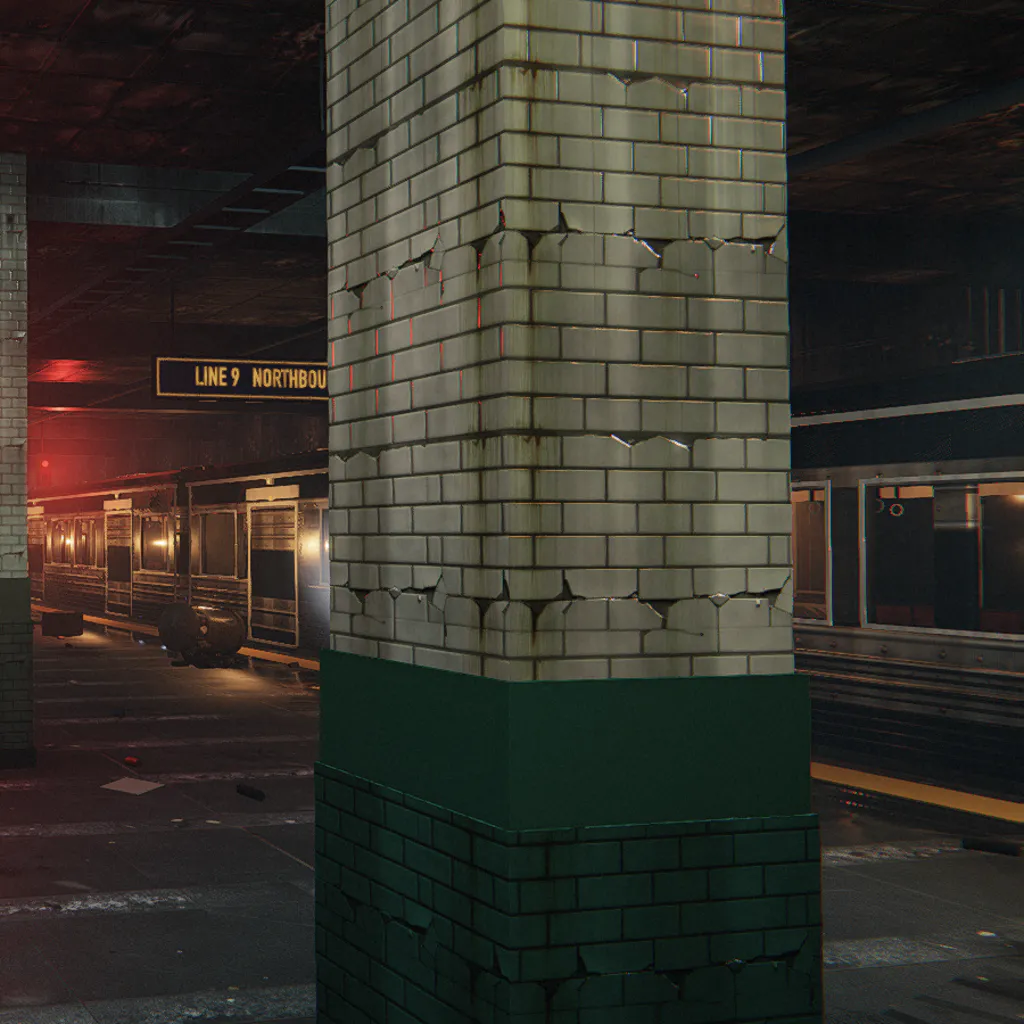
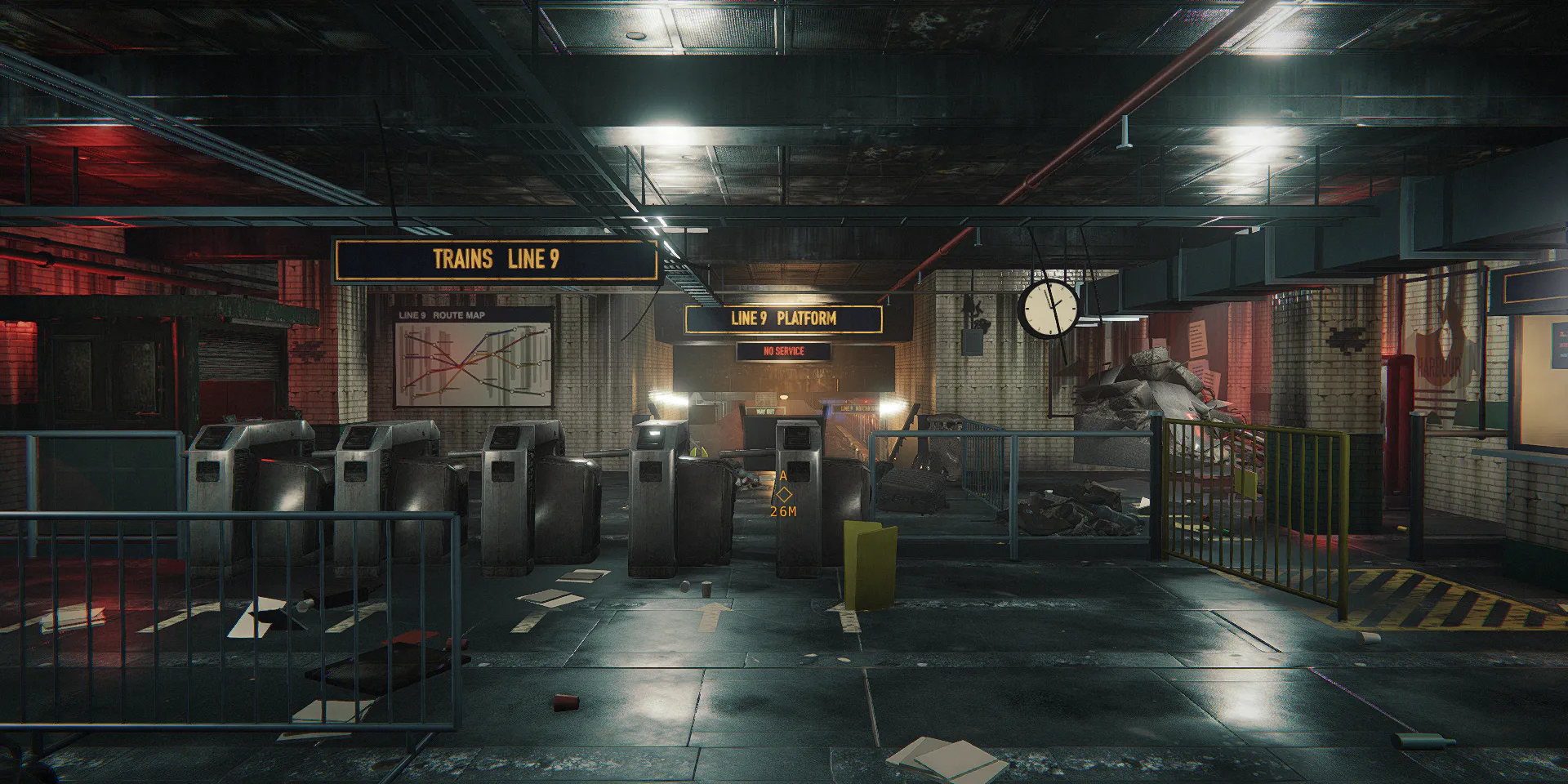
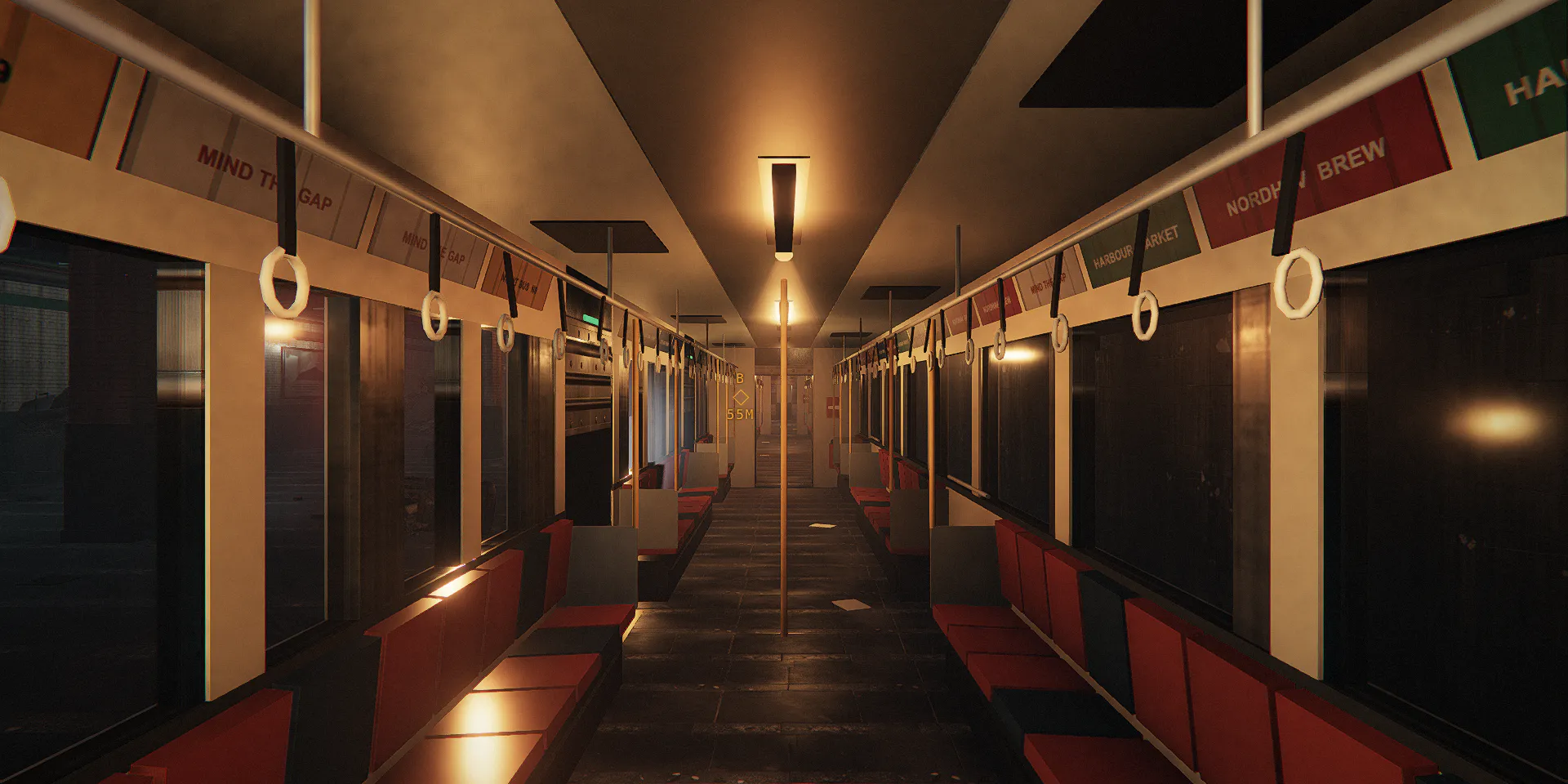
Closed rooms lit by their own lamps: glossy tile, signal red, arcing on the third rail.

What made this site

A flooded subway: ticket hall, platform with a three-car train, tunnel, substation.

Captured from the game at 1080p. Restore traction power, board, and ride 45 seconds while crawlers come through the cars.

Machines
Crawlers, walkers
Scenario target In engine Scenario targetIn engine
Drag to compare.The target still on Scenario

Every asset of Line 9

5

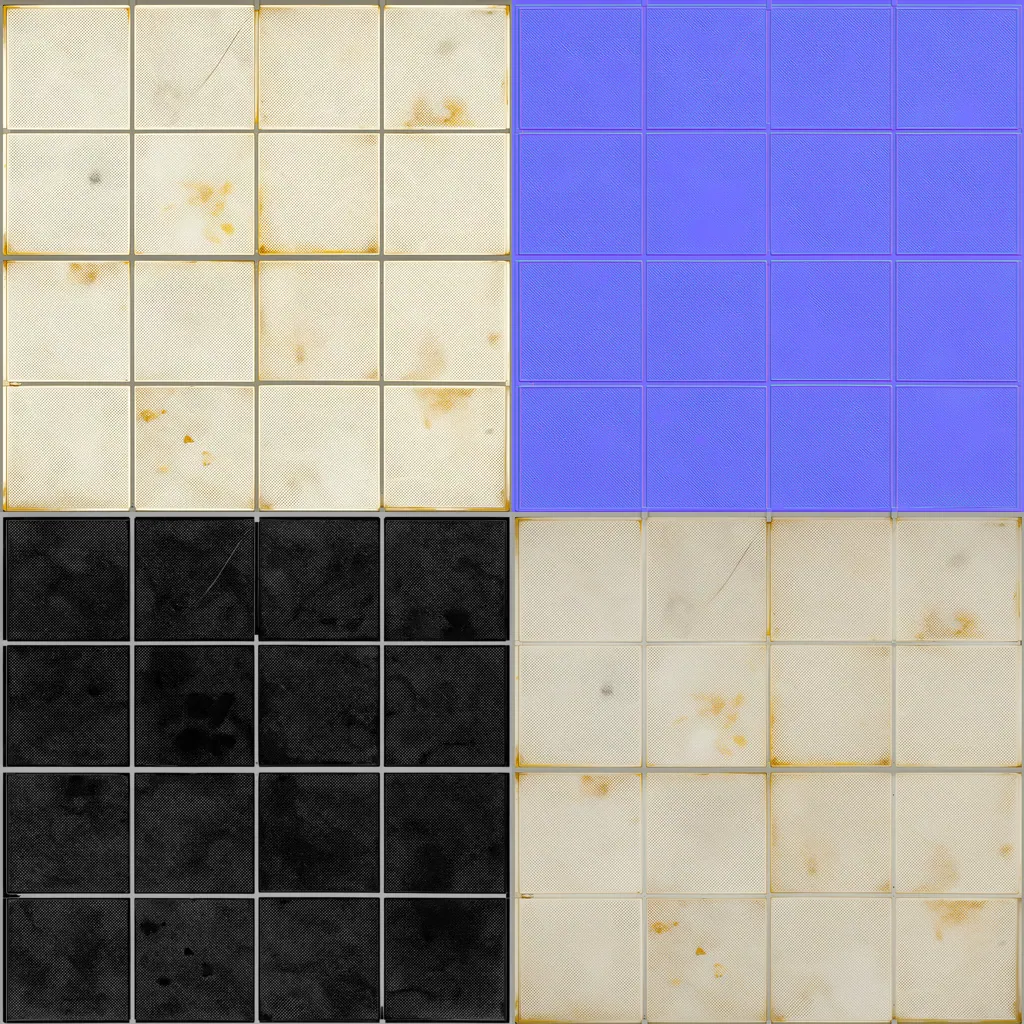
Material sets

How

Each square shows the base colour of a seamless set and its maps.

Made withPATINA Material

16

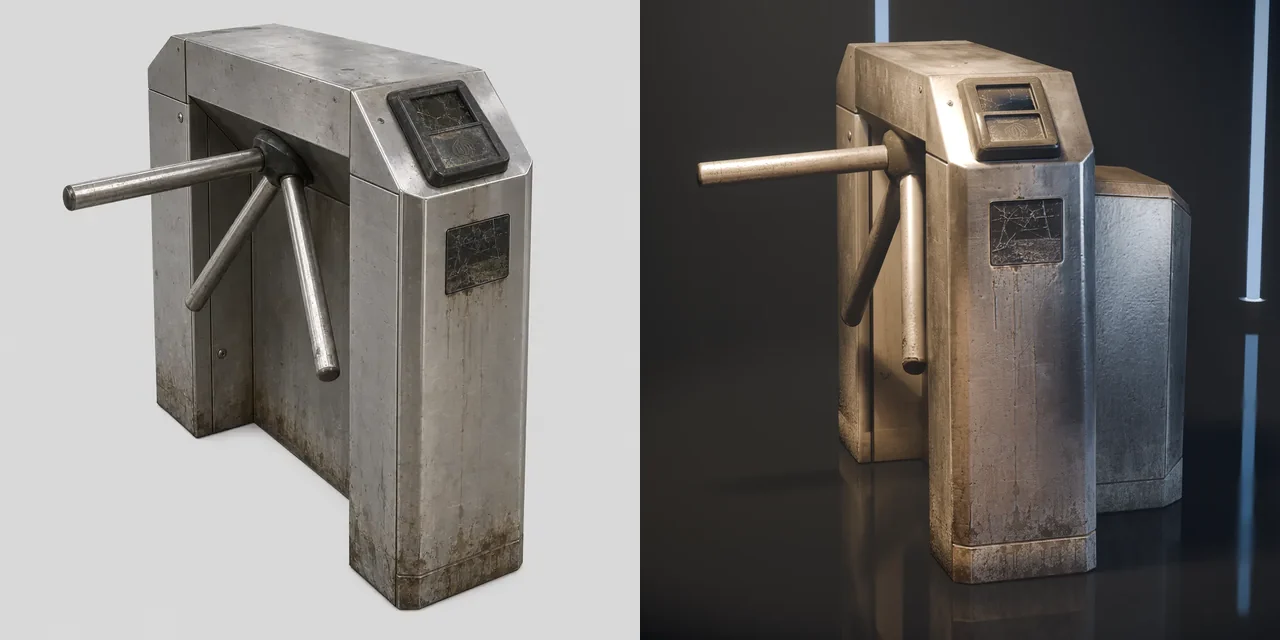
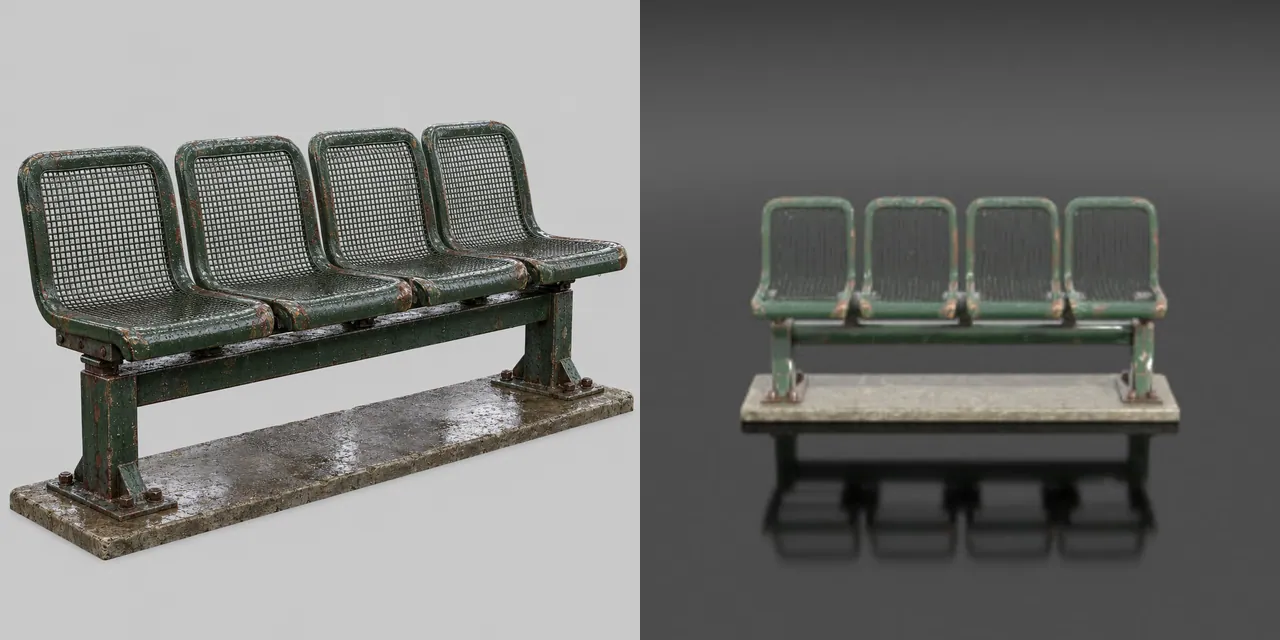
Props

How

One concept image per prop, then image-to-3D. 13 tiles show the concept at the left and the mesh as Scenario previews it at the right; the others show the mesh.

Made withGPT Image 2.5 SunburstTripo P2

3

Built structures and machines

How

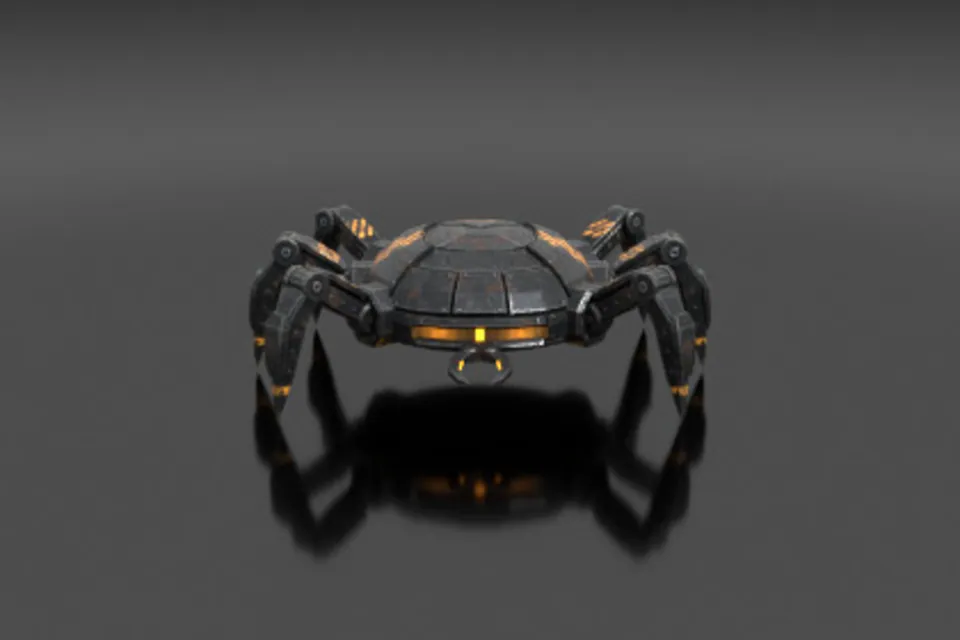
Metro car: built for this site as named parts. The machines of this site: crawlers, walkers. Each has a pivot at every joint and its own clips.

Made withScenario Claude Fable 5.2 3D

9

Sound, music and voice

How

The effects and the music of the site, and its first two operator lines.

Made withElevenLabs Sound Effects v3ElevenLabs Music v2.5ElevenLabs v4

Asset on Scenario
Asset on Scenario
Asset on Scenario
Asset on Scenario
Asset on Scenario
Asset on Scenario
Asset on Scenario
Asset on Scenario
Asset on Scenario
Site 03

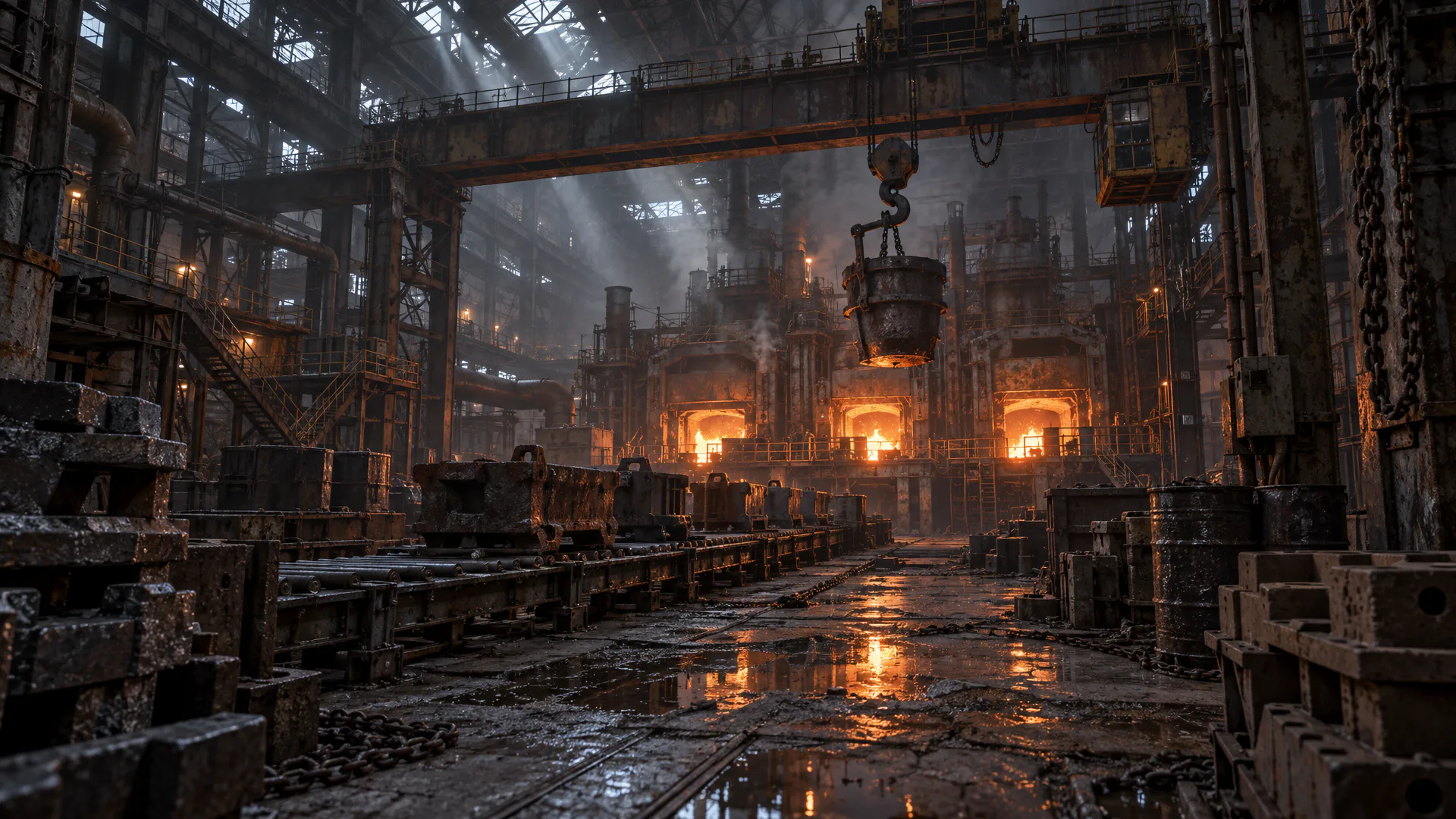
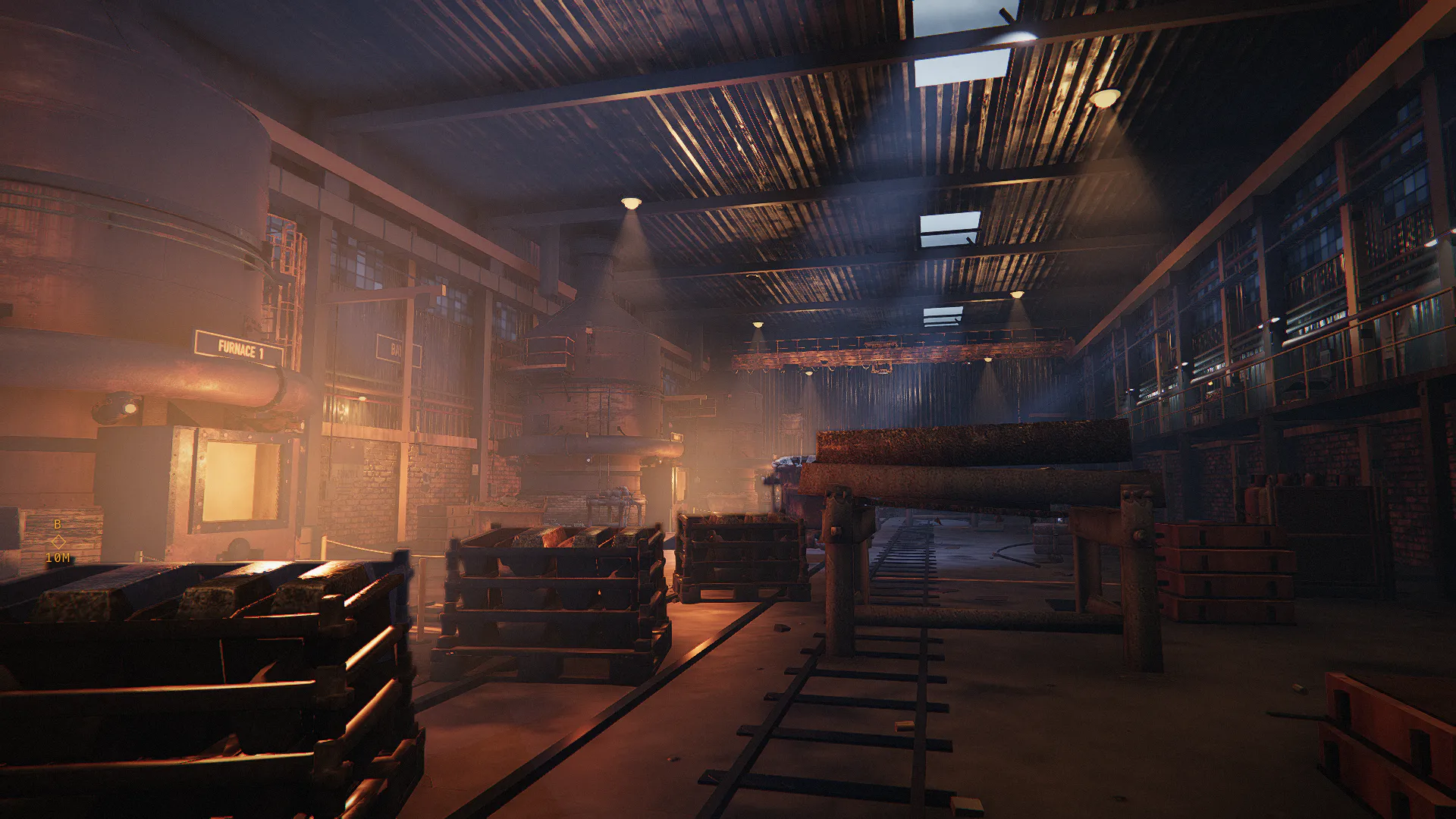
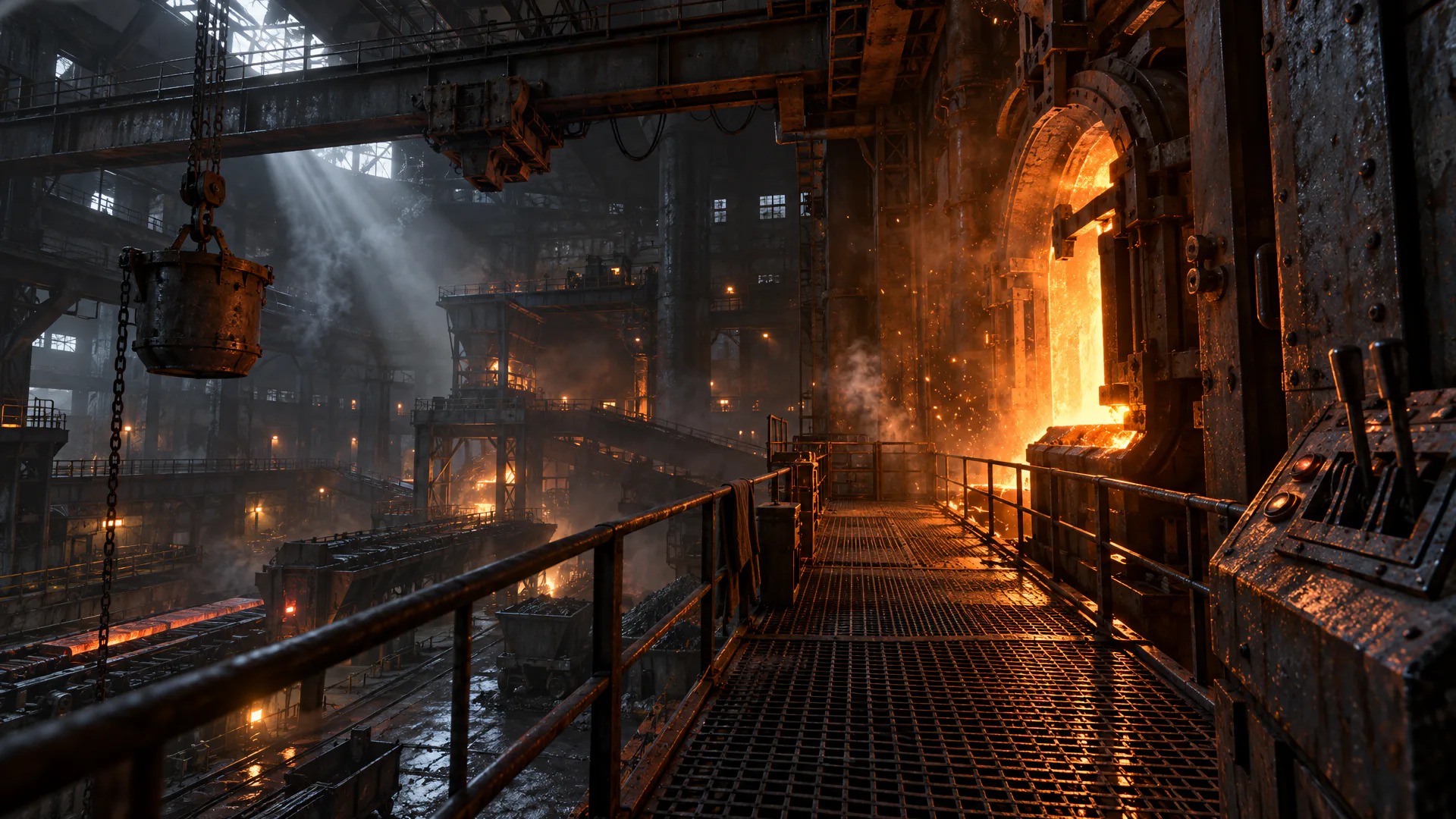
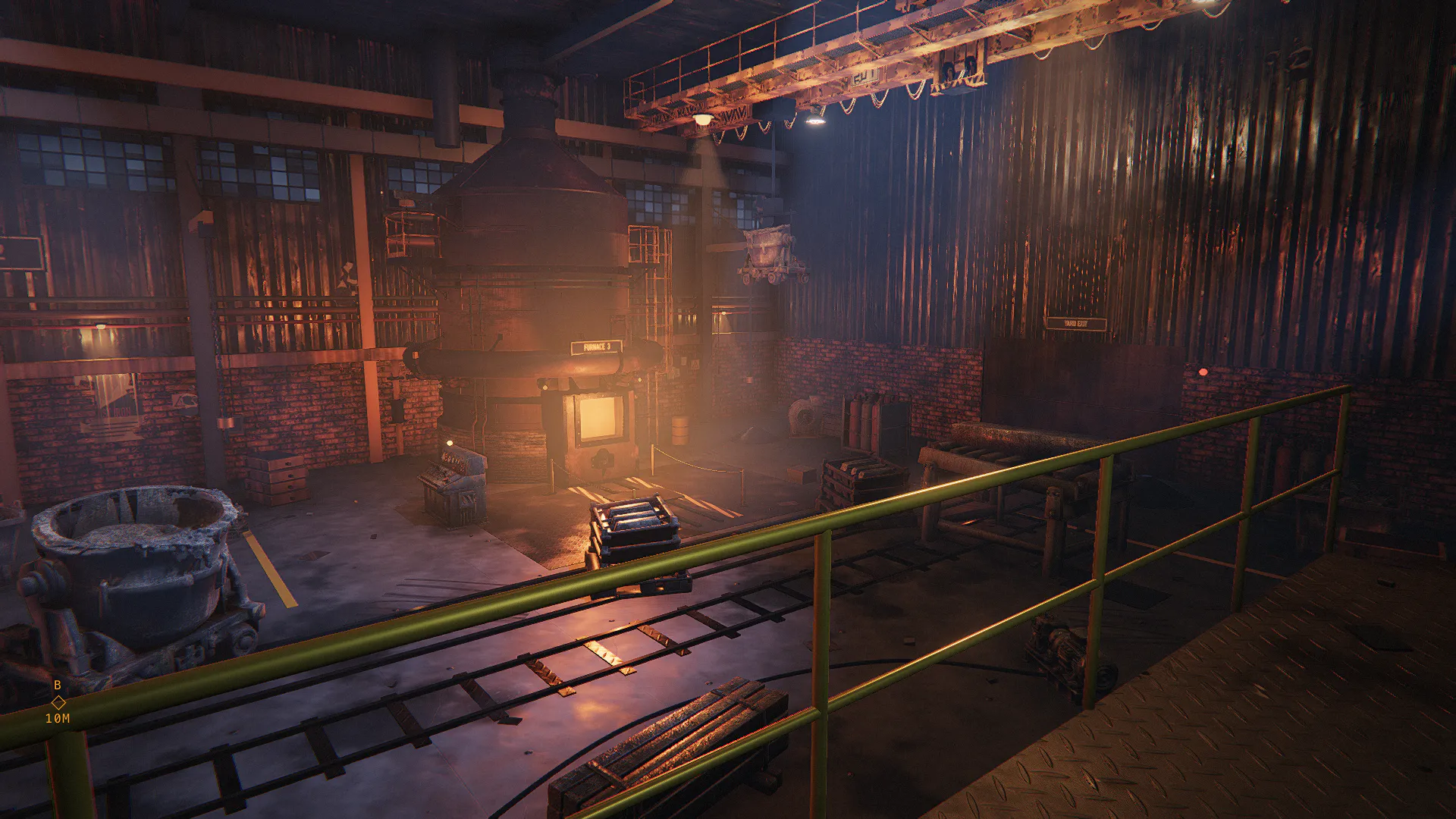
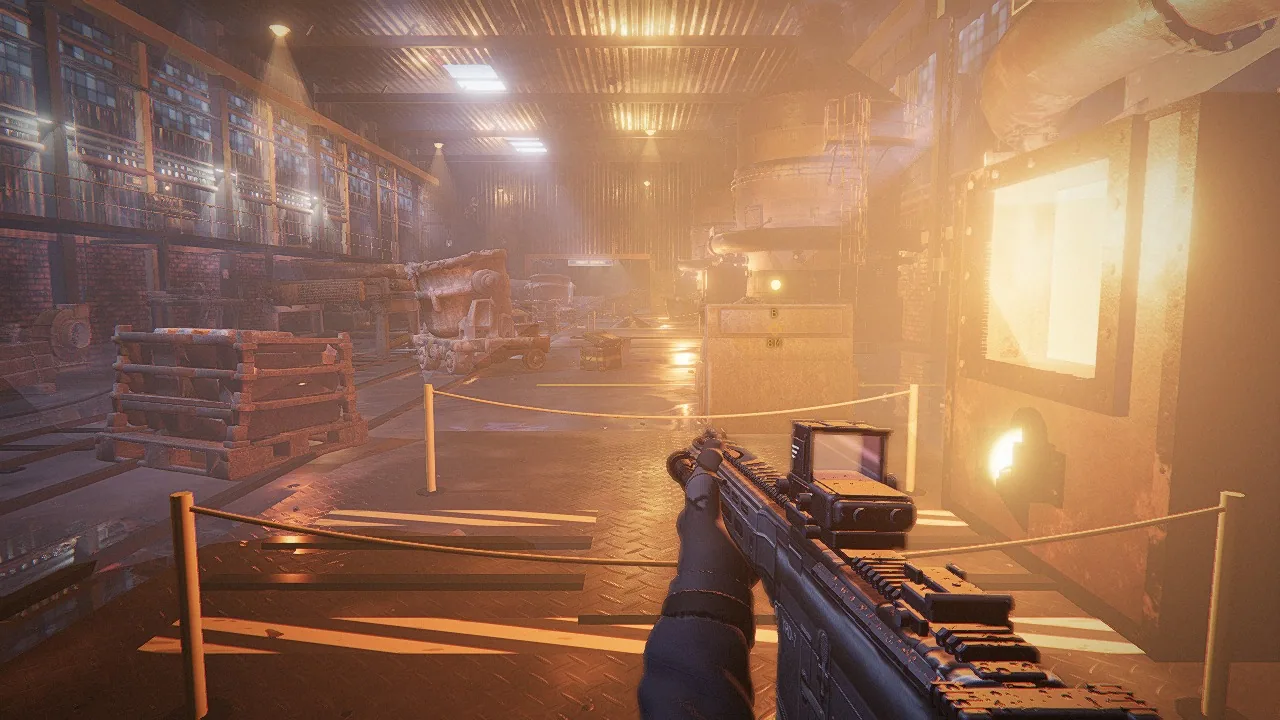
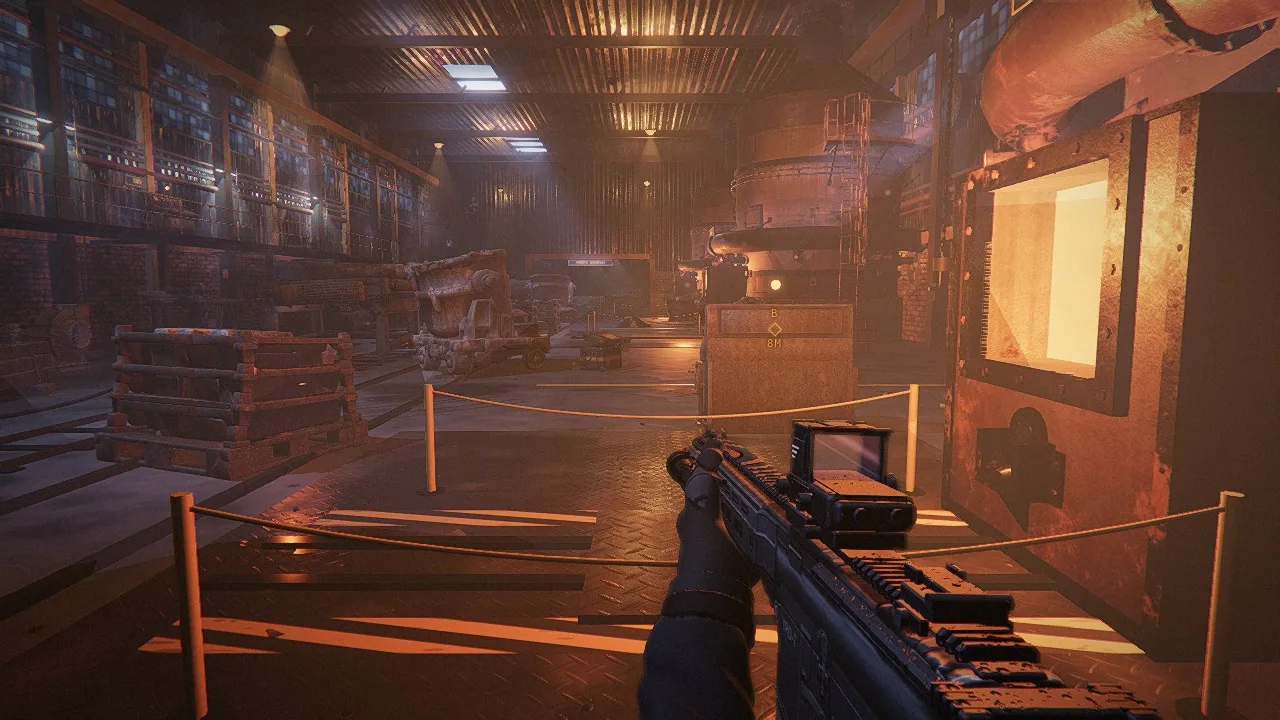
Foundry 4

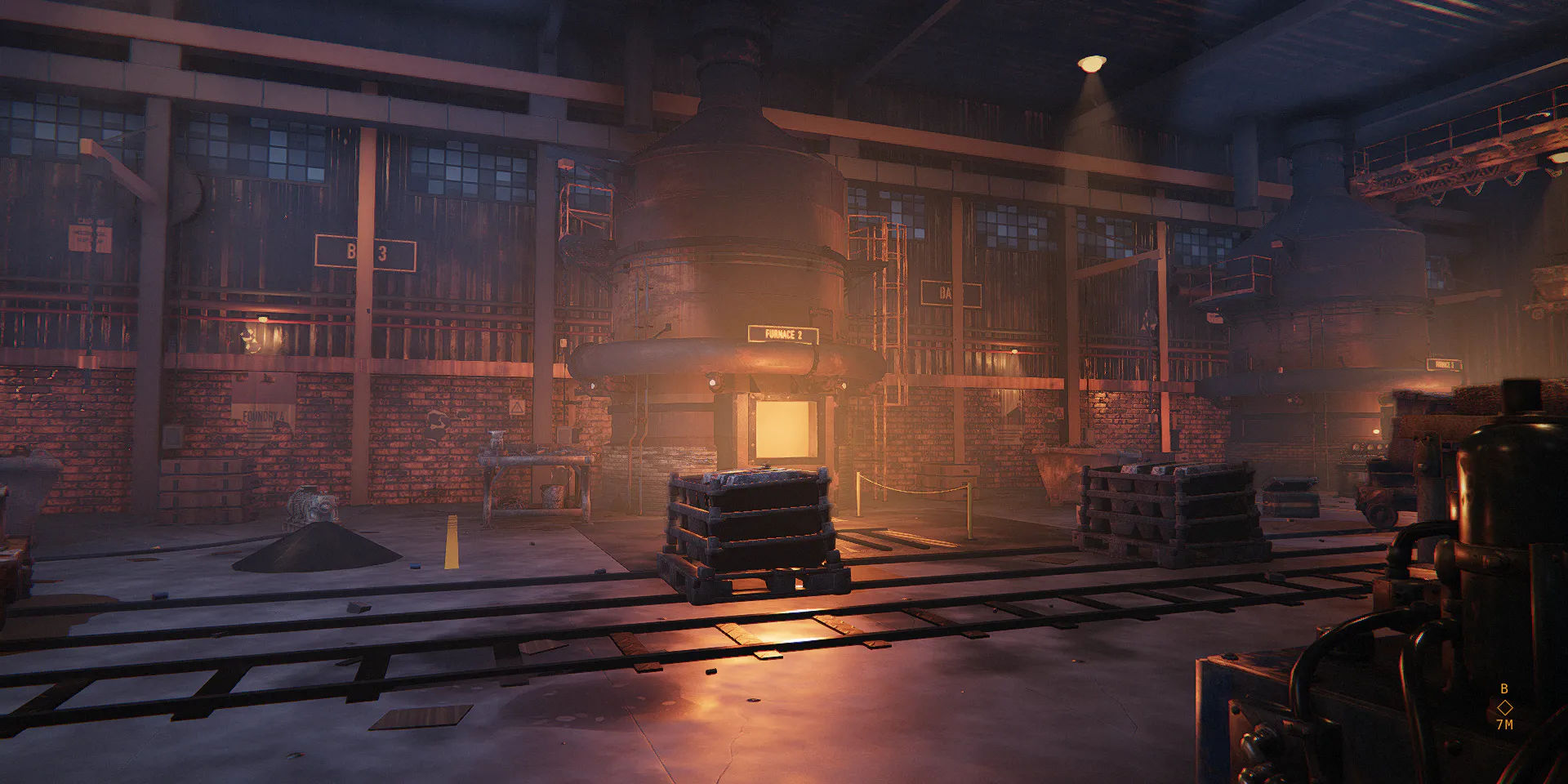
Furnace glow against cool skylight shafts; the largest built models of the game.

What made this site

A casting hall of 26 by 64 metres with three furnaces.

Captured from the game at 1080p. Shut three consoles, then fight the crane gondola under red light.

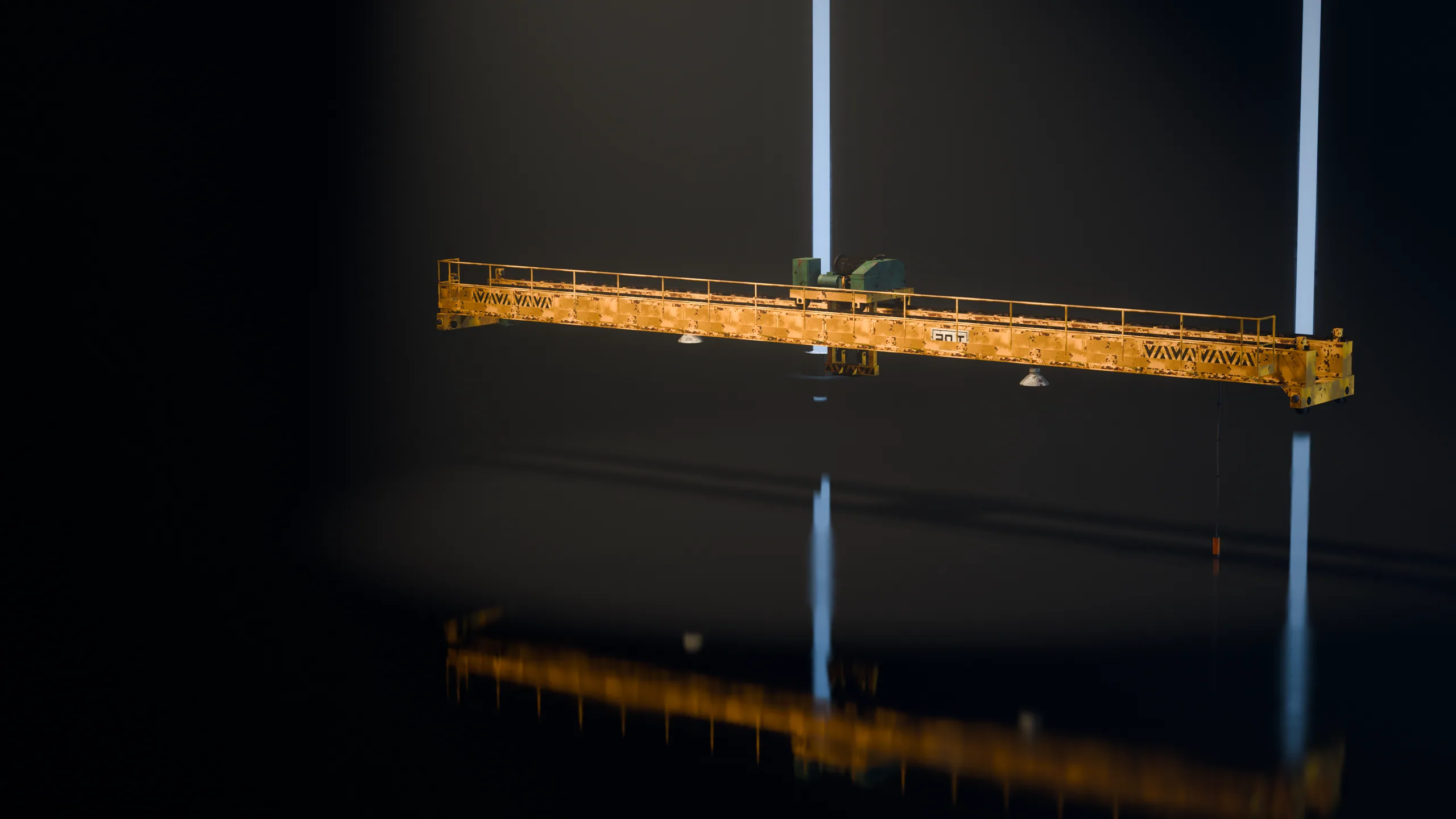
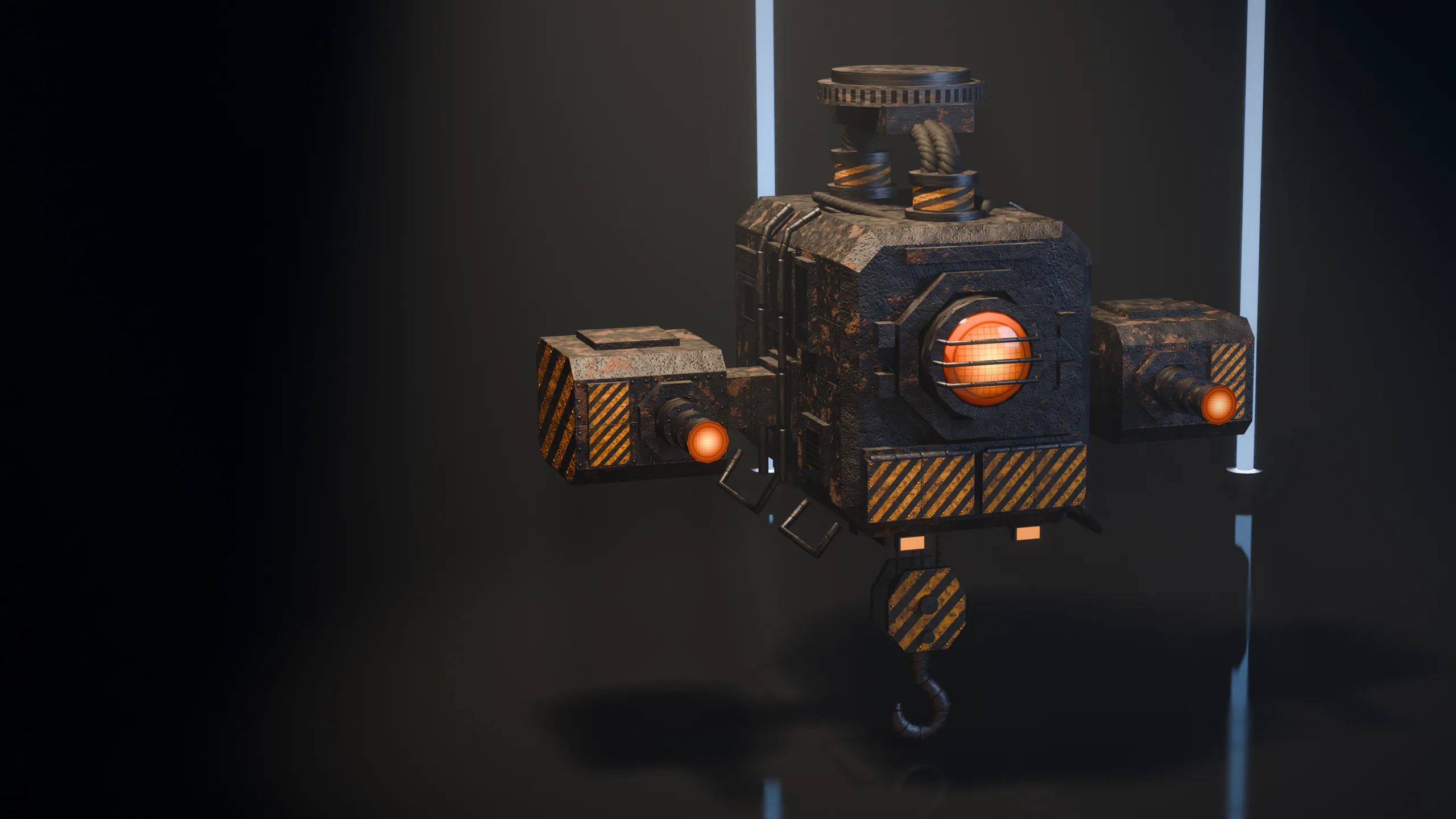
Furnace, bridge crane
Scenario Claude Fable 5.2 3D
Machines
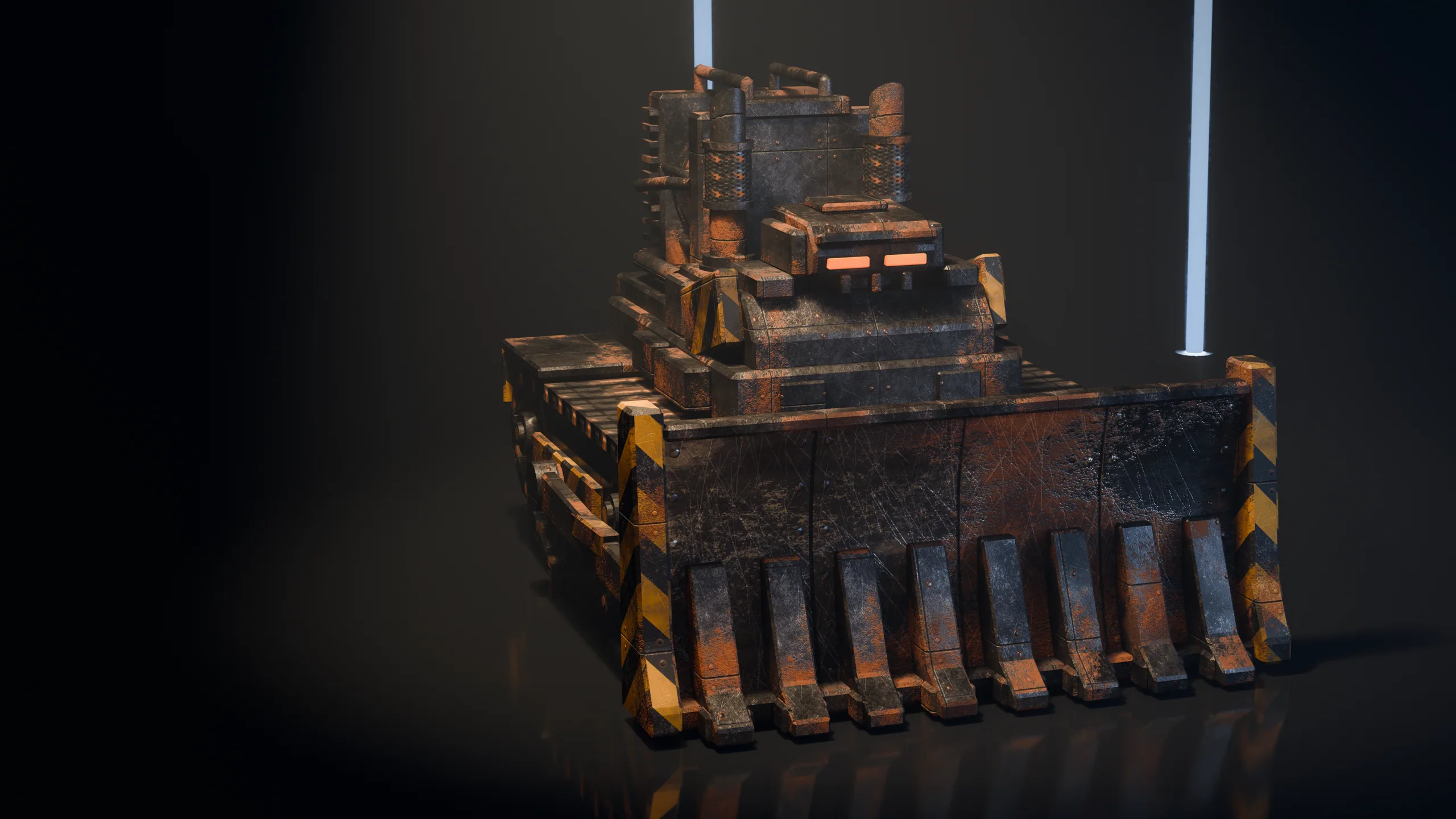
Walkers, drones, two loaders, the gondola
Scenario target In engine Scenario targetIn engine
Drag to compare.The target still on Scenario

Every asset of Foundry 4

5

Material sets

How

Each square shows the base colour of a seamless set and its maps.

Made withPATINA Material

12

Props

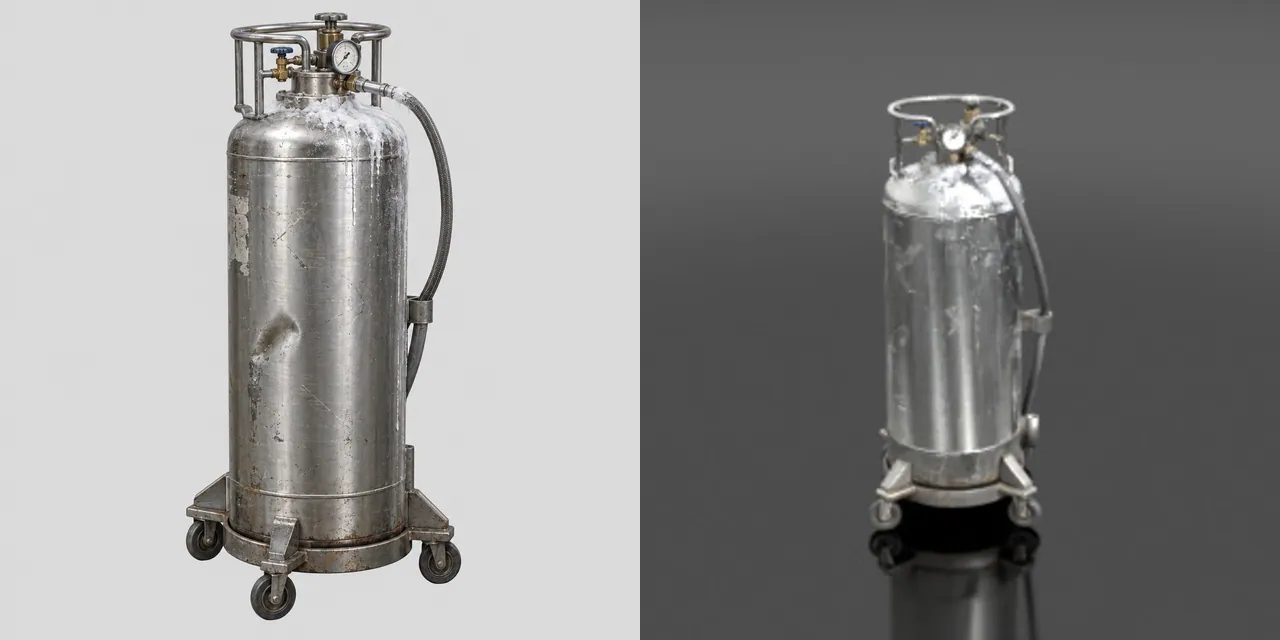
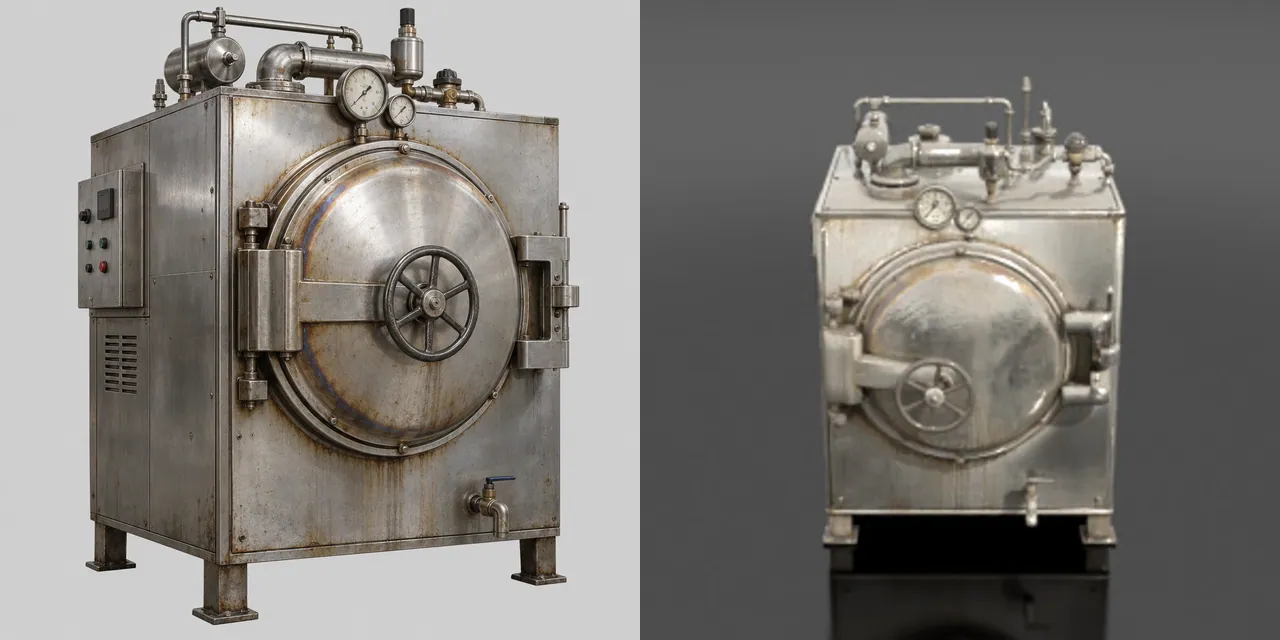
How

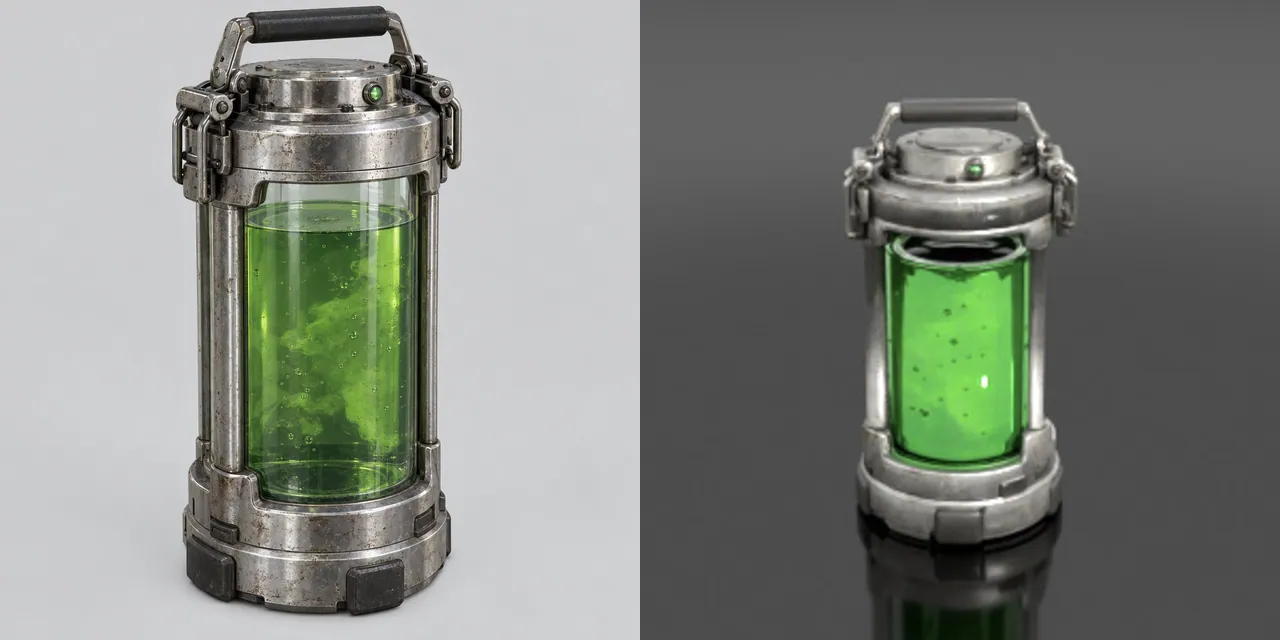
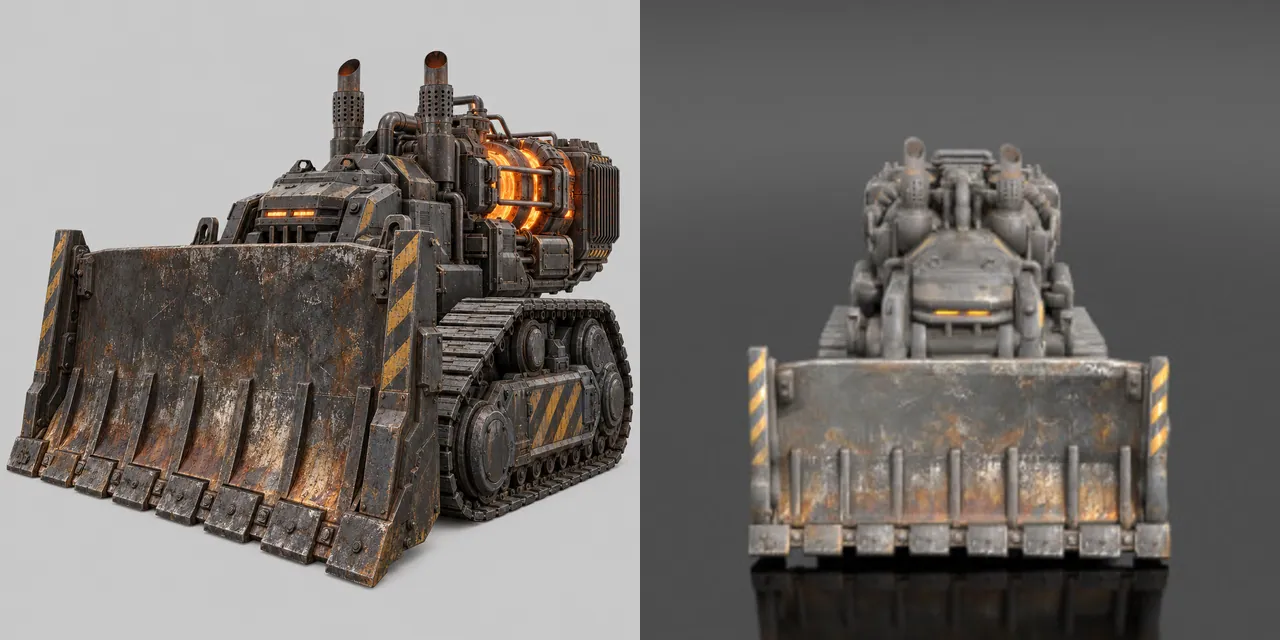
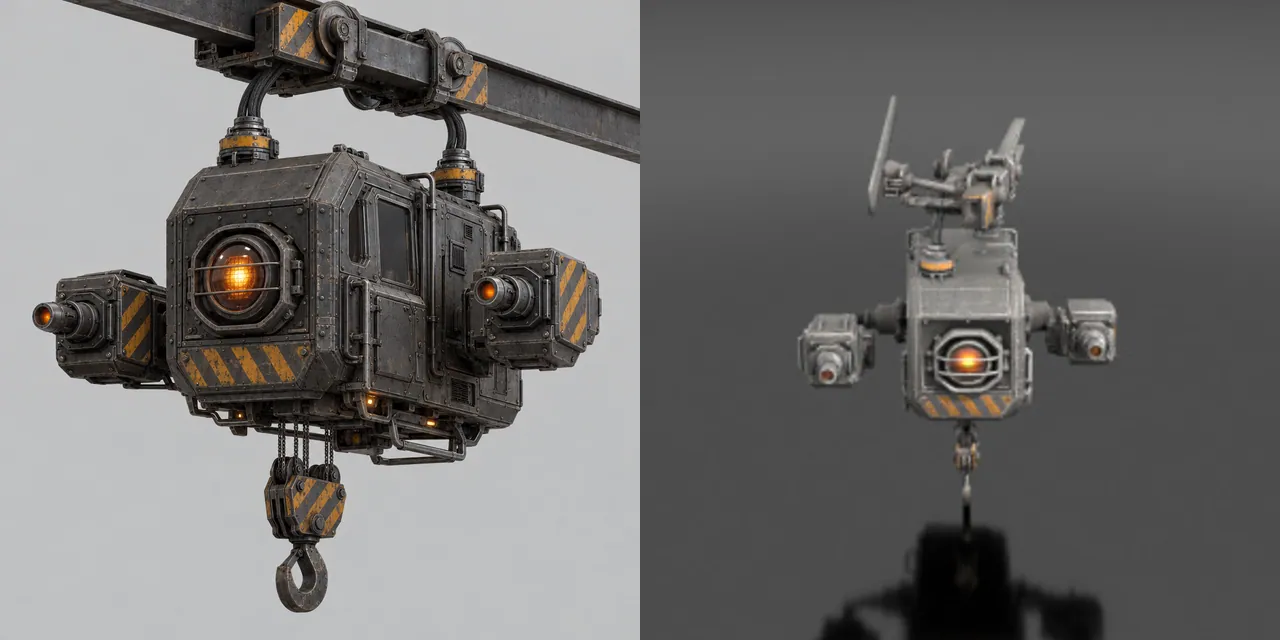
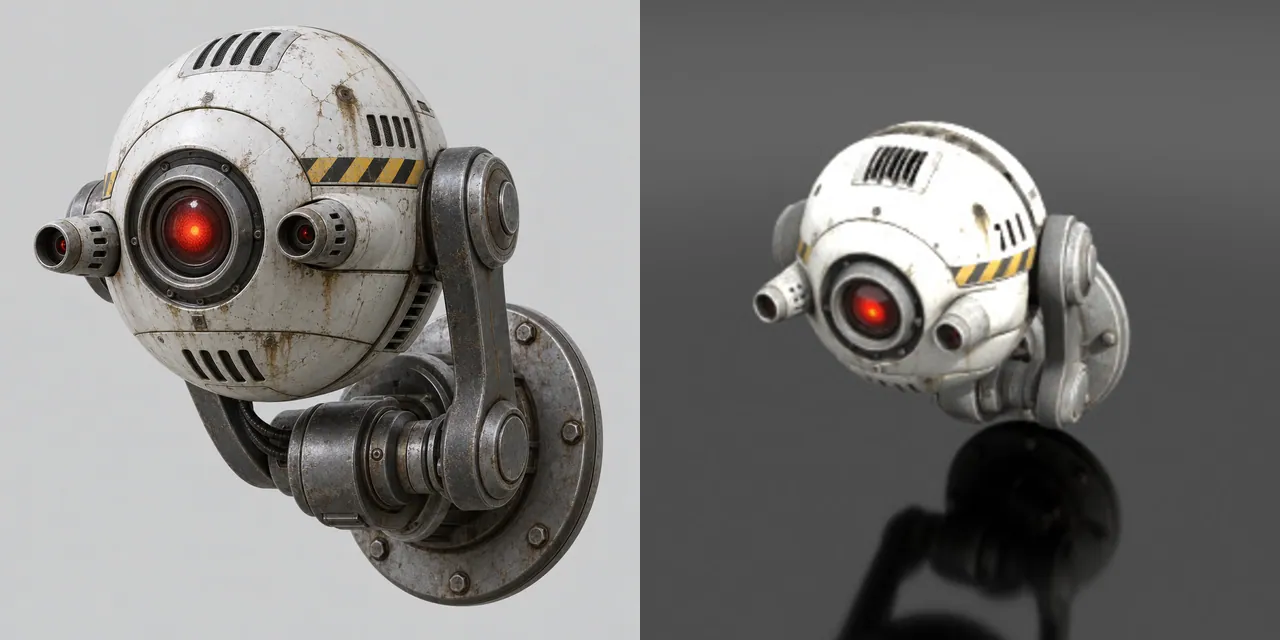
One concept image per prop, then image-to-3D. Left half of each tile: the concept. Right half: the mesh as Scenario previews it.

Made withGPT Image 2.5 SunburstTripo P2

6

Built structures and machines

How

Furnace and Bridge crane: built for this site as named parts. The machines of this site: walkers, drones, two loaders, the gondola. Each has a pivot at every joint and its own clips.

Made withScenario Claude Fable 5.2 3D

9

Sound, music and voice

How

The effects and the music of the site, and its first two operator lines.

Made withElevenLabs Sound Effects v3ElevenLabs Music v2.5ElevenLabs v4

Asset on Scenario
Asset on Scenario
Asset on Scenario
Asset on Scenario
Asset on Scenario
Asset on Scenario
Asset on Scenario
Asset on Scenario
Asset on Scenario
Site 04

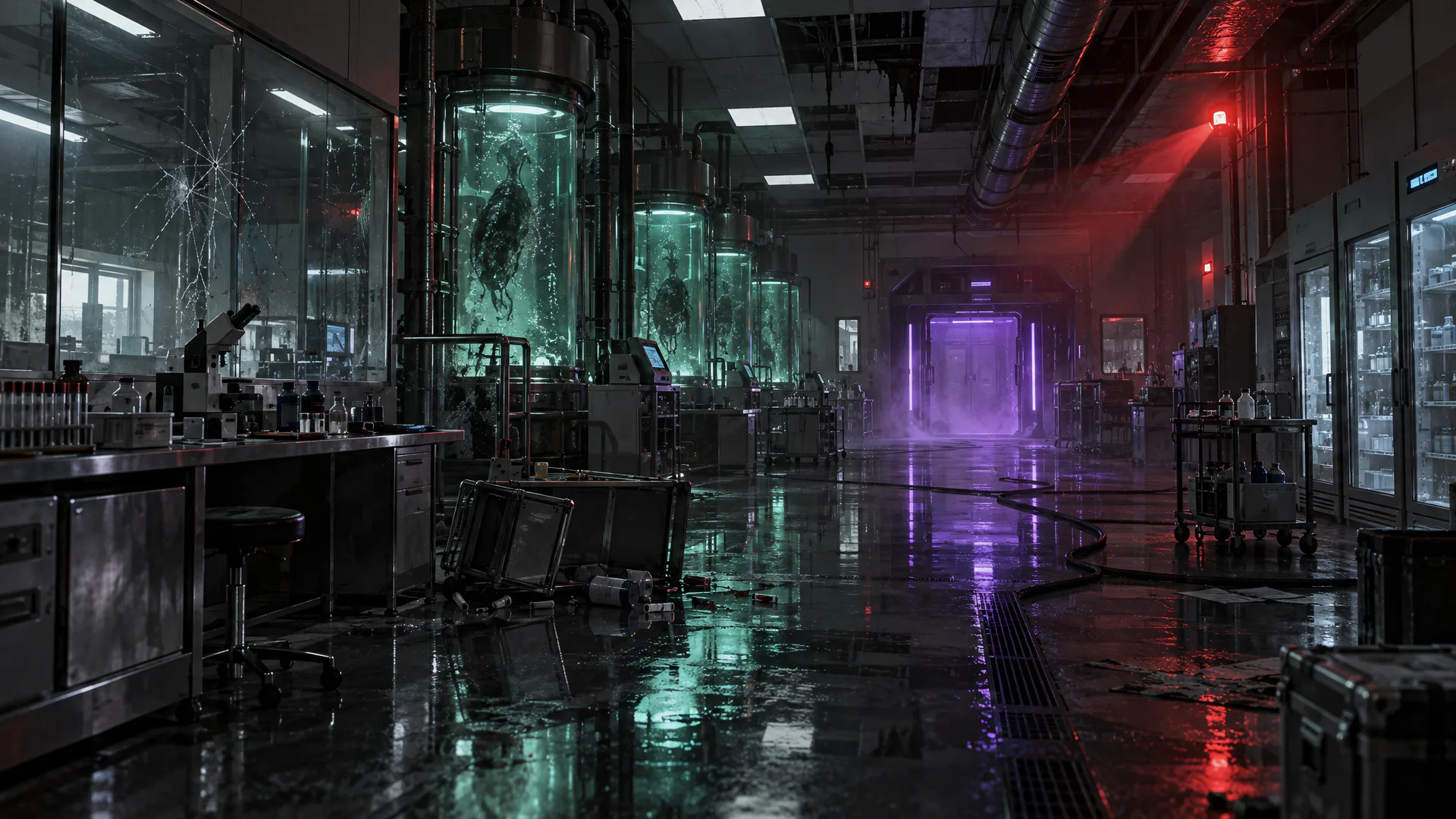
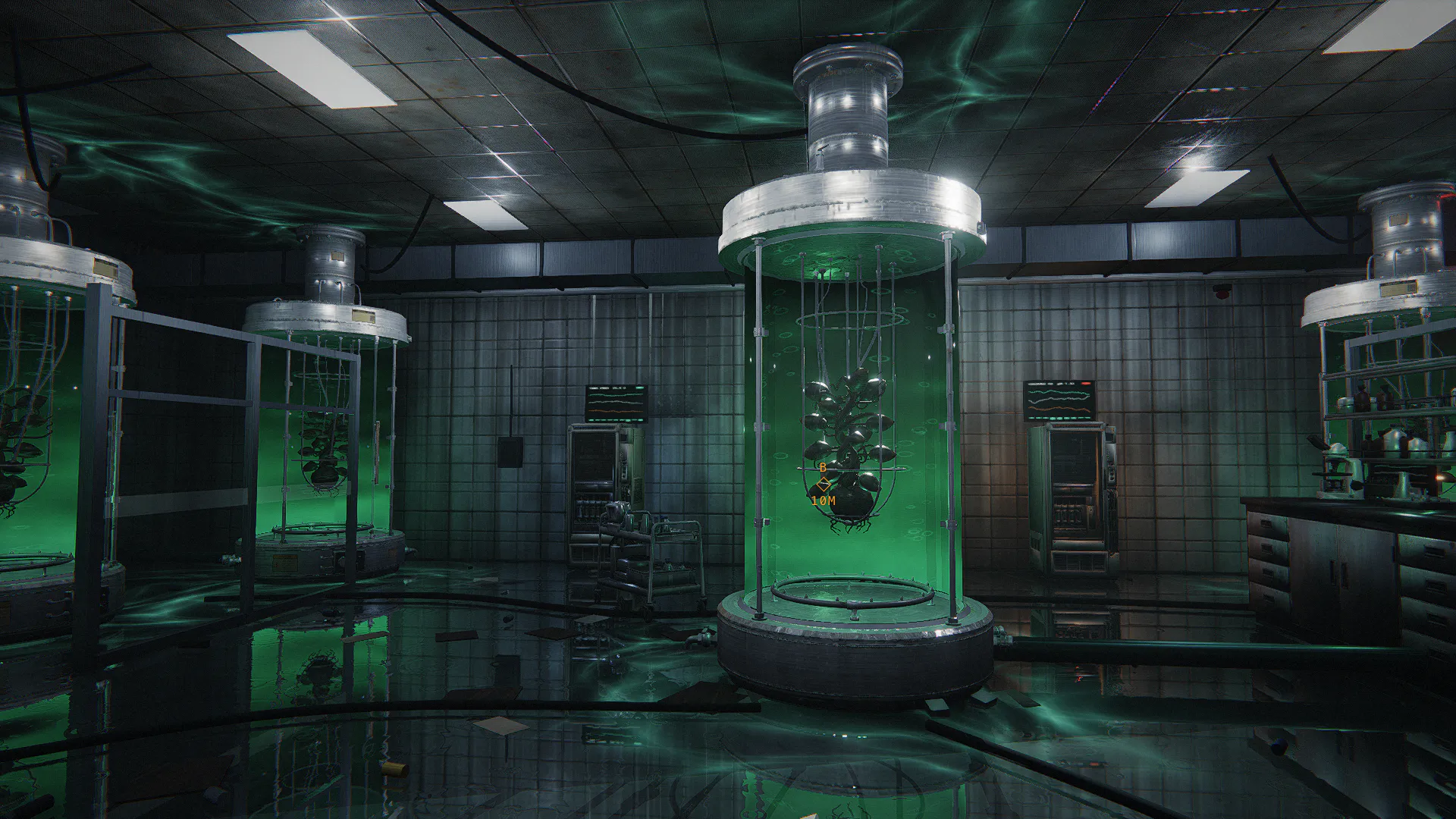
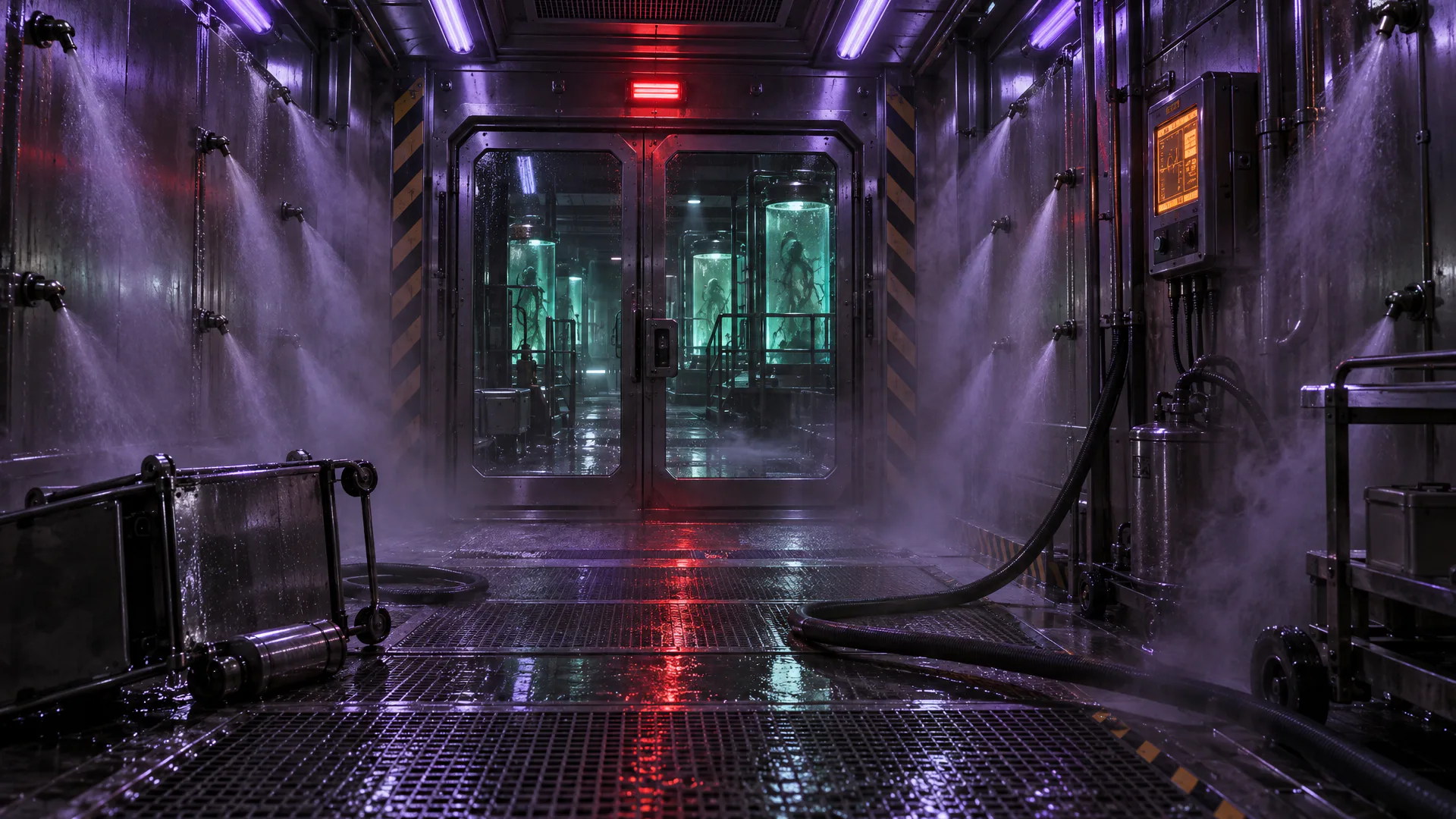
Wet Lab C

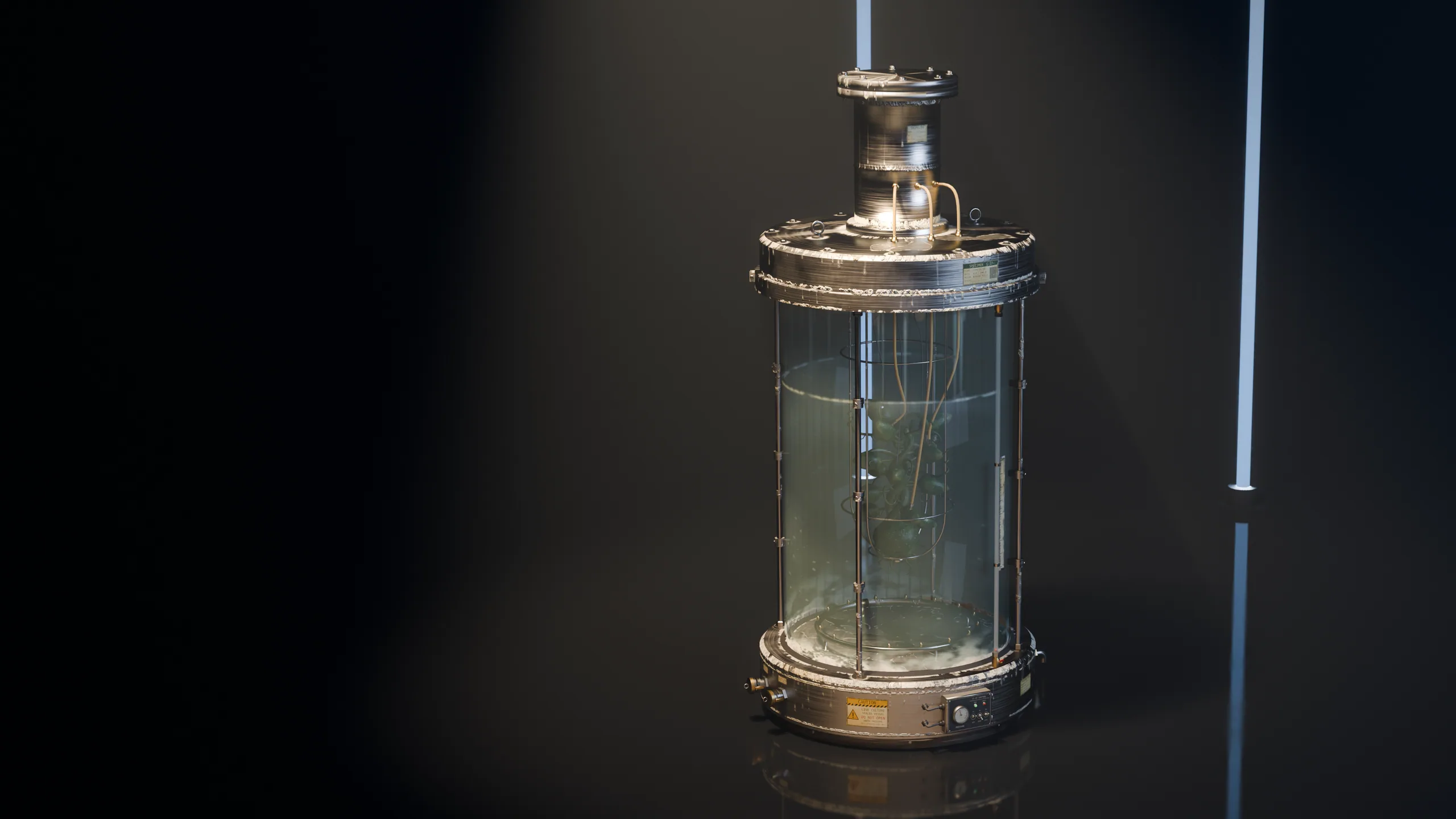
Glass tanks with specimens, a polished floor with caustics, and one key light that changes with the cycle.

What made this site

Airlock, spine corridor, culture hall with seven tanks, cold store, decontamination core.

Captured from the game at 1080p. Collect three canisters, then hold the core for 90 seconds through white, red and ultraviolet.

Machines
Sentries, purgers, crawlers from the vents, walkers
Scenario target In engine Scenario targetIn engine
Drag to compare.The target still on Scenario

Every asset of Wet Lab C

5

Material sets

How

Each square shows the base colour of a seamless set and its maps.

Made withPATINA Material

12

Props

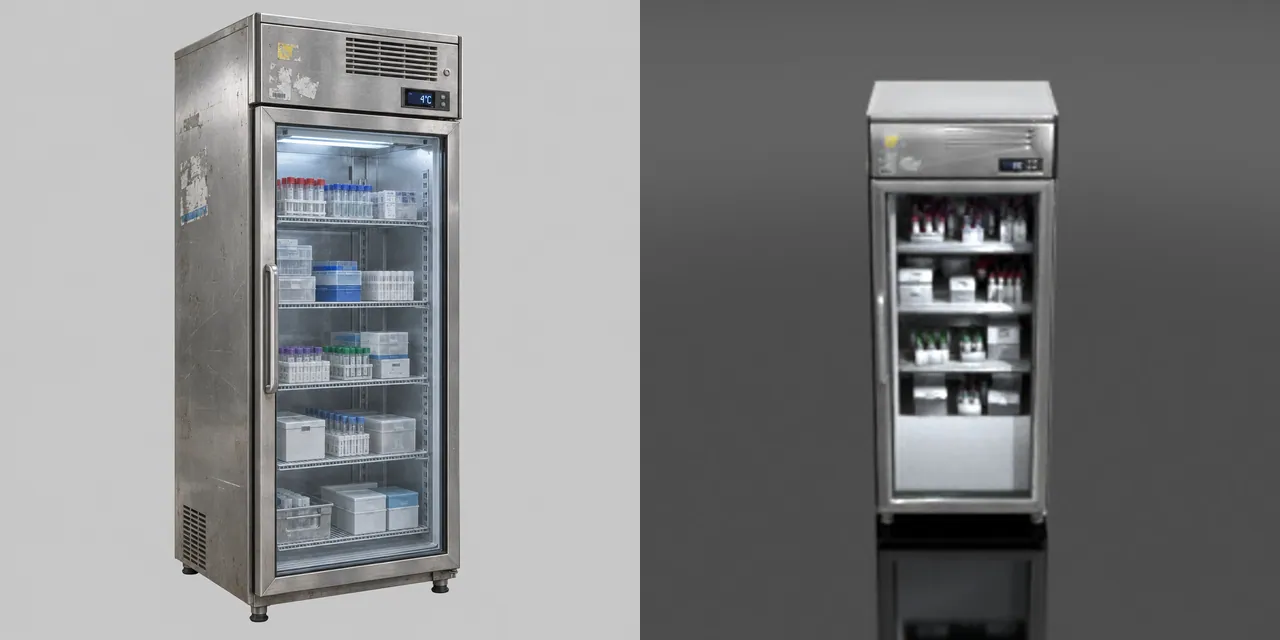
How

One concept image per prop, then image-to-3D. Left half of each tile: the concept. Right half: the mesh as Scenario previews it.

Made withGPT Image 2.5 SunburstTripo P2

5

Built structures and machines

How

Tank: built for this site as named parts. The machines of this site: sentries, purgers, crawlers from the vents, walkers. Each has a pivot at every joint and its own clips.

Made withScenario Claude Fable 5.2 3D

9

Sound, music and voice

How

The effects and the music of the site, and its first two operator lines.

Made withElevenLabs Sound Effects v3ElevenLabs Music v2.5ElevenLabs v4

Asset on Scenario
Asset on Scenario
Asset on Scenario
Asset on Scenario
Asset on Scenario
Asset on Scenario
Asset on Scenario
Asset on Scenario
Asset on Scenario

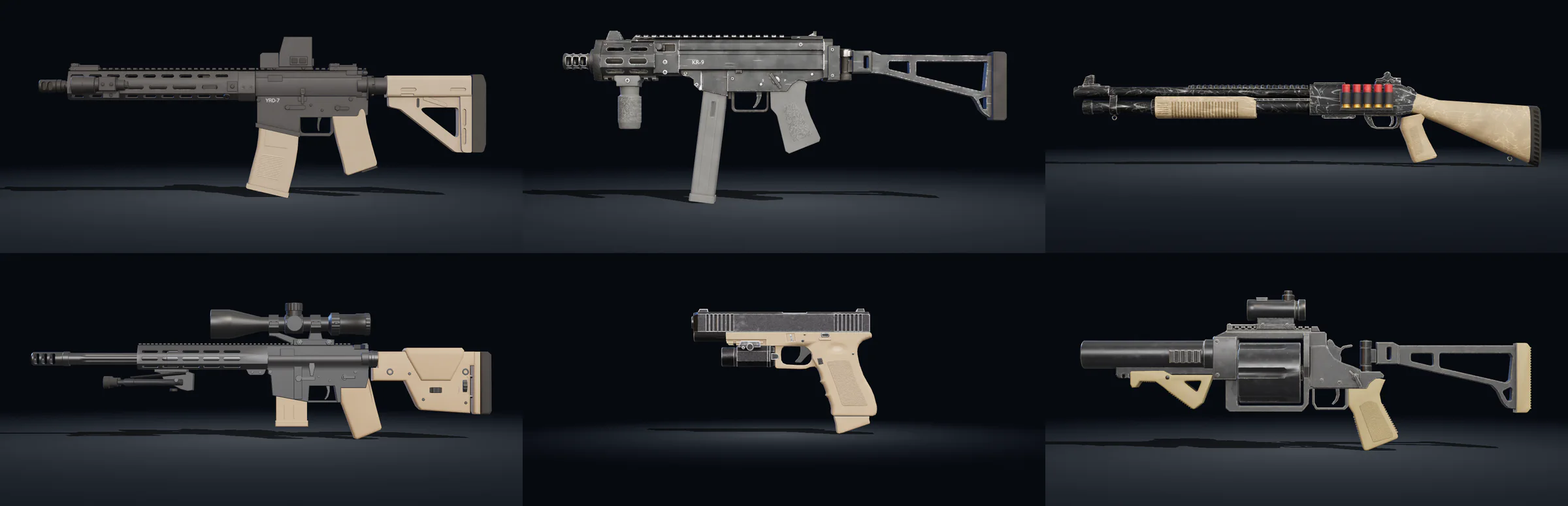
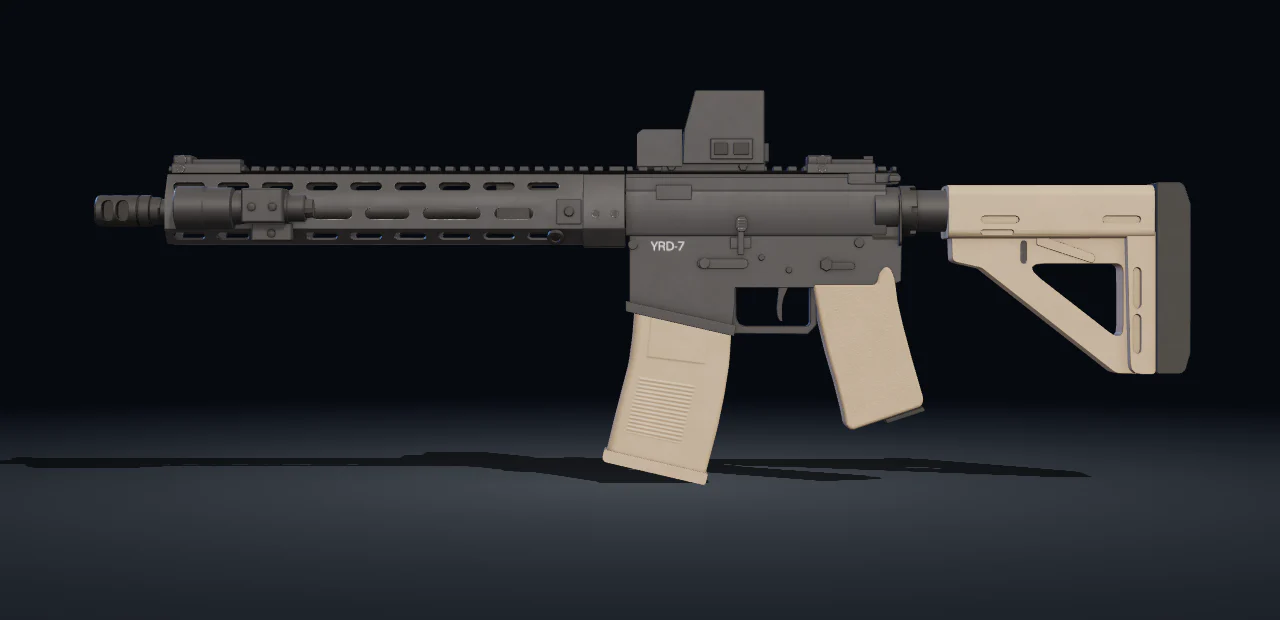
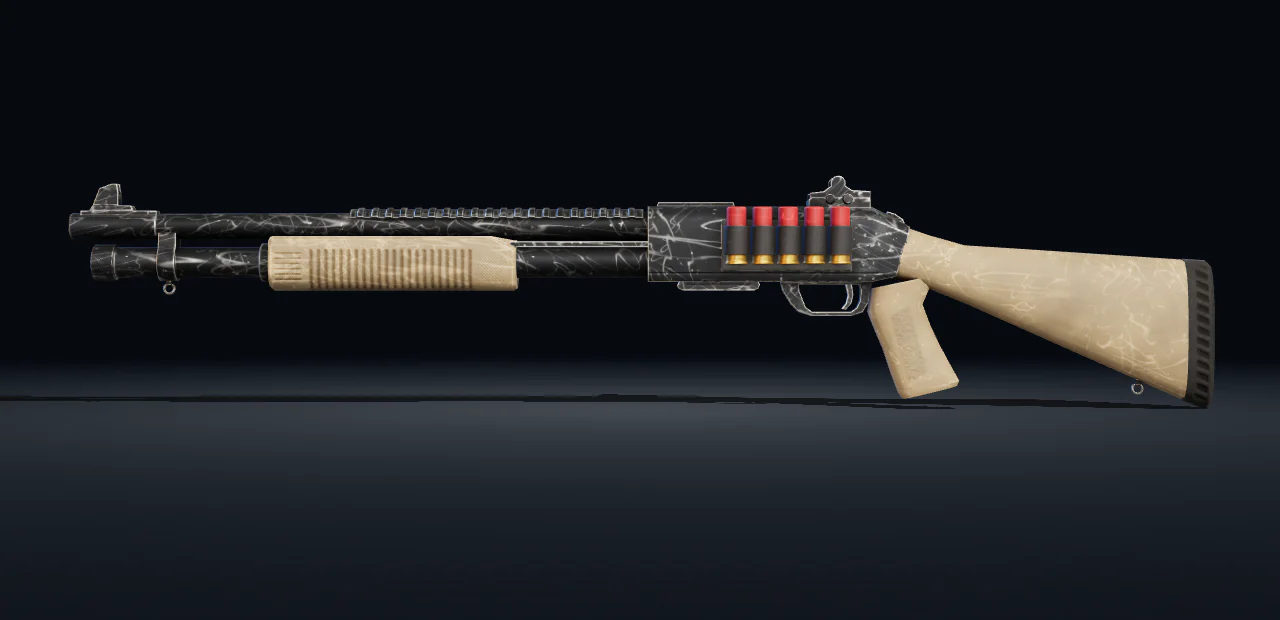
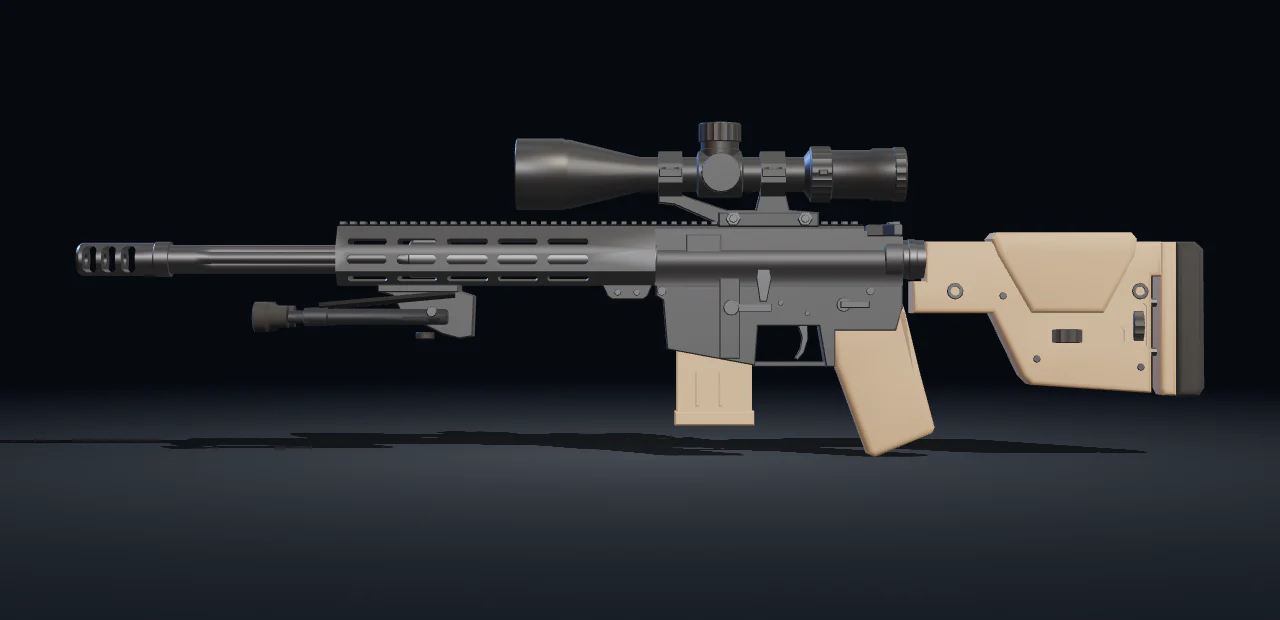
Six weapons, open each one

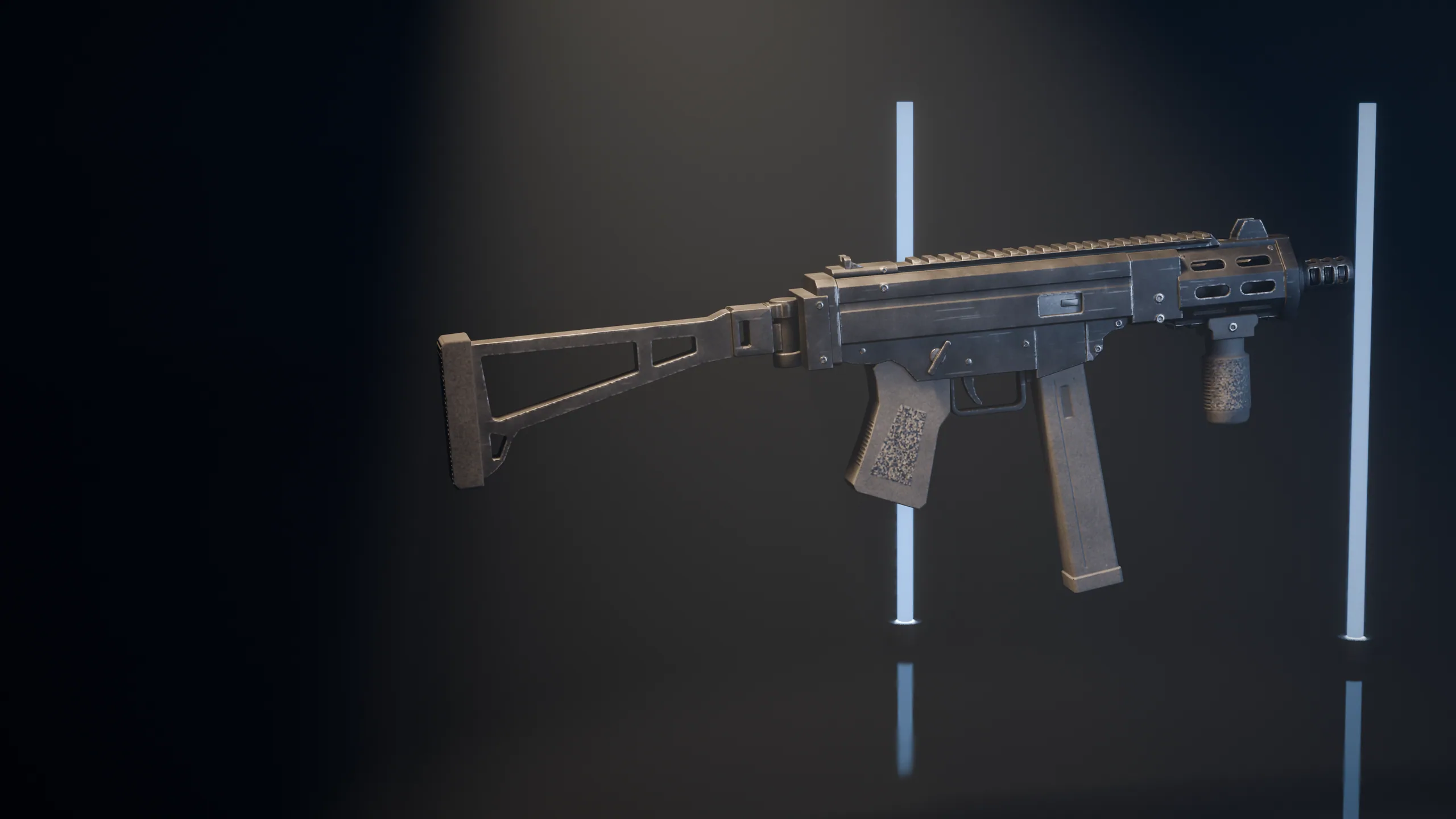
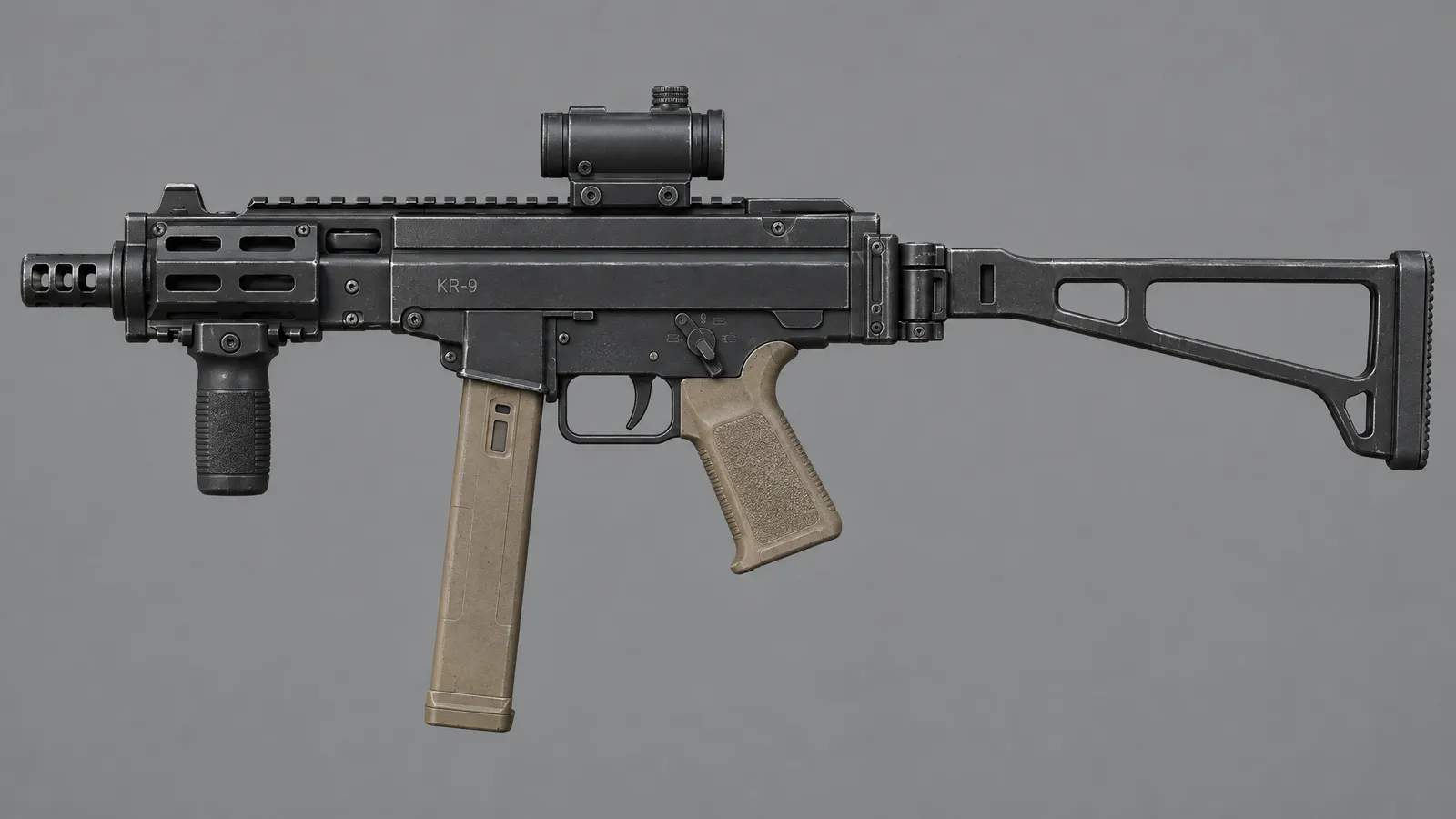
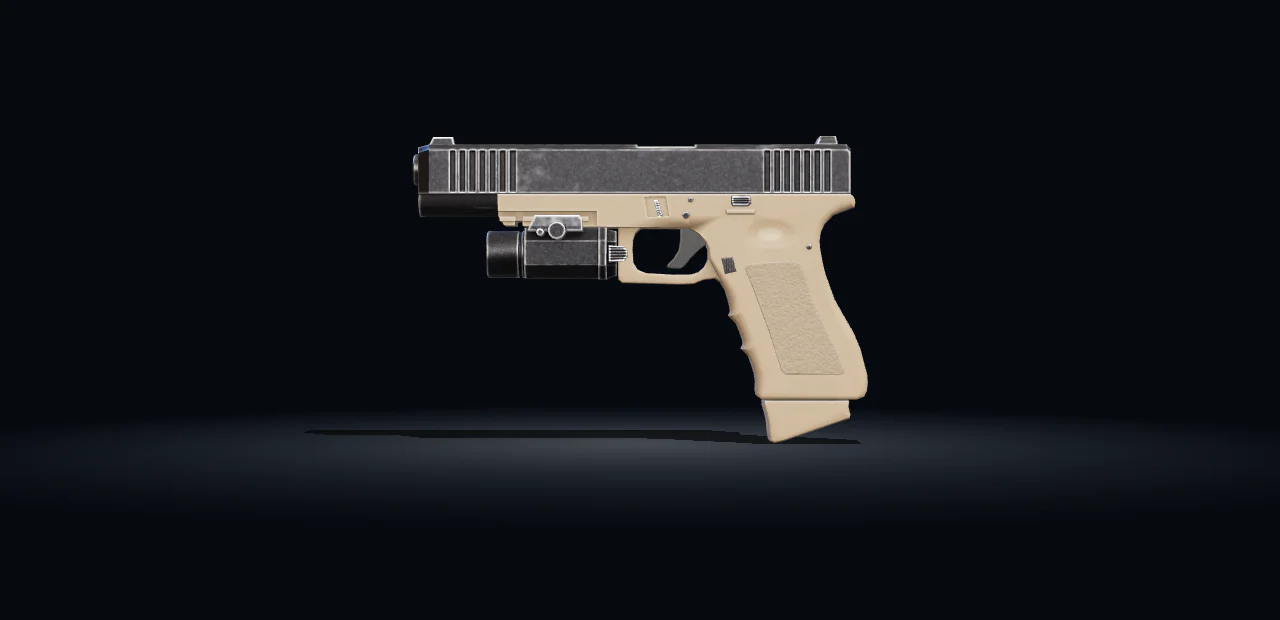
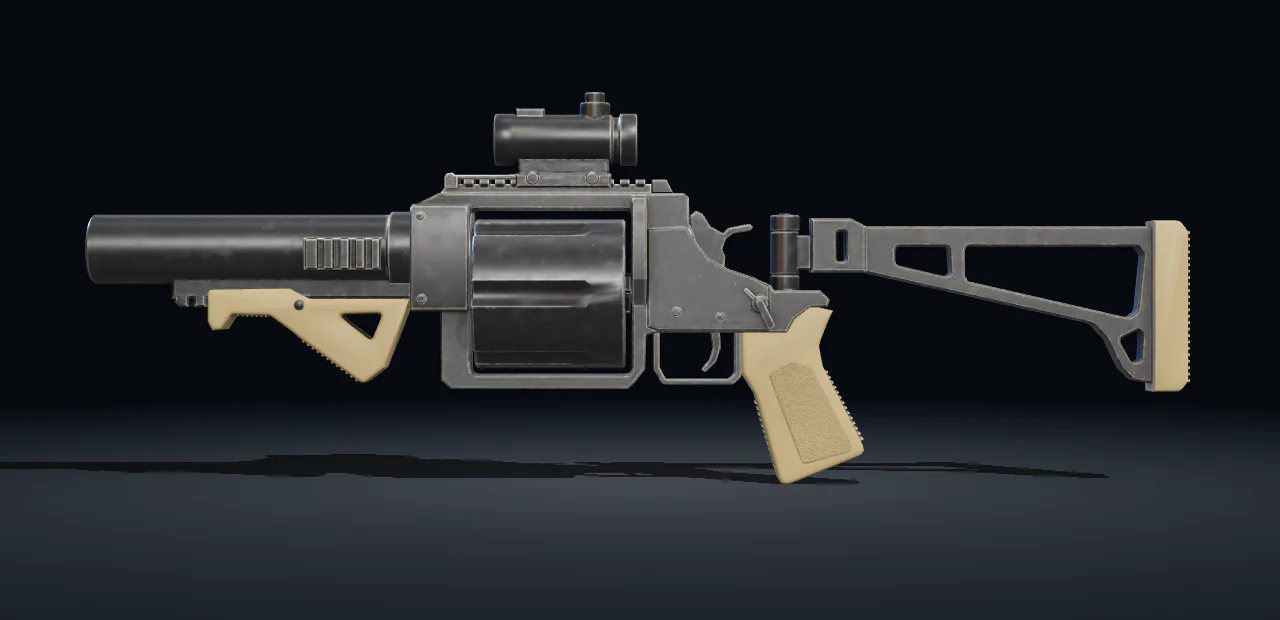
Five built part by part by Scenario Claude Fable 5.2 3D, the first raised from its side view concept.

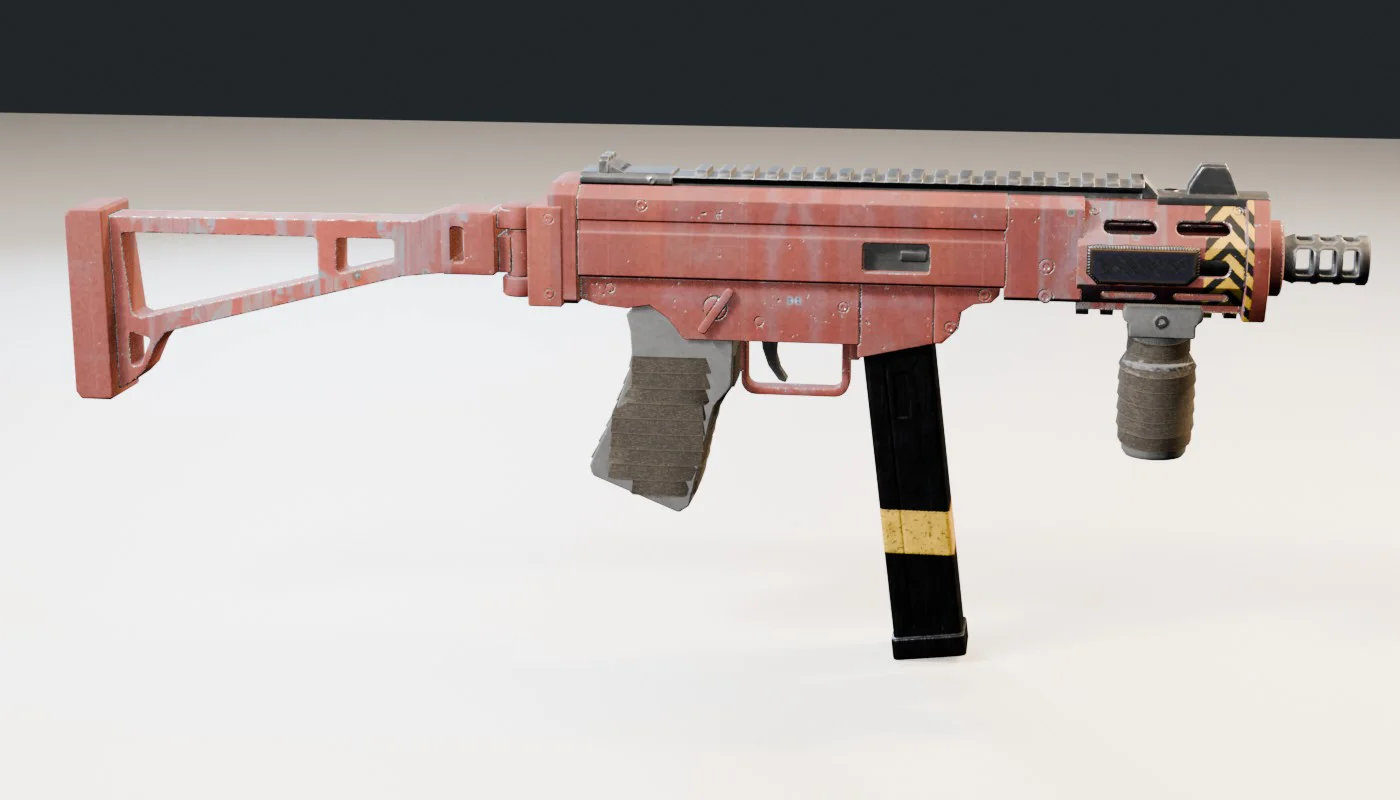
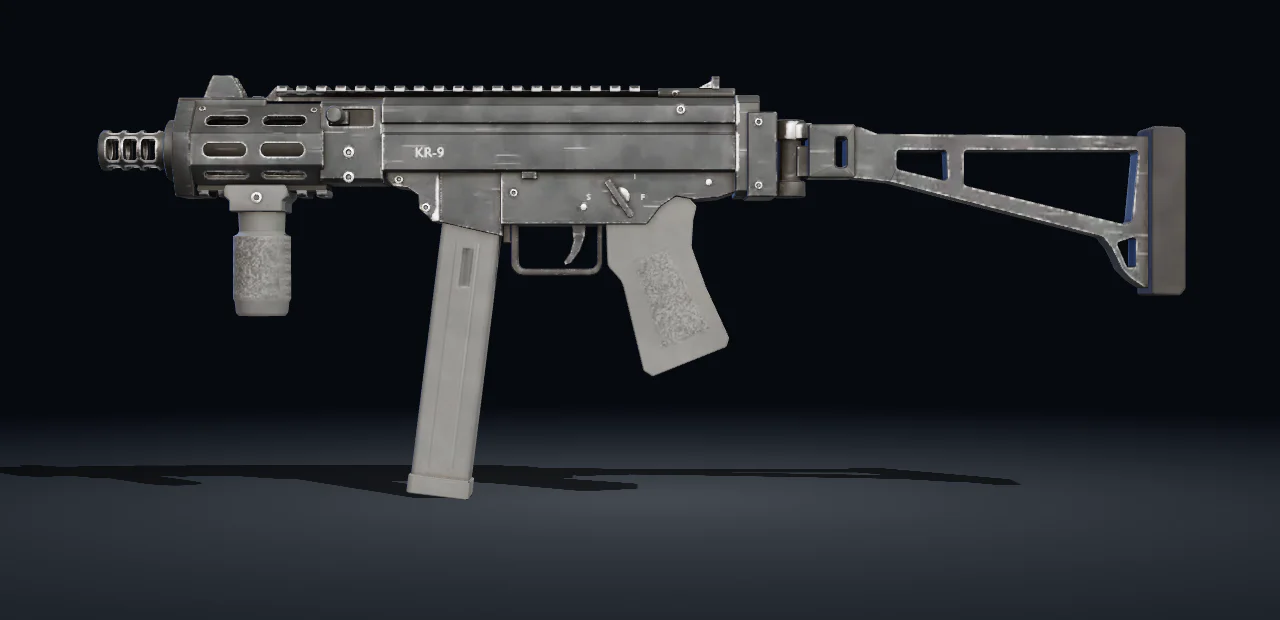
KR-9 Shortline, rendered from its file
KR-9 Shortline
  • Scenario Claude Fable 5.2 3D
  • 15,092 faces
  • 13 parts
  • 2 materials

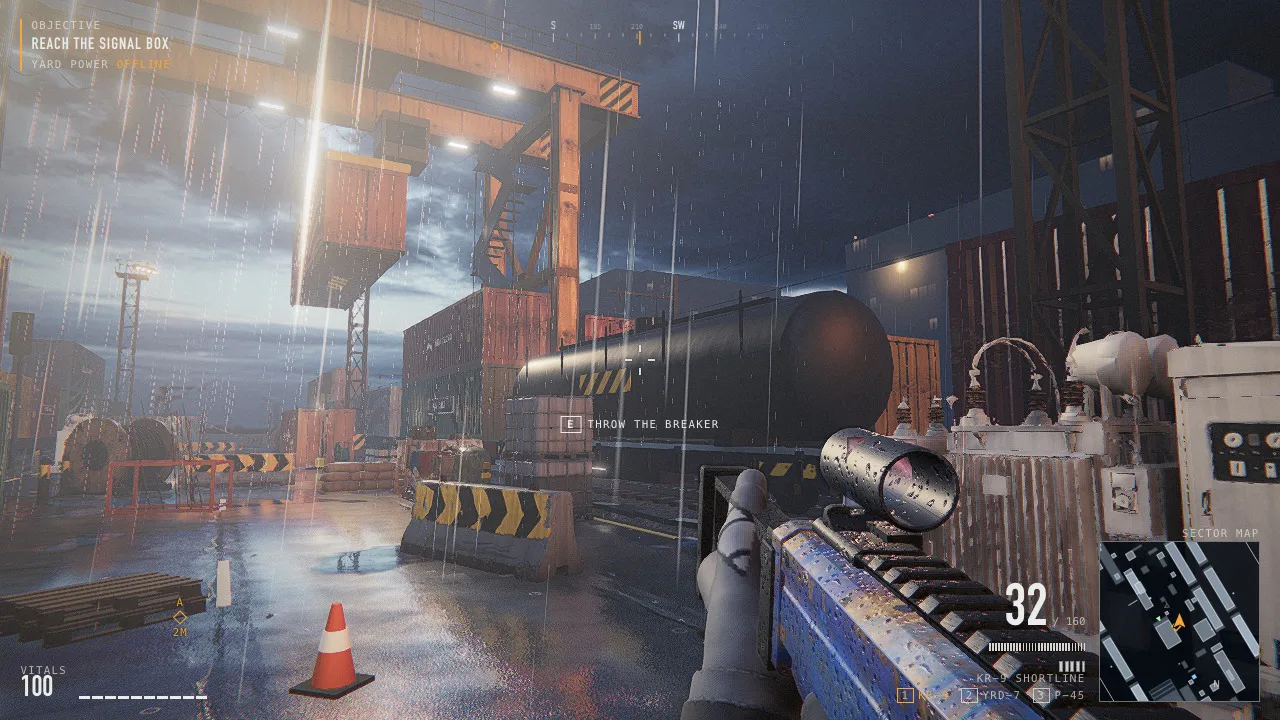
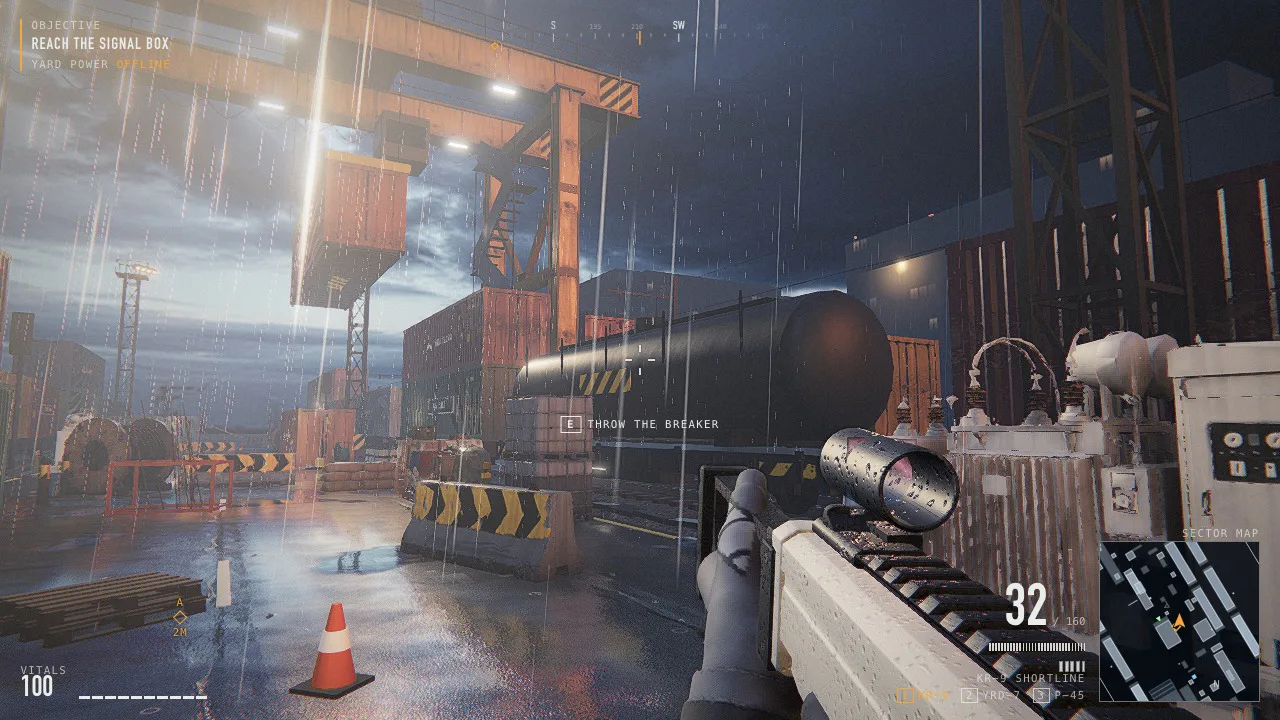
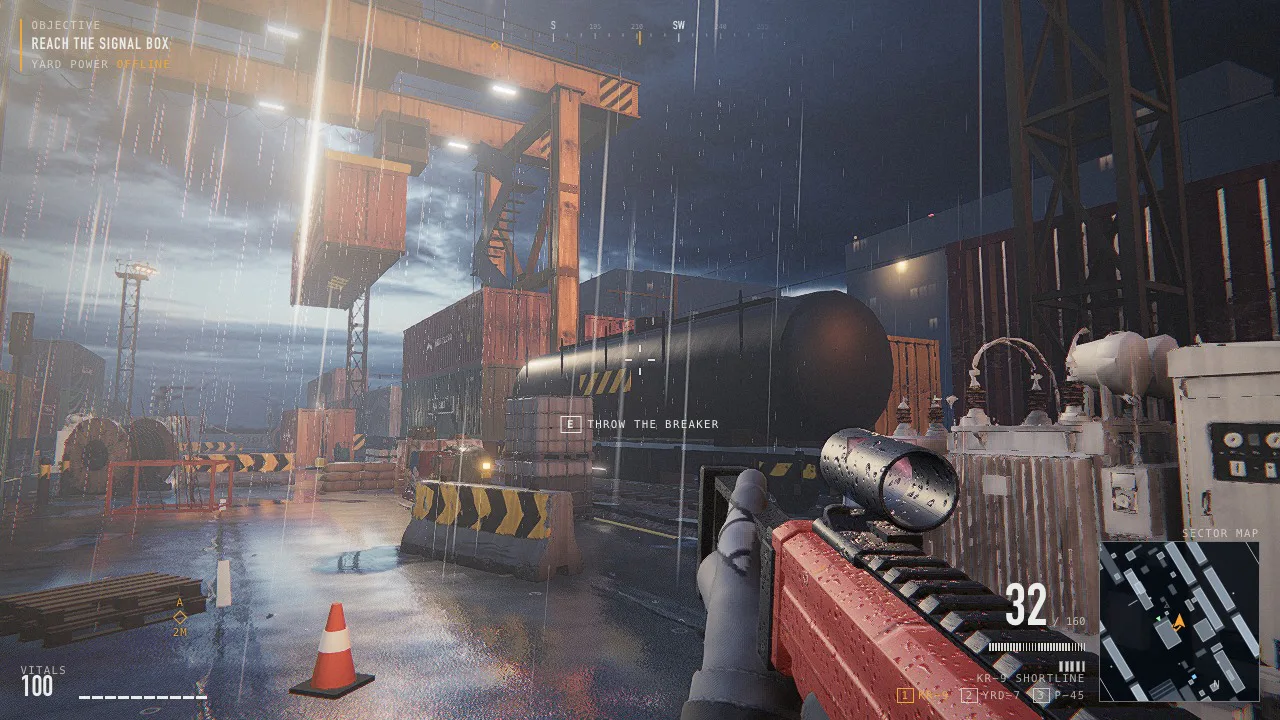
KR-9 ShortlineThe first built body: 13 named parts, with moving magazine and bolt. Six finishes and a Dock 2 edition.

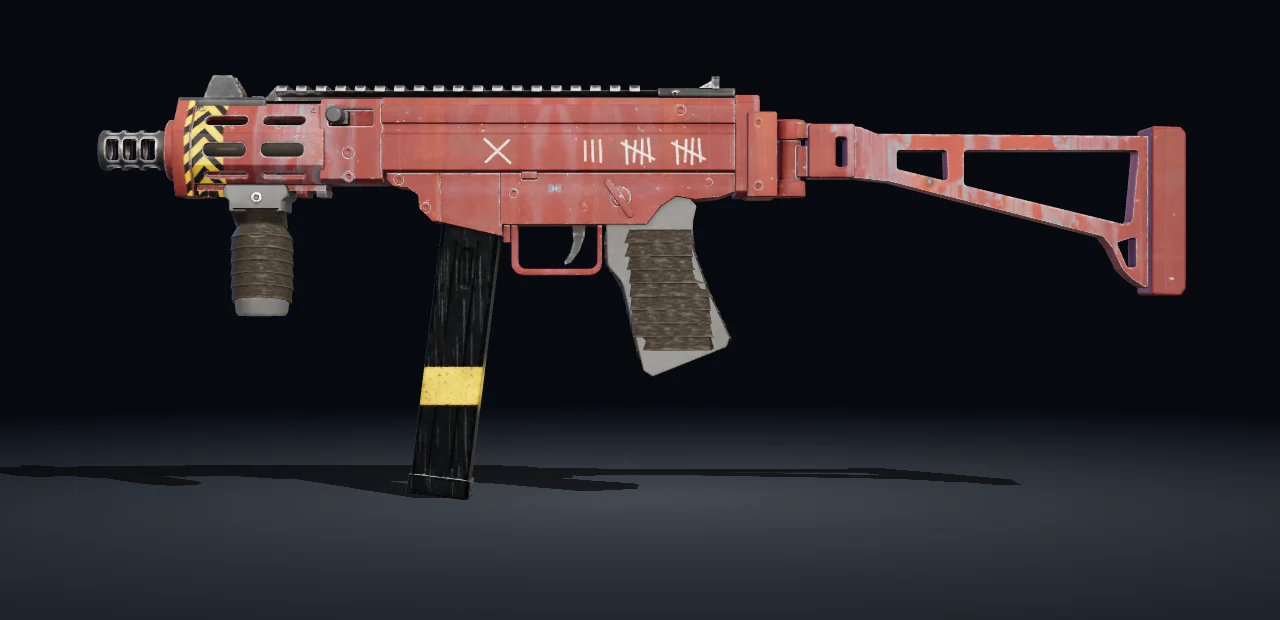
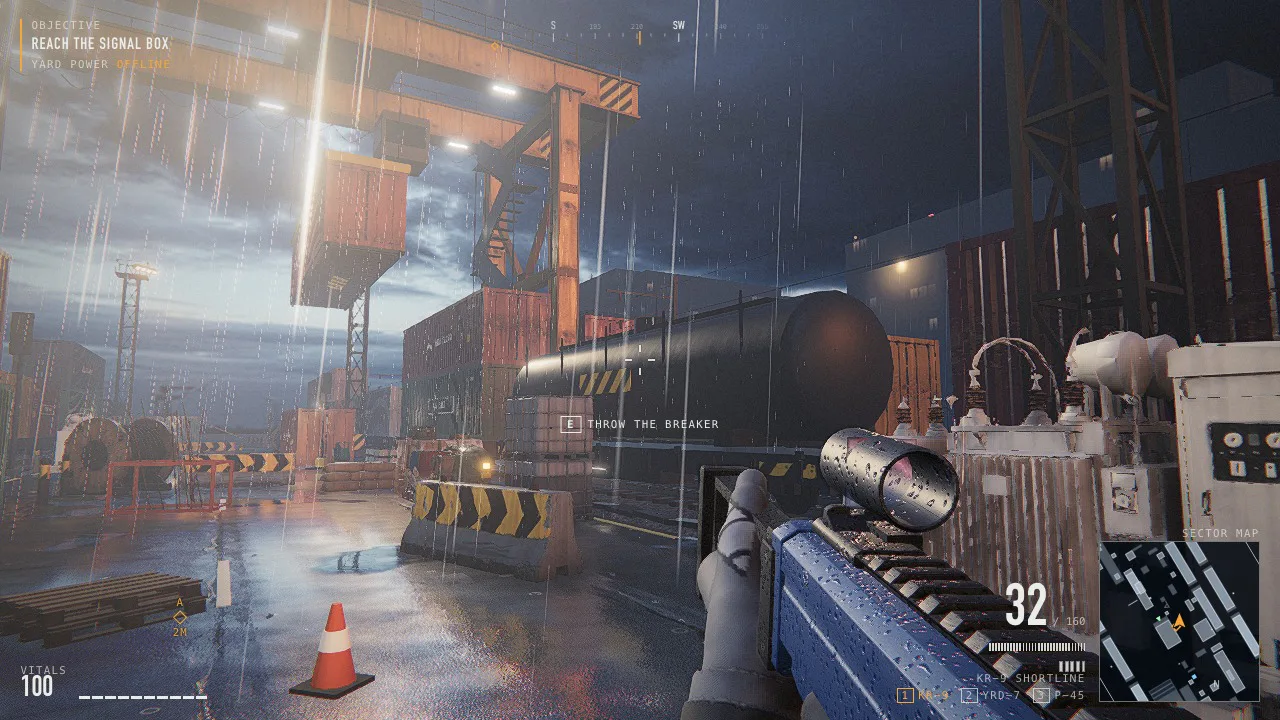
KR-9 finishes

How these were made

Six weapons with moving parts, and the finishes of the KR-9. The stage shows each one rendered from the delivered file: the still, then the same file in one shot: textured, then a scan reveals its wireframe and its skeleton, then textured again. A site finish is shown as a frame of the game. Concepts: GPT Image 2.5 Sunburst. Bodies: Scenario Claude Fable 5.2 3D. Finishes: PATINA Material.

Eight machines, built to move

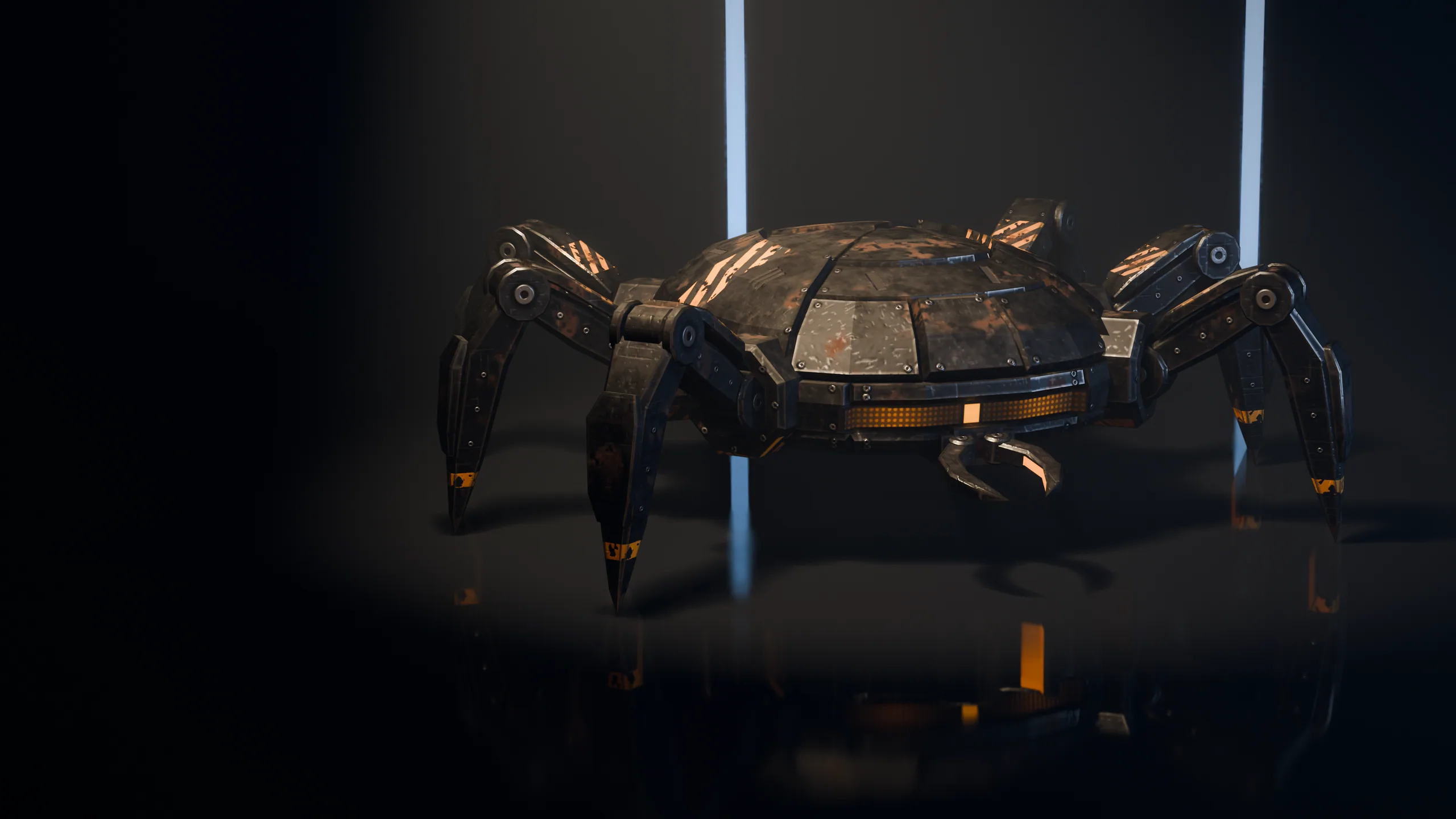
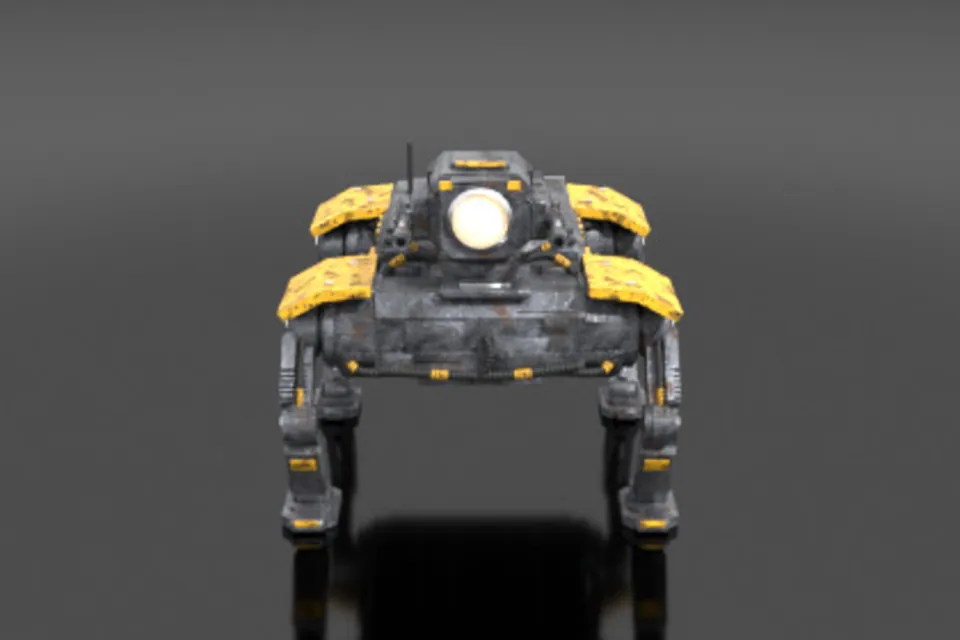
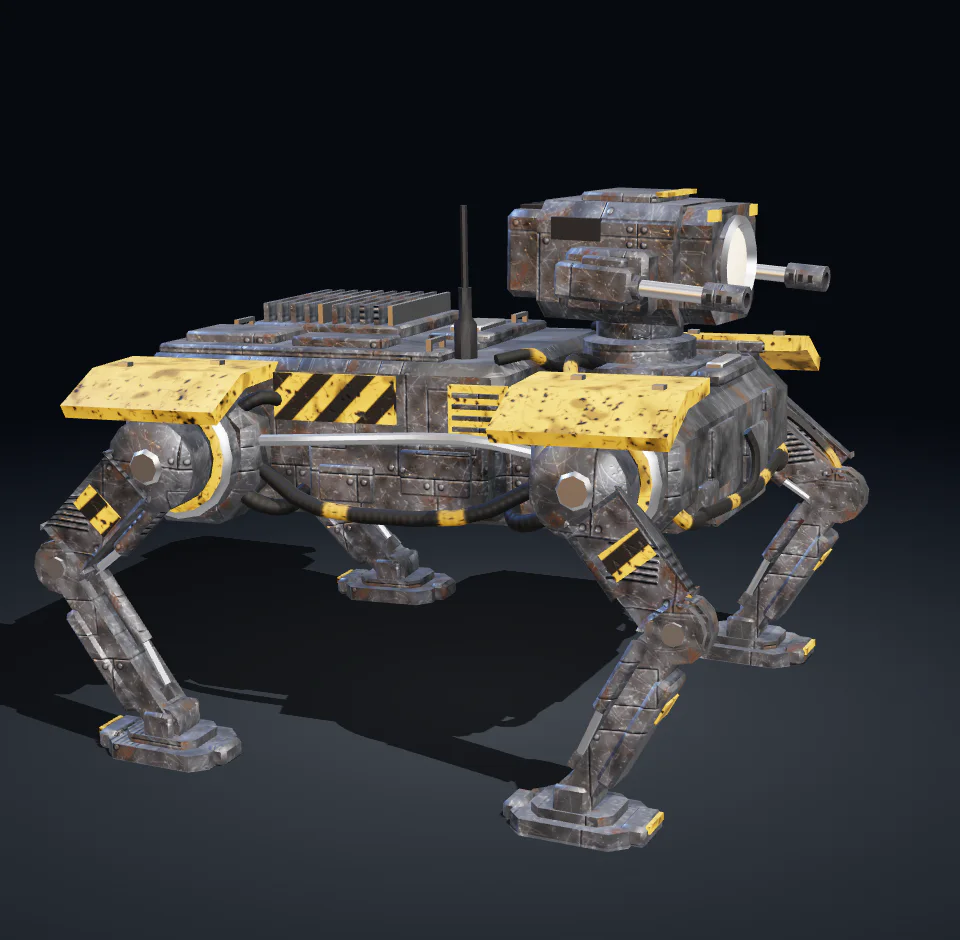
Built by Scenario Claude Fable 5.2 3D with a pivot at every joint and animated clip by clip.

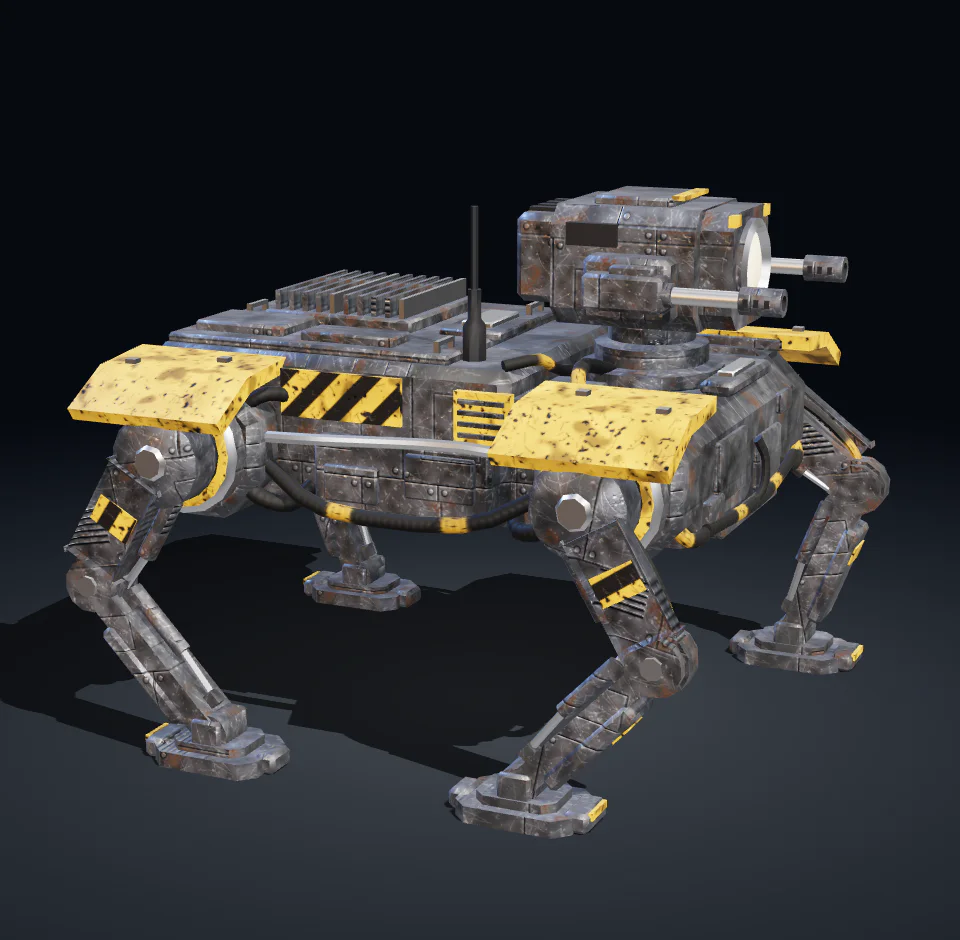
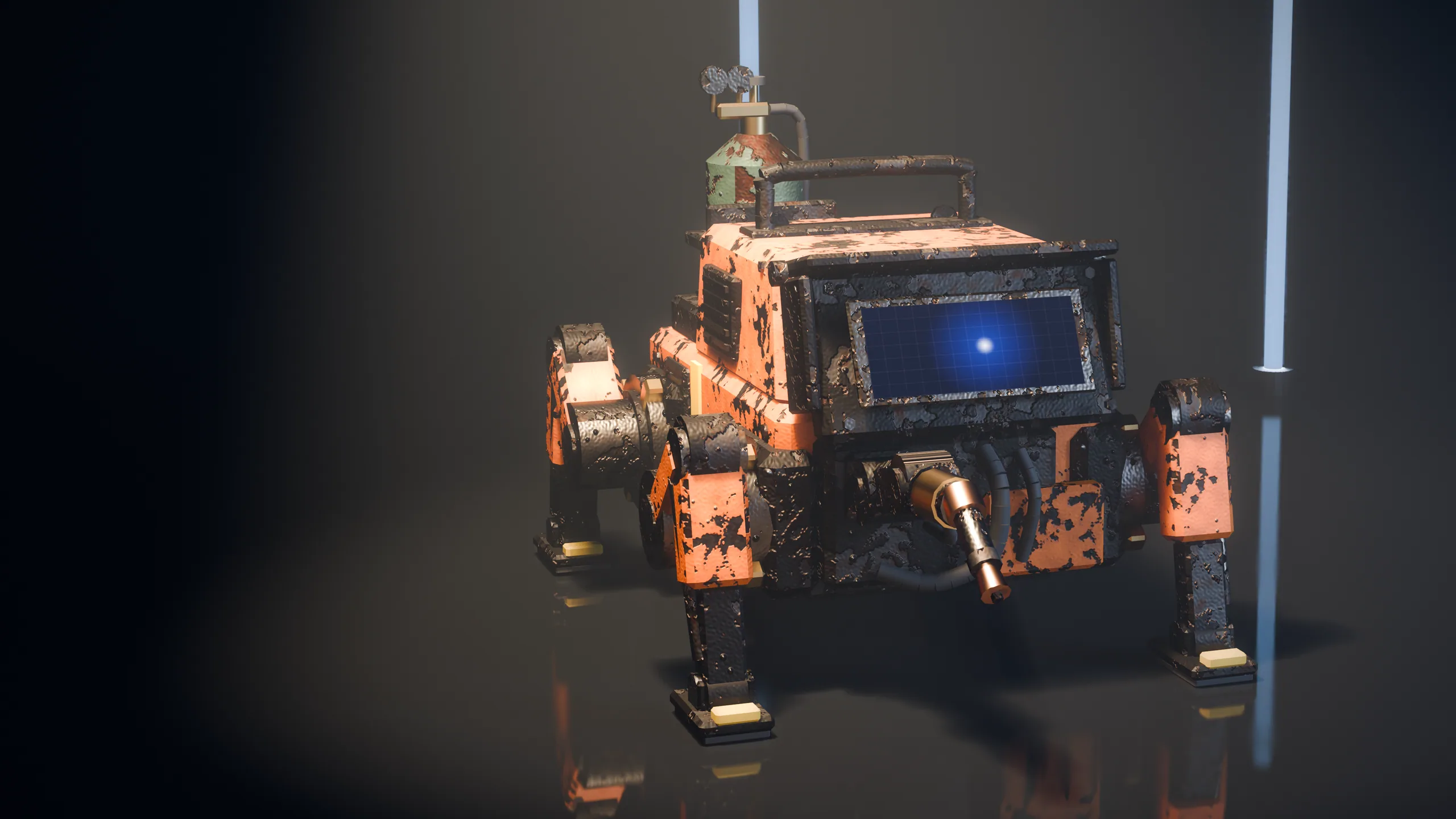
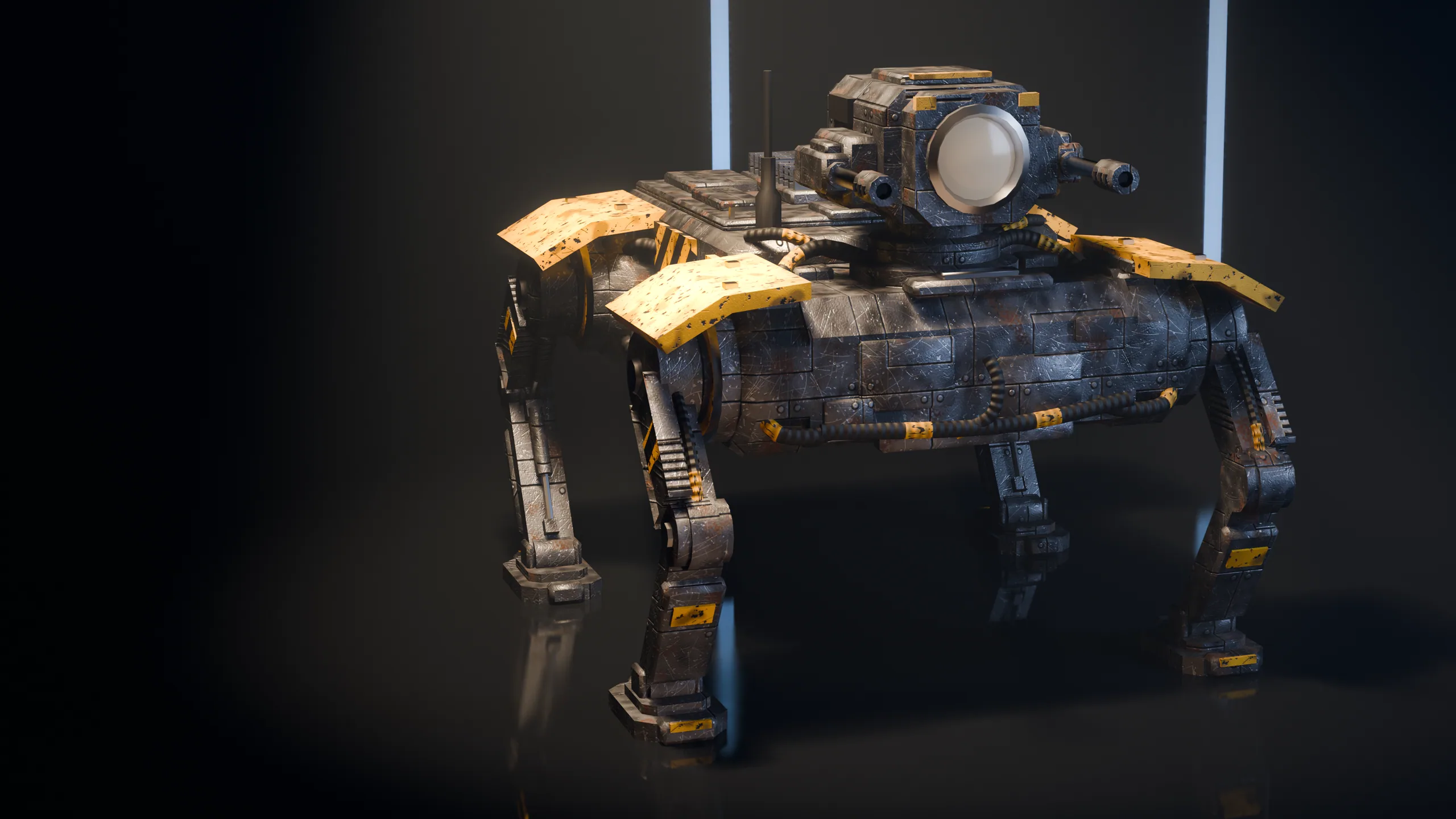
Walker, rendered from its file
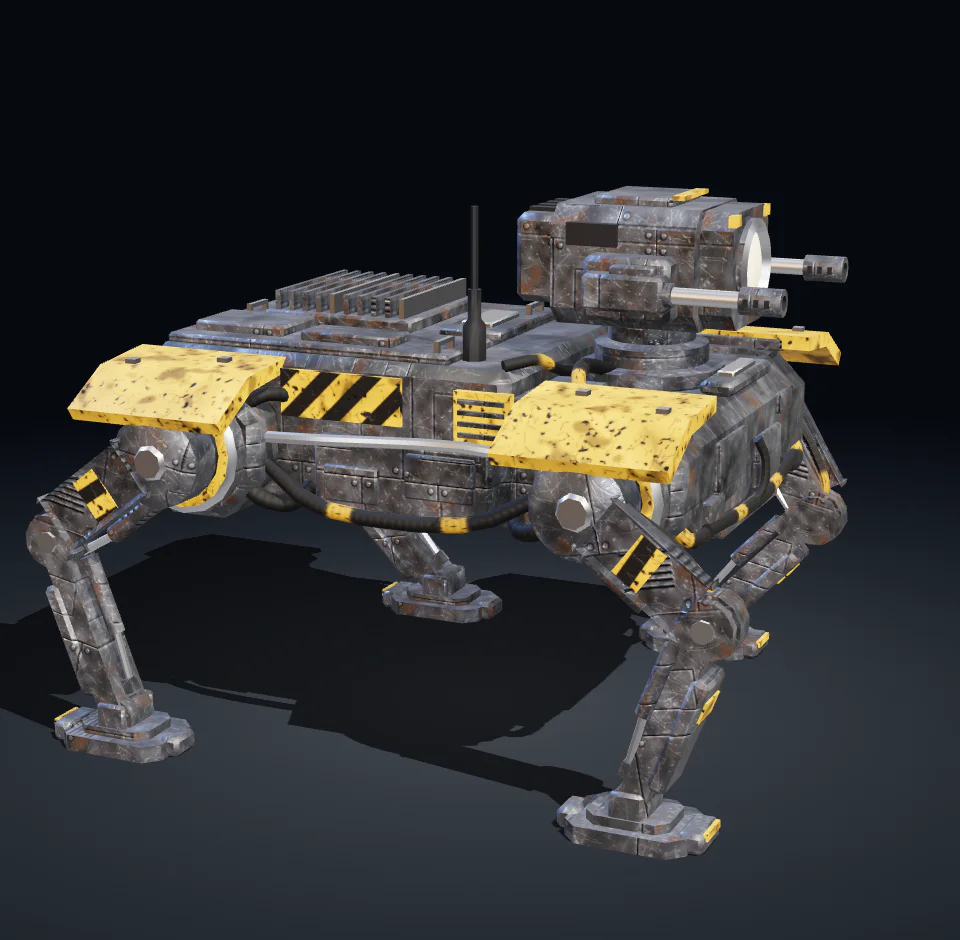
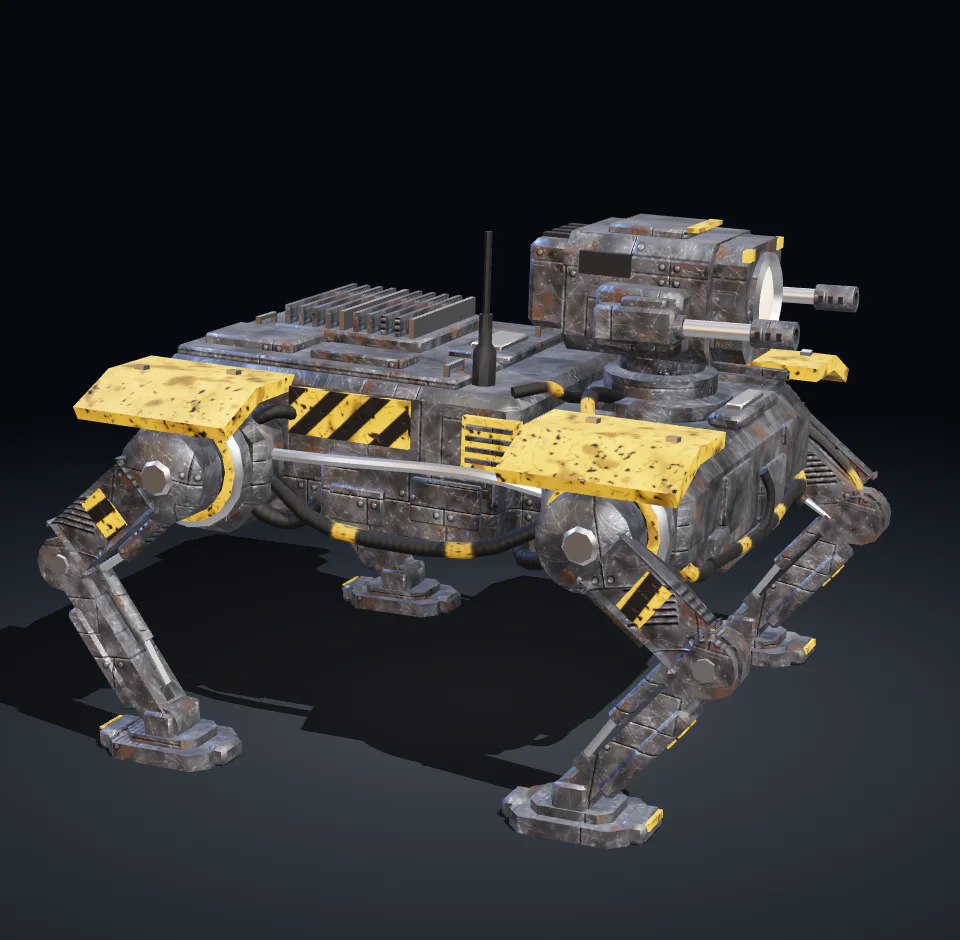
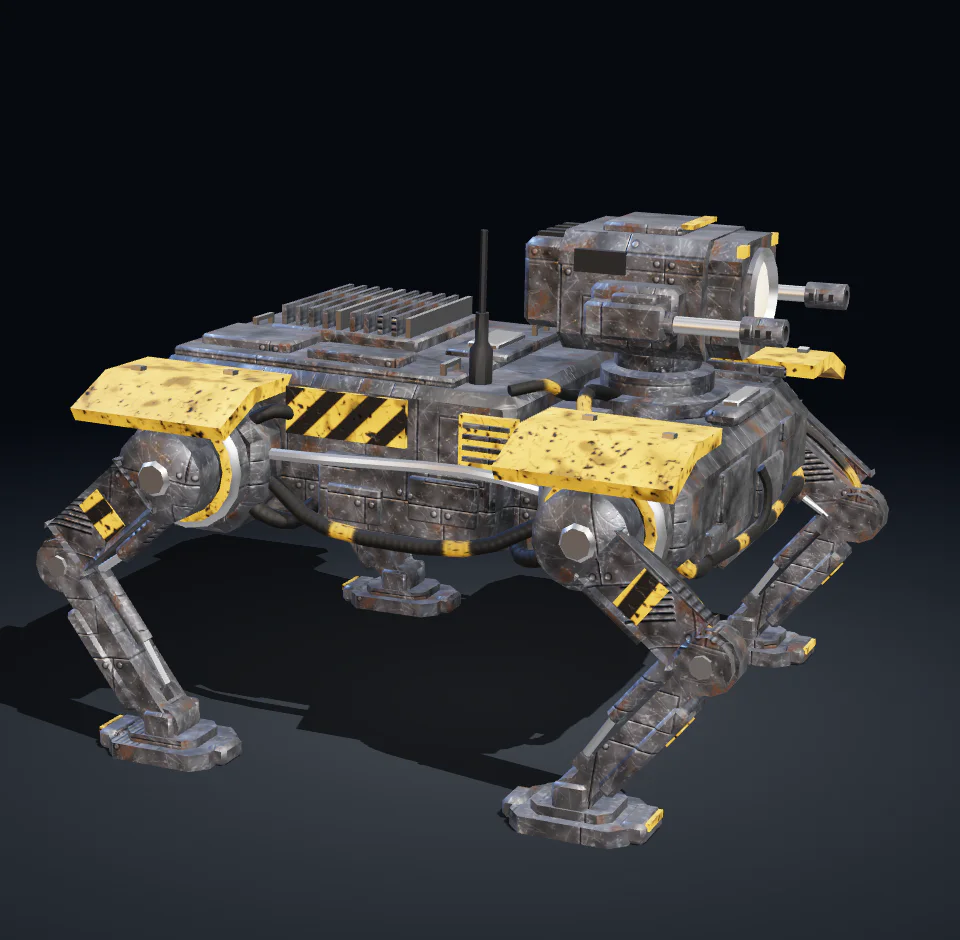
Walker
  • Scenario Claude Fable 5.2 3D
  • 13,500 faces
  • 20 parts
  • 7 materials
  • 6 clips

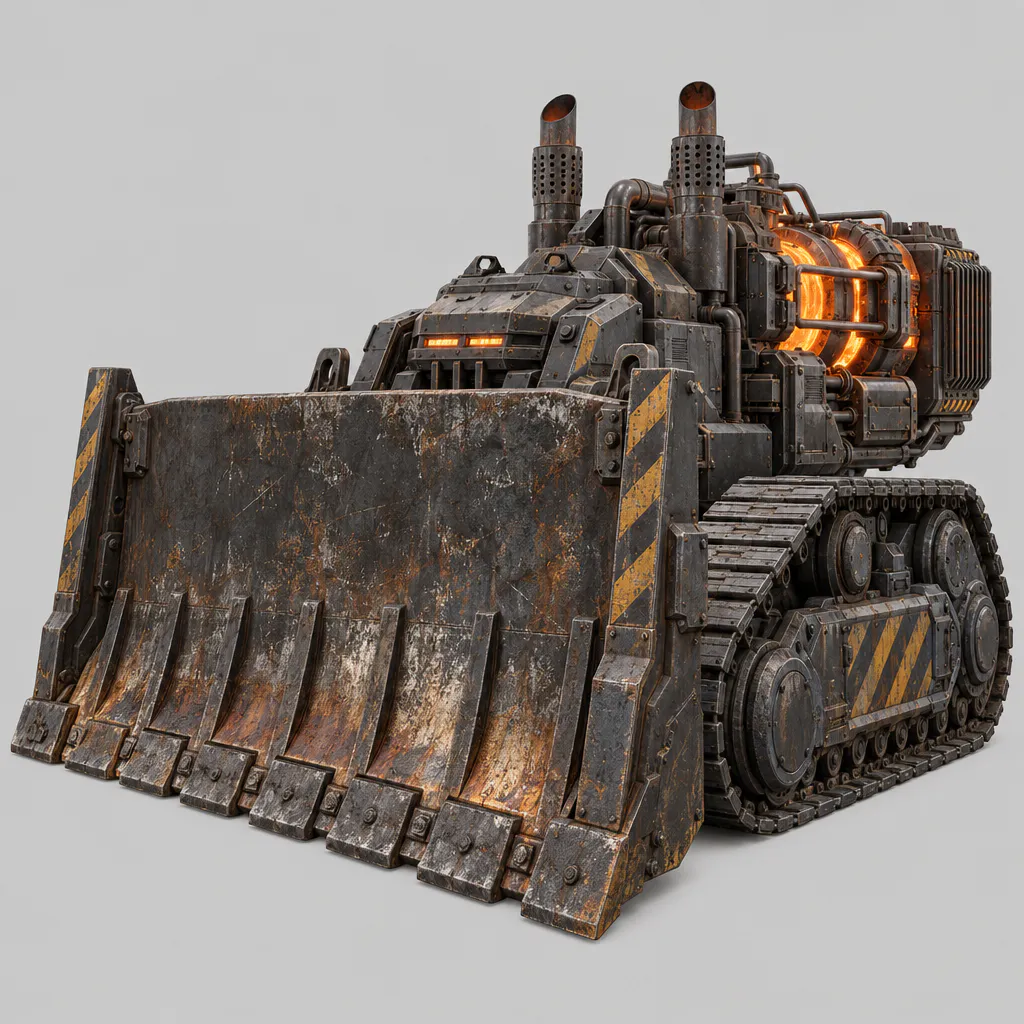
WalkerFour legs, two guns. Loses a part at half health.

How these were made

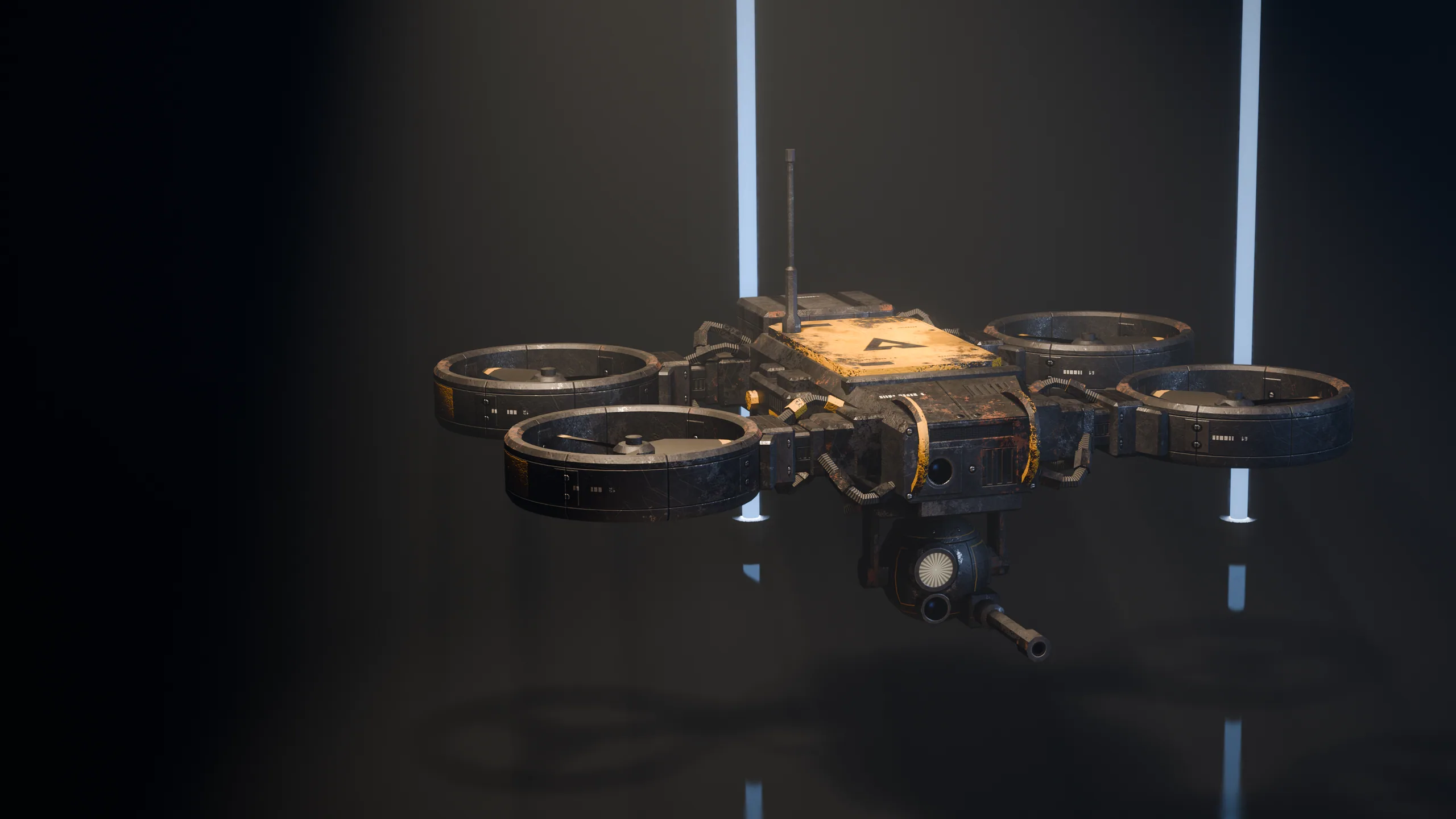
Eight kinds of machines, built by Scenario Claude Fable 5.2 3D with a pivot at every joint and animated clip by clip. Each loop shows the file in one shot: textured, then a scan reveals its wireframe and its skeleton, then textured again, playing its own clips.

The Scenario MCP pipeline

Choose, generate, check, place: one loop for ten kinds of asset.

  1. 01Choose

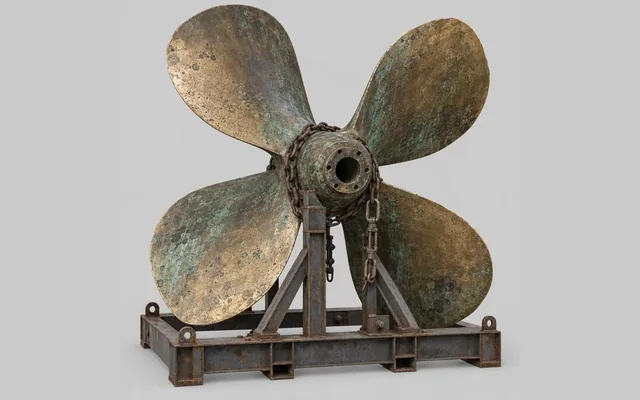
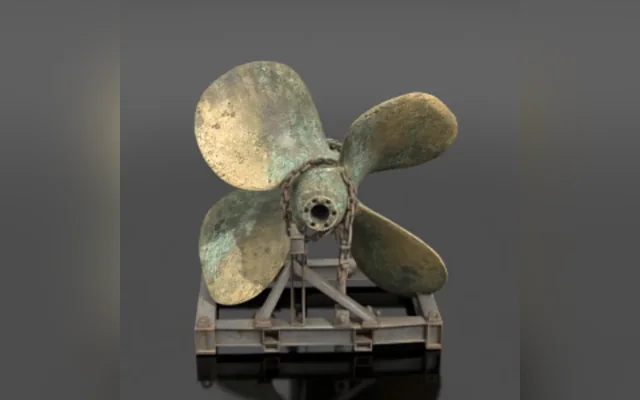
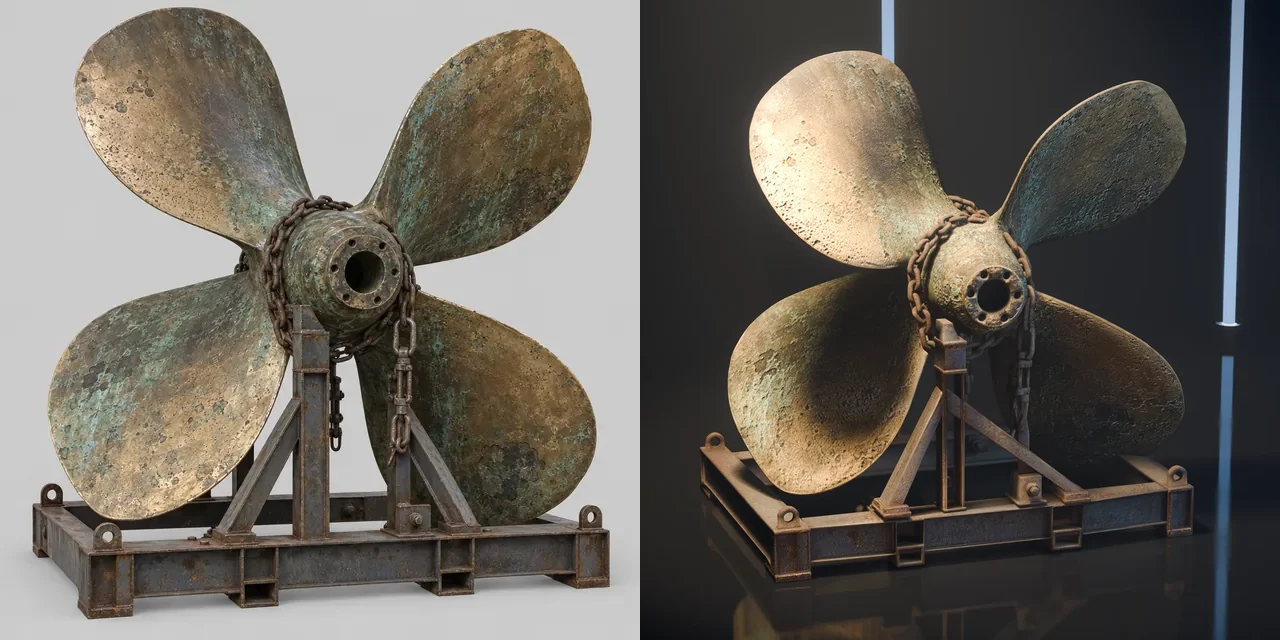
    Concept image of a ship propeller on a steel cradleConcept image

    Scenario MCP ranks the models for each kind of asset.

    Tools
    Scenario MCP
    Runs on
    Scenario

    13models chosen

  2. 02Generate

    The textured 3D model generated from that imageGenerated model

    One prompt per asset, sent through Scenario MCP.

    Tools
    Scenario MCP
    Runs on
    Scenario

    466jobs on Scenario

  3. 03Check

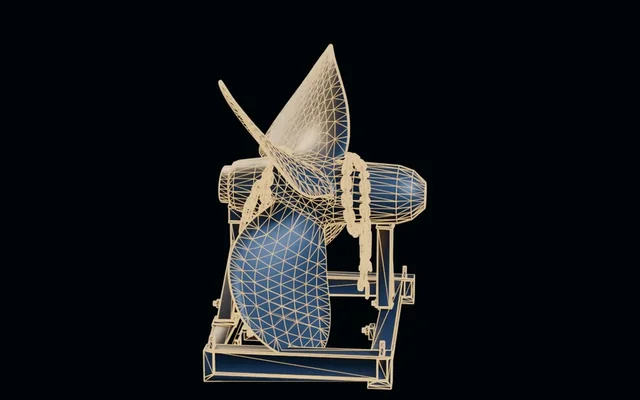
    The same model rendered as a wire meshMesh check

    Seen at full size, measured where a number exists.

    Tools
    Contact sheetsBlenderCheck scripts
    Runs on
    Local machine

    136scripted checks passed

  4. 04Place

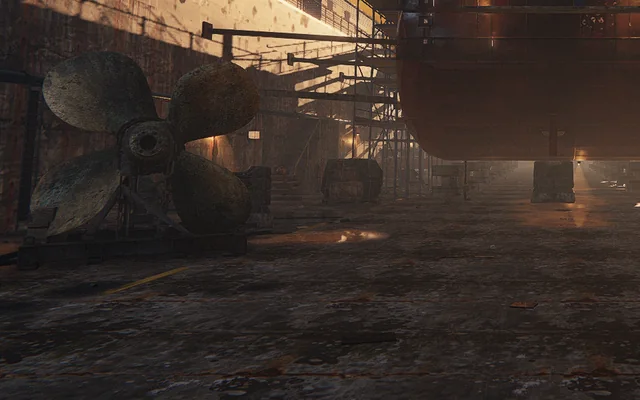
    The propeller standing in the dry dock of Dock 2, in the gameIn Dock 2

    Reduced, packed, then loaded and lit by the game.

    Tools
    Blendermeshoptthree.js
    Runs on
    Browser

    983D assets in the game

ModelsNano Banana 2.1Scenario Claude Fable 5.2 3DMirelo SFX 2.0 Text to AudioElevenLabs Music v2.5PATINA MaterialElevenLabs Sound Effects v3Scenario Skybox Flux.1Scenario Skybox GPTScenario Skybox UpscaleGPT Image 2.5 SunburstGPT Image 2.6 SunburstTripo P2ElevenLabs v4
ToolsScenario MCPClaude CodeBlendermeshoptthree.jsCheck scripts
PlatformsScenarioLocal machineBrowser, WebGL2
Asset typesTarget stillsSkiesMaterial setsConcept images3D propsBuilt 3D modelsRigs and clipsSound effectsVoice linesMusic
10 kinds of asset, one by one

One method for ten kinds of asset. The agent asks Scenario MCP for the best current model, generates, looks at the result at full size, measures it, then places it in the engine.

  • Choose. Scenario MCP ranks the models for the asset type; the newest ones are checked too.
  • Generate. One prompt per asset, the model's input rules read first, the result downloaded.
  • Check. Looked at on a sheet or in engine, and measured where a number exists.
  • Place. Reduced, packed and loaded by the game. A weak result is redone or dropped.

Target stills

GPT Image 2.5 Sunburst

Two pictures per new site fix the place, the light and the materials before any geometry exists.

Checked byEach look loop puts an in-engine frame next to its target at full size and names one gap.
The eight target stills of sites 2 to 5From the model

Props

Tripo P2

Each concept becomes a textured mesh. Three models on one concept, judged at 1 m in the engine, one kept: Tripo P2.

Checked byThe kept mesh is reduced in headless Blender, then packed with meshopt and WebP.

One forklift concept through three image-to-3D models, in engine. Kept for the props: Tripo P2In the game
Generated props placed in Line 9In the game

Built models with named parts

Scenario Claude Fable 5.2 3D

Hero pieces are built as Blender files with rigid, named parts. The furnace alone has 17, from shell to tuyeres.

Checked byPart names, pivots and scale are read back from the file before export. Then the model is looked at in engine.

  • shell
  • shell_cone
  • stack
  • wind_belt
  • tuyeres
  • mouth_housing
  • spout
  • melt
  • platform
  • ladder
  • hoist
  • hatches
  • bands
  • pipes
  • water_lines
  • conduits
  • plinth

Edits

Scenario Claude Fable 5.2 3D

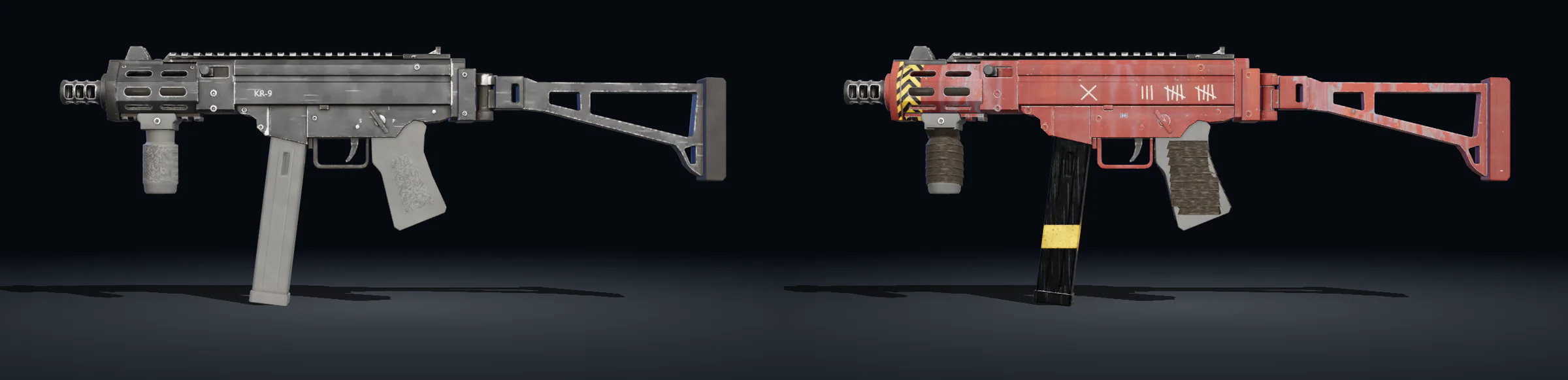
The same model edits its own file: a run clip added to a walker, a site edition of a weapon with new parts.

Checked byNames, origins and scale must survive the edit. A rigged file is also read back for its skin weights.

KR-9 Dock 2 edition in Blender: taped grips, shield plate, lanyard ringIn Blender
KR-9: the factory model on the left, its Dock 2 edition on the rightBuilt model, studio view

Machines that move

Scenario Claude Fable 5.2 3D

Each machine is built from its concept with a pivot at every joint and one action per clip: idle, walk, aim, fire, hit.

Checked byFoot slide is measured: the speed of a planted foot as a share of body speed. 0.05 for the walker at a run.

Six frames of the walker clips: three of the walk, then aim, fire, hitBuilt model, studio view
Walker
  • Scenario Claude Fable 5.2 3D
  • 13,500 faces
  • 20 parts
  • 7 materials
  • 6 clips
  • idle2.00 s, 16 parts move
  • walk1.00 s, 18 parts move
  • aim0.50 s, 19 parts move
  • fire0.30 s, 20 parts move
  • hit0.33 s, 20 parts move
  • run0.60 s, 14 parts move

Walker20 parts, 13,500 triangles, 6 clips

  • hull
    • head
      • gun_L
      • gun_R
    • leg_FL_upper
      • leg_FL_lower
        • foot_FL
    • leg_FR_upper
      • leg_FR_lower
        • foot_FR
    • leg_RL_upper
      • leg_RL_lower
        • foot_RL
    • leg_RR_upper
      • leg_RR_lower
        • foot_RR
    • plate_FL
    • plate_FR
    • plate_RL
    • plate_RR
The file the game loads, read as it is: every part is a node with its own pivot, every action a clip. Built by Scenario Claude Fable 5.2 3D.

Weapons and finishes

GPT Image 2.5 SunburstScenario Claude Fable 5.2 3DPATINA Material

A side view concept, then a built body with moving magazine, bolt and slide, then one family finish and five site skins.

Checked byJudged in first person: at the hip, aiming and in the reload view, under the yard floodlights.

The six built weapons in side view: rifle, submachine gun, shotgun, marksman rifle, sidearm, grenade launcherBuilt model, studio view
Six finishes of the KR-9 in handIn the game

Sound and music

ElevenLabs Sound Effects v3ElevenLabs Music v2.5Mirelo SFX 2.0 Text to Audio

Shots, reloads, steps, machines, alarms and the music, all generated from text.

Checked byMeasured as well as heard: duration, level, spectrum, and a transcript pass for stray words.

Models and Scenario skills used

What came from Scenario

Everything below was called through Scenario MCP from the same Claude Code session that wrote the game.

Models

Models

Scenario skills loaded

  • scenarioScope, core loop, errors
  • scenario-gpt-imageImage sizes and quality settings
  • scenario-skyboxesSky model and seam check
  • scenario-texturesSeamless PBR sets
  • scenario-3dConcept image, then image-to-3D
  • scenario-audioSound effects and music

How it was made

The build in six steps

  1. Grey box first. A playable layout with a fixed timestep, collisions and a first weapon, before any art.
  2. Targets. Two Scenario stills per site fix the place, the light and the materials.
  3. Assets. Sky, materials, concepts, props, built models, machines, weapons and sound, each from the best current model on Scenario.
  4. Look loops. One in-engine frame next to its target at full size, one gap named, one fix. Then again.
  5. Play loops. A scripted player runs each site; every weapon, machine and menu has a check.
  6. Measure. Frame rate at fixed poses, load size per site, foot slide of each walking machine.
What was used

  • Claude Code with Claude Fable 5.2 wrote the game, the tools and the tests.
  • Scenario MCP chose the models and ran every generation from the same session.
  • Scenario skills gave the agent each model's input rules before the first run.
  • Scenario Claude Fable 5.2 3D built the hero models, the machines and five weapons as Blender files with named parts.
  • three.js on WebGL2 renders it; Blender, headless, reduces and packs the meshes.

How This Was Made

01 / 22 Download the PDF
Page 1 of 22 of the making-of PDF Page 2 of 22 of the making-of PDF Page 3 of 22 of the making-of PDF Page 4 of 22 of the making-of PDF Page 5 of 22 of the making-of PDF Page 6 of 22 of the making-of PDF Page 7 of 22 of the making-of PDF Page 8 of 22 of the making-of PDF Page 9 of 22 of the making-of PDF Page 10 of 22 of the making-of PDF Page 11 of 22 of the making-of PDF Page 12 of 22 of the making-of PDF Page 13 of 22 of the making-of PDF Page 14 of 22 of the making-of PDF Page 15 of 22 of the making-of PDF Page 16 of 22 of the making-of PDF Page 17 of 22 of the making-of PDF Page 18 of 22 of the making-of PDF Page 19 of 22 of the making-of PDF Page 20 of 22 of the making-of PDF Page 21 of 22 of the making-of PDF Page 22 of 22 of the making-of PDF

Render