Swap
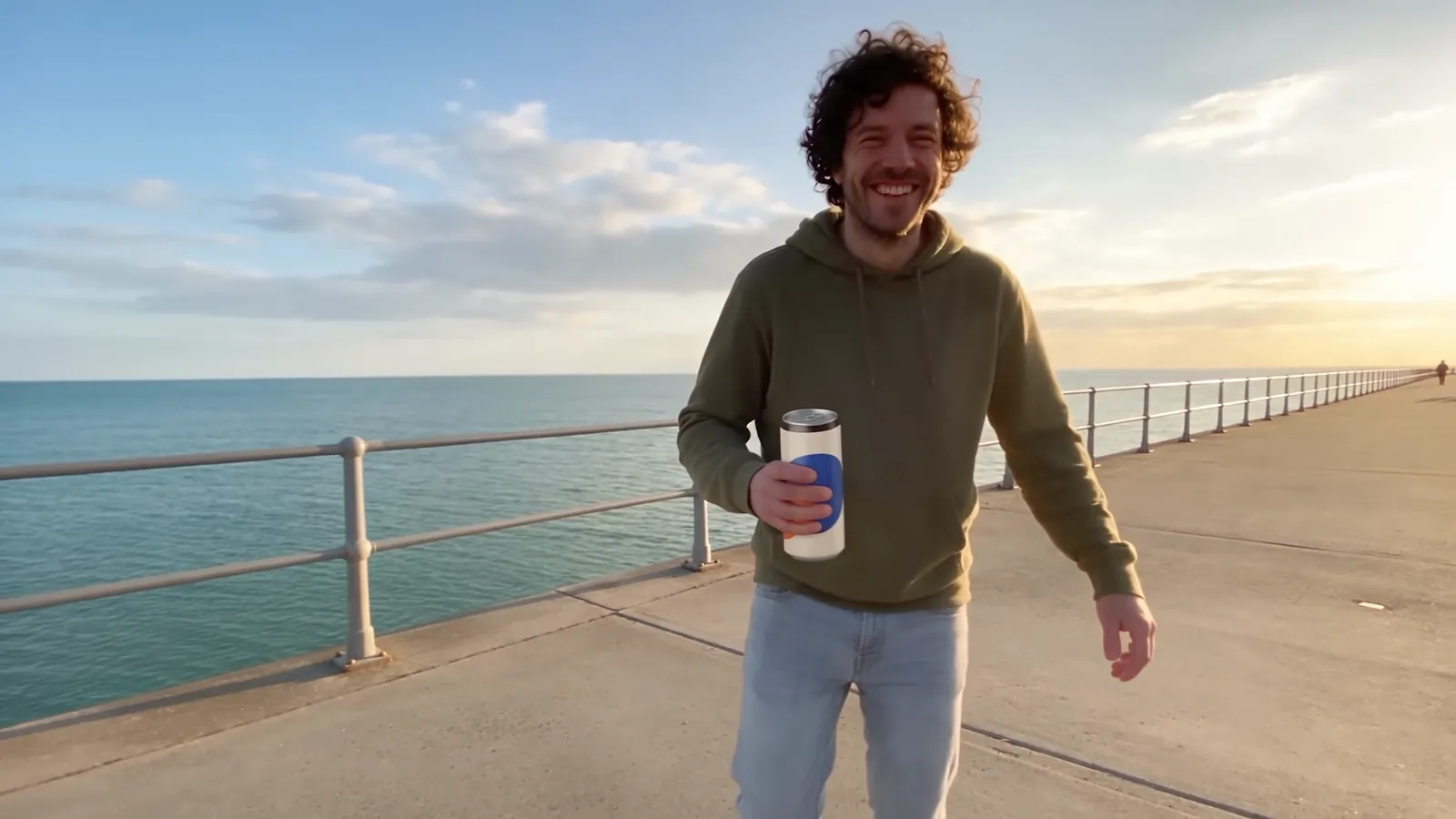
Keep everything. Change one thing.
A product in a hand, a prop, a sign or an outfit.
The person, the light and the camera stay as they are.
One take. Twelve versions. One Claude skill.
Change anything in a video. Keep the performance.
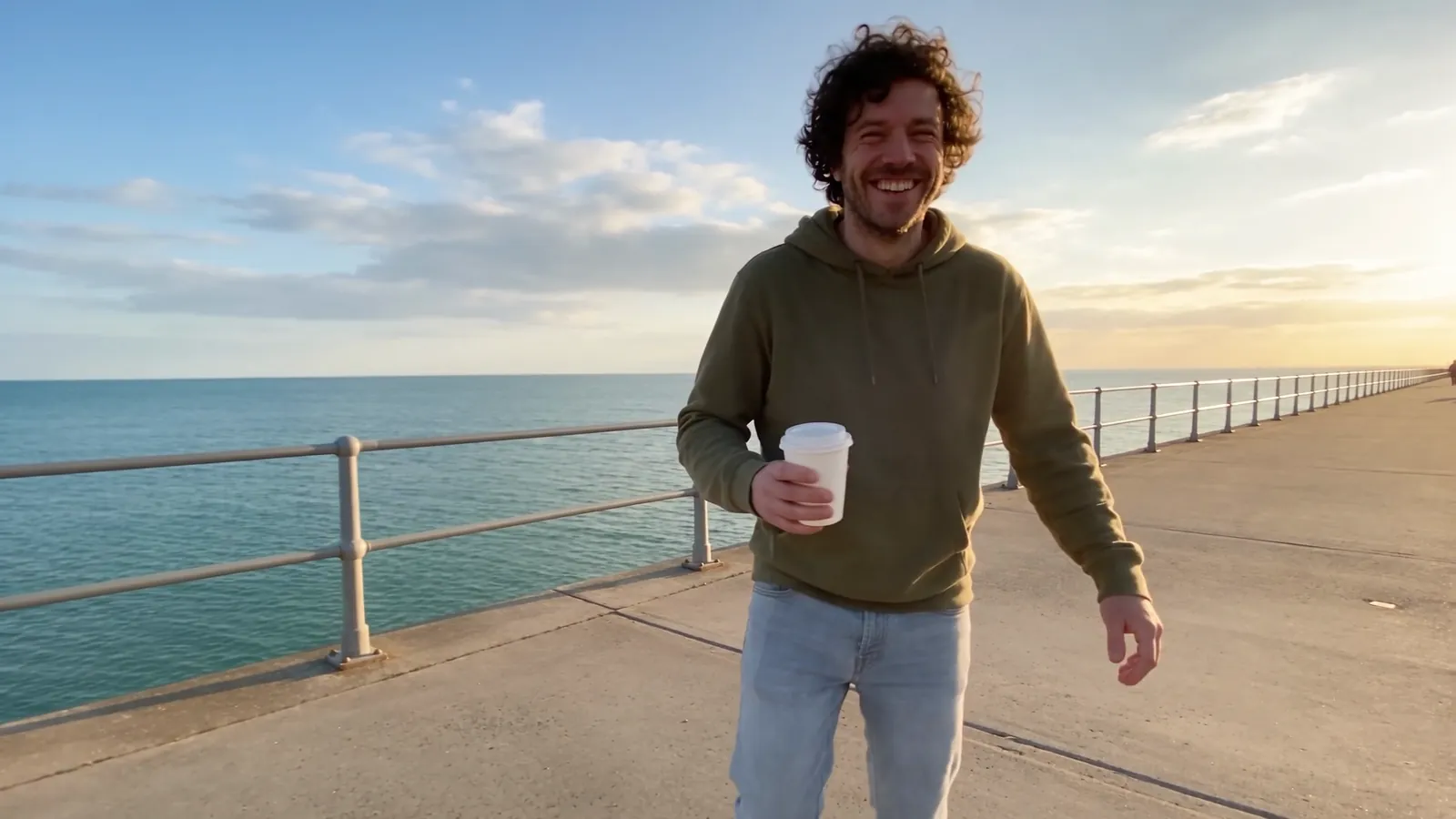
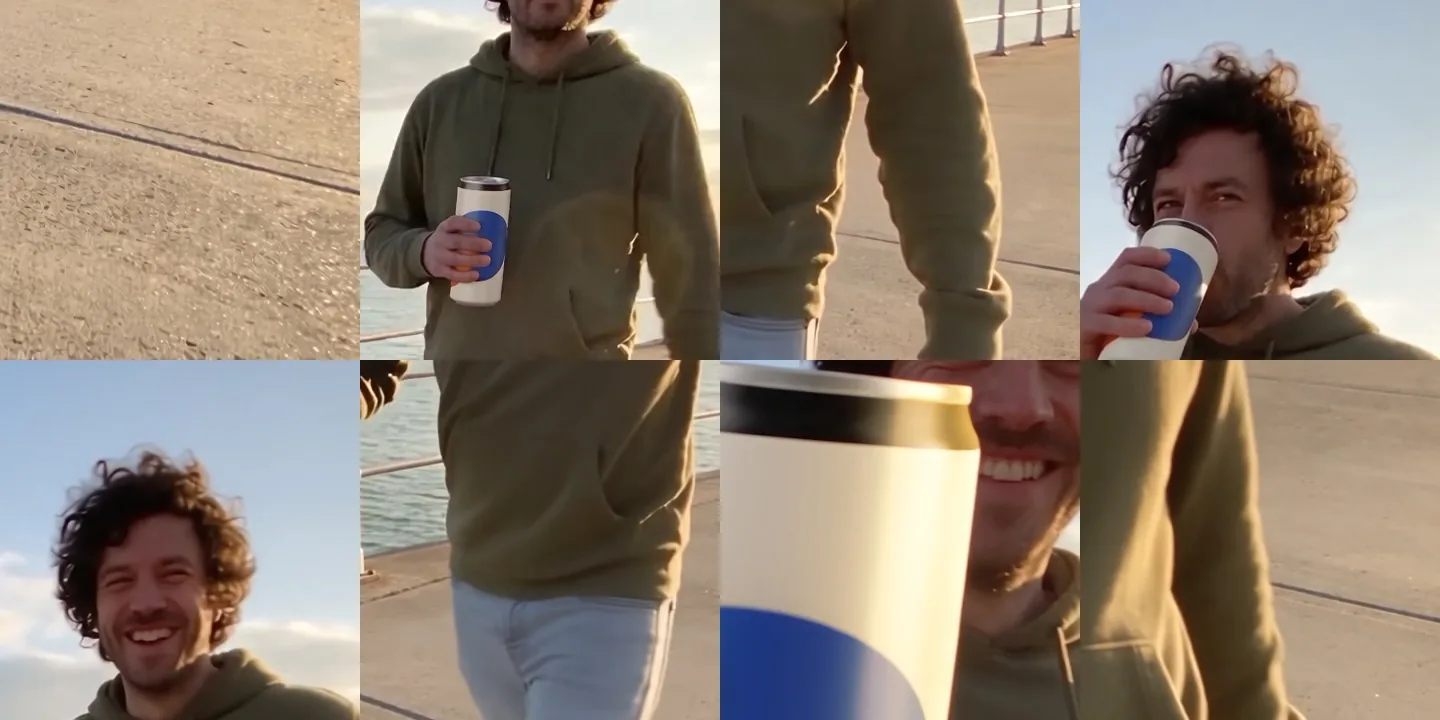
One eight-second take, made with Scenario to look like a friend's phone video, then changed eleven ways by a free Claude skill through the Scenario MCP. Every version lines up with the take frame for frame, so you can switch while it plays.
Versions
Left and Right arrows switch versions on the same frame. Space plays or pauses. C compares the version with the original.
Launch film
How it works
Every change starts from what has to stay. Pick the mode by what must stay exactly as it is.
Keep everything. Change one thing.
A product in a hand, a prop, a sign or an outfit.
The person, the light and the camera stay as they are.
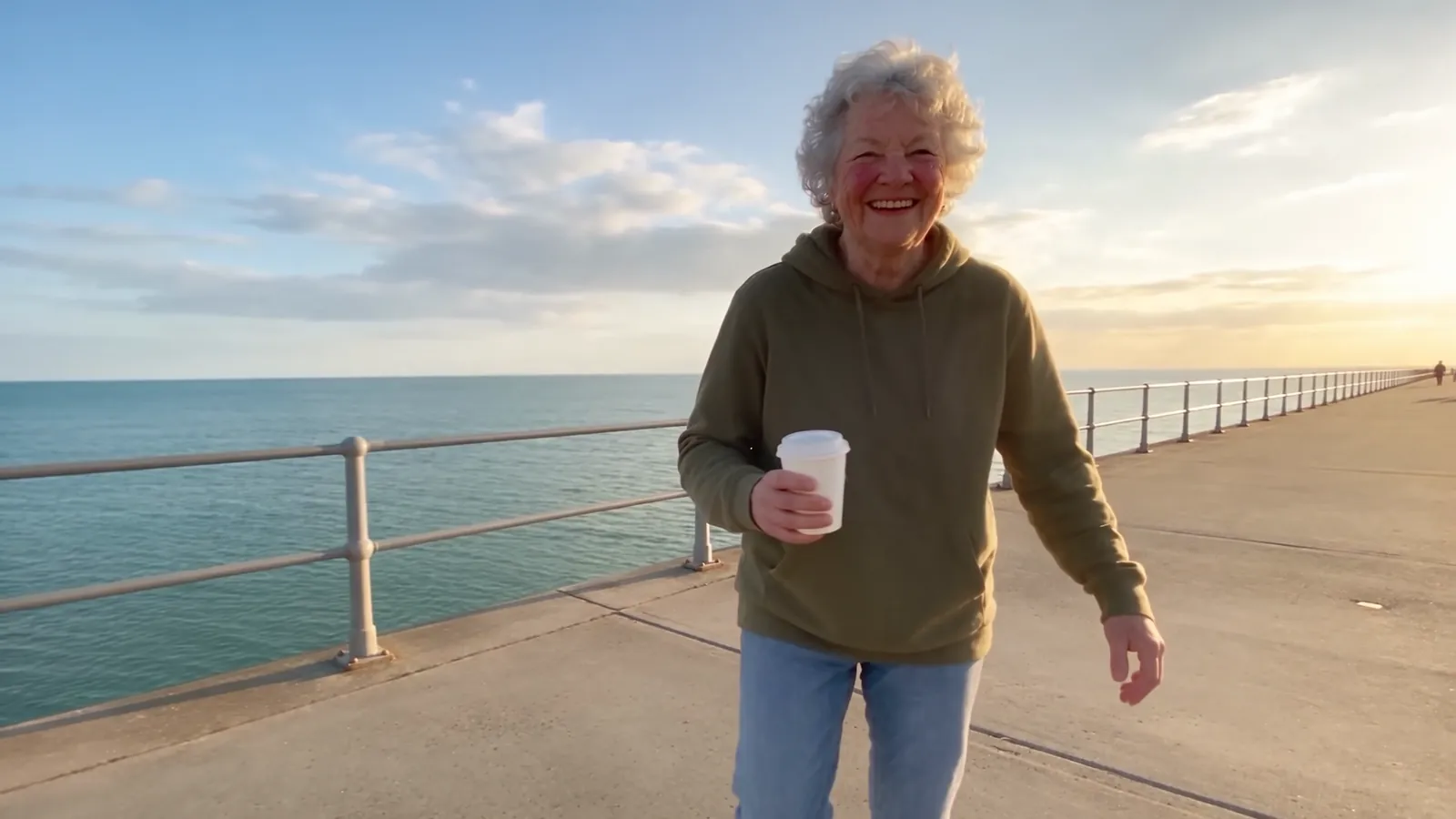
Keep the performance and the camera. Change who or where.
A new lead or a new place for the same take.
The timing, the moves and the framing carry over.
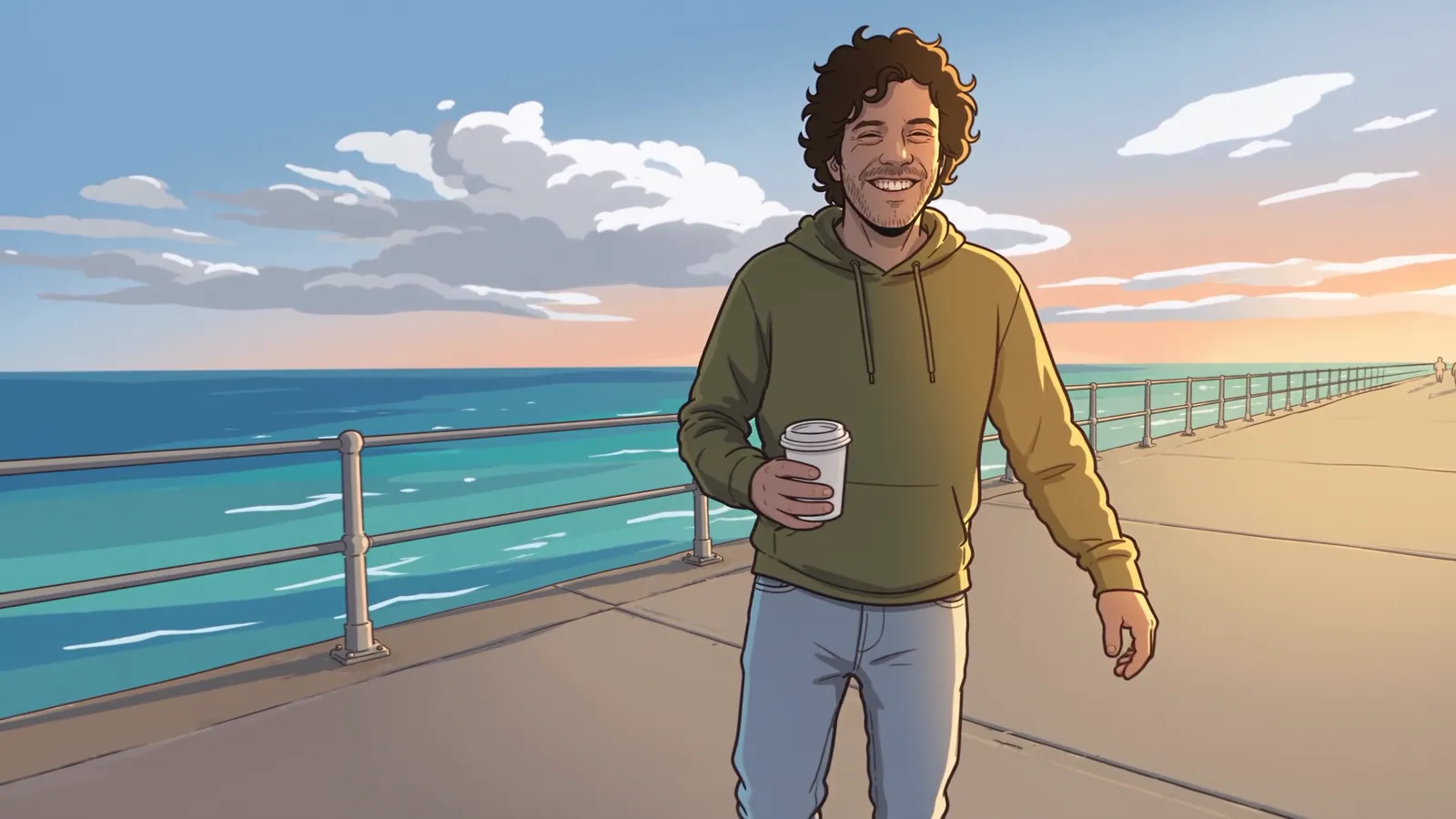
Keep the motion and the framing. Change the whole look.
Anime, a 3D feature or claymation over the same take.
Every move stays where it was.
Read the clip first: length, frame rate, size and sound. Clips over 30 seconds are split into parts.
Start from one of 36 presets for the three modes, or describe the change in plain words.
Add pictures of the product, the outfit, the person or the place.
One still of the change, photographed into this exact frame, guides the edit.
See the change at low resolution before paying for the full render.
The draft is measured against the source: length, change, structure, motion, frozen frames.
Only the drafts that pass go to full resolution.
The source sound goes back on, so lips and steps stay in sync. A new place gets its own ambience.
The realism pass
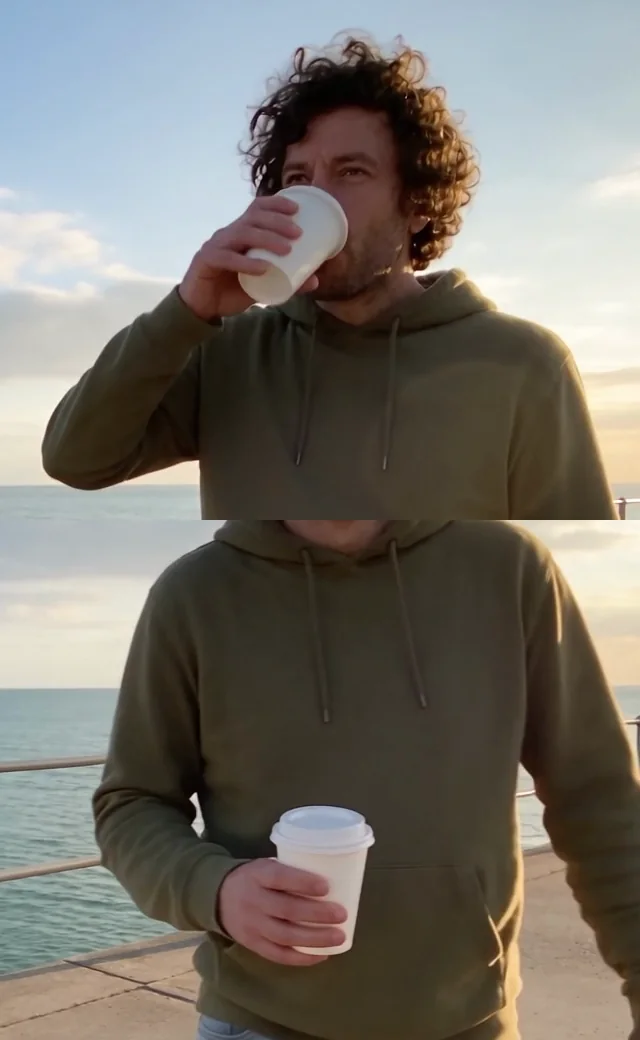
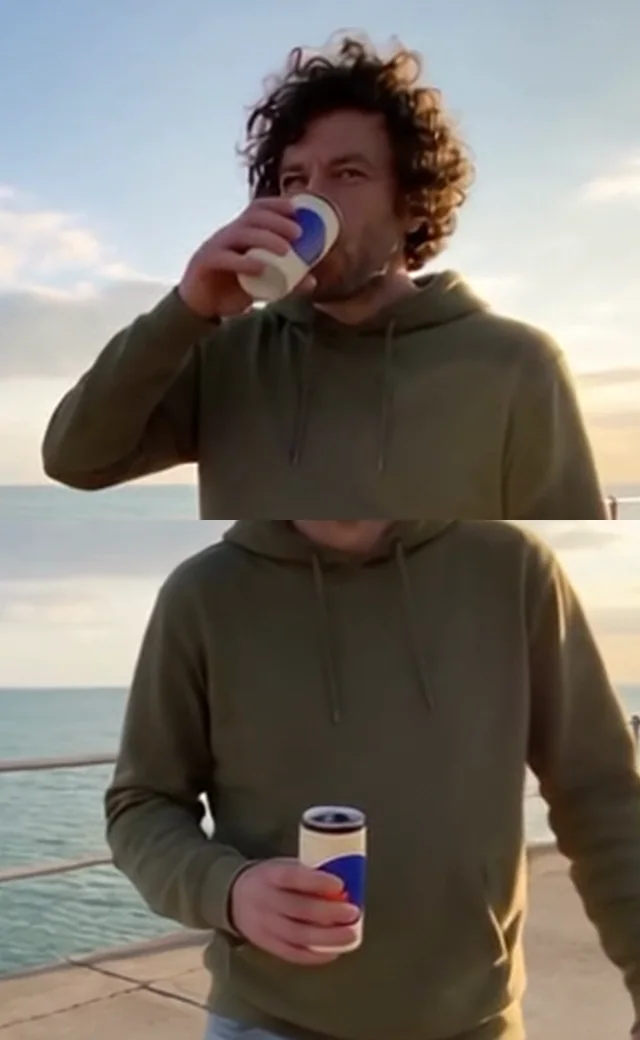
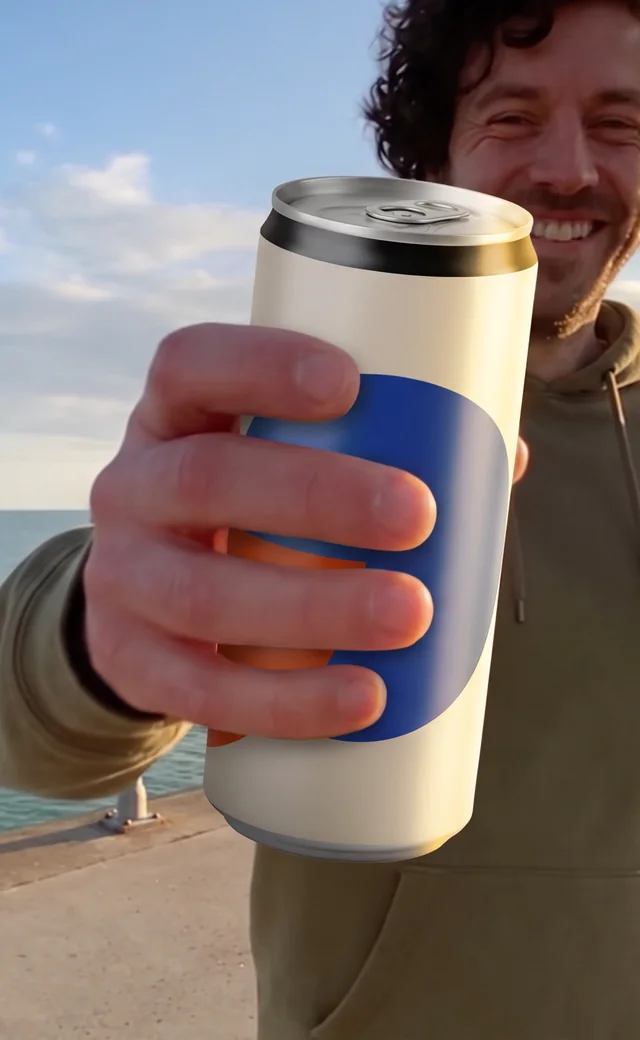
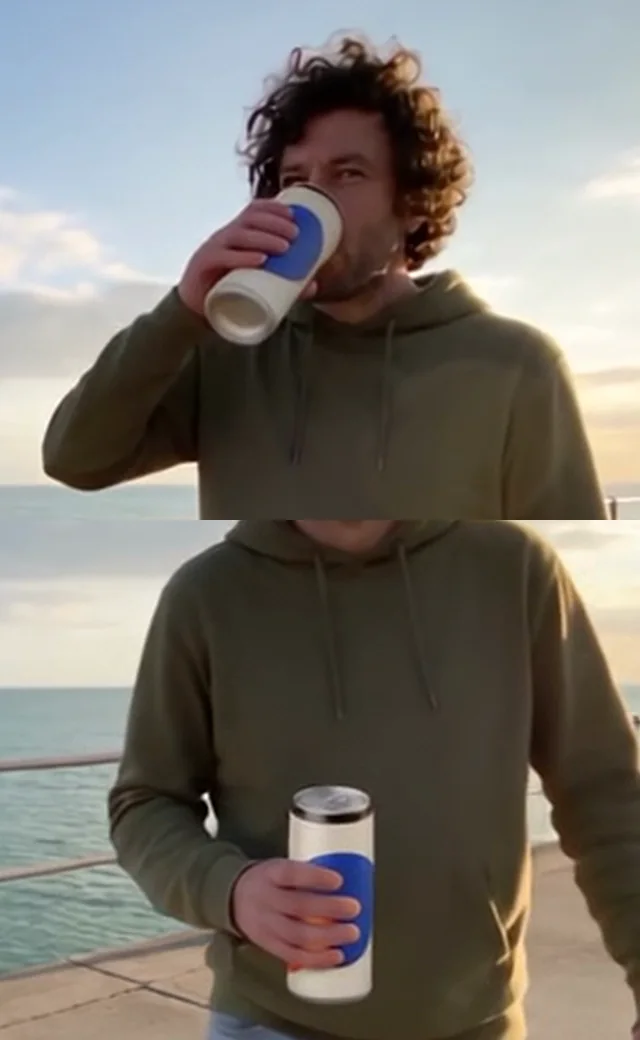
Swap a product using only a flat product shot and the model lays it on top of the take: the old shape survives and the print floats. Photograph the new can into one frame of the shot first, give the model that frame, and every frame comes back with a real can in his hand. Same take, same prompt, two references.
Quality check
Every draft is measured against the take before anyone sees it, and every keeper again after it is finalised. The numbers for each version sit in the panel next to the player. Then a person looks at the crops.

The skill
The skill gives your agent the whole method: the three modes, the presets, the realism pass, the checks and the local scripts. Point it at your own clip.
Agent skill · ZIP
What's inside
Install
unzip scenario-alter-skill.zip -d ~/.claude/skills/Then ask
“Alter this clip: swap the cup for my product, then make three outfit versions.”
Making of · PDF
The references, the prompts, the drafts that failed and the checks that caught them.
Open the PDFScenario
Start creating on Scenario.
Start creatingNeeds Claude Code with the Scenario MCP ↗ connected. The local scripts need Python 3 with numpy and Pillow, and ffmpeg.