Gravestone A
GPT Image 2.5 Sunburst , then Meshy T2.5 Smart Topology
A Roblox gamemade with Scenario
Five waves of undead rise from the graves.
Hold the shelter stone.
Graveyard Waves is a Roblox zombie survival game: every model, rig, motion clip, texture, sky, icon, sound effect and music track in it came from Scenario, through the Scenario MCP. Claude Code built it in Roblox Studio and playtested it wave by wave. Play a wave here, open any asset to see how it was made, or take the skill and make your own.
Agent skill · ZIP
Your agent builds a Roblox wave game from Scenario assets, step by step.
Download the skillPDF · Illustrated
Every step, model and fix, page by page.
Read the making-ofMarkdown
All 123 Scenario runs in order, with their settings.
Download the promptsFilm · MP4
1 min 36 s, narrated.
Download the film01 The look
The first Scenario run was a single style frame: a small night graveyard arena in chunky low-poly shapes, a purple night, warm lanterns. Every concept after it used this frame as a reference image, so the crypt, the zombies and the weapons share one look.
Image · GPT Image 2.5 Sunburst
Key art for a stylized low-poly 3D game: a small night graveyard arena seen from a high three-quarter game camera. Flat-shaded faceted geometry with large clean polygons and chunky, slightly exaggerated proportions, like a polished low-poly mobile game. Rounded and cross-shaped gravestones in cold blue-grey stone, a small stone crypt with a dark wooden door and a pointed roof, twisted leafless dead trees, patches of dark moss-green grass on a dirt clearing, a few warm orange candle lanterns. A big pale moon and a deep indigo-violet sky with soft clouds. Limited palette: indigo night, blue-grey stone, moss green, warm orange accents. Soft moonlight from the upper left, gentle ambient occlusion, no textures beyond flat colour per face, no characters, no text.
02 The world
Each prop started as a concept on a plain background, then went to image-to-3D with a triangle budget sized to its job: 700 for a grass tuft, 1,500 for a gravestone, 6,000 for the crypt. Open any piece to turn it in 3D and read its prompts.
1 · Concept · GPT Image 2.5 Sunburst
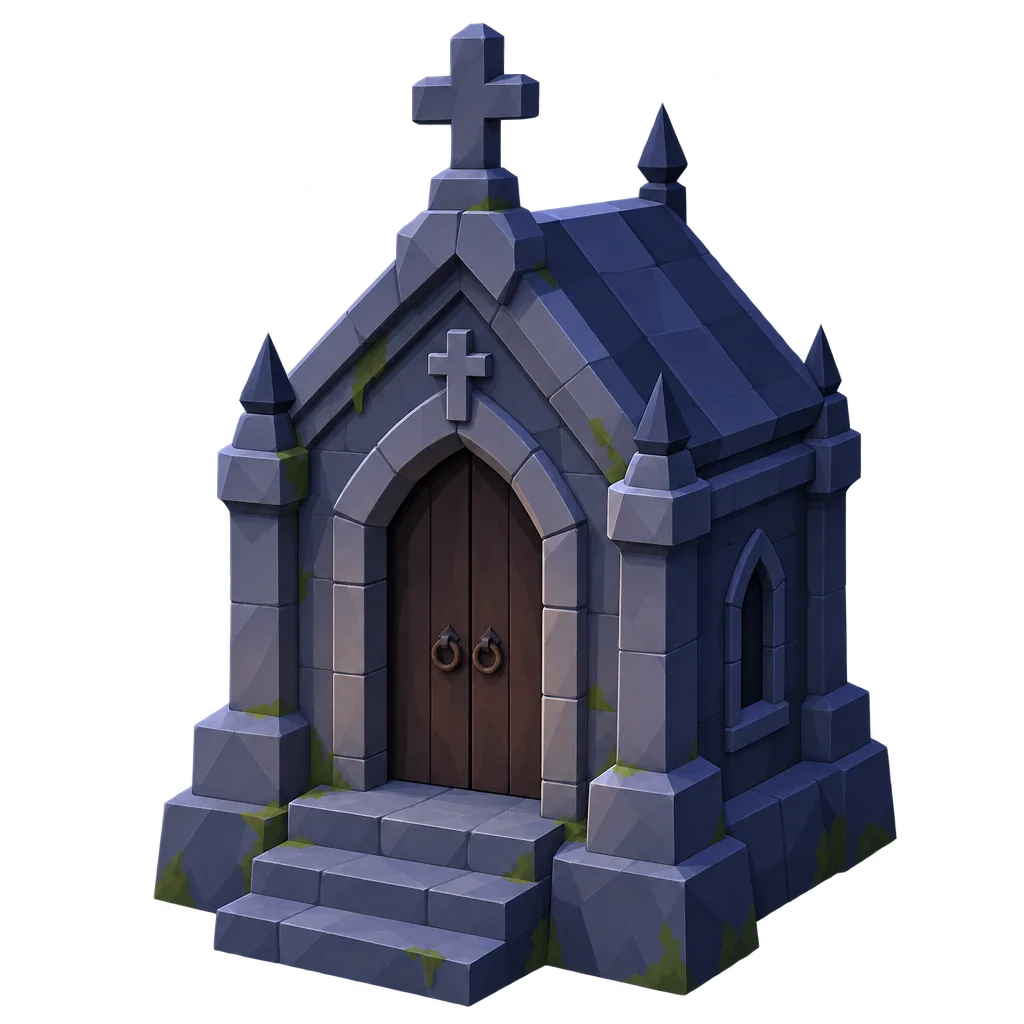
2 · 3D mesh · Meshy T2.5 Smart Topology · 6,000 triangles
3 · In the game · Roblox Studio
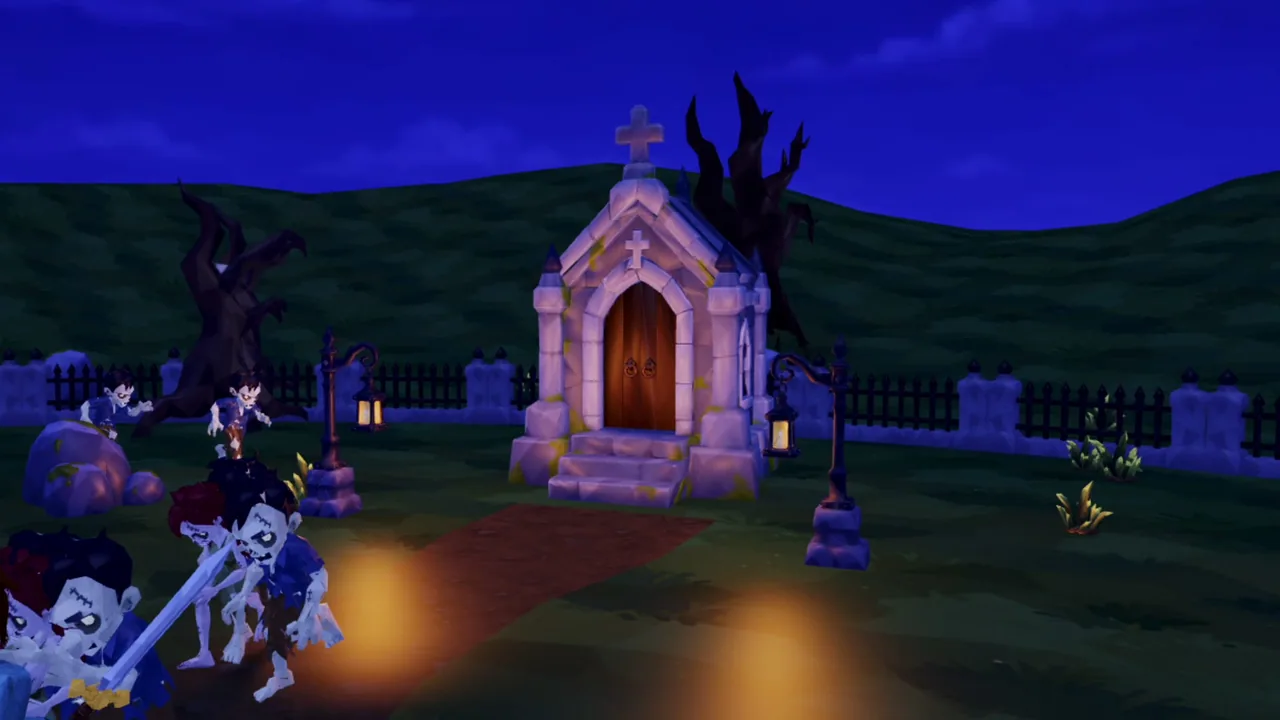
GPT Image 2.5 Sunburst , then Meshy T2.5 Smart Topology
GPT Image 2.5 Sunburst , then Meshy T2.5 Smart Topology
GPT Image 2.5 Sunburst , then Meshy T2.5 Smart Topology
GPT Image 2.5 Sunburst , then Meshy T2.5 Smart Topology
GPT Image 2.5 Sunburst , then Meshy T2.5 Smart Topology
GPT Image 2.5 Sunburst , then Meshy T2.5 Smart Topology
GPT Image 2.5 Sunburst , then Meshy T2.5 Smart Topology
GPT Image 2.5 Sunburst , then Meshy T2.5 Smart Topology
GPT Image 2.5 Sunburst , then Meshy T2.5 Smart Topology
GPT Image 2.5 Sunburst , then Meshy T2.5 Smart Topology
GPT Image 2.5 Sunburst , then Meshy T2.5 Smart Topology
GPT Image 2.5 Sunburst , then Meshy T2.5 Smart Topology
Sky · Scenario Skybox GPT
A single panorama wraps the arena: low-poly clouds, distant hills and a full moon. The game maps it onto the Roblox sky.
Ground · three models, one shoot-out
The first tiling model wrote text into its tiles twice. Two more models got the same brief: PATINA Material won the grass, GPT Image 2.5 Sunburst made a seamless dirt. Both were graded darker for the night.
 Ideogram V4 Tiling
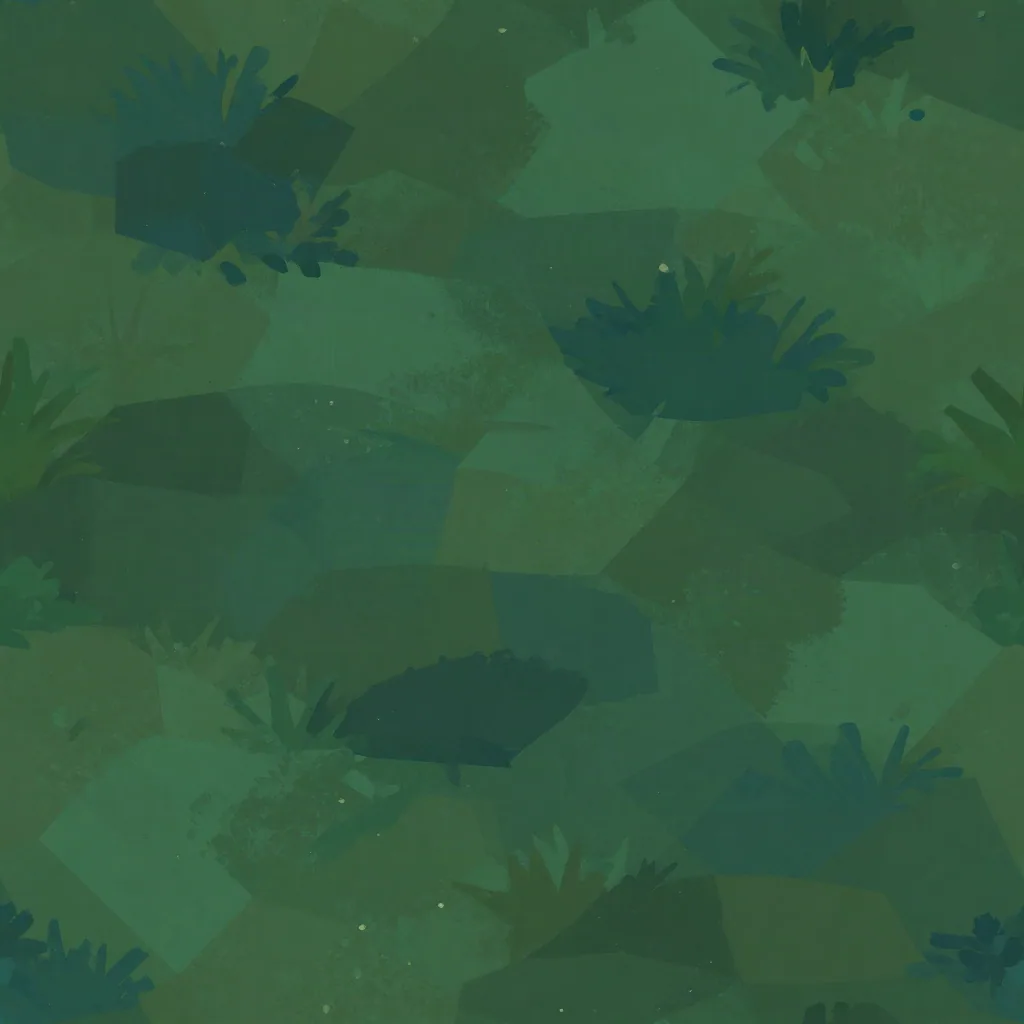 PATINA Material
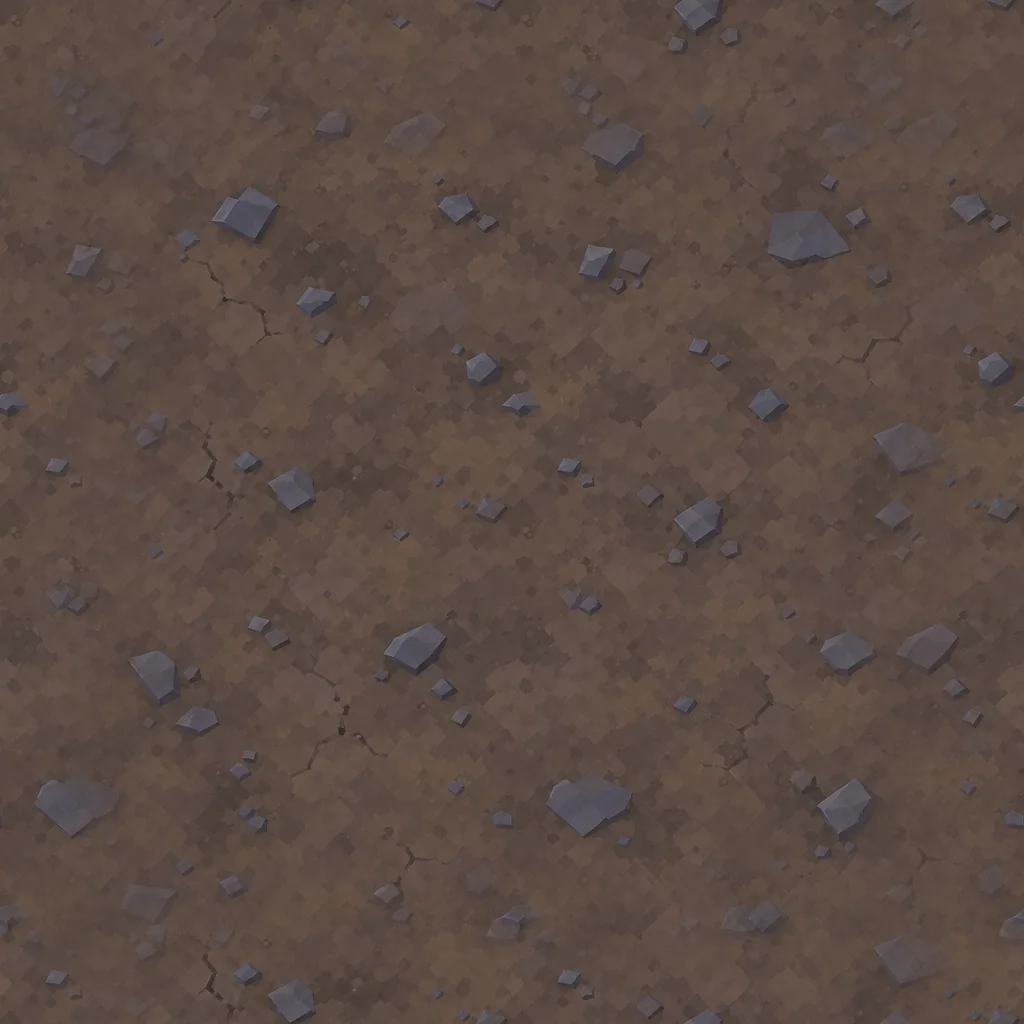 GPT Image 2.5 Sunburst
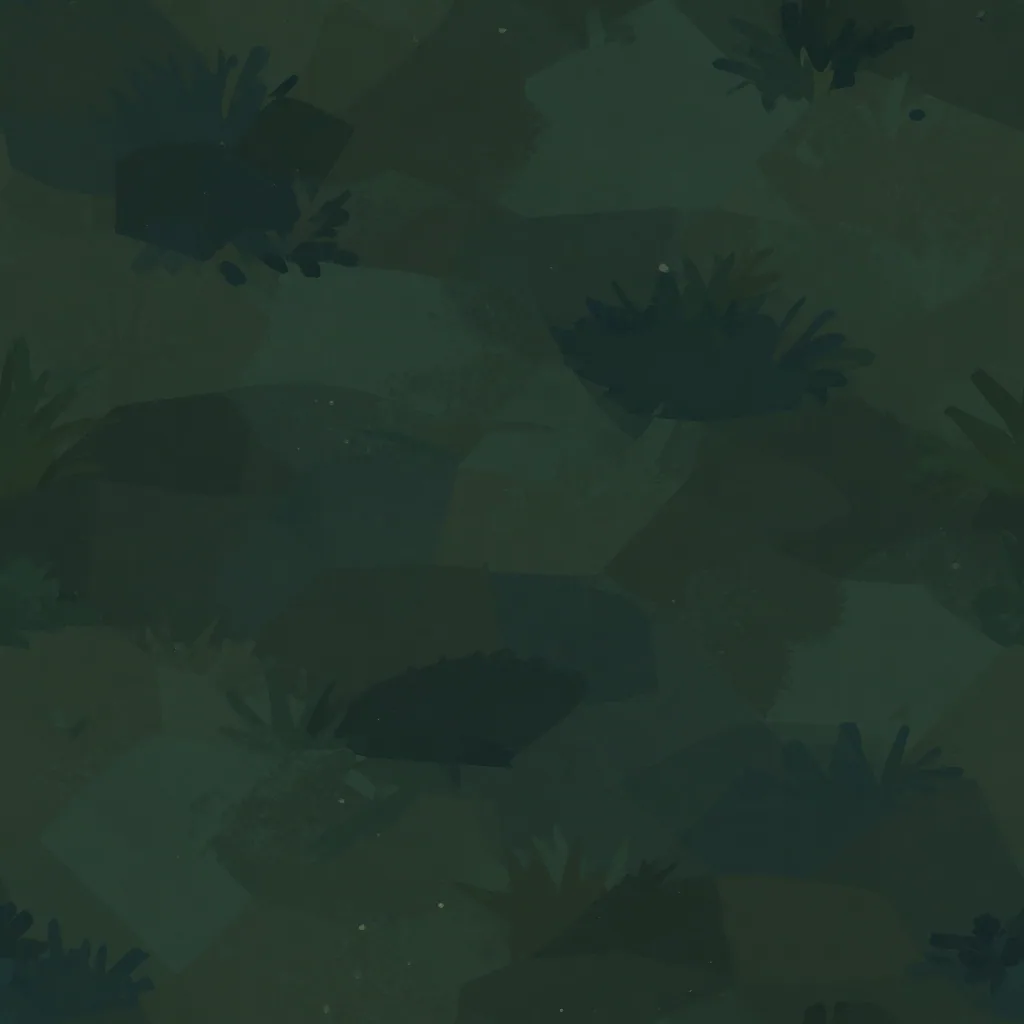 In the game
03 The undead
Four kinds of zombie, each a concept, a 5,000-triangle mesh, then one rig and a set of library motions from Meshy Animation. In the game each rig runs at about 2,500 triangles and 24 bones. Pick one and play the clips the game uses.
The first wave. Slow, steady, arms out.
Concept GPT Image 2.5 SunburstMesh Meshy T2.5 Smart Topology · 5,000 trianglesRig and clips Meshy Animation
Three walks on the same zombie, side by side. The stagger with arms out read as a zombie from any angle and won. The chase uses a sprint blended with the walk by speed.

Meshy Animation · mummy stagger The pick: reads as a zombie, arms forward.

Cartwheel Text to Motion · from a prompt Runner-up: too hunched for a shambling walker.

Meshy Animation · monster walk Dropped: the body turns sideways as it walks.
04 The arsenal
Sword, scythe, hammer, spear. Each is a 1,500-triangle mesh, and each swing is a Meshy Animation clip retargeted to the Roblox avatar. Clear a wave and the next weapon unlocks.
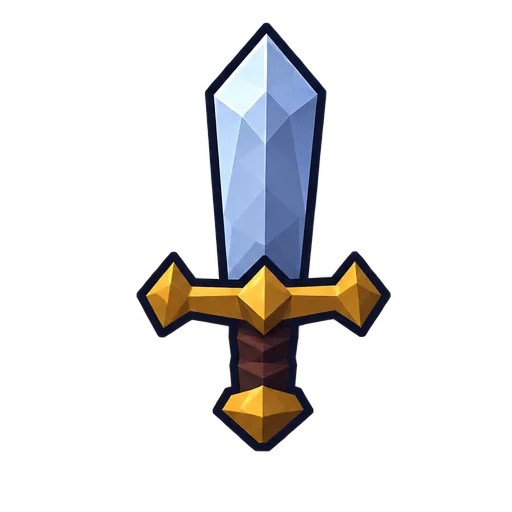
Concept GPT Image 2.5 SunburstMesh Meshy T2.5 Smart Topology · 1,500 trianglesSwing Meshy Animation · Right-hand sword slash, 1.17 s
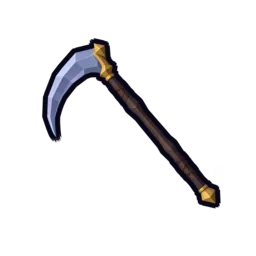
Concept GPT Image 2.5 SunburstMesh Meshy T2.5 Smart Topology · 1,500 trianglesSwing Meshy Animation · Reaping swing, 0.47 s
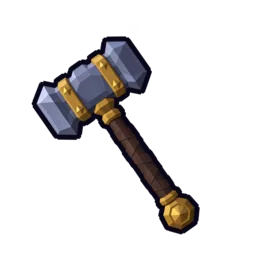
Concept GPT Image 2.5 SunburstMesh Meshy T2.5 Smart Topology · 1,500 trianglesSwing Meshy Animation · Heavy hammer swing, 0.93 s
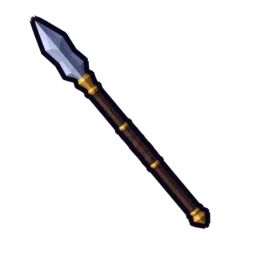
Concept GPT Image 2.5 SunburstMesh Meshy T2.5 Smart Topology · 1,500 trianglesSwing Meshy Animation · Thrust slash, 0.67 s
VFX · GPT Image 2.5 Sunburst
One image holds the four frames of the sword slash. The game plays them as a flipbook on every swing.
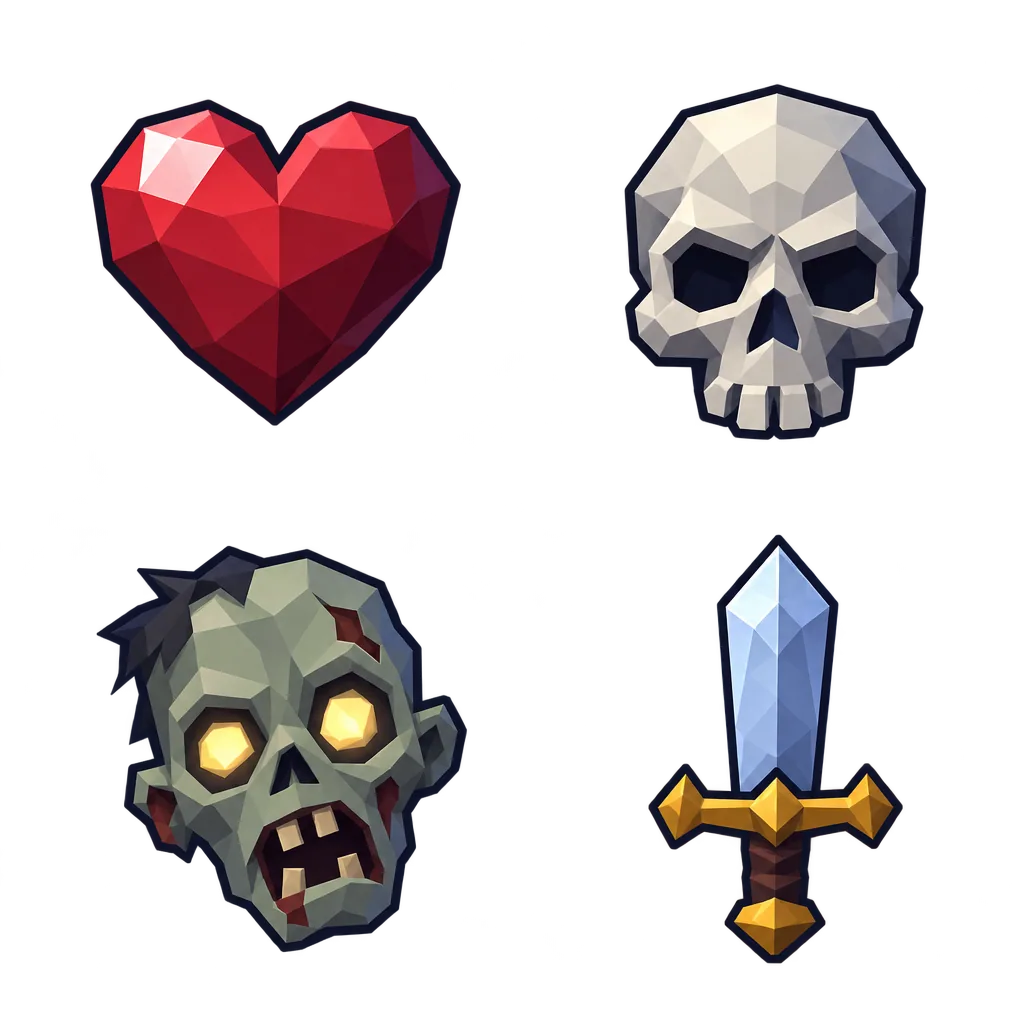
HUD · GPT Image 2.5 Sunburst
Health, the wave counter, zombies left and the attack button come from one 2x2 sheet, cut into cells. The scythe, hammer, spear and potion icons in the weapon bar are cut from their concepts.
05 Sound
Every sound effect came from Mirelo SFX 2.0 in three takes. A check on loudness, onset and a transcription pass picked one take each. Play them all.
Take 1 was dropped: a transcription pass heard words in it ("We're going away.").
Take 3 starts 0.38 s late, so take 2 won.
The whole score shares one hook: a four-note haunted organ riff, 128 BPM, A minor. ElevenLabs Music v2.5 made six tracks around it. Loops are cut on whole phrases, 16 or 24 bars, with seams a few milliseconds from the bar line.
16 bars, a 30 s loop
24 bars, a 45 s loop
24 bars, a 45 s loop
24 bars, a 45 s loop
9 s sting
6 s sting
Music shoot-out · waves 1 and 2
129.2 BPM measured. The pick.
89.1 BPM measured. Asked for 128.
06 Play
A browser diorama of the arena, built from the same Scenario models, clips, textures and sounds. Click or tap a zombie to strike, or press F for the nearest one. The real game runs in Roblox Studio.
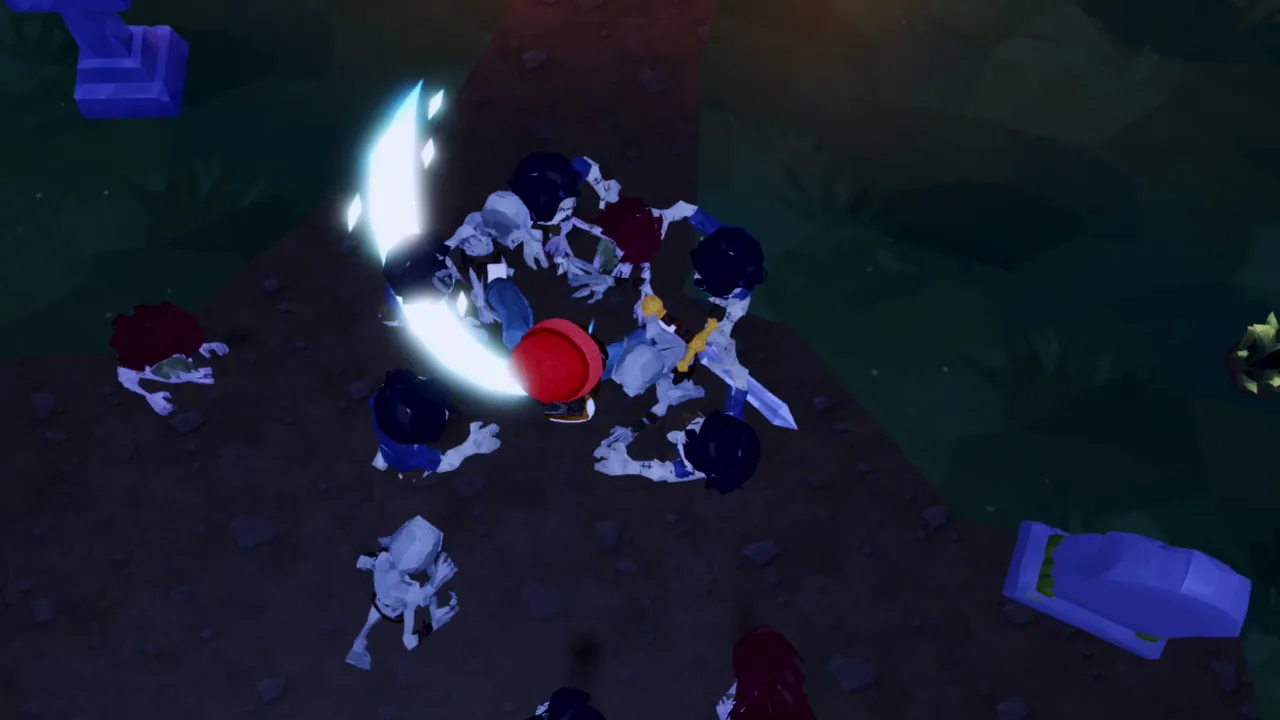
Sound starts when you press Play. On a phone, turn it sideways or use full screen for the most room.
07 The build
Claude Code ran the whole build with three tools: the Scenario MCP for every asset, the Roblox Studio MCP to build and playtest the place, and Scenario's Roblox skills for the craft. The first five playable waves ran about an hour after the first prompt.
Agent
Opus 5.5. Wrote the Luau, chose the models, judged every capture.
Assets
Searched the catalogue, ran 123 jobs, downloaded every result.
Engine
Built the place, ran code, started playtests and took the captures.
Coming to skills.sh
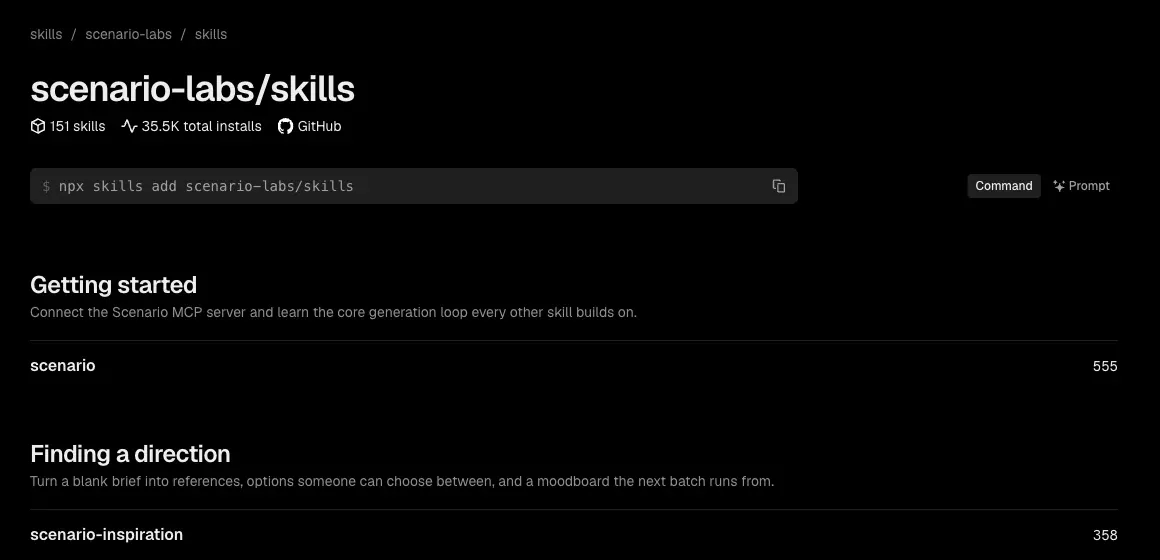
The agent worked from fourteen Scenario skills for Roblox, one per craft: rigs and clips, VFX and audio, UI, networking, performance and more. They are coming to skills.sh/scenario-labs/skills, next to Scenario's image, video, 3D and audio skills.
No uploads
Every mesh and image is stored in the place as compressed Luau data, 180,000 characters per chunk, about 10 MB in all. At start the game rebuilds them with EditableMesh and EditableImage. Uploads and publishing stay a person's decision.
The agent played each wave through the Roblox Studio MCP and read the captures before moving on. Open any of them.
The agent first split each zombie into rigid parts in code. The joints broke at every bend. It switched to Scenario's rigging and animation model: one skinned rig per character, then library motions.
Ideogram V4 Tiling wrote text into the ground tile twice. A shoot-out followed: PATINA Material won the grass, GPT Image 2.5 Sunburst made a seamless dirt tile, both graded darker.
One zombie death take sounded like speech. A transcription pass heard “We're going away.” and the take was dropped for the next one.
Asked for 128 BPM, the Lyria take came back at 89.1 BPM. The ElevenLabs take measured 129.2 BPM and won the track.
A grip bench found three root causes: meshes off the grip axis, a jump at the start of each swing, and the avatar's proportions. Each got its own fix.
A Highlight flash on every hit cost frames with a full horde on screen. A tint on the zombie's surface replaced it, and wave 5 then held 18.5 ms per frame (p95) in a Studio playtest.
Rebuilding every asset at runtime hit the editable memory budget, about 80 MB. Fixed-size copies and a serial build queue brought it back under.
08 The orchestration
For each kind of asset the agent asked the Scenario MCP the same four questions, then ran the pick. Here are the real calls for the 3D meshes.
1 · search 9 calls
search(target: "models", query: "3d",
       public: true, sort_by: "createdAt:desc")
The newest 3D models first.
2 · recommend 7 calls
recommend(prompt: "Turn stylized low-poly game prop
  and character concept images into textured
  game-ready 3D meshes for Roblox")
1 Meshy T2.5 Smart Topology, 2 Tripo P2, 3 Meshy 7.1, 4 Rodin Gen-2.5.
3 · model_schema_get 19 calls
model_schema_get(model_id:
  "model_meshy-t2-5-smart-topology")
image [array], targetPolycount 100 to 30,000, shouldTexture, textureResolution.
4 · model_run 123 runs
model_run(model_id: "model_meshy-t2-5-smart-topology",
  parameters: { image: [concept], targetPolycount: 1500 })
One job per asset, then jobs_wait and asset_download.
Runs and credits from the Scenario job records, for the game and both films: 3,766 credits in all. 2 image-to-3D runs failed with an internal error; they were refunded and the reruns succeeded.
Style frame, 20 concepts, HUD icons, slash sheet, 2 ground tiles
25 runs · 391 credits
Every game mesh, 20 assets
22 runs · 1,200 credits
Four rigs, 38 motion clips
38 runs · 1,216 credits
Walk shoot-out, runner-up
1 run · 96 credits
The 360 night sky
1 run · 32 credits
Grass tile, shoot-out winner
2 runs · 34 credits
Ground tiles, replaced
2 runs · 168 credits
Game and film sound effects
10 runs · 105 credits
Six game tracks
6 runs · 180 credits
The film score
2 runs · 120 credits
Music shoot-out, runner-up
1 run · 16 credits
Film narration
13 runs · 208 credits
09 Make your own
Add mcp.scenario.com to your agent: Claude Code, Codex, Cursor or another agent that takes tool servers.
Unzip scenario-roblox-wave-game into your agent's skills folder. For more, add Scenario Skills.
Build a Roblox wave survival game in a night graveyard. Make every asset with Scenario, ask me before anything is uploaded to Roblox, and playtest each wave.
Open the place in Roblox Studio and play it. Uploading and publishing stay your call.
Agent skill · ZIP
Your agent builds a Roblox wave game from Scenario assets, step by step.
Download the skillPDF · Illustrated
Every step, model and fix, page by page.
Read the making-ofMarkdown
All 123 Scenario runs in order, with their settings.
Download the promptsFilm · MP4
1 min 36 s, narrated.
Download the filmScenario
Start with the models from this page.
Start creatingMade with Claude Code (Opus 5.5), the Scenario MCP, the Roblox Studio MCP and Scenario's Roblox skills. The browser diorama uses three.js r163. Every model, texture, sky, icon, sound and track: made with Scenario.