
A technical demo with Scenario models
Green Screen to Any Scene
Film a subject once, on a green floor. Then place it in any world, and make it look like it was really filmed there.
2 min 29 s, with narration
The whole process, in one film
Two subjects, four steps, three video models side by side, and the winner in four more worlds.
The test
Two subjects, one green floor
A chrome car, the hardest surface for reflections. And an astronaut, with a face behind glass.
Step 1 of 4
The green shot
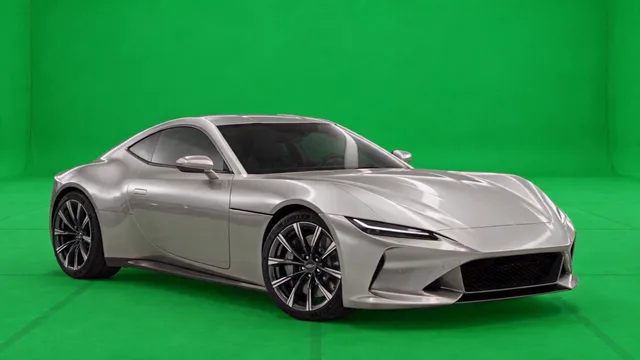
Two stills set where the shot starts and ends. A video model animates the move between them, on a real floor with a grid, so the ground and the shadows stay readable.
Step 2 of 4
Remove the green
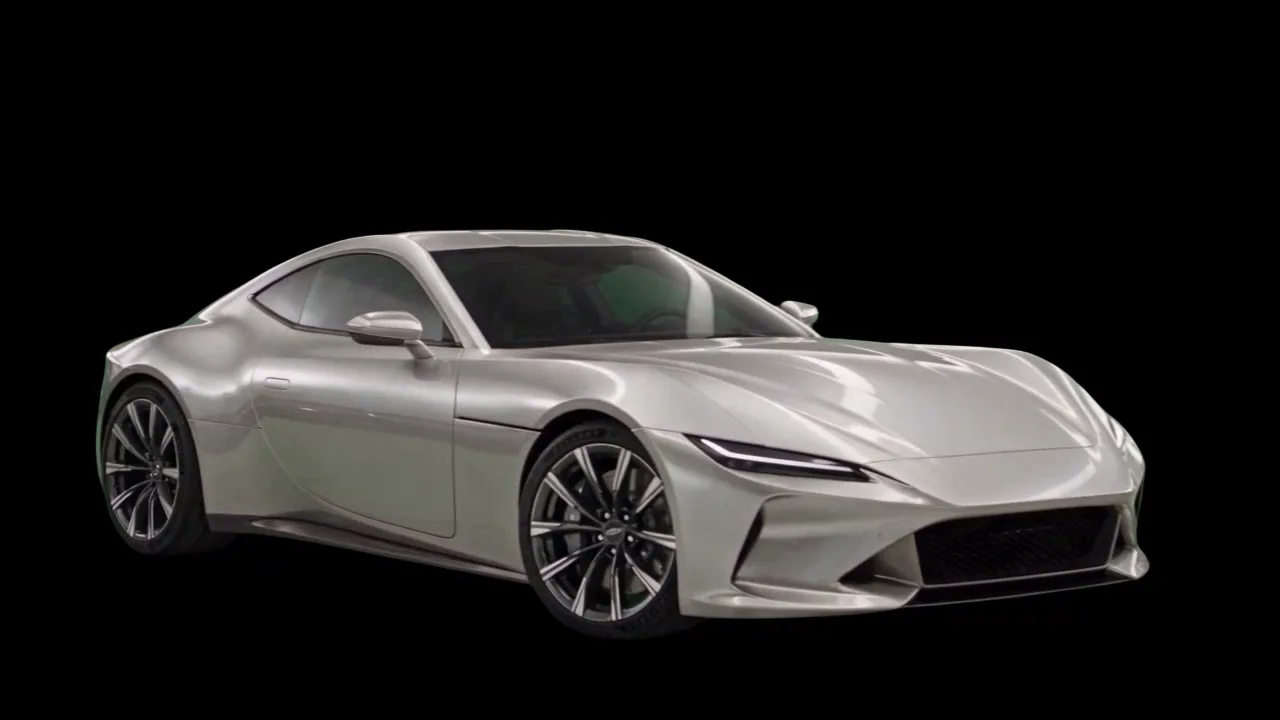
A background removal model keeps only the subject, on a transparent layer. Shown here on black, with nothing behind it yet.
Three tries, one kept
Three removal models on the same car clip, frozen at the moments that tell them apart.
-
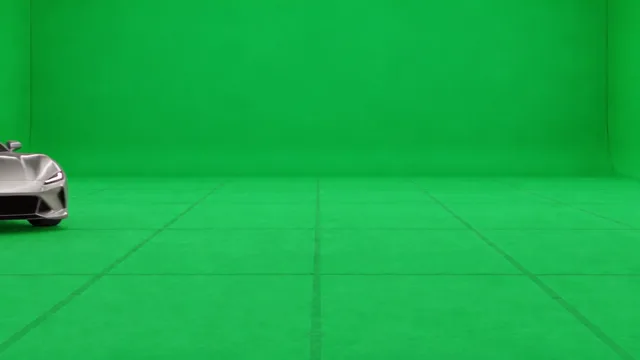
Source at 1.0 s
The car is already in
-

Try 1 · Video Foreground Extractor, Matting
Empty: the car only appears at 1.4 s
-
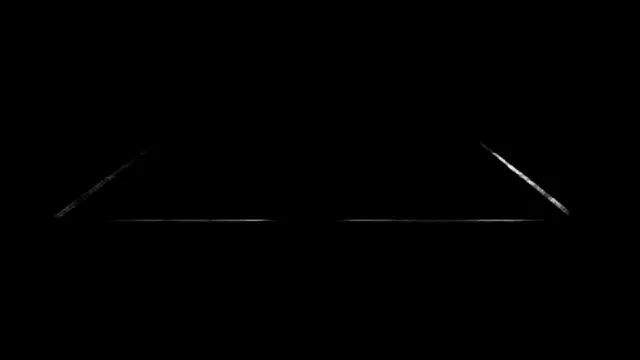
Try 2 · Video Foreground Extractor, Heavy
Alpha mask: a line from the floor tape leaks in
-
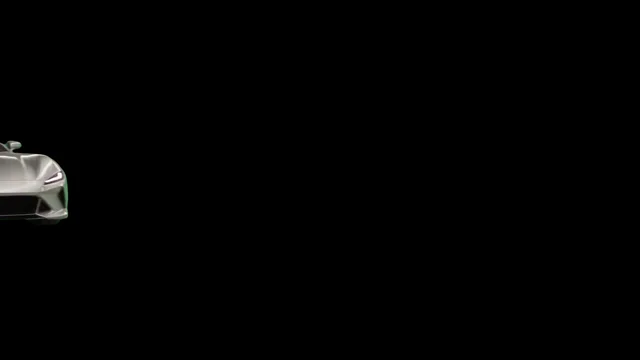
Try 3 · Pixelcut Video Background Removal, kept
Clean from the first frame
Step 3 of 4
The composite
Video Studio lays the cutout over a new background, also made with GPT Image 2.5 Sunburst. On its own, it looks pasted.
Cutout
Background · GPT Image 2.5 Sunburst
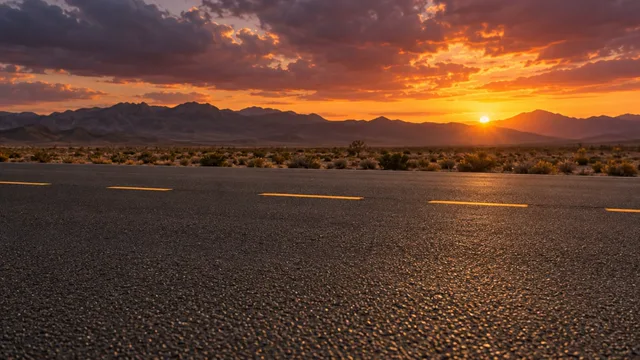
Video Studio · cutout layer over the background
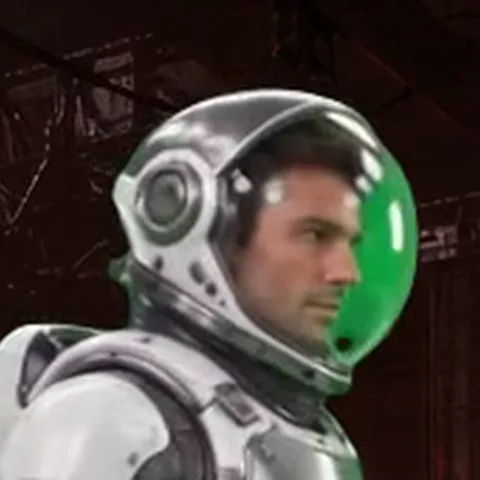
Step 4 of 4
The integration
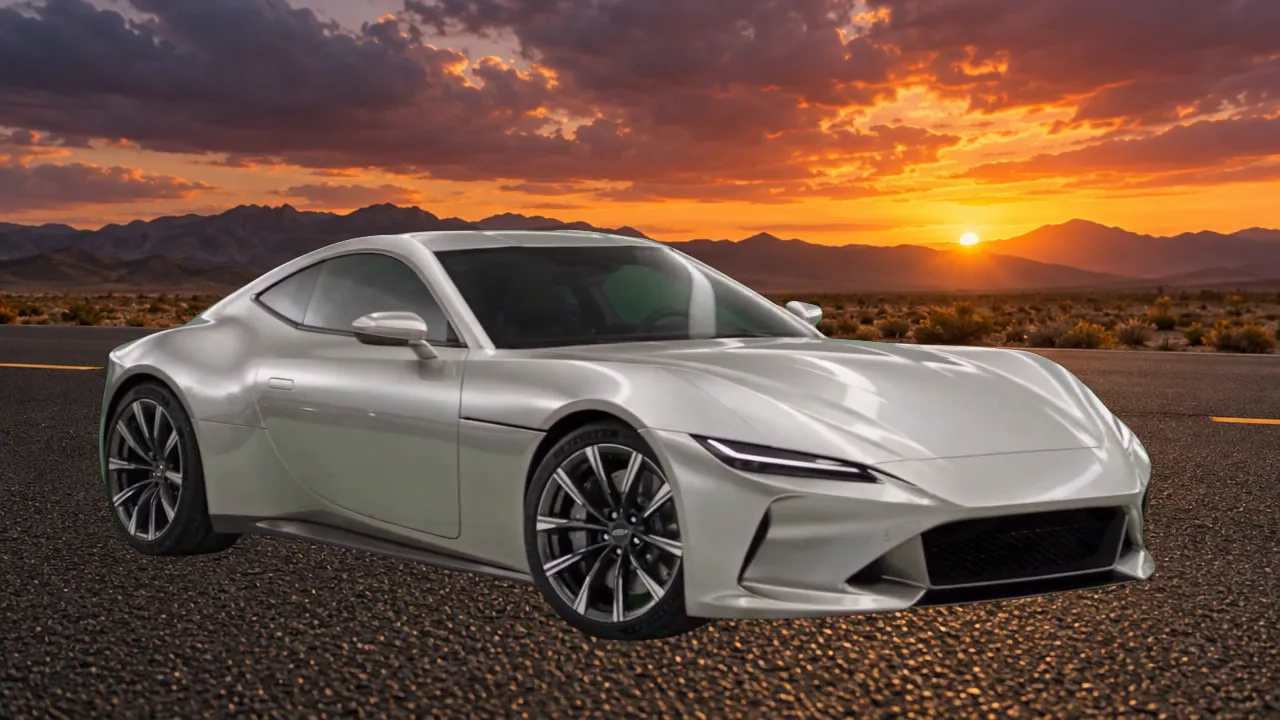
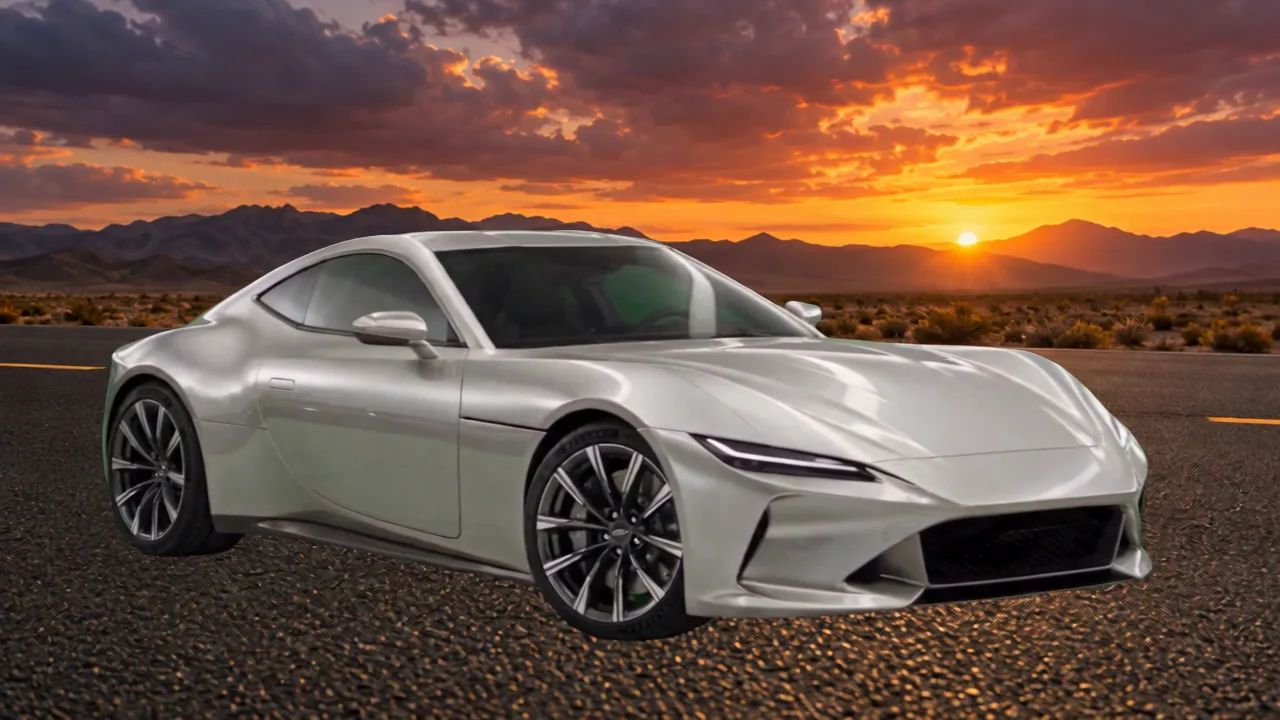
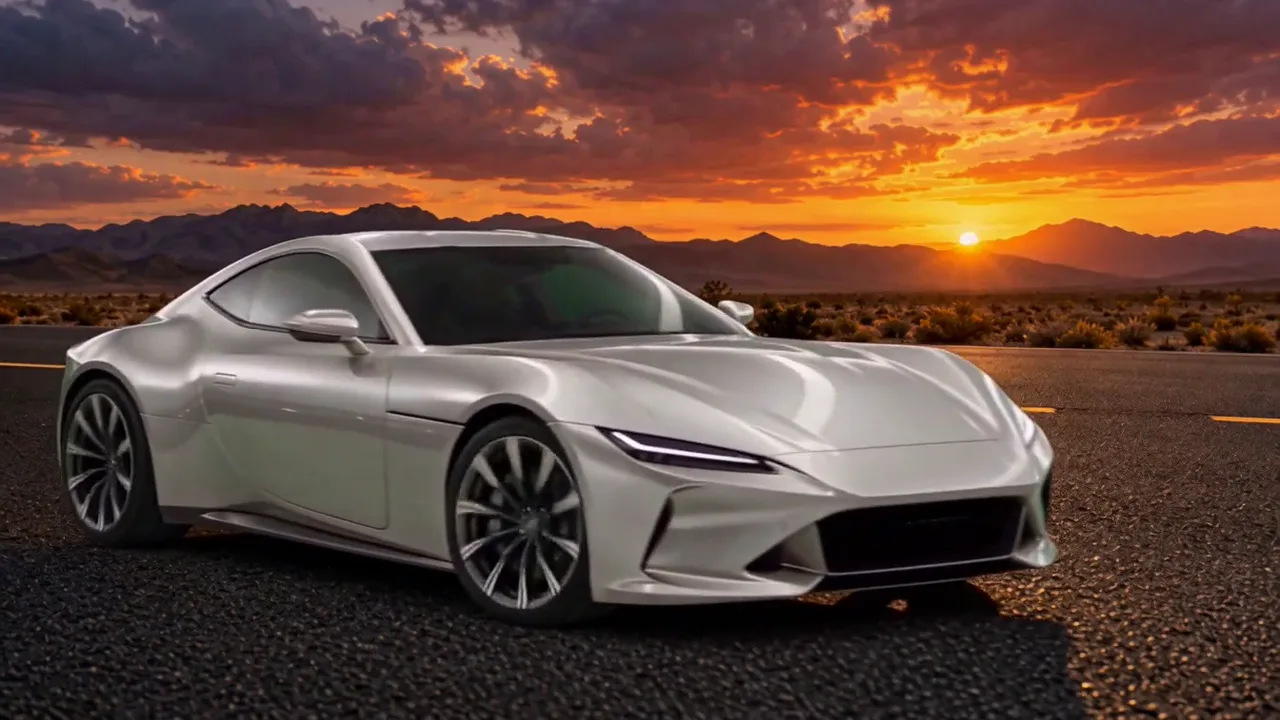
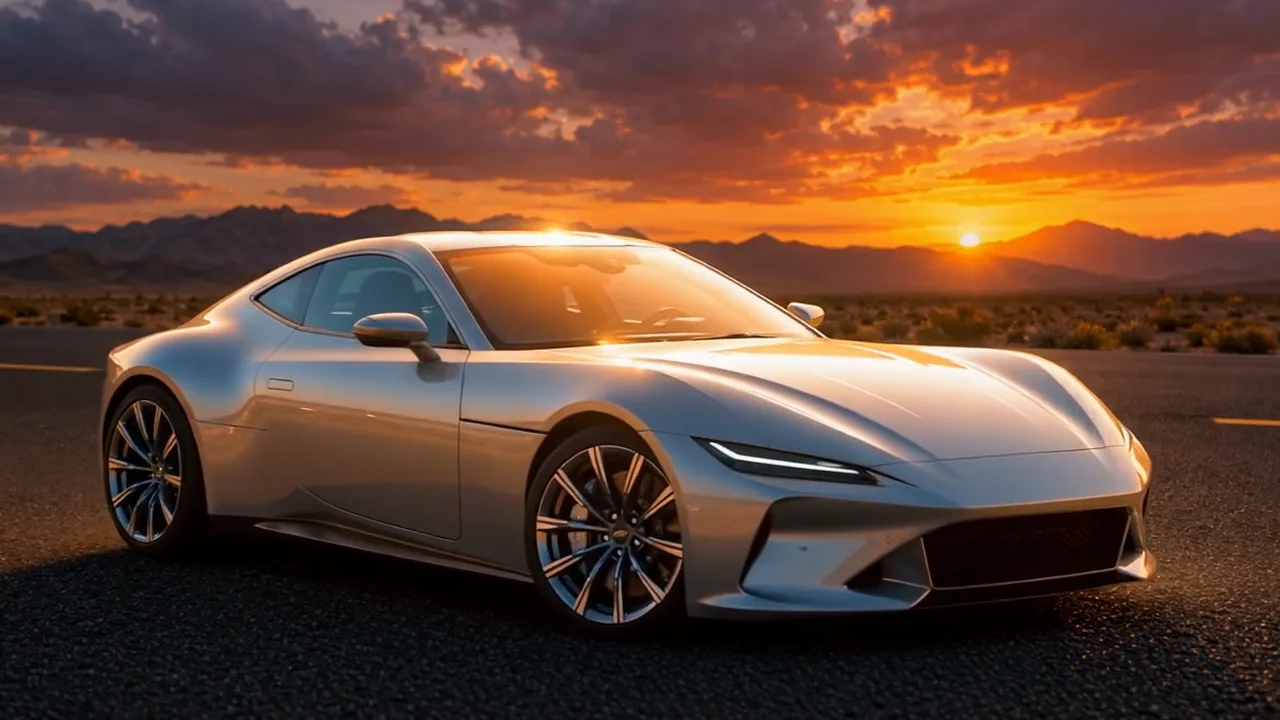
A video edit model has to make the subject belong. Three models got the same input and the same short instruction, one pass each.
The same instruction for every model
Integrate the car into the scene so it looks like it was filmed there. Keep everything else unchanged.
The verdict
FLUX.3 Edit Video won on both subjects.
It was also the least expensive of the three. From most to least expensive: Seedance 2.5, MiniMax H3, FLUX.3.
The winner, in more worlds
One shot. Six places.
The same green shots, integrated by FLUX.3 Edit Video. The paint, the glass and the suit follow the light of each place.
The pipeline
One pipeline, all in Scenario
Every step ran on Scenario, driven by Claude Code through the Scenario MCP.
- GPT Image 2.5 Sunburstframes and backgrounds
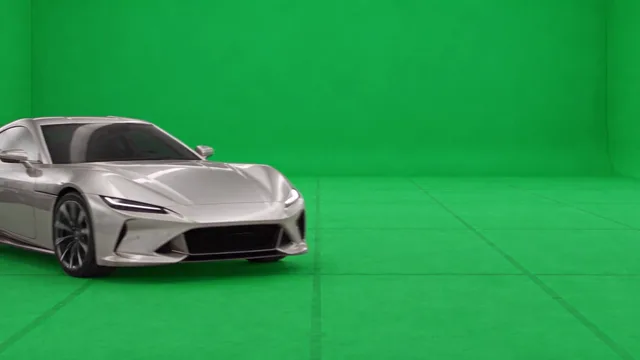 Seedance 2.5motion on green
 Pixelcut Background Removalthe cutout
- Video Studiothe composite
- FLUX.3 Edit Videothe light
Film it once. Place it anywhere.
Take the recipe with you: the illustrated making-of, and an agent skill that runs the same four steps on your own subject through the Scenario MCP.
Voice: Gemini 3.8 Flash TTS. Music: ElevenLabs Music v2.5. All on Scenario.