ScenarioExplorations Party Delivery

Unreal Engine 5.8 · short film Scenario MCP + Unreal MCP

Party Delivery.

Every model, every texture.
And the prompt behind it.

A cherry-red delivery robot races a balloon through a rainy Tokyo alley, only to find the party cancelled. An agent built and rendered it in Unreal Engine; every model, picture and material in it was generated with Scenario. Watch the film, follow how it was assembled, then open any asset to read the that made it.
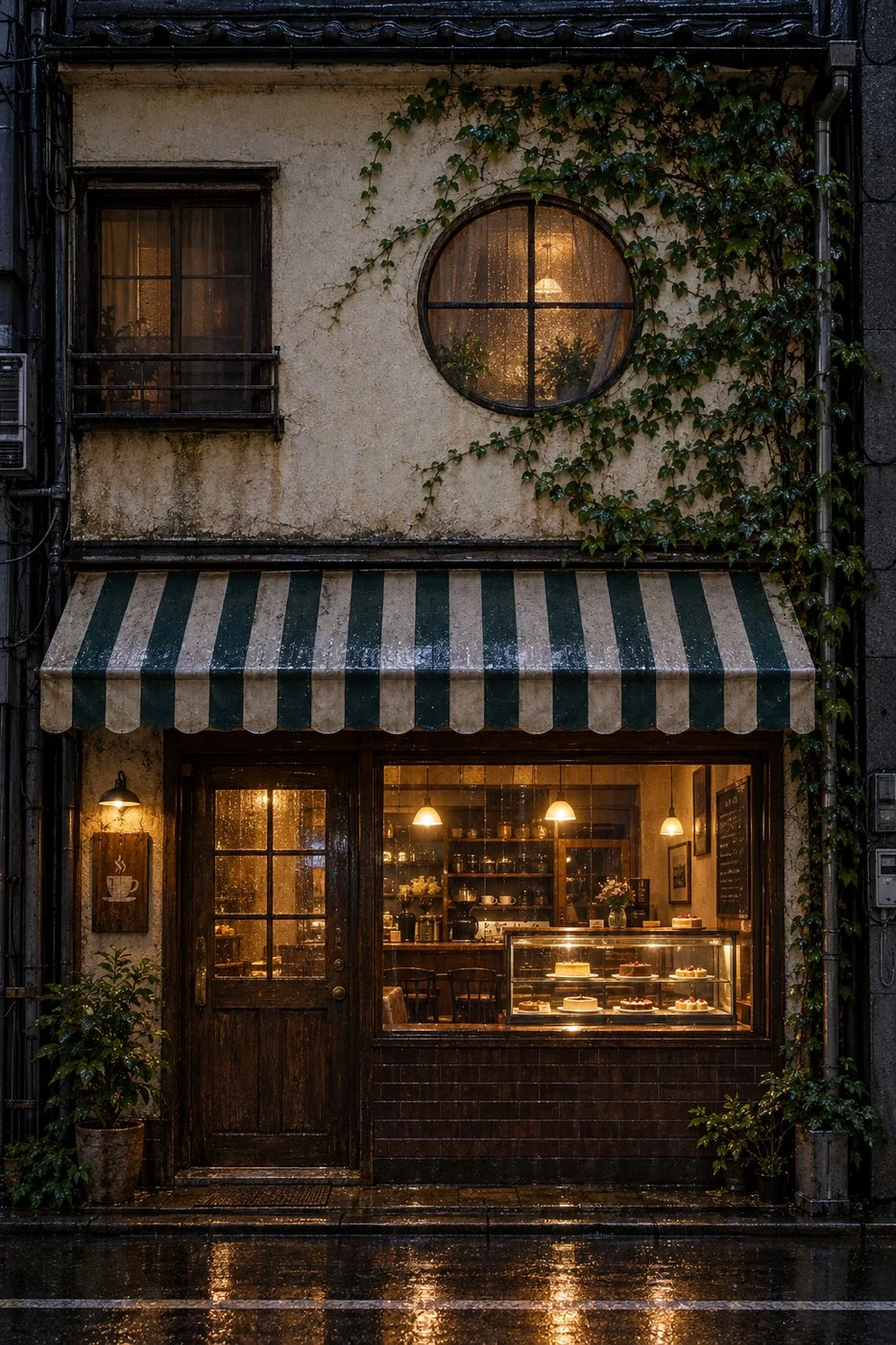
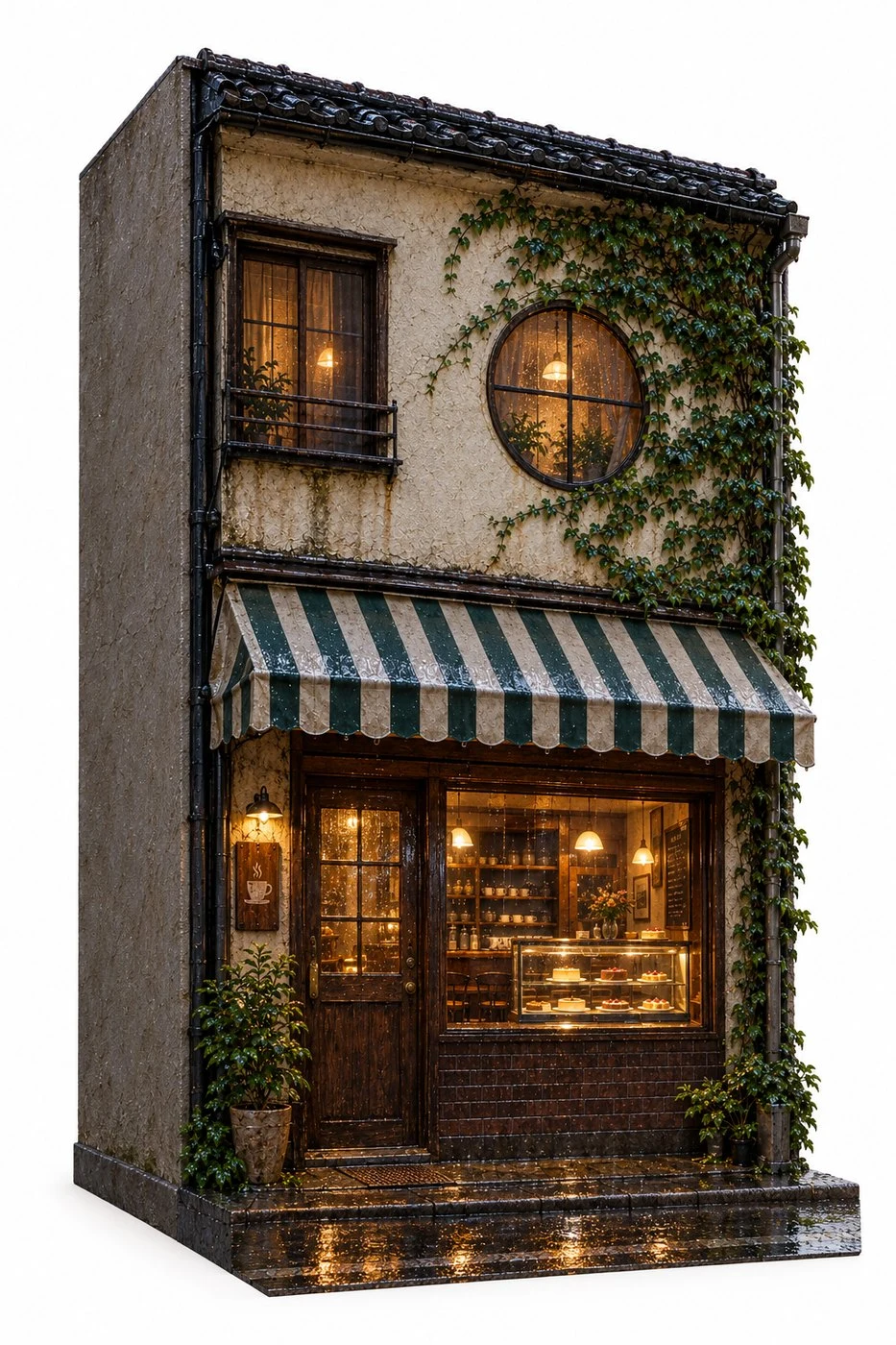
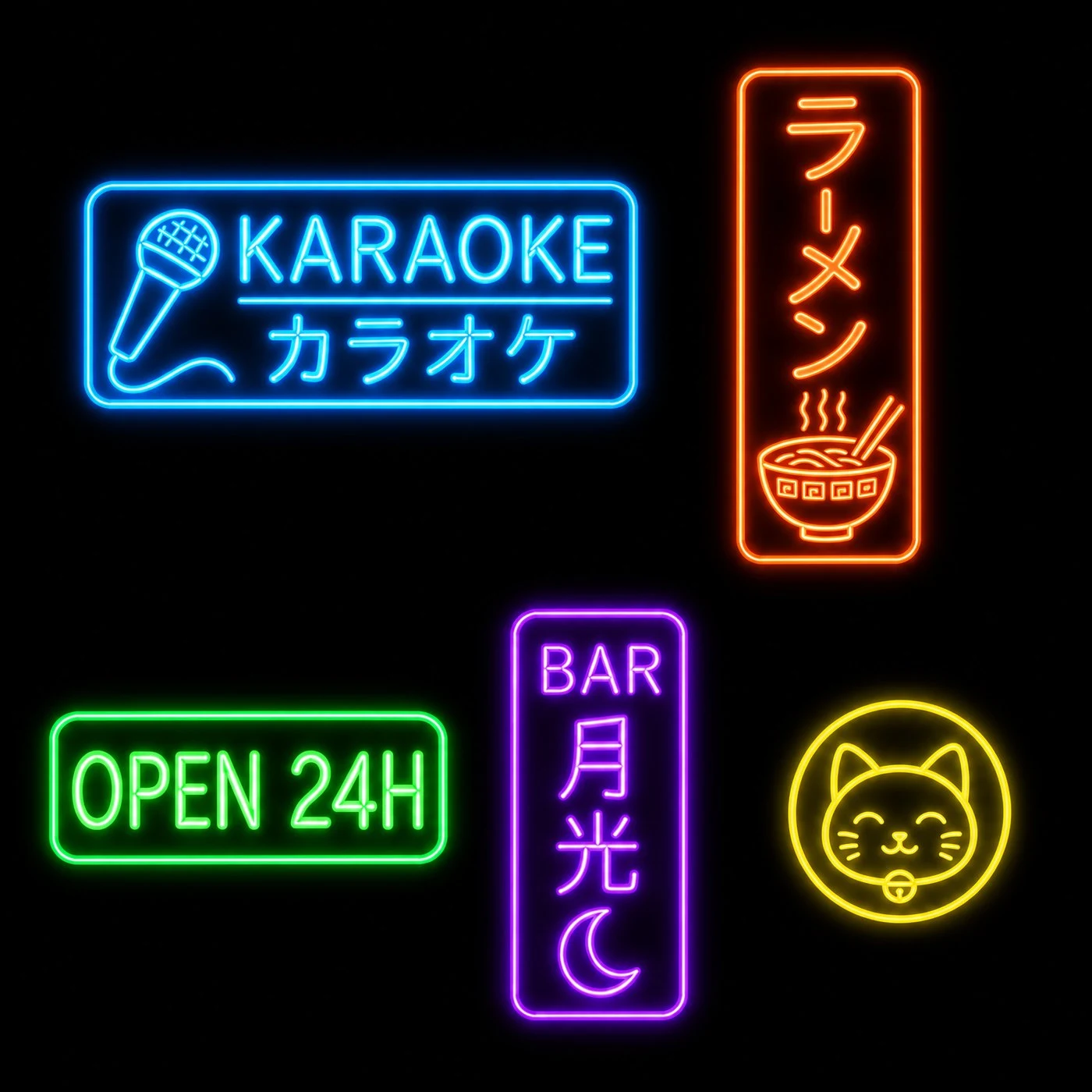
A flat, front-on picture of a two-storey kissaten coffee shop front The same kissaten drawn again at a three-quarter angle A sheet of five Japanese neon signs on black
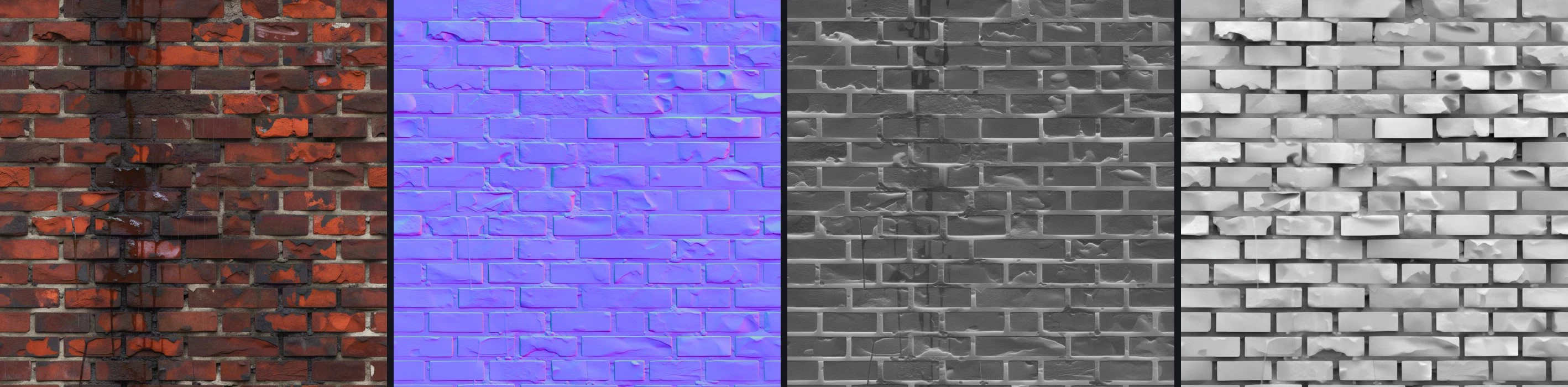
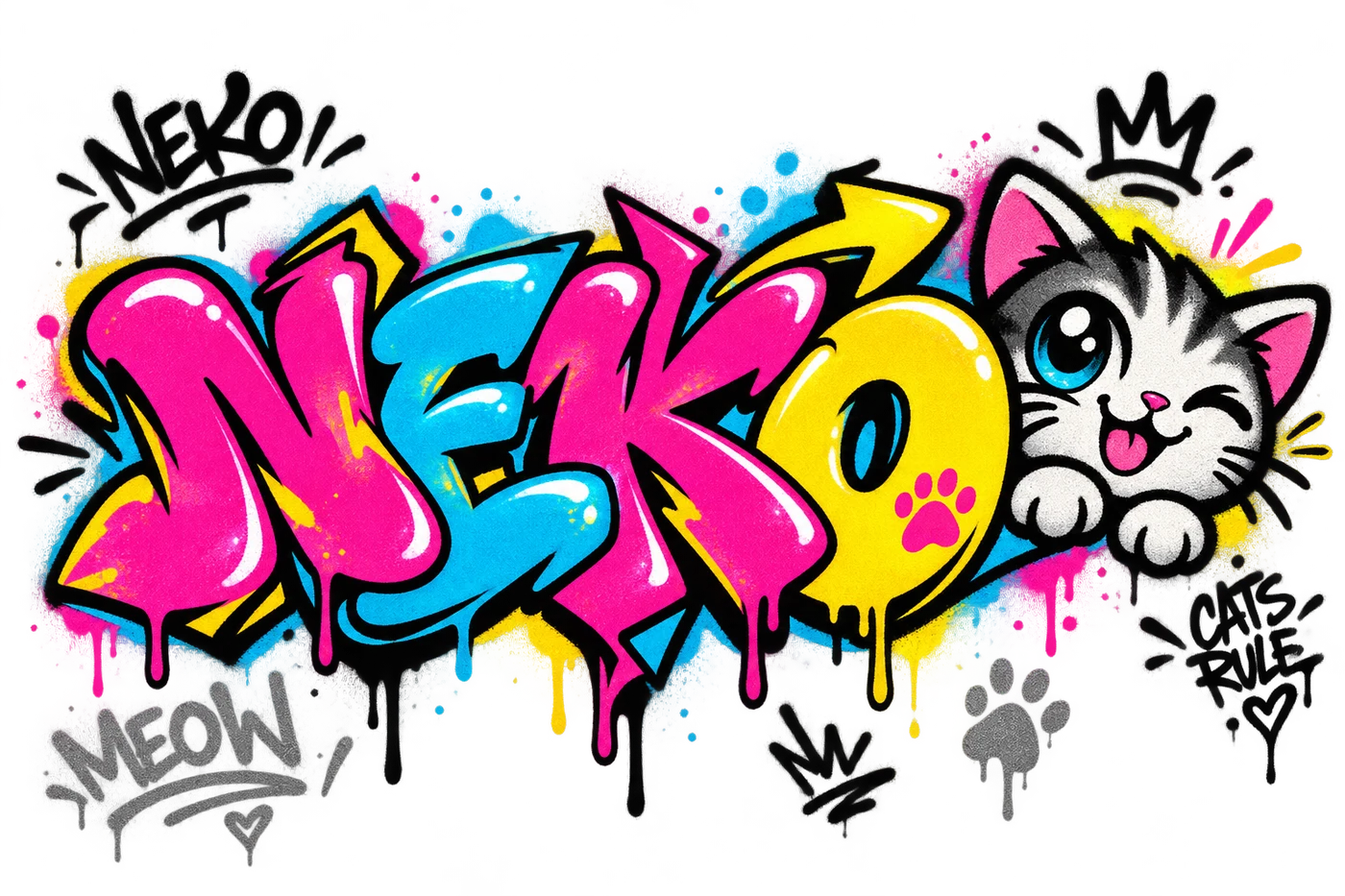
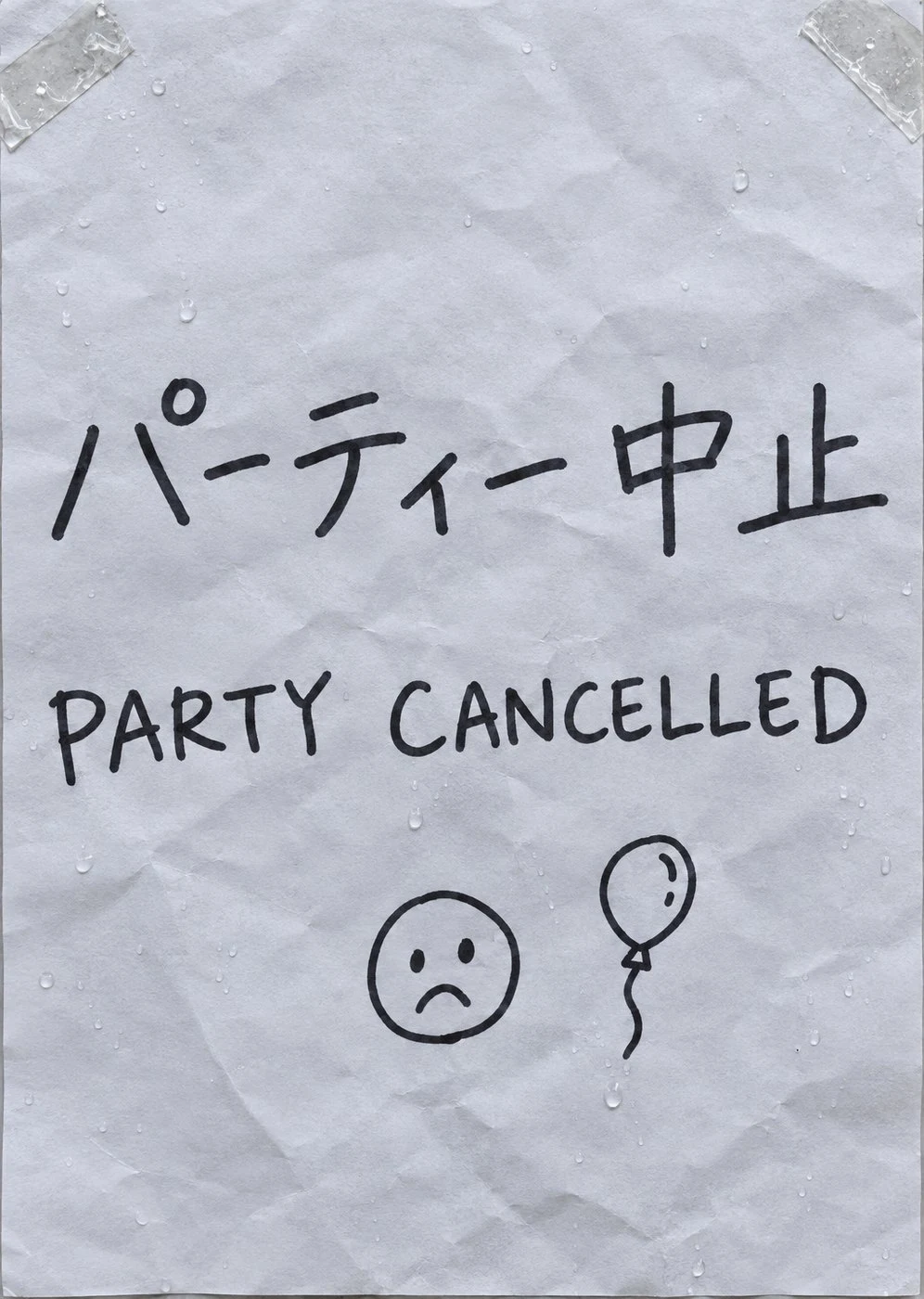
The PATINA brick material: colour, normal, roughness and height maps side by side Spray-paint graffiti of a cat on a transparent background A hand-written paper sign saying the party is cancelled, in Japanese A die-cut vinyl sticker: I was just a prompt once, with the Scenario mark and a heart

Every asset

Every asset, with its prompt.

Each picture with the words that made it, word for word, and each 3D model with the settings and the picture it came from. Open any one.

Prompt

One agent, two MCPs, a short film.

Claude Code drove the Scenario MCP and Epic's Unreal MCP in Unreal Engine 5.8: Scenario generated every model, picture and material, and Unreal Python placed, lit, animated and rendered them. About 10 hours of active work over 2.8 days.

  1. 1

    Connect the agent to Unreal

    The plugin had to be "All Toolsets", and the server was started with -ModelContextProtocolStartServer. Once connected, 55 toolsets were on offer. The film starts from an empty level.

    With Claude Code · Epic's Unreal MCP · Unreal Engine 5.8

  2. 2

    Design the robot, then make it 3D

    Four directions and four mixes; Mix C won. Meshy turned it into a 3D model, and Tripo split off the six wheels so each one spins as its own actor.

    With GPT Image 2.5 · Meshy 7.1 · Tripo Segmentation v2 · 233 CU

  3. 3

    Paint the street, raise four buildings

    About 60 m of shop fronts as flat pictures. The four the camera passes closest, and the front door, were redrawn at a 3/4 angle and made into real 3D buildings.

    With GPT Image 2.5 · Hunyuan 3D Pro 3.1 · 810 CU

  4. 4

    Picture first, then the prop

    Each prop started as a picture: the vending machine, the lucky cat, the scooter, the charging bay, lanterns, seating and boxes. Then image-to-3D.

    With GPT Image 2.5 · Meshy 7.1 · Tripo v3.1 · 1,846 CU

  5. 5

    Generate the materials

    Tiling PBR brick, walnut and concrete, graffiti on transparent backgrounds, the "Party cancelled" sign and the sticker. Normal and roughness maps for the flat fronts were derived locally, so wet light catches them.

    With PATINA · GPT Image 2.5 · 130 CU

  6. 6

    Build it by script, render it in Unreal

    81 Unreal Python scripts, run 149 times through the MCP, placed 358 actors and built the materials. One data file planned 14 shots and 985 frames at 24 fps for Movie Render Queue.

    With Unreal Python · Sequencer · Movie Render Queue · Blender for checks

What did not work

  • Python remote execution found no Unreal node on macOS, so every script was typed into the editor's console through the MCP.
  • Clearing that console with Ctrl+A then BackSpace once reached the viewport and deleted 209 actors. The level was reloaded from disk; the helper now only types.
  • Clear, glossy and thin-translucent balloons all read as glass. An opaque subsurface material reads as latex.

Tip

Measure generated 3D before you place it. The building depths were measured from each mesh in Blender, because a front can't sit flush on an estimate.

Credits

3,019 CU

59 final Scenario generations from 6 models, from the session's job records. Final 3D models and images only, each counted once with the one image it was made from.

Agent skill · ZIP

scenario-party-delivery

For building a generated street in Unreal 5.8 through the Unreal MCP, like this alley.

Download the skill

PDF · Illustrated

The making-of

Eight pages, from the empty level to the receipt.

Read the making-of

Scenario

Make yours

Generate your own robot, street and props.

Start creating