A Scenario explorationOne 15-second shot
Previs to Picture
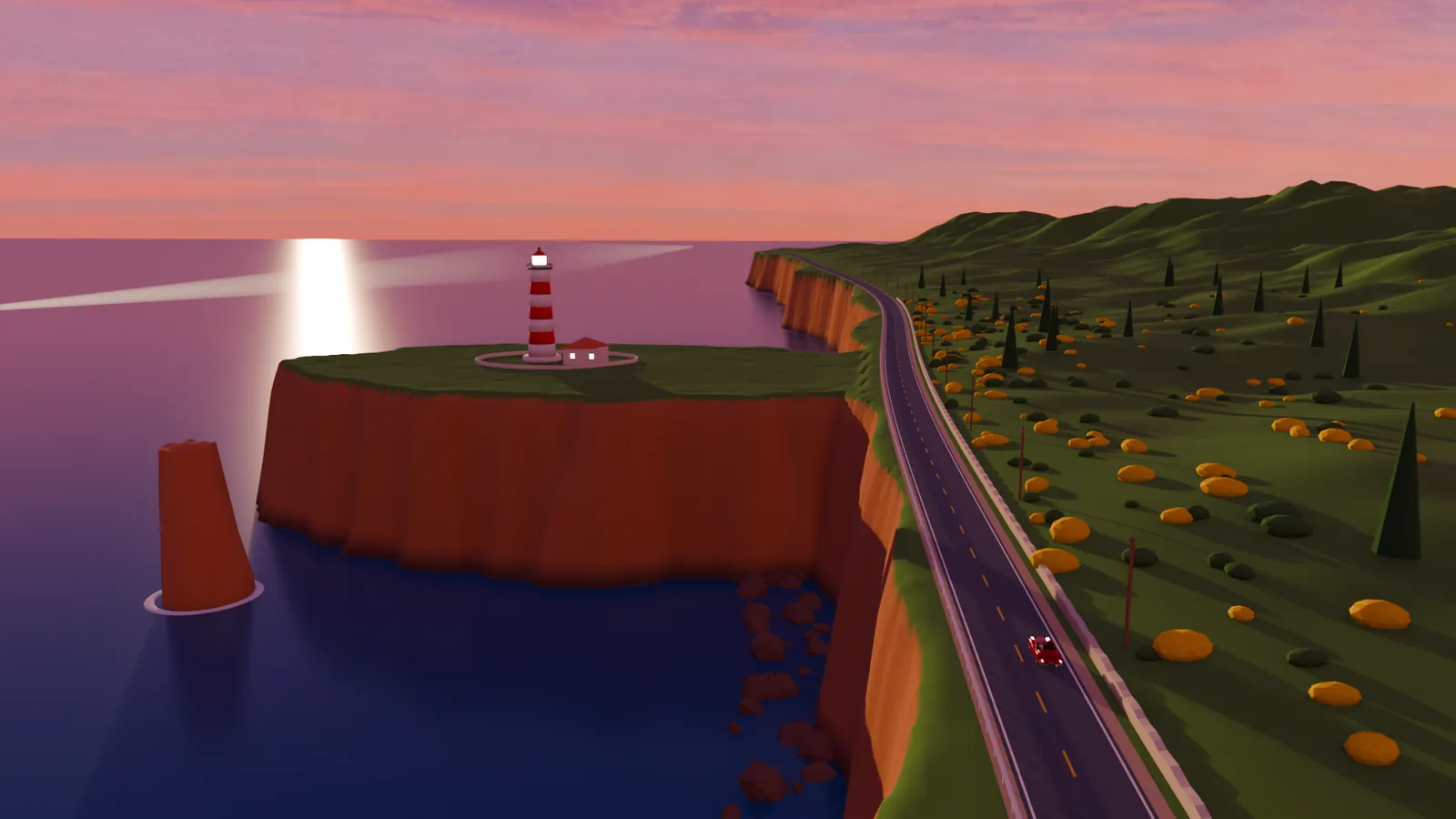
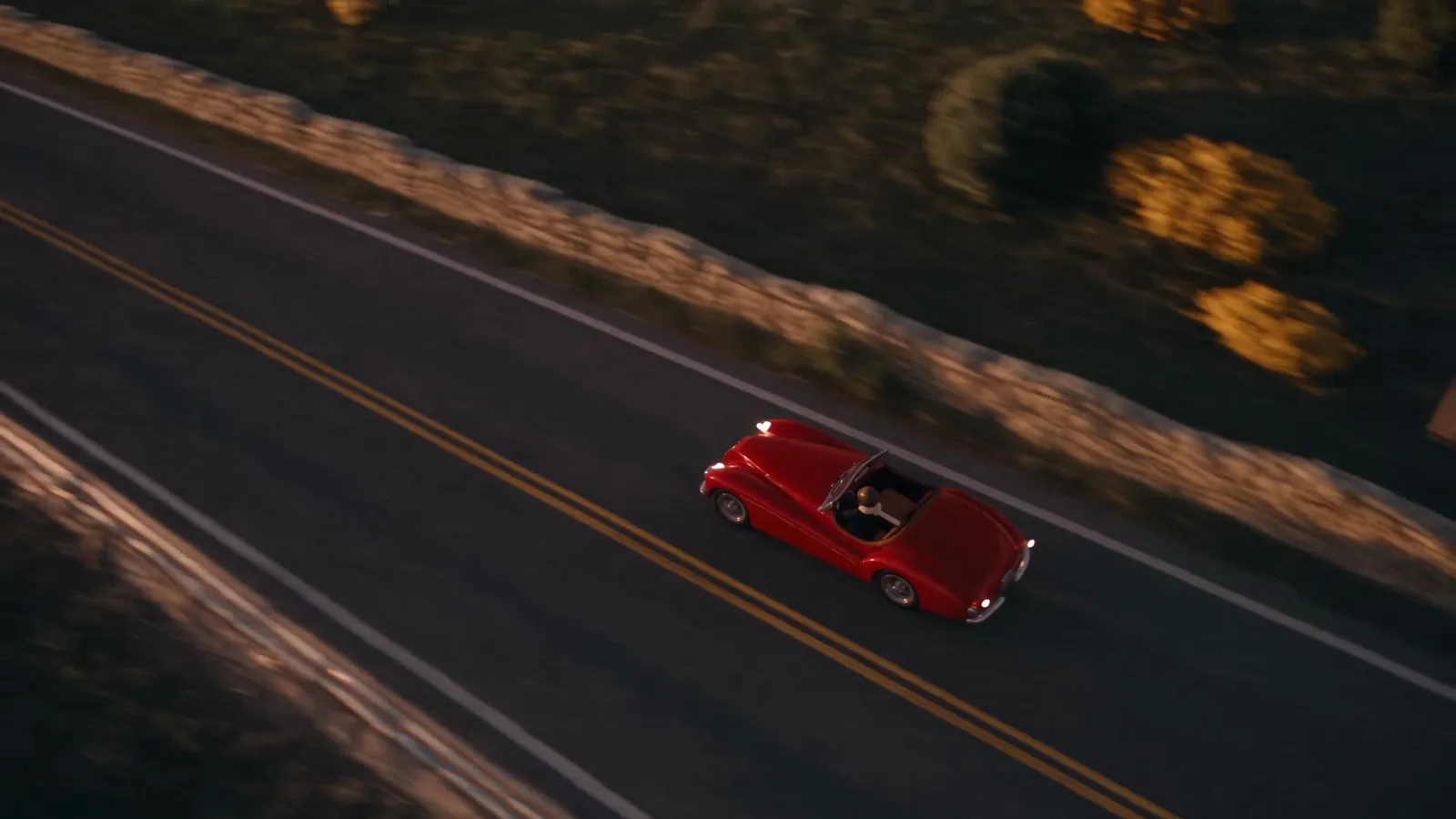
A rough, colour-coded Blender previs of a cliff road at dusk, turned into a photoreal shot by a Scenario video model. The camera, the timing and every car position come from the previs.
Picture Seedance 2.5, video to video, from the Blender previs
For
Previs, layout and VFX teams in film, games and advertising, who block a shot in 3D and want to see the finished picture before anyone lights or renders it.
What was made
A 15-second shot: an original red 1950s roadster races along a cliff road, then the camera cranes up to reveal a lighthouse. Plus a how-it-was-made film, an illustrated making-of and a reusable agent skill.
What Scenario did
The car, the sky and the materials, two style frames painted over previs stills, the photoreal picture itself, the score and the sound, then a review of the result against the previs.
01 / The shot
Track alongside. Crane up. Reveal.
One continuous take, 15 seconds at 24 frames per second. The camera runs beside the car at 1.5 metres, climbs to 30 metres over the cliff edge, and turns about 100 degrees left onto the headland and the afterglow.
02 / Previs and picture
Same camera. Same car. Every frame.
Both versions play in sync. Drag the divider to compare the Blender previs with the Seedance 2.5 picture, or jump to one of the frames Scenario's reviewer scored.
Layout and camera fidelity, from Scenario asset analysis comparing the previs and the picture at frames 1, 100, 220 and 340.
The picture came back with 361 frames and drifts up to one frame behind the previs in the second half, measured by edge correlation. Its first frame was dropped to deliver exactly 360.
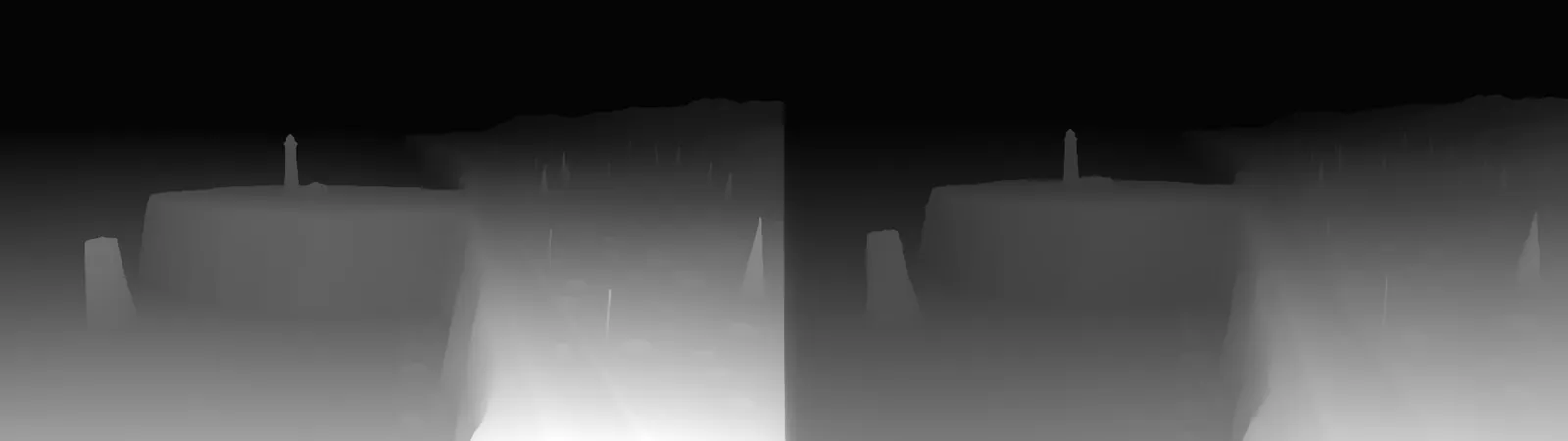
Slight swimming of the road texture, warping wheel spokes, a jittery guard rail and a flickering lantern. The shot shipped with them, noted for a next pass.
03 / The colour code
Every shape has a name.
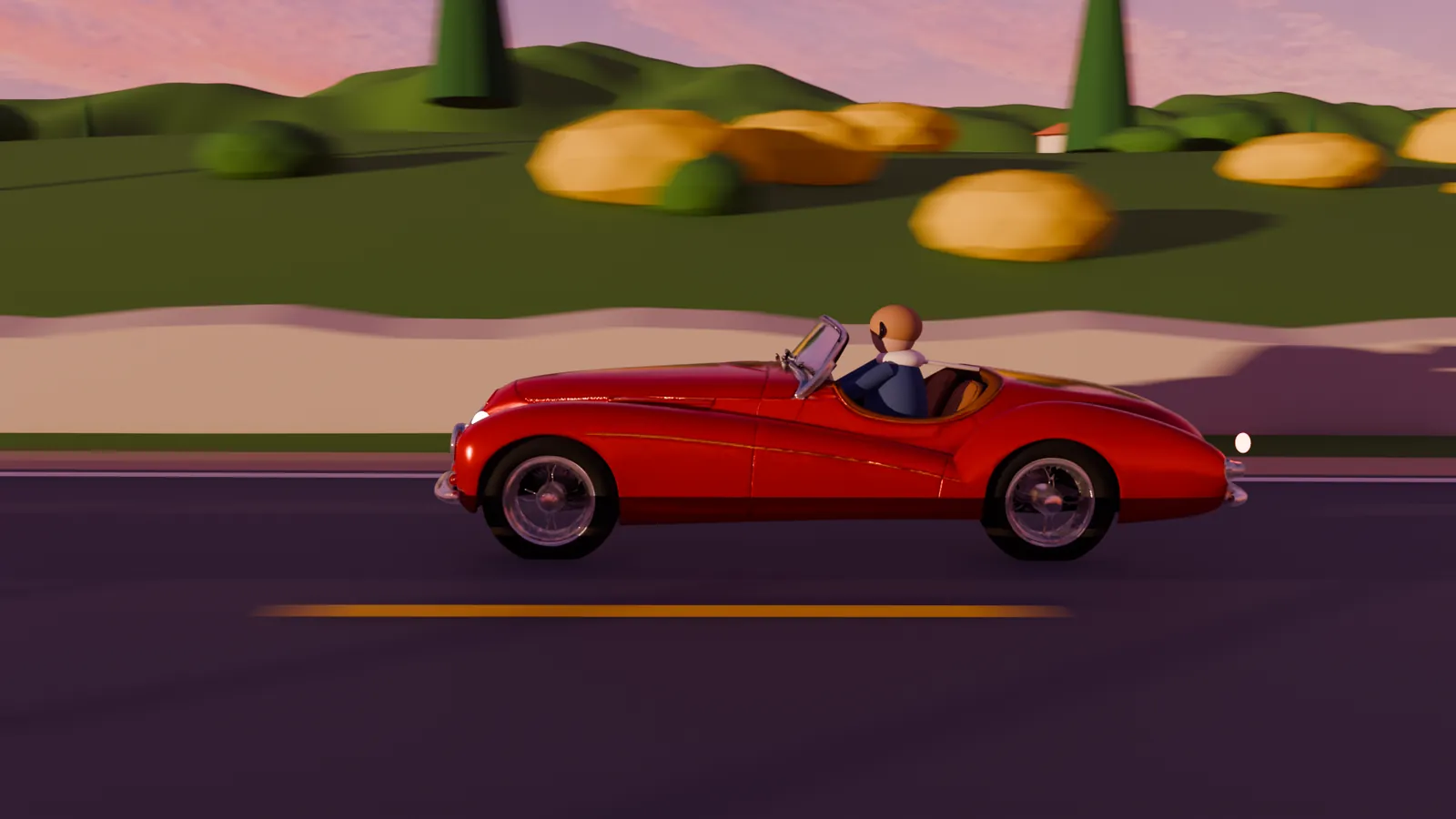
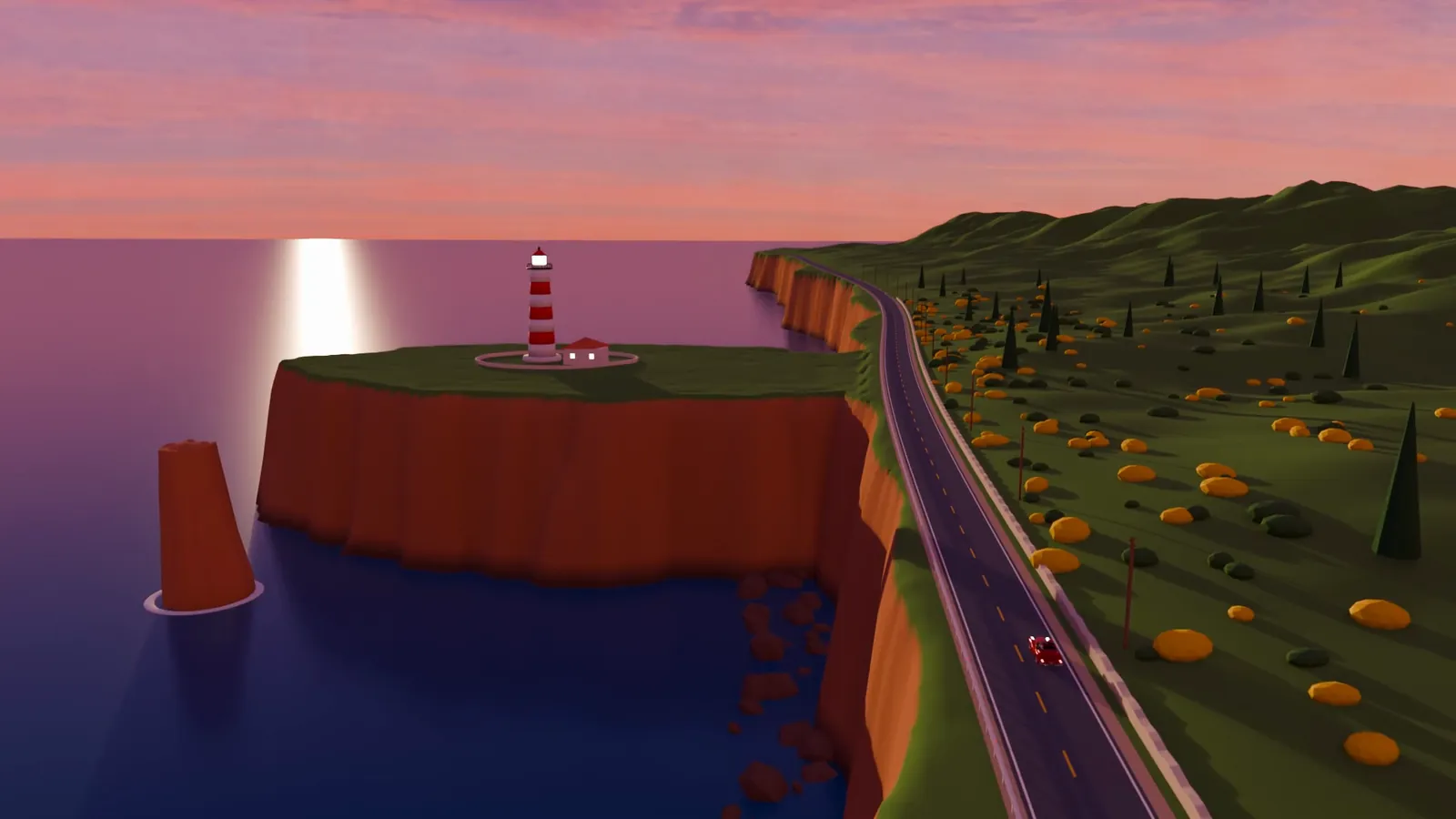
The previs is coloured, never grey, and every colour stands for something. The prompts name each shape, so the models know that a yellow blob is gorse and a green cone is a cypress.
- Yellow blobsflowering gorse bushes
- Dark green blobswild scrub
- Green conesItalian cypress trees
- Beige banda weathered dry-stone wall of pale limestone
- Green humpsgrassy coastal hills with wild grass and heather
- Orange wallstall sheer ochre and rust sandstone sea cliffs
- Red and white bandsan original striped lighthouse with a glowing lantern
Replace every blockout shape with real detail: the dark asphalt with a worn yellow centre line; the beige band is a weathered dry-stone wall of pale limestone; the yellow blobs are flowering gorse bushes and the dark green blobs are wild scrub; the green cones are Italian cypress trees.
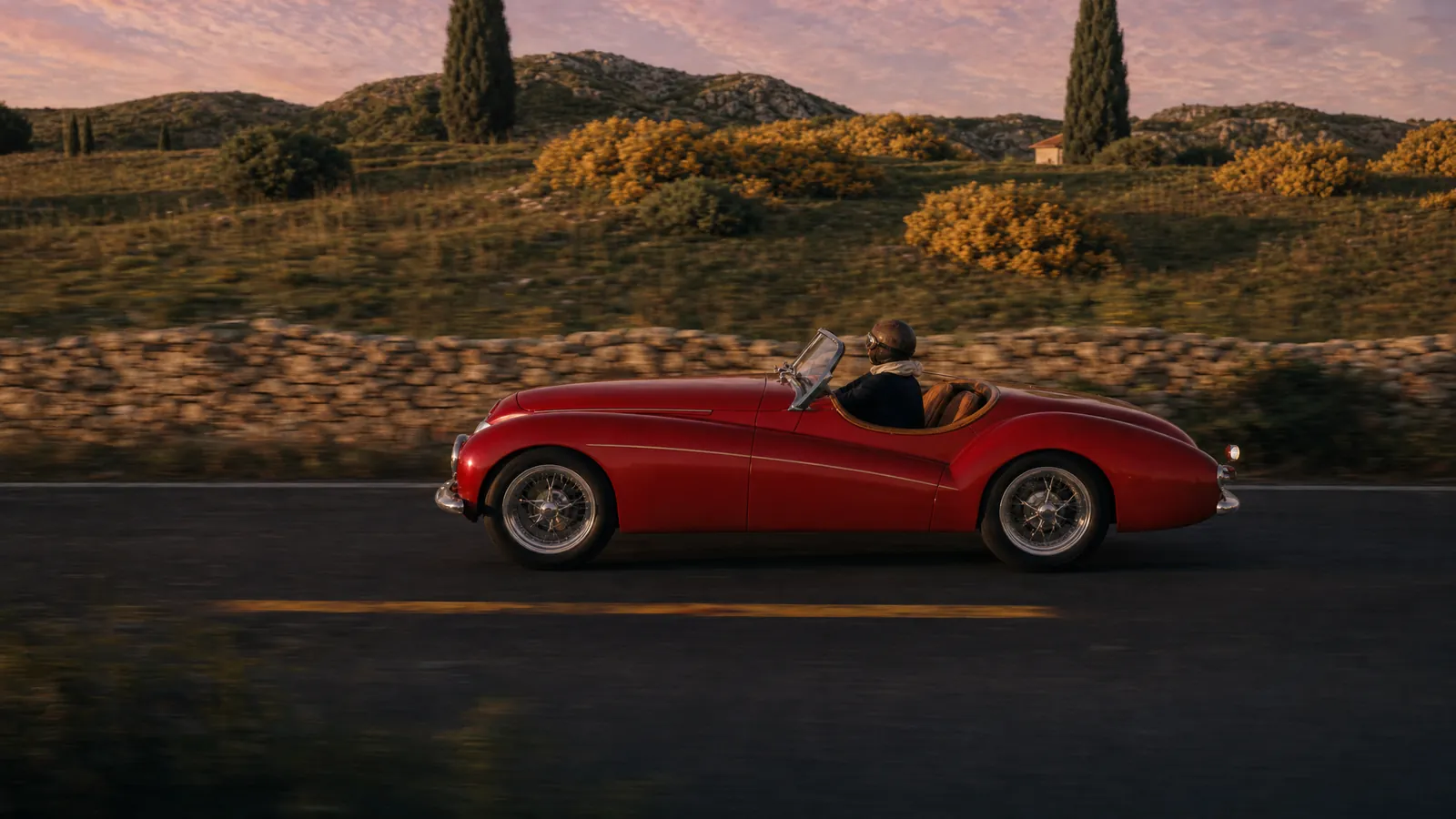
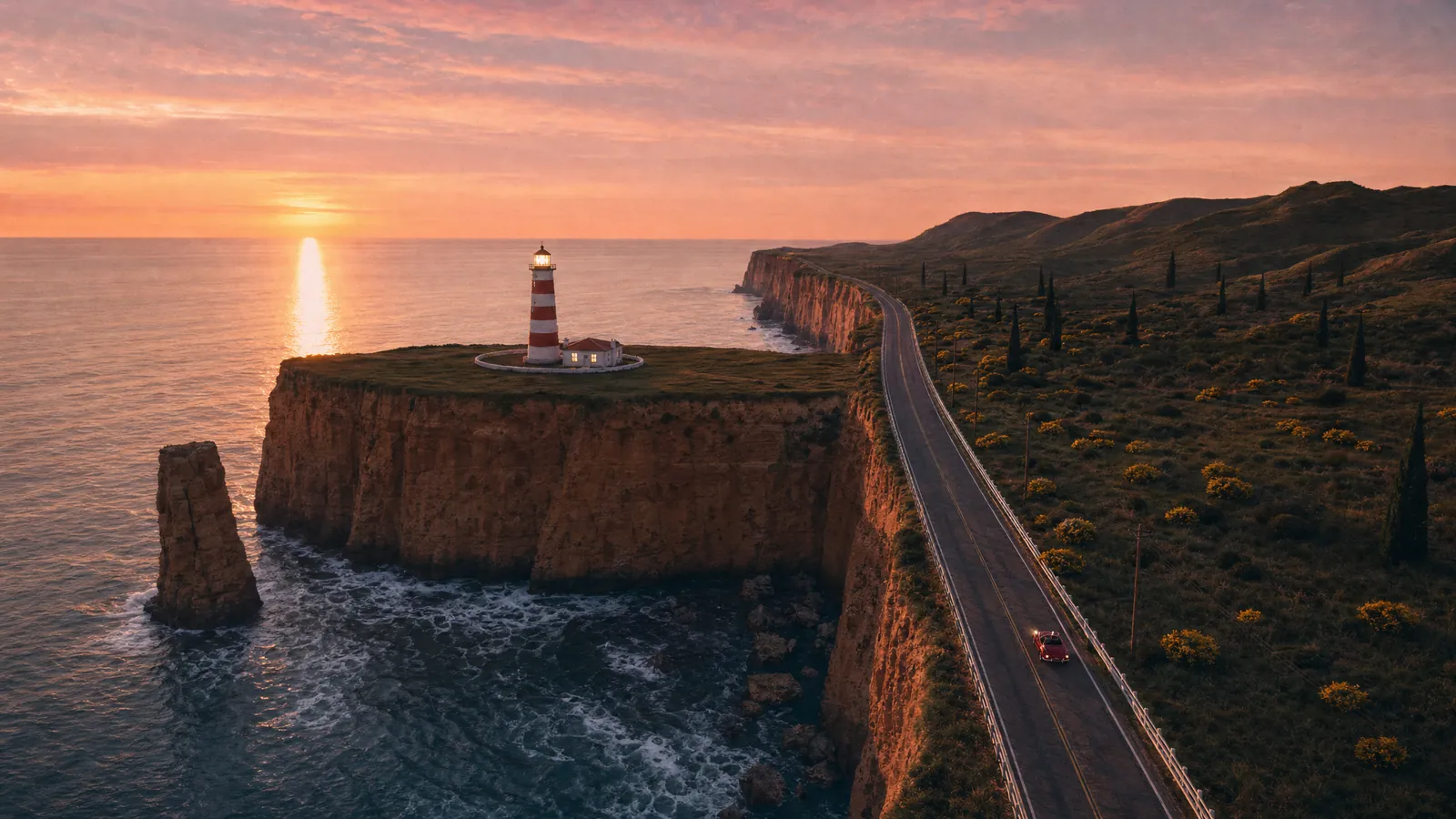
Two style frames, painted over the previs
GPT Image 2 edited two previs stills into photoreal frames, keeping the composition, the lens and the car's position. One sets the look of the tracking, the other the look of the reveal. Both passed Scenario's quality gate at 96.
The one thing that was cut
The lighthouse beam.
Before sending the previs to the video model, Scenario asset analysis reviewed two frames and warned that the beam cones "may confuse the model into generating a solid object instead of volumetric light". The beams were hidden and the previs rendered again.
Read the full video prompt Seedance 2.5, video to video
Restyle @video1 into a photoreal live-action film shot, 15 seconds, one continuous take. Use @video1 for all timing, layout and motion: the exact camera path (a low tracking shot alongside the car that then cranes up high and pans left to reveal the lighthouse headland and the sea), the car's position, speed and direction in every frame, the road, stone wall, cliffs, headland, lighthouse, sea stack and horizon placement. Ignore the CG look of @video1: its flat colours, faceted low-poly bushes, cone-shaped trees, smooth mannequin driver and plastic surfaces. Use @image1 for the look of the tracking part: the original glossy red 1950s open roadster with chrome wire wheels, chrome windscreen and a thin cream pinstripe, no badges; the driver in a brown leather flying helmet, goggles, cream scarf and navy jacket; the weathered dry-stone wall, flowering yellow gorse, dark scrub, tall cypress trees and grassy hills in low golden sunlight with long shadows. Use @image2 for the look of the reveal: tall sheer ochre sandstone cliffs, the red-and-white striped lighthouse with a warmly glowing lantern, the small white keeper's cottage, the sea stack with white surf, calm sea with a golden sun-glitter path under a pink and apricot afterglow sky. Follow the framing of @video1, not of the images. Dusk, shot on 35mm anamorphic film, natural motion blur on the road, fine film grain, rich warm grade. The car's headlamps are on. No text, no logos, no people other than the driver.
@video1 the previs, 1280 x 720, 24 fps, 15.0 s @image1 tracking style frame @image2 reveal style frame Settings 1080p, 16:9, 15 s, native audio off
04 / What Scenario made
Eighteen generations, eleven models.
Blender held the layout, the animation and the camera. Everything that looks real came from Scenario, called by the agent through the Scenario MCP and the Scenario Blender Plugin.
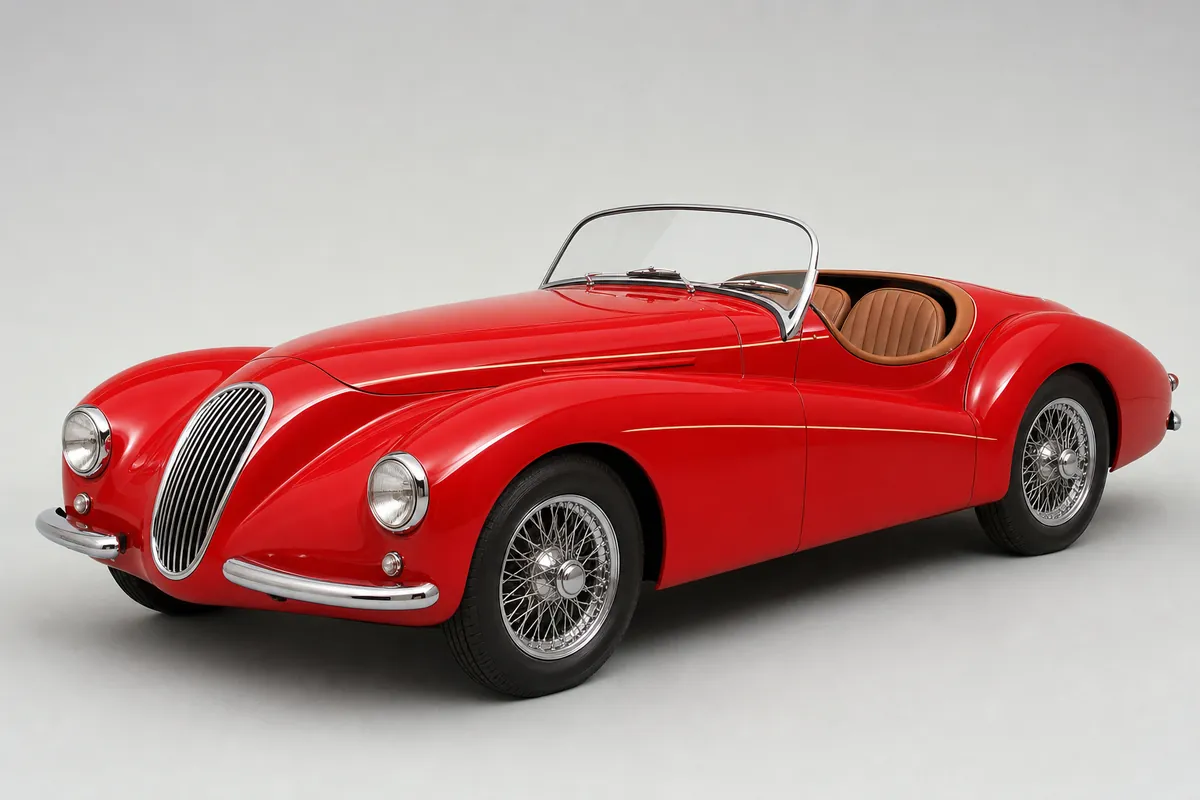
GPT Image 2
The car, as a concept
An invented, unbadged roadster: long bonnet, slim oval grille, wire wheels, a cream pinstripe.
47 CU
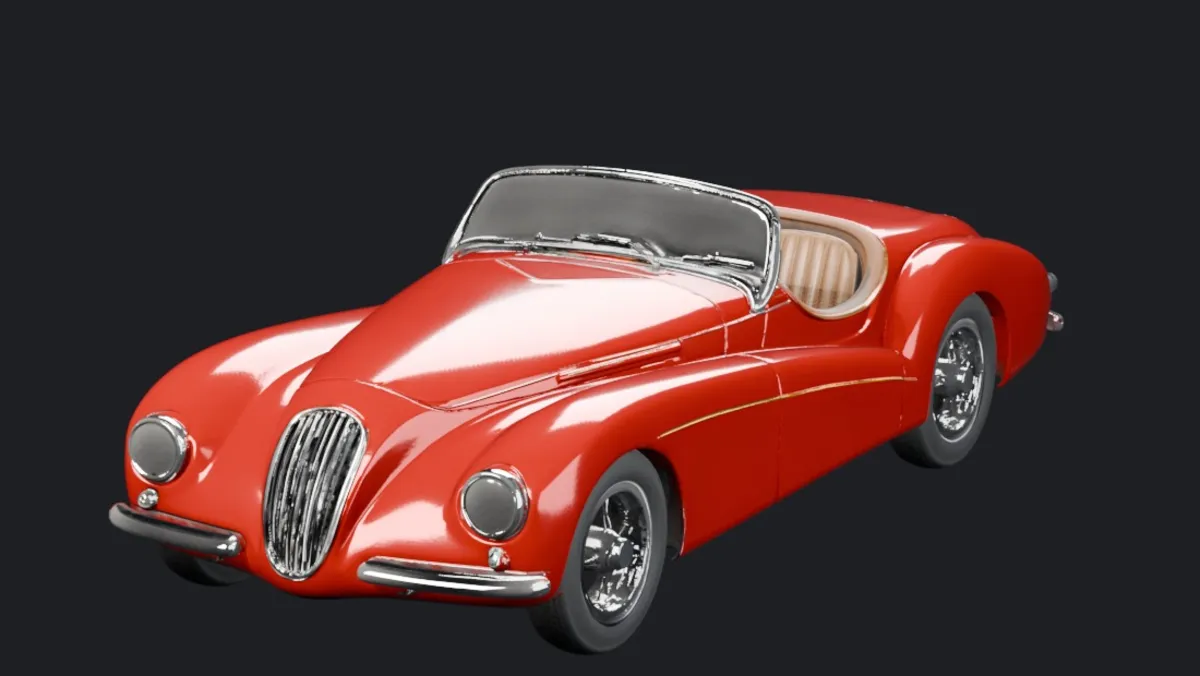
Hunyuan 3D Pro 3.1 · Tripo Segmentation v2
The car, in 3D
A textured mesh from the concept, then split into 33 parts so the four wheels turn at the right rate for their radius.
120 + 80 CU
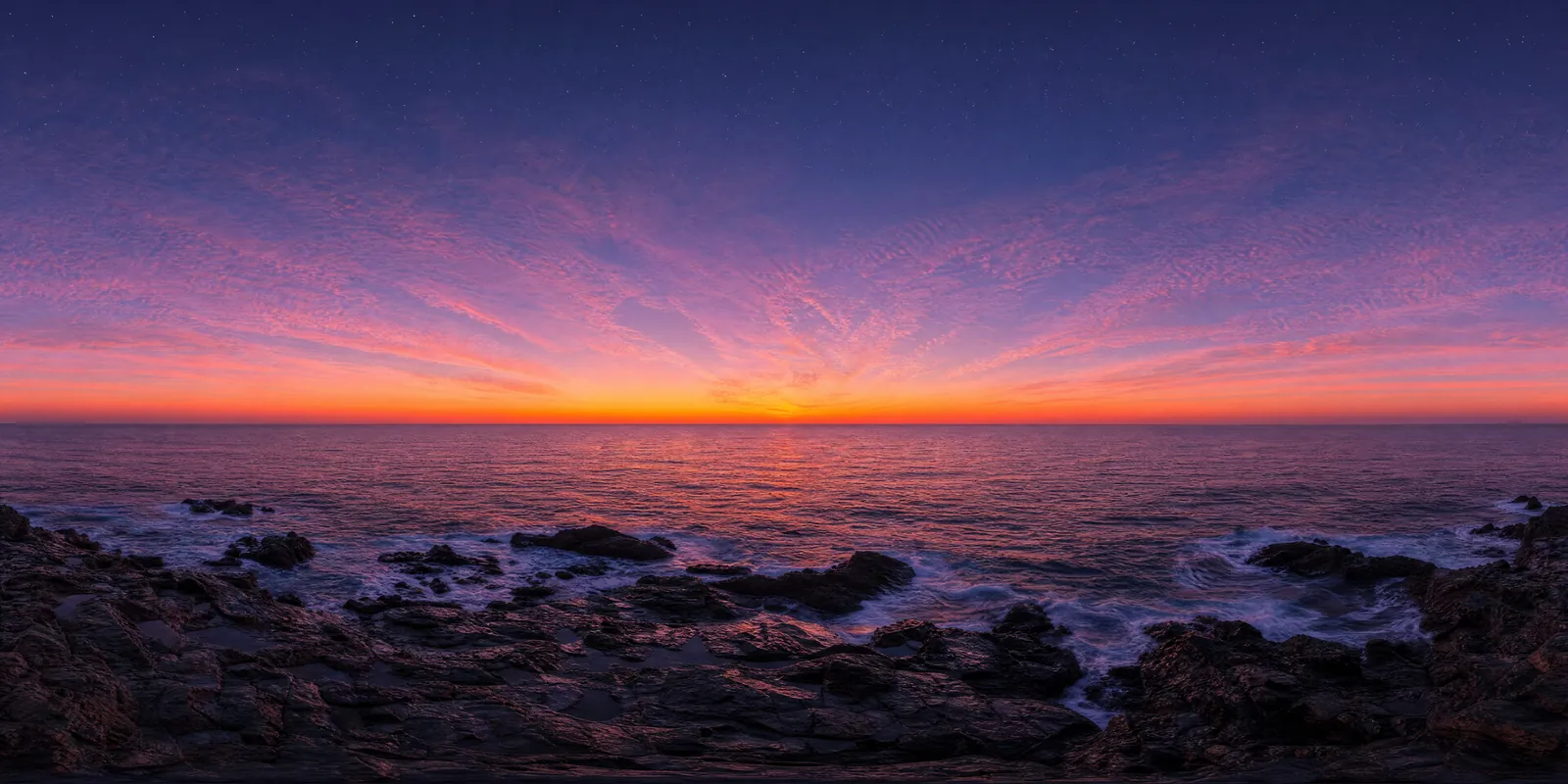
Scenario Skybox GPT
The dusk sky
A 360 world, rotated in Blender so the afterglow sits exactly where the reveal lands.
44 CU
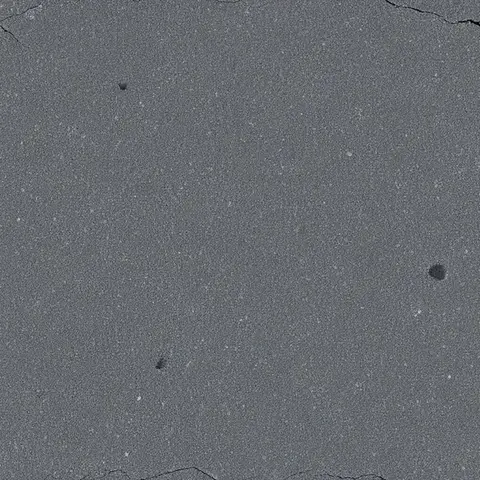
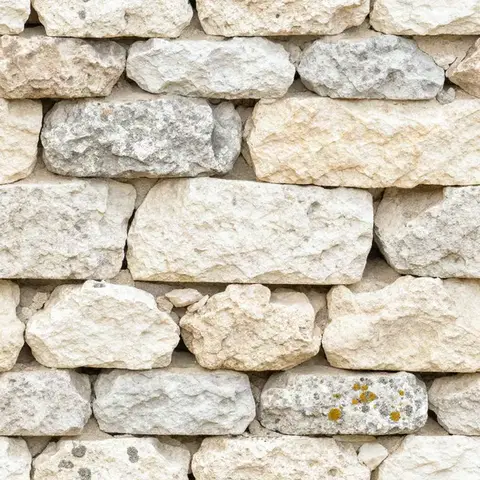
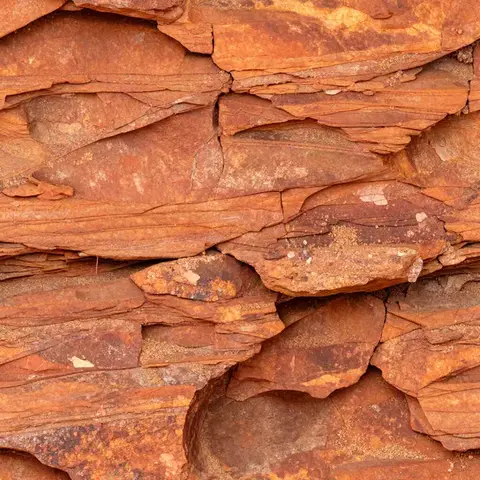
Patina Material
Three PBR materials
Asphalt, limestone and sandstone, applied to a look-development version of the previs. The previs sent to the video model kept its flat colours.
51 CU
GPT Image 2
Two style frames
Image edits of previs frames 100 and 340, the look references for the video model.
102 CU
Seedance 2.5
The picture
Video to video from the 720p previs and the two style frames, delivered in native 1080p in about six minutes.
2,042 CU
| What | Model | CU |
|---|---|---|
| Car concept, 3D and parts | GPT Image 2, Hunyuan 3D Pro 3.1, Tripo Segmentation v2 | 247 |
| Sky and materials | Scenario Skybox GPT, Patina Material | 95 |
| Style frames | GPT Image 2 | 102 |
| The picture | Seedance 2.5 | 2,042 |
| Comparison take, not used | Seedance 2.0 | 1,482 |
| Score, three takes | ElevenLabs Music Advanced v2.5, Music v2.5, Music v2 | 90 |
| Four sound effects | ElevenLabs Sound Effects v2 | 120 |
| Review and checks | Scenario asset analysis, quality gate, depth, prompt help | 20 |
| Total, 30 finished Scenario calls | 4,198 | |
Three material runs at 2048 px failed with an internal error and were refunded; they were run again at 1024 px. The session took 52 minutes from an empty folder.
05 / The shoot-out
Same inputs, two video models.
Seedance 2.0 and 2.5 received the same previs, the same style frames and the same prompt. Scenario asset analysis then scored each for photorealism.
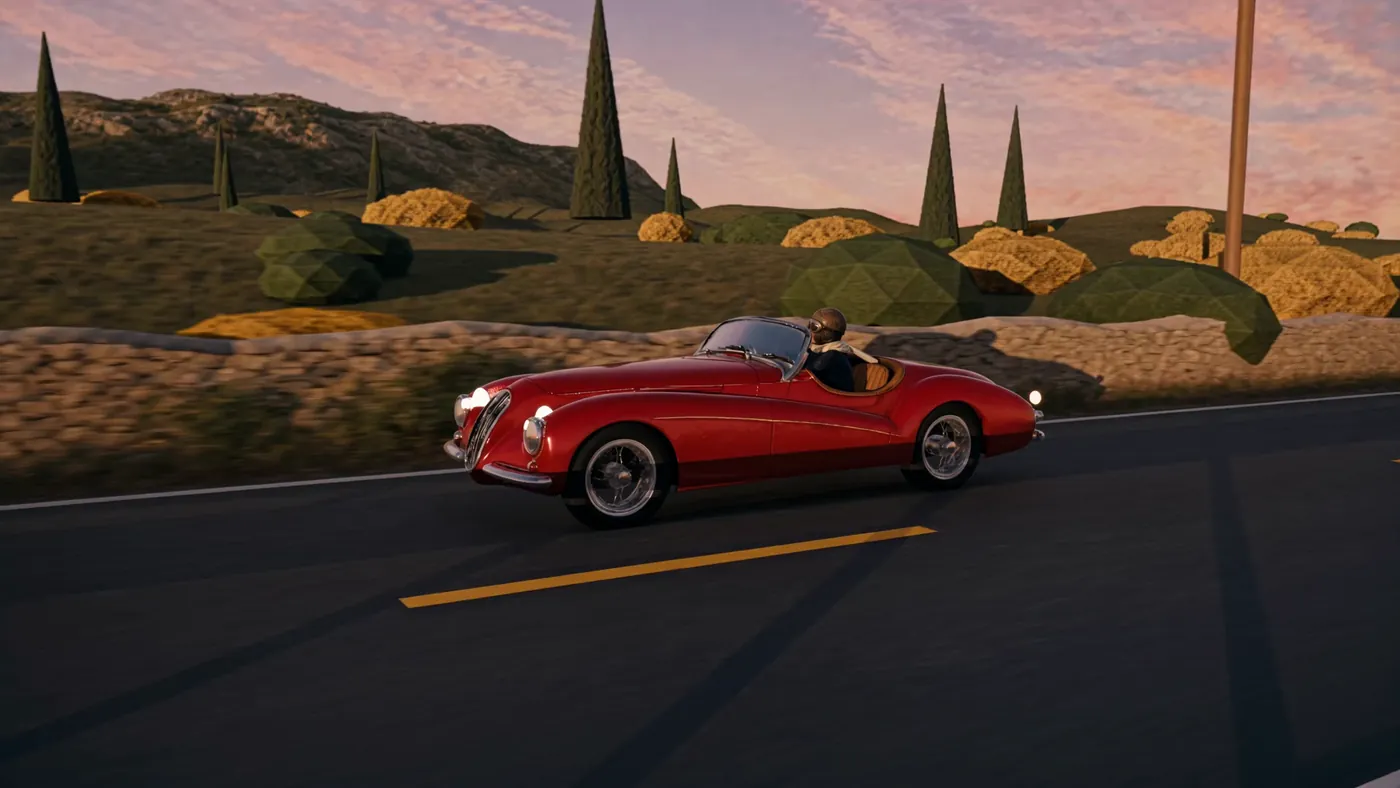
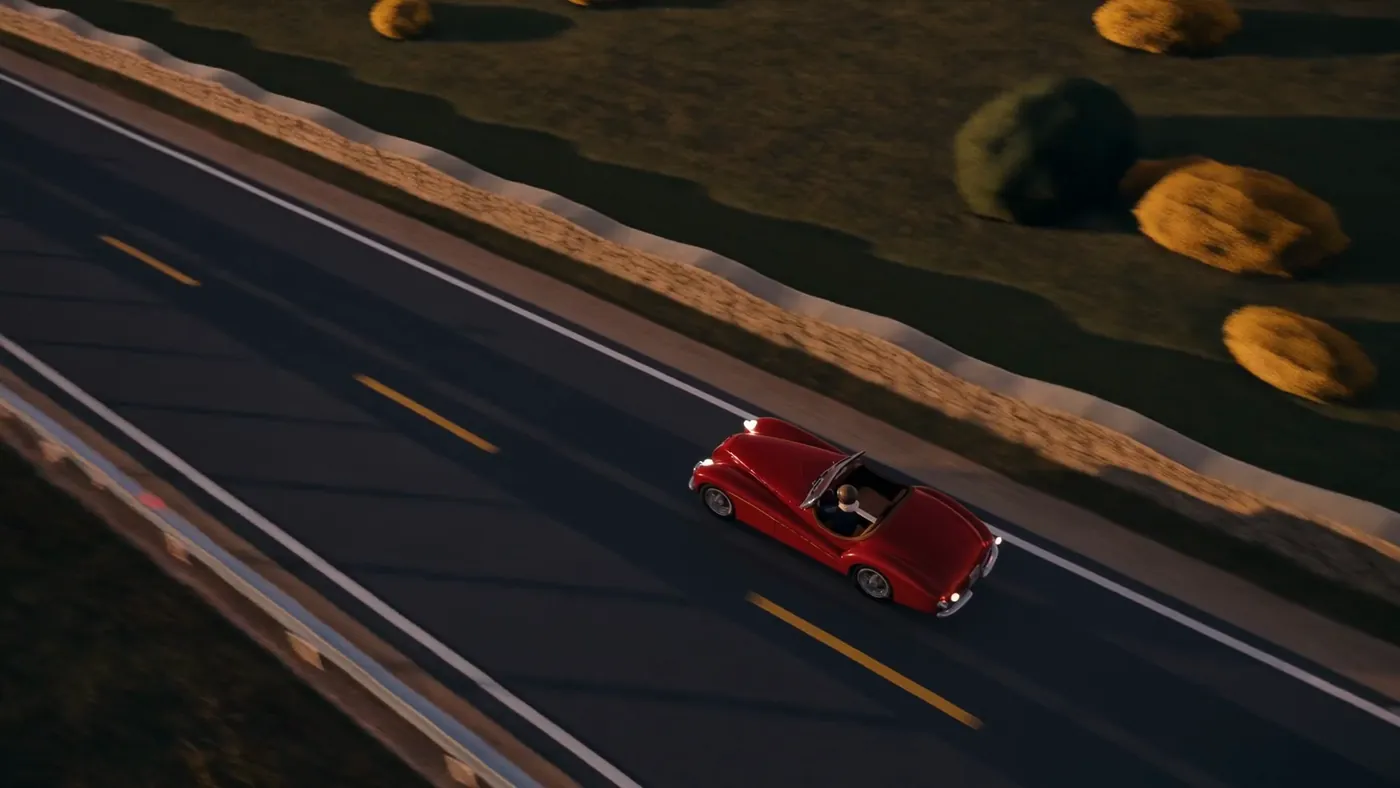
Seedance 2.0
4/10
Kept "faceted bushes, low-poly cone trees, flat colours". About 11 minutes. Not used.
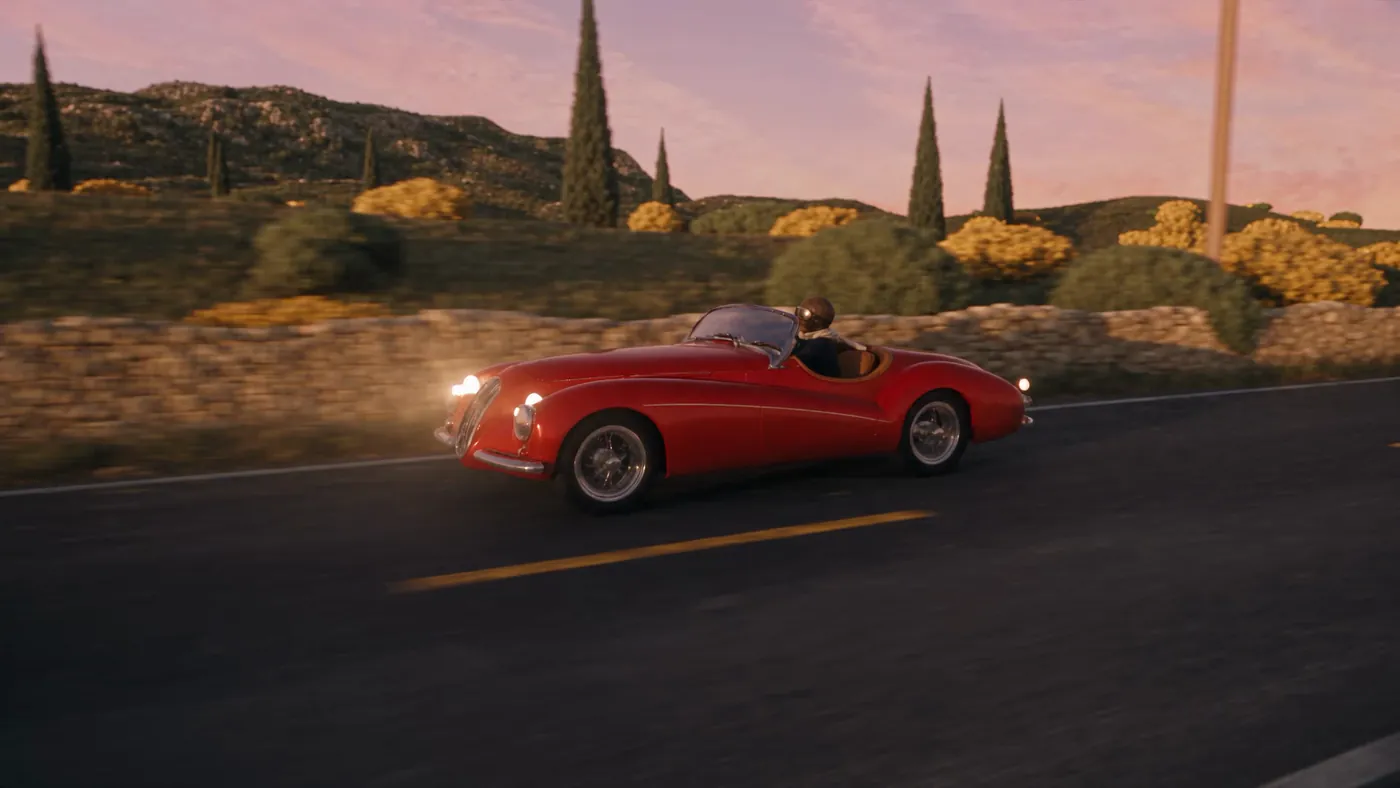
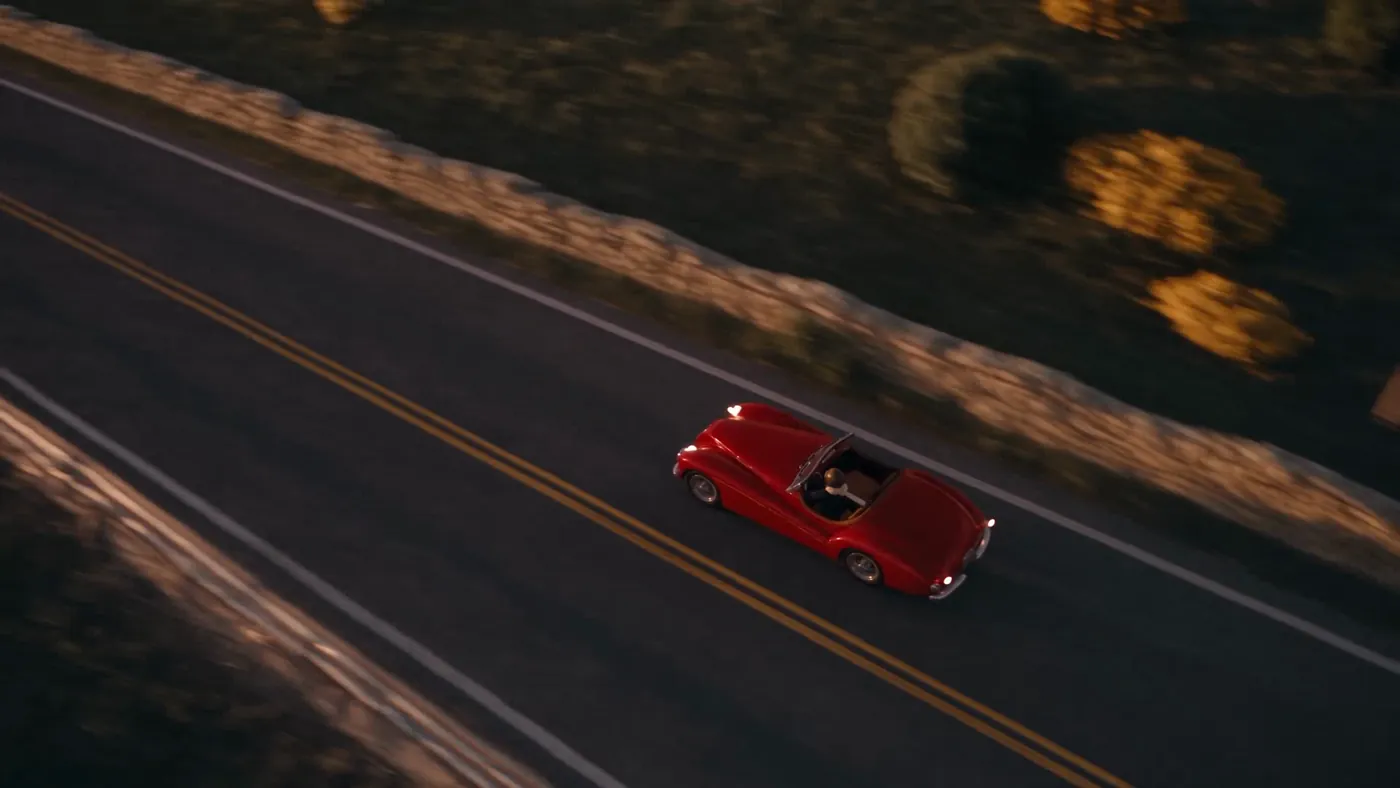
Seedance 2.5 Kept
8/10
Photoreal detail on the same layout and motion. About 6 minutes.
Scenario's recommend tool ranked another video-to-video model first; the brief asked for Seedance, so both versions of Seedance ran side by side instead.
06 / The sound
Mixed to the camera's distance.
Five generated stems, placed on the shot's own timeline. The engine level follows the real distance between the camera and the car, so it fades as the crane climbs away. Play each stem on its own.
ElevenLabs Music Advanced v2.5
Three timed sections: Drive 7 s, Rise 5 s, Reveal 4 s. The final chord lands near 13 s and rings over the view.
ElevenLabs Sound Effects v2
Full level while tracking, then about 20 dB quieter as the car pulls away below the crane.
ElevenLabs Sound Effects v2
Opens from quiet to present as the camera climbs over the cliff.
ElevenLabs Sound Effects v2
Placed at 6.4 s, as the crane starts.
ElevenLabs Sound Effects v2
Placed at 11.2 s, as the sea and the lighthouse come into view.
Two other score takes were rejected: one resolved at 12 s, before the reveal; the other read the timestamps in its prompt literally and stayed silent for 8 s. The mix was set to -16.5 LUFS.
07 / Make yours
Block it in Blender. Finish it with Scenario.
From an empty scene to a finished, scored shot in 52 minutes: a colour-coded previs, two style frames, one video-to-video pass and a mix timed to the camera. Take the recipe and point it at your own shot.
Agent skill · ZIP · 18 KB
scenario-previs-to-picture
SKILL.md with the pipeline and its checks, prompt patterns for style frames and video to video, and five tested scripts: reference export, frame-drift check, conform, comparison pairs and a distance-driven mix.
Download the skillPDF · 8 pages
The making-of
The brief, the previs and its colour code, the Scenario assets, the style frames, the video pass, the shoot-out, the checks and the sound.
Read the making-ofFilm · 2:17 · narrated
How it was made
Step by step, narrated: the previs and its colour code, the Scenario assets, the style frames, the video pass, the shoot-out, the checks and the sound.
Watch itBring your own previs. Scenario paints the picture.