Every expedition
starts with an idea.
A concept becomes a collection of parts. Materials give those
parts a history. You decide how they come together.
Your selected finish
Lunar ceramic
Three coordinated materials. Choose a swatch to explore its
recipe.
Basecolor textures generated with Scenario Texture. Roughness
and metalness were calibrated locally.
Replaying the original job requires access to the source
project. Copy the prompt to use it in your own workspace.
Open Scenario Texture
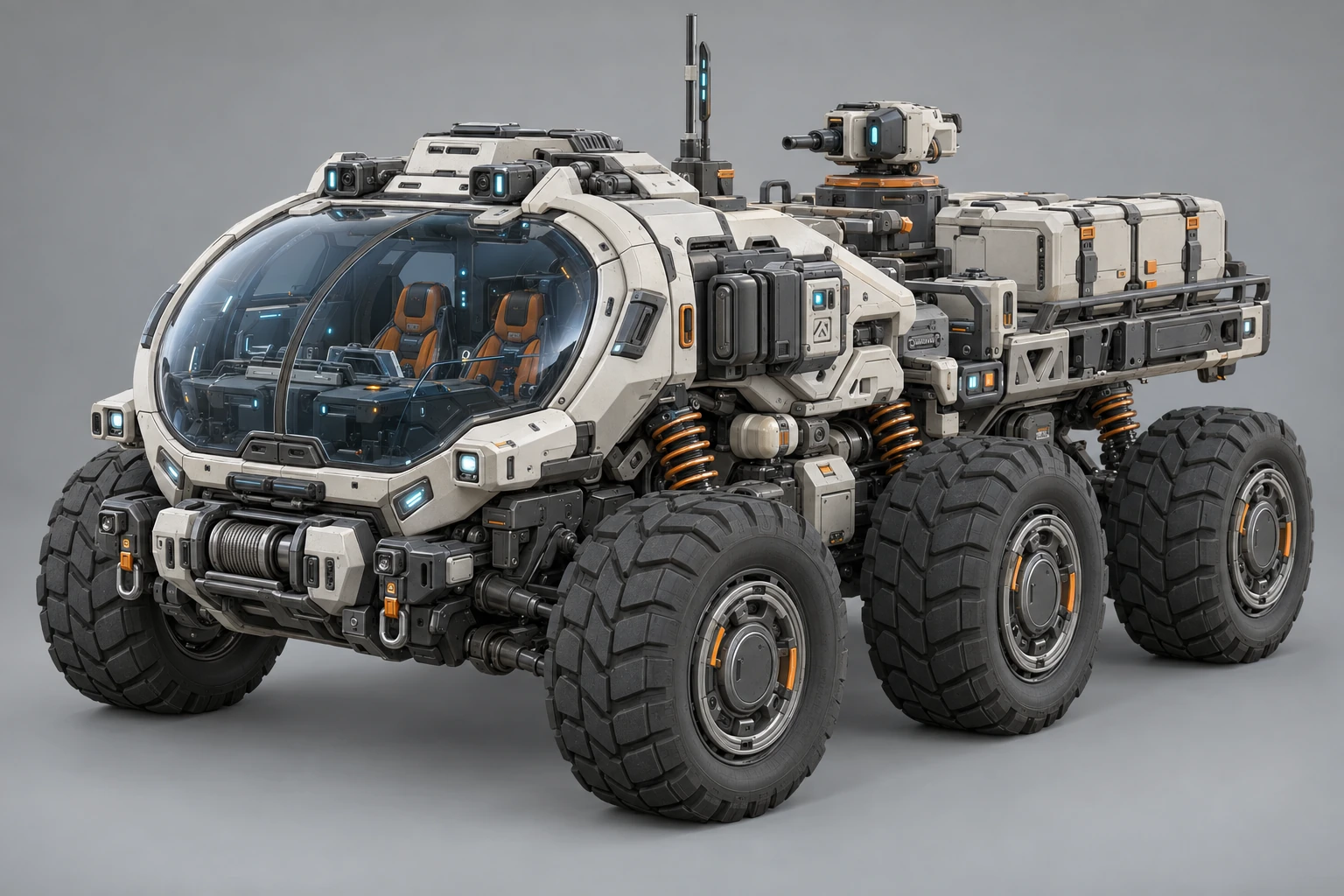
01 / Concept
Find the silhouette.
The rover’s shape, equipment and expedition character begin
in a Scenario image generation.
GPT Image 2.5 SunburstOpen model
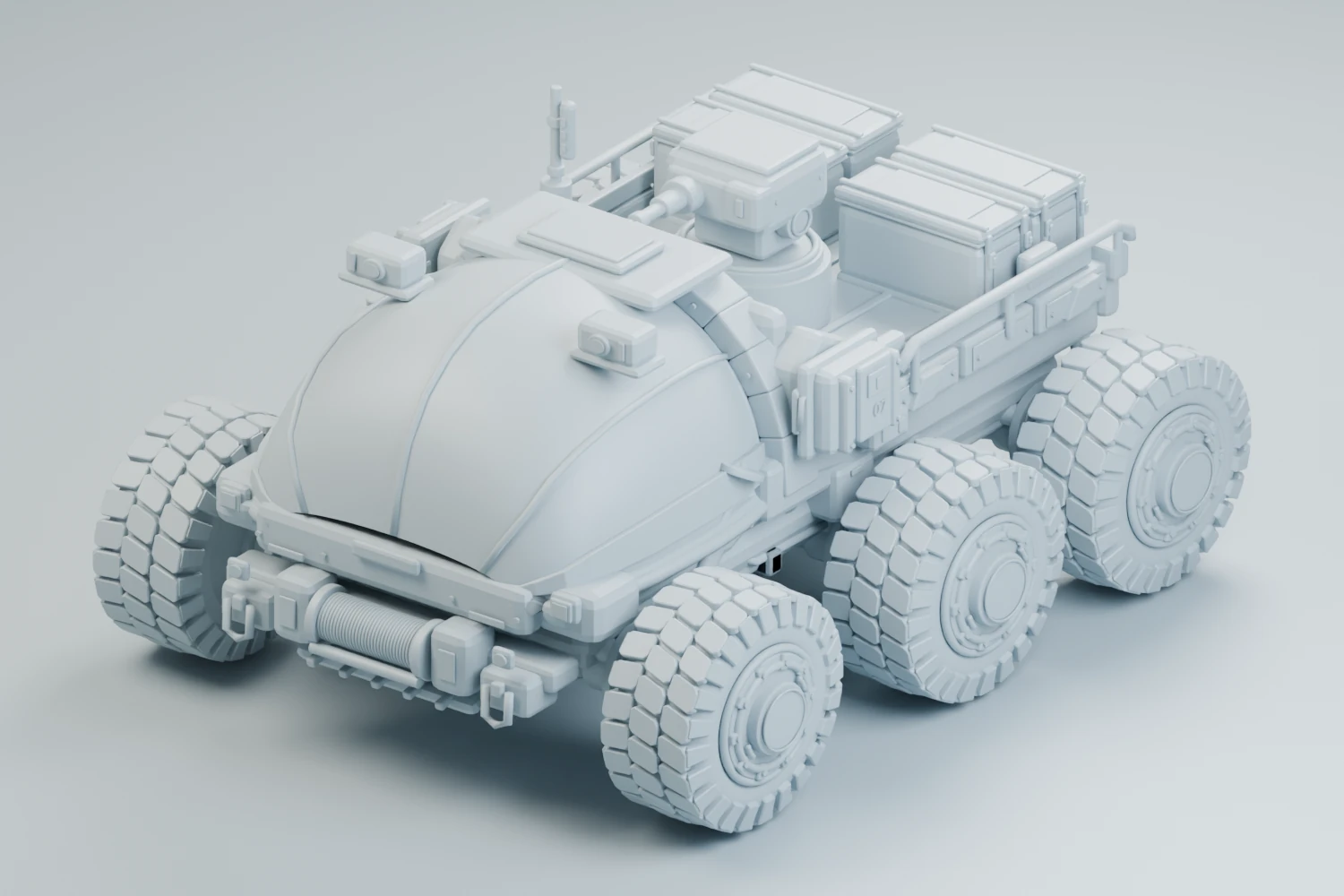
02 / Geometry
Make room for possibility.
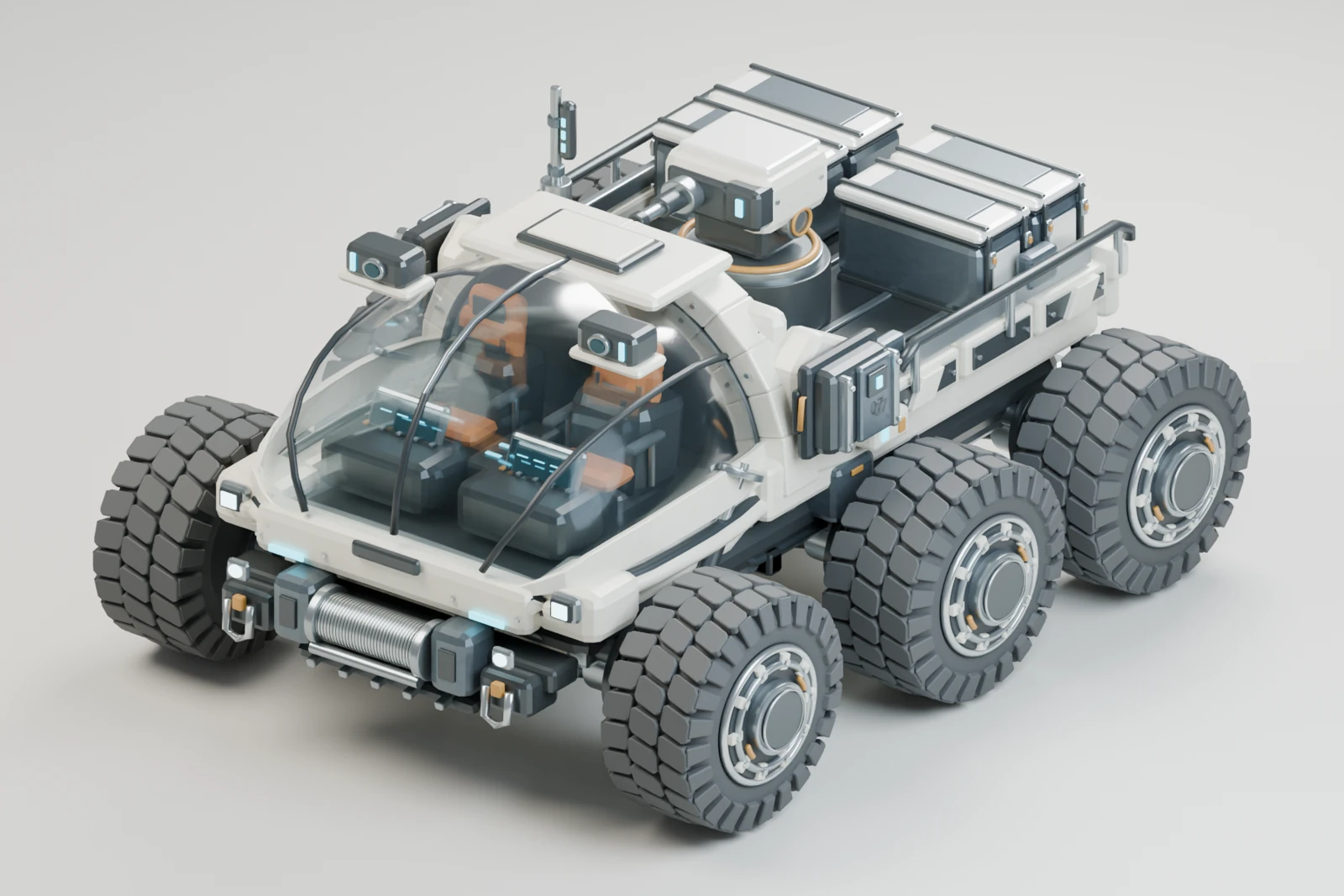
Scenario reconstructed separate named parts from the
concept. This generated mesh became the starting point for
the locally authored modular kit.
GPT-6 Astra 3DOpen model
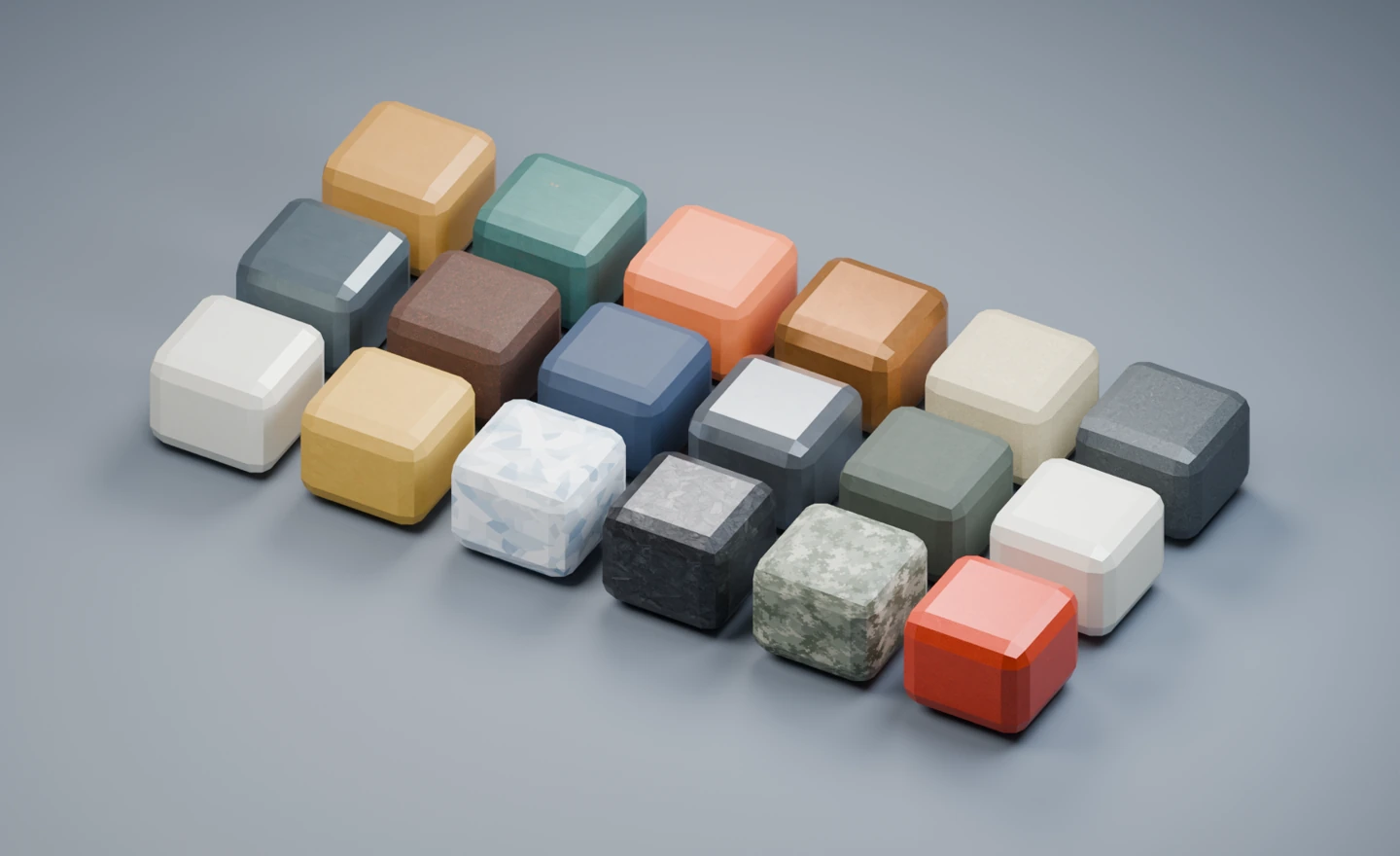
03 / Materials
Give it a life outside.
Six coordinated finishes combine eighteen generated textures
across the body, equipment panels and accent trim.
Scenario TextureOpen model
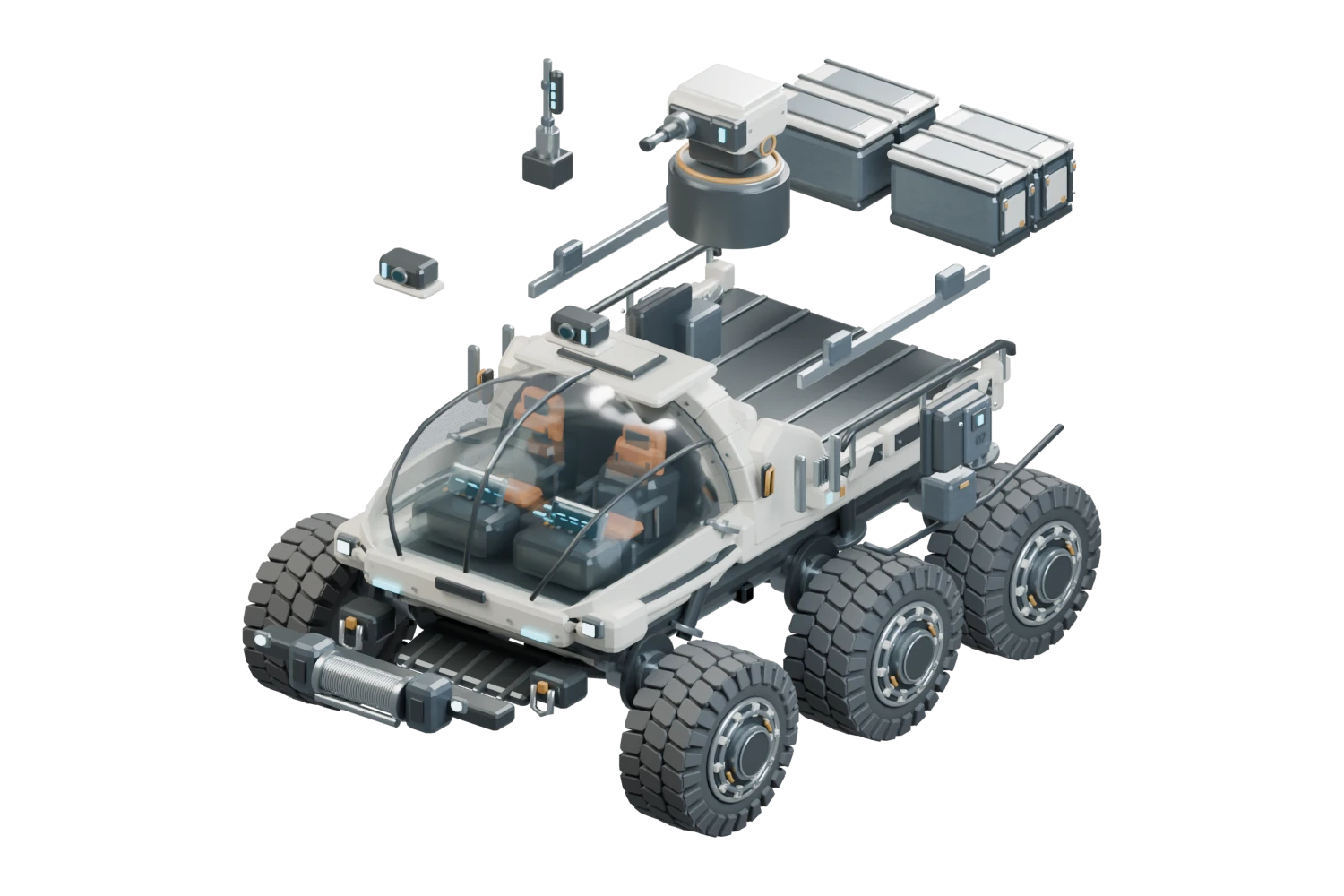
04 / Assembly
Build your own expedition.
Eight mechanical systems offer 24 equipment choices; Paint
is the ninth system. The three wheel sets retain eighteen
independently pivoted wheels. Six fixed supports remain in
the base, with springs physically removed from the viewer,
GLB and Blender source.
Scenario Blender Studio + BlenderOpen in Scenario
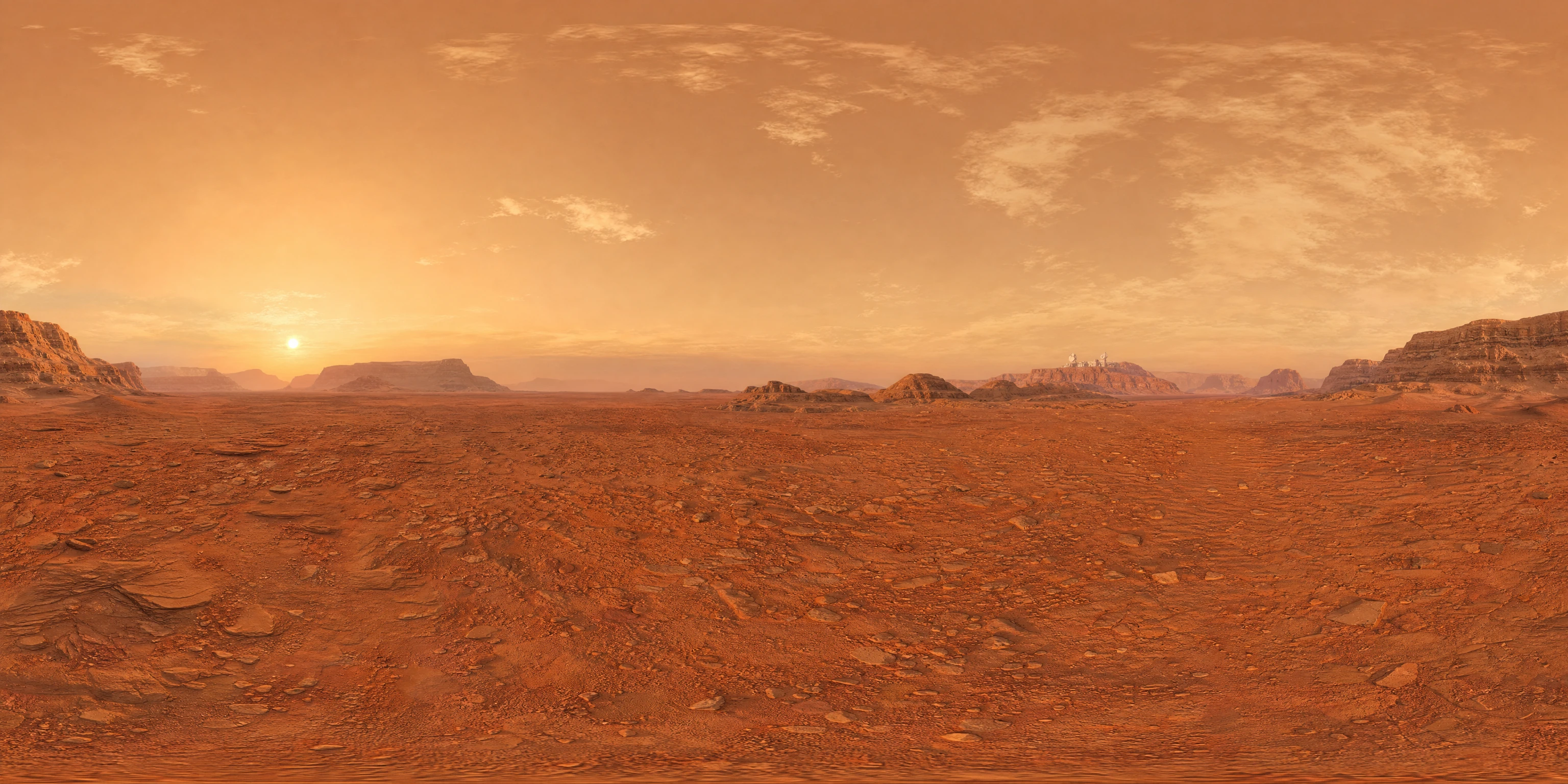
05 / Worlds
Give the expedition a horizon.
Seven Scenario Skybox GPT panoramas give the expedition a
horizon. Europa adds Skybox Flux seam correction; Titan uses
Skybox Upscale refinement. Local ground projection and
lighting place the rover inside each scene, loaded only when
selected.
Scenario Skybox GPT
Open model
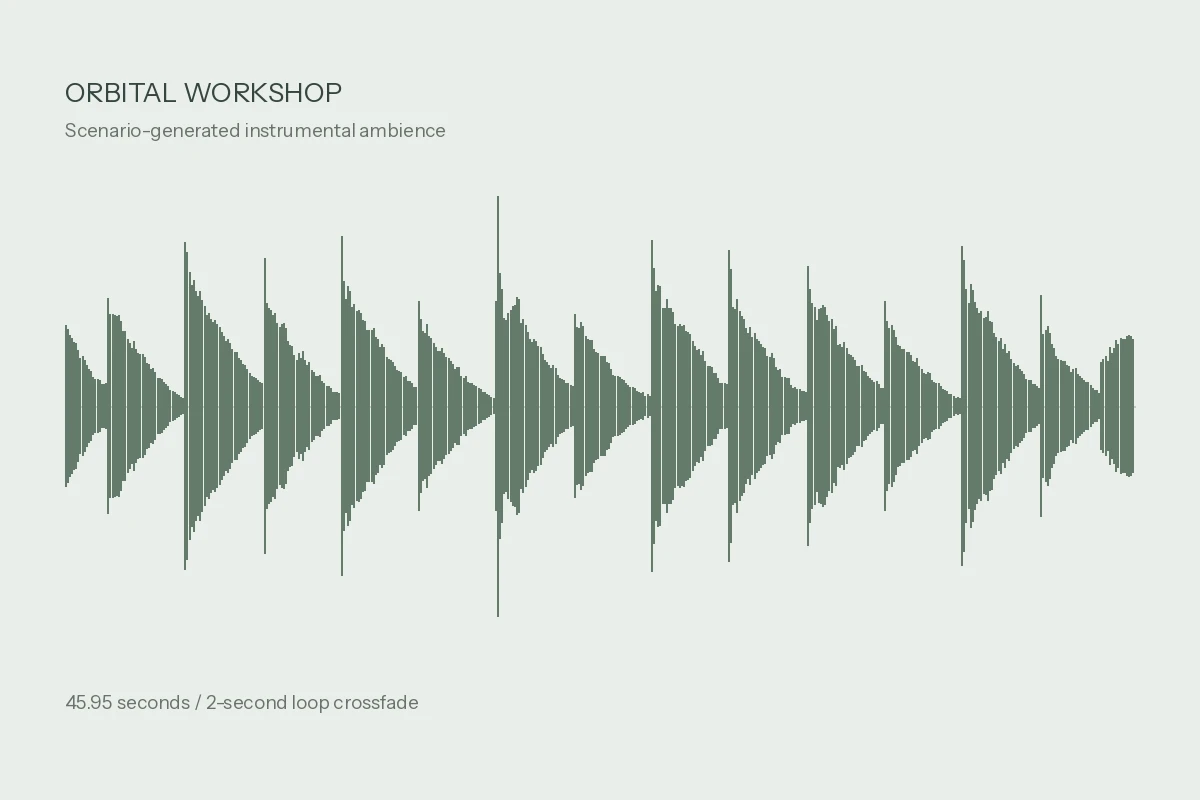
06 / Sound
Set the workshop’s rhythm.
Seven instrumental tracks set the pace: the original orbital
ambience and six rhythmic alternatives. ElevenLabs, MiniMax,
ACE-Step 1.5 Quality, and Sonilo create the music through
Scenario. An equipment click adds tactile feedback, and
local processing prepares every track for playback.
4 music model families + equipment sound
Take the workshop with you.
Start with the complete kit, or explore the original assets by
category. Download the reusable agent skill to build your own
vehicle workshop. Local downloads open without an account.
To create your own, install Scenario’s skills and connect
Scenario MCP, then install the Rover skill. The quickstart
includes the commands, Blender requirements and example prompts.
The complete kit includes the current models, all optimized
textures, worlds and audio, plus the skill, prompts, recipe and
PDF. The web application is not included. Original images are in
the category packs. Replaying source jobs in Scenario requires
access to the original project.
Create yours with Scenario ↗