
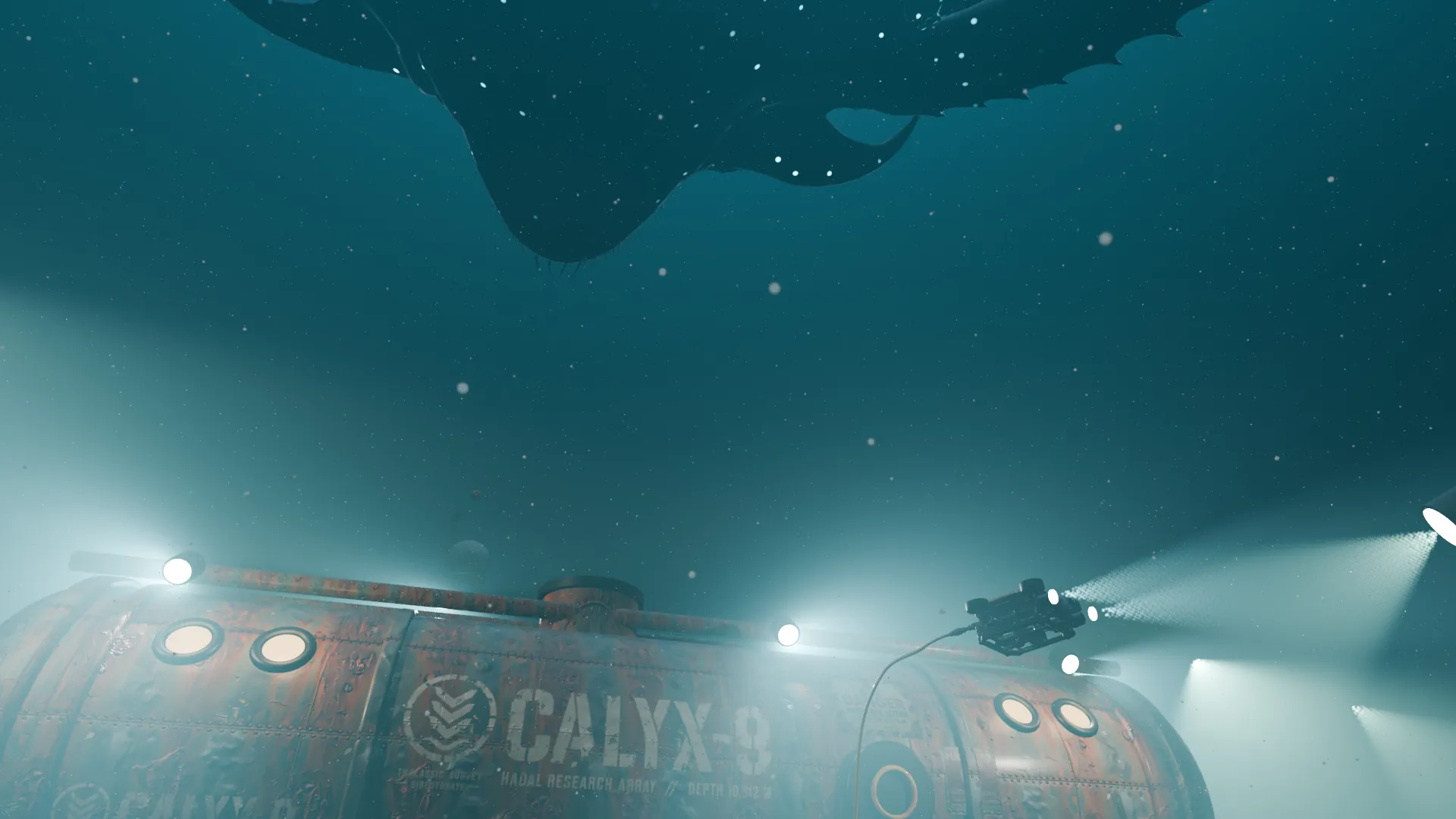
A SCENARIO EXPLORATION · DEEP-SEA HORROR · 0:30
HADAL
A rusted research station at 10,912 metres. A drone searchlight catches something moving. Then, one by one, the lights die.
One prompt. One agent, Claude Opus 5.5, built it in Blender in 84 minutes, with Scenario making the station parts, the creature, the materials, the markings and the sound.
01 / THE FILM
Three shots.
Thirteen lights.
A slow push past a whale skeleton under stuttering floodlights. A drone sweeping the hull until its beam finds a head. A 50-metre animal passing overhead as the station goes dark. Sound on.
02 / ONE PROMPT
No follow-ups.
No one to ask.
The agent ran headless on one Mac with Blender 5.2, the Scenario Blender Plugin and the Scenario MCP. It made every decision itself, from the station's name to the final mix.
“HADAL. 30 seconds, three shots. Underwater science-fiction horror, murky photoreal with volumetric light and drifting marine snow. Shot 1: a lone research station on the sea floor, its lights flickering. Shot 2: a small inspection drone's searchlight sweeps the rusted hull and its invented markings, then catches something moving. Shot 3: a colossal bioluminescent creature of your own design glides overhead, its lights pulsing, and the station's lights die one by one.”
The brief, from the prompt the session received
- 84 min
- one session, render included
- 27
- Scenario generations
- 8
- Scenario analysis and prompt calls
- 1,652.75
- credits (CU) charged
03 / WHAT SCENARIO MADE
Concept, then mesh,
then the scene.
Scenario's recommend tool chose the 3D models. Each concept became a textured mesh that replaced a grey blocking proxy in the scene. Turn them here.
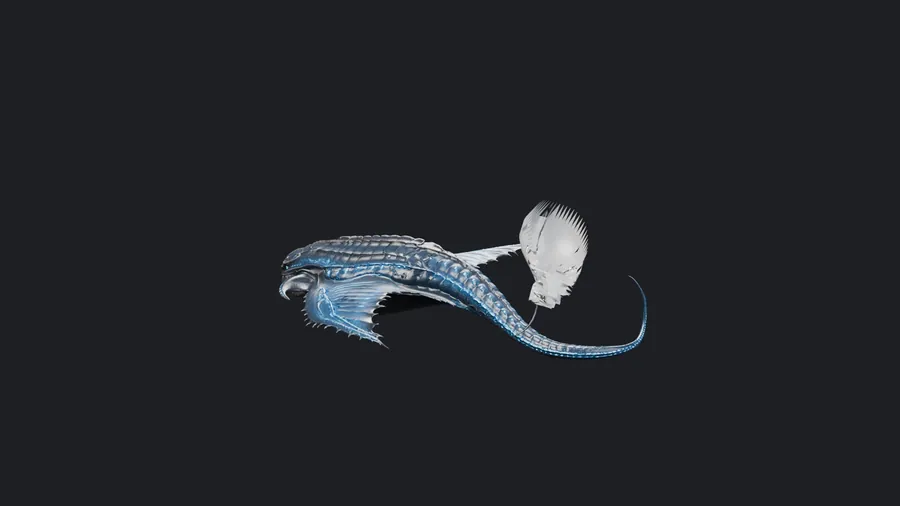
Drag to turn · scroll or pinch to zoom
The meshes as Scenario delivered them, reduced for the web (textures at 1024 px, hard-surface meshes to about 60,000 triangles). Checked with Asset caption before the 3D spend; bound into Scenario Blender Plugin asset slots in the scene.
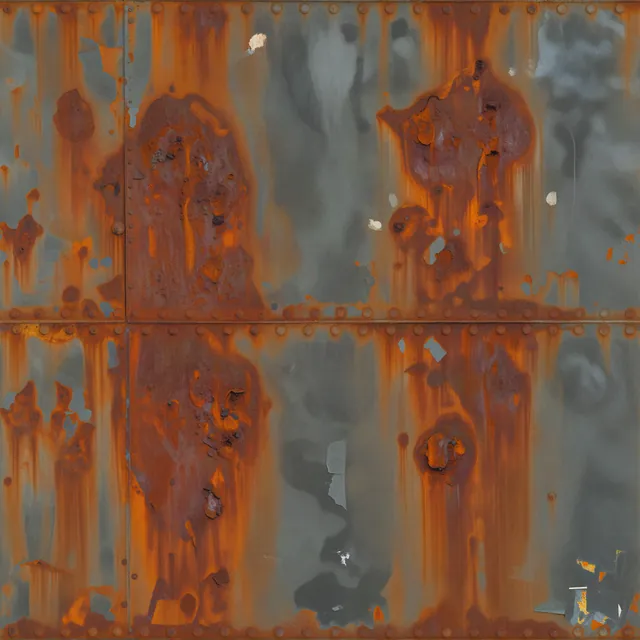
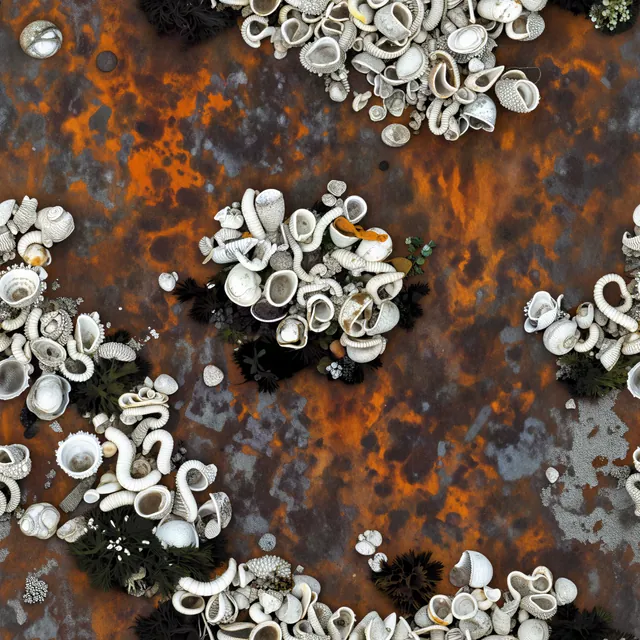
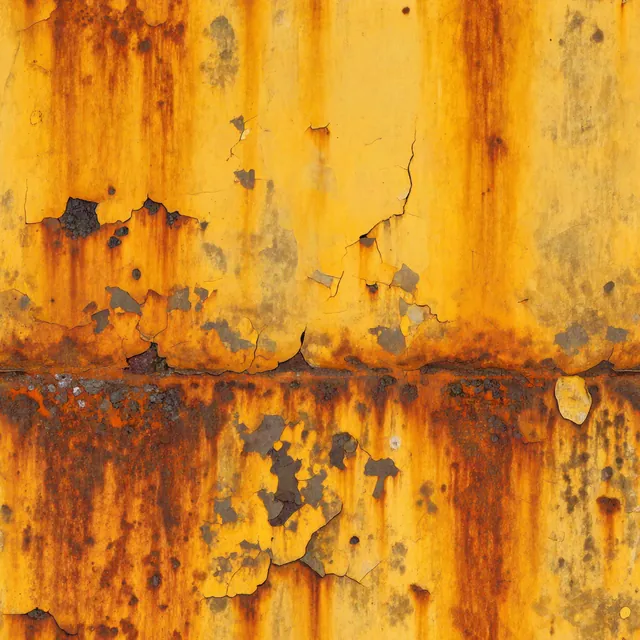
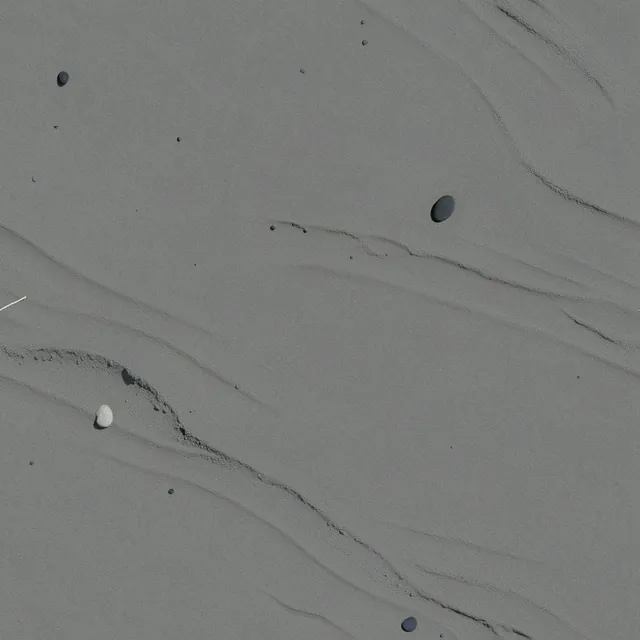
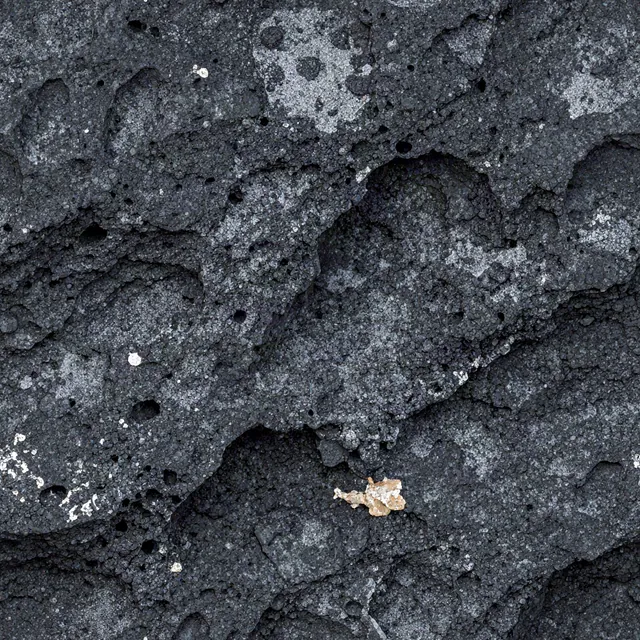
Five corroded materials
PATINA Material generated each full PBR set; the plugin's PBR function applied them. The session then blended barnacles into the lower hull and added a wet coat.
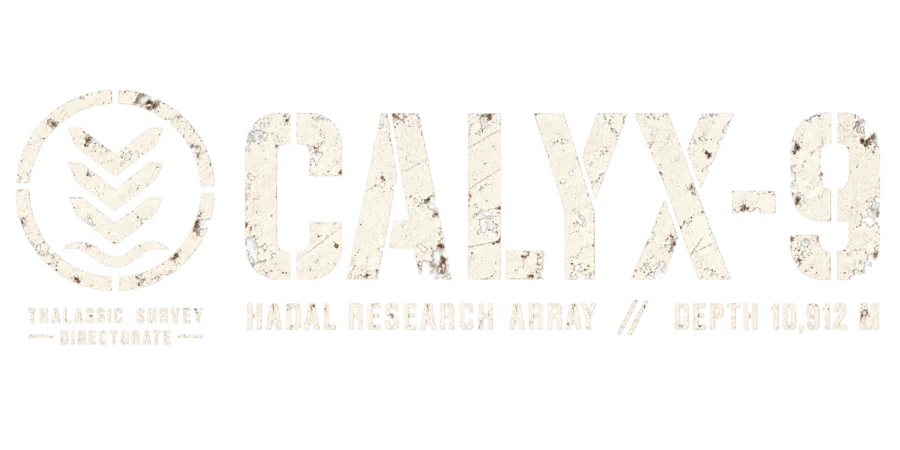
Invented markings
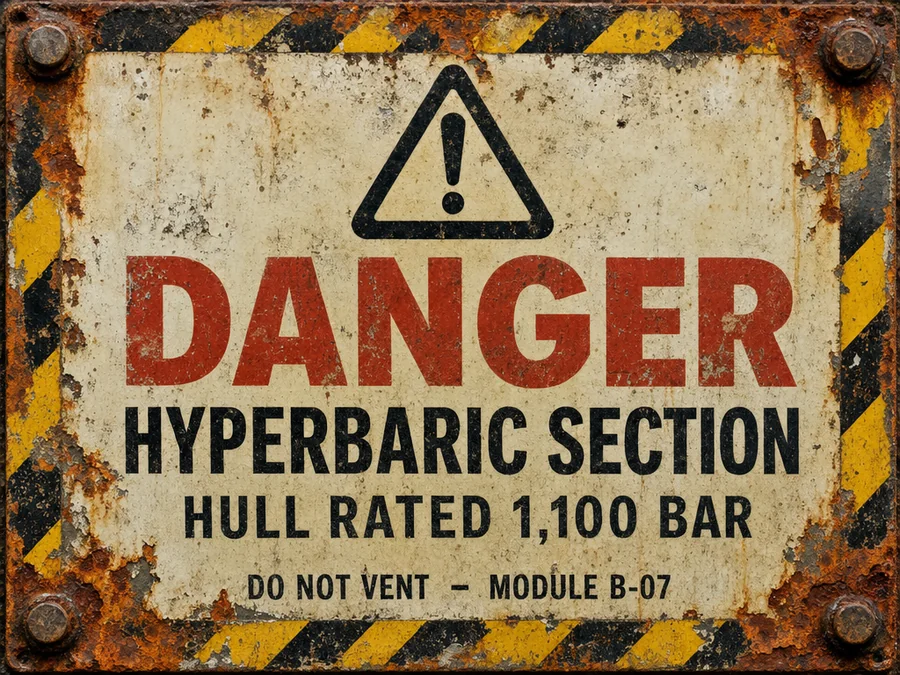
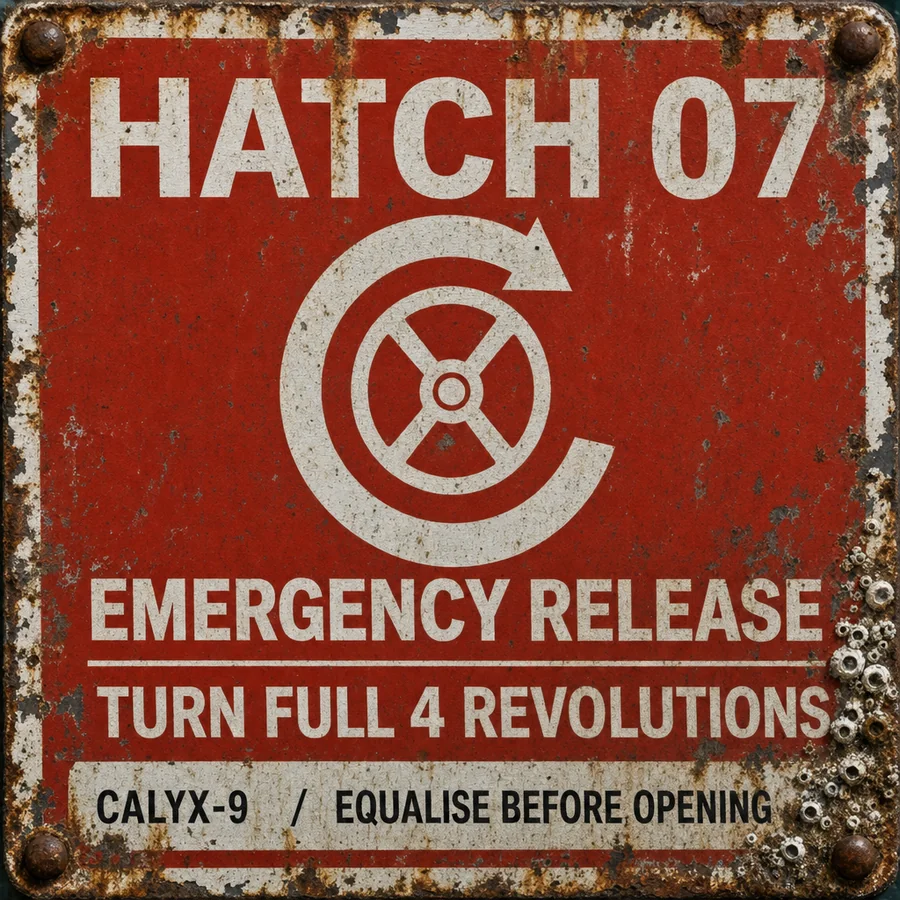
GPT Image 2 drew the Thalassic Survey Directorate's stencil and two plates; they became curved decals on the hull, and Scenario's analysis later read the text back correctly from the final frames.
04 / CLAY TO FINAL
Same camera.
Same frame.
Geometry, cameras, lights and animation were written in Python in Blender. Drag to see the scene without its materials, lights and water.
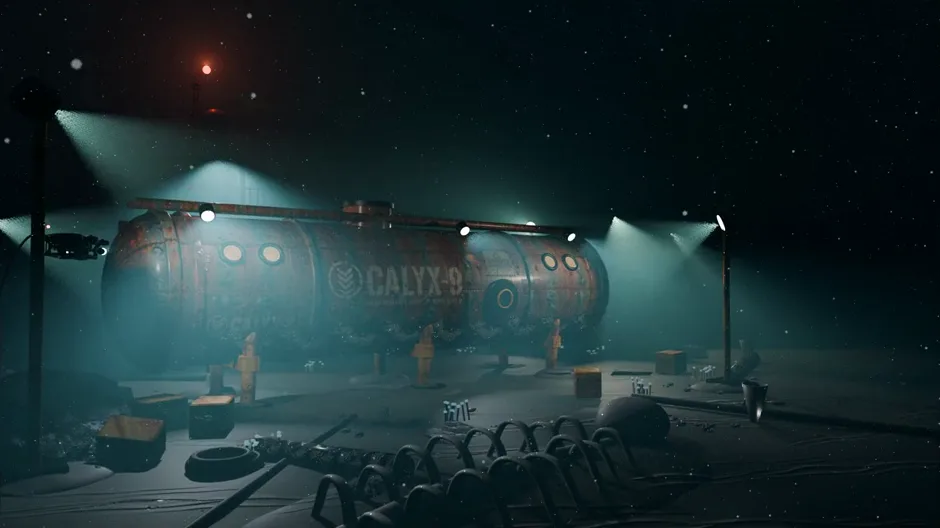
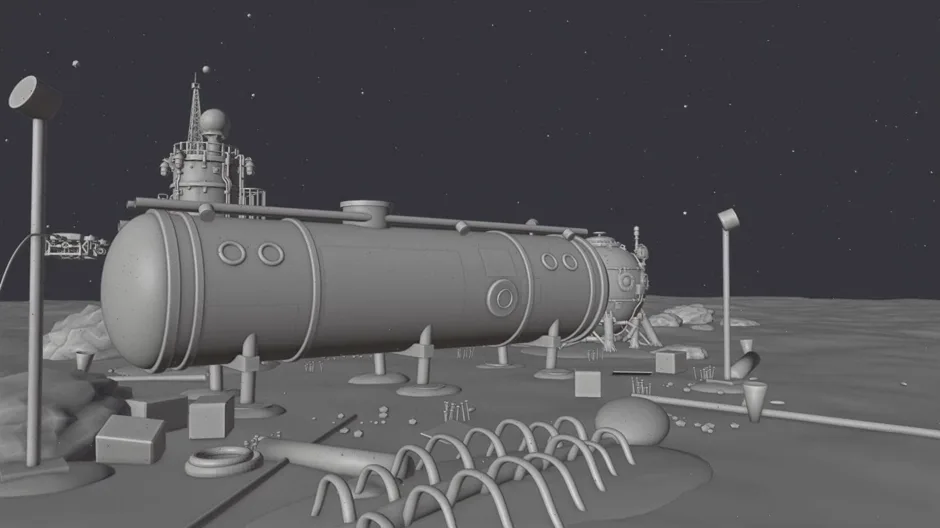
Drag the divider, or focus it and use the arrow keys.
05 / THE REVIEW LOOP
It looked at its own work.
Then changed it.
The agent opened its test renders and sent them to Scenario's analysis tools. Every note below changed the scene before the final render.
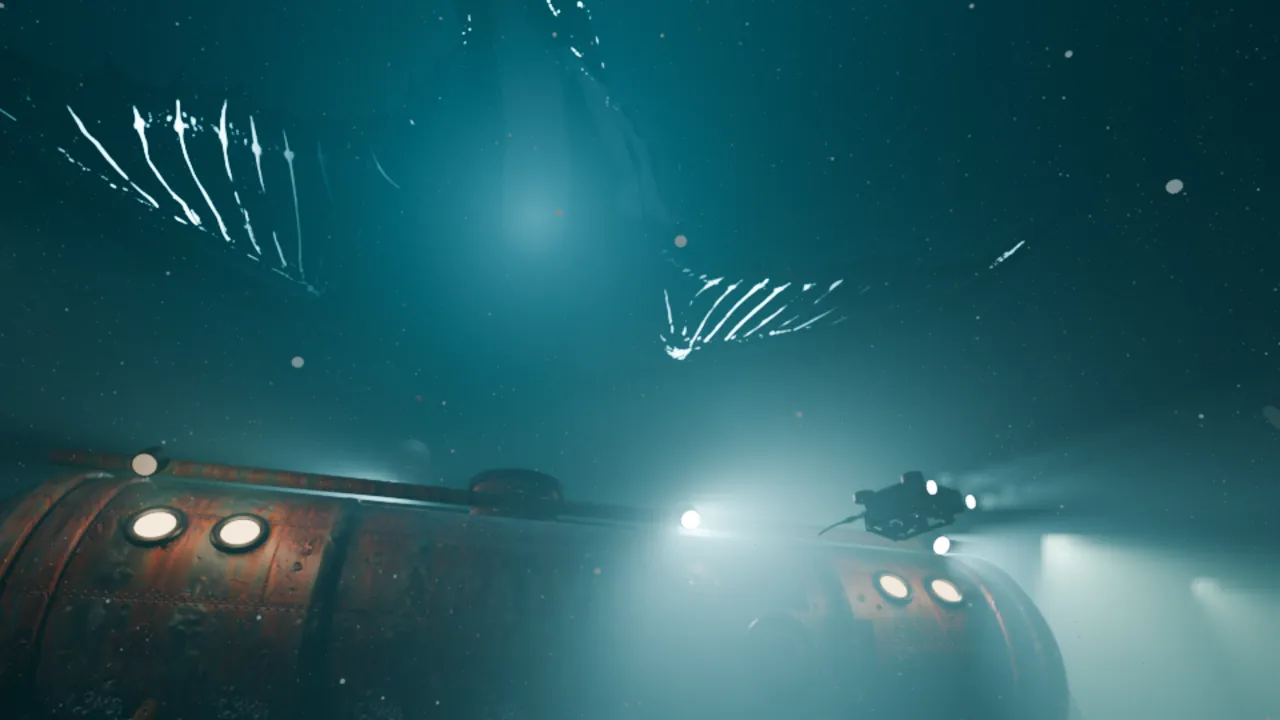
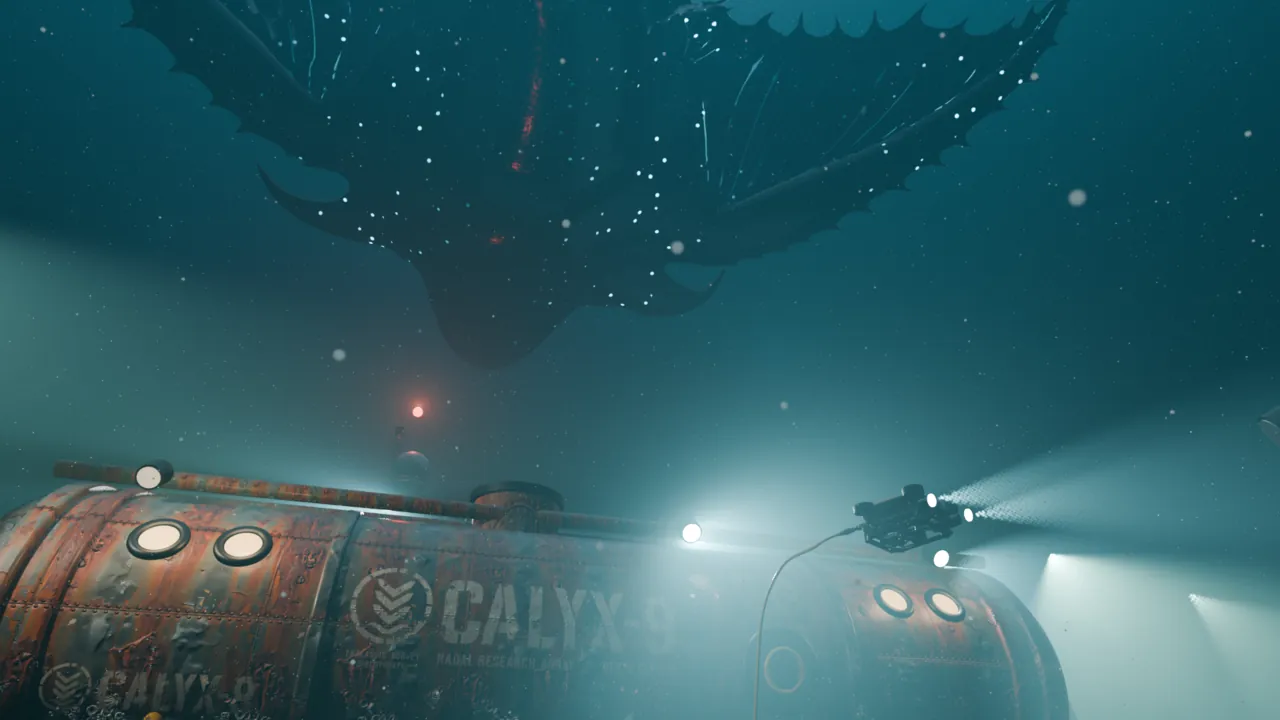
- Scenario asset analysisMarine snow too uniform, seabed too flat, creature lost in the dark, hull too dry.Depth of field on all three cameras, silt drifts and debris around the station, a half-buried whale fall, a brighter downwelling glow in shot 3, a wet coat on the steel.
- Quality GateShot 3 test: pass, 98 out of 100. Final shot 2 frame at high sensitivity: 86, with one flaw, a drone cable ending in mid-air.A slack tether now drops from the drone into the silt, and the whole film was rendered again.
- Asset detect, depthThe creature separates cleanly from the station and the far water.Silhouette layering confirmed, no change.
- Asset describe“Submerged Industrial Dystopia: moody underwater lighting, rusted metal, cold blue-green hues, eerie isolation.”The intended mood, no change.
06 / THE SOUND
A drone, a piano,
and ten sounds.
ElevenLabs Music v2 wrote the score: a sub drone, low strings and sparse detuned piano in D minor. ElevenLabs Sound Effects 2 made nine effects, placed in a 35-cue mix on frame times, down to a breaker power-down for each dying light.
07 / THE BUILD
84 minutes
in eight seconds.
The agent recorded its own timelapse while it worked: 186 frames from one fixed camera, each stamped with the step it had just finished, from grey blocking to the last light.
08 / MAKE YOUR OWN
Take the pipeline.
Bring your own dark.
The skill packages this workflow for an agent connected to the Scenario MCP: plan the shots, turn concepts into slotted meshes, surface with generated materials, review renders, and score to the frame.
scenario-blender-short-film
SKILL.md, the shot and review references, and the tested scripts: timelapse stamping, the cue-sheet mixer and the final encode.
Download the skill ↓ PDF · ILLUSTRATEDThe making-of
The brief, the assets, the clay scene, the review notes and what they changed, the sound, and the receipt.
Read the making-of ↗ VIDEO · 1:45 · NARRATEDHow it was made
Ten chapters: the prompt, the tools, the station, the creature, the surfaces, the review, the Quality Gate, the sound and the receipt.
Download the video ↓Your station, your creature, your thirteen lights.
Make yours