0 of 6 built
Build your island town
Pick a building below, then tap an outlined lot.
Where should the house go?
A Scenario exploration · playable
Six empty lots.
One tiny town.
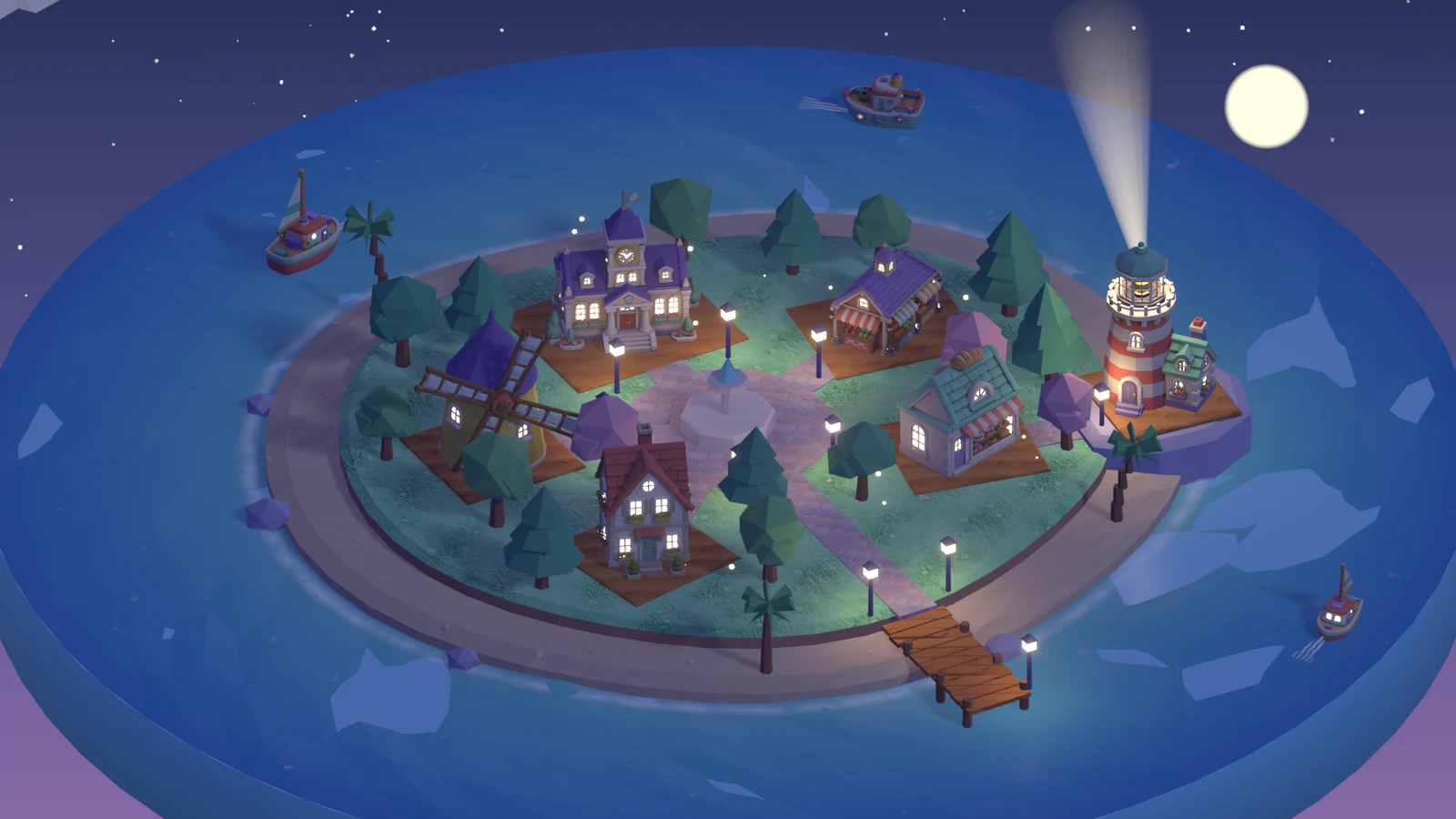
Every building and boat on this island began as a Scenario concept image and became a 3D model. Place them your way, then let night fall.
Sound comes on when you start. Drag to turn the island, pinch or Ctrl + scroll to zoom. Scroll down for the models.
The 3D view stopped.
Watch the film instead01 · The models
Every piece of the town,
from a picture to a mesh.
GPT Image 2 drew each building and boat in one pastel low-poly style. Tripo 3.1 turned every image into a textured model. Turn them, zoom in, compare them with the image they came from.
Loading models…
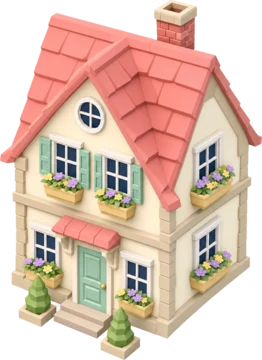
House
02 · How it was made
One prompt. 64 minutes.
Nobody to ask.
Claude Opus 5.5 ran alone and headless on one Mac with Blender 5.2, the Scenario Blender Plugin and Scenario MCP. It built, animated, scored and rendered a 15-second film, then wrote its own notes. The island above is rebuilt in the browser from that session's scripts, models, textures and sounds.
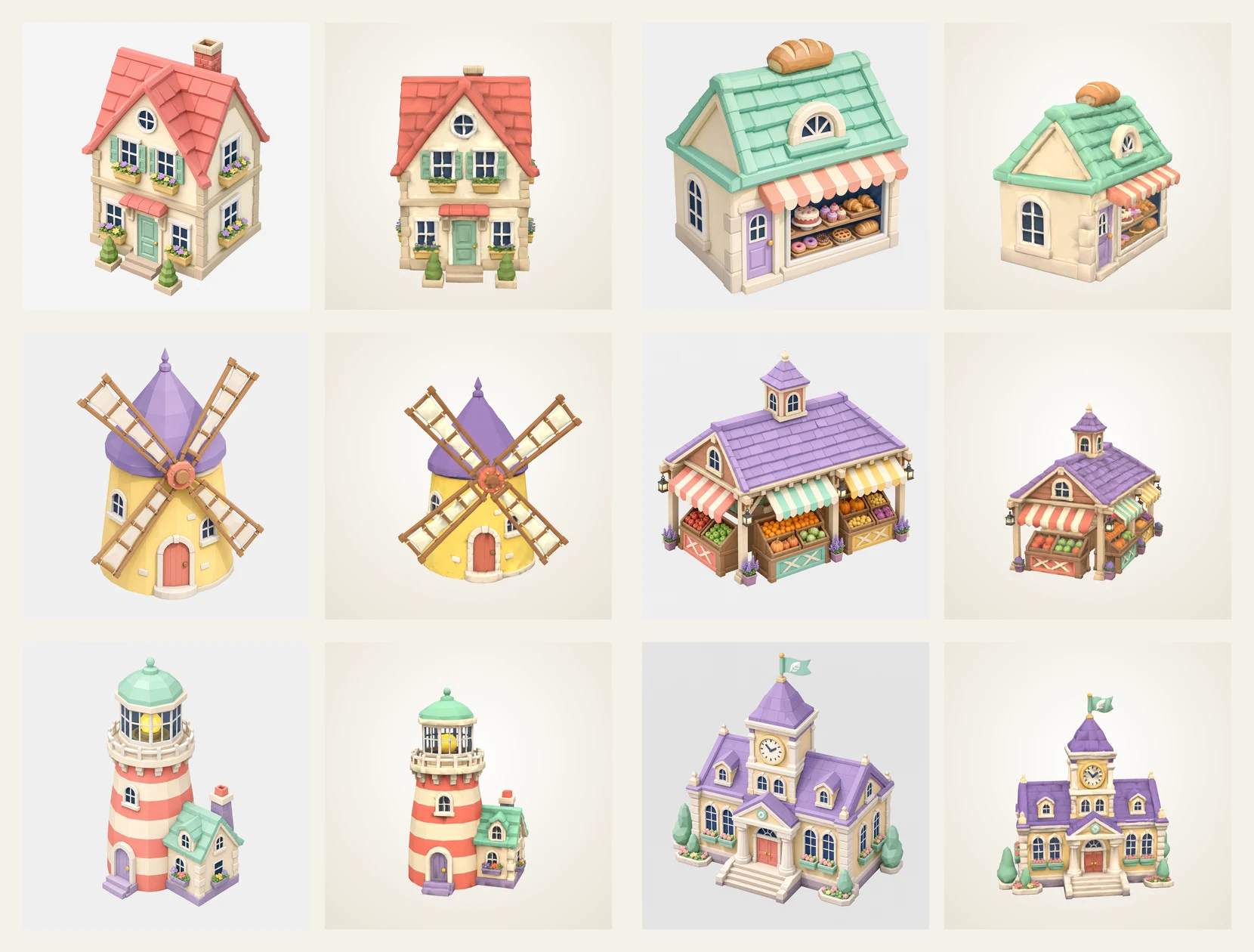
Concepts, then models
GPT Image 2 drew six buildings and two boats. Tripo 3.1 made each into a textured mesh; Hunyuan 3D 3.1 Pro ran on three as a comparison, and Tripo kept the crisper facades. Two GPT Image 2 edits split the windmill into a tower and a rotor, so its sails can turn.
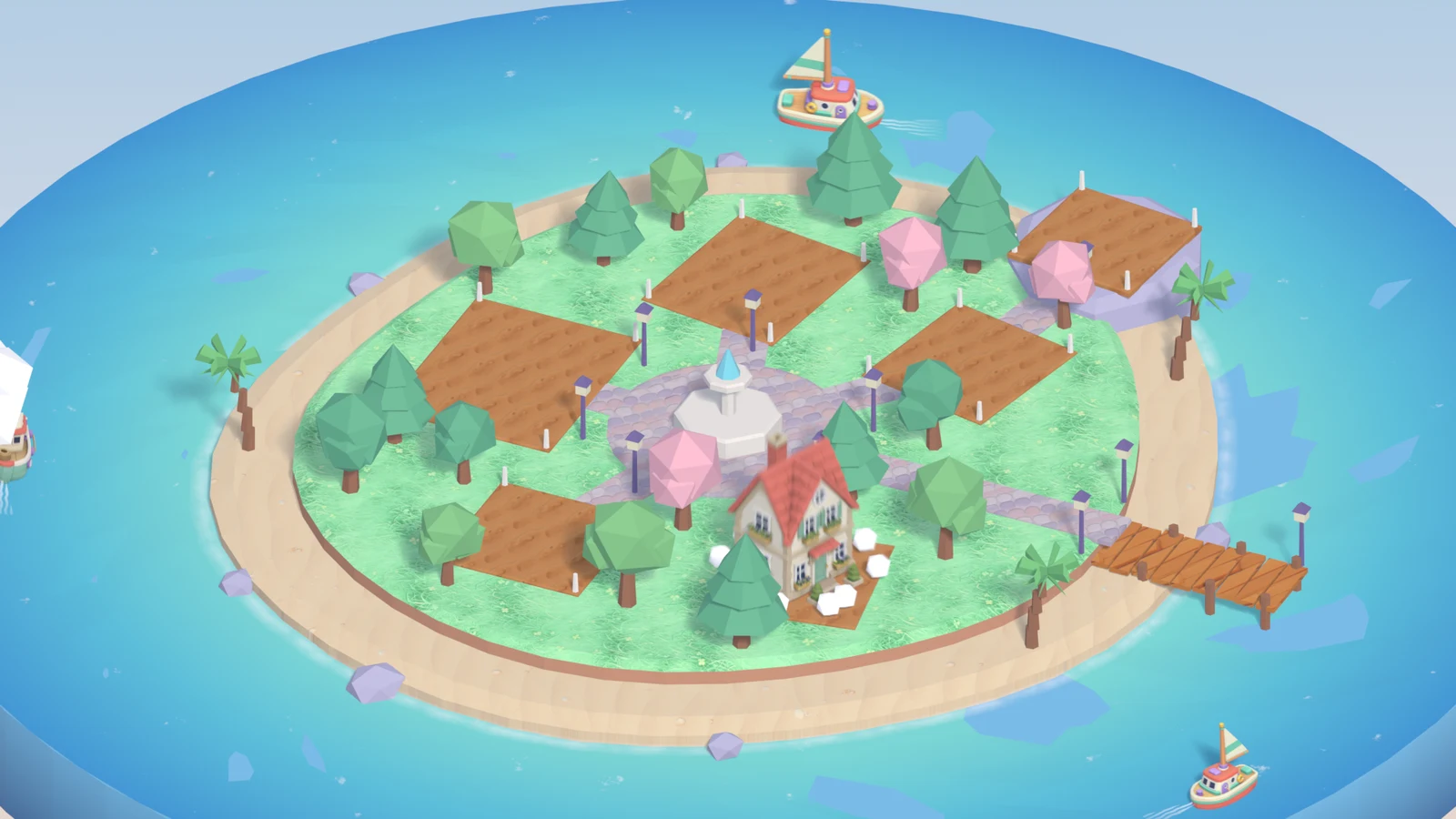
Asset slots and pops
The Scenario Blender Plugin bound every model to a box on its lot, fitted and bottom-aligned. The squash-and-stretch pop is keyed on the slot, so any model can be swapped in. This page plays the same keys.
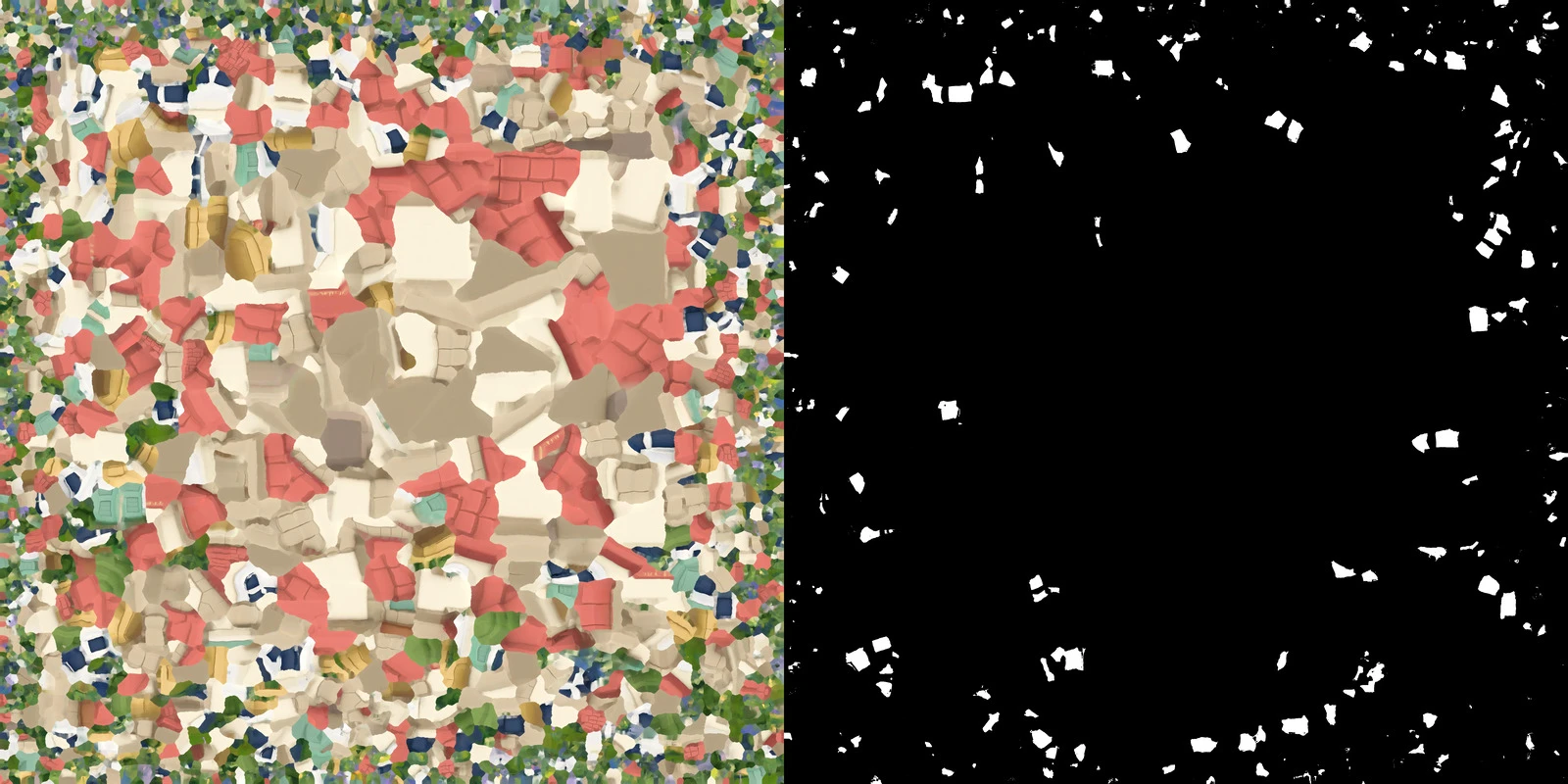
Night from the textures
Every concept prompt asked for dark navy window glass. At night a colour key picks those pixels out of each generated texture (1 to 7 % of it) and makes them glow warm. No mask was painted by hand; this page runs the same key in its shader.
Ground, sound and review
PATINA made the grass, sand, cobbles, planks and soil. ElevenLabs made the marimba music, pops, chimes, night shimmer, crickets and waves. Scenario analysis critiqued the frames twice; its quality gate scored 88 by day and 98 for the final night frame.
- 64 min
- one session, render included
- 44
- Scenario generation and analysis calls
- 1,931
- credits (CU) charged
- 1.9 M → 28 k
- triangles per building, film to web
“ISLAND BUILDER. 15 seconds, one continuous shot. Casual mobile strategy game, pastel isometric low-poly style, orthographic camera. A tiny island town builds itself: empty lots pop into buildings one by one with bouncy squash-and-stretch… At about 10 seconds day turns to night: windows and lanterns light up, stars appear.”
From the one prompt the session received
Build your own
little world.
The skill packs this recipe for your agent: concepts, 3D models, asset slots, materials, sound and the night trick. You need Scenario and Blender.