A SCENARIO EXPLORATION · PROOF OF CONCEPT
Lamplight Deep
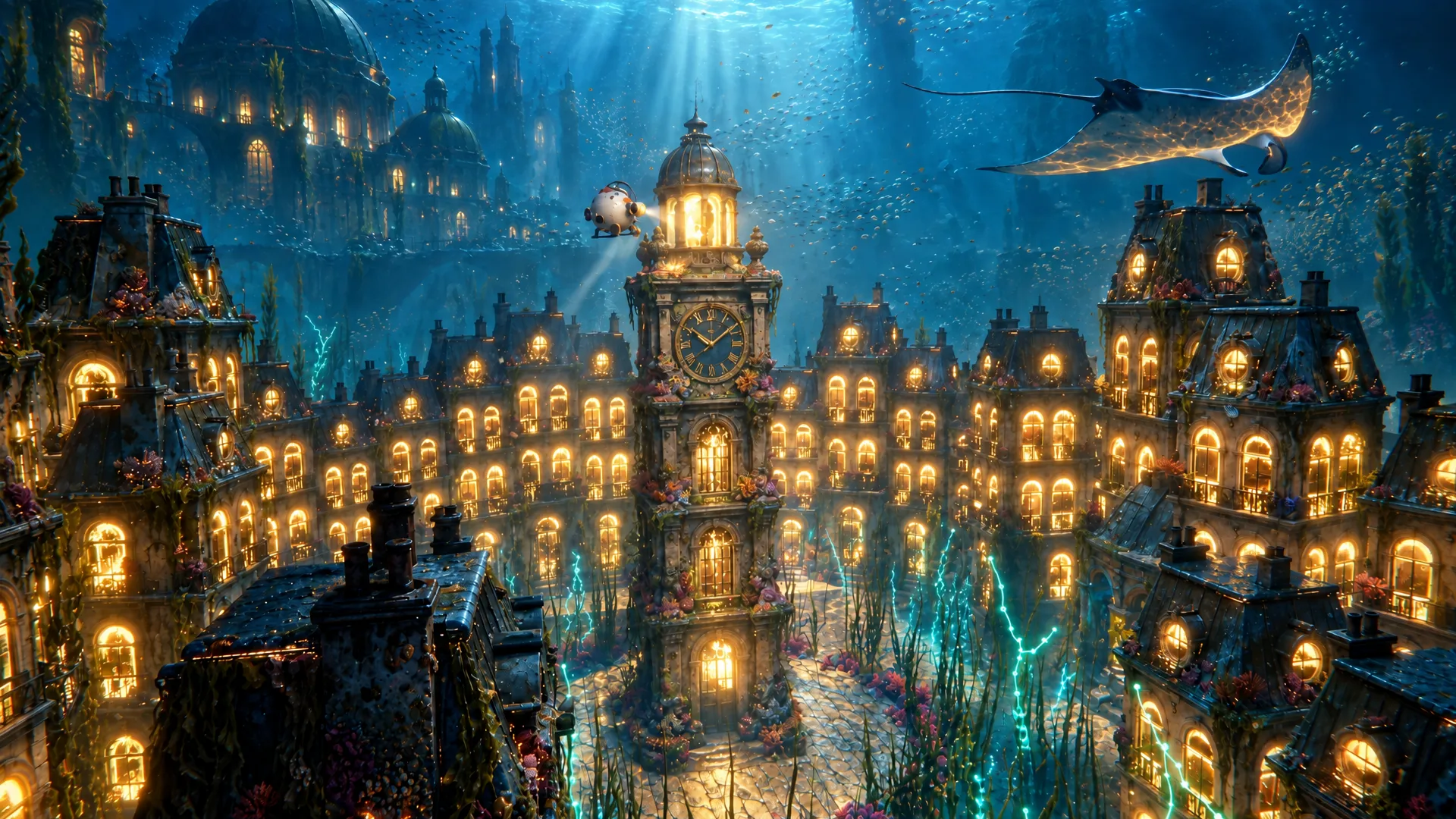
A small round submarine explores a drowned city at night. Each orb it collects lights up one street, until the whole city glows.
THE FILM
Twenty-eight seconds.
One orb, one city.
The submarine finds an orb, carries it through the drowned city and sets it on the clock tower. 16 shots, one Seedance 2.5 generation from the seven key frames. Sound effects by Sonilo V1.1 Video to SFX, which listened to the picture; score by ElevenLabs Music v2.5.
01 / THE SEVEN SHOTS
Collect the orbs.
Light the city.
Each orb is one shot of the film. Pick one, then switch between the agent's Blender render and the Scenario finish, which used that render as its reference and kept the camera, the layout and the light.
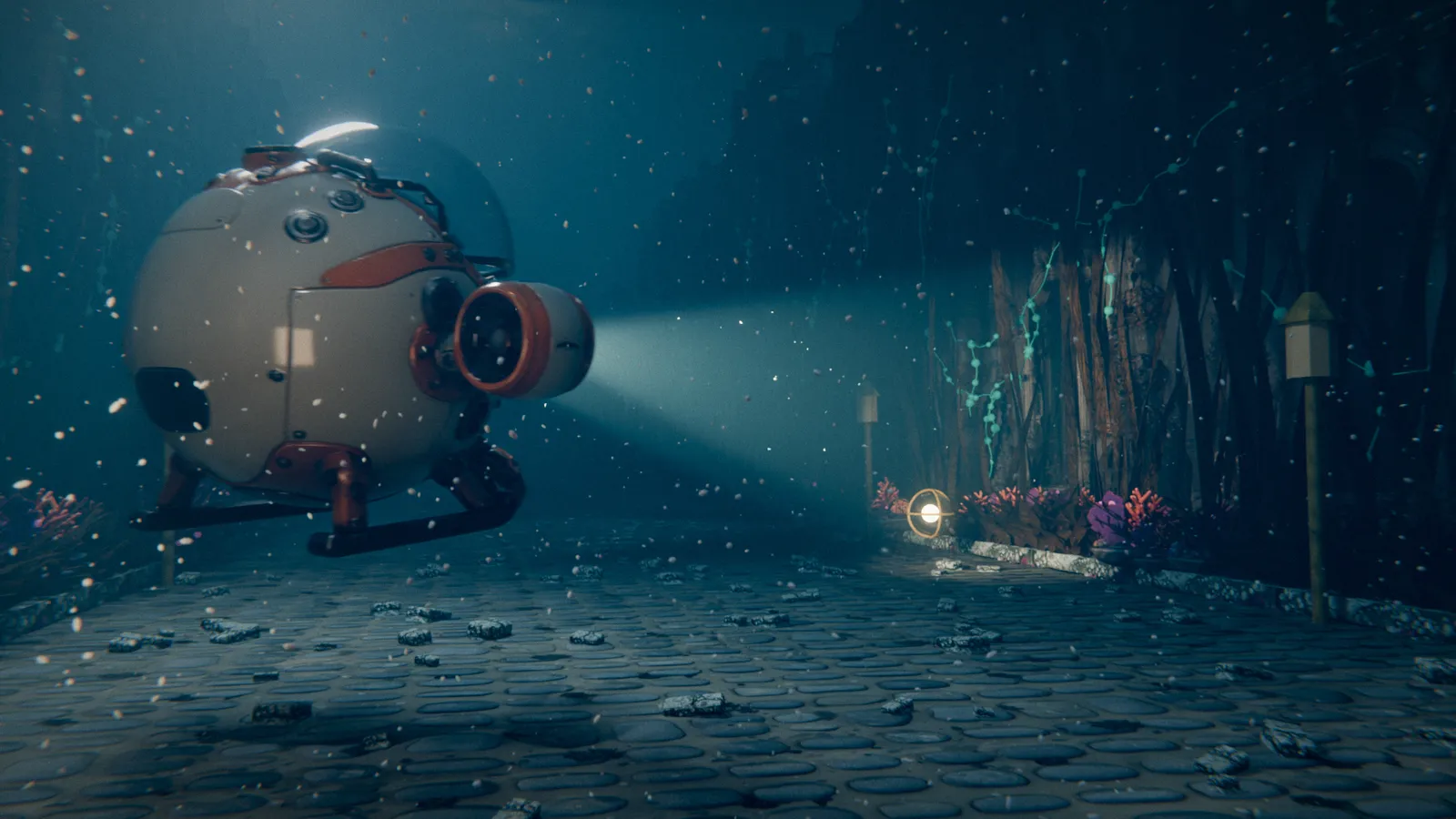
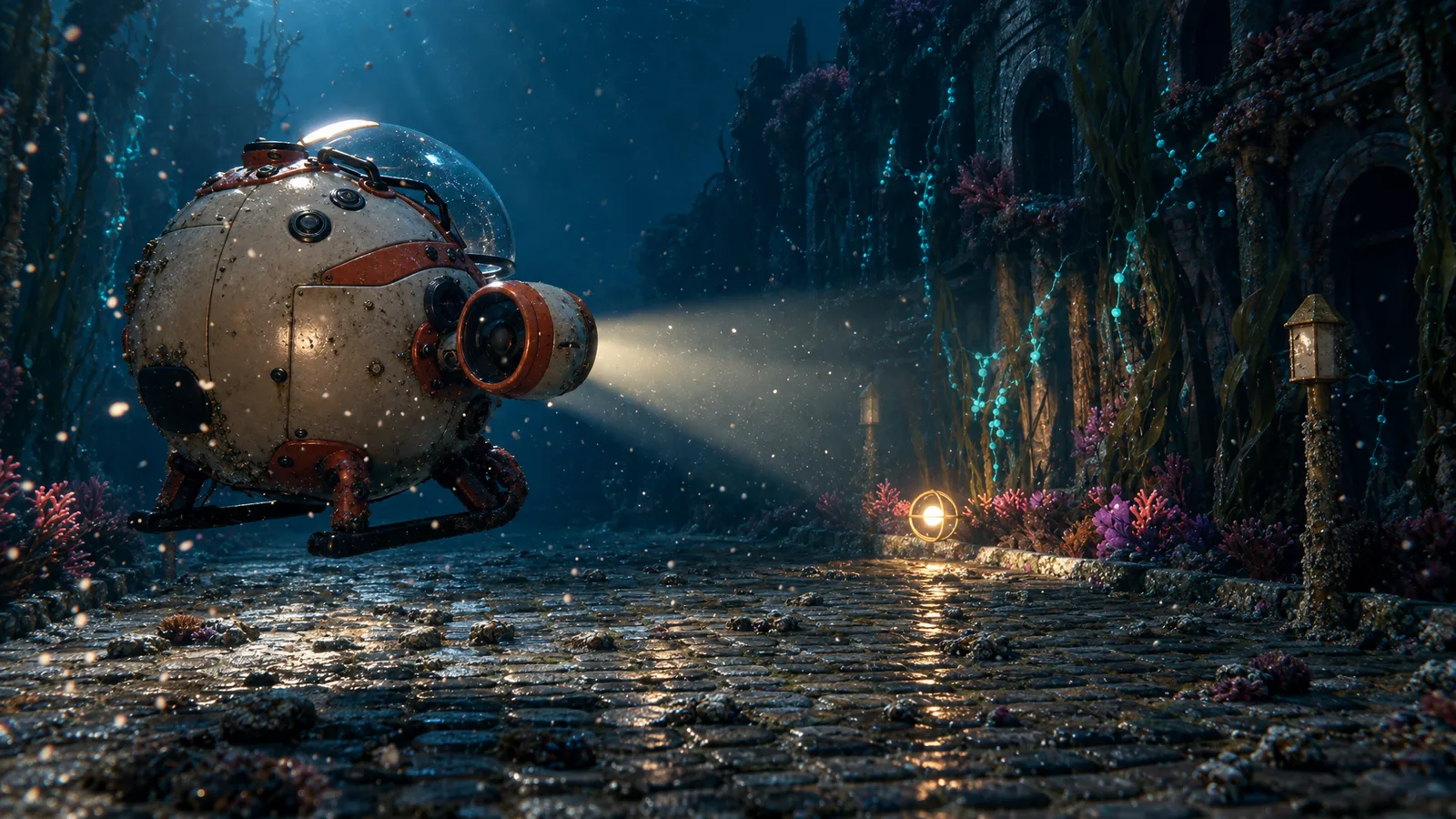
01 · The headlights find an orb
24 mm, low and behind. One hard beam through the murk, a caged orb glowing on a coral-crusted doorstep. No HUD on the first frame: it only asks what that light is.
Scenario review: Blender render 6/10, Scenario finish 8/10, “stops a scroll: yes”.
02 / THE FIRST MOVING SHOT
Five seconds.
Previs to finish.
Shot 3, the light racing down the street. The agent rendered a clean Blender previs, then asked Seedance 2.5 to re-render it with the shot-3 finish as a look reference and a crop of the submarine as a design reference. The game overlay is the exact Blender one, added afterwards so no text is ever redrawn.
5 seconds, sound on. The score is a sketch from ElevenLabs Music v2.5.
03 / WHAT SCENARIO MADE
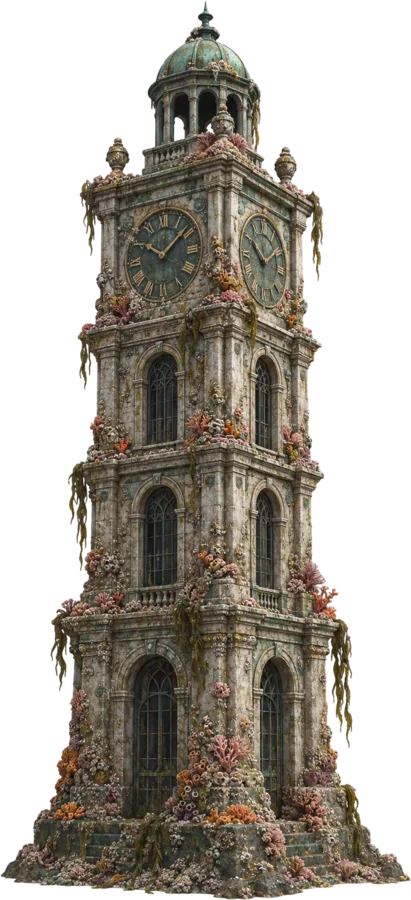
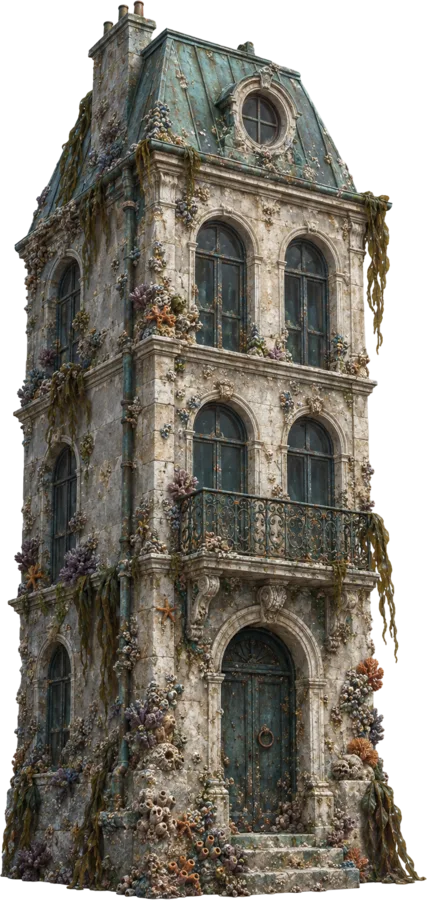
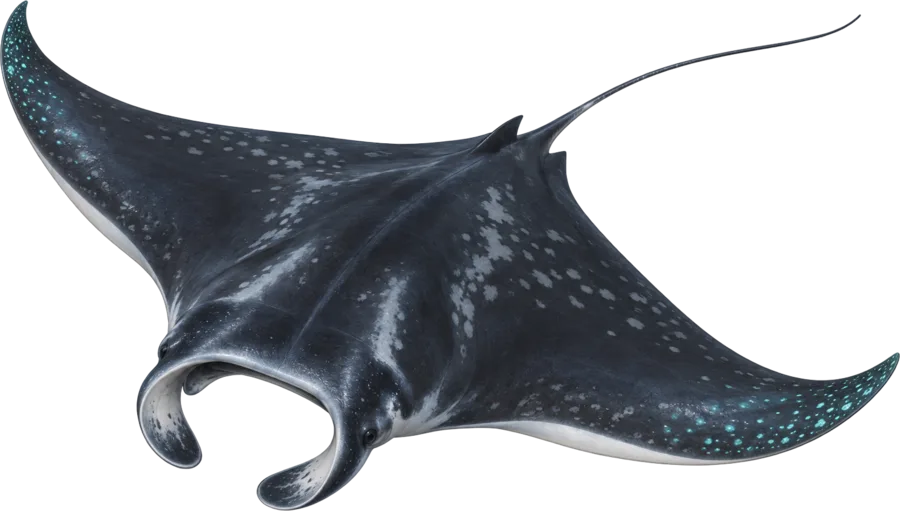
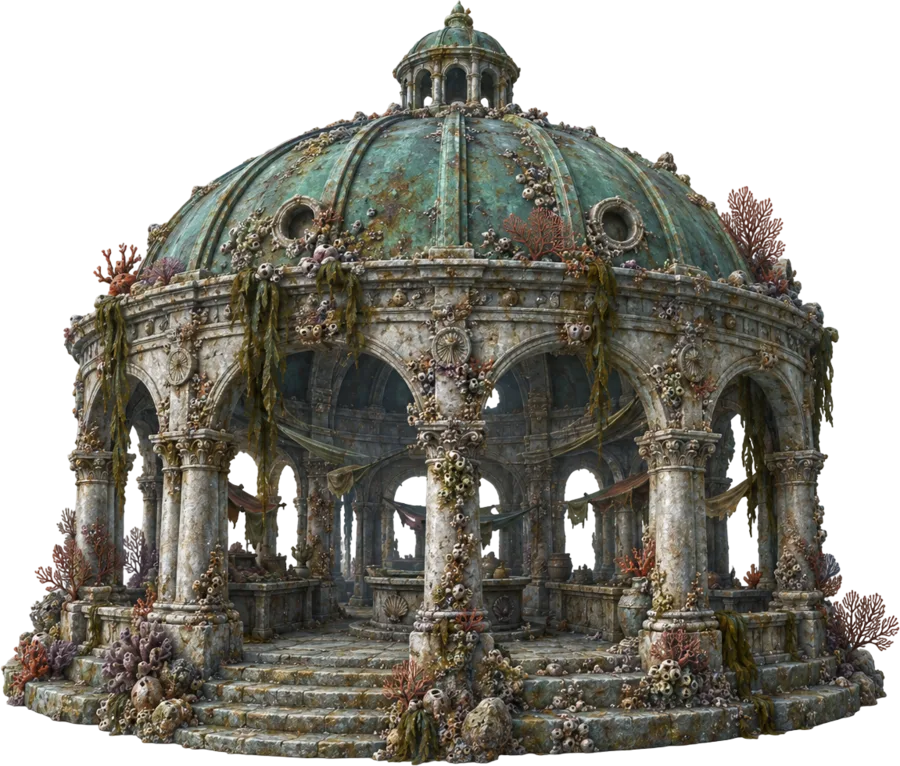
Eight concepts.
One sunken world.
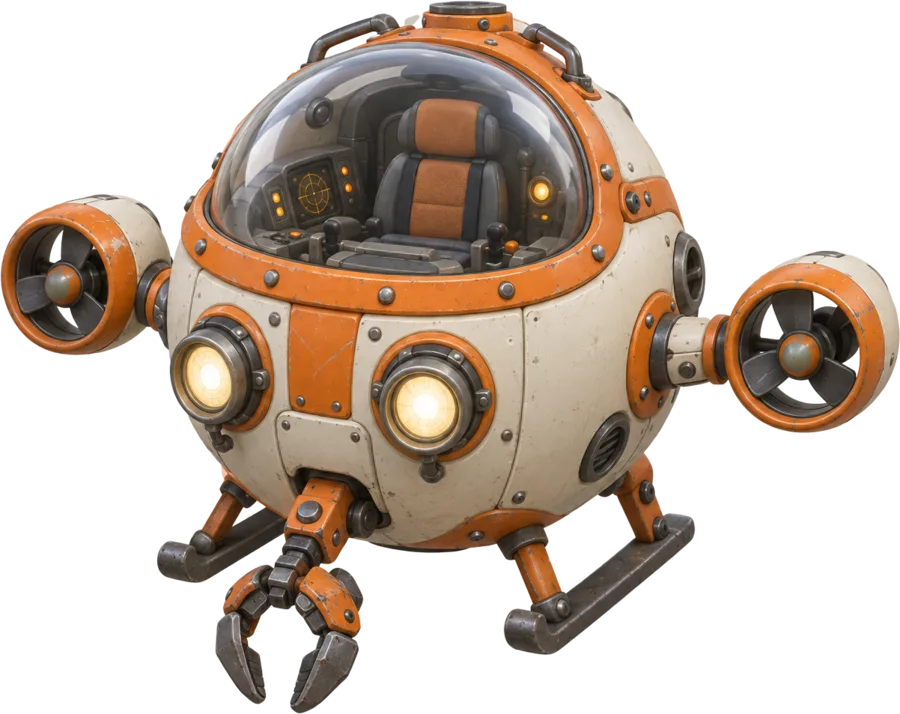
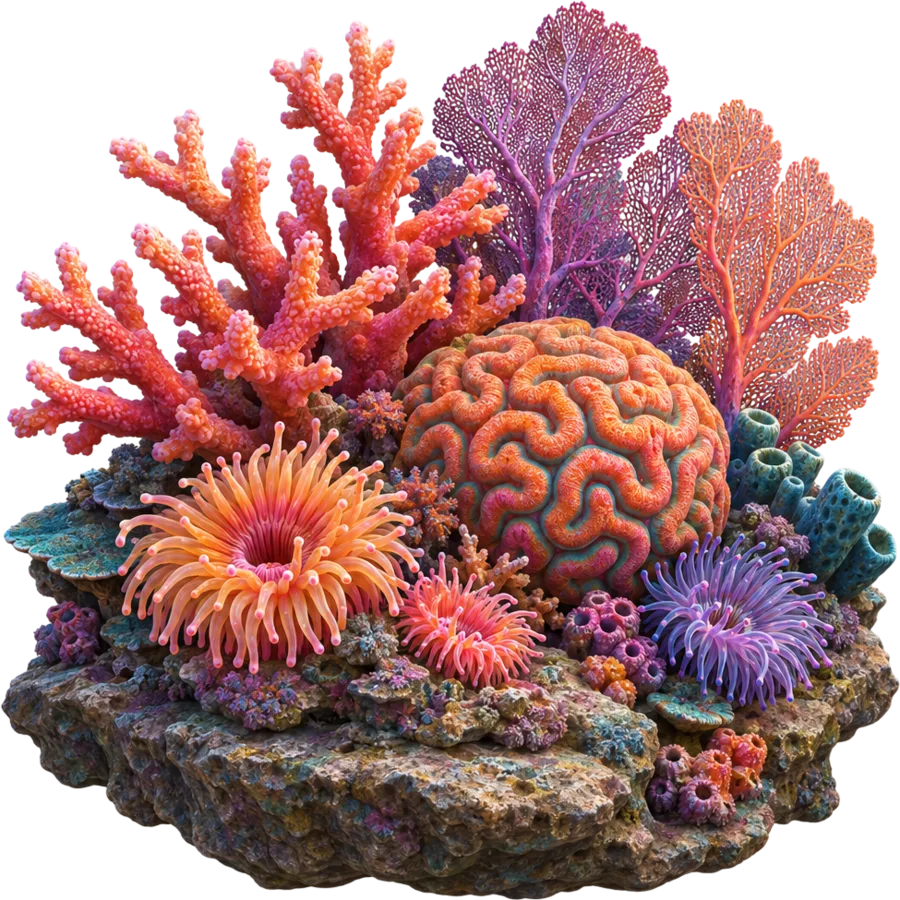
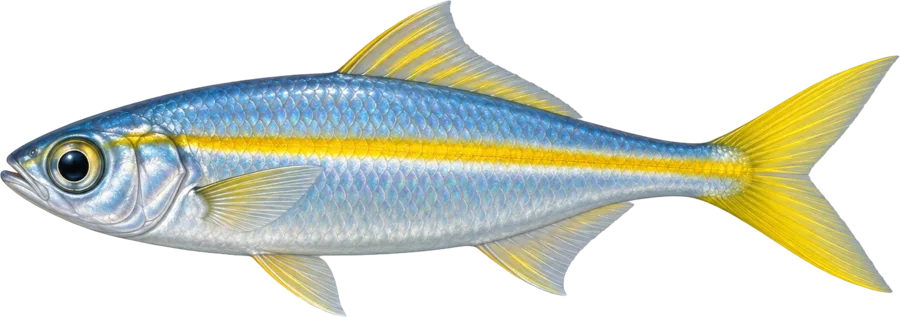
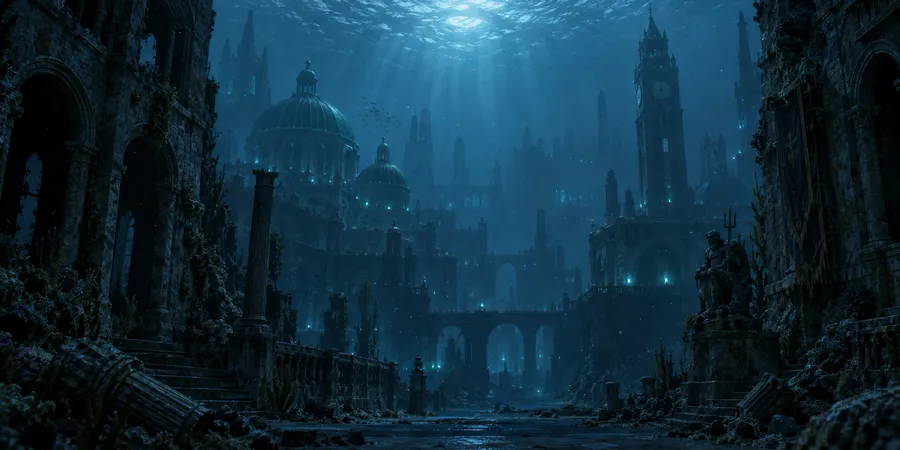
GPT Image 2.5 Sunburst drew every concept on a plain background (cut out here with Pixelcut Background Removal). Hunyuan 3D 3.1 Pro turned each one into a textured mesh, placed in Blender through the Scenario Blender Plugin.
Seven generated materials
PATINA made each full PBR set (colour, normal, height, roughness, metal). The caustic pattern did two jobs: a sea-surface mask cutting the moonlight into shafts, and a projector throwing rippling light on the street.
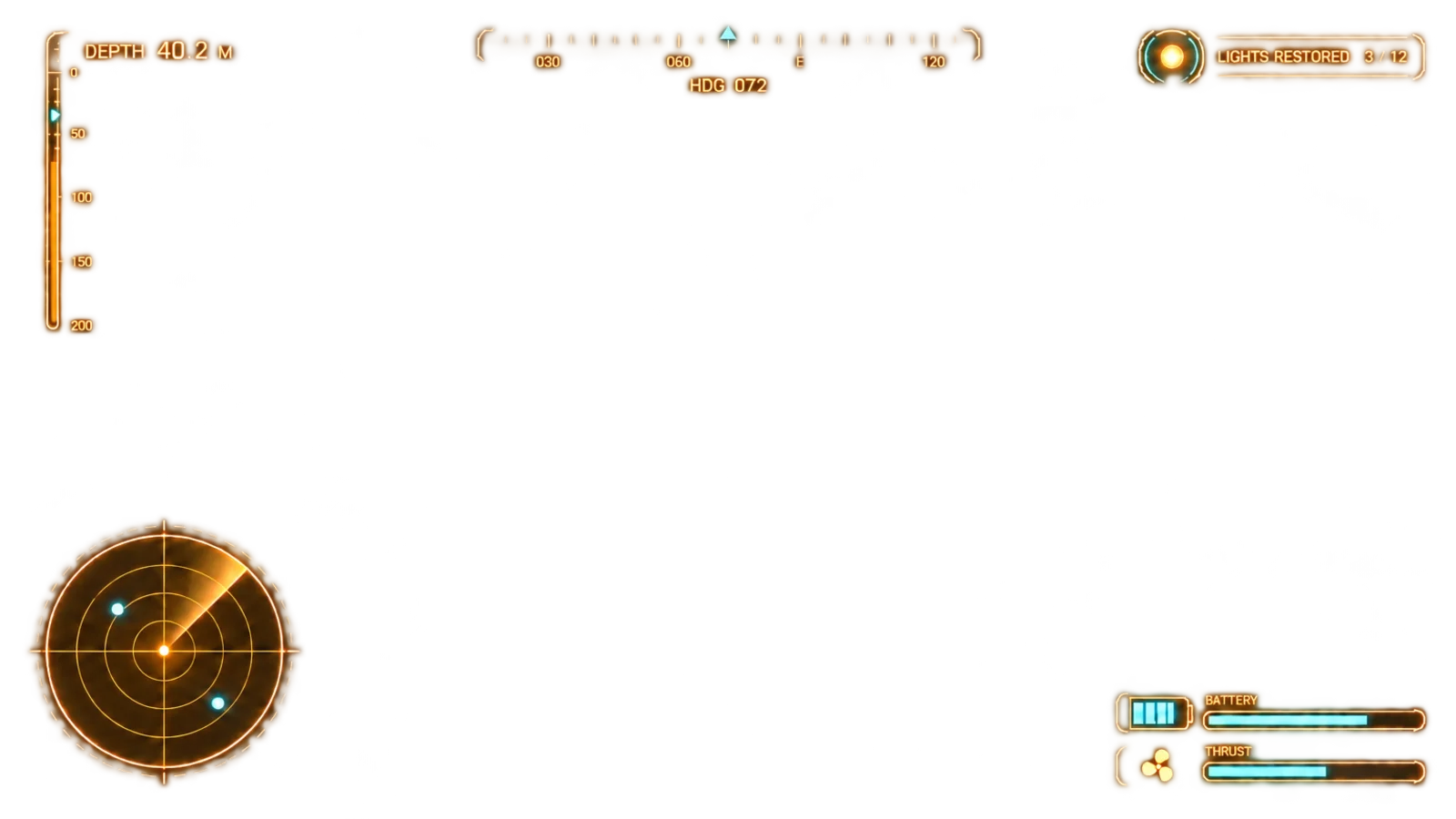
The game overlay
GPT Image 2.5 drew the HUD on a transparent background, composited over every finish.
04 / THE PROPS, IN 3D
Turn them over.
Take them with you.
Each prop started as a GPT Image 2.5 Sunburst concept and became a textured mesh with Hunyuan 3D 3.1 Pro. Drag to orbit, scroll or pinch to zoom, and download the GLB. The files here are web copies: fewer triangles, 1024 px textures.
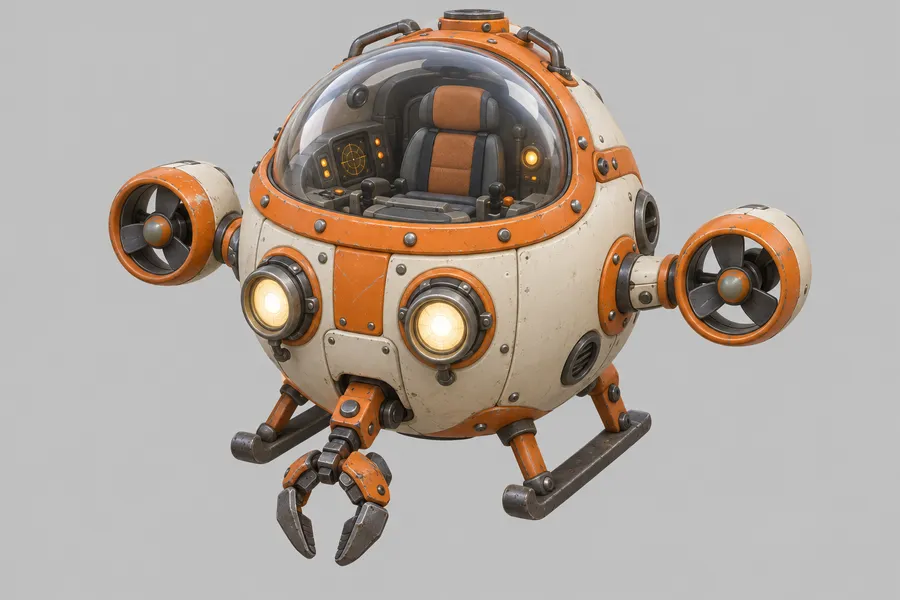
The original Hunyuan 3D 3.1 Pro files are 31 to 71 MB each (about 200,000 triangles, 4096 px PBR textures); the web copies keep the shape and the painted textures at a fraction of the weight.
04B / THE SET, IN 3D
The whole street.
Seven cameras.
The agent's Blender set, simplified for the web: the townhouse rows, the clock tower, the market halls, the lamps, the coral and the submarine. Grass, fish, kelp, particles and the water volume are left out. Each gold frustum is a shot camera; pick a shot to see the set from exactly where it was rendered.
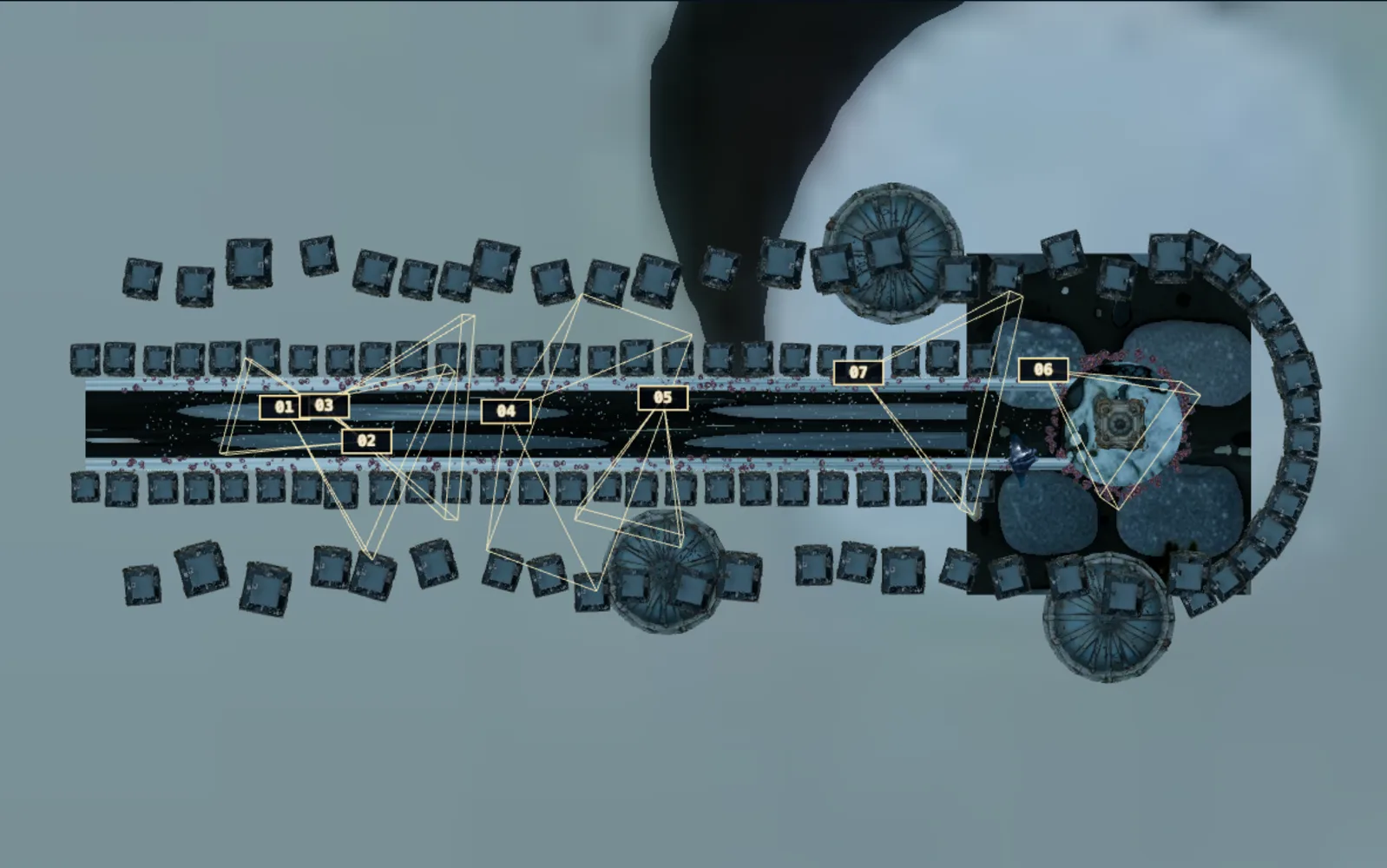
Shot 1 / 7
Keyboard: ← and → step through the cameras while the set is in view.
The submarine, the orb and the manta move to where each shot placed them. Download the set GLB · camera data (JSON)
05 / THE BLENDER WORLD
One street,
written in Python.
Every key frame is a render of one shared world, so the shots cut together. One shader drives the light wave: windows, brass lanterns and turquoise vines switch on as the front passes them.
- 104
- townhouses in three depth layers
- 1,660
- swaying kelp strands
- 45,000
- sea-grass blades, about
- 26
- brass lamps with real lights
- 2,456
- glowing vine pods
- 1,100
- fish in one school
Also: 580 coral, 700 rubble stones, 3 market halls, the clock tower, marine snow, a volumetric sea with moonlight through the caustic mask. Cycles on the Mac's GPU, 1920×1080, then a grade for true blacks, bloom and grain.
06 / THE REVIEW LOOP
It scored its own frames.
Then fixed them.
The agent sent its renders to Scenario's analysis tools with an art director's brief. The notes changed the scene before the finishes were made.
- First rendersShot 1 scored 4/10, “generic indie gameplay”: HUD clutter, a weak beam, an empty background, a flat side-on camera, muddy darks.HUD taken off the first frame, deeper blacks, a caustic light on the street, distant restored streets glowing in the haze, brighter windows, a closer manta.
- Seven Blender key frames6, 5, 7, 8, 6, 7 and 9 out of 10. “The sequence has a clear payoff.” “Frame 1 does not stop a scroll on its own.”Surface realism handed to the Scenario finish, with the Blender frame as its reference.
- Scenario finishesShot 1: 8/10, “stops a scroll: yes”. Shot 2: 7. Shot 4: 9. Shot 5: 8.Kept. The HUD is re-composited on top so its text stays exact.
- Quality Gate and captionKey frame 1: pass, 96 out of 100. Caption: “a small spherical submarine with orange and white panels floats above a cobblestone path underwater, casting a bright headlight forward.”It reads as intended, no change.
07 / WHAT COMES NEXT
A 45-second film,
shot by shot.
The proof holds: one world, seven frames that cut together, and a moving finish that keeps the design. Next is every shot in motion, the same way, with an animated overlay (sonar sweep, the counter ticking on each chime) and a full score.
- 01Headlights6 s
- 02The claw5 s
- 03Light race7 s · 5 s made
- 04The manta6 s
- 05The school5 s
- 06Last orb6 s
- 07City lit10 s
- 2
- agent sessions, about 134 min
- 55
- Scenario generations and reviews, the cut included
- 140
- assets in the Scenario collection
- 11,160
- credits (CU): 4,444 for the proof, 6,716 for the cut, its previews and one redo
08 / MAKE YOUR OWN
Take the pipeline.
Light your own city.
The skill packages this workflow for an agent connected to the Scenario MCP: plan the shots, turn concepts into meshes, build one shared world, finish each key frame from its render, keep the overlay exact, and finish motion from a clean previs.
scenario-blender-game-film
SKILL.md, the shot, review and video-finish references, and the scripts: grade, board, take checks.
Download the skill ↓ PDF · ILLUSTRATEDThe making-of
The brief, what Scenario made, the Blender world, render beside finish, the moving shot, and the receipt.
Read the making-of ↗ VIDEO · 3:23 · NARRATEDHow it was made
Eight orbs, from concepts to the cut, with the Blender set and its seven cameras explained.
Download the video ↓Your world, your orbs, your city coming back to light.
Make yours