Photo to mesh
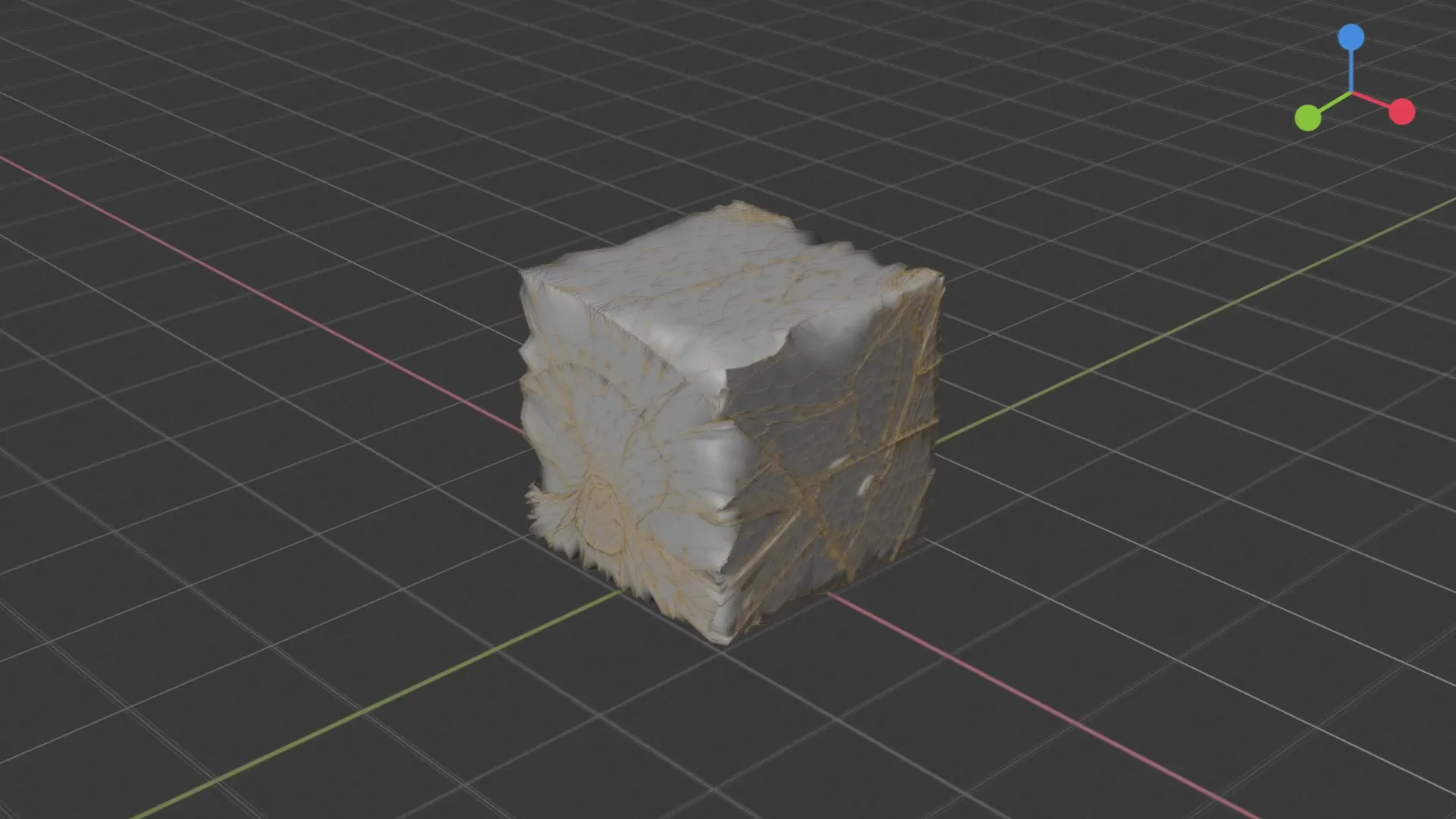
Drop in a photo. Import the textured mesh right at your 3D cursor.
 for
for Start free
Make meshes, rigs, textures and film with hundreds of models, right in the Blender sidebar. Free and open source.
GPL-3.0 on GitHub. Read the code, open an issue or send a pull request.
Open on GitHubgithub.com/scenario-labs/blender-plugin

Drop in a photo. Import the textured mesh right at your 3D cursor.
Rig a character, then describe a move and play it on its skeleton.
Your Blender camera move comes back as a photoreal shot.
Pick one per job. Claude Opus 5.5 3D, Tripo, Seedance, ElevenLabs and hundreds more, all in the same sidebar.

One click connects Claude to the scene you have open. Claude can check a job's price and ask you before it spends.
Try a scene:
 Object ModeBlockout
>
? Spend the quoted credits?
Claude is waiting for your answer
Connect from the sidebar:
Claude CodeClaude Desktop Codex
Codex Cursor
Works in Blender 5.0 or later on macOS, Windows and Linux.
1Create your free Scenario account
2Add the repository in Blender
3Paste your API key, then press N
Then open Blender and press N