Every Generation Your Team Runs Is a Potential IP Risk. IP Detection Fixes That.
Most AI image generation platforms let you generate anything and deal with the IP implications afterward. IP Detection flips that. Every generation is screened before it runs, and anything that matches your filters never generates at all.
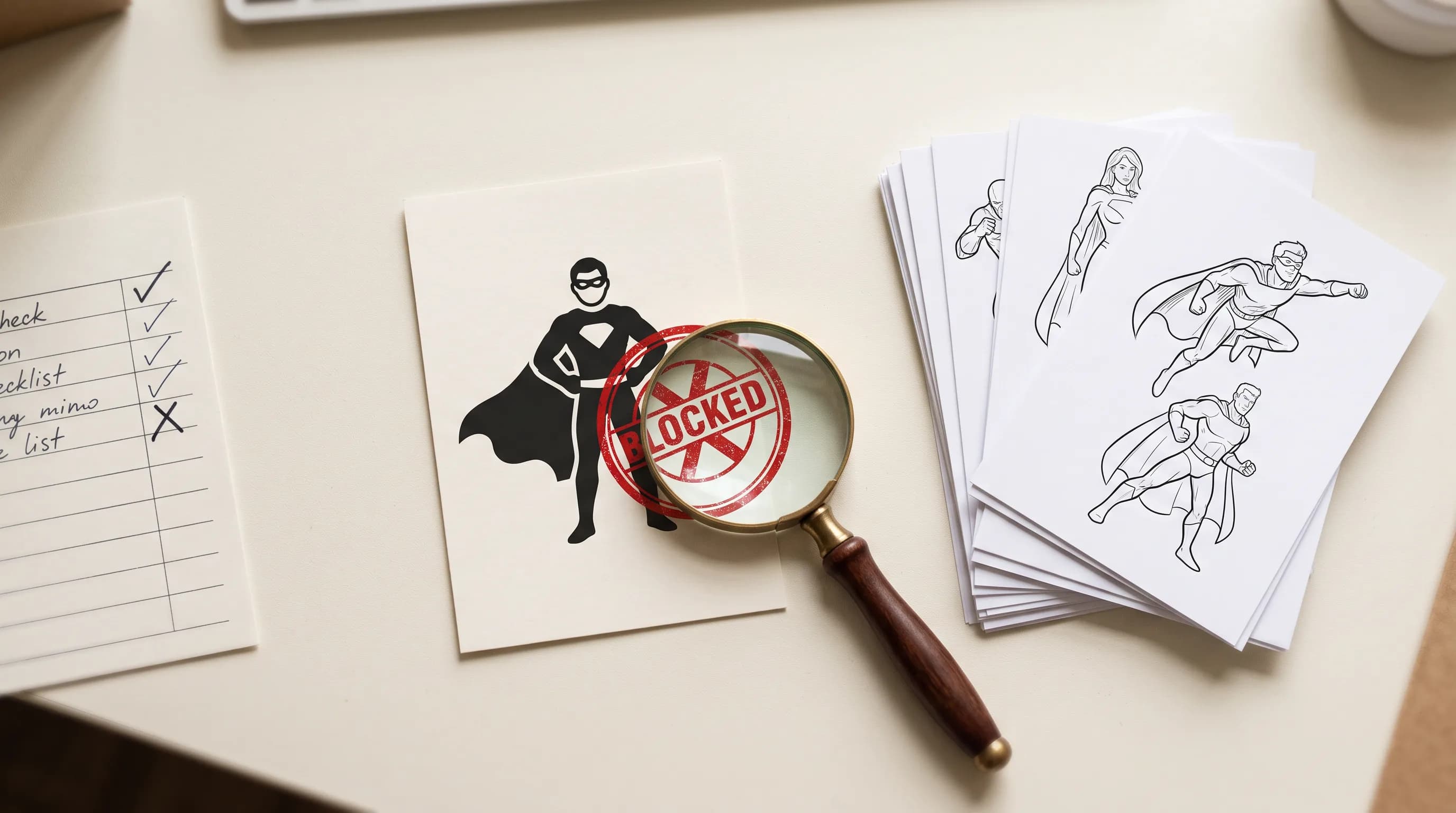
Every creative team using AI generation at scale is sitting on IP risk they probably have not fully accounted for.
A prompt that names a copyrighted character. A reference image that includes a trademarked logo. A generation that reproduces the likeness of a real public figure. An output that too closely imitates the signature style of a named artist. Any of these can create legal exposure for a studio, an agency, or a brand that uses AI-generated content commercially.
The standard approach is to catch these after the fact: review outputs, flag issues, regenerate. That works at low volumes. At the scale most enterprise teams are running, it does not.
IP Detection is a Scenario Enterprise Plan add-on that screens every generation before it runs and blocks the ones that carry IP risk. The generation never happens.
What It Screens
IP Detection reads the prompt and any input images before a generation runs and checks them against the filters your organization has enabled. Four built-in filters cover the most common IP risk categories:
Fictional characters: Characters from films, games, comics, and books, including their signature look. Mickey Mouse, Mario, Batman, and the specific visual language associated with them. Generic archetypes like "a caped superhero" are not flagged.
Brands and trademarks: Logos, packaging, and product designs owned by a company. The Nike swoosh, a Coca-Cola bottle, a recognizable brand identity. Generic product descriptions are not flagged.
Celebrity likeness: The face or recognizable appearance of a real public figure, whether named in the prompt or present in an input image. Actors, musicians, athletes, public figures.
Artist styles: Generations that imitate the signature style of a named artist. A prompt asking for work in the style of a specific living illustrator triggers this filter.
Each filter returns a verdict with the entities it recognized, a short reason, and a confidence score.
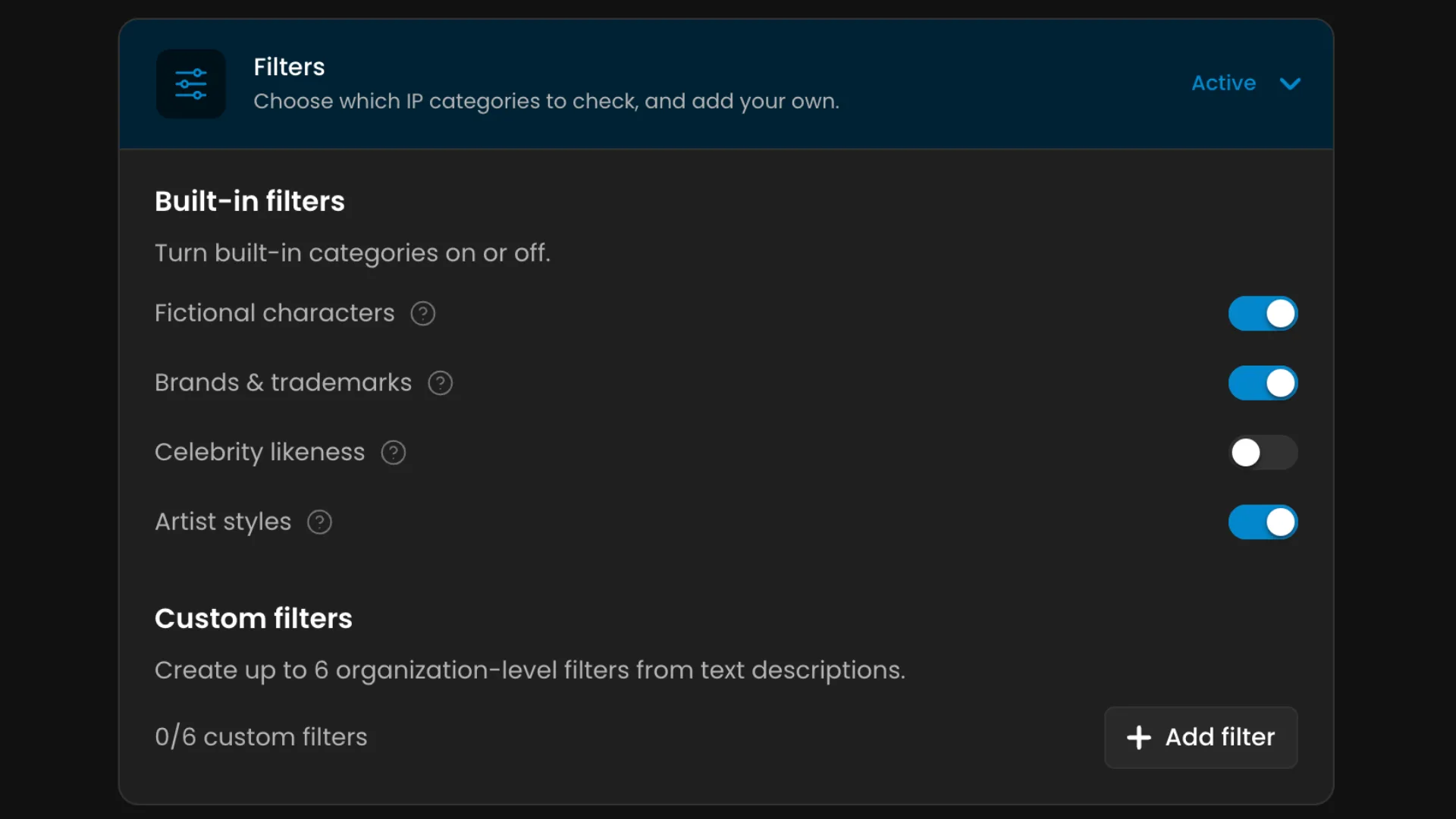
The four built-in categories cover common cases. For IP that is specific to your studio, your licensors, or your clients, you can add up to six custom filters per organization.
Write the instruction in plain language: describe what to flag and what not to. Up to 2,000 characters per filter. If you have reference images that show what the IP looks like, upload up to eight and Scenario drafts the instruction from them. Review and edit the draft before saving.
A custom filter for a licensed game property: "Flag any generation that depicts characters, environments, or visual elements from [franchise name]. Do not flag generic fantasy characters or environments." Active as soon as enforcement is on. Editable any time.
Enforcement Levels
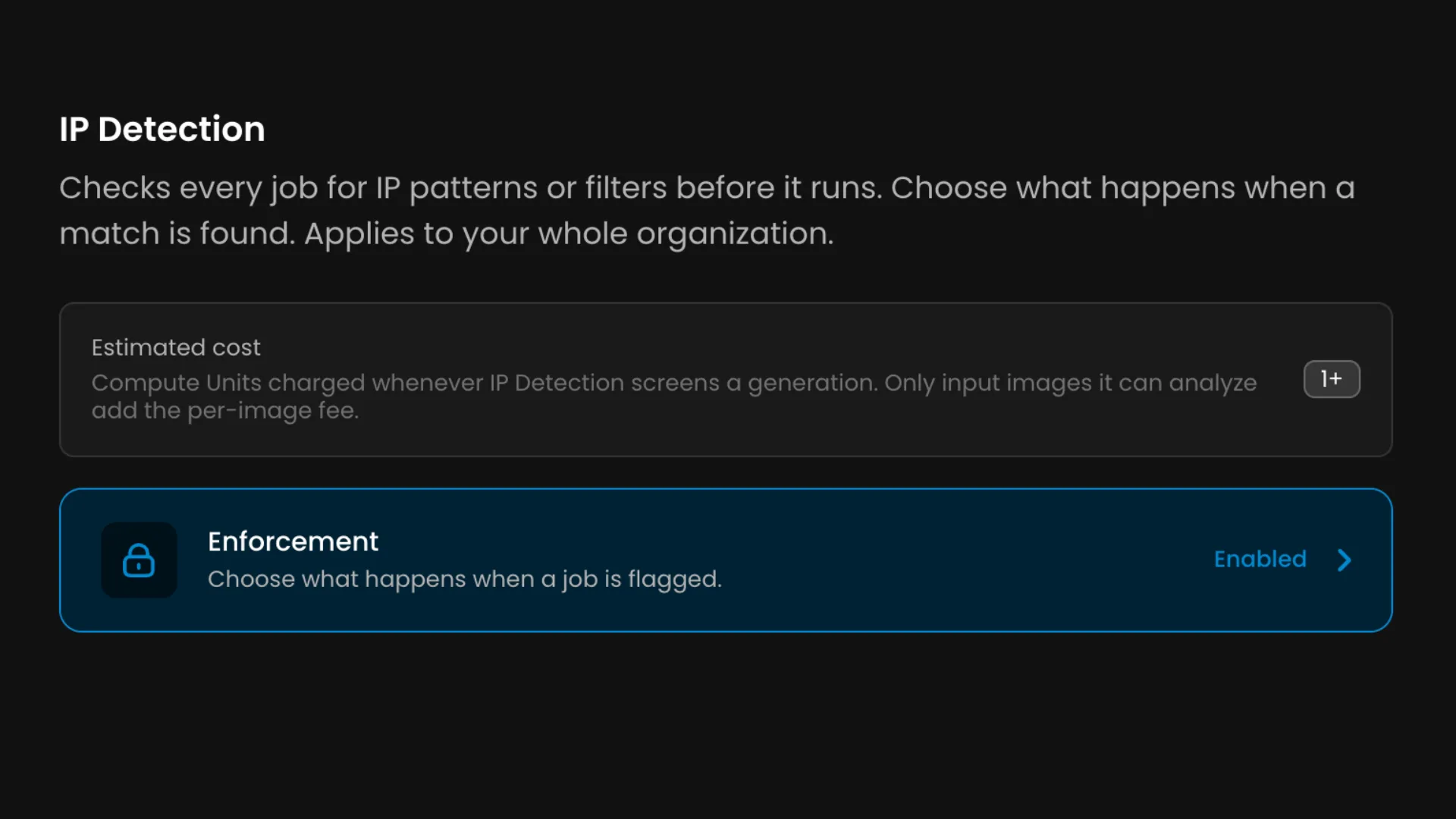
Three enforcement settings, configurable by organization admins:
Enforcement off: Nothing is screened. Filters are saved but inactive. This is the default.
Enforcement on: Every generation is screened before it runs. A generation that matches an enabled filter is blocked before any generation cost is incurred. If the check itself cannot complete, the generation is allowed through.
Enforcement on, plus Block unchecked jobs: Same as above, but a generation is also blocked when the check cannot complete. For organizations where an unscreened generation is never acceptable.
A blocked generation fails immediately with a message explaining why. Nothing is generated. No generation cost is charged.
Project-Level Opt-Out
Some work does not need screening. An internal experiment. A licensed pipeline where the IP is yours to use. Individual projects can be opted out: generations in that project are no longer screened and no longer charged the detection fee.
Opt-out is per project, set by organization admins. A project cannot choose its own strictness or enable screening that the organization has not turned on.
What It Costs
Screening is billed in Compute Units separately from the generation:
One CU per generation screened. One CU per input image analyzed. A prompt-only generation costs 1 CU to screen. The same generation with two reference images costs 3 CU.
The fee is charged when the check runs, including when the result is a block. It appears as its own IP Detection line in your usage rather than folded into generation costs.
Every Generation Screened Before It Runs
IP risk caught before a generation ever runs. No output to review. No cost incurred on blocked generations. Configurable enforcement levels, custom filters, and project-level opt-outs for the pipelines that do not need screening. Fully accessible through the Scenario API for teams integrating it programmatically, full technical reference in the IP Detection knowledge base article.
FAQ
Does IP Detection block generations automatically?
Only when enforcement is on. With enforcement off, nothing is screened. With enforcement on, generations that match an enabled filter are blocked before any generation cost is incurred.
What does a blocked generation cost?
The screening fee is charged. The generation itself is not charged because it never runs.
Can I add filters for IP specific to my studio or clients?
Yes. Up to six custom filters per organization, written in plain language with optional reference images to draft the instruction.
Does it screen video, audio, and 3D generations?
No. IP Detection screens prompts and input images only. Video, audio, and 3D inputs are not analyzed.
Can individual projects be exempted?
Yes. Organization admins can opt individual projects out of screening.
Is this the same as the model providers' content policies?
No. IP Detection is your own policy, configured by your organization. Model provider content policies are separate and enforced by the providers themselves, which Scenario does not control.