
Gemini Omni Flash Models Just Landed Covering the Whole Video Workflow: Generate, Edit, Reference
Gemini Omni Flash lands on Scenario as three models that cover the full video workflow. Create and conversationally edit from text, images, audio, or video, with native sound. Here is what makes each one worth knowing.
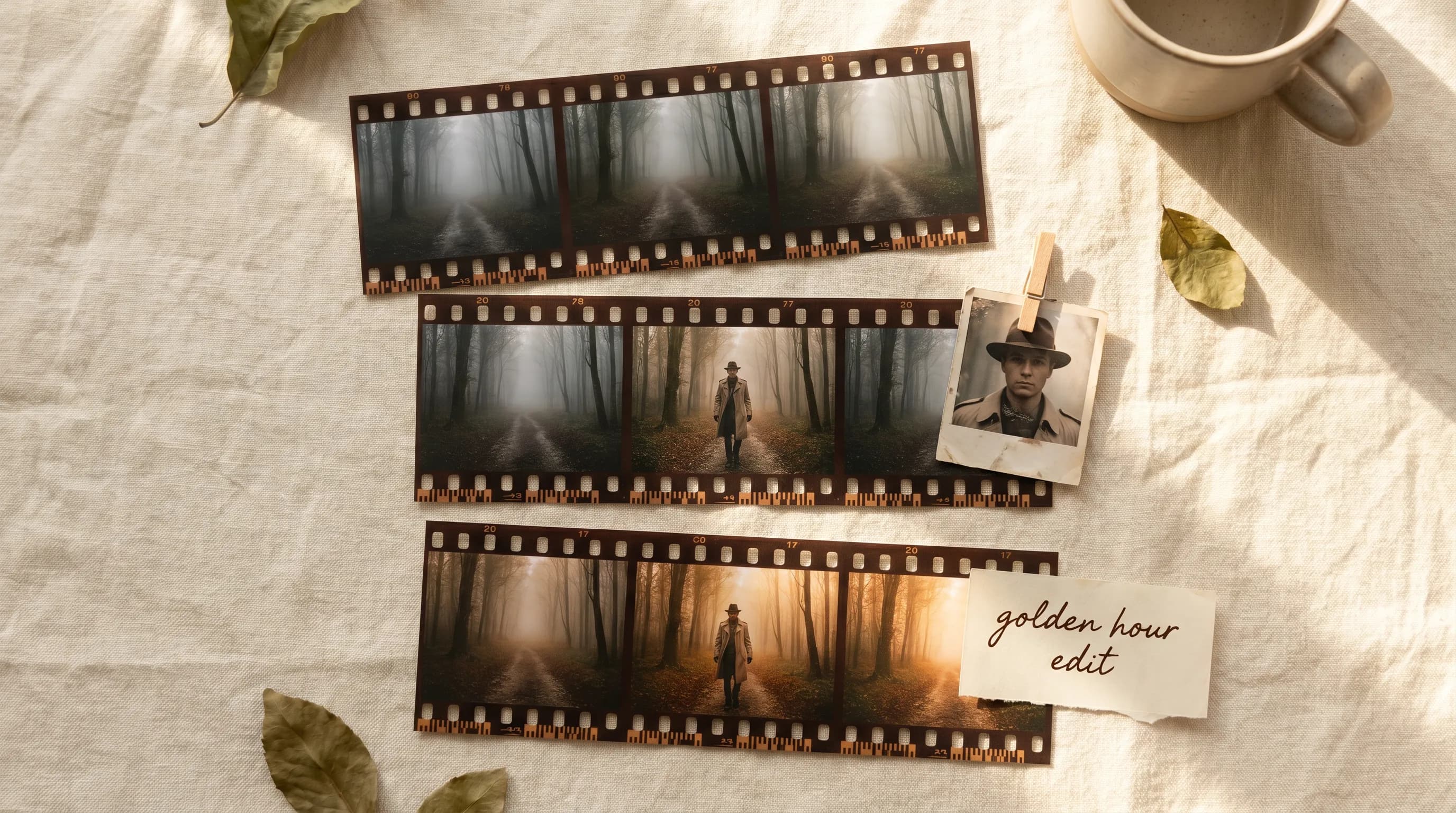
AI video generation has had a fundamental awkwardness since it started.
You write a prompt. You wait. You get something that is almost right. The lighting is slightly off. The character's costume drifted from what you imagined. The camera move is too fast. And then you face the choice that defines how painful the next hour is going to be: rewrite everything from scratch and hope the next generation is closer, or accept the output and move on.
Gemini Omni was built specifically to solve that problem. Not by making the first generation better, though it does that too. By making the edits that come after it feel like a conversation rather than a struggle.
Gemini Omni Flash: Where You Start
Gemini Omni Flash generates 720p video from a text prompt or a first-frame image, widescreen or vertical, 3 to 10 seconds.
What makes it good for game development and cinematic content is the world understanding underneath it.
Gemini Omni is built on Google's model reasoning across physics, biology, history, and cultural context. Environments have internal logic. Motion obeys forces. The result is video that feels coherent rather than generated, which is the gap most AI video still has not closed.
Gemini Omni Edit
Gemini Omni Edit is the model most people will end up using the most, even if they do not realize it at first.
You have a clip. It is 90% right. You want to change one thing without touching everything else. That has always been the hard problem with AI video. There is no "undo the lighting decision." There is no "just change the jacket color." There is rewriting the whole prompt and generating again and hoping the motion comes out the same.
Gemini Omni Edit applies natural language edits to existing video while preserving the motion from the original. The clip stays. Only what you tell it to change changes.
For anyone building cinematics where you are iterating toward a final output rather than generating it in one shot, this is the part of the workflow that has been missing. Generate a strong base. Then refine it like you would refine anything else: one change at a time until it is right.
Gemini Omni Flash Reference to Video
Gemini Omni Flash Reference to Video takes one to three reference images and generates video where the subject in those images stays consistent throughout the clip.
This is the answer to the character consistency problem. AI video generation is good at inventing characters. It is less good at keeping a specific character looking like themselves from frame to frame, especially when you designed that character and the model has never seen them before. Reference to Video locks onto the identity and visual details from your reference images and carries them through the generation.
One reference image anchors a character. Two can anchor a character and an environment. Three can anchor a character, environment, and style. The optional text prompt then describes the scene you want to build around those anchors.
For game developers: a character concept sheet becomes the anchor for a cinematic scene. A piece of environment art becomes the location. A style reference drives the visual treatment. The generated video looks like it belongs to your game rather than to a generic AI output.
The Workflow They Cover Together
Generate with Gemini Omni. Switch to Gemini Omni Flash Reference to Video when you need a specific character or environment to stay consistent. Bring the output into Gemini Omni Edit to refine through conversation until it is exactly right.
Generate. Reference. Edit. The full workflow without leaving Scenario.
All three are available in Scenario Workflows as nodes and through the Scenario API.
FAQ
How does Gemini Omni Edit preserve motion?
The model reads the motion from the source video before applying edits. Changes are applied to visual elements while the underlying motion, timing, and camera behavior from the original clip are preserved.
Does native audio mean the audio is generated with the video?
Yes. Audio is generated in one pass alongside the video, not added separately. Sound effects, ambient noise, and atmospheric audio are generated in context with the scene.
Can I use these in Scenario Workflows?
Yes. All three are available as nodes in Scenario Workflows and through the Scenario API.