
MiniMax H3 on Scenario: Brand Films, Motion Transfer, Multimodal Editing, and Game Cinematics From One Model
Most video models take a prompt and generate footage. MiniMax H3 takes text, images, audio, and video simultaneously and understands how they relate to each other before generating anything. Here is what that actually changes.
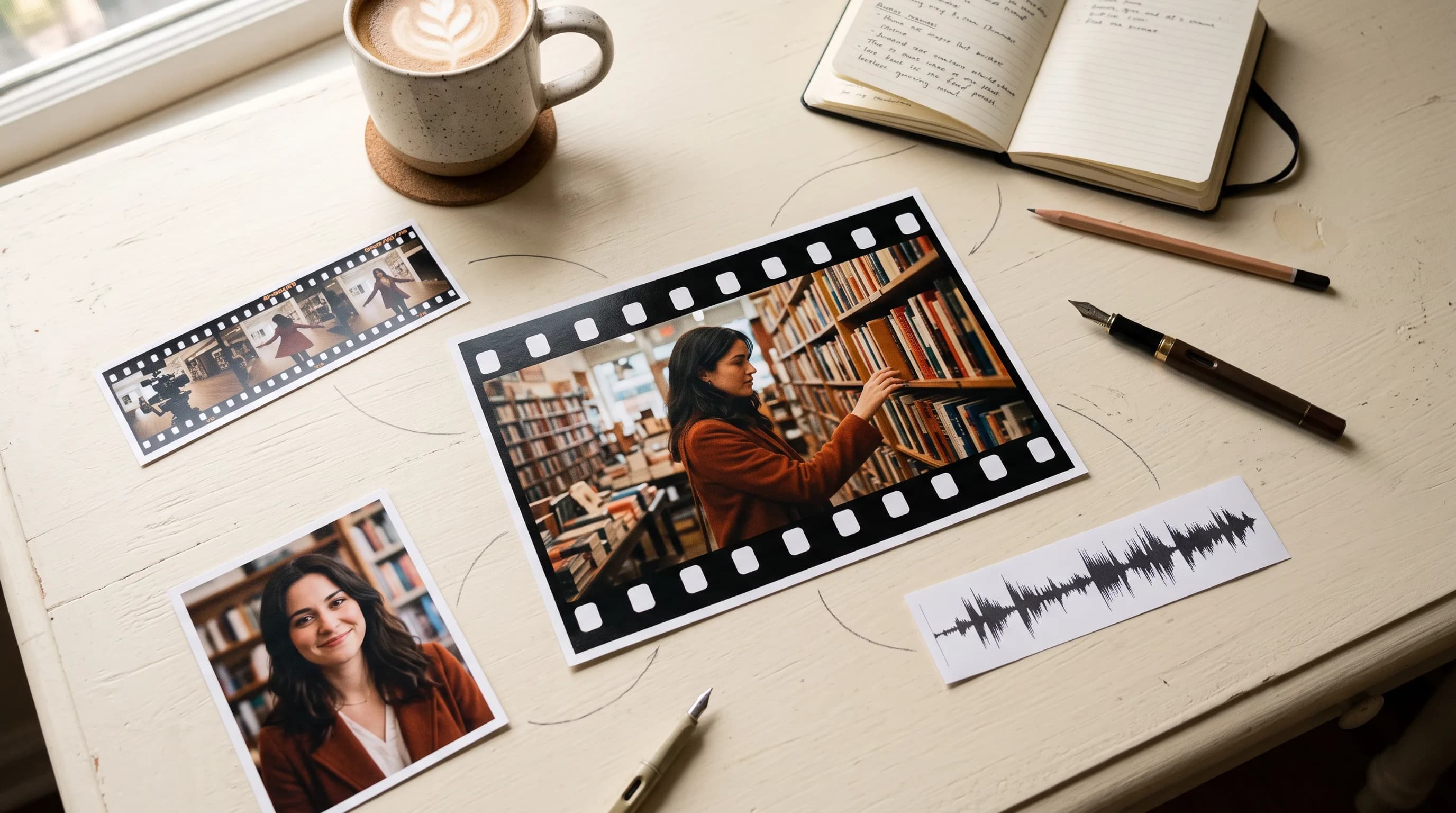
Every AI video model on the market does some version of the same thing. You give it a prompt, maybe an image, and it generates a clip. The better ones take a first frame and an end frame and fill in the motion between them. A few let you upload reference images for style guidance.
MiniMax H3 is doing something structurally different. It does not process your inputs sequentially and combine the results. It reads text, images, audio, and video as a unified context: understanding how a character's identity from one image relates to the camera movement from a reference video relates to the audio tone from a reference clip relates to the scene description in the prompt. All of it together, before a single frame is generated.
The practical output of that architecture is video that feels more directed than generated. Characters stay consistent. Audio belongs to the scene. Edits follow the reference. Here is what it actually does and four examples of where it changes the production equation most.
What H3 Can Take as Input
Two distinct modes, each with different input logic.
First/Last Frame mode takes zero, one, or two images as the opening and closing frames of the clip. With no image it runs as a standard text-to-video generator. With one image it locks the first frame and generates forward from it. With two images it generates the motion between them, which is useful for any scene where you know the start and end state and want the model to figure out the transition. Reference images and videos cannot be combined with first/last frame inputs.
Omni Reference mode is where the multimodal architecture becomes most visible. Up to 9 reference images, up to 3 reference video clips, and up to 3 audio clips, all in a single generation. Each input type does a different job: images lock character identity, visual style, or environment; videos transfer camera movement, editing rhythm, or choreography; audio guides the tone, pacing, or carries actual dialogue for lip sync. Combine them in whatever combination the shot requires.
Output: 5 to 15 seconds, 24fps, native stereo audio in every generation, up to 2K resolution. Prompts up to 7,000 characters.
What It Changes
1. Brand film production from reference assets
A brand has existing photography: product shots, lifestyle images, a color palette, a campaign tone. Traditionally turning those assets into a film means a director, a brief, a shoot, and a post-production pass. With H3, upload the photography as reference images, describe the narrative and camera language, and the model generates footage that is compositionally and tonally grounded in the actual brand assets rather than an approximation of them.
The model can handle the full range of brand film requirements: title typography that resolves into focus, logo integration, fashion campaign aesthetics, product hero shots with lighting and material detail that match the reference photography. The output is not a generic AI video with brand elements loosely applied. It is footage built around the specific visual identity of the inputs.
2. Motion transfer and character consistency across a scene
Upload a character reference image and a reference video containing the movement you want. H3 transfers the performance from the reference video onto the character from the reference image, maintaining identity across the clip. This covers straightforward cases like street dance motion transfer and more complex ones like matching a Hitchcock-style dolly move from one reference while having a different subject perform a singing performance from another.
For game development: a character concept image plus a motion reference clip produces an animated version of that character performing that motion. For advertising: a talent reference image plus a storyboard reference video produces footage with the right person making the right moves without a separate shoot.
3. Precise multimodal editing of existing footage
H3 is not only a generation tool. Upload existing video and describe targeted changes: replace a character, swap an object, relight the scene from day to night, change a spoken line of dialogue while adjusting the performance to match, replace the background through a window, add synchronized animated effects. Changes land on the specified elements while the rest of the clip stays intact.
The instruction adherence on complex multi-element edits is worth noting. Replace a newspaper with a book, swap a chair for a sofa, remove sunglasses, restore a burning car to normal, swap a photograph for a notebook, and add a tree to the left of frame: all in one generation, each change independent, none bleeding into the others. For post-production workflows where specific elements need to change without a reshoot, this is meaningful.
4. Game UI and interactive experience trailers
H3 generates dynamic UI sequences from interface references: product landing pages with scroll animations and hover interactions, game equipment menus with character reactions, automotive website UI with animated type and lighting transitions, otome game visual novel transitions with dialogue boxes and choice reveals. Name the interaction, describe the motion, reference the UI style, and the model generates footage that reads like a real interactive experience.
For game studios producing trailers, marketing teams creating feature demos, and developers previewing UI motion before implementation: H3 produces this content from reference images and prompt descriptions without a motion graphics artist building it frame by frame.
Output Specs
Up to 2K resolution at 24fps with native stereo audio on every generation. Clips from 5 to 15 seconds. Six aspect ratio presets from 21:9 to 9:16, plus an auto mode that lets the model choose the best ratio. Prompts up to 7,000 characters, which is enough room to describe shot-by-shot storyboard sequences with timing, lighting, performance notes, and audio direction in a single generation.
FAQ
What is the difference between First/Last Frame mode and Omni Reference mode?
First/Last Frame takes zero, one, or two images as the opening and closing frames of the clip. Omni Reference takes up to 9 images, 3 videos, and 3 audio clips in any combination and uses them all as simultaneous context for the generation. The two modes cannot be mixed in the same generation.
Does every generation include audio?
Yes. Native stereo audio generates in the same pass as the video. Dialogue, sound effects, and ambient audio are generated in context with the scene, not added separately.
What resolution does H3 output at?
Up to 2K at 24fps. A 768p mode is coming soon for faster, cheaper iteration.
How long can the clips be?
5 to 15 seconds per generation.
Can I use it to edit existing video?
Yes. H3 supports targeted edits on uploaded footage: character replacement, object swapping, relighting, dialogue replacement, background replacement, and VFX addition, while keeping unspecified elements intact.
What aspect ratios are supported?
21:9, 16:9, 4:3, 1:1, 3:4, 9:16, plus an Auto mode that selects the best ratio for the inputs.
Related models
Minimax H3 Max Insert Video
Insert a new scene into a video with MiniMax H3 Max: guided by a prompt, reference images or videos, then return to the original footage. 5 to 13 seconds, native audio.
Minimax H3 Max Turbo Extend Video
Extend any video faster with MiniMax H3 Max Turbo: describe what happens next and add 1 to 15 seconds of new footage with native audio, from 480P up to 2K.
Minimax H3 Max Recast
Recast a video with MiniMax H3 Max: swap up to 4 people for new ones from photos, keeping the original motion, camera, cuts and audio, at 768P or 1080P.