
Seedance 2.5 Takes Everything That Made 2.0 Great and Goes Much Further
Seedance 2.0 set the benchmark for AI video quality. Seedance 2.5 doubles the clip length and quadruples the reference inputs. Here is what changed and what it means in practice.
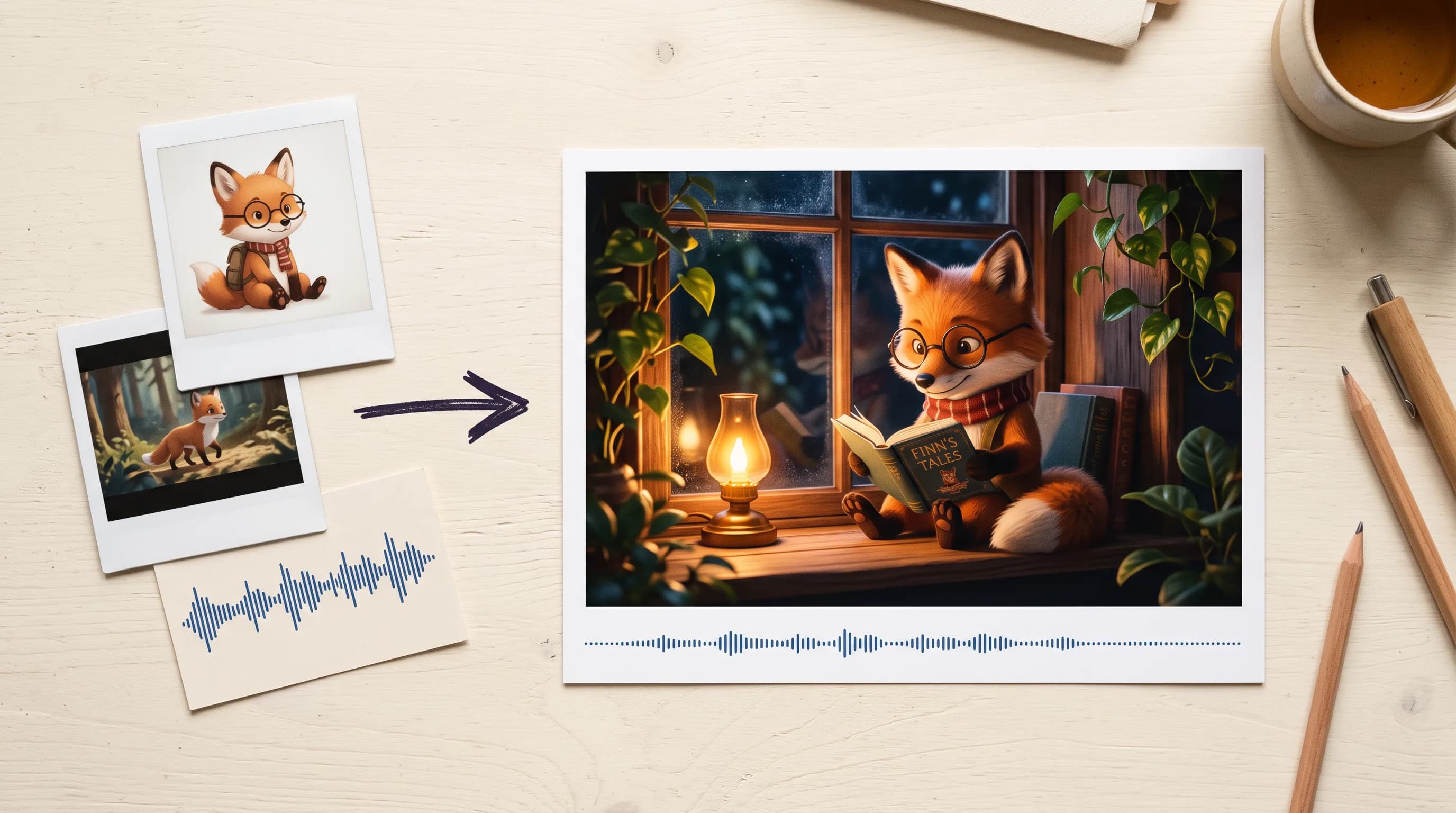
Seedance 2.0 was already the benchmark. It generated audio and video in one pass and handled multimodal inputs in a way no other model matched. For a lot of teams it became the default for anything that needed cinematic AI video.
Seedance 2.5 takes all of that and pushes further on every dimension that matters.
Clips double from 15 to 30 seconds. Reference inputs jump to 50. Editing and extension work natively from a prompt instead of requiring full re-rolls. This is not a minor update. Here is what each of those changes actually means.
30-Second Native Single-Pass Generation
Seedance 2.0 capped at 15 seconds. Getting anything longer meant generating multiple clips and stitching them together, which introduced every consistency problem that comes with that: lighting shifts, character drift, camera logic that breaks between clips.
Seedance 2.5 generates anywhere from 4 to 30 seconds in a single unified pass. The character looks the same at second 28 as they did at second 2. The lighting holds. The camera logic is coherent across the full duration. Because it is one generation, not several edited together.
For production work this changes what is possible without post-production overhead. A 30-second social ad with a full narrative arc. A game cinematic intro that actually has setup, development, and resolution. A product showcase that moves through multiple contexts without a visible cut. All of it from one prompt.
50 Multimodal Reference Inputs
Seedance 2.5 supports up to 50 reference assets: up to 30 still images, up to 10 video clips, and up to 10 audio tracks simultaneously.
The 30 image slots are for character model sheets, costume references, multi-angle turntables, lookbooks, lighting maps, environment references, and product photography from every angle. Upload a full character turnaround across every angle and expression and the model has enough visual information to keep that character consistent through 30 seconds of varied movement and camera work.
The 10 video slots transfer camera motion paths, dynamic pacing, and physical action from reference footage. The 10 audio slots can be used alone or alongside images and videos to shape the sound of the output.
The practical implication: a brand film where the product looks identical in every frame because you uploaded 15 reference images of it. A character-driven cinematic where the hero stays on-model through every shot because the full turnaround sheet is loaded.
Editing and Extension, Inferred From Your Prompt
Seedance 2.5 handles editing and extension natively. Feed it a reference video, describe the change in your prompt, and the model infers whether you want an edit or an extension. No separate mode to configure, no full re-roll to get there. In editing mode, the output automatically matches the length of your input clip.
For production teams iterating toward final output, this changes the cost of refinement. For high-volume content workflows where every generation represents real compute cost, it means fewer full re-rolls and more targeted improvements.
Flexible Framing and Delivery
Duration runs from 4 to 30 seconds, or Auto, which matches the longest reference clip when you're working from reference videos. Aspect ratios cover 21:9, 16:9, 4:3, 1:1, 3:4, and 9:16, plus an adaptive option that picks a fitting shape based on your inputs. In first/last-frame, editing, and extension modes, the output automatically adapts to the input's ratio.
Output comes in MP4 for general-purpose delivery, or MOV for higher color fidelity when the clip is headed into grading and compositing. Resolution options are 480p for fast iteration and 720p for final output.
First and Last Frame Control
Provide a first frame and the model animates from it. Add a last frame and it generates the motion connecting the two, which gives you precise control over how a shot opens and resolves. For storyboarded work where the key frames are already decided, this turns generation into filling in the motion between fixed points.
Optional Generated Audio
Toggle on audio generation and the model adds a soundtrack to the video. Combined with the audio reference slots, you can either let the model score the clip or steer the sound with your own reference tracks.
Everything in One Generation
Thirty seconds. Fifty reference inputs. Native editing and extension. First and last frame control. Generated audio on demand.
Seedance 2.5 is the most capable version of the model that defined what AI video could be.
FAQ
What is the difference between Seedance 2.0 and Seedance 2.5? Seedance 2.5 doubles the maximum clip length from 15 to 30 seconds, expands reference inputs to 50 assets, and handles editing and extension natively from a prompt and reference video.
How many reference inputs does Seedance 2.5 support? 50 total: up to 30 still images, up to 10 video clips, and up to 10 audio tracks simultaneously. Reference images and videos are used in reference mode, separately from first-frame animation.
How does editing work? Feed the model your clip as a reference video and describe the change in your prompt. The edit is inferred from the prompt, and the output keeps the same duration as the input.
Does it generate audio? Yes, optionally. Toggle on audio generation for a generated soundtrack, or guide the sound with up to 10 reference audio tracks.
What resolution does it output at? 480p and 720p, in MP4 or MOV. MOV preserves higher color fidelity for grading and compositing.
What aspect ratios are supported? 21:9, 16:9, 4:3, 1:1, 3:4, 9:16, and adaptive.