Why Your AI Game Generator Keeps Letting You Down (And How We Fixed It)
Scenario's AI learns from your art, letting you generate thousands of on-brand assets without manual retouching.
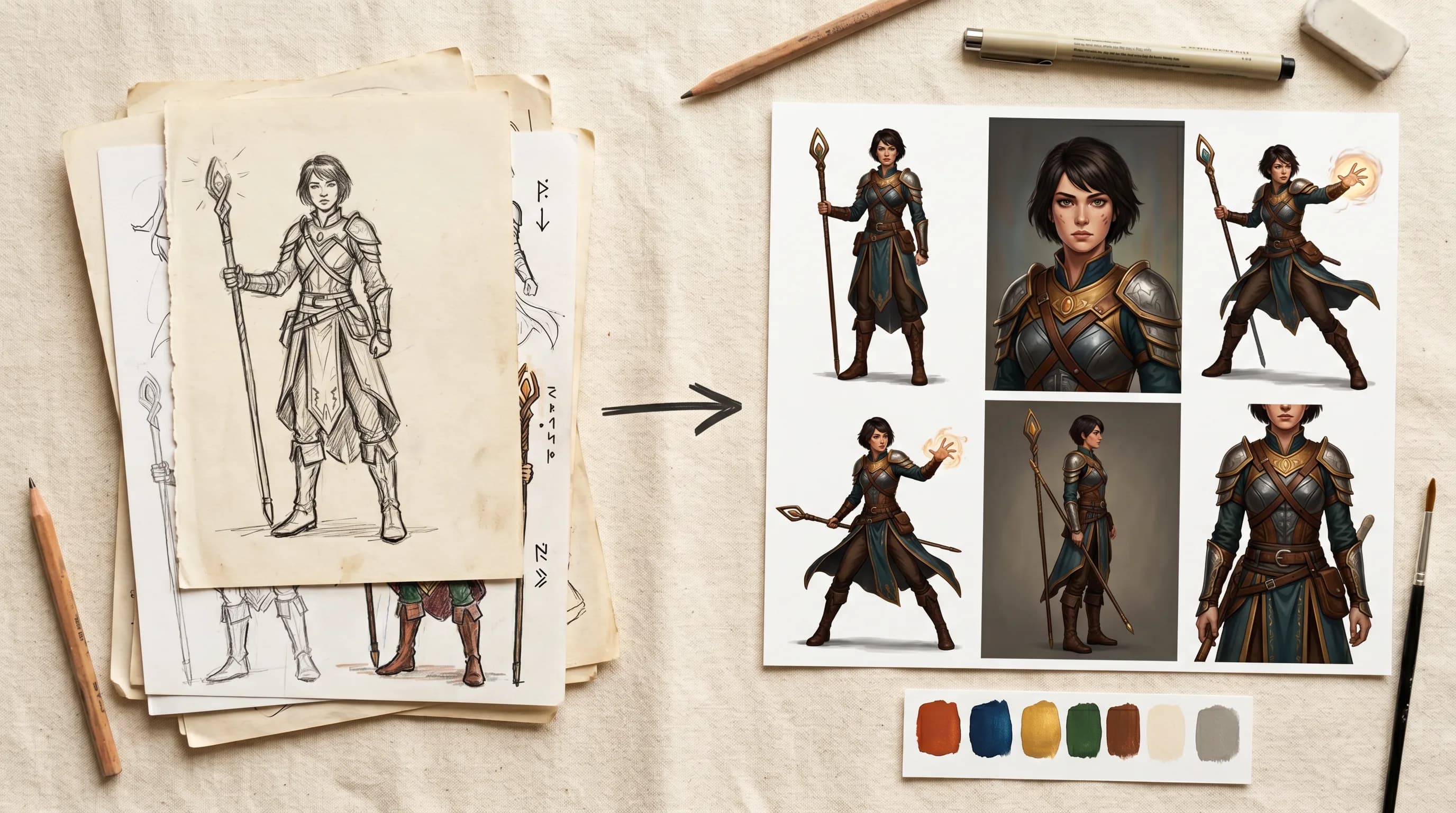
You've tried AI game generators. You've wrestled with prompts, downloaded the outputs, opened them in your editor, and realized the same thing every time: nothing matches your game.
Not your characters. Not your palette. Not the style you've spent months building.
That's not a you problem. That's just how most AI game makers work. They generate from their training data, not yours. Every output is someone else's aesthetic, slightly remixed.
Generating a game asset with AI takes seconds. Getting that asset to look right, match your style, fit your pipeline, and be ready to ship? That's where most tools leave you on your own.
Scenario doesn't. It's a full creative AI platform, from first concept to production-ready output, built around one idea: you stay in control.
The fix: train on your art, not ours
When you use Scenario, one of the things you can do is train a custom AI model on your own art.
You can upload your existing character sheets and style references, or just start generating directly inside Scenario and use that output as your training data. Either way, everything stays in the same platform. Generate, edit, refine, train, and generate again. It's one continuous loop, not a chain of exports and imports.
Ten images is enough to get started. The more you feed the training model, the sharper the output gets. Studios have trained models on full art books and used them to generate thousands of consistent assets across an entire production cycle.
From that point on, every asset you generate is built on your visual DNA, not a generic default.
This is why Ubisoft used Scenario to generate over 10,000 characters for Captain Laserhawk. Consistency at that scale isn't possible when you're starting from scratch every time.
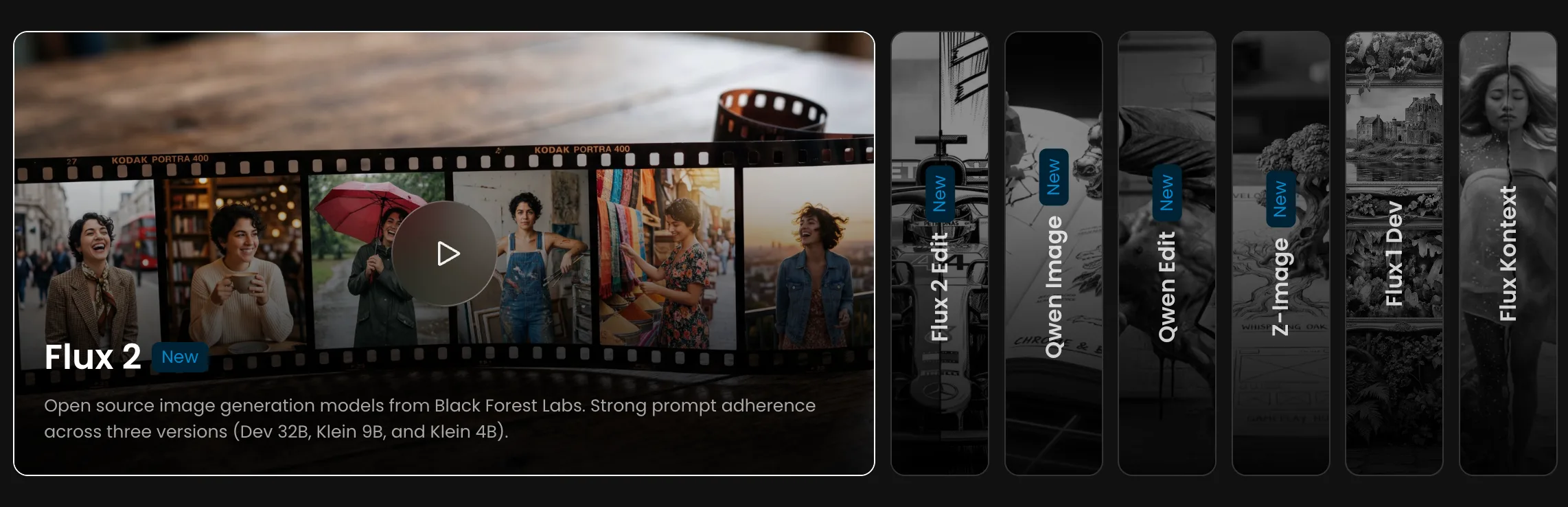
Scenario gives you seven base models to train on, split across two types of workflow. For generative training - where you want the model to create new images in your style - you'd reach for Flux 2, Z-Image, or Qwen Image, each with slightly different strengths around fidelity, flexibility, and prompt control. For editing-based training, where you're teaching a transformation rather than a style, Flux 2 Edit and Qwen Edit learn from before-and-after image pairs instead. Flux 1 Dev and Flux Kontext are also available for teams with existing workflows built around them.
One platform for the whole pipeline
Most teams using an AI game maker are also juggling four other tools to cover everything they need.
With Scenario, you can generate images with models such as Gemini 3.1, create 3D assets from those images with Hunyuan 3.1 or Tripo P1, animate them into video clips with VEO3.1 and Grok Imagine, build seamless textures for your environments, generate 360-degree skyboxes, and add sound effects.
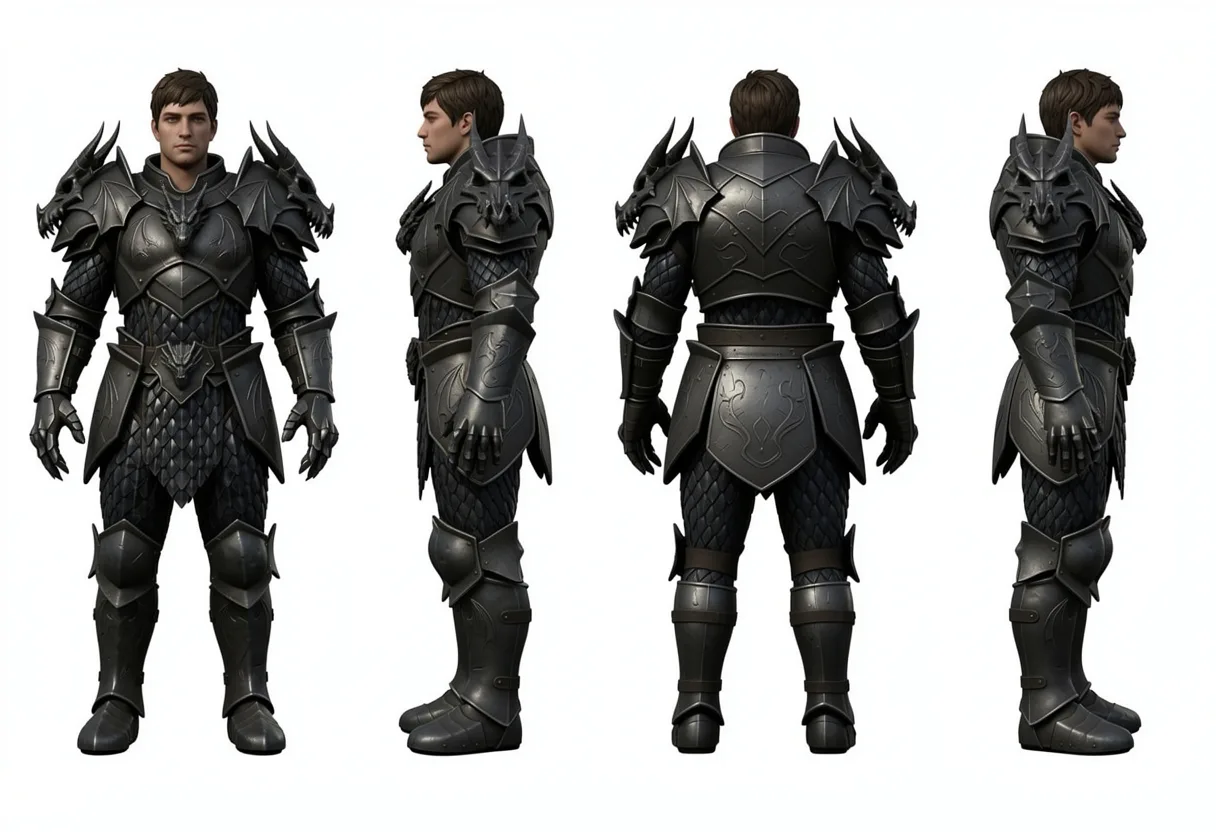
For the most common game production tasks, we have one-click apps that do the heavy lifting instantly: upload a single character image and get a full 8-direction sprite sheet. Generate front, side, and back turnarounds from one concept.
Create rarity variants of any asset from common to legendary. Build a complete character sheet from one reference. Compose splash screens and game scenes from your existing assets.
No prompt engineering, no guesswork, just output.
All inside the same workspace, all consistent with your style.
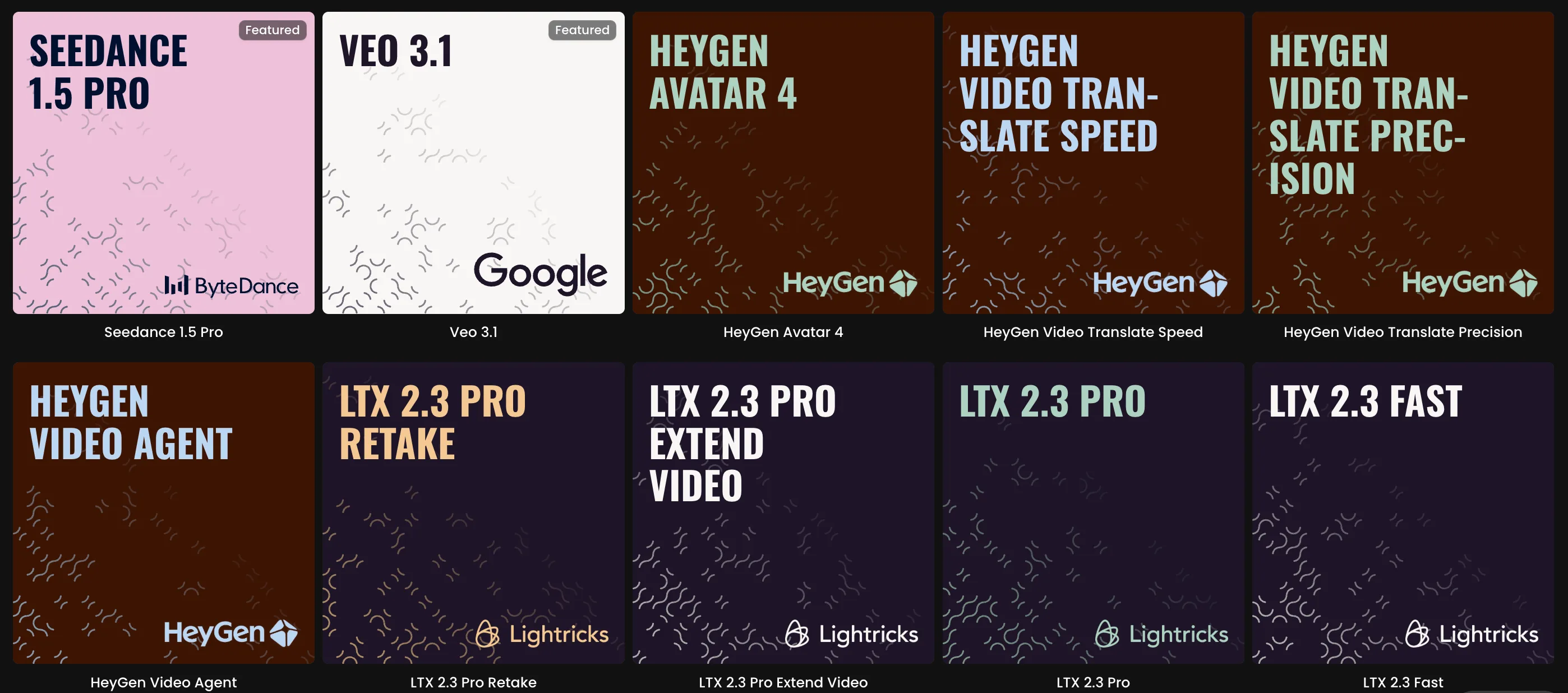
We also have 500+ models from 40+ providers available if you want to compare outputs or use specialized models for specific tasks. New models from Google, Bytedance, xAI, Tencent, and others get added within days of release.
Automate the parts that eat your time
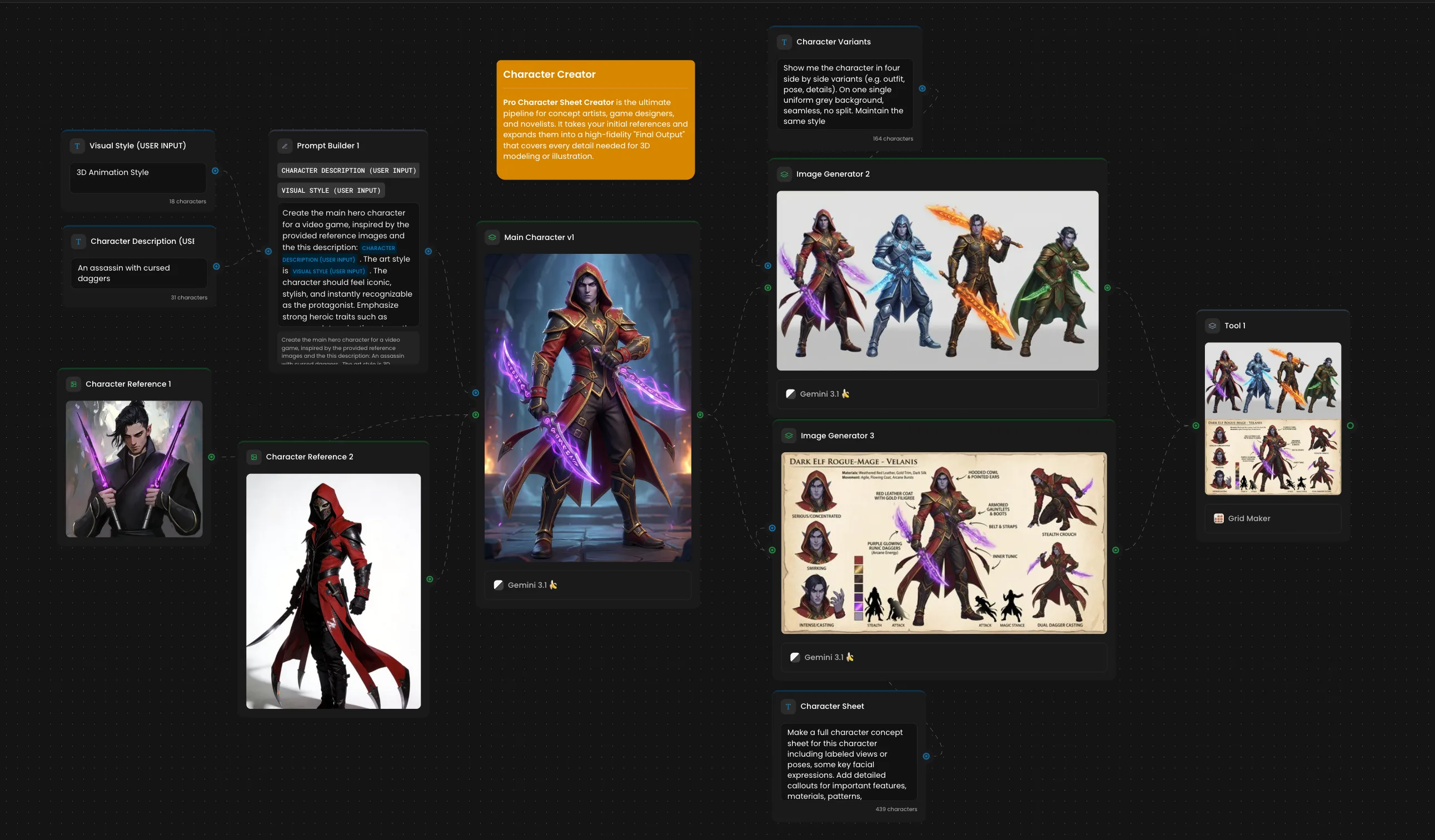
Once you know what your pipeline looks like, you can build it as a node-based workflow in Scenario and run it on repeat.
Connect your generation steps visually. Set your parameters. Batch generate. A workflow that takes a character description, generates it in your style, produces sprite variants, and exports everything can run unattended while your team works on something else.
There's also a full API for teams that want to connect Scenario to their existing production stack rather than working inside our interface.
What studios are doing with it
Mighty Bear Games cut their art pipeline time by 80%. InnoGames doubled artist productivity. Nukebox Studios went from weeks to hours in pre-production.
Teams are using Scenario to ship games with millions of downloads.
Try it on something real
The fastest way to know if Scenario fits your workflow is to run it against your actual project. Create an account, upload a handful of your existing assets, train a model, and generate a few variations.
That test will tell you more than anything else we could write here.
Related models
Gemini Omni 1.1 Flash
Gemini Omni 1.1 Flash generates video with native audio from a text prompt or an input image, at 360p through 4K, with optional last-frame interpolation.
Gemini Omni 1.1 Flash Reference to Video
Gemini Omni 1.1 Flash generates subject-consistent video with native audio from reference images and/or a short reference video, at 360p through 4K.
Gemini Omni 1.1 Flash Edit
Gemini Omni 1.1 Flash edits an existing video from natural-language instructions, preserving motion while changing the look, with optional reference images and native audio.