Available now
Scenario is now inside ChatGPT
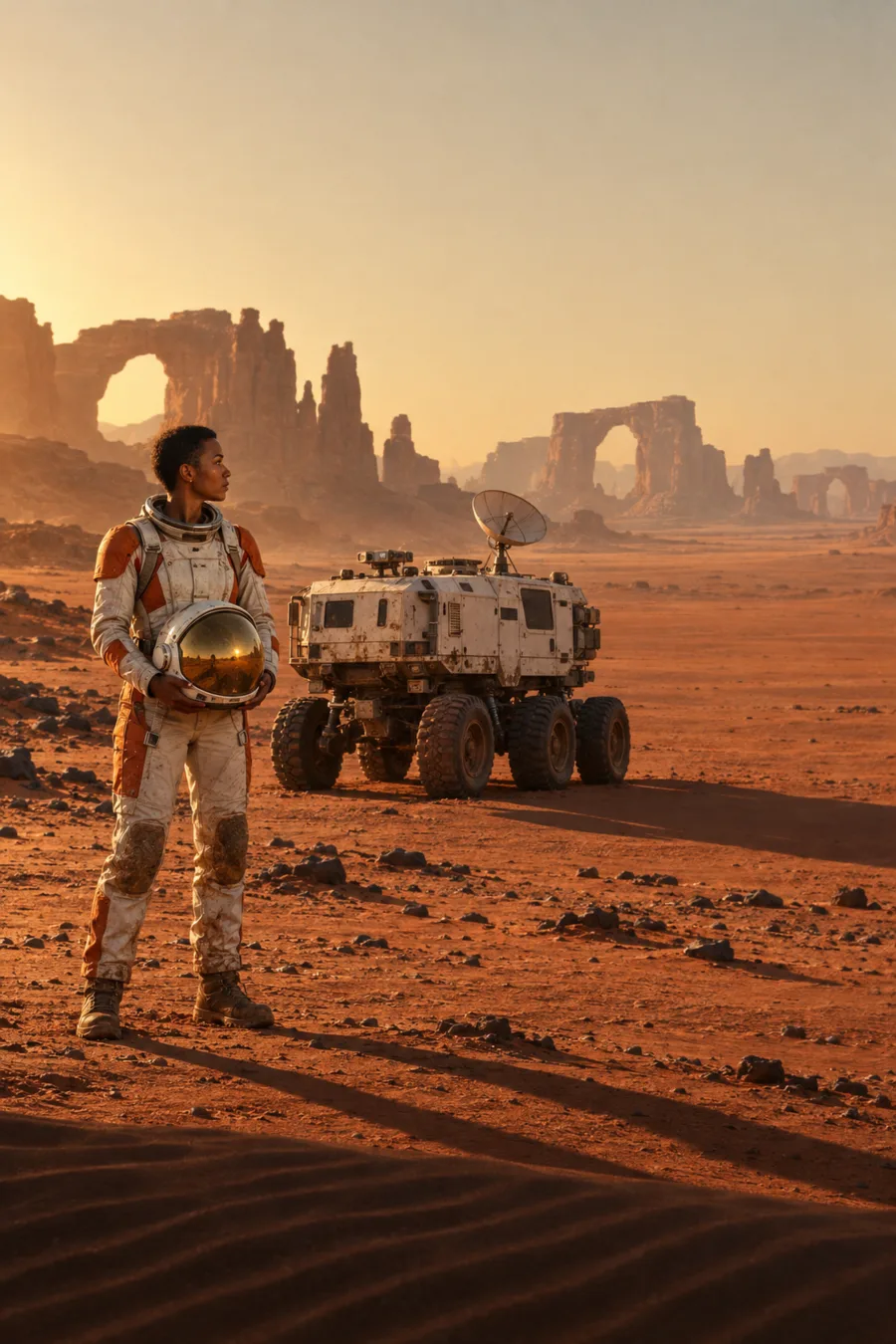
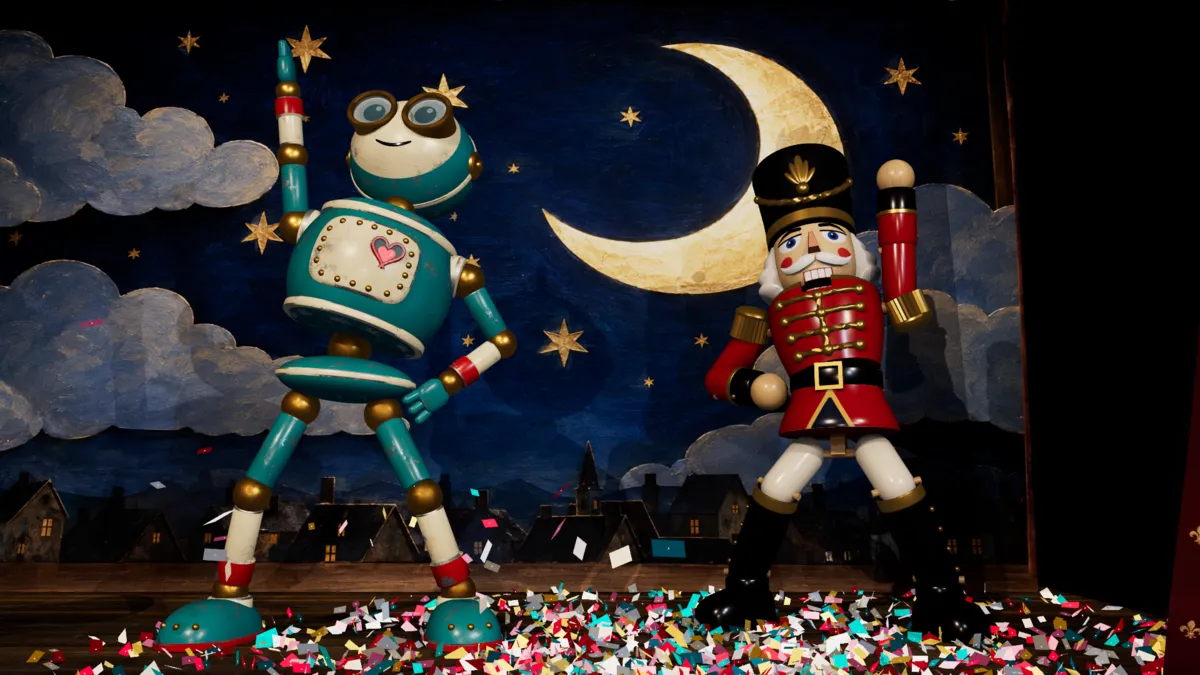
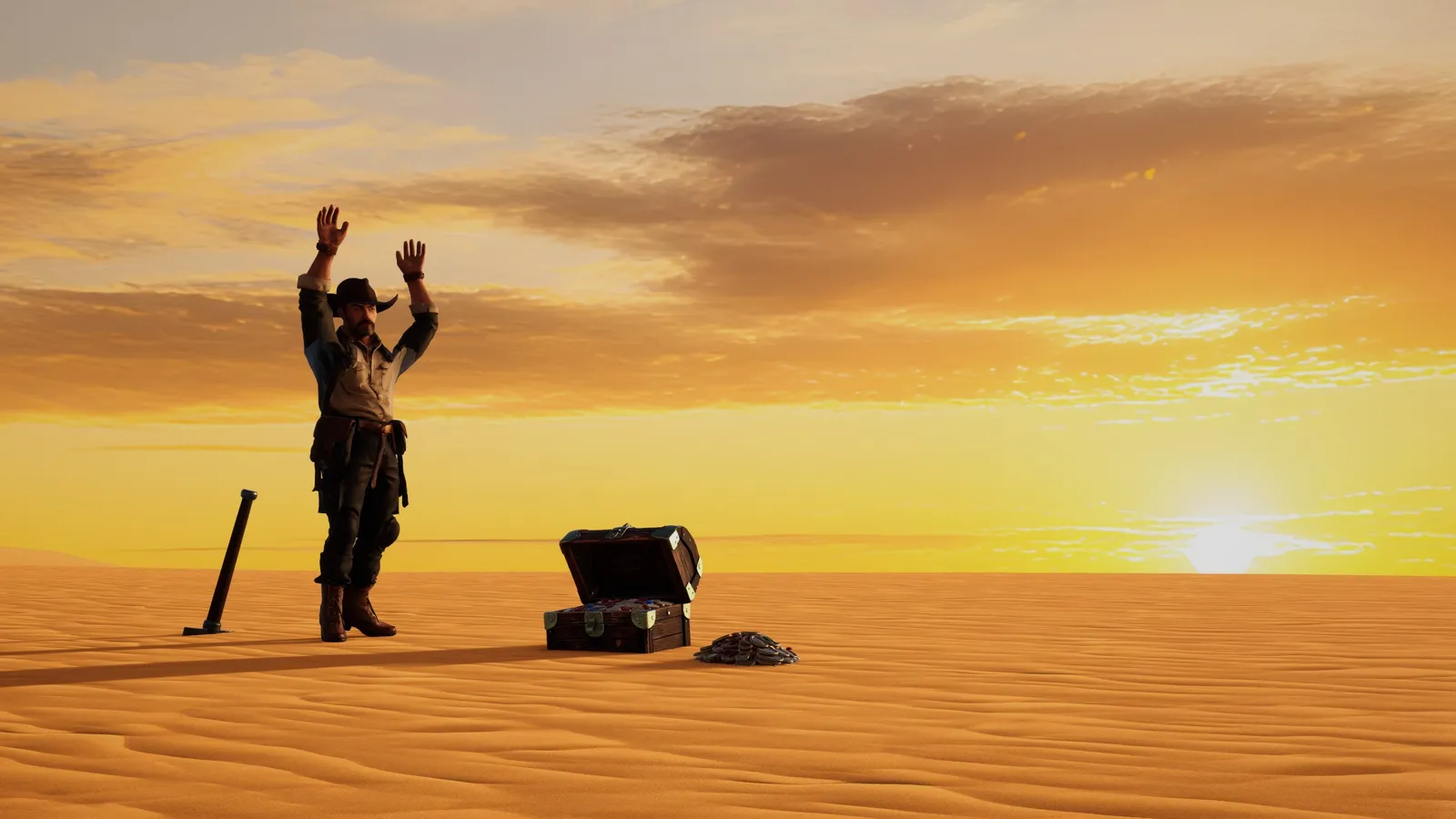
Generate and edit images, video, 3D, music and sound in one conversation: describe what you need, and Scenario picks the model, strengthens the prompt, runs the job and shows the result inline.
- Images
- Video
- 3D
- Music and sound
- 3D worlds and 360 skyboxes
- Brand kits
- Custom models
How it works
Add Scenario
Open Scenario in ChatGPT and add it to your conversations.
Connect your account
Connect your Scenario account to work in the teams and projects you can access.
Describe what you need
Scenario picks the model, strengthens the prompt, runs the job and shows the result inline.
What it does
For game studios
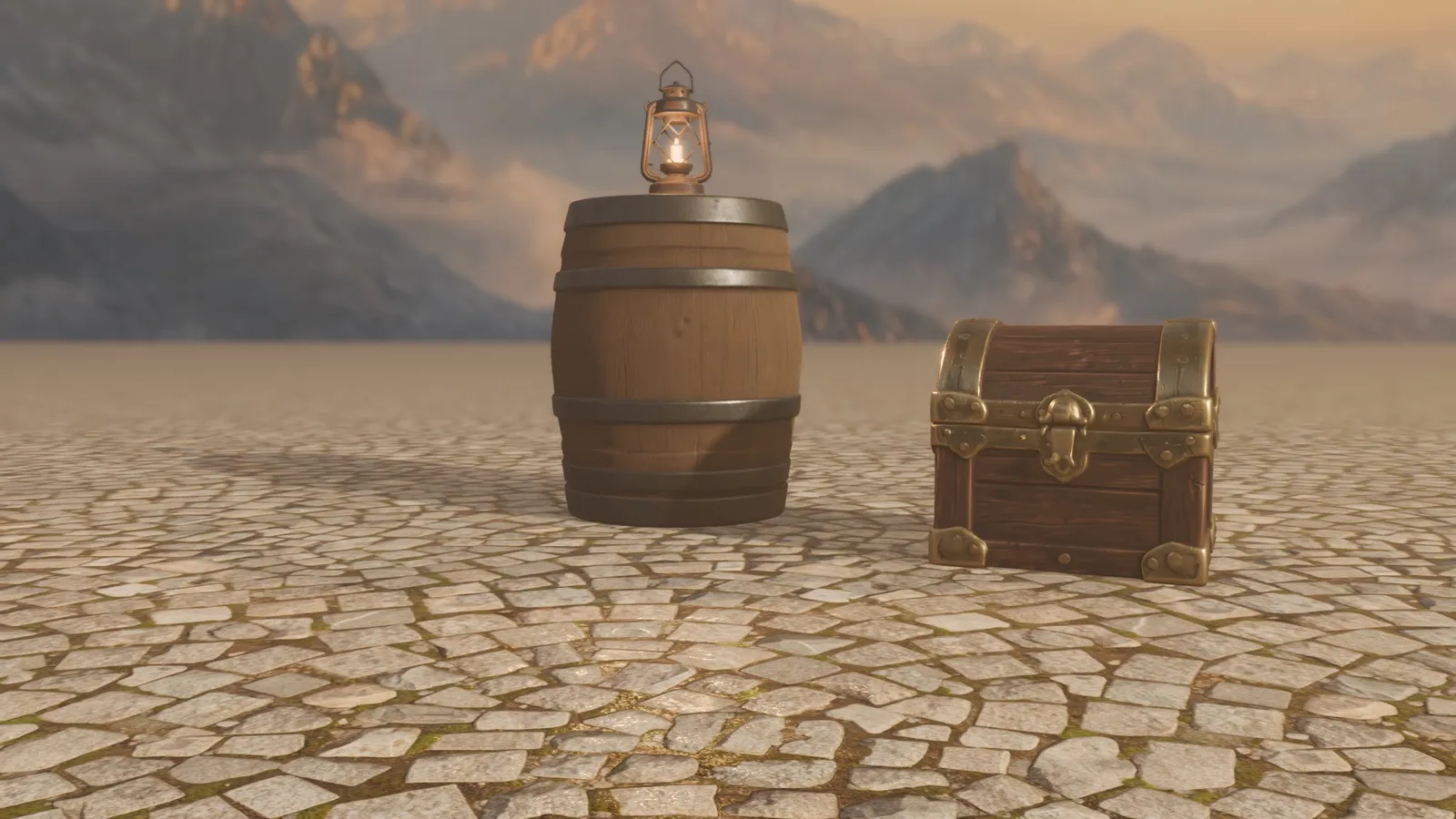
Concept art, sprites, animated sprite sheets, icons, tilesets, PBR textures and rigged, animated 3D models ready for Unity, Unreal and Godot, plus explorable 3D worlds and 360 skyboxes.
For animation and video teams
From storyboard and animatic to finished cut, with consistent characters, lipsync, talking avatars, motion loops, editing, color grading and captions, scored with music, sound effects, voiceover and dubbing.
For marketing and brand teams
Brand kits, product shots, video ads, creator-style social videos and thumbnails, then one approved visual resized for every social, web and store format.
For designers and illustrators
Key art, posters, packaging and comics, with exact in-image text, inpainting, upscaling, background removal and vectorization.
On-model, every time
Reference images, character libraries and custom models trained on your style keep characters, products and brands on-model.
Expert results without prompt engineering
More than 70 built-in creative guides. Organize your assets, run your team’s workflows and manage projects, members and model access.
What you need
A Scenario account, connected from ChatGPT. Available models and features depend on your account.
Questions
What does it cost?
Generation and some analysis tools consume Scenario credits. Available models and features depend on your account.
Which projects can it use?
Connect your Scenario account to work in the teams and projects you can access.
Are results shown in the conversation?
Scenario shows the result inline. Asset previews depend on the host's viewer support.
Get Scenario in ChatGPT
Open in ChatGPTMore plugins
Photoshop, Maya, Blender, Unity, Godot and ChatGPT are trademarks of their respective owners.