Available now
Scenario is now inside Godot
A dock inside the Godot editor for images, 3D models, PBR materials, skyboxes and sound effects. Results land in the open scene as native Godot assets.
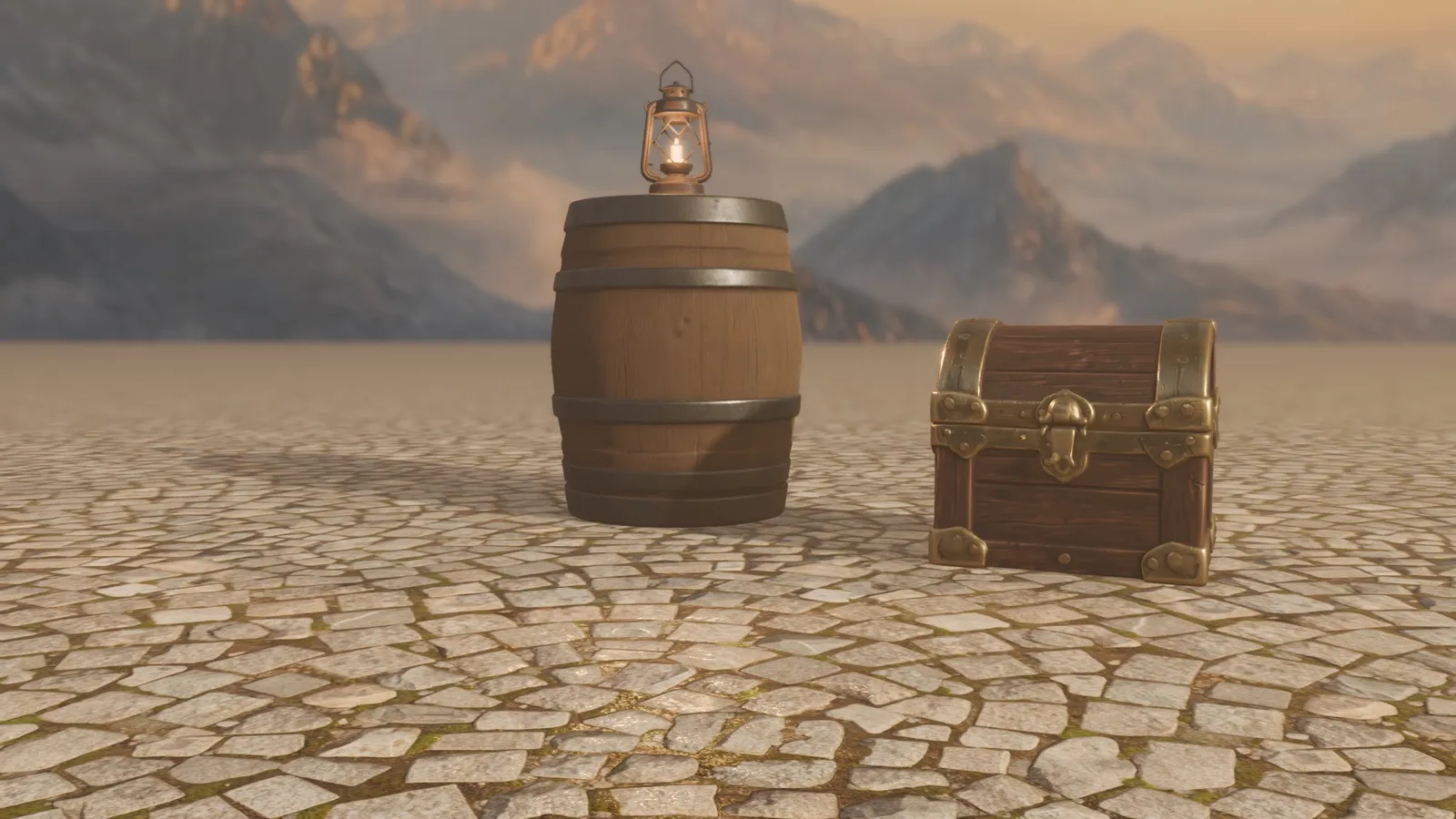
- Images
- 3D models
- PBR materials
- Skyboxes
- Sound effects
How it works
Install
Download the plugin and unzip it into your project, so addons/scenario/ sits next to project.godot. Enable Scenario in Project Settings › Plugins.
Sign in
Press Sign in with Scenario, approve in your browser, and choose the team and project that pay for the generations. An API key works too.
Generate
Pick a lane and a model, write the prompt, and wait for the price on the button. One click sends one request.
What it does
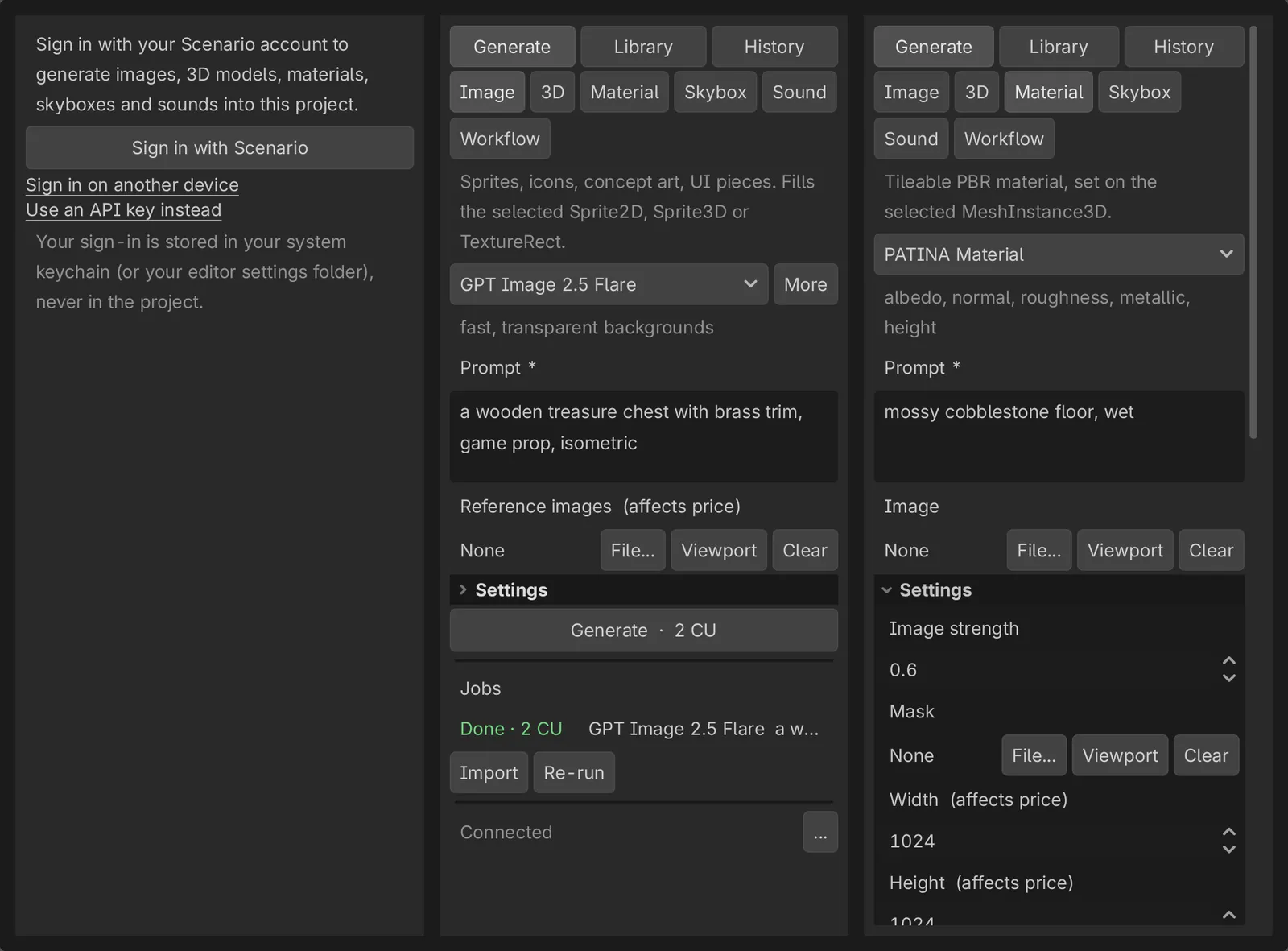
One dock, every lane
Images, 3D models, tileable PBR materials, 360 skies and sound effects, each placed where it belongs: on the selected node, under it, or as a new node.
Your project's own work
Its trained models (LoRAs and compositions) and its Scenario workflows run from the dock. Library and History import its assets and earlier jobs.
Assets you can trace
Results are imported under res://scenario/, each with a .scenario.json naming its job, model, prompt and cost. Every placement is one undo step.
What you need
Godot 4.7 (standard or .NET) and a Scenario plan with API access (Starter or above).
Questions
What does a generation cost?
The Generate button shows the exact cost in CU for the form as it is now, and one click sends one request.
Is it free?
The plugin is free and open source under the MIT license. Generations are paid in CU by the team and project you choose.
Do I install it once per machine?
Per project: the plugin belongs to the project, so repeat the install in each project that uses it.
Get Scenario for Godot
Get the pluginMore plugins

Photoshop, Maya, Blender, Unity, Godot and ChatGPT are trademarks of their respective owners.