
Blog
All Posts
 6 min read
AI Sprite Generator for 2D Games: The Fastest Way to Build Game-Ready Assets
Building a 2D game sprite library used to mean weeks of frame-by-frame animation work. On Scenario it takes minutes. Here are the three methods, from fastest to most precise.
Jennifer Chebel
 3 min read
Everything You Wished Image Generation Could Do. GPT Image 2 Does It.
GPT Image 2 is now on Scenario. Accurate text rendering, precise editing, multilingual support, and stylistic fidelity that actually holds up. Here is what it can do.
Jennifer Chebel
 4 min read
Here Is Why Seedance 2.0 Is the Most Advanced AI Video Model Right Now
Seedance 2.0 is now live on Scenario, bringing native audio, physics-aware motion, and multi-shot sequences to video generation. It is the first model that gives you both quality and control without making you choose between the two.
Jennifer Chebel
 4 min read
Scenario Is Now Available Directly in Your AI Agent
Scenario's MCP server integration lets you generate images, video, 3D models, and audio directly in Claude Desktop or any compatible AI agent - no tab-switching required. Access your full creative toolkit, custom models, and assets through conversation, transforming how you work within tools you already use daily.
Jennifer Chebel
 5 min read
AI Video Generation Without the Post-Production Headache
Most teams waste hours manually compositing AI-generated videos in external tools. An AI video compositing pipeline built directly into your workflow eliminates handoffs - composition, effects, and finishing happen automatically with every generation run.
Jennifer Chebel
 5 min read
The Compositing Step Your AI Image Workflow Has Been Missing
Generating AI images is fast, but compositing them into finished assets remains a manual bottleneck. Image Studio automates the missing step between generation and delivery, letting you define composition rules once and apply them automatically across every workflow run.
Jennifer Chebel
 3 min read
Stop Running Your AI Workflow One Prompt at a Time. That's What Loops Are For.
Workflow automation loops eliminate the tedious copy-paste cycle that wastes hours on repetitive tasks. Instead of manually running the same prompt fifteen times with different inputs, loops process entire lists in a single run. Discover how one feature transforms batch work from painful grind to instant results.
Jennifer Chebel
 4 min read
Why Your AI Game Generator Keeps Letting You Down (And How We Fixed It)
Scenario's AI learns from your art, letting you generate thousands of on-brand assets without manual retouching.
Jennifer Chebel
 2 min read
Introducing Kling V3 Pro - Motion Control: Physics-accurate motion transfer for a wide range of movements, including realistic reactions of clothing and hair.
Animating brand characters or product images used to mean complex pipelines and long turnaround times.
 5 min read
Scenario Node Based Workflows: One Canvas, End-to-End Creation
Tired of bouncing between creative tools, re-uploading files, and losing track of your settings? Scenario node-based workflows keep your entire production pipeline - prompts, models, edits, and outputs - in one visual canvas, so you build once, reuse always, and stay consistent.
Jennifer Chebel
 1 min read
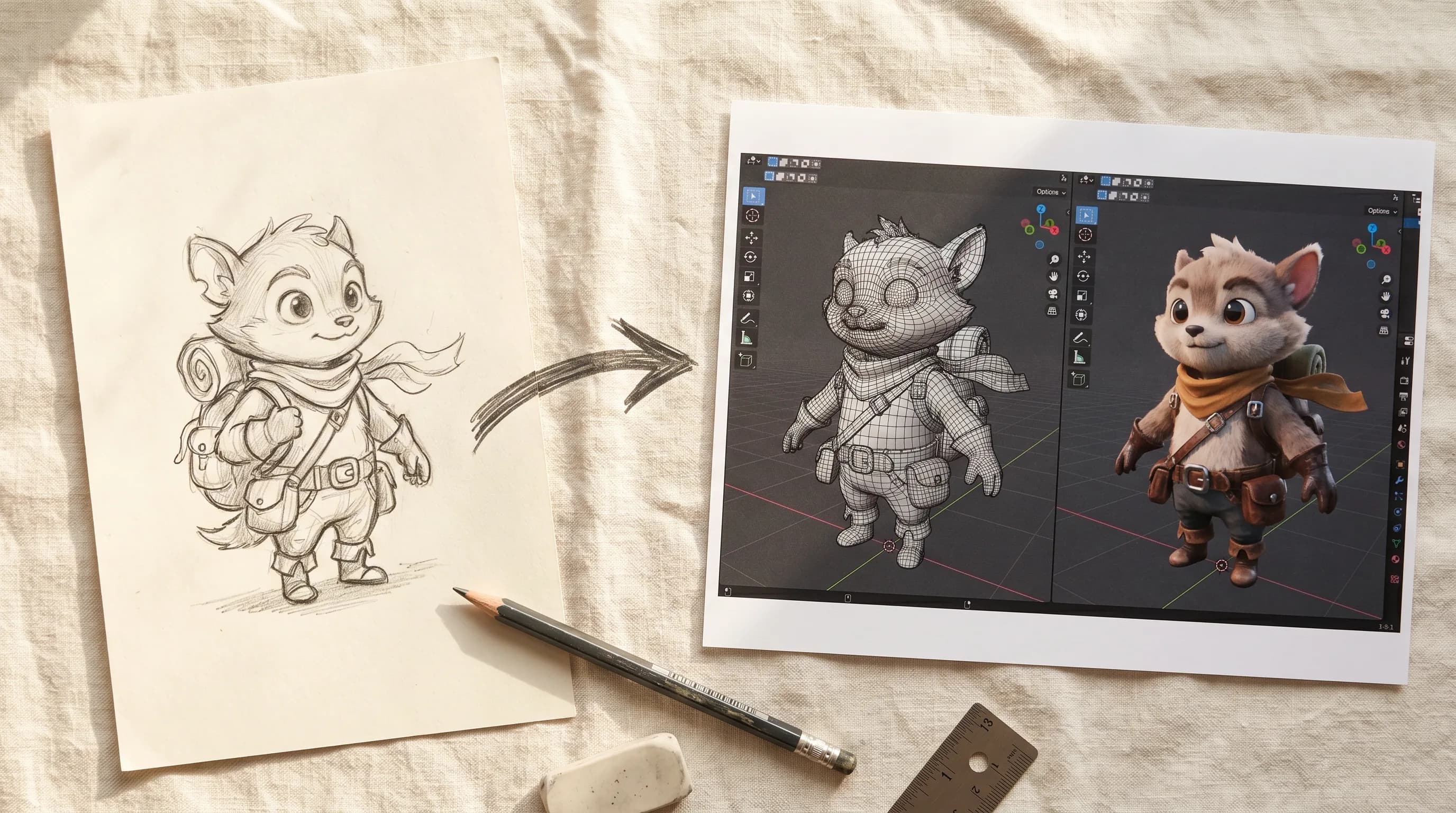
Introducing Tripo 3.1 Multi View: Generates 3D models from text prompts or 2D images
Turn a simple idea - or a flat image - into a fully realized 3D model in minutes.
 1 min read
Introducing Tripo 3.1: Generates 3D models from text descriptions or 2D images.
Turn a sketch or a text prompt into a fully detailed 3D model in seconds.